
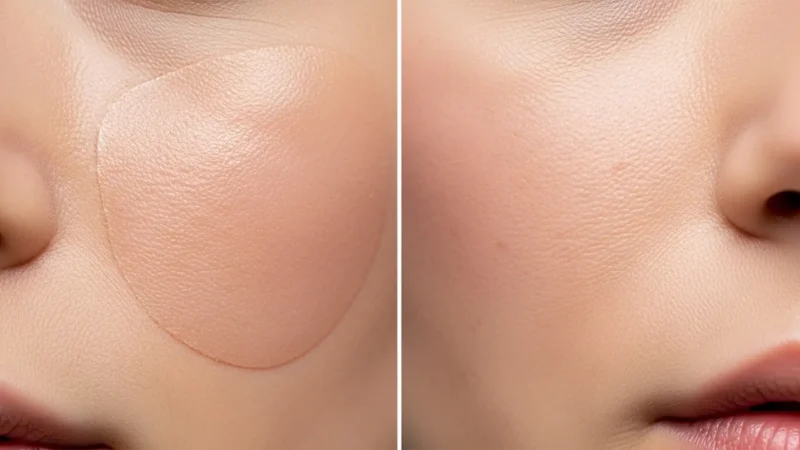
Stop the Plastic Look: How to Restore Realistic Skin Texture After Photoshop Generative Fill
You used Photoshop’s Generative Fill to remove a blemish, stray hair, or distraction on a...
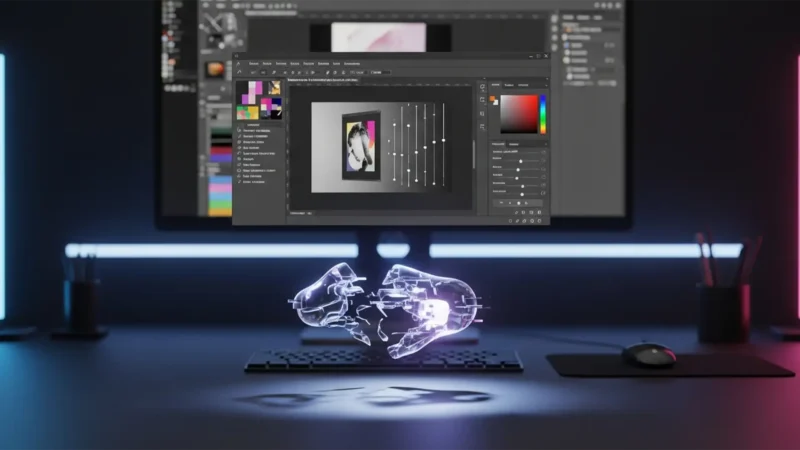
Fix Photoshop v25.5 Invisible Drop Shadow Glitch
You’ve meticulously cut out your product image, set up your background, and double-clicked the...
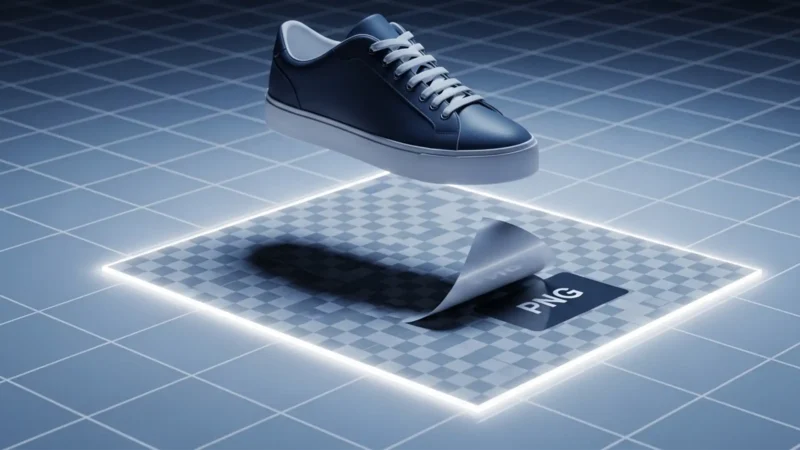
Extract Natural Shadow for Transparent Background Guide
E-commerce photo editors know the exact frustration: you use Photoshop’s automated “Remove...
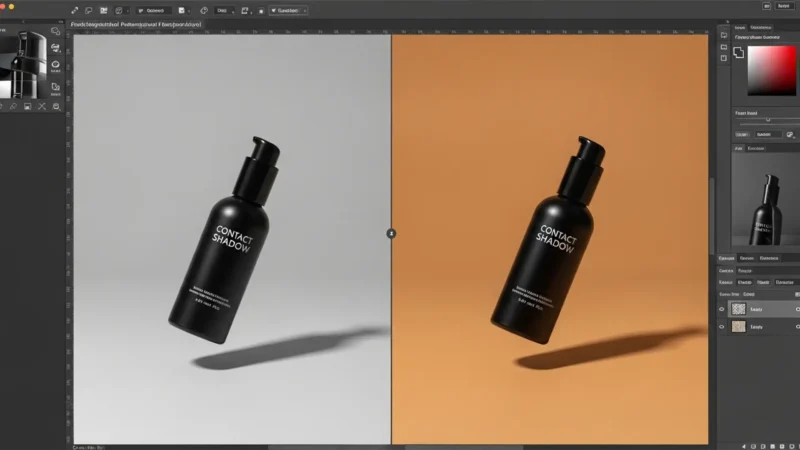
How to Preserve Original Shadows Using Photoshop Generative Fill (Stop Floating Products)
If you have recently used Photoshop’s AI tools to extend a background for an e-commerce...
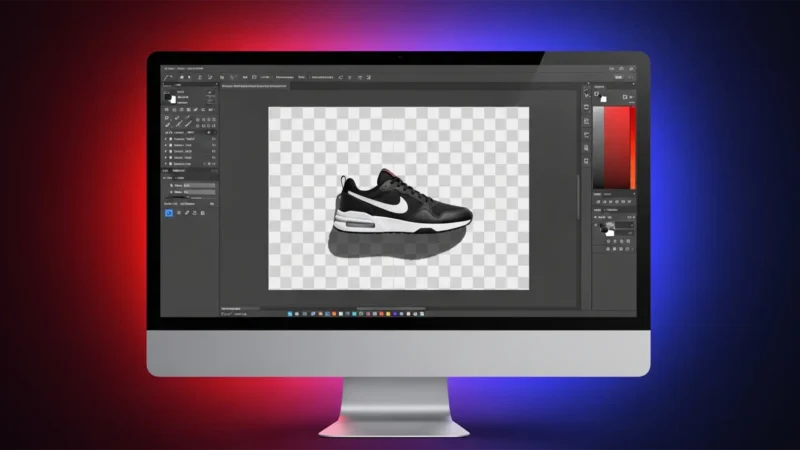
Preserve Original Shadows on Transparent Backgrounds
You’ve just used Photoshop’s latest background removal tool. It perfectly extracted your...
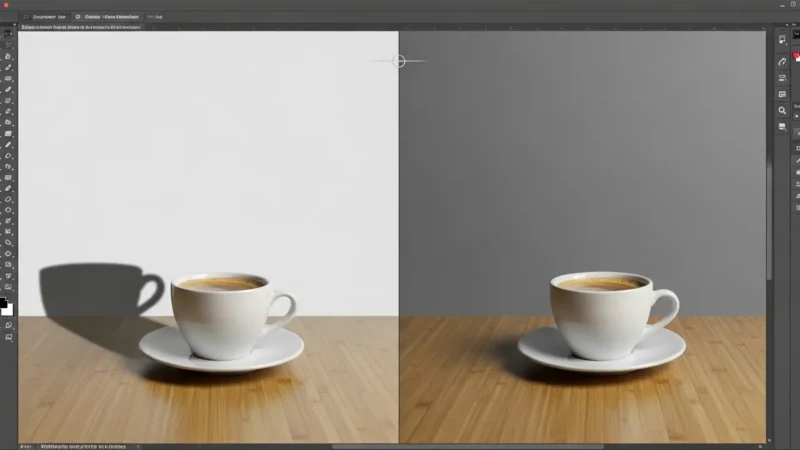
Fix Generative Fill Shadow Mismatches in Photoshop
You just used Generative Fill in Photoshop 2024 to add the perfect element to your scene, but...
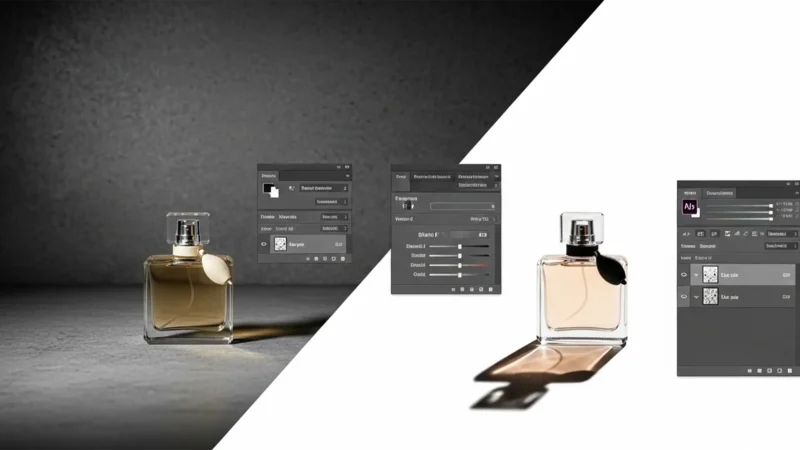
How to Extract and Keep Original Shadows for High-End Product Photography
Nothing ruins high-end product photography faster than the dreaded “floating...
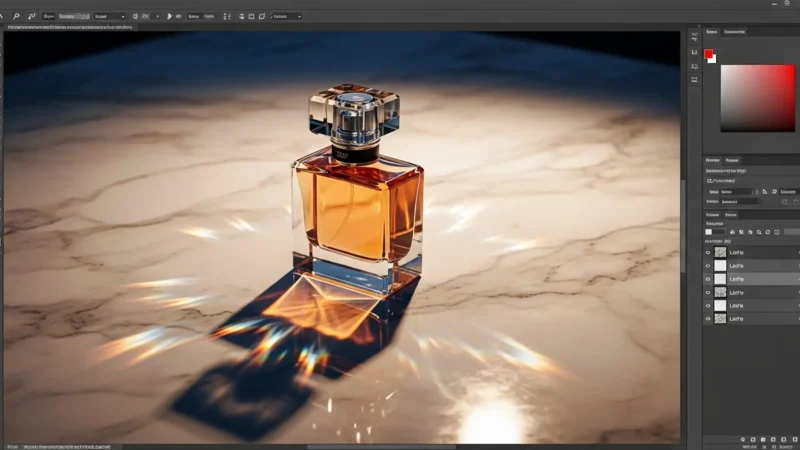
How to Keep Original Shadows on Reflective Surfaces
You’ve just spent hours perfecting a clipping path around a complex glass bottle, only to...
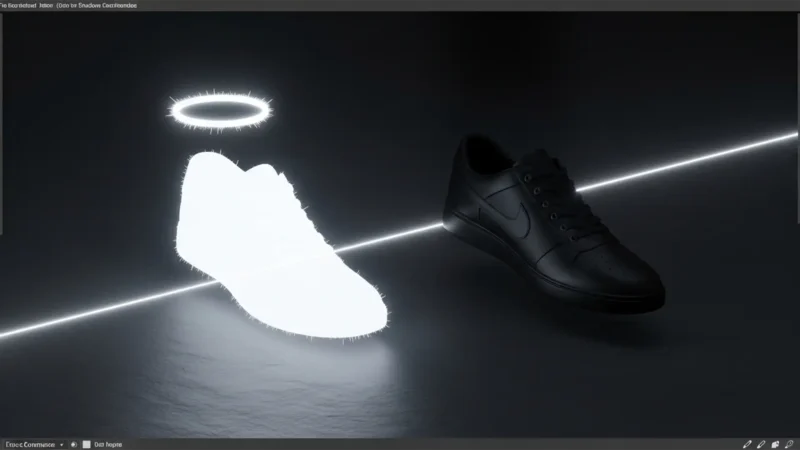
Eliminate the White Halo: Exporting Original Shadows as Truly Transparent PNGs
You spent hours meticulously extracting a product and its natural shadow in Photoshop. Over a...
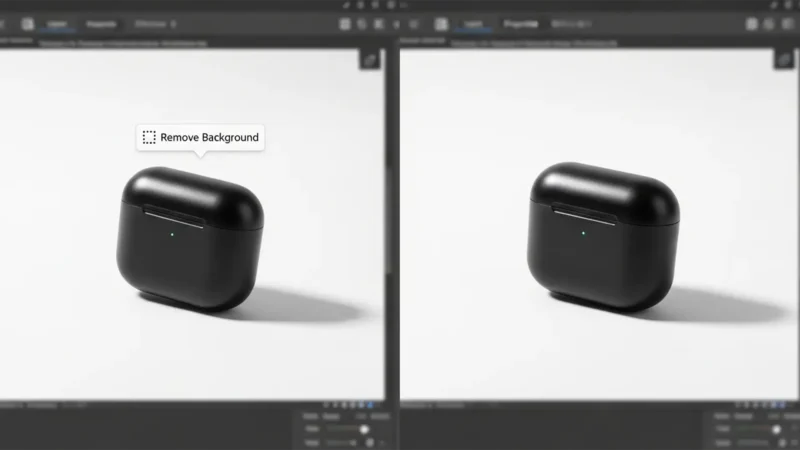
Fix Floating Products: Recover Shadows in Photoshop 2025
Have you ever clicked “Remove Background” in Photoshop 2025, only to find your...
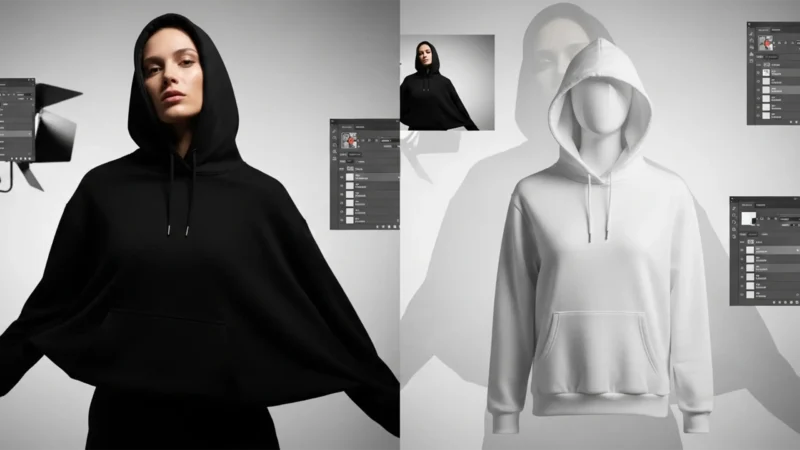
Change Black Clothing to White in Photoshop 2026 (Pro Fix)
Every professional retoucher knows the dread of a client asking to “just make it...
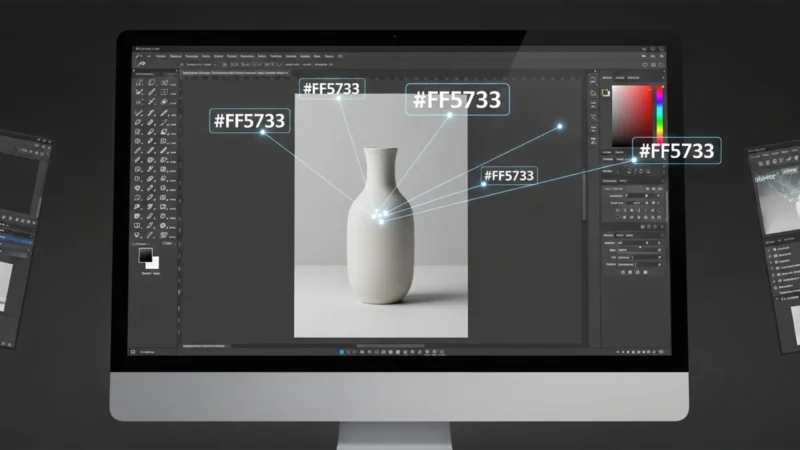
Match Hex Code to Product Photo Photoshop: Precise Guide
You already know the frustration: a client sends over a strict brand guideline with an exact...
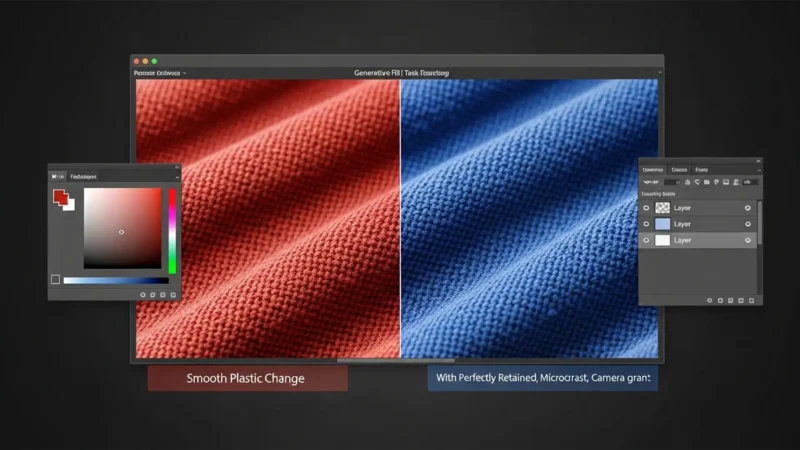
How to Fix Generative Fill Texture Loss & Color Change
You tried to change the color of a product using Photoshop’s Generative Fill. It swapped...
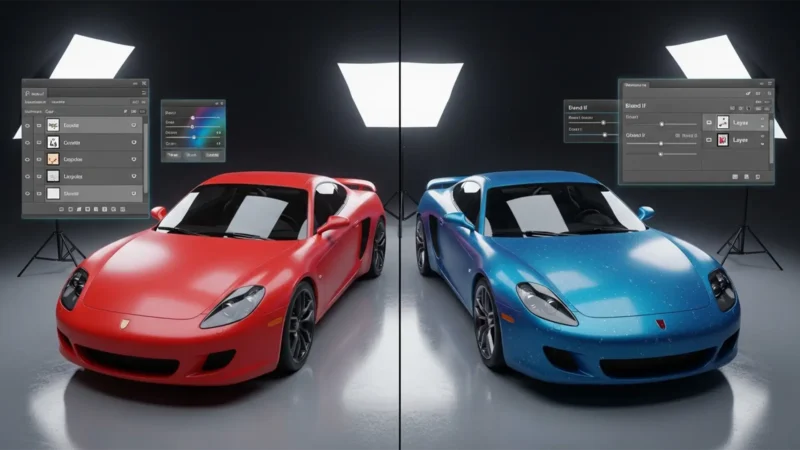
Change Car Color in Photoshop & Retain Reflections
Have you ever tried change car color in Adobe Photoshop CC, only to end up with a vehicle that...
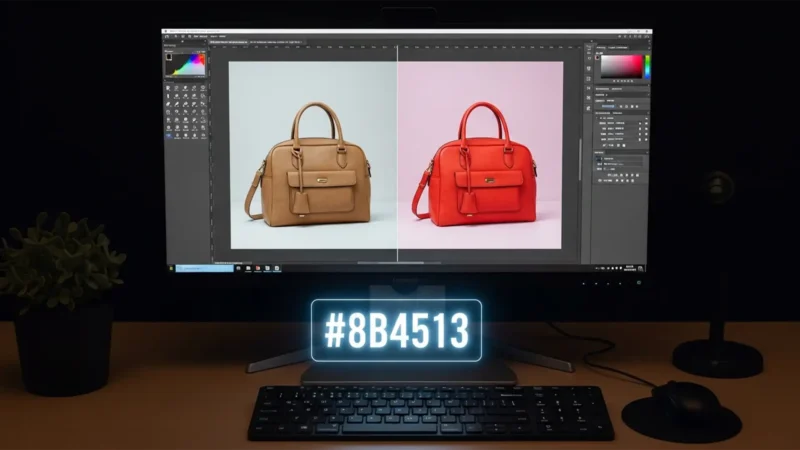
How to Match a Product Photo to a HEX Code in Photoshop
Here is exactly how to match a product photo to a HEX code in Photoshop (versions CC v24.x...
Fix Photoshop Gen Fill Color Change Guideline Violations
You are on a tight deadline, processing a batch of apparel photos. You isolate a model’s t-shirt...
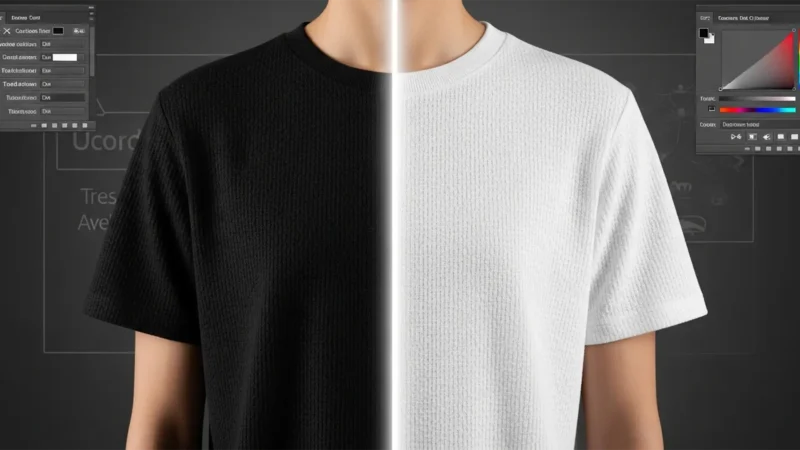
How to Change Black Clothing to White in Photoshop 2024
If you’ve ever tried to change black clothing to white in Photoshop 2024, you already know...
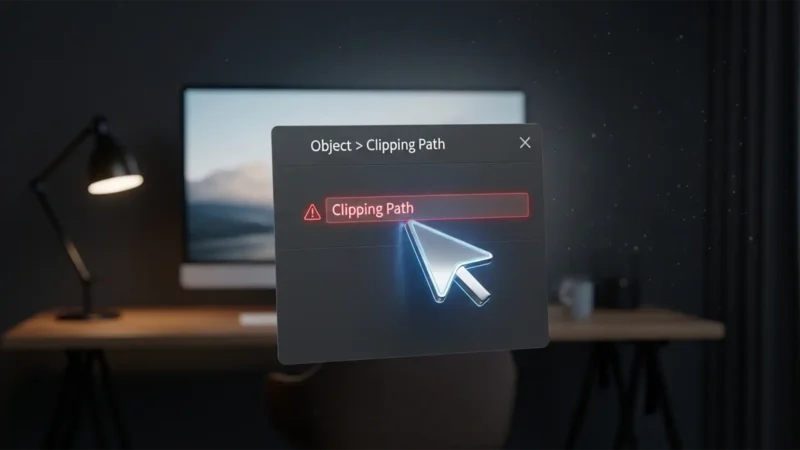
Why is the Clipping Path Option Grayed Out in InDesign? (2025 Fix)
You are on a tight deadline, finalizing a layout, and you need to drop out the background of a...
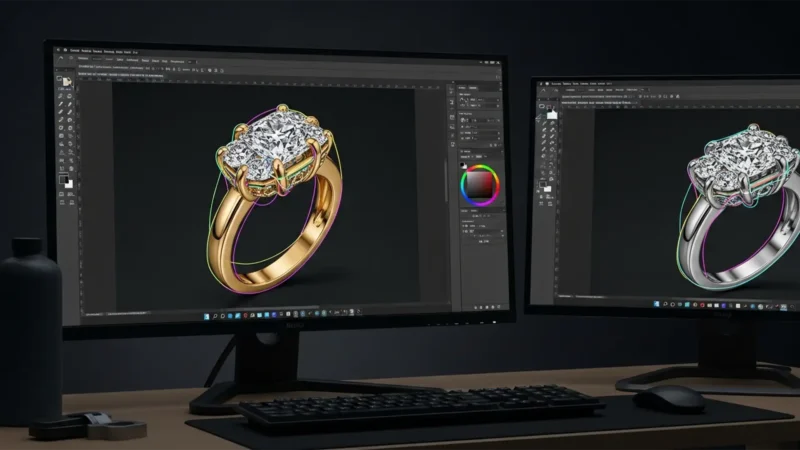
Multipath Jewelry Retouching for E-Commerce Mastery
You’ve just finished photographing a stunning diamond ring for an e-commerce catalog. The...
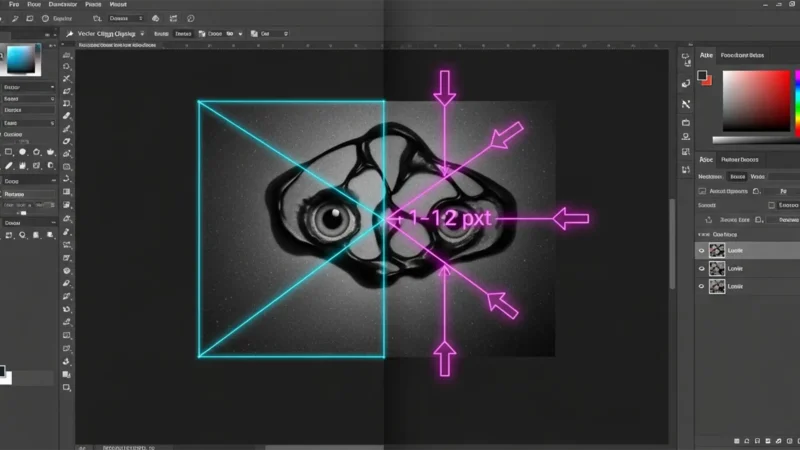
Stop the Shift: Fix Illustrator Clipping Paths in Photoshop
You spend hours perfecting a complex vector path in Illustrator, only to copy it into Photoshop...