
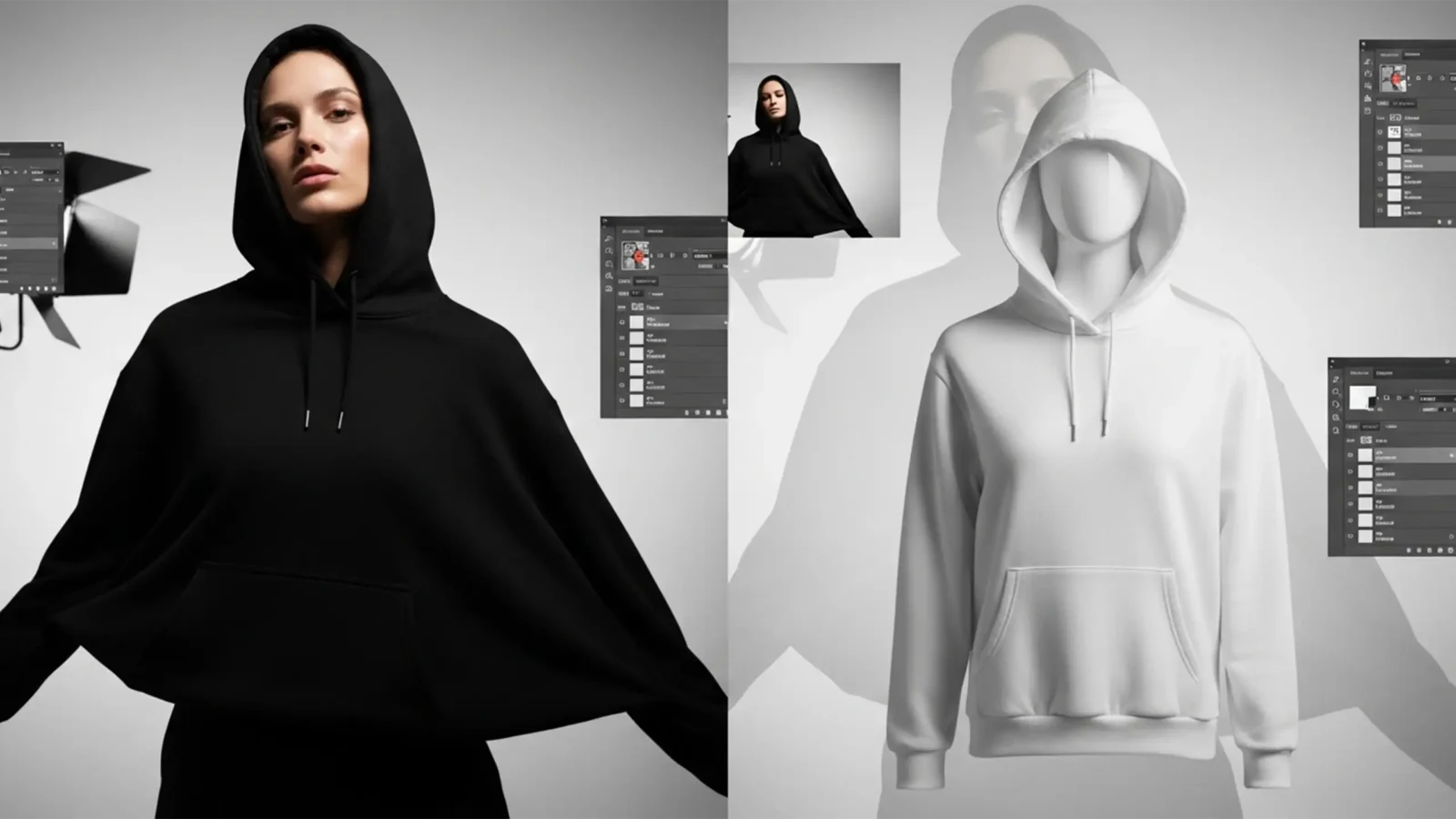
Change Black Clothing to White in Photoshop 2026 (Pro Fix)
Every professional retoucher knows the dread of a client asking to “just make it white.” When you attempt to change black clothing to white in Photoshop 2026, standard brightness adjustments or simple inversions almost always result in a muddy, textureless gray or...
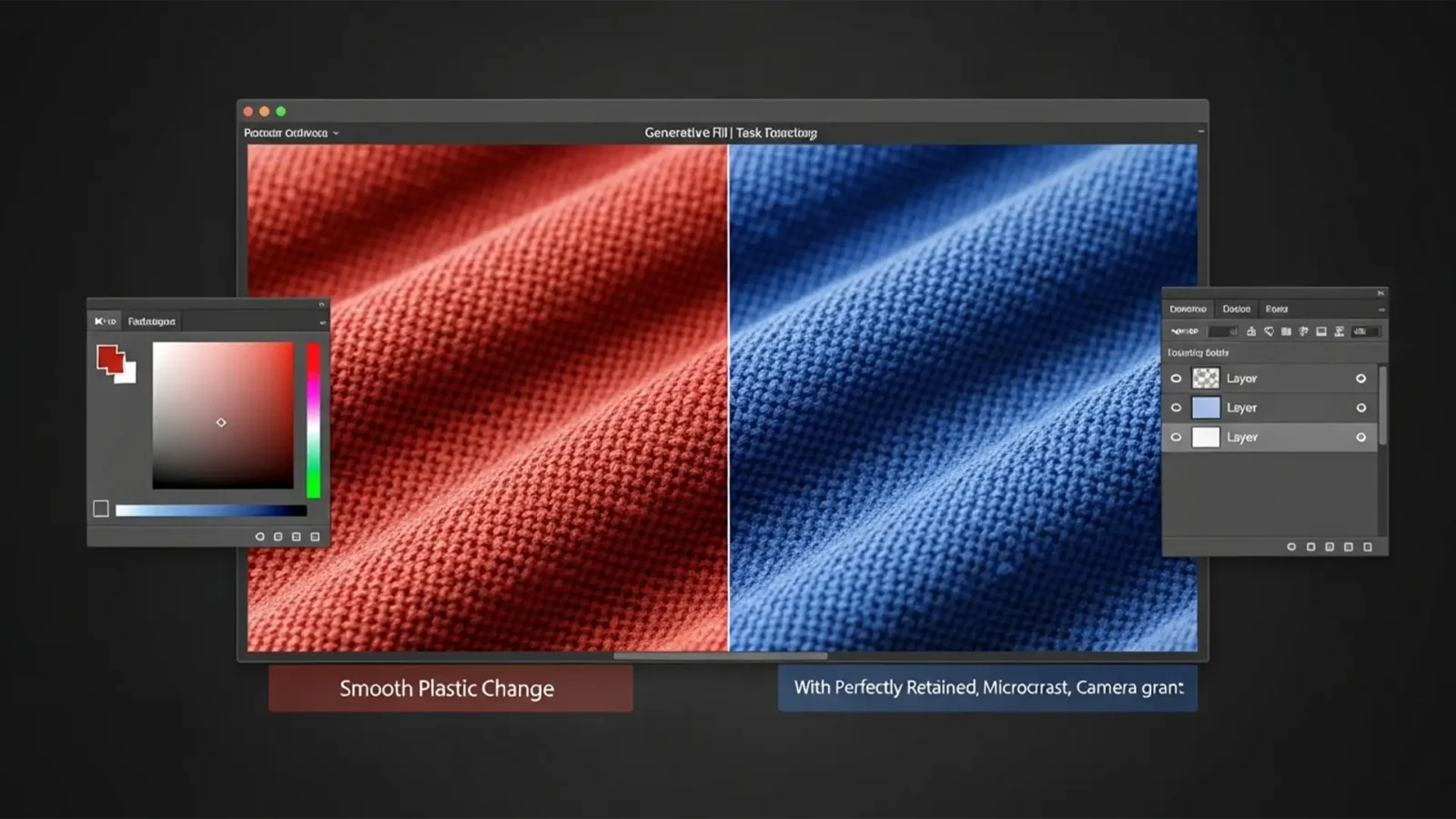
How to Fix Generative Fill Texture Loss & Color Change
You tried to change the color of a product using Photoshop’s Generative Fill. It swapped the color perfectly, but now the object looks like smooth, plastic garbage. The beautiful fabric weave, the delicate micro-contrast, and the realistic grain are completely gone....
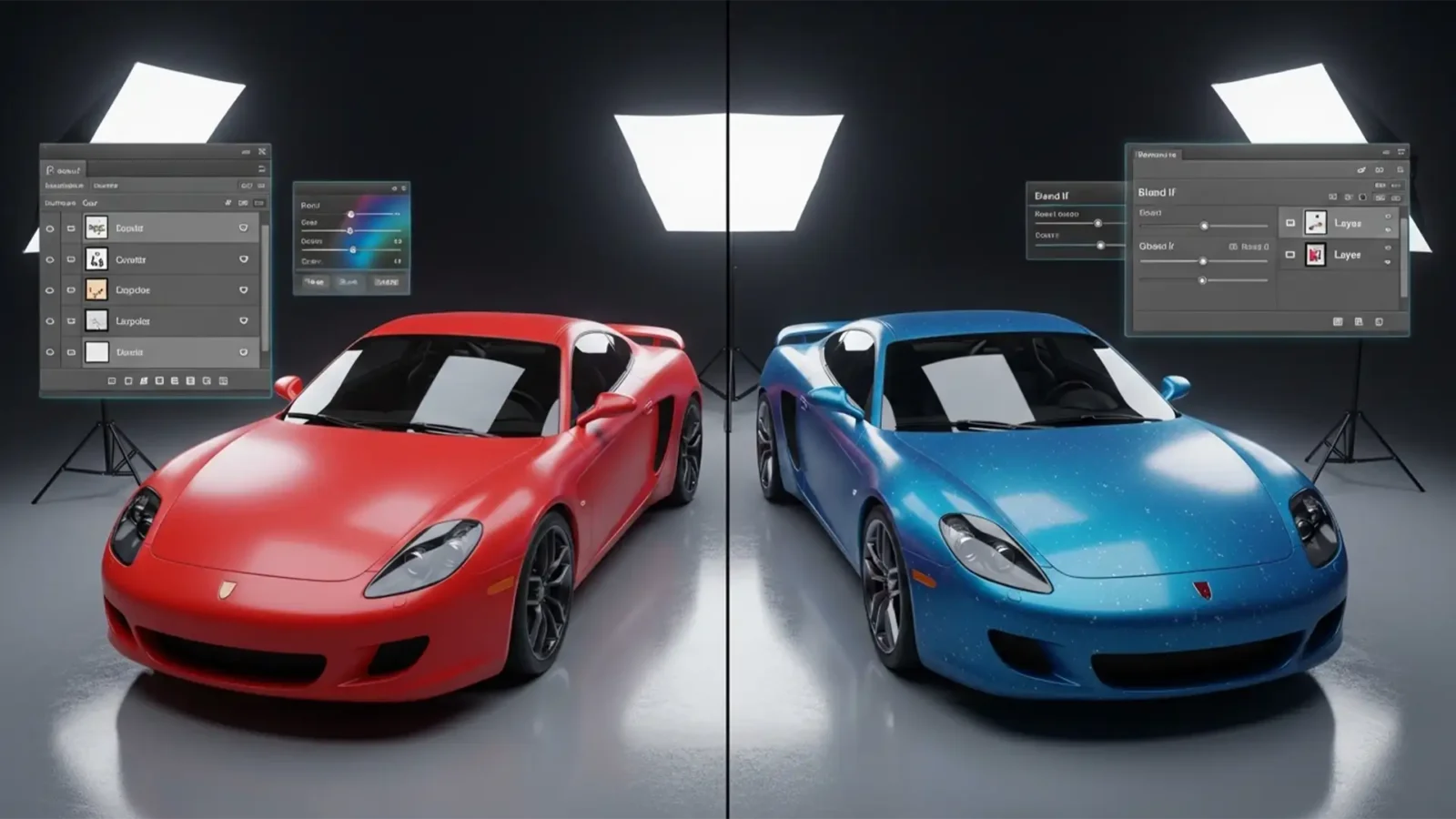
Change Car Color in Photoshop & Retain Reflections
Have you ever tried change car color in Adobe Photoshop CC, only to end up with a vehicle that looks like a cheap plastic toy? You’re not alone. When automotive retouchers rely solely on basic Hue/Saturation adjustments, they indiscriminately replace hues, instantly...
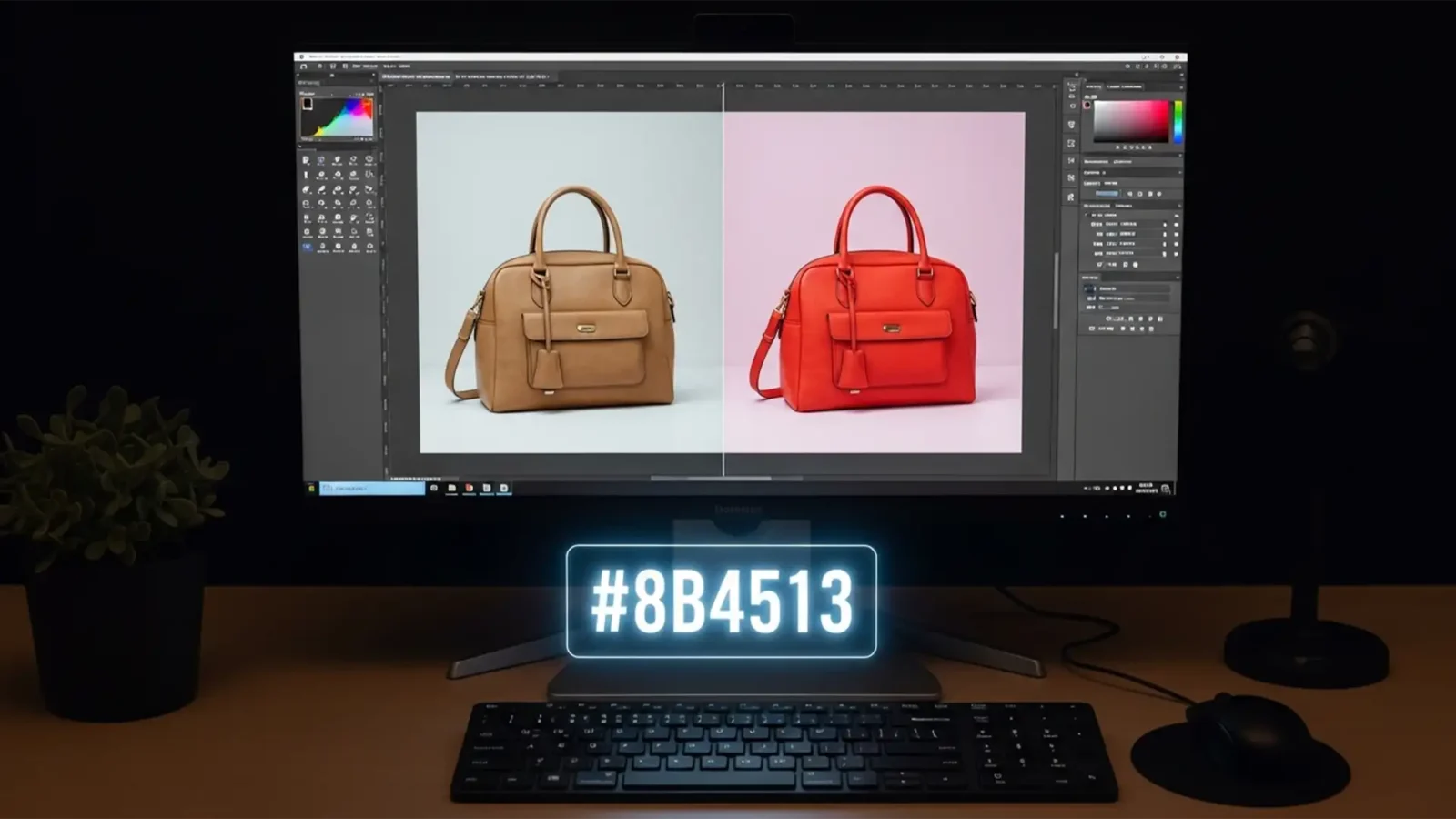
How to Match a Product Photo to a HEX Code in Photoshop
Here is exactly how to match a product photo to a HEX code in Photoshop (versions CC v24.x – v25.x) while perfectly preserving its 3D realism.
It is the most dreaded feedback for any e-commerce seller. Manufacturers provide exact color codes, but translating those...
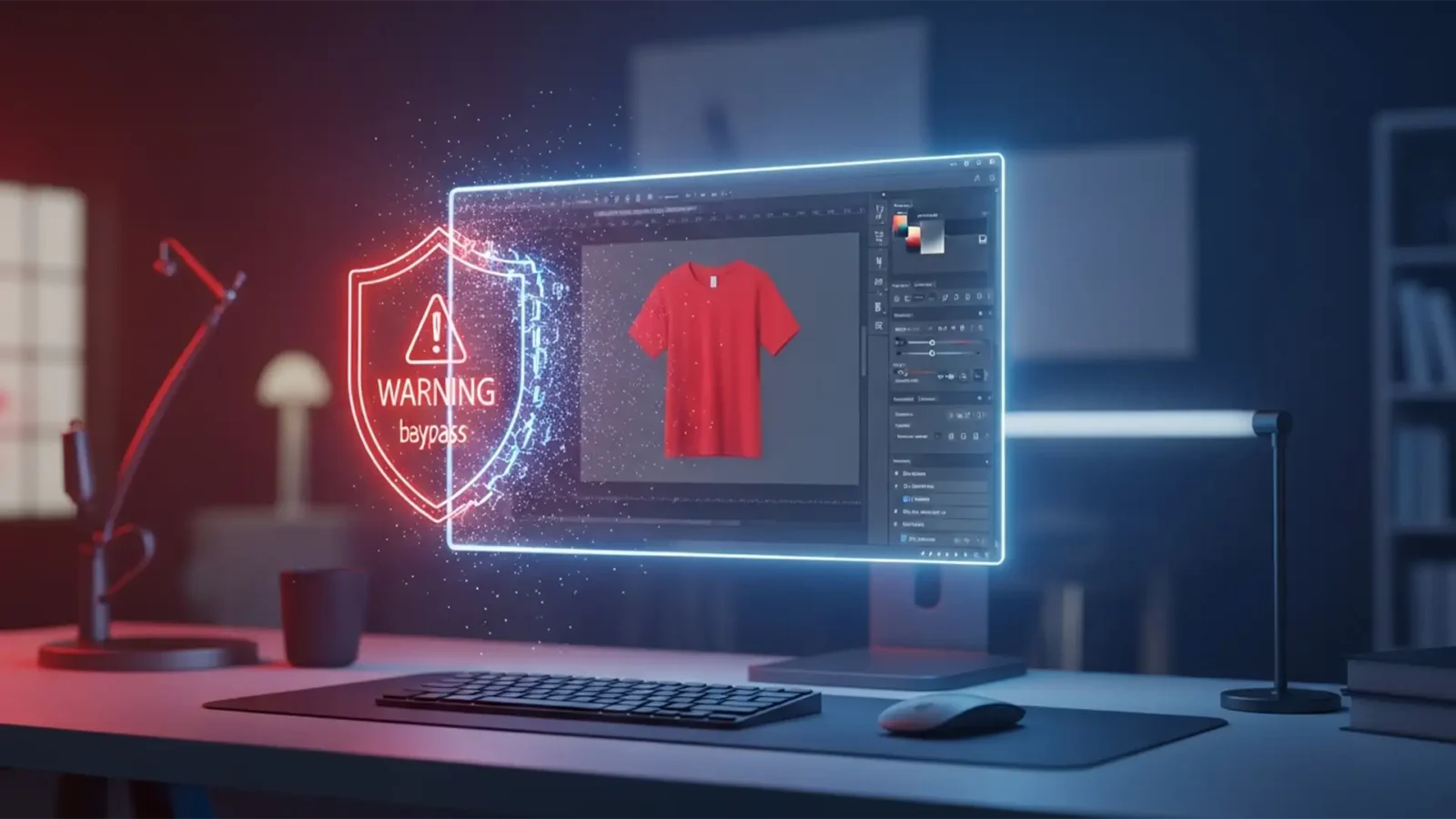
Fix Photoshop Gen Fill Color Change Guideline Violations
You are on a tight deadline, processing a batch of apparel photos. You isolate a model’s t-shirt in Photoshop 2024, type “change shirt to red” into the Generative Fill prompt, and hit enter. Instead of a seamless color change, you are hit with a frustrating...
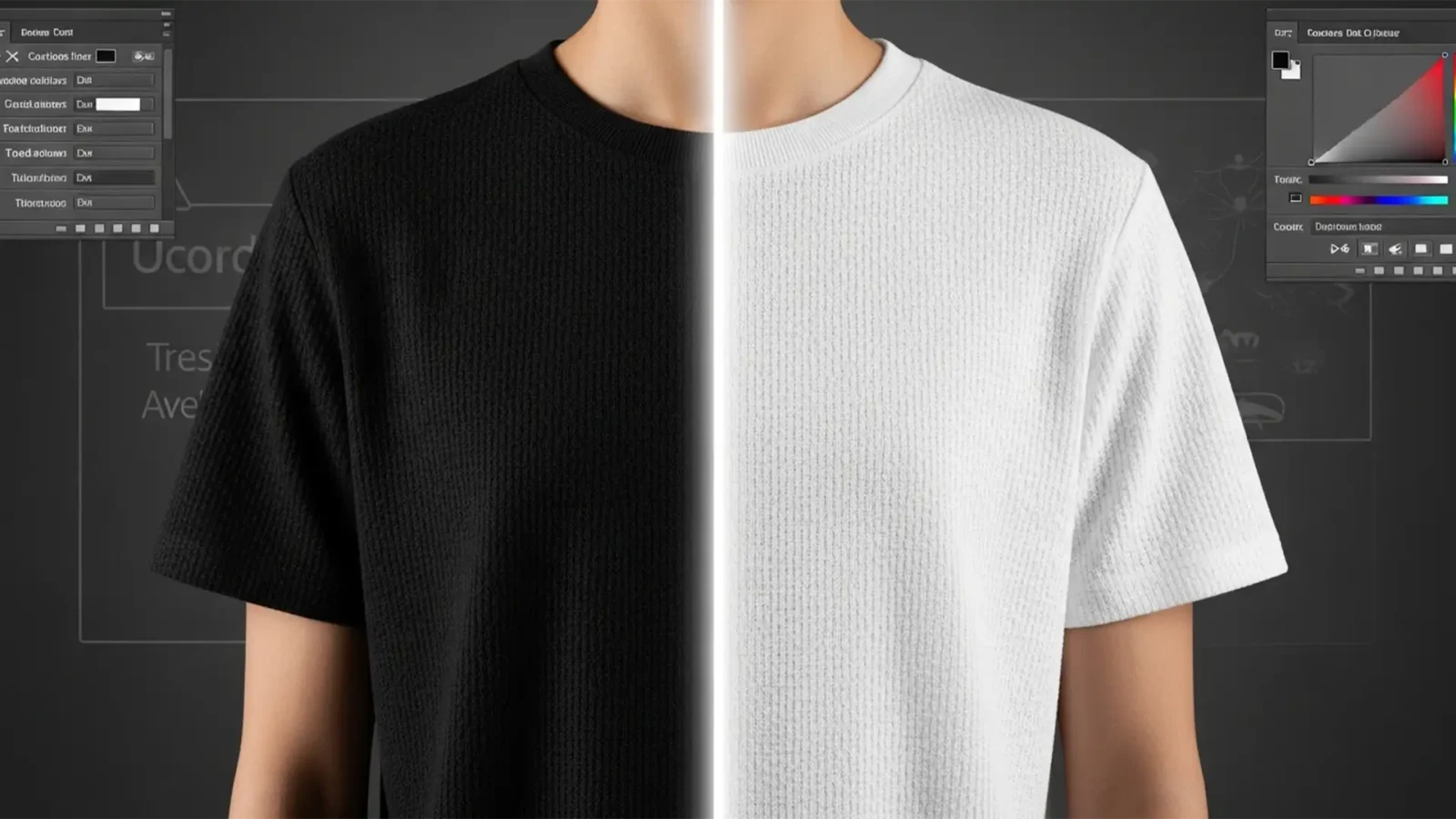
How to Change Black Clothing to White in Photoshop 2024
If you’ve ever tried to change black clothing to white in Photoshop 2024, you already know the nightmare. Because true black pixels lack luminance and color data, standard hue and saturation adjustments do absolutely nothing. Try a simple ‘Invert’ command,...
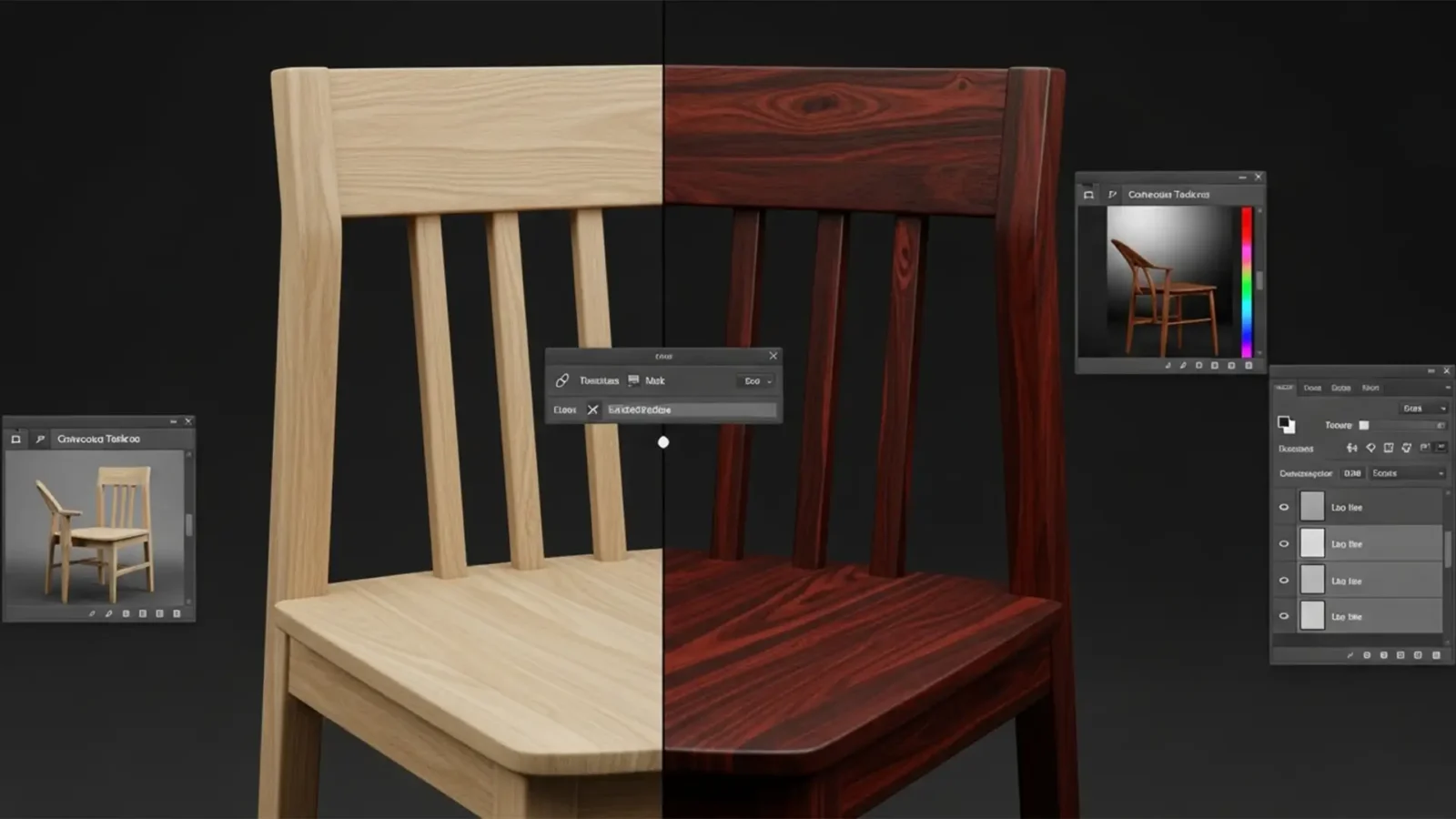
Change Wood Stain Color Photoshop Generative Fill: Pro Guide
Have you ever tried to change wood stain color in Photoshop Generative Fill, only to end up with a plastic, fake-looking mess? It is a common frustration for e-commerce retouchers and furniture designers. When you use a text prompt like “dark mahogany stain,”...
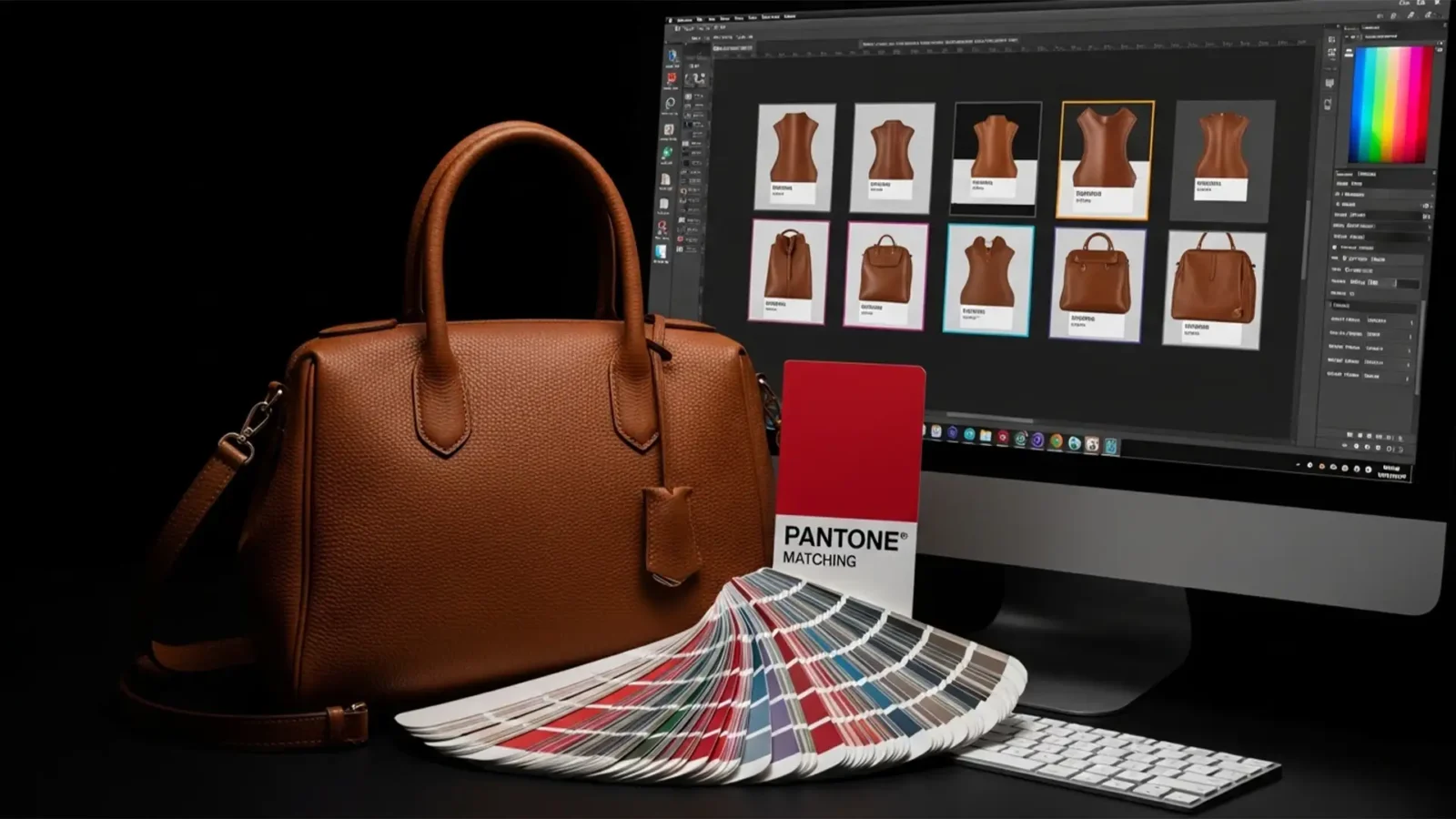
Uniformity at Scale: Batch Color Matching for Leather SKU Sets
If you manage high-volume e-commerce workflows, you already know the nightmare of photographing leather. Varying strobe lighting, natural patina, and surface reflections create massive hue inconsistencies across your catalog. When you try to fix color matching it using...
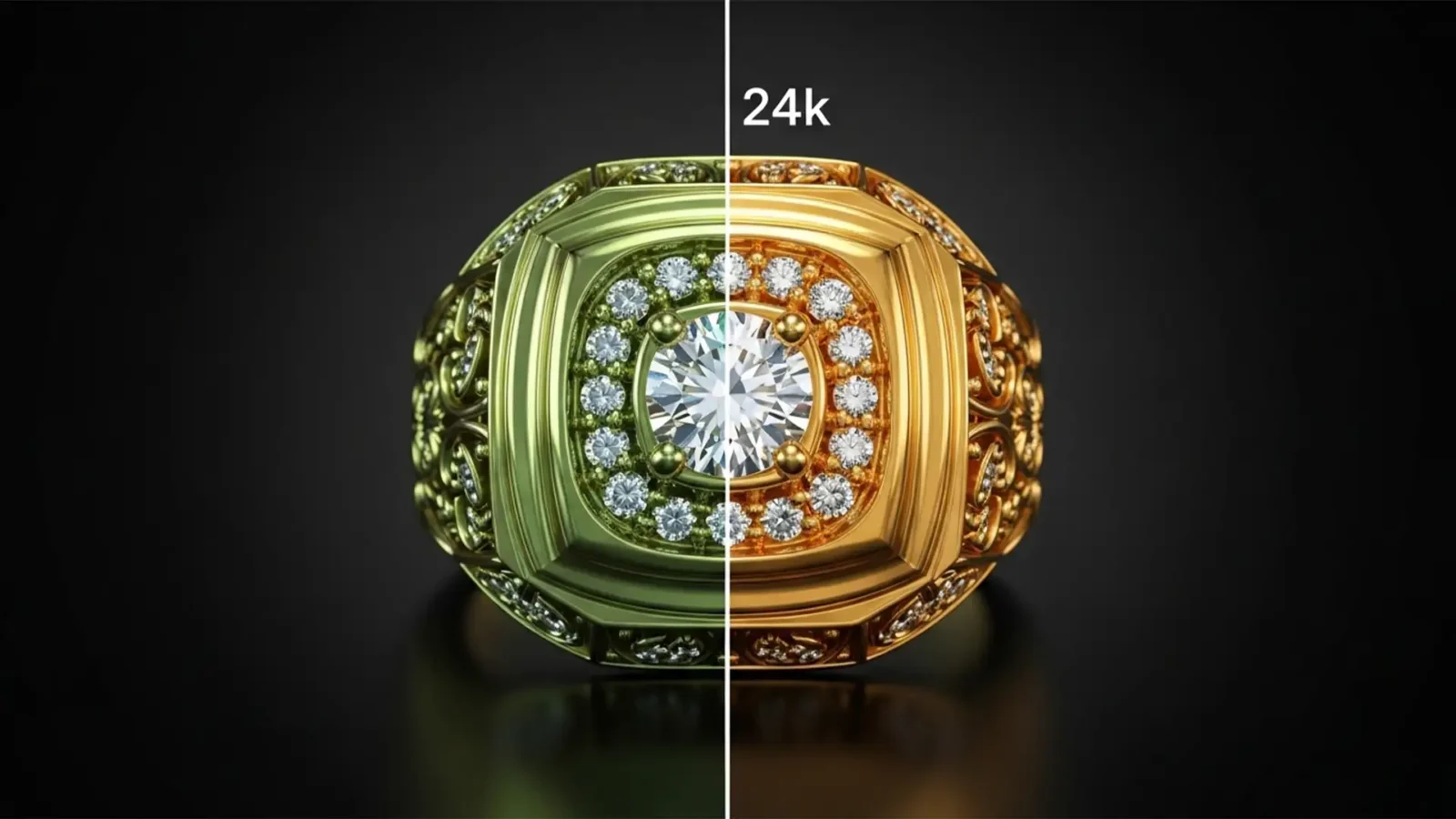
Fix Shopify Jewelry Color Shift: Gold Correction Guide
You’ve just paid for high-end product photography. The images look breathtaking on your photographer’s monitor—rich, warm, and luxurious. But the moment you upload them to your store, disaster strikes. Your premium gold jewelry suddenly looks green, dull, or brassy.
If you...
Professional Photoshop Color Correction Service from Cloud Retouch
If you work with product photos, portraits, fashion images, or any kind of visual content, you already know one thing: color can make or break a photo. Maybe your images look too dull, your whites are slightly yellow, or your skin tones never look quite right. Or maybe each...



