
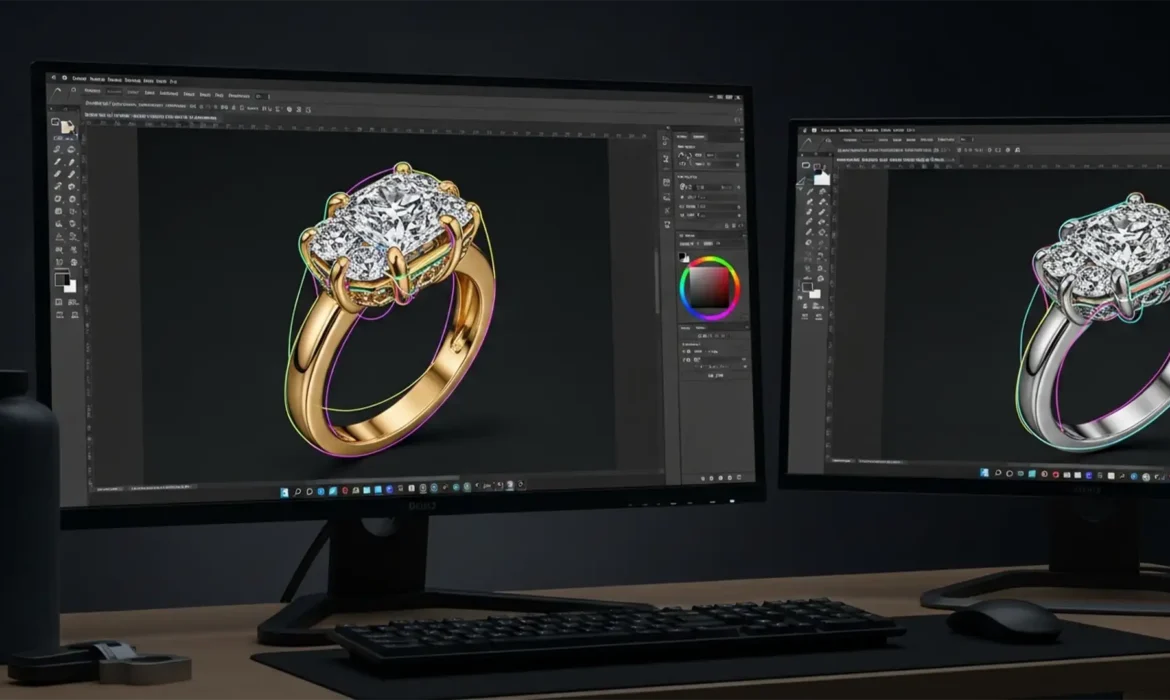
You’ve just finished photographing a stunning diamond ring for an e-commerce catalog. The exterior background removal looks flawless, but there’s a massive problem: when you try to enhance the center diamond’s clarity, the highlights on the yellow gold band completely blow out.
If you’ve ever struggled to change the color of a specific jewelry component without ruining the rest of the piece, you already know that a standard single clipping path simply isn’t enough. To achieve luxury-tier results, you need multipath jewelry retouching for e-commerce.
Standard isolation techniques fall short for high-end accessories. Let’s break down how isolating individual components using advanced Photoshop techniques can revolutionize your product imagery, scale your catalog, and save hours of frustrating rework.
Why Standard Clipping Paths Fail Luxury Jewelry
In standard product photography, a basic clipping path is used to separate an item from its background. However, jewelry is rarely a single, uniform material. A typical engagement ring consists of a metal band (which requires smooth gradients and shine enhancement), a center stone (which requires high contrast and sharpness), and intricate prongs or side stones.
When editors rely on basic selection tools—often fighting with poor tolerance settings or jagged edges due to a lack of proper anti-aliasing—the results look cheap. Furthermore, a single clipping path only cuts out the exterior silhouette. It does not isolate internal elements. This means any color correction applied to the image affects the entire piece globally.
To fix this, professional retouchers use the multi-clipping path technique in Adobe Photoshop v24.x/v25.x.
The Solution: Multipath Jewelry Retouching in Photoshop
Multipath retouching involves drawing multiple, distinct paths around every single material and stone within the piece. This allows for granular, non-destructive editing. Here is how the professionals execute this workflow.
Method A: The Quick Fix (Pen Tool Isolation)
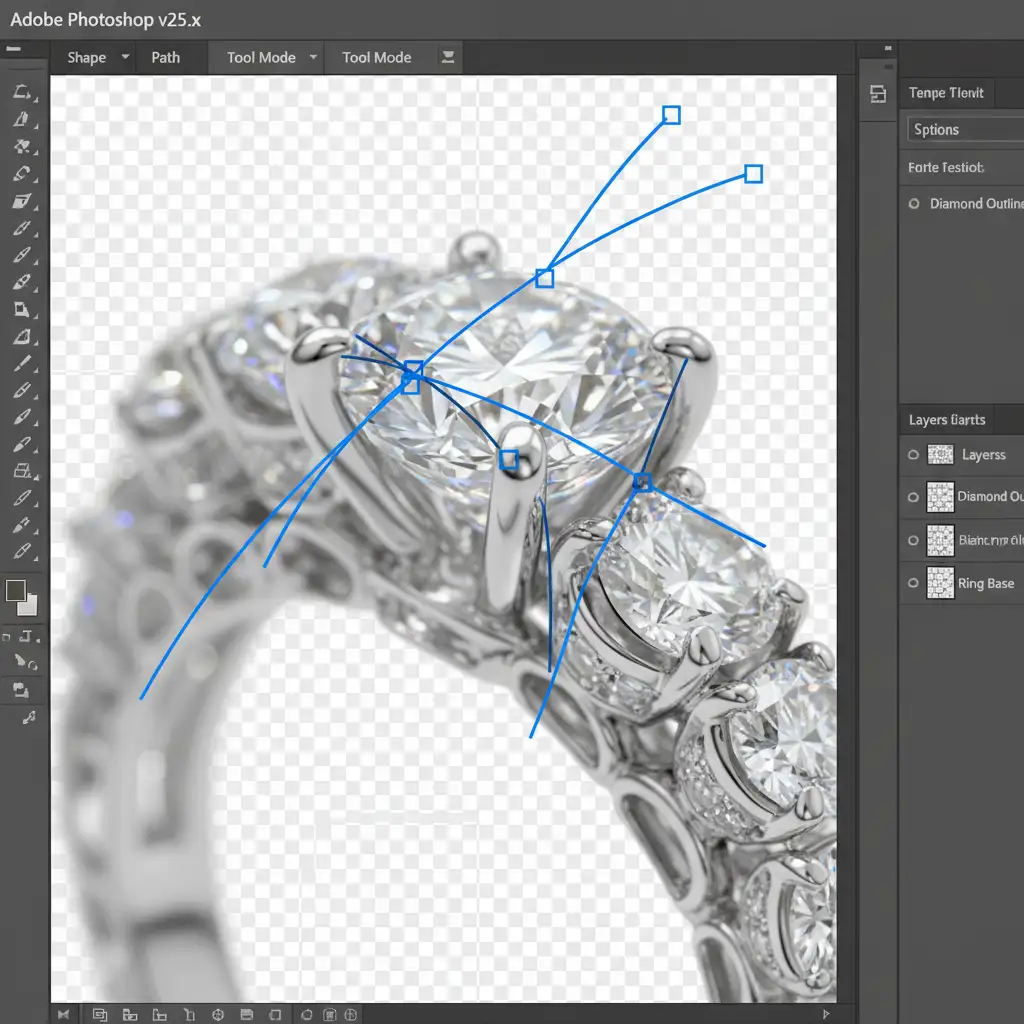
The foundation of any high-end jewelry retouch starts with the Pen Tool (P). Avoid automated selection tools; they cannot interpret the complex refractions of a diamond.
- Select the Pen Tool and zoom in to at least 300%.
- Begin plotting a bezier curve around the main metal body of the jewelry.
- Carefully place each anchor point to trace the exact curvature of the metal, ignoring the gemstones for now.
- Save this path in the Paths panel and name it “Main Metal.”
- Repeat this process for the stones, creating new, separate paths named “Center Stone,” “Side Diamonds,” etc.
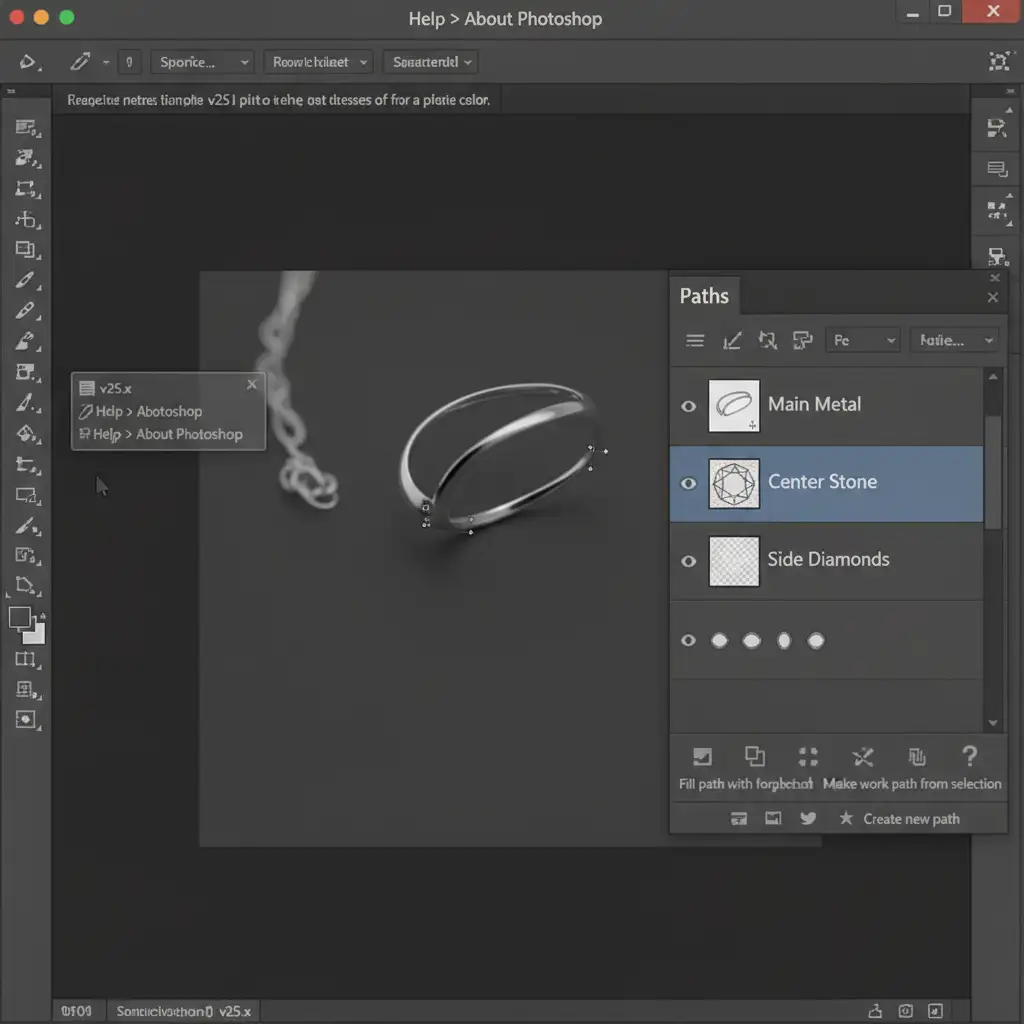
By isolating these elements, you have created a permanent map of the jewelry’s components.
Method B: The Pro Workaround (Vector Masks & Adjustment Layers)
Once your paths are drawn, the real power of multipath jewelry retouching comes into play. E-commerce vendors frequently need to show the same ring in yellow gold, white gold, and rose gold.
Instead of duplicating the image, use your saved paths to create a vector mask.
- Command-click (Mac) or Ctrl-click (Windows) the “Main Metal” path to turn it into a selection.
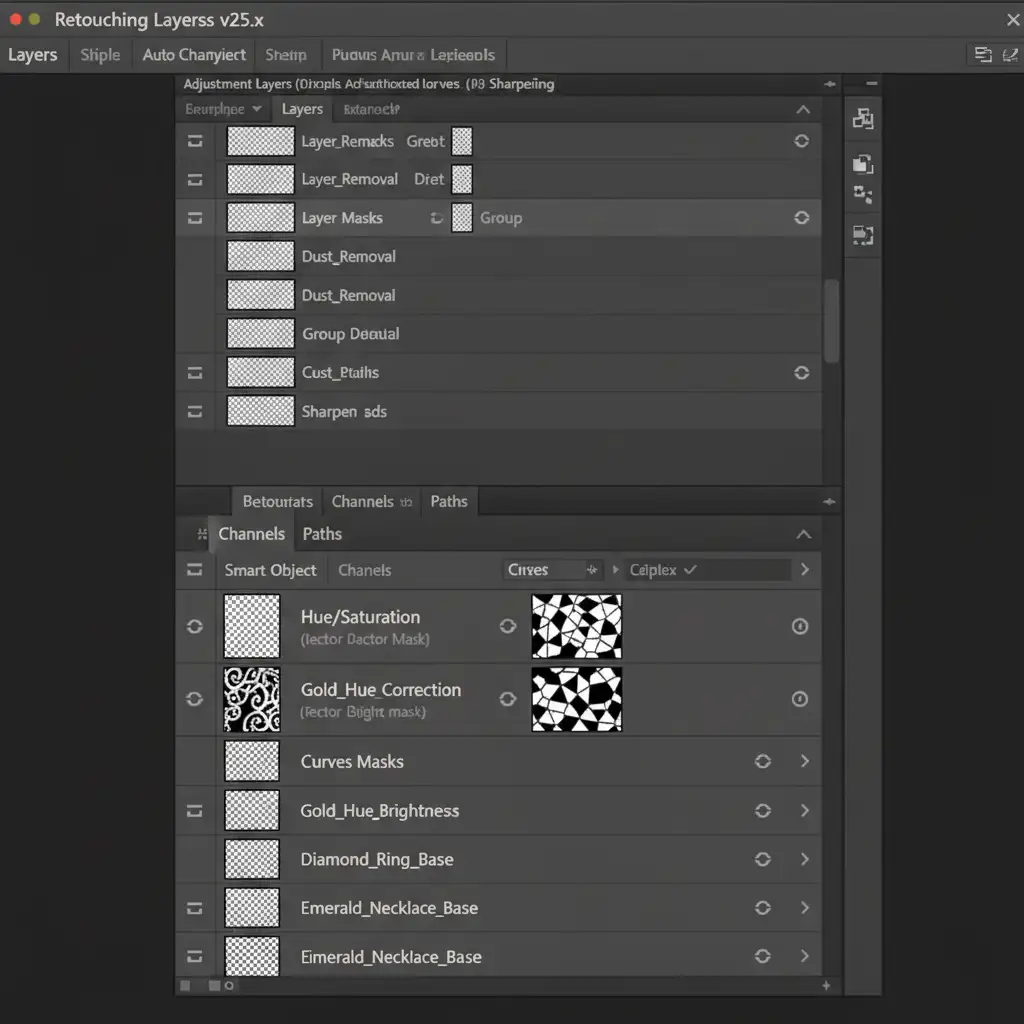
- Add a Hue/Saturation or Curves adjustment layer. Photoshop will automatically apply your selection as a mask to this layer.
- You can now shift the hue of the gold band entirely independently of the diamonds.
Because the mask is vector-based, the edges remain razor-sharp, and the editing process is entirely non-destructive.
Method C: The Technical Deep-Dive (Channel Masking & Feathering)
For the absolute highest tier of luxury e-commerce, paths alone might leave edges looking slightly too harsh, especially around the microscopic facets of a diamond where light bleeds.
To solve this, professionals combine multipath techniques with an alpha channel.
- Convert your precise path into a selection and save it as an alpha channel.
- Apply a minute feathering effect (typically 0.5 pixels). This microscopic softening prevents the “cut-out” look, allowing the isolated color corrections to blend naturally with the ambient light of the image.
- Finally, save the file as a layered TIFF. This preserves the active paths, vector masks, and adjustment layers, providing your e-commerce client with ultimate flexibility if they need to tweak the brightness of a specific gem later.
The E-Commerce Advantage: Scalability and Flexibility
Implementing multipath jewelry retouching for e-commerce is not just about making one image look good; it is about catalog scalability. When you isolate every material, you empower retailers to generate dozens of product variants from a single photograph. You eliminate the need to reshoot inventory when a new metal variant is released, drastically reducing production costs while maintaining pixel-perfect luxury standards.
Stop Struggling with Complex Paths
Mastering the Pen tool, managing bezier curves, and organizing complex vector masks takes years of practice. When you are managing a high-volume e-commerce studio, your time is better spent shooting, not endlessly clicking anchor points around microscopic diamond prongs.
Let Image Work India and Cloud Retouch handle the heavy lifting. Our team of specialized editors provides high-volume, complex multipath jewelry retouching tailored specifically for luxury e-commerce. We deliver pixel-perfect isolation, flawless color correction, and broadcast-ready imagery that converts browsers into buyers.
Contact Image Work India today to elevate your jewelry catalog with professional, non-destructive retouching solutions.



