

How to Fix AI Headshot Artifacts for a Flawless Profile
You just paid for an AI headshot for your LinkedIn profile. At a glance, it looks great. But zoom in, and the illusion shatters. Maybe one iris is larger than the other, stray hairs are floating in mid-air, or your skin has that unmistakable, poreless “plastic AI”...
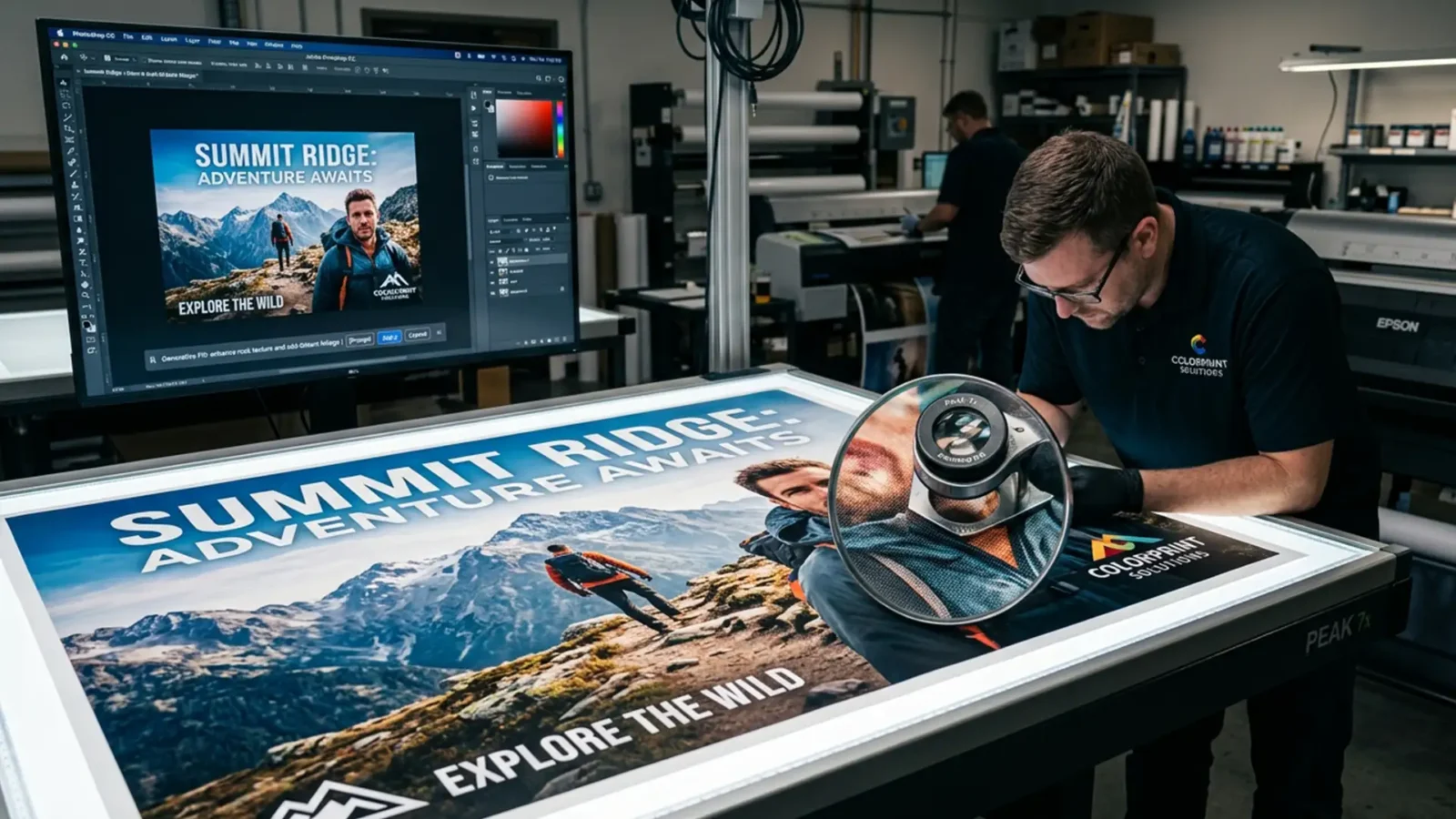
Generative Fill for Large Format Printing: 300 DPI Guide
You just used Photoshop’s Generative Fill for large format printing to extend the background of a commercial campaign image. Zoomed out on your monitor, the composition looks flawless. But when you zoom in to 100% to prep the file for a 300 DPI billboard or trade show...
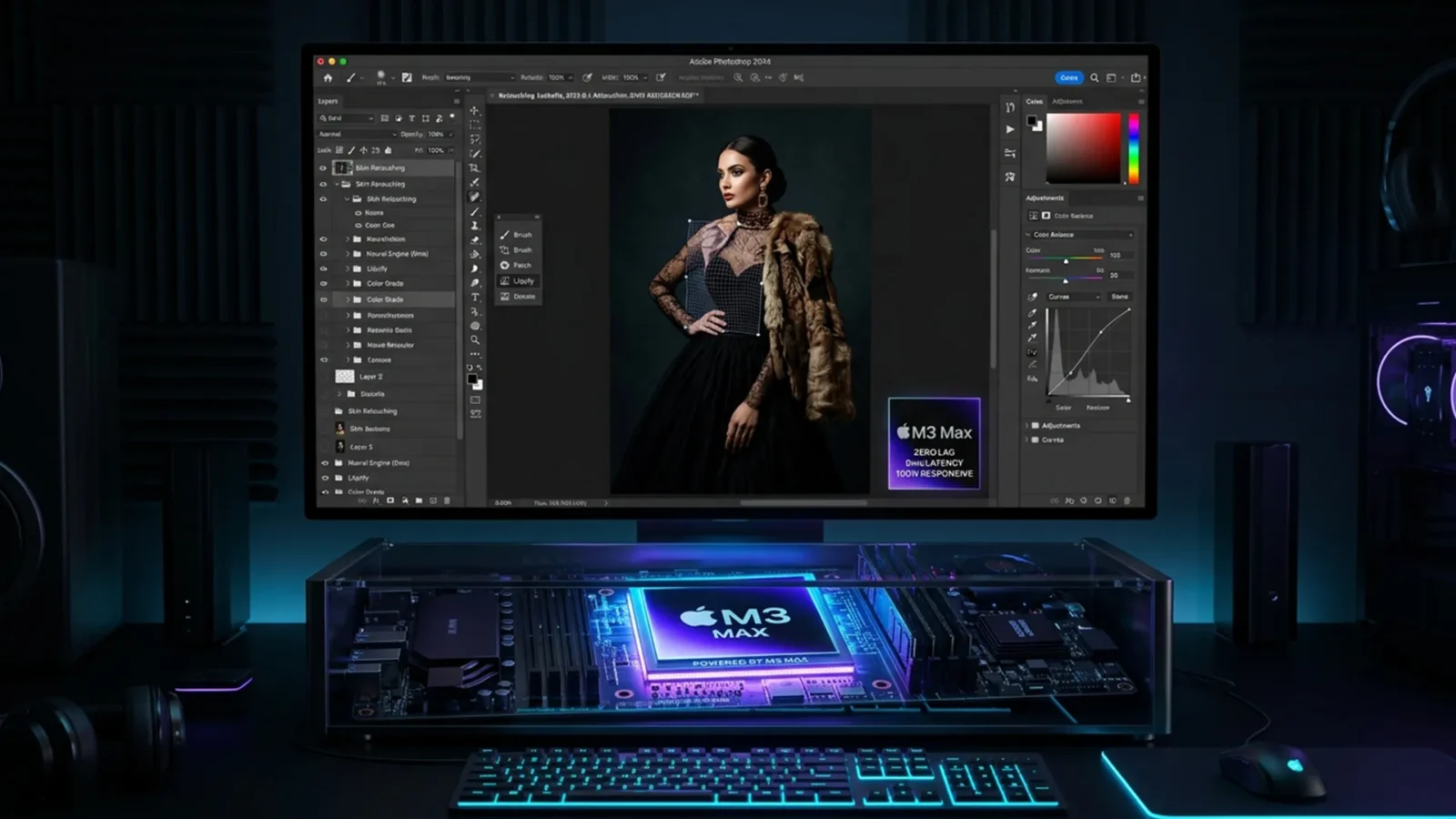
Optimizing Photoshop for M3 & M4 Macs: Fixing GPU Flickering and Neural Filter Crashes
You just dropped thousands of dollars on a brand-new Apple Silicon Mac with an M3 & M4 chip. You expected blazing-fast performance, but instead, you’re dealing with severe brush lag, canvas flickering, and Neural Filters that constantly crash or hang on...
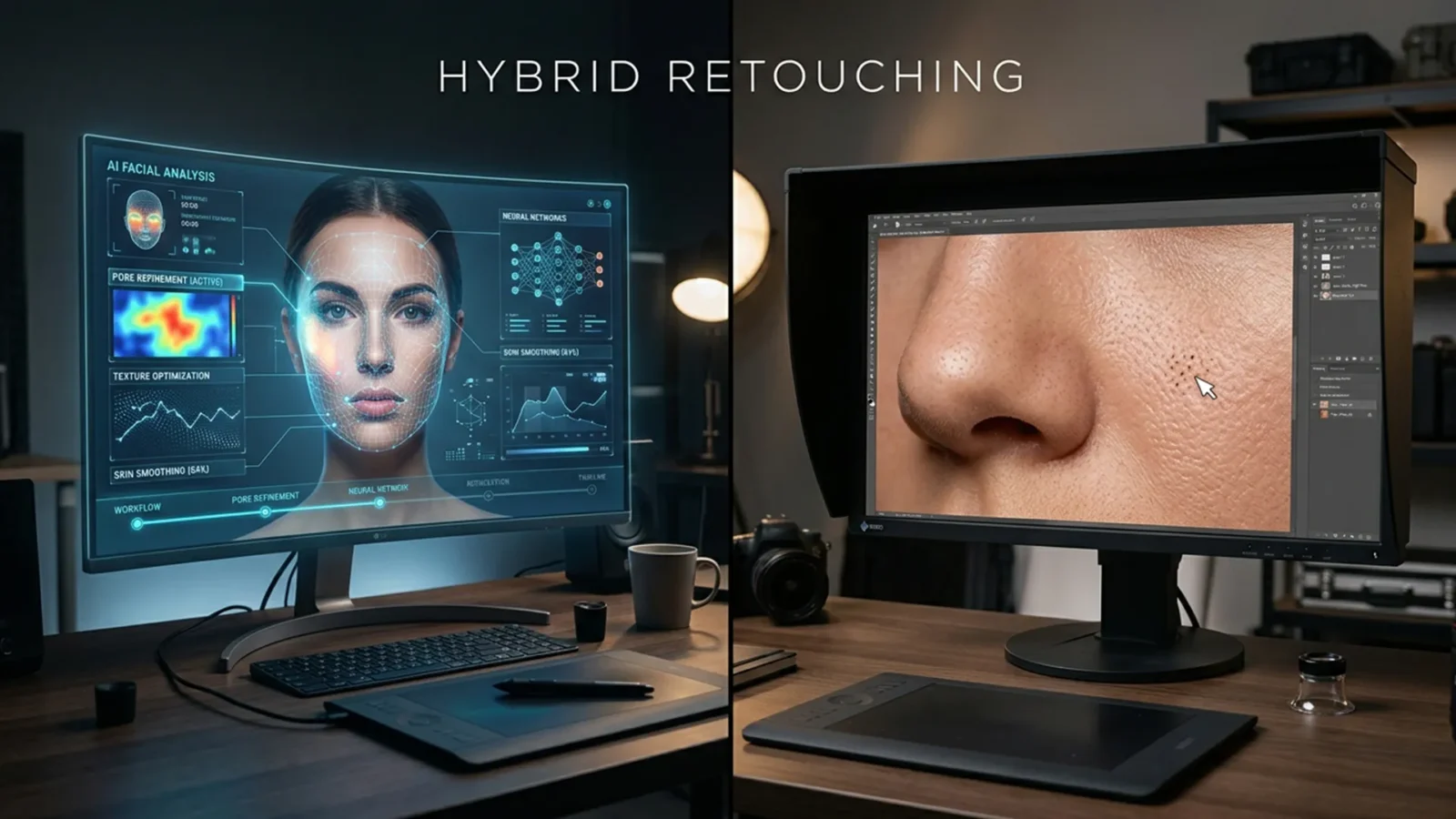
The Hybrid Retoucher: Merging AI Speed with Frequency Separation Precision
Are you tired of AI retouching tools turning your subjects into plastic mannequins? While Adobe Photoshop v25.0+ introduced game-changing features, professional retouchers face a massive bottleneck. AI tools are incredibly fast at fixing harsh shadows and blotchy colors, but...
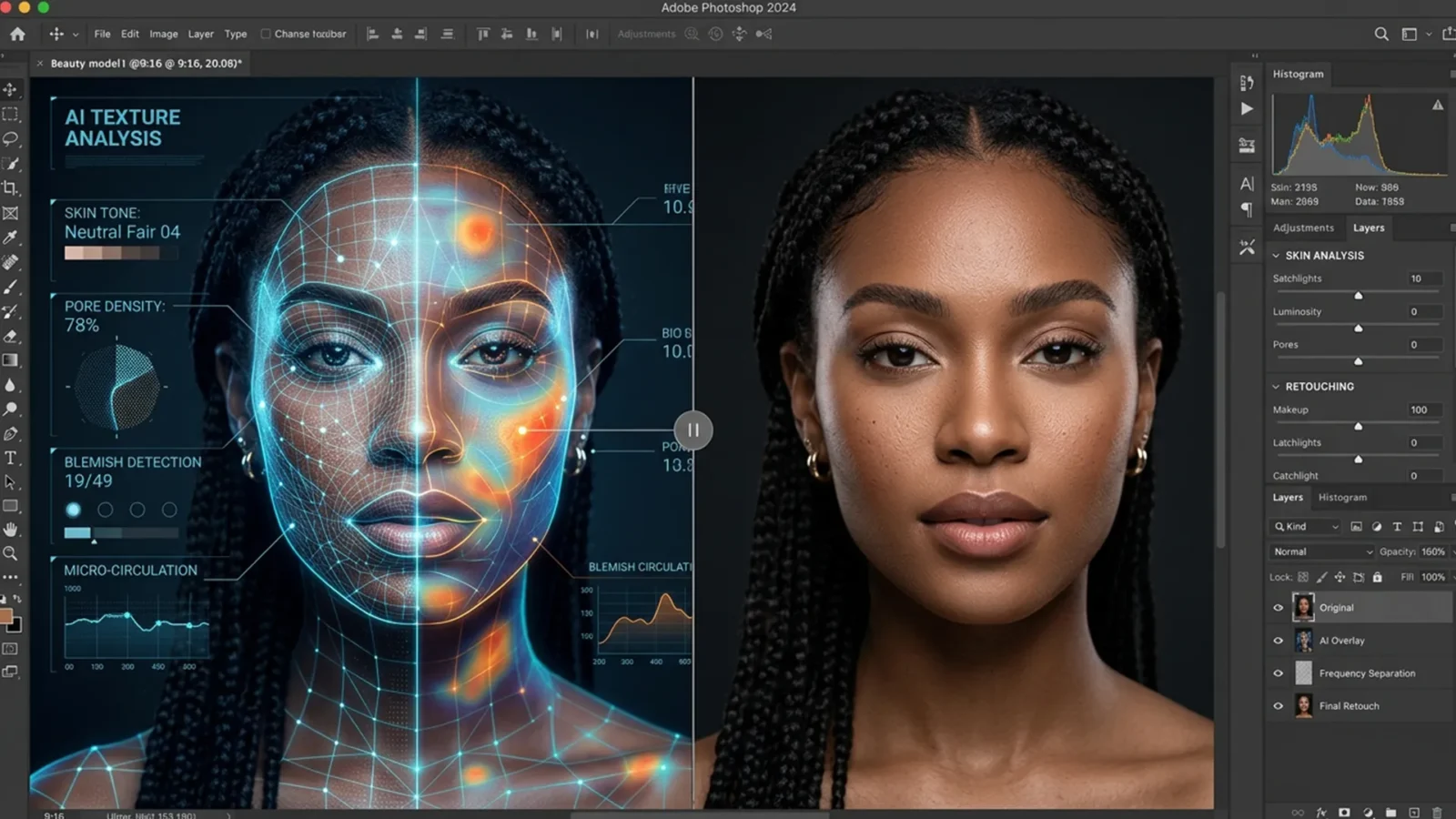
Hybrid AI Frequency Separation Workflow: Speed Meets Quality
Are you tired of AI retouching tools turning your high-end portraits into plastic, textureless mannequins? While Photoshop’s Generative Fill and Neural Filters process images with incredible speed, they treat photos as flat layers—obliterating micro-contrast, pores, and fine...
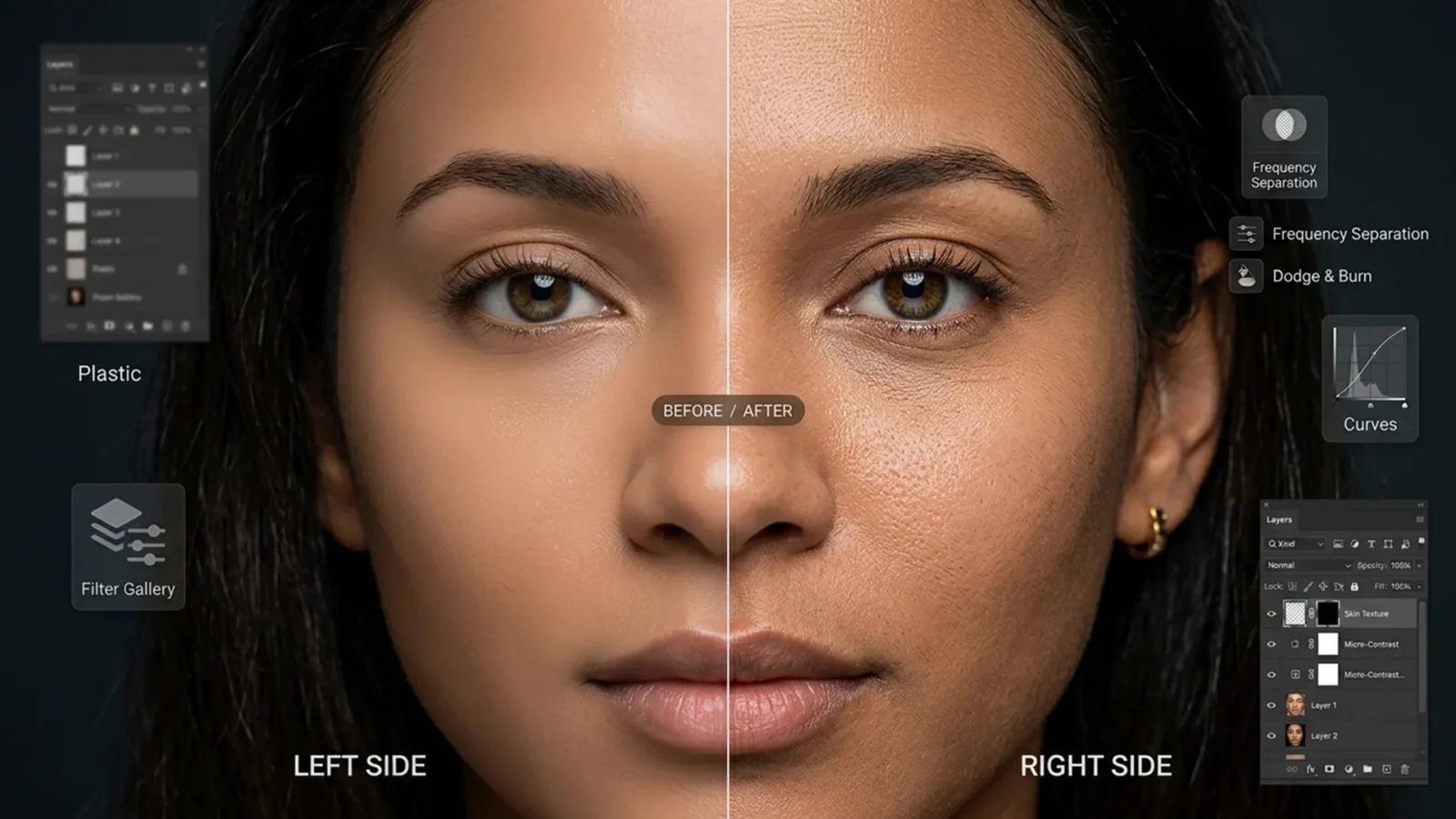
Beyond the Blur: How to Fix AI Skin Artifacts and Restore Natural Pores in Photoshop
You just spent hours perfectly lighting a portrait, only to find a distracting element you need to remove. You lasso the area, hit Generative Fill in Photoshop, and wait for the magic. The object disappears, but there is a glaring new problem: the AI replaced the area with a...
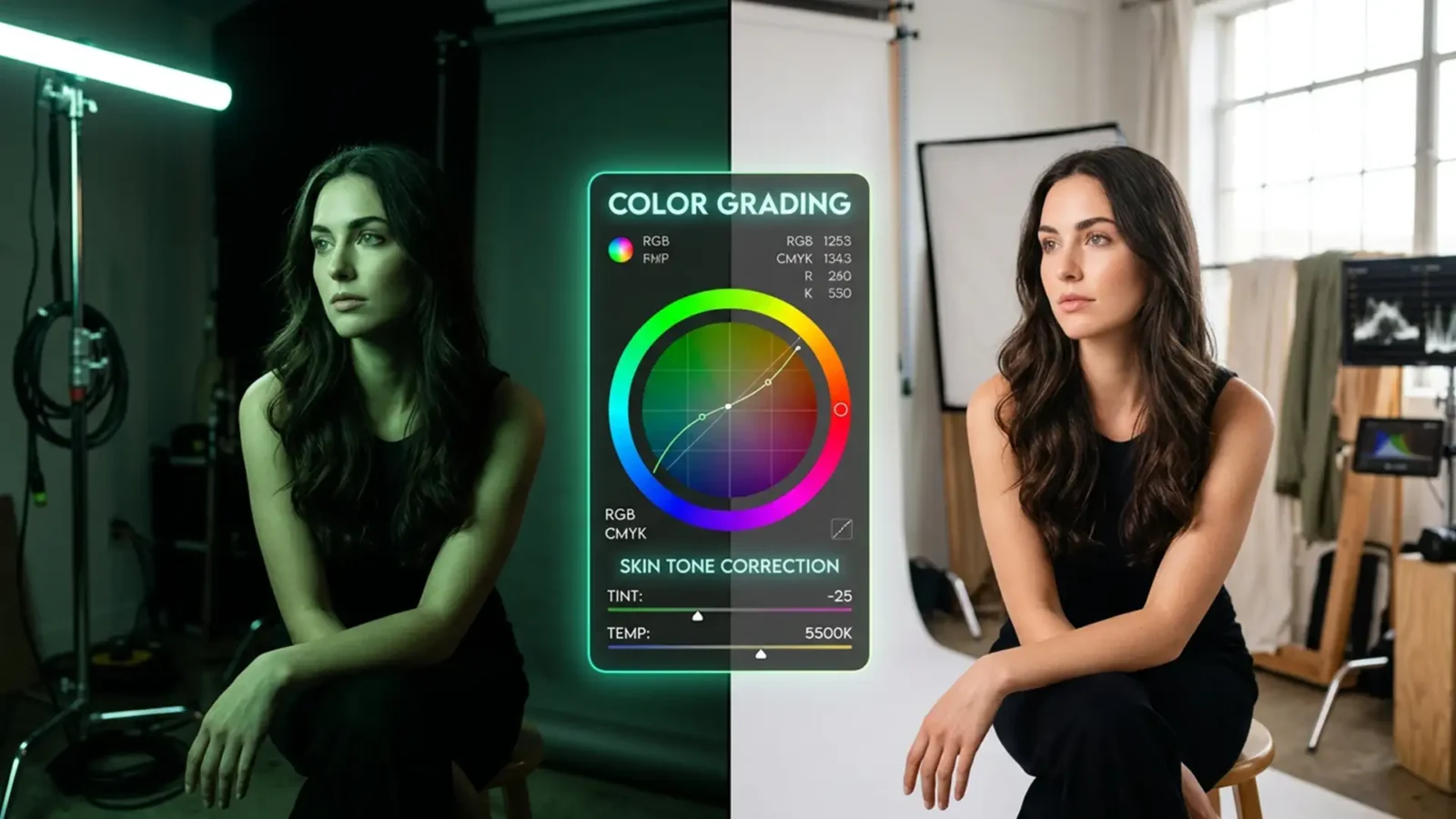
Harmonize Skin Tones in Mixed LED & Daylight | Pro Guide
You’ve just wrapped a stunning glamour portrait session, harmonize skin tones in mixed LED & daylight but as you pull the RAW files into Photoshop, your heart sink tones. The mix of beautiful 5500K natural daylight and artificial studio LEDs has created a retouching...
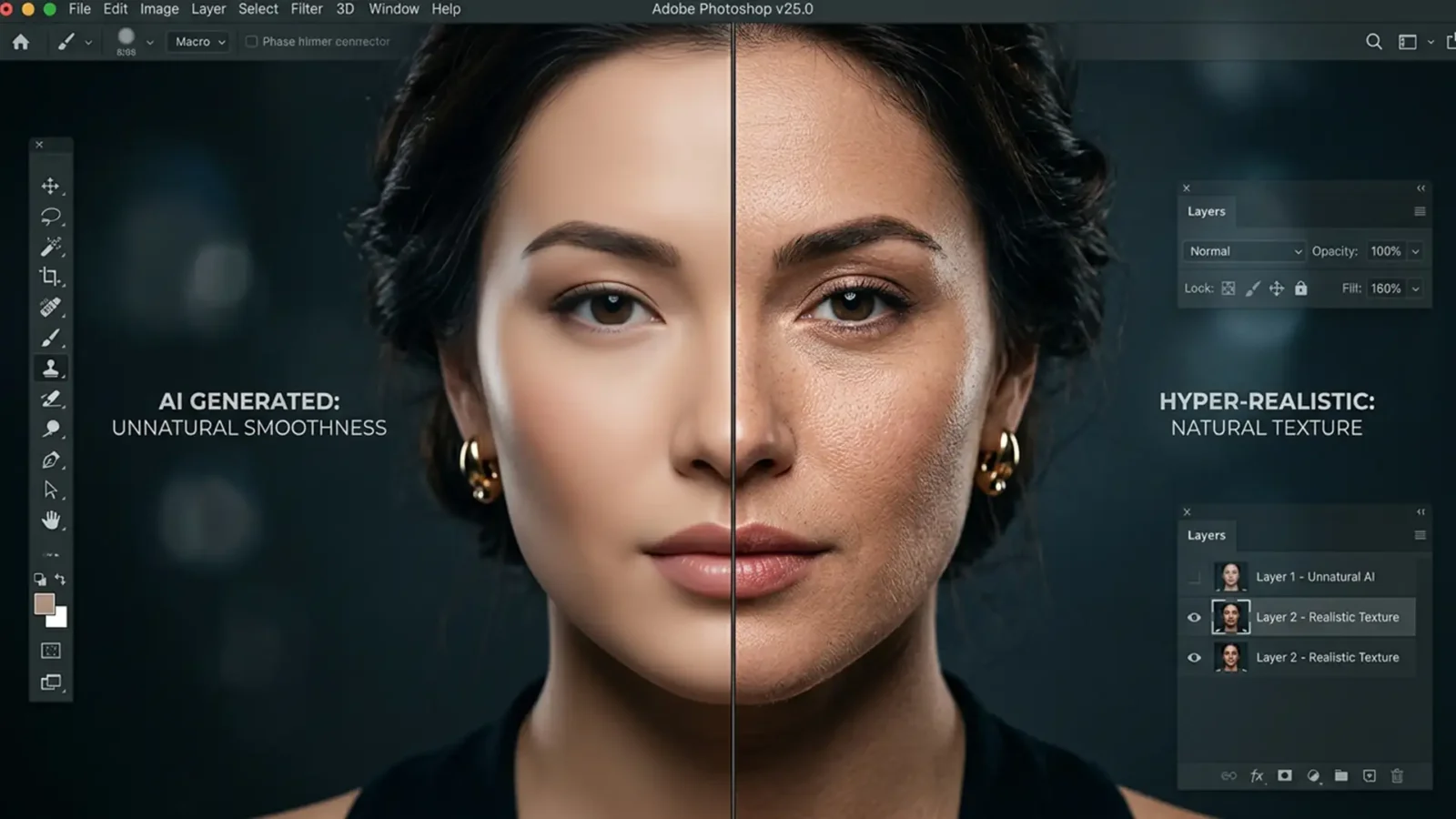
Fix Plastic Skin: Restore Skin Texture in Generative Fill
Photoshop’s Generative Fill is undeniably powerful, but if you restore skin texture or fashion portraits, you have likely hit a frustrating wall. While the Firefly AI model excels at replacing broad areas and generating structural content, it consistently fails to replicate...
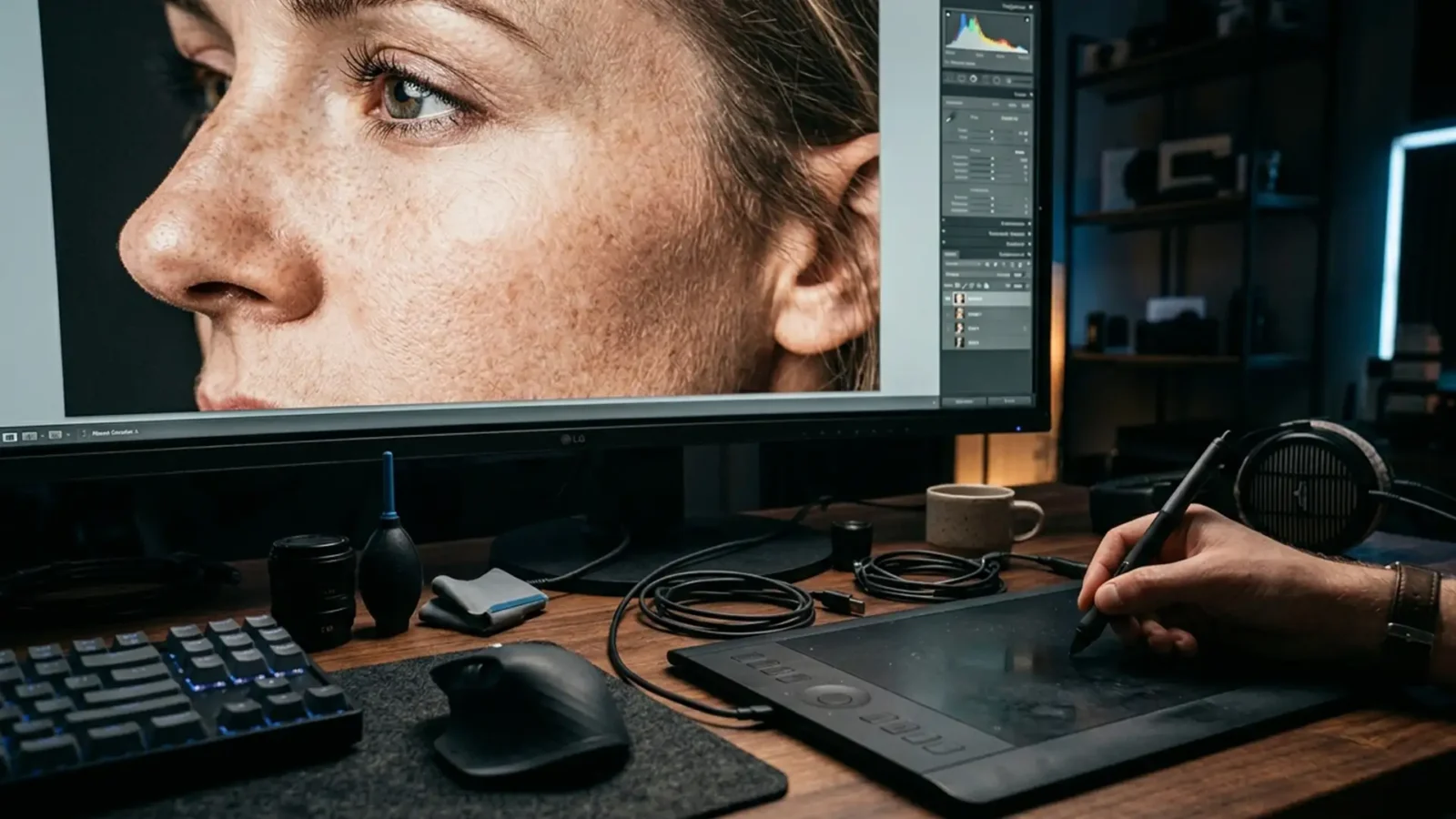
8K Micro-Texture Retouching: Why Standard Workflows Fail
You finish a high-end glamour retouch. It looks flawless on your 4K monitor. But when the client reviews the final campaign on a massive 8k micro-texture display, the skin looks like melted plastic. Fine hairs are missing. Pore walls are obliterated.
Standard frequency...

Portrait Retouching for HDR Displays vs SDR: Ultimate Guide
You’ve spent hours perfecting a high-end portrait. It looks flawless on your studio monitor. But when your client views it on their new Apple XDR display, the highlights are blown out, and the colors look completely washed out. Sound familiar?
The rapid transition to high...



