
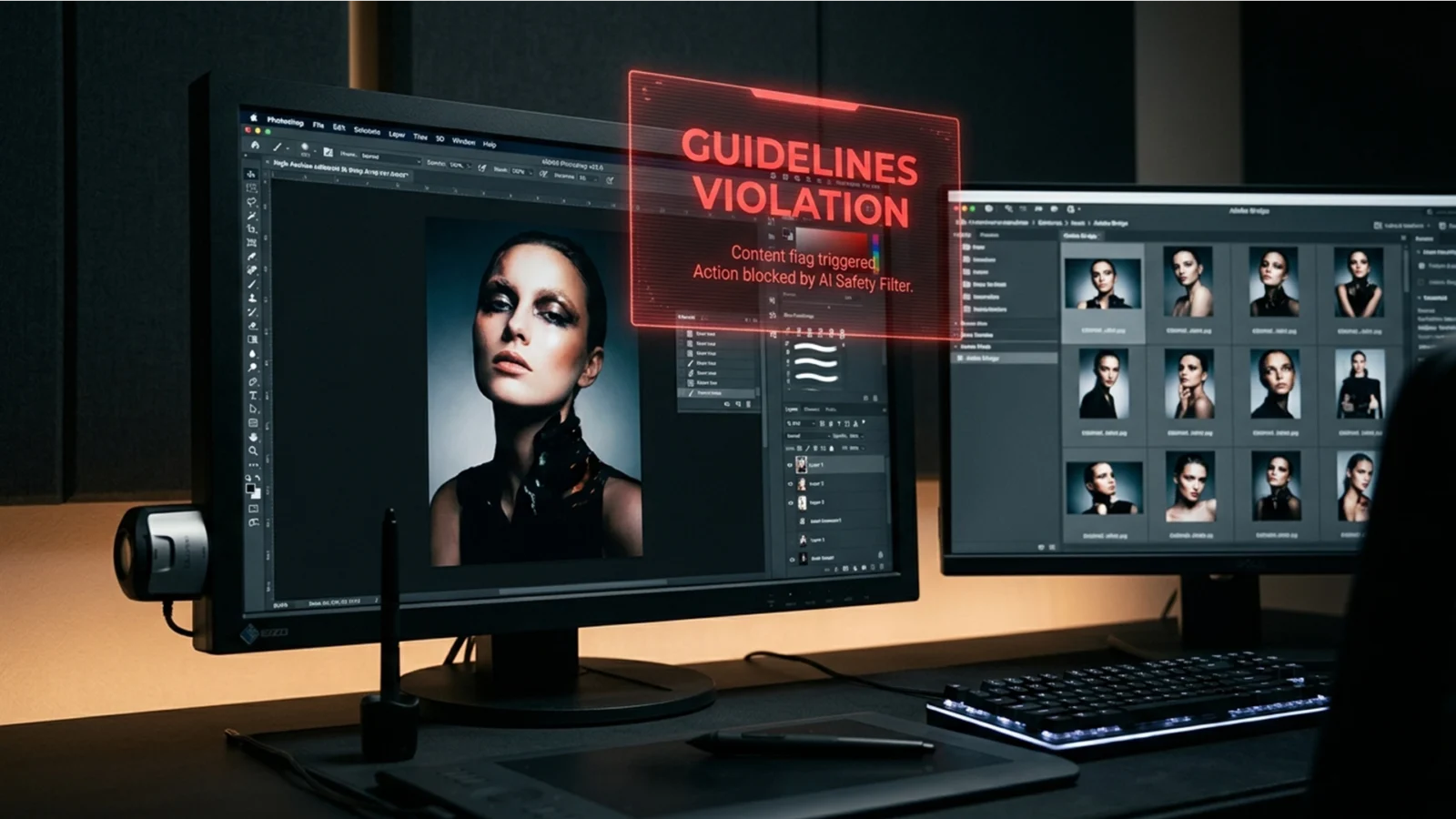
Bypass Generative Fill Guidelines Violations Like a Pro
You are finalizing a high-end retouching campaign for a swimwear client. You make your selection, hit generate, and instead of a flawless pixel blend, you are hit with a red roadblock: “The generated images were removed because Guidelines Violation.”
For fashion, lingerie,...
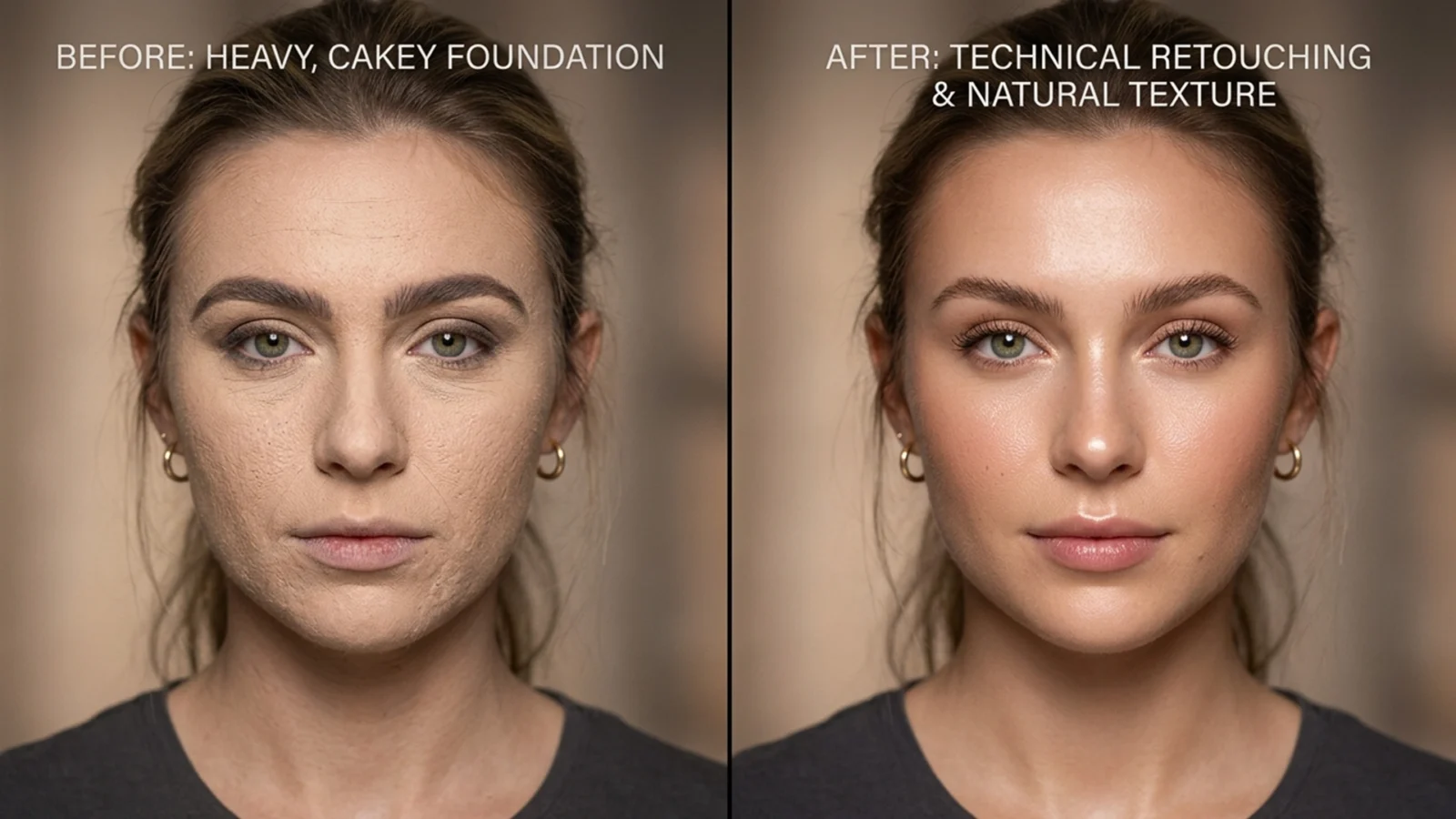
Beauty Retouching 101: How to Fix Cakey Foundation in Photoshop
You just wrapped a high-end editorial shoot, but zooming in reveals a retouching nightmare: the makeup artist went too heavy. Instead of glowing, breathable skin, you’re staring at a chalky, uneven, excessively matte surface where natural specular highlights and pores used to...
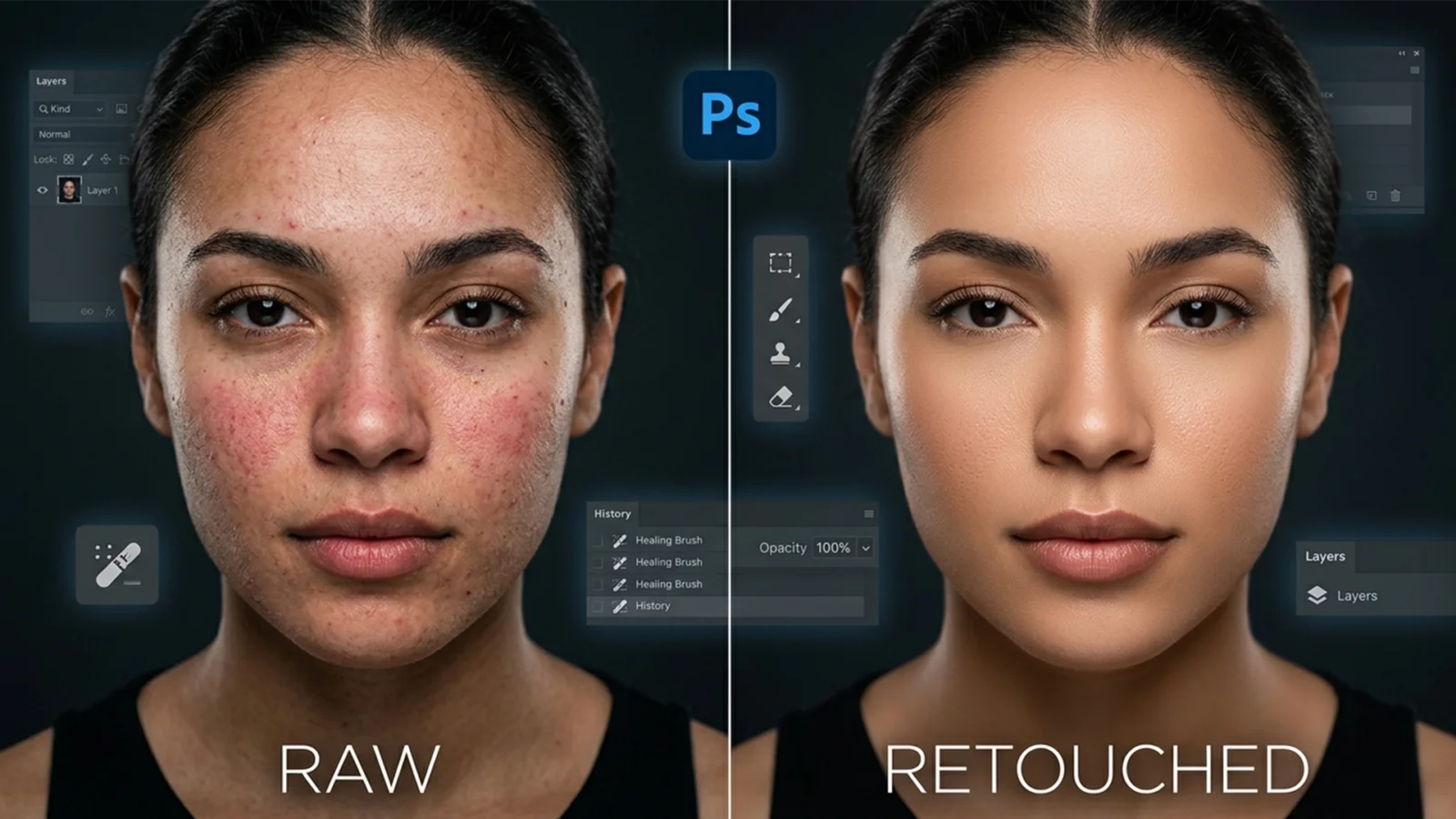
Beyond Frequency Separation: The High-End ‘Dust and Scratches’ Skin Workflow
If you are a professional retoucher, you already know the frustration: traditional Frequency Separation takes too long and, if you misjudge your blur radius, leaves your subject with plastic, mannequin-like skin. You spend hours trying to preserve micro-contrast and edge...
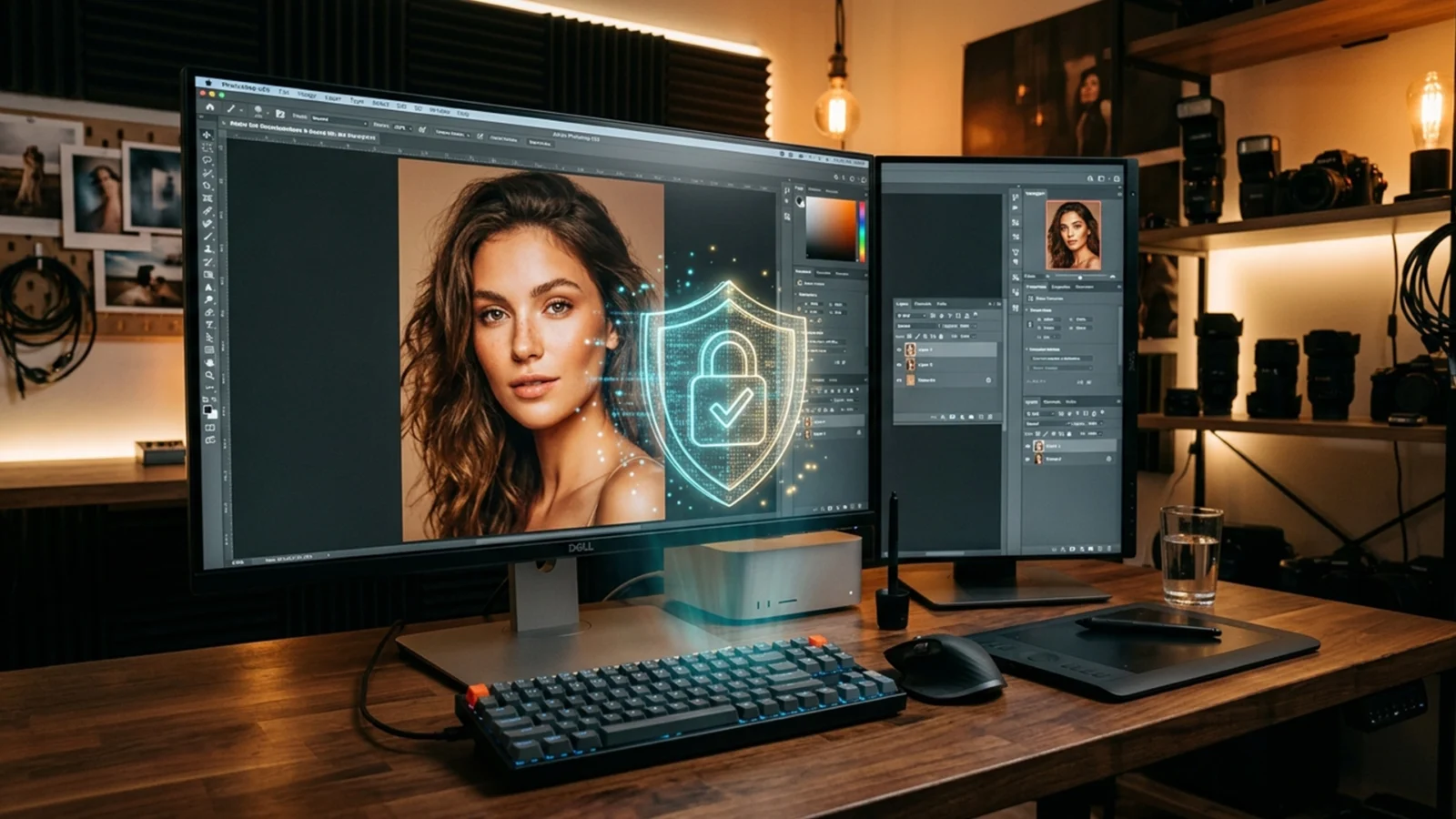
The Boudoir Fix: How to Bypass Photoshop Generative Fill Skin Violations
You are mid-workflow on a stunning boudoir or high-end portrait shoot. You grab the Lasso tool, circle a minor skin blemish, hit Generative Fill, and BAM—the dreaded Guidelines Violation error stops you dead in your tracks.
If you retouch skin professionally, you already...
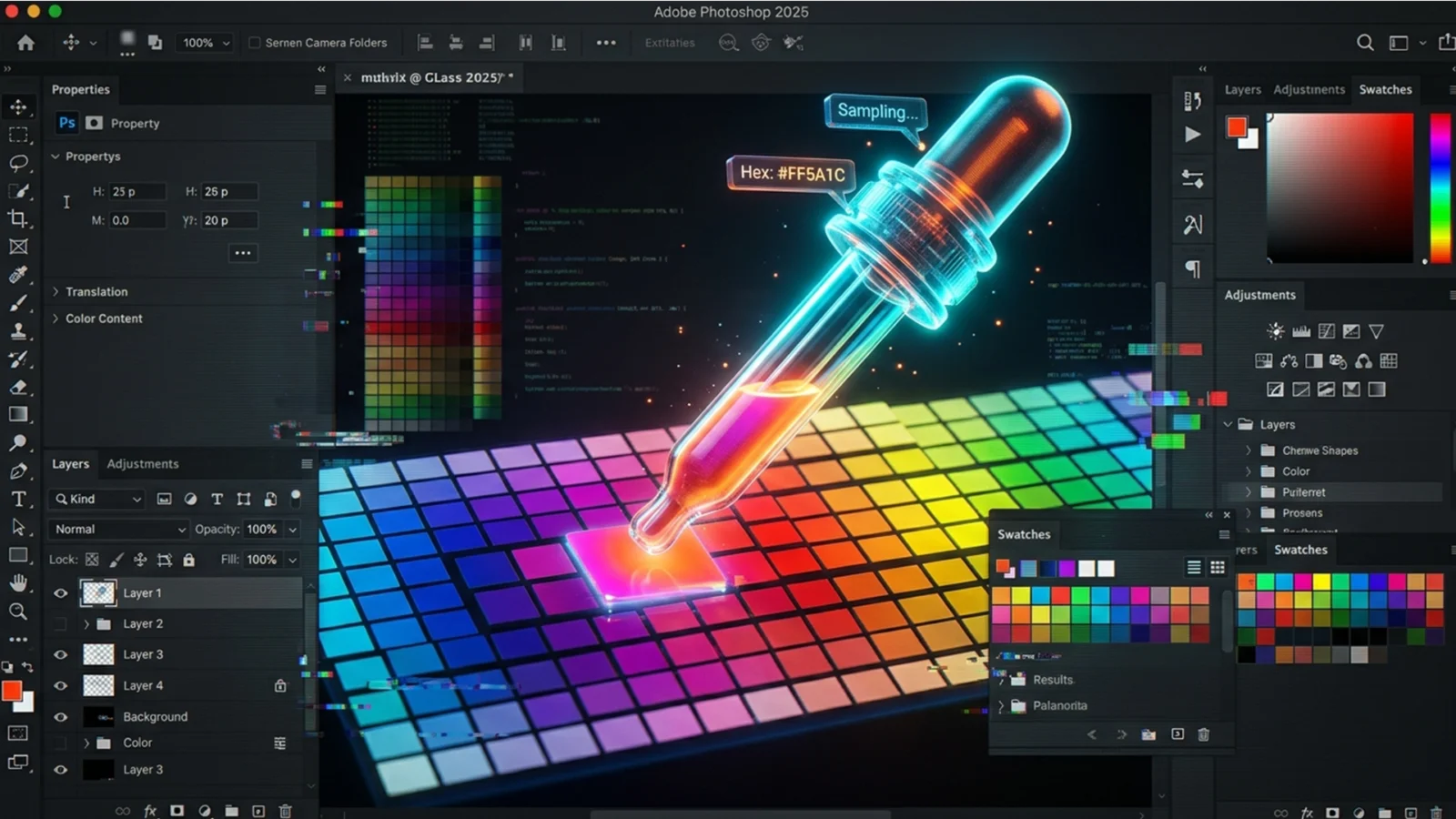
Fix Photoshop 2025 Color Picker Not Working (5 Ways)
You are in the middle of a critical color grading session, and suddenly, your workflow grinds to a halt. Finding a reliable Photoshop 2025 color picker not working fix becomes your immediate priority. Whether your Eyedropper tool is inexplicably stuck on grayscale, freezing...
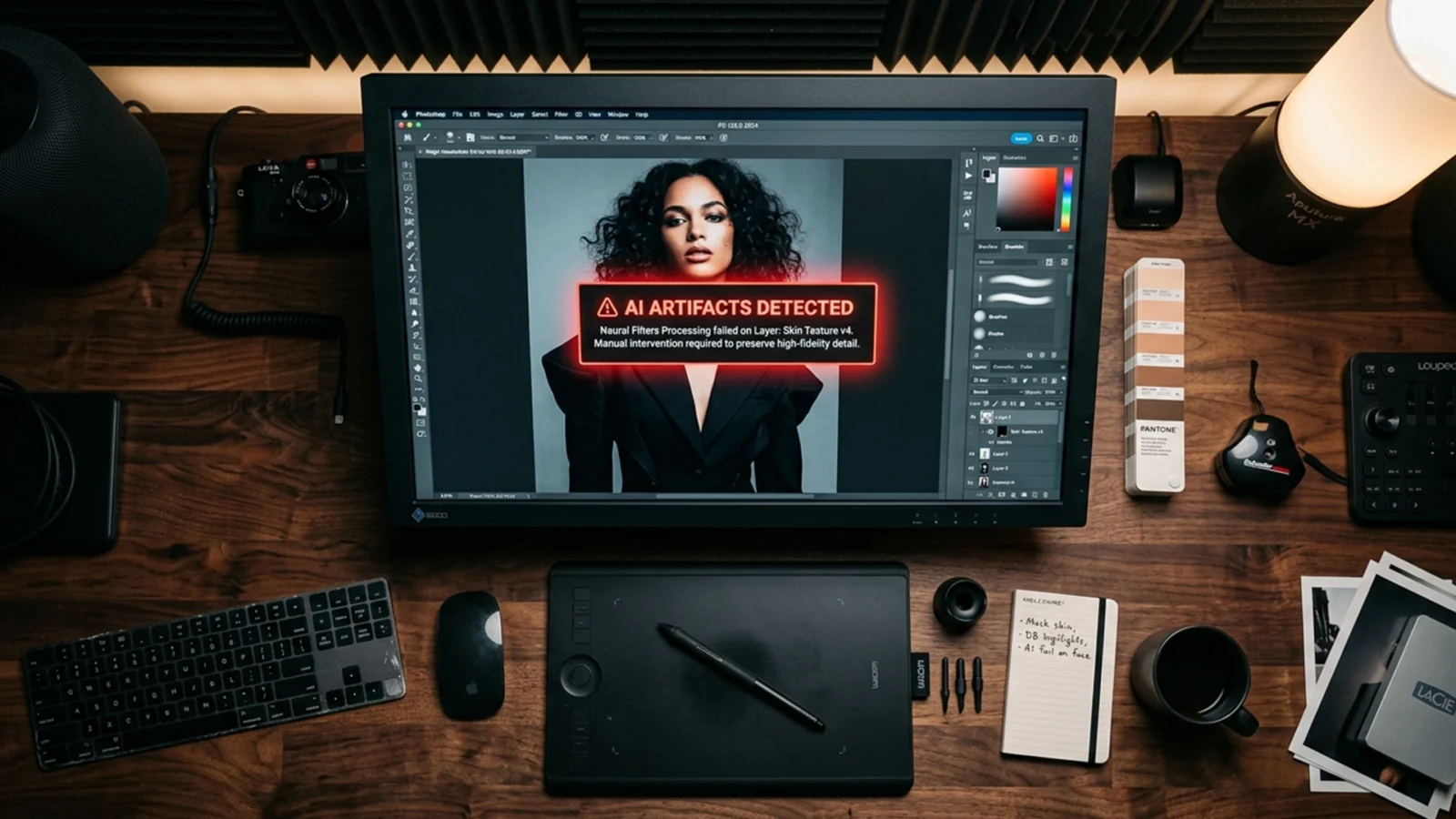
How to Bypass Generative Fill Restricted Content Errors
You are on a tight deadline, retouching a high-end swimwear or fitness shoot, when Photoshop suddenly throws up a roadblock. You highlight a stray hair or a wardrobe malfunction, hit generate, and receive this frustrating alert: “The generated images were removed...
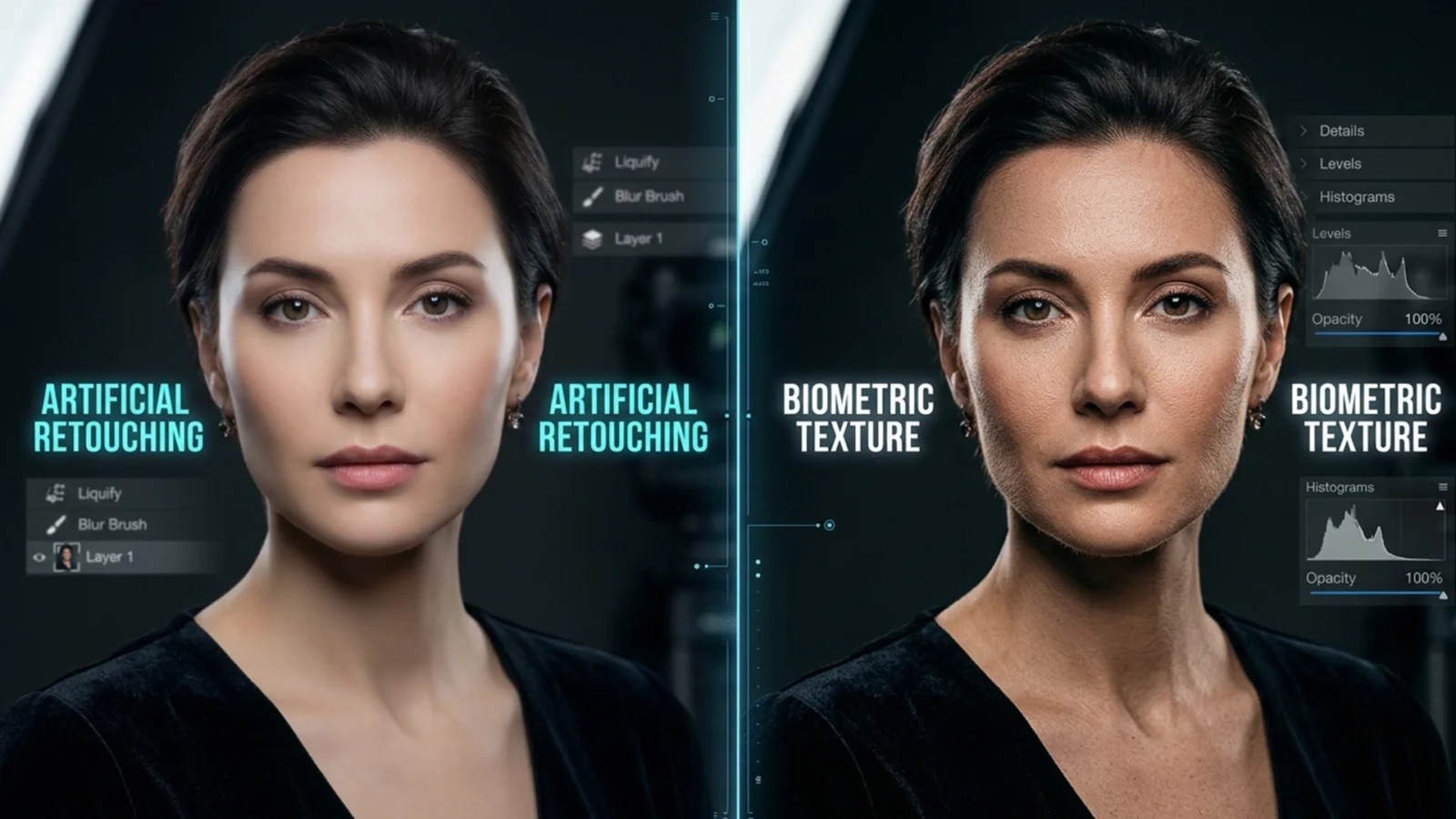
Hybrid Retouch: AI & Frequency Separation for Skin Texture
If you have upgraded to Adobe Photoshop v25.0 or later, you have likely encountered the dreaded “skin texture” effect. While tools like Generative Fill, the Remove Tool, and Neural Filters are incredibly fast at clearing blemishes and stray hairs, they ruthlessly...
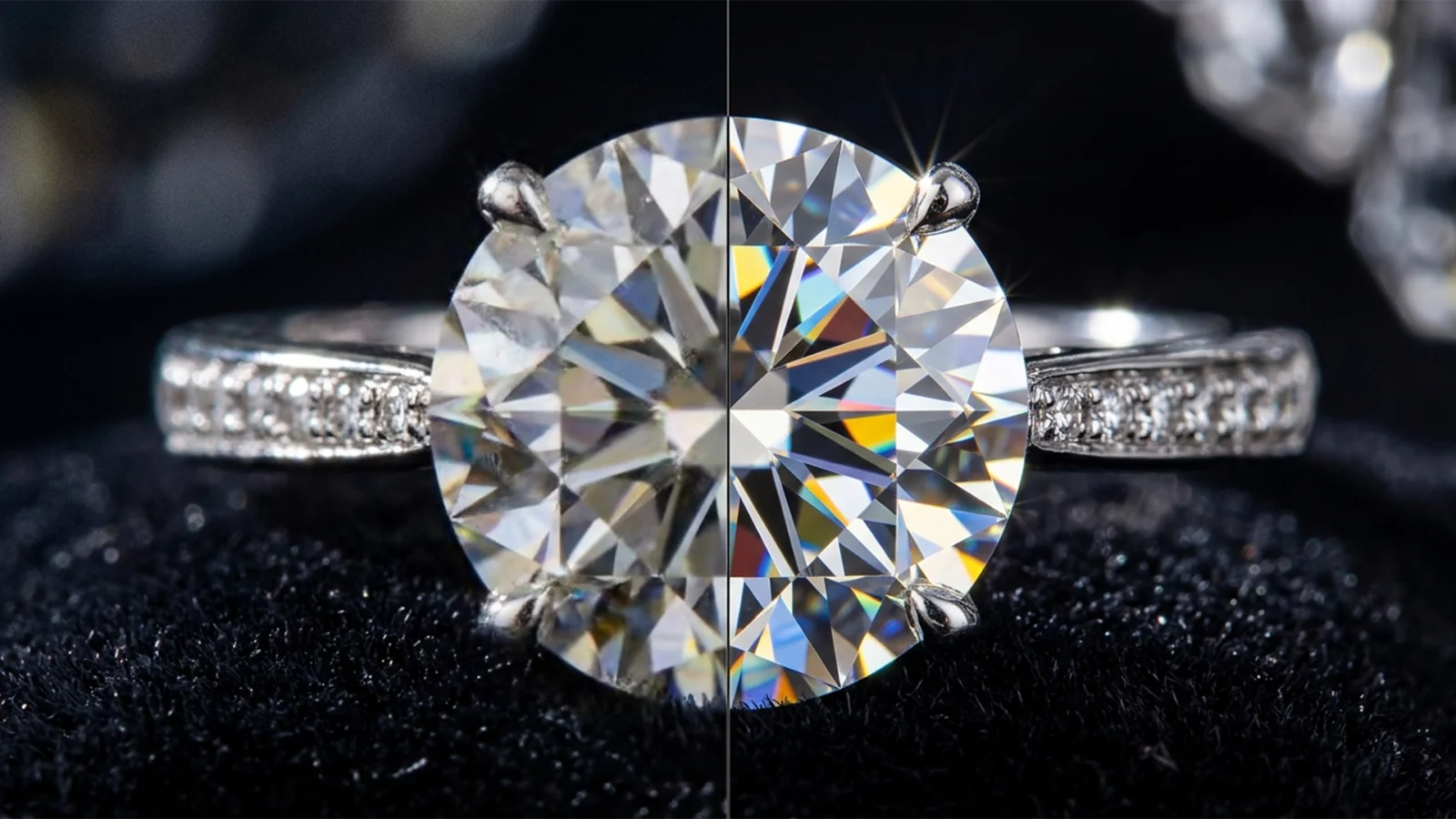
Fix Generative Fill Jewelry Artifacts Like a Pro
You just spent hours staging the perfect luxury jewelry shoot, but a stray reflection needs removing. You fire up Photoshop, lasso the area, and hit Generative Fill. The result? A muddy, plastic-looking smudge that completely destroys the brilliance of the gemstone.
If you...
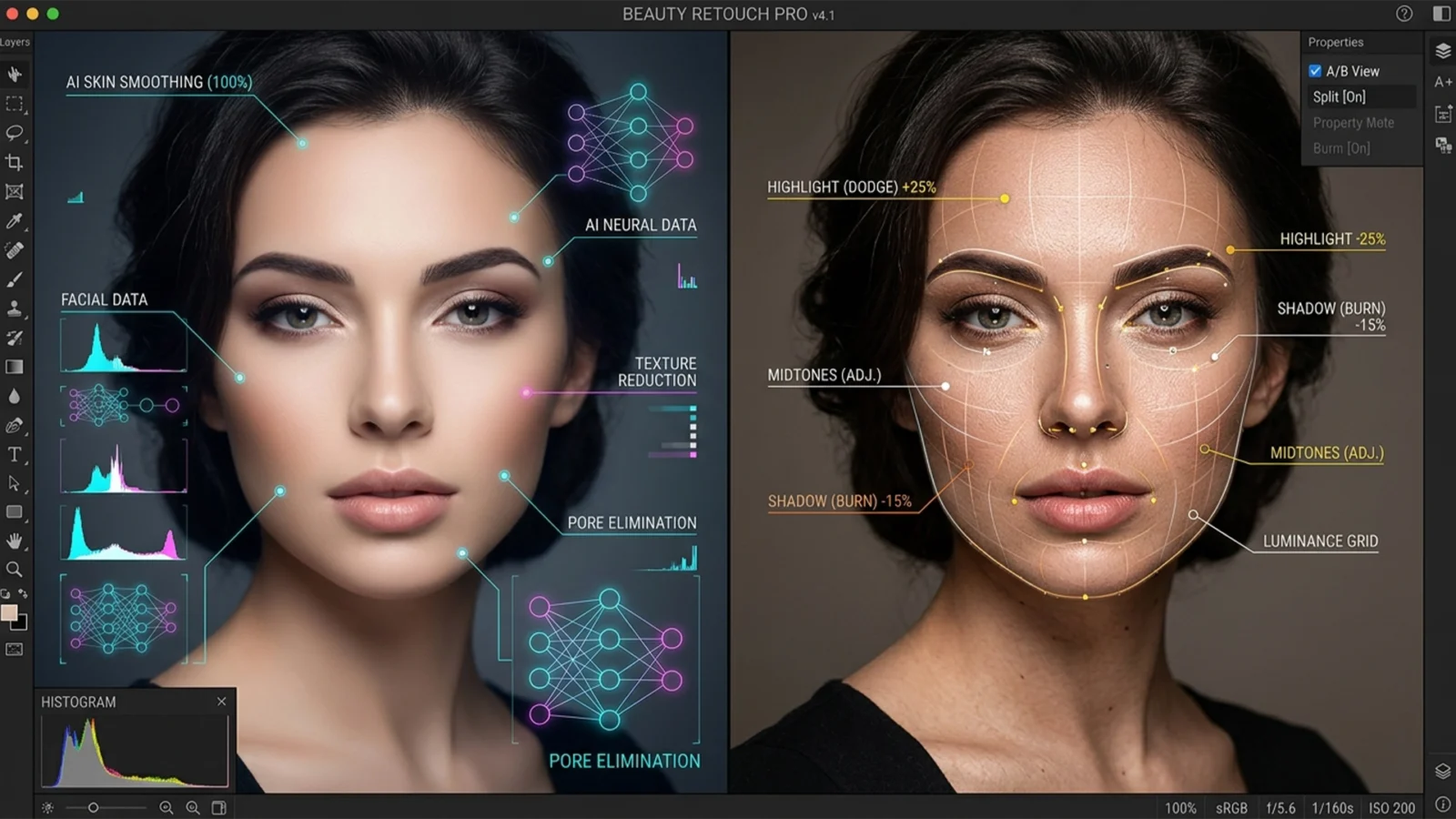
AI Noise Reduction vs Manual Dodge & Burn: Which Wins?
In modern high-end beauty retouching, the ultimate challenge is balancing flawless, luminous skin with absolute natural texture retention. You’ve likely experienced the frustration: you apply the latest AI noise reduction, and suddenly, your subject looks like a plastic...
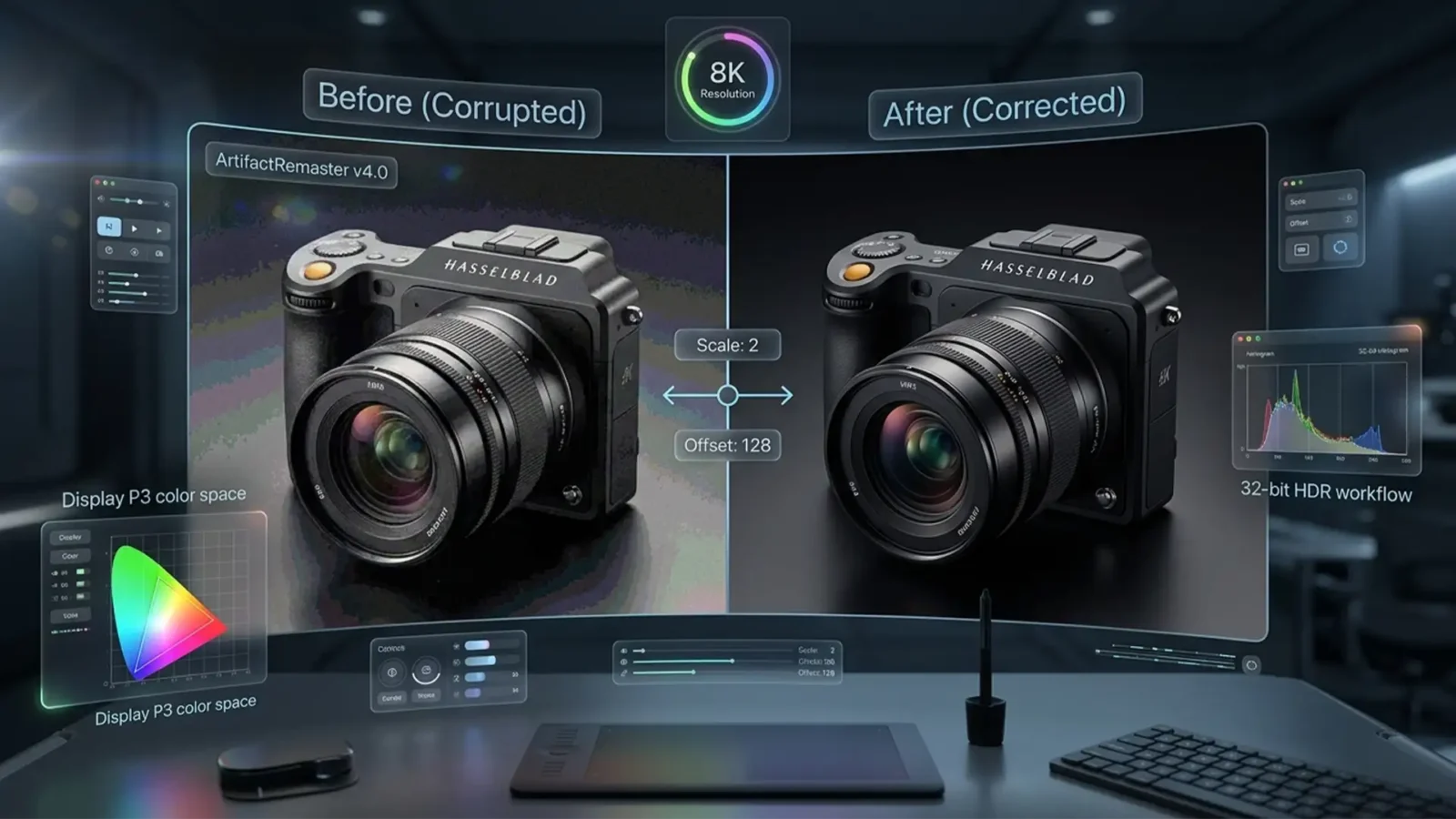
Retouching for the Future: Professional Product Retouching for Apple Vision Pro and 8K Displays
Are your e-commerce product retouching ready for the spatial computing revolution? When viewed on a standard flat monitor, your retouched photos might look flawless. But put on an Apple Vision Pro, and suddenly your traditional 8-bit sRGB workflow falls apart. In an 8K...



