
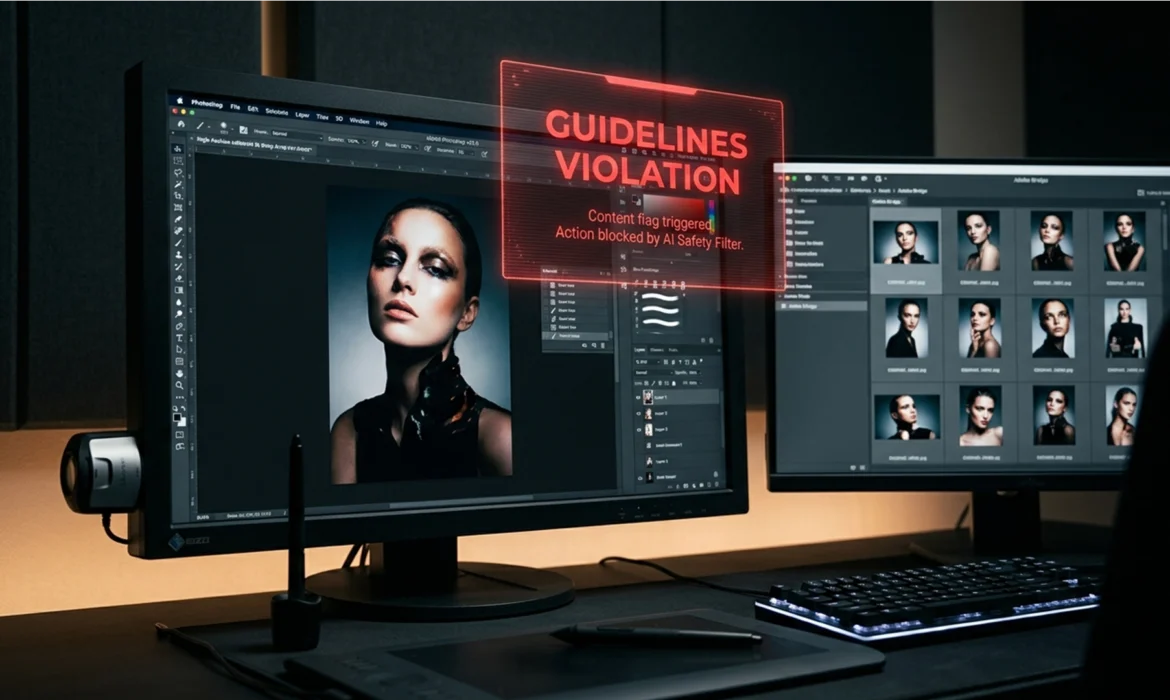
You are finalizing a high-end retouching campaign for a swimwear client. You make your selection, hit generate, and instead of a flawless pixel blend, you are hit with a red roadblock: “The generated images were removed because Guidelines Violation.”
For fashion, lingerie, and boudoir retouchers, Adobe’s strict AI safety filters are causing massive workflow bottlenecks. The system overly scrutinizes skin tones, curves, and sheer fabrics, leading to frustrating false positives. If you want to maintain your post-production speed, you need a reliable Photoshop Generative Fill guidelines violation workaround.
Here is how professional retouchers are bypassing Adobe Firefly’s censorship to get the job done.
Why Adobe Firefly Flags High-End Retouching
In Adobe Photoshop v25.0 and newer, Generative Fill is powered by the cloud-based Adobe Firefly Image Model. To prevent the generation of explicit or harmful content, Adobe implemented aggressive AI safety filters.
The problem? The algorithm lacks the nuance to distinguish between a high-end fashion editorial and inappropriate content. When processing images with exposed skin, swimwear, or sheer fabrics, the AI instantly triggers a false positive. Because the AI evaluates the entire selected bounding box rather than just the pixels you intend to change, even a minor background extension on a fashion shoot can trigger a lockdown.
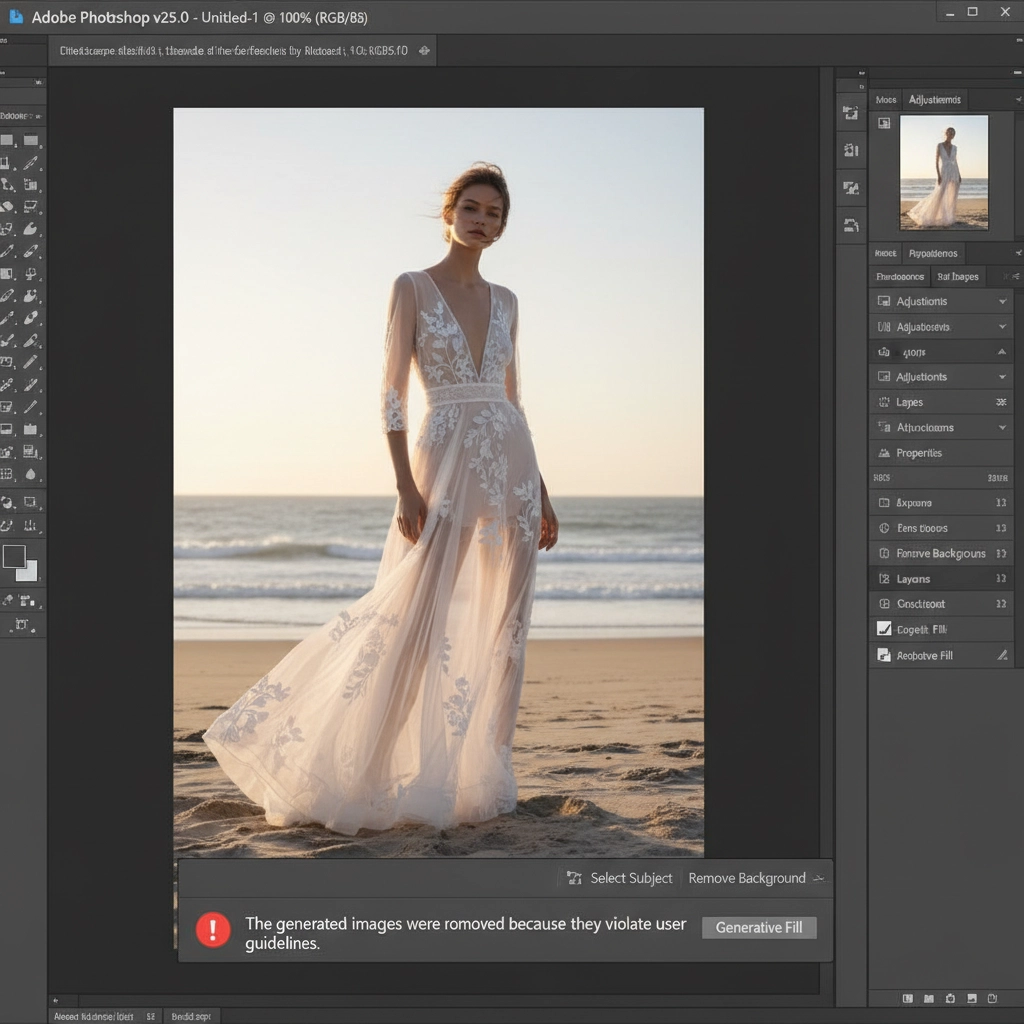
3 Workarounds for the Photoshop Generative Fill Guidelines Violation
When the cloud-based filter halts your workflow, use these three proven techniques to force the edit through.
Method 1: The “Blank Prompt” Hack and Prompt Engineering
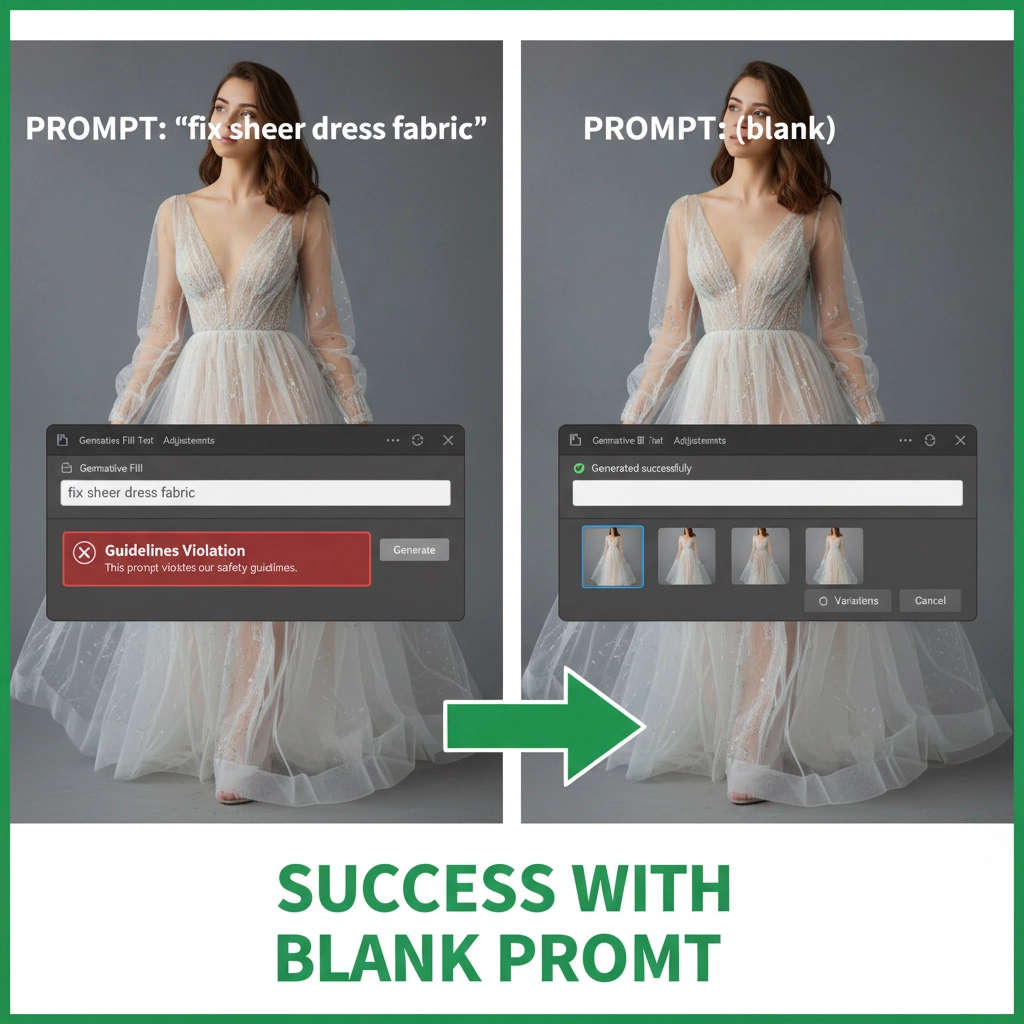
The fastest way to bypass a false positive is to stop giving the AI words to scrutinize. Prompt engineering for fashion retouching often means using no prompt at all.
If your prompt contains words like “fix skin,” “sheer,” “cleavage,” or “bare,” the AI safety filter will instantly flag it.
The Fix: Leave the prompt box completely empty. By submitting a blank prompt, you force Adobe Firefly to rely strictly on the surrounding pixels to fill the gap. If you absolutely must guide the generation, use highly technical, neutral LSI keywords like “blend texture,” “smooth gradient,” or “extend background.”
Method 2: Sectional Generation for Safe Zones
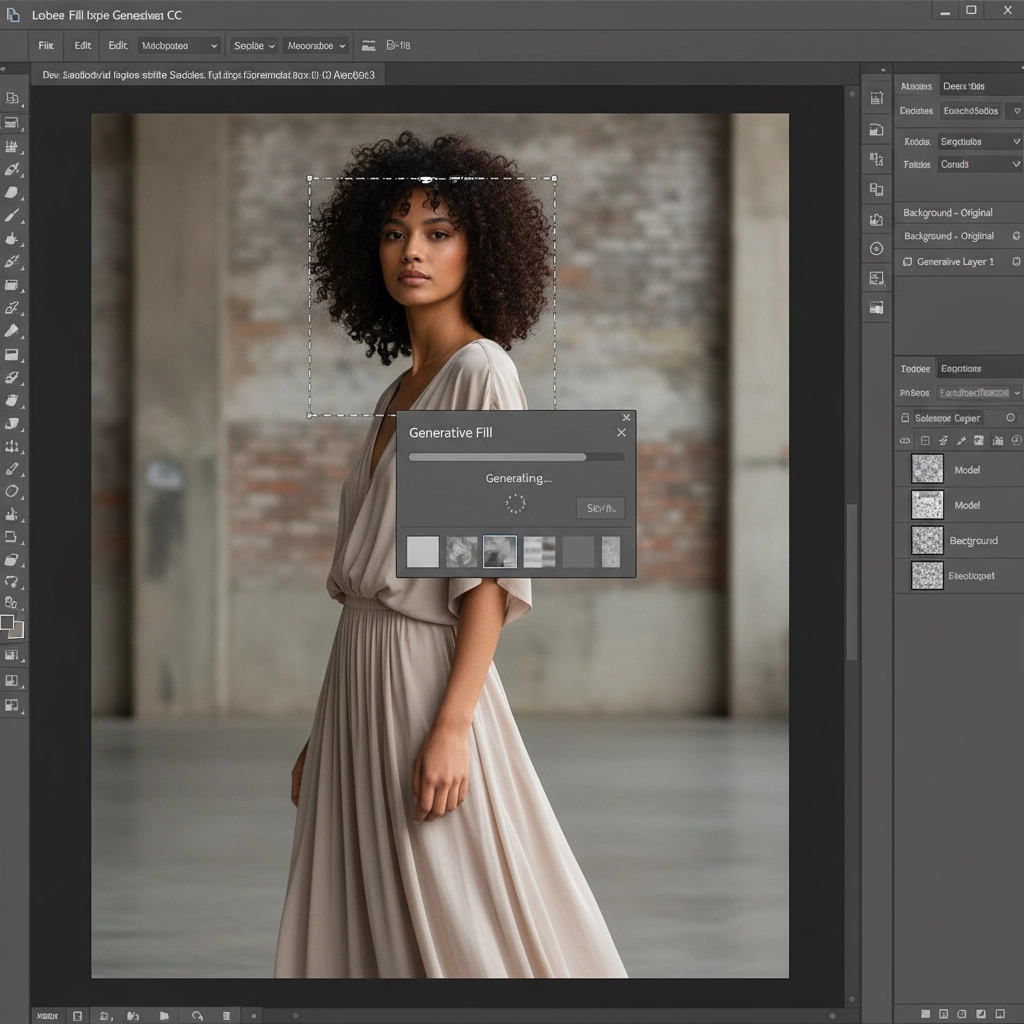
Because the Firefly model evaluates your entire selection, wrapping a large bounding box around a model’s body will almost always result in a guidelines violation if skin is exposed.
The Fix: Instead of selecting the entire area you want to fix, use the Lasso Tool to isolate smaller, localized “safe zones.”
- Target areas strictly containing background elements, fabric, or non-sensitive regions.
- Run Generative Fill on these micro-selections.
- Once the safe zones are generated, use Smart Objects and manual layer masking to seamlessly blend the gaps.
By keeping the AI’s “eyes” off the sensitive areas, you prevent the trigger threshold from being crossed.
Method 3: The Content-Aware Masking Fallback
When cloud-based AI completely refuses to cooperate, you must revert to local processing. Traditional Photoshop tools do not ping Adobe’s cloud servers, meaning they cannot be censored.
The Fix:
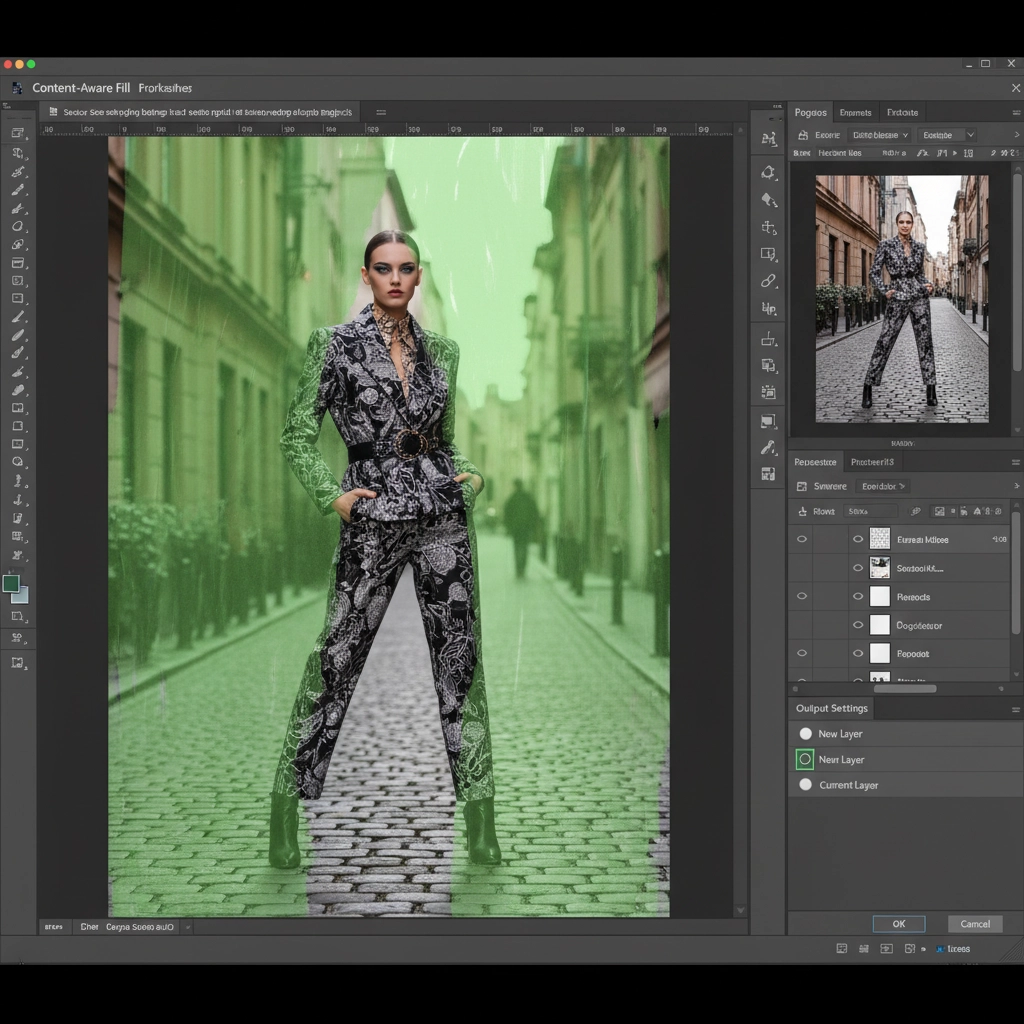
- Pixel Extension: Use the traditional Content-Aware Fill workspace (Edit > Content-Aware Fill) to establish your foundational pixel extension.
- Texture Rebuilding: Because Content-Aware Fill can sometimes leave muddy textures, apply Frequency Separation to separate your color data from your texture data.
- Manual Blending: Clone clean textures onto the high-frequency layer and smooth the color transitions on the low-frequency layer.
This technical deep-dive guarantees a flawless result without relying on temperamental AI filters.
Stop Fighting AI Limitations. Outsource to the Experts.
Navigating false positives, testing prompt variations, and falling back on manual Frequency Separation takes time—time you should be spending shooting or scaling your business.
If you are tired of battling the Photoshop Generative Fill guidelines violation error, let Image Work India and Cloud Retouch handle the heavy lifting. We specialize in high-volume, high-end retouching for fashion, editorial, and swimwear campaigns. Our team of expert retouchers relies on human-guided perfection, advanced masking, and professional compositing to deliver flawless images—without the AI censorship roadblocks.
Ready to streamline your post-production? [Contact Cloud Retouch today] to get a custom quote on your next high-end editorial project.



