
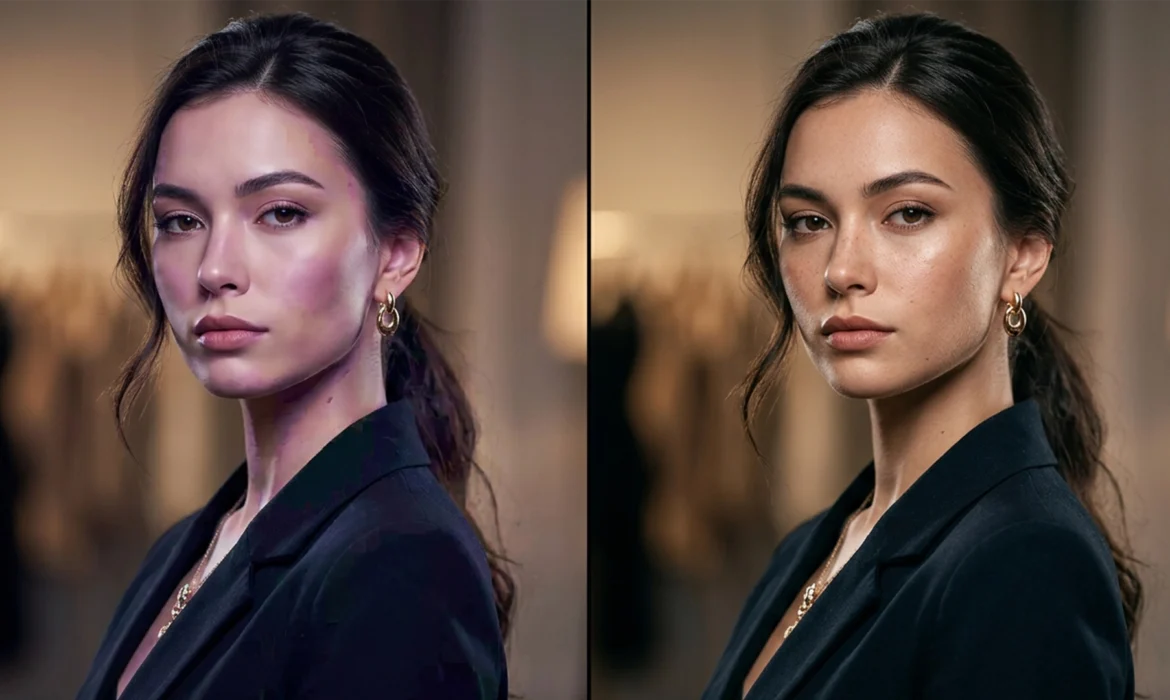
Have you ever run a gorgeous beauty portrait through Adobe’s latest tools, only to find your model suddenly looks like a plastic mannequin? You are not alone. While Photoshop v25.0+ and its Generative Fill (Firefly) engine have revolutionized post-production speed, they share a glaring flaw: they destroy natural texture.
This “plastic skin” effect ruins vital high-frequency detail like pores and peach fuzz while introducing blocky, low-frequency color artifacts. If you want to maintain industry standards, relying purely on automation won’t cut it. Today, we are walking through the definitive guide to AI skin artifact removal fashion retouching to help you restore natural texture using a professional, lossless workflow.
The Problem: Why AI Flattens Skin Detail
Modern AI engines prioritize global smoothing and tone correction over micro-contrast. When you run a portrait through automated skin smoothing or use Generative Fill to remove a large blemish, the neural engine averages out the pixels. The result? The underlying color might look even, but the microscopic texture that makes skin look human is entirely erased.
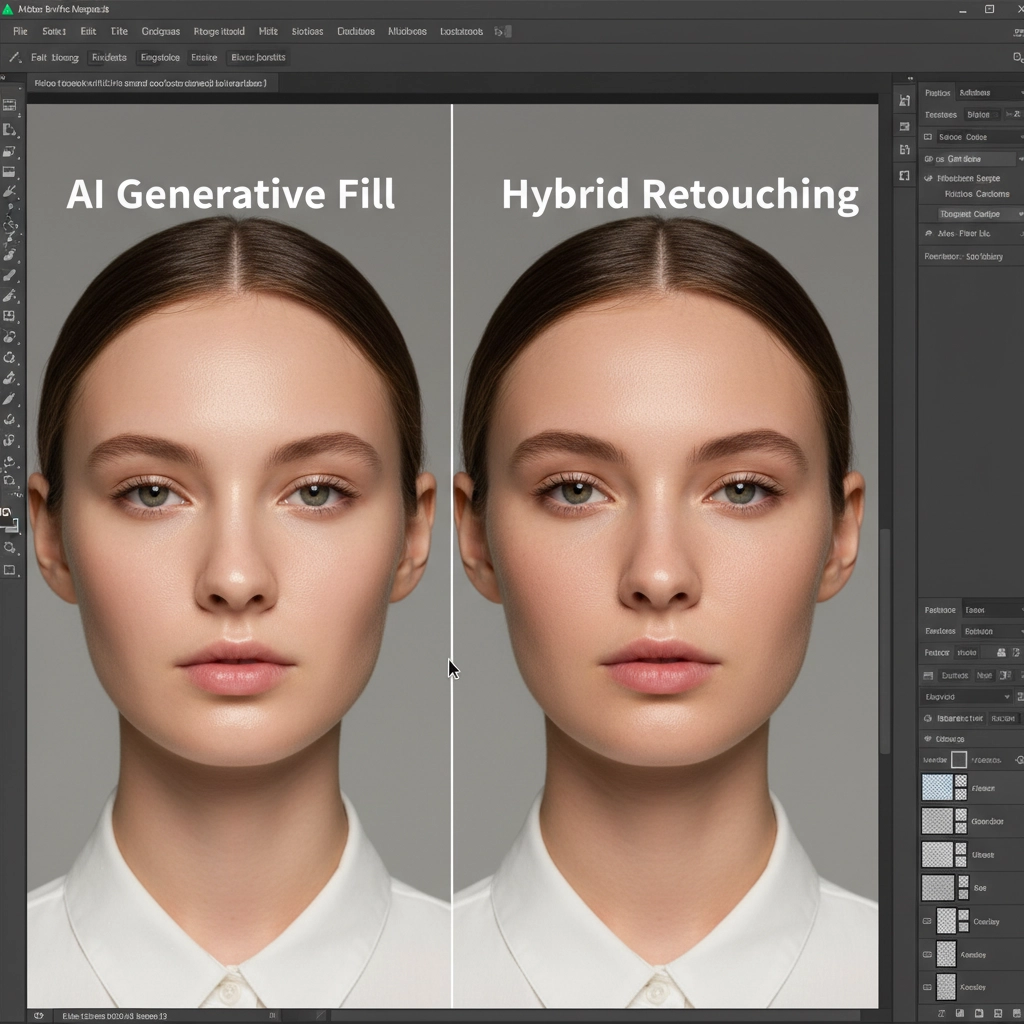
To fix this, we must adopt a hybrid approach. Here are three methods to integrate AI into your workflow without sacrificing quality.
Method A: The Quick Fix (Controlled Neural Filters)
If you are dealing with tight deadlines and need a fast turnaround, you can still use Photoshop’s built-in AI—you just need to control how it blends with the original image.
Step-by-Step Execution
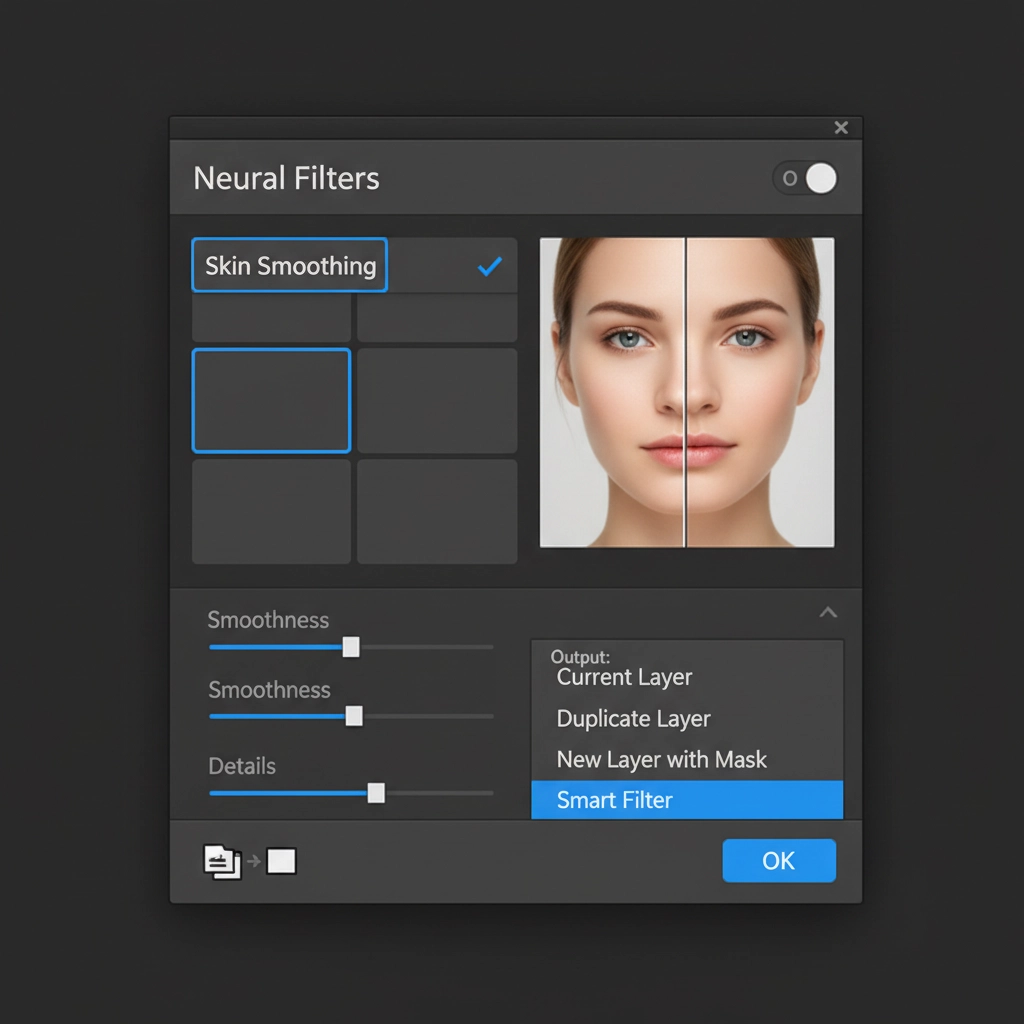
- Open the Neural Filters panel and activate Skin Smoothing.
- Instead of letting Photoshop merge the result, navigate to the output settings at the bottom right and select New Layer.
- Once applied, lower the opacity of this new AI layer to 40-50%.
- Apply a Layer Mask and use a soft black brush to paint out the eyes, lips, nostrils, and edges of the face to bring back maximum sharpness in the focal areas.
Method B: The Pro Workaround (Frequency Separation Integration)
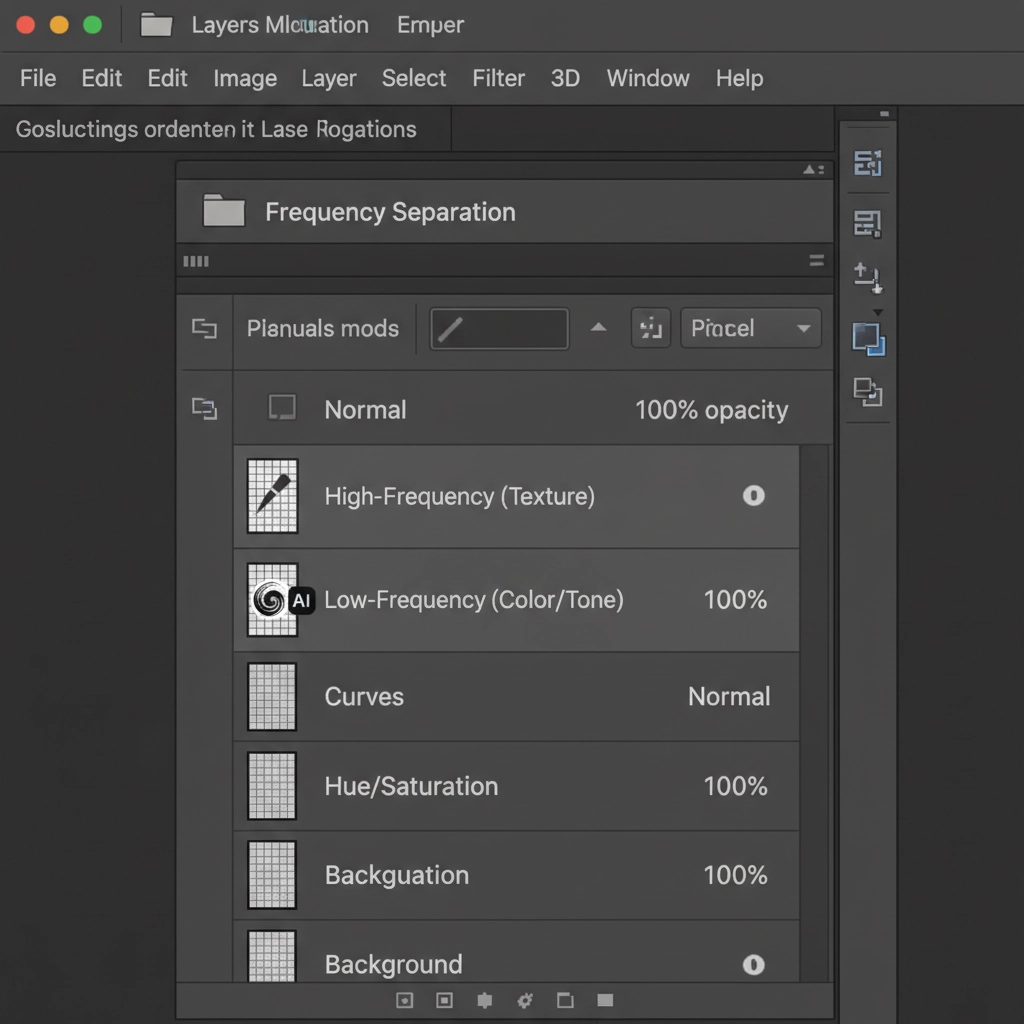
For high-end fashion retouching, a strict lossless workflow is non-negotiable. The secret to perfect AI skin artifact removal fashion retouching is restricting the AI to the color data while protecting the texture data. We do this through Frequency Separation.
Splitting Tone and Texture
- Set up your standard Frequency Separation layer stack (two duplicate layers: one blurred for color, one utilizing Apply Image for texture).
- Select your Low-Frequency (Color/Tone) layer.
- Run Generative Fill or your preferred AI smoothing tool strictly on this layer to fix blemishes, blotchiness, and uneven lighting.
- Leave the High-Frequency (Texture) layer completely intact.
Because the AI only alters the low-frequency color data, the original high-frequency detail (pores and micro-contrast) remains perfectly preserved on top.
Method C: The Technical Deep-Dive (Artificial Texture Generation)
What happens if you receive an image where the AI has already flattened the skin, and you don’t have the original raw file? You have to synthesize the lost high-frequency detail.
Rebuilding Pores from Scratch
- Create a new layer and fill it with 50% Gray. Change the blend mode to Overlay.
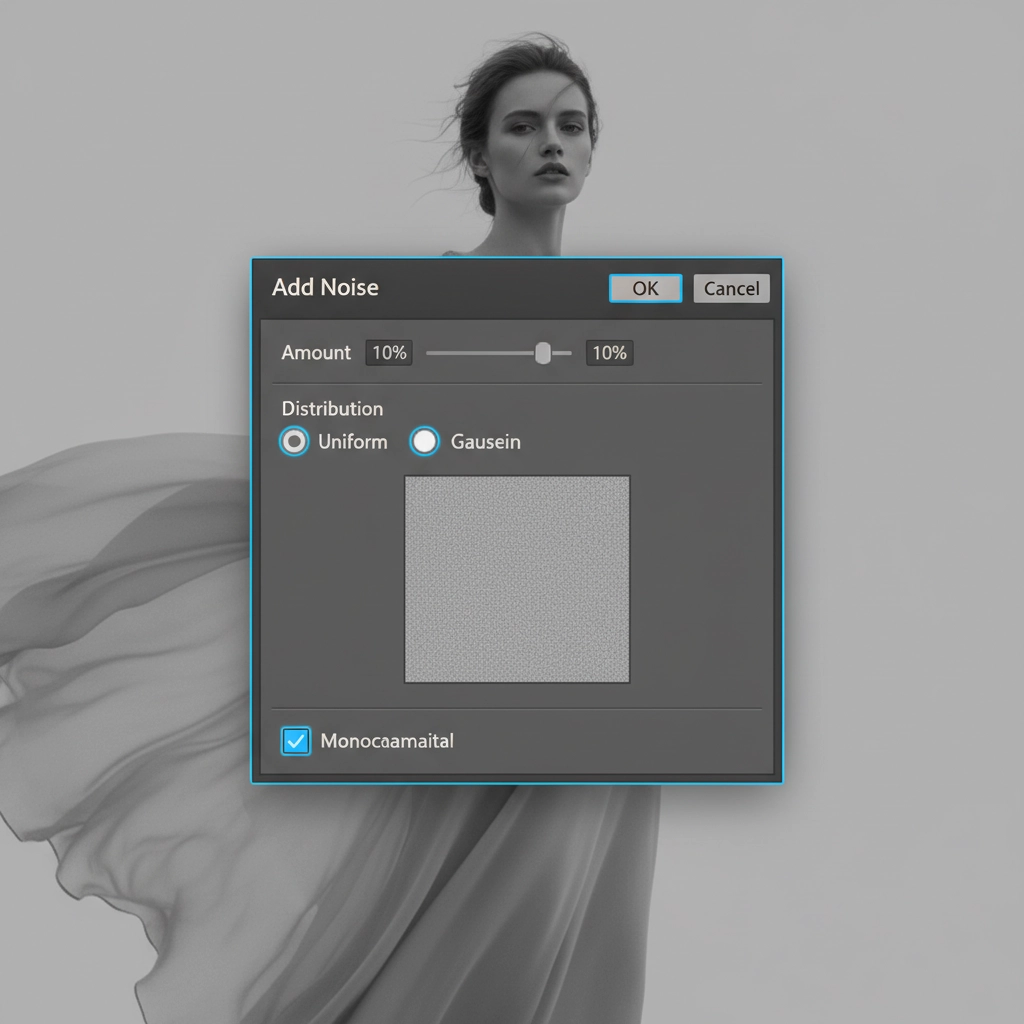
- Go to Filter > Noise > Add Noise.
- In the dialog box, ensure you check Uniform and Monochromatic Noise. Keep the amount relatively low (usually between 2-5%).
- To make the noise look like organic skin rather than digital static, apply a slight Gaussian Blur (around 0.5px).
- Finally, use a Clipping Mask or a targeted layer mask to restrict this artificial texture strictly to the areas where the AI smoothed the skin.
Stop Sacrificing Quality for Speed
Mastering AI skin artifact removal fashion retouching requires a delicate balance. While Generative Fill and Neural Filters are incredible tools for speeding up bulk color and tone corrections, they cannot replace the discerning eye of a professional retoucher when it comes to micro-contrast and high-frequency detail.
Struggling to balance AI speed with high-end quality? You don’t have to spend hours rebuilding skin texture manually. Hire Image Work India and Cloud Retouch for pixel-perfect, natural fashion retouching. Our expert team utilizes advanced hybrid workflows to ensure your beauty shots retain their human touch, delivering flawless, magazine-ready results every time. Contact us today to elevate your portfolio.



