
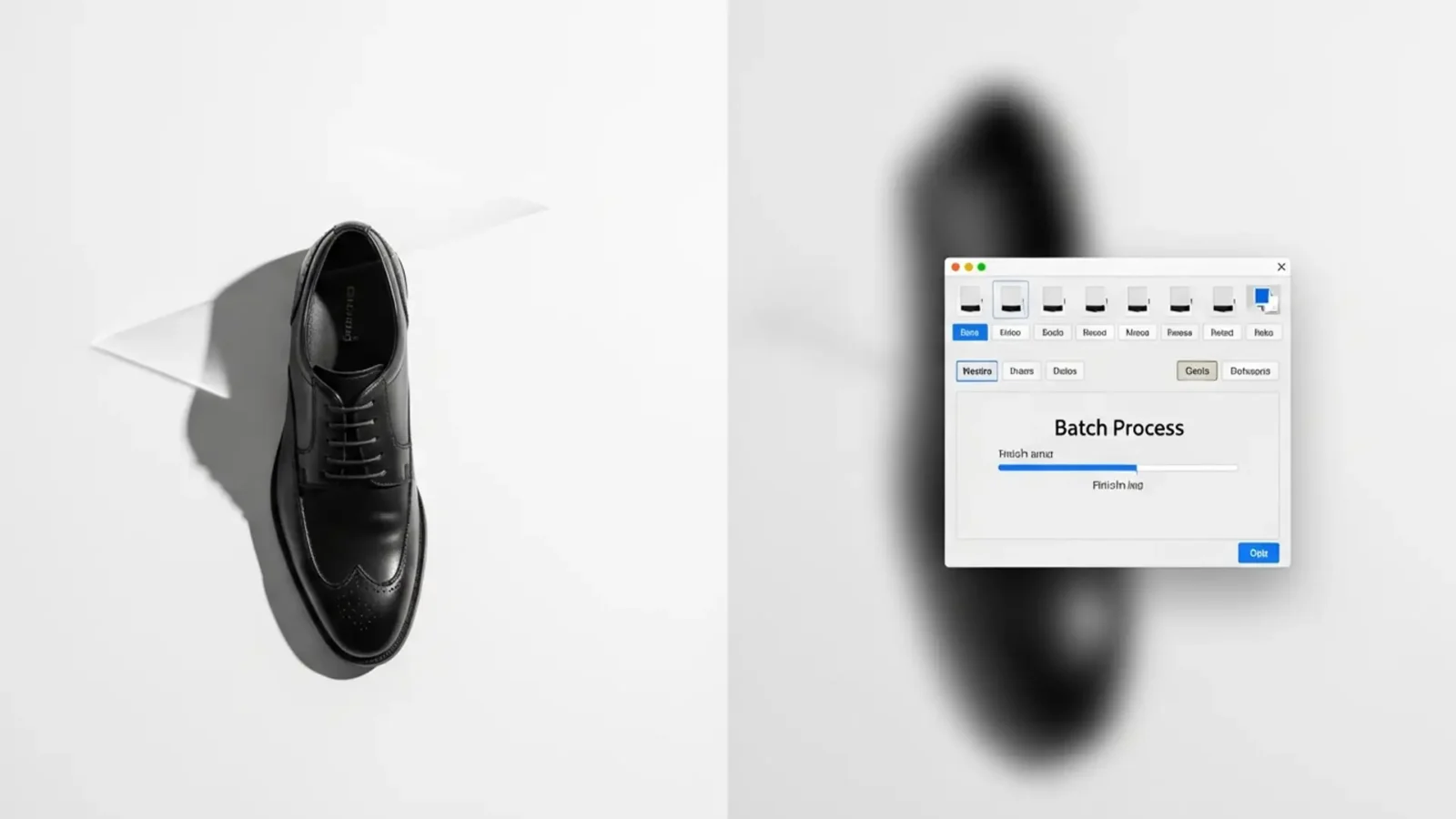
Batch Background Removal Preserving Natural Shadows
If you run an e-commerce studio, you already know the nightmare of processing thousands of product images on a tight deadline. You fire up a batch script in Adobe Photoshop v24.x or v25.x, walk away, and return to a disaster: thousands of “floating” products....
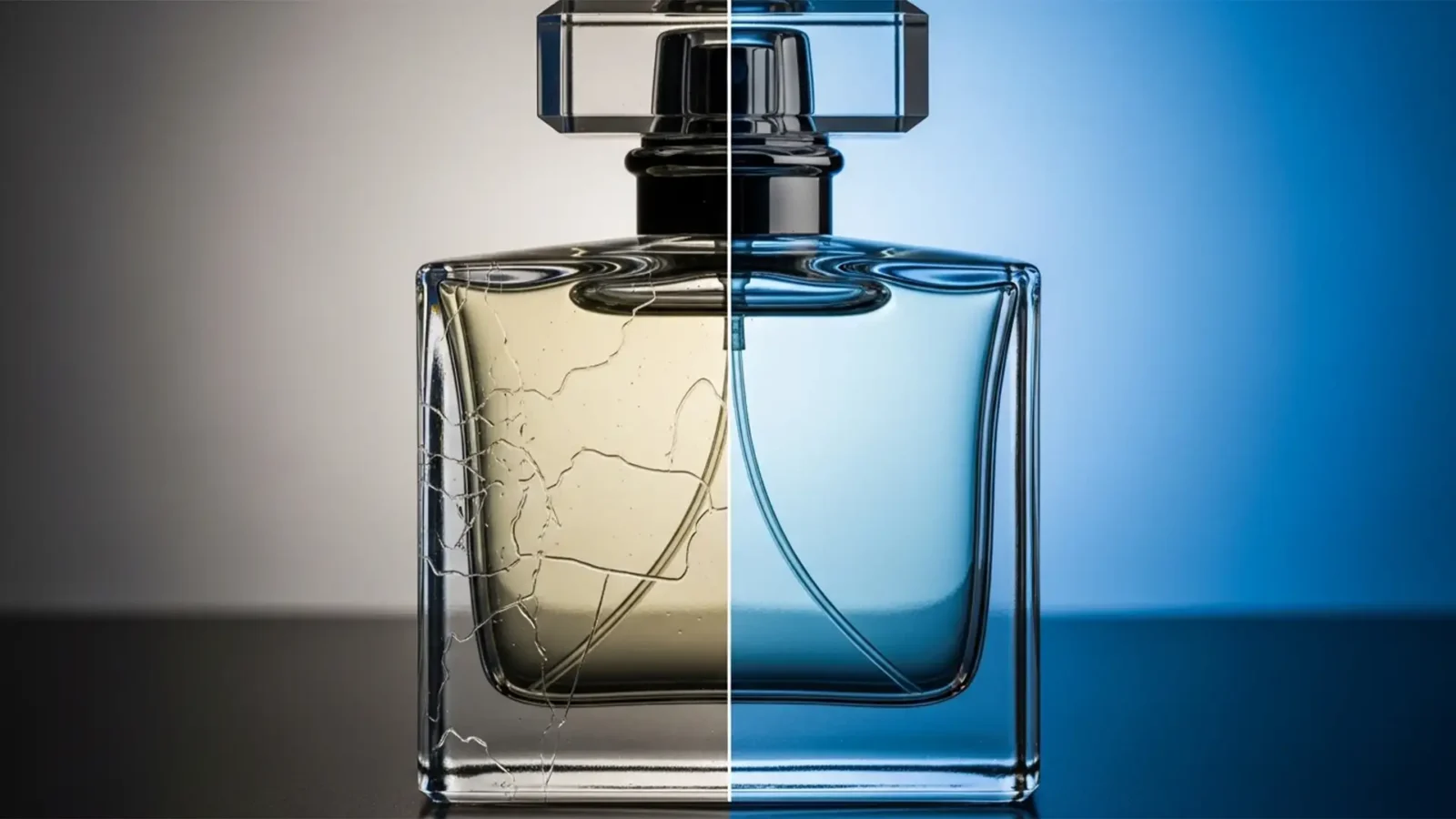
Fix AI Background Removal Artifacts on Transparent Glass
You clicked ‘Remove Background’ in Photoshop, expecting a clean, ready-to-publish product shot. Instead, your transparent glass bottle is ruined by jagged aliasing, opaque gray blocks, and ugly edge halos bleeding from the original backdrop. Sound familiar?...
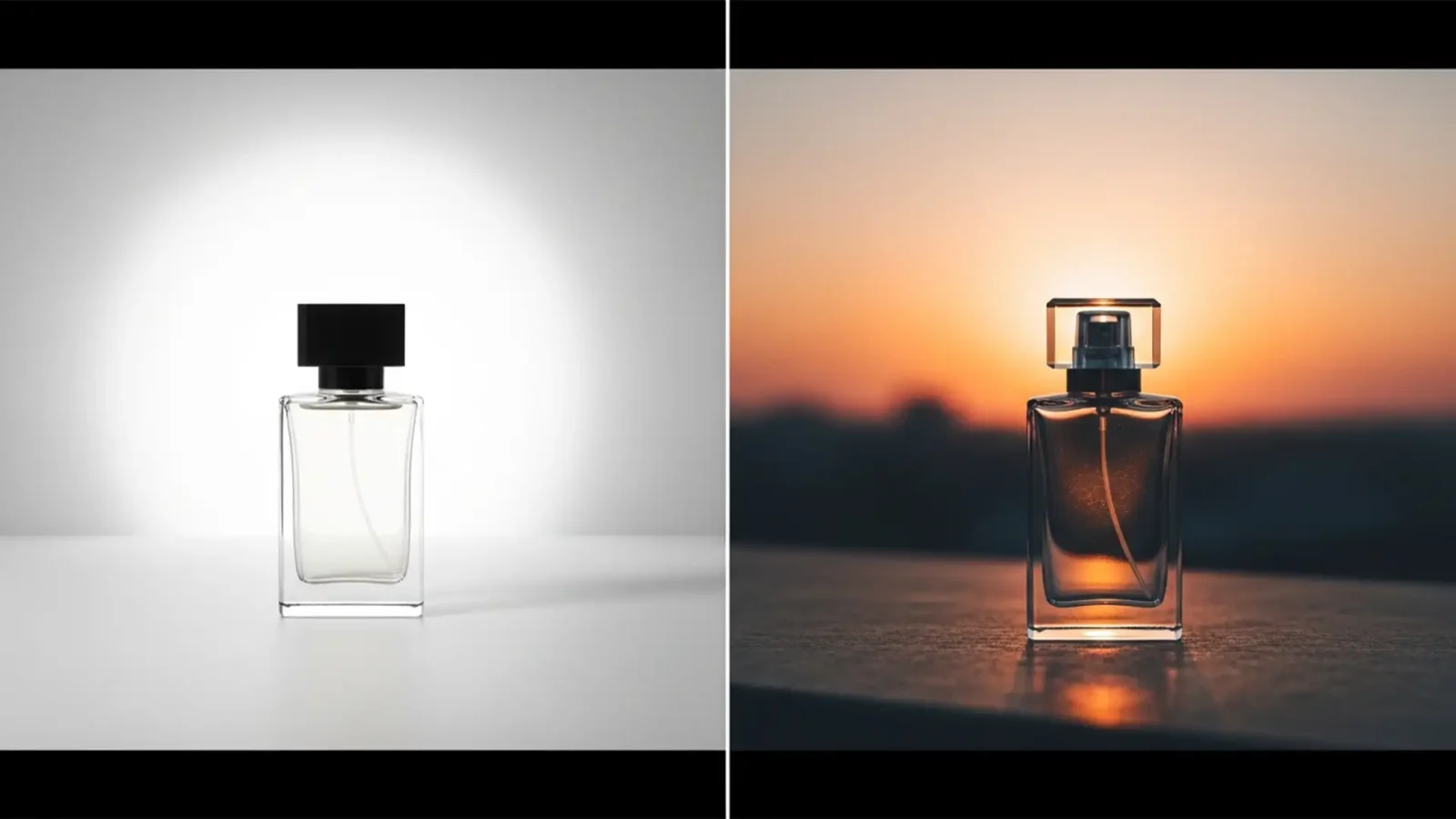
The Reflection Problem: Match Lighting for Background Swaps
You just used the latest AI tools to isolate an e-commerce product, and the cutout is flawless. But when you drop it onto a new lifestyle background, something is horribly wrong. The product looks like it’s hovering. It feels pasted on.
This is the dreaded “floating...
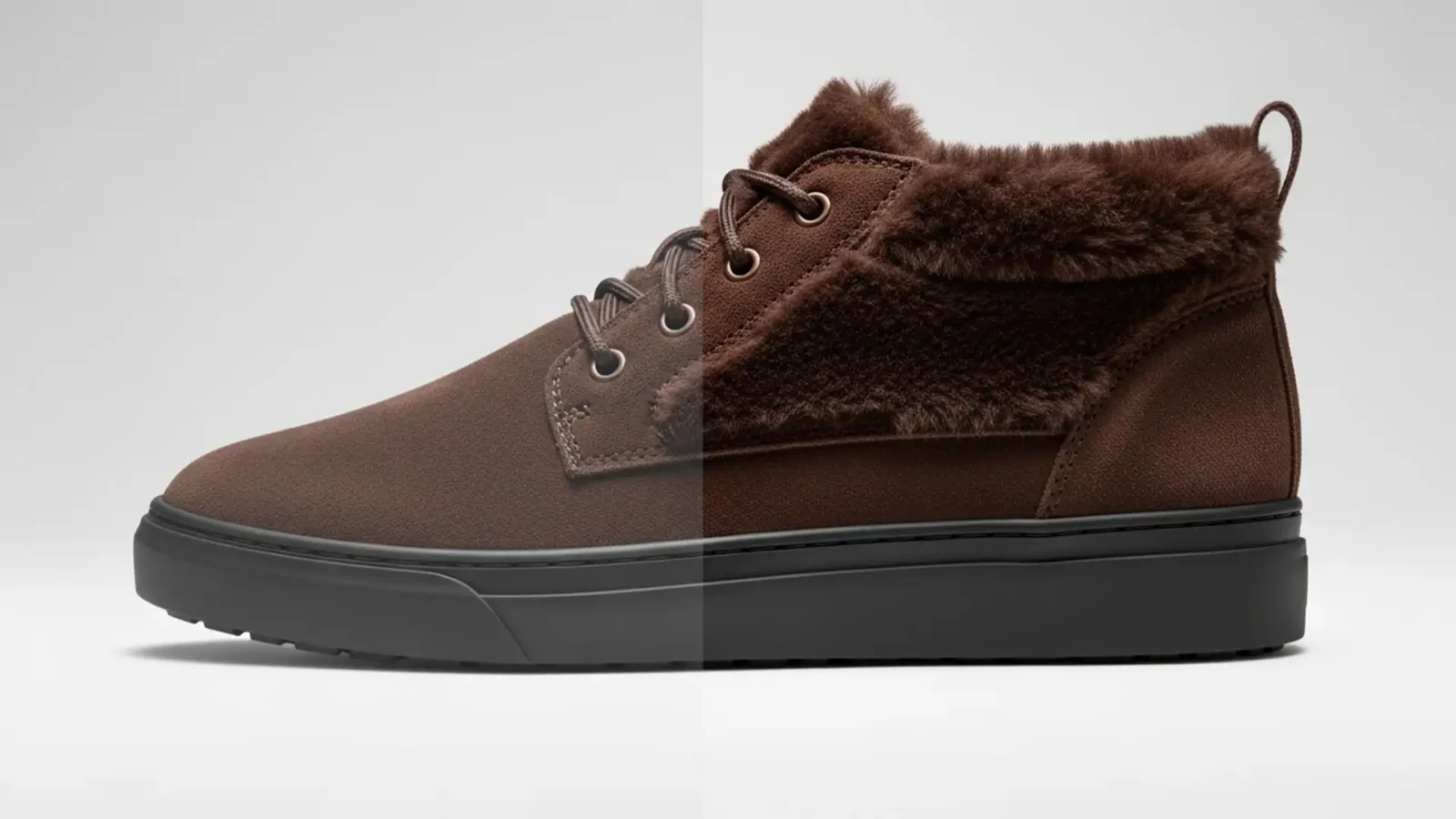
How to Preserve Texture in AI Product Background Removal
You run a batch of product photos through an AI background remover, and suddenly your premium suede shoes look like they were molded out of cheap plastic. Sound familiar?
While one-click AI tools are incredible for speed, their aggressive edge detection algorithms often...
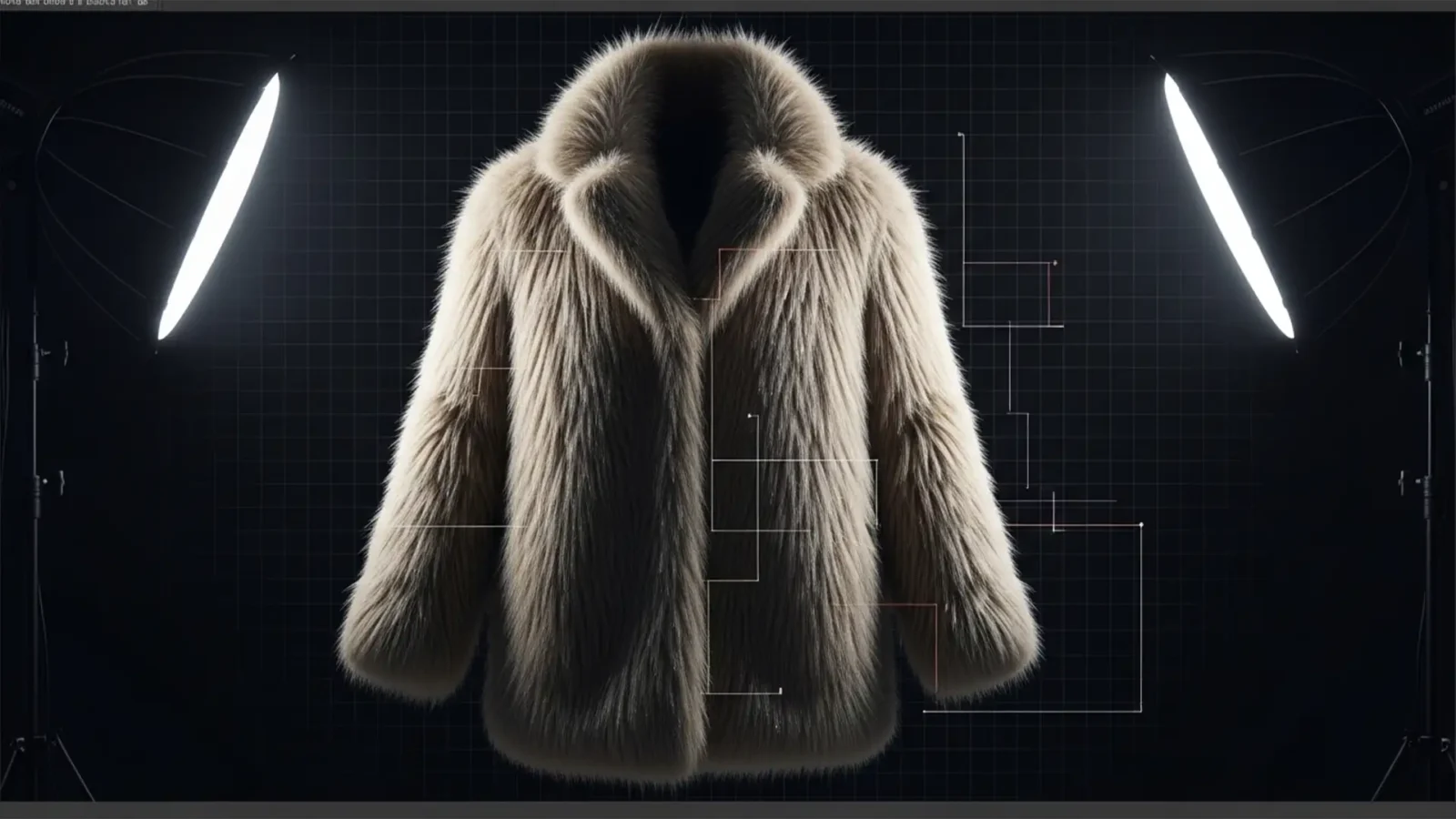
Batch Background Removal for Fur & Fringe Products
If you manage high-volume e-commerce catalogs, you already know the nightmare of processing intricate textures. Standard AI tools and basic vector clipping paths might work perfectly for a smooth leather shoe, but try running a batch background removal for fur and fringe...
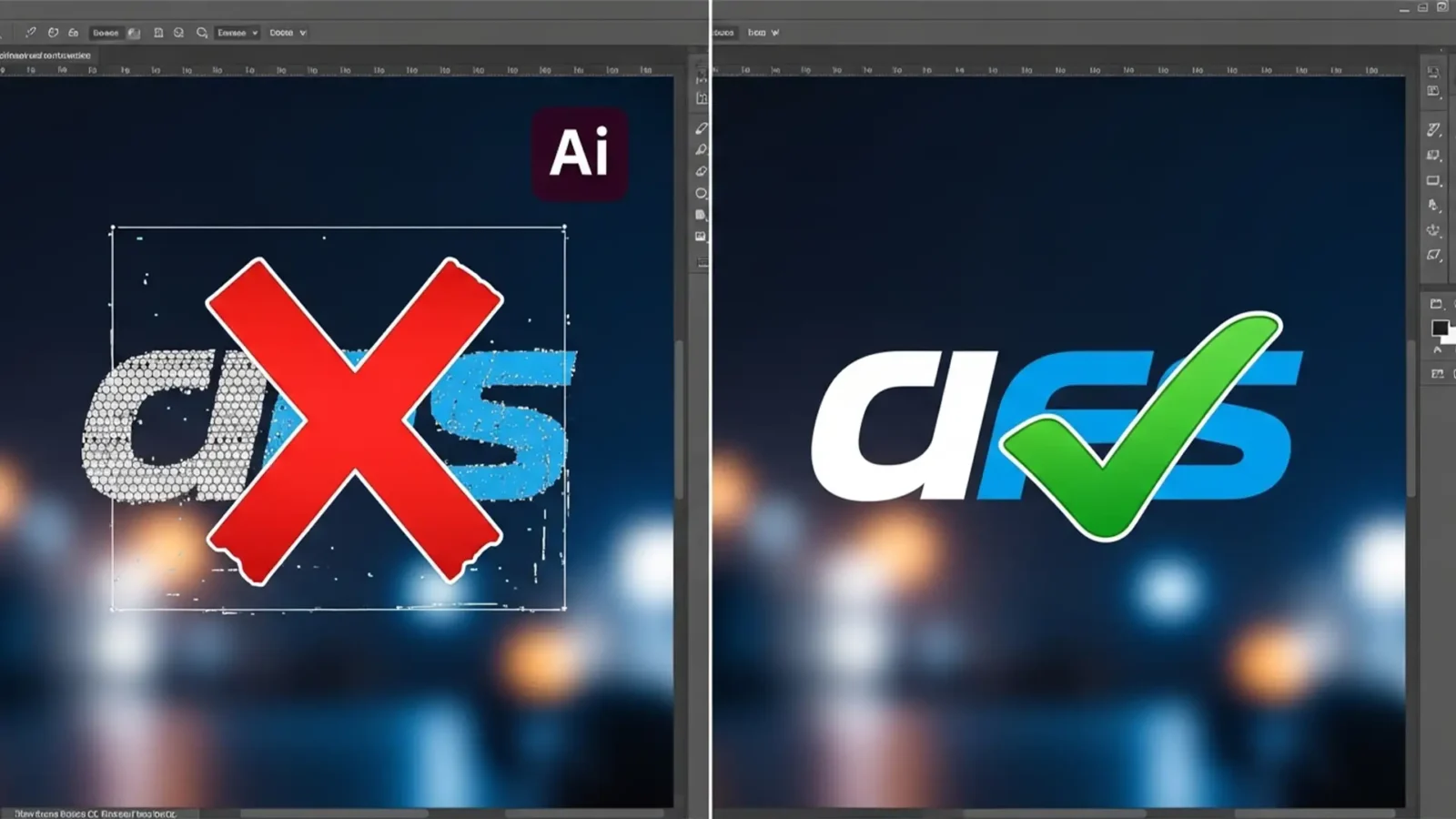
Why Photoshop’s ‘Remove Background’ Fails on Logos (Fixes)
You click “Remove Background” in Photoshop, expecting a crisp, transparent logo ready for your client’s website. Instead, you get a disaster. The edges are jagged, the anti-aliasing is a mess, and the inside of the letter ‘O’ still has a solid...
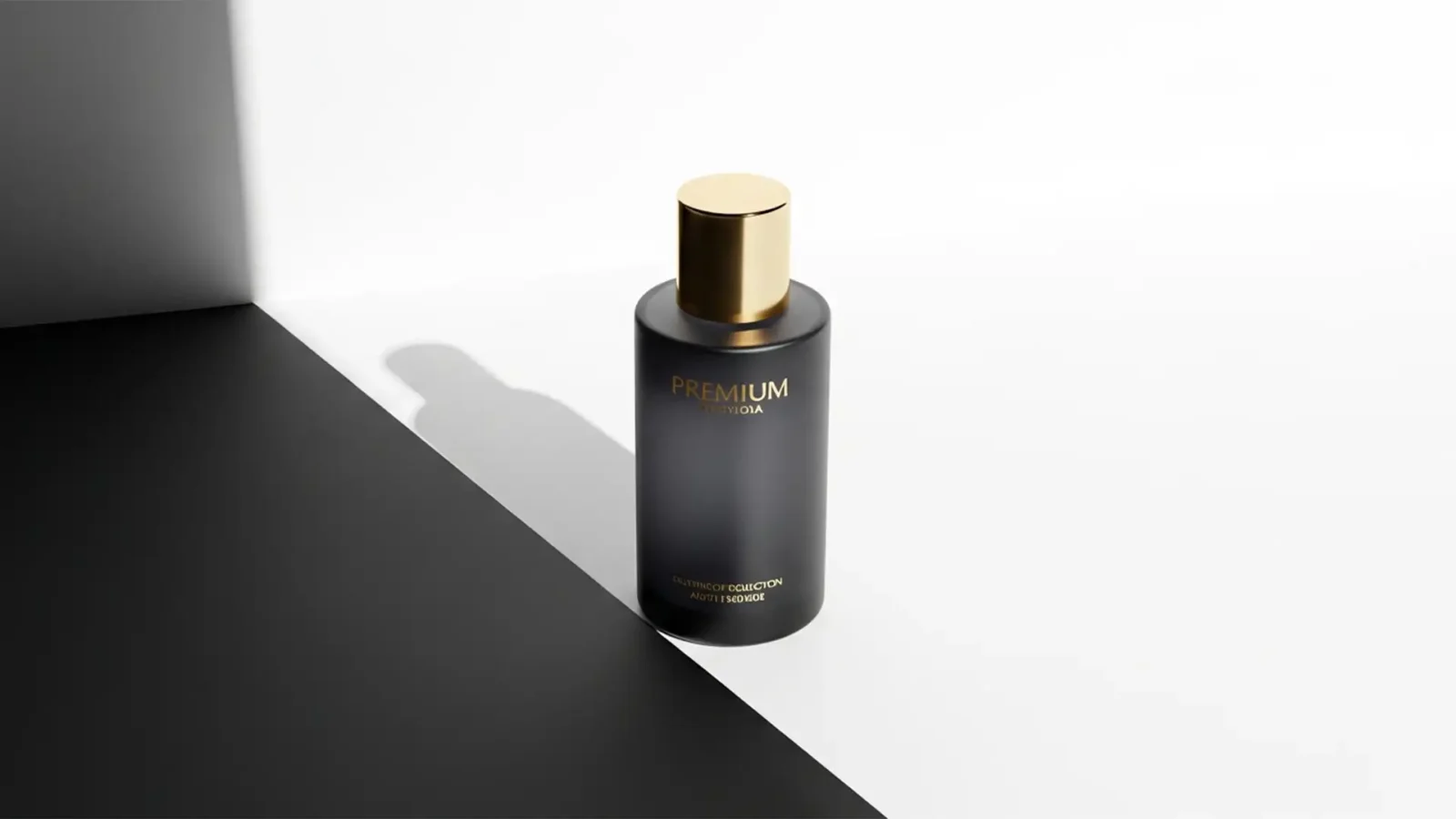
Create Realistic Product Shadows After Background Removal
You’ve just spent hours executing the perfect clipping path or using the latest AI selection tool to isolate your e-commerce products. The backgrounds are perfectly white, the edges are crisp, but something is horribly wrong. Your products look like they are hovering in...
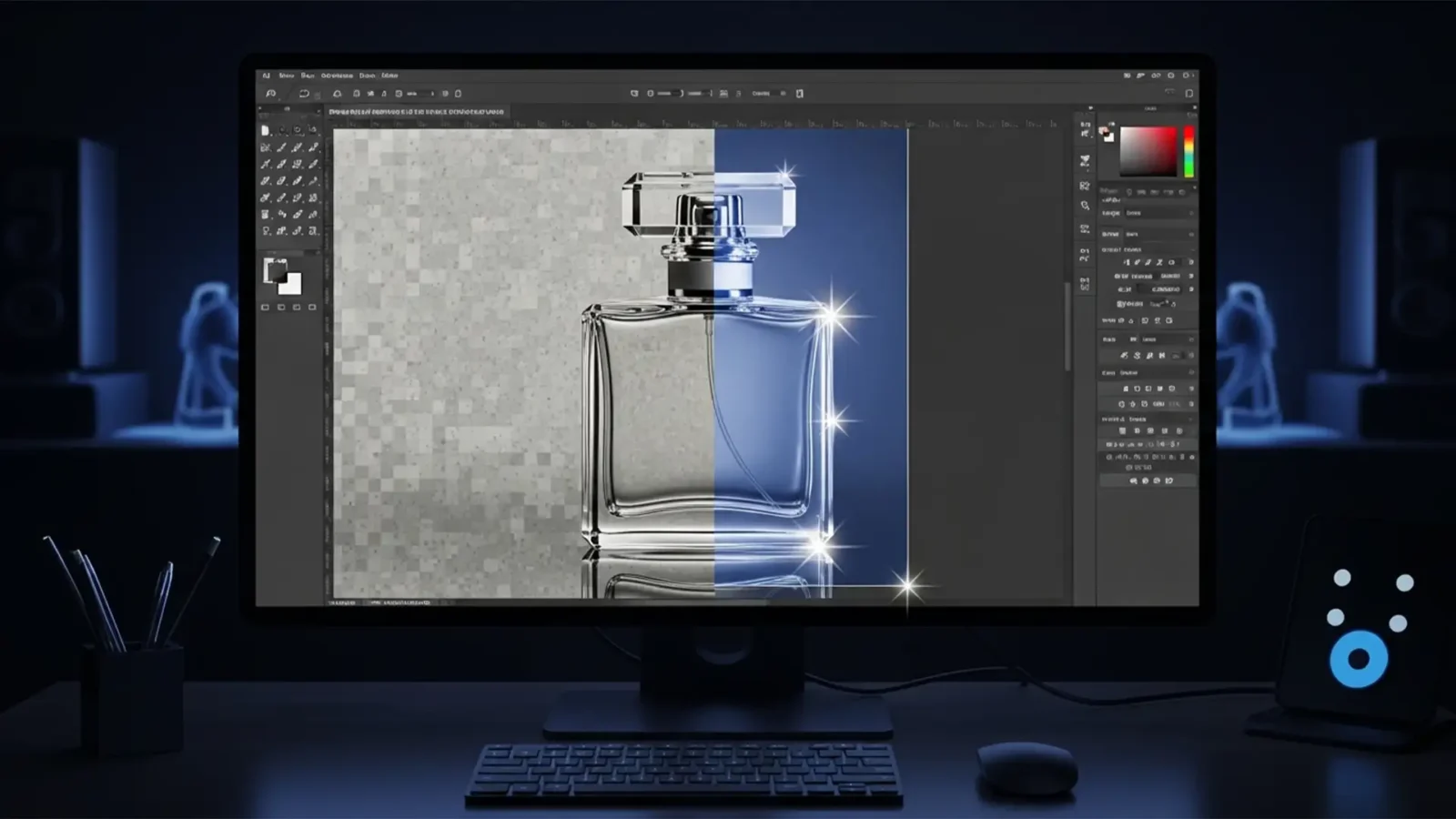
Remove Background from Glass in Photoshop 2024: Pro Guide
You just updated your software, dropped a stunning product photo of a glass bottle onto your canvas, and hit the “Remove Background” quick action. The result? A muddy, ghosted disaster.
While Adobe’s AI-driven tools like Select Subject are incredible for...
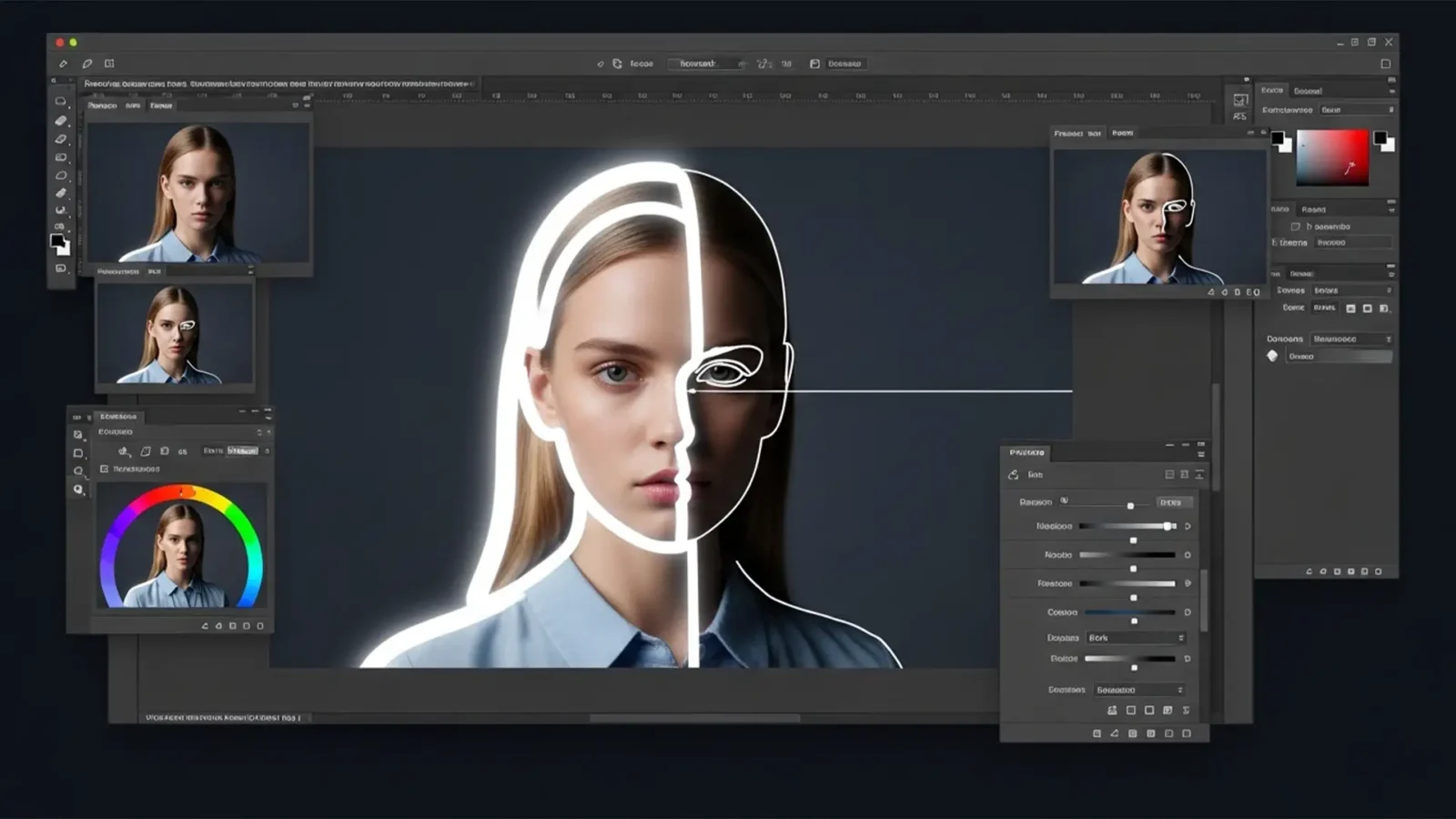
How to Fix AI Halos in Photoshop 2024 Background Removal
You click “Remove Background” in Photoshop 2024, and at first glance, the result looks magical. But zoom in to 300%, and there it is—the dreaded pixel halo. That ugly fringe of leftover background color clinging to your subject’s edges instantly ruins the...
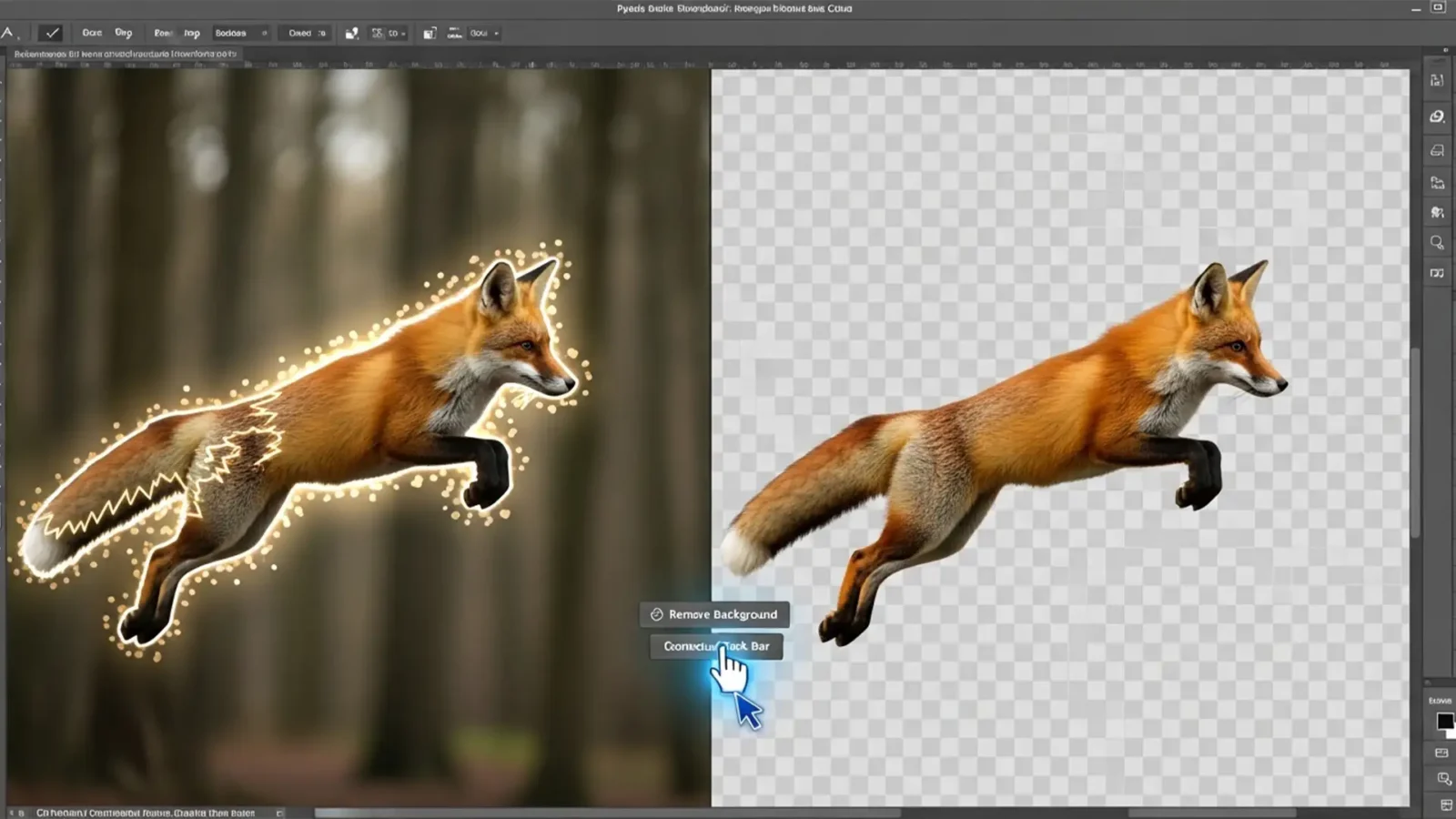
How to Fix Photoshop Remove Background Artifacts (Easy Pro Guide 2026)
You clicked the magical “Remove Background” button in Photoshop, expecting a flawless cutout. Instead, you are staring at a jagged, pixelated mess. If you are dealing with ugly edge halos, color ghosting, or weird lighting glitches around your subject, you are not...



