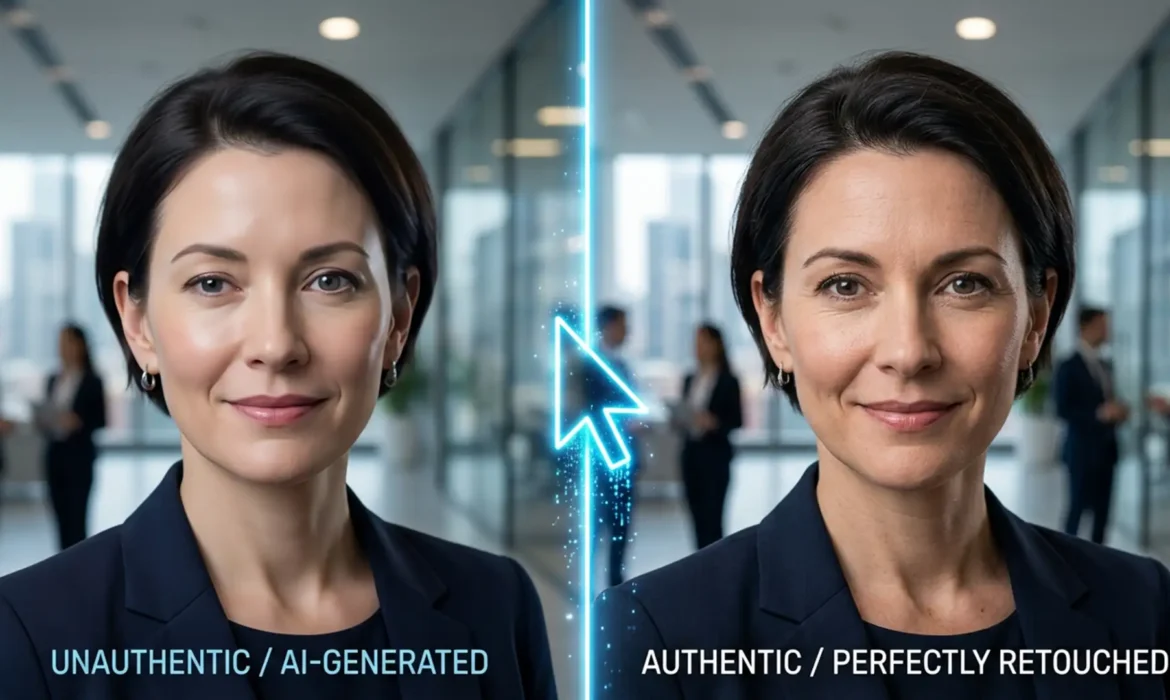
How to Fix AI Headshot Artifacts for a Flawless Profile
You just paid for an AI headshot for your LinkedIn profile. At a glance, it looks great. But zoom in, and the illusion shatters. Maybe one iris is larger than the other, stray hairs are floating in mid-air, or your skin has that unmistakable, poreless “plastic AI” glow. These AI hallucinations plunge your professional image straight into the uncanny valley. Instead of building...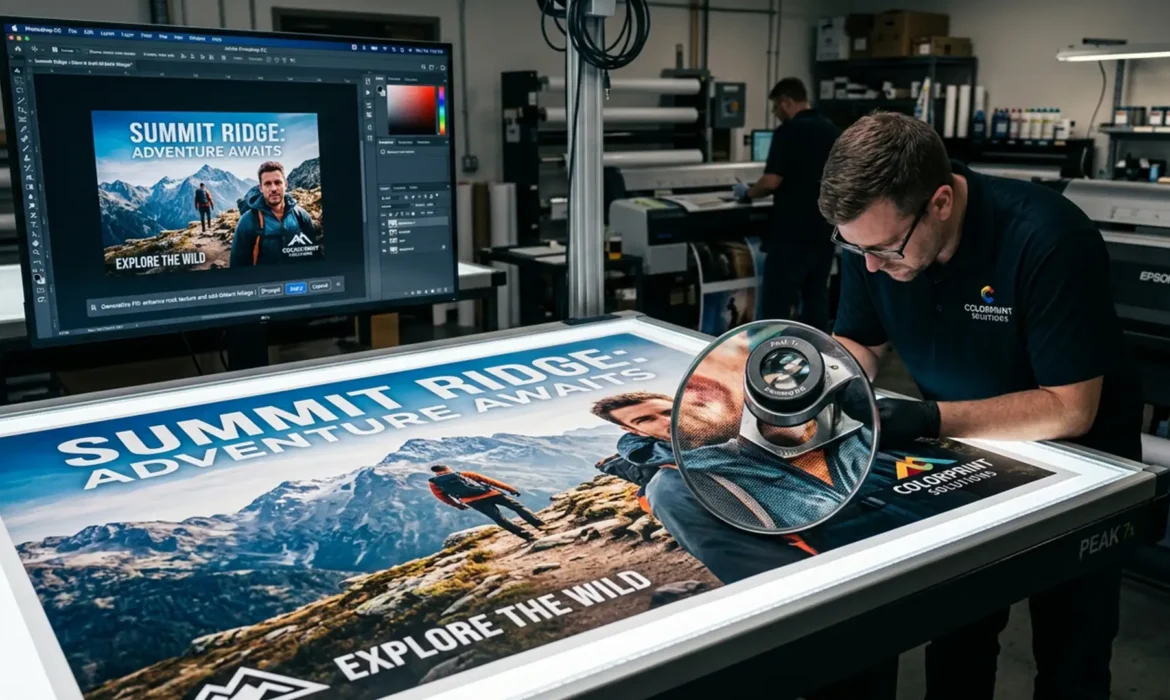
Generative Fill for Large Format Printing: 300 DPI Guide
You just used Photoshop’s Generative Fill for large format printing to extend the background of a commercial campaign image. Zoomed out on your monitor, the composition looks flawless. But when you zoom in to 100% to prep the file for a 300 DPI billboard or trade show banner, the illusion shatters. The AI-generated area is a blurry, pixelated mess. This happens because Adobe Firefly...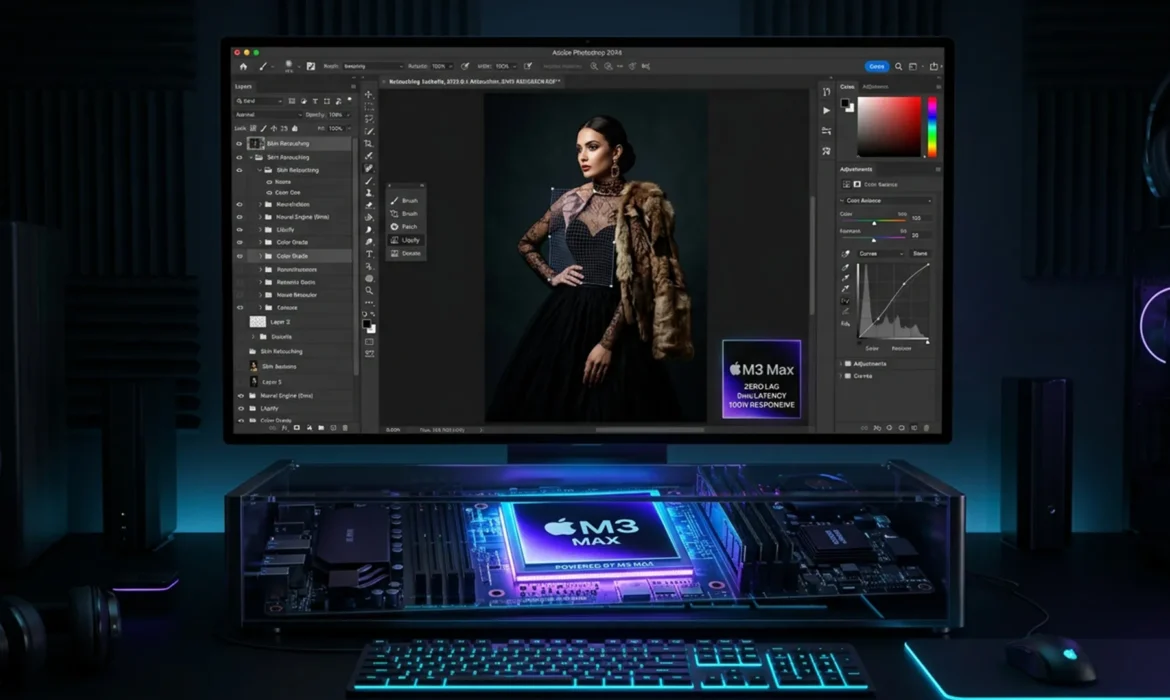
Optimizing Photoshop for M3 & M4 Macs: Fixing GPU Flickering and Neural Filter Crashes
You just dropped thousands of dollars on a brand-new Apple Silicon Mac with an M3 & M4 chip. You expected blazing-fast performance, but instead, you’re dealing with severe brush lag, canvas flickering, and Neural Filters that constantly crash or hang on “Downloading.” It is incredibly frustrating when your high-end hardware feels slower than a five-year-old laptop. If...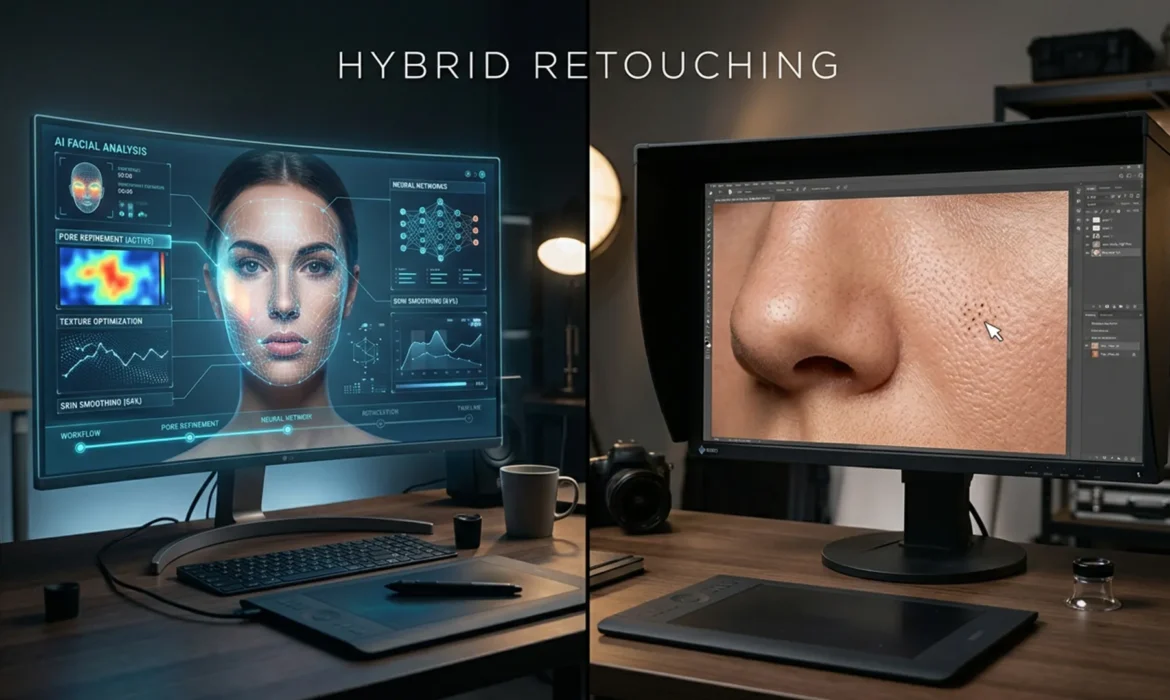
The Hybrid Retoucher: Merging AI Speed with Frequency Separation Precision
Are you tired of AI retouching tools turning your subjects into plastic mannequins? While Adobe Photoshop v25.0+ introduced game-changing features, professional retouchers face a massive bottleneck. AI tools are incredibly fast at fixing harsh shadows and blotchy colors, but they consistently hallucinate or completely destroy frequency separation data—the delicate micro-texture of natural...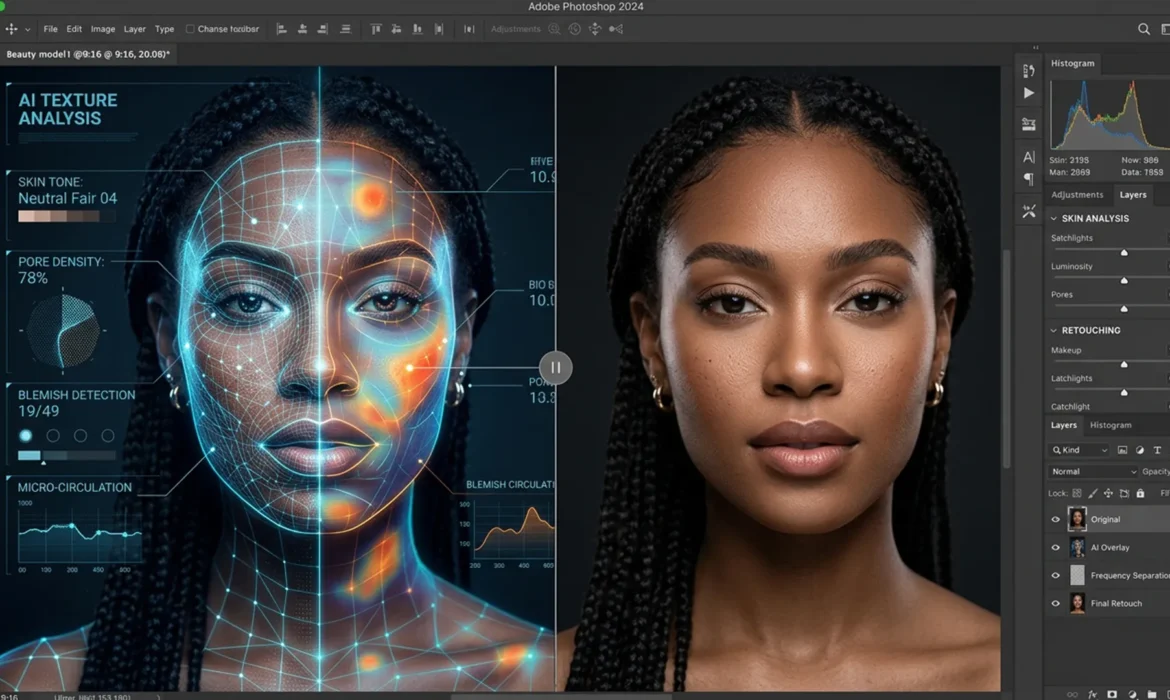
Hybrid AI Frequency Separation Workflow: Speed Meets Quality
Are you tired of AI retouching tools turning your high-end portraits into plastic, textureless mannequins? While Photoshop’s Generative Fill and Neural Filters process images with incredible speed, they treat photos as flat layers—obliterating micro-contrast, pores, and fine hair. Conversely, manual retouching is mathematically perfect but eats up hours of your day. You shouldn’t have to...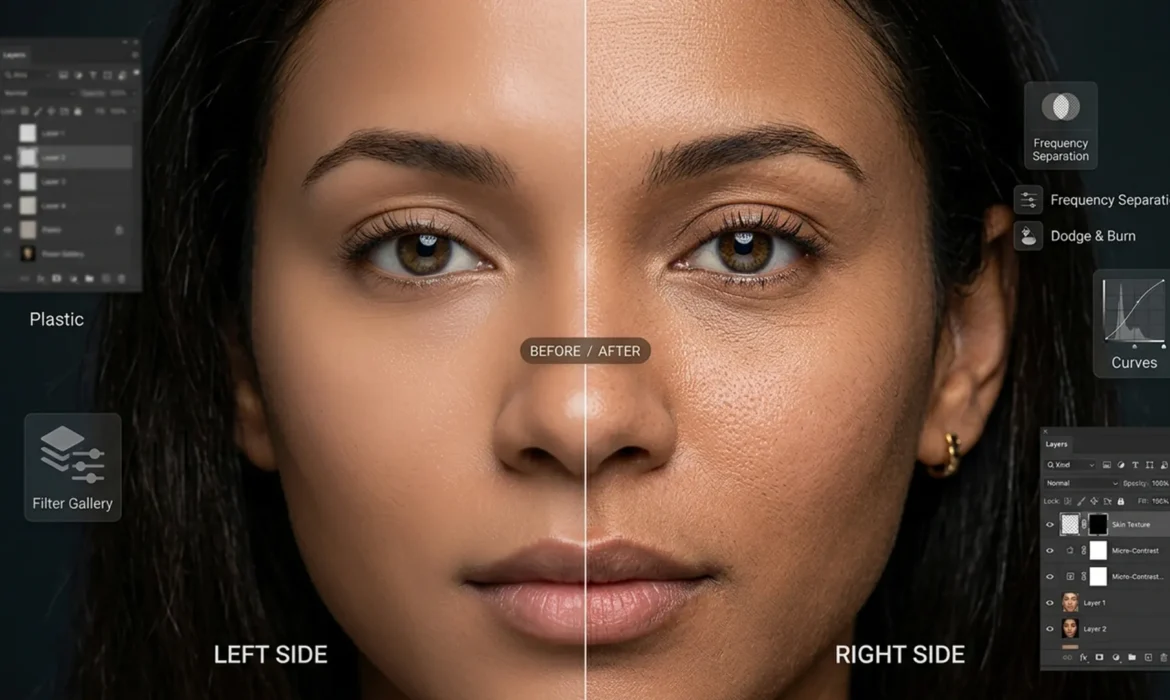
Beyond the Blur: How to Fix AI Skin Artifacts and Restore Natural Pores in Photoshop
You just spent hours perfectly lighting a portrait, only to find a distracting element you need to remove. You lasso the area, hit Generative Fill in Photoshop, and wait for the magic. The object disappears, but there is a glaring new problem: the AI replaced the area with a smooth, plastic, mannequin-like patch. If you are struggling with fixing Generative Fill skin texture artifacts, you...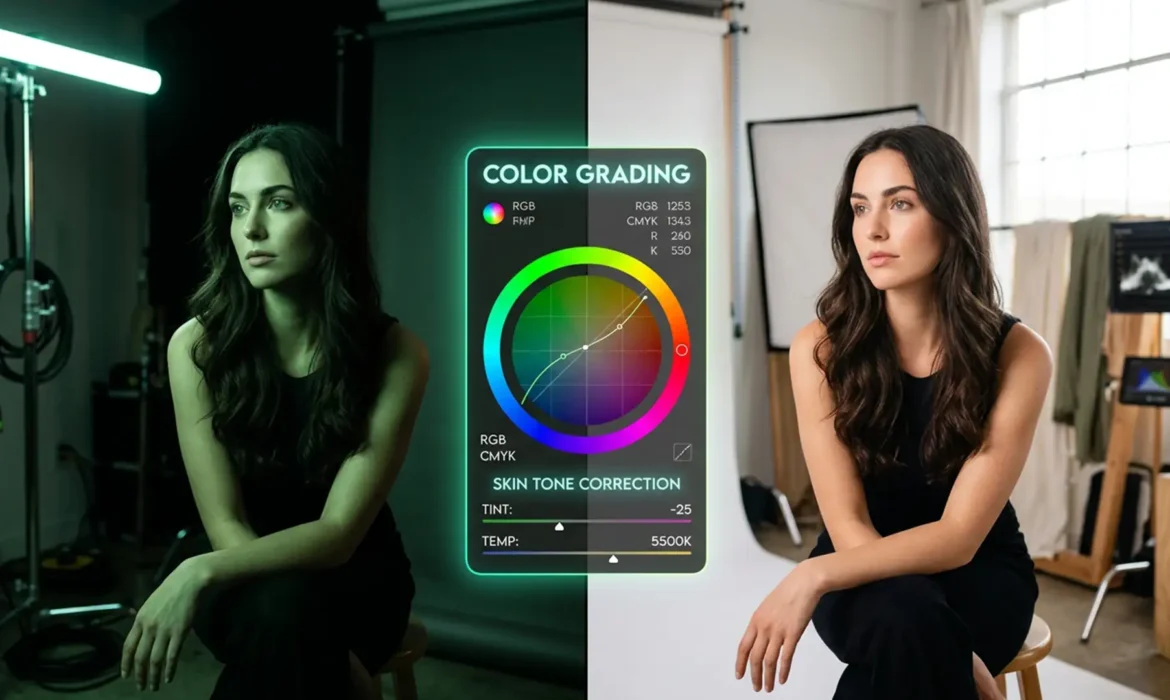
Harmonize Skin Tones in Mixed LED & Daylight | Pro Guide
You’ve just wrapped a stunning glamour portrait session, harmonize skin tones in mixed LED & daylight but as you pull the RAW files into Photoshop, your heart sink tones. The mix of beautiful 5500K natural daylight and artificial studio LEDs has created a retouching nightmare: harsh, bi-color skin gradients. Thanks to the poor Color Rendering Index (CRI) of those cheaper LEDs, your...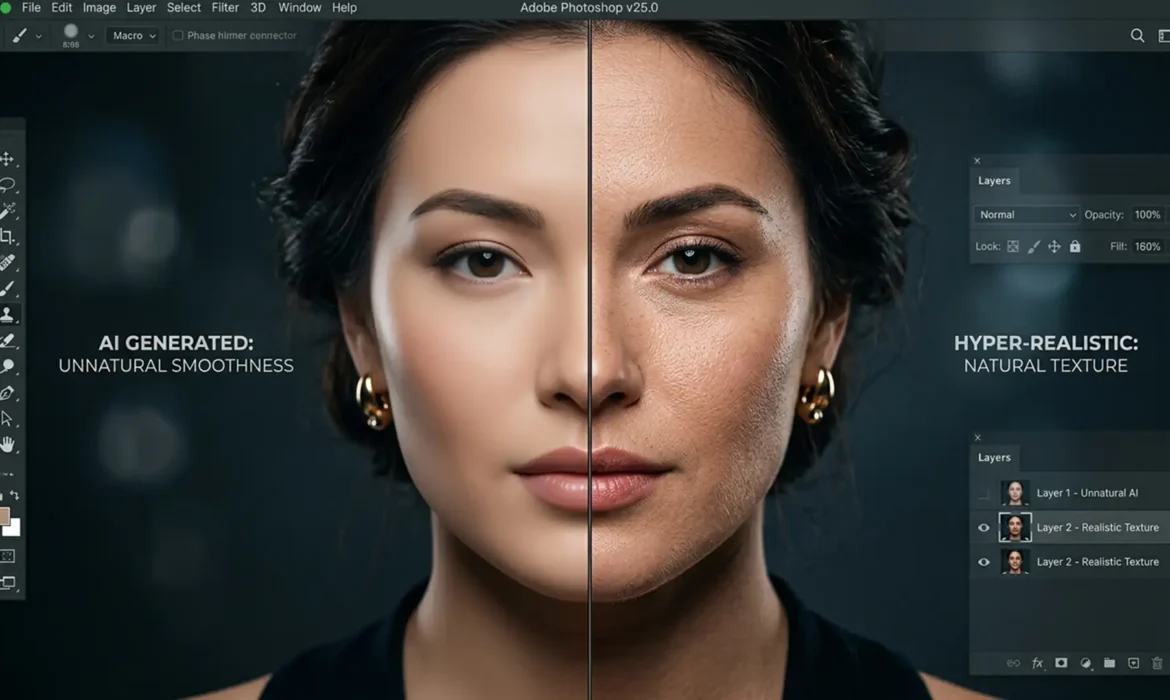
Fix Plastic Skin: Restore Skin Texture in Generative Fill
Photoshop’s Generative Fill is undeniably powerful, but if you restore skin texture or fashion portraits, you have likely hit a frustrating wall. While the Firefly AI model excels at replacing broad areas and generating structural content, it consistently fails to replicate high-frequency skin details. The result? Heavily smoothed, “plastic” skin that immediately breaks the...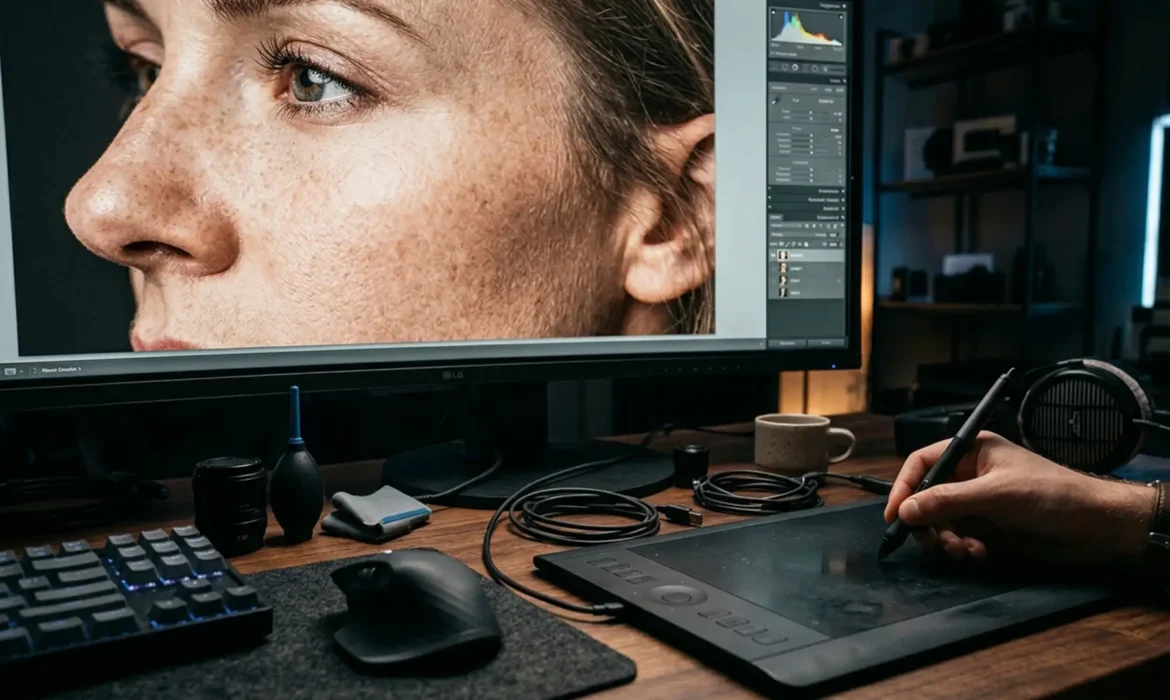
8K Micro-Texture Retouching: Why Standard Workflows Fail
You finish a high-end glamour retouch. It looks flawless on your 4K monitor. But when the client reviews the final campaign on a massive 8k micro-texture display, the skin looks like melted plastic. Fine hairs are missing. Pore walls are obliterated. Standard frequency separation just ruined your commercial campaign. At 7680×4320 pixels, ultra-HD screens expose every shortcut. If...