Fix Low Res Generative Fill in Portraits (Pro Guide)
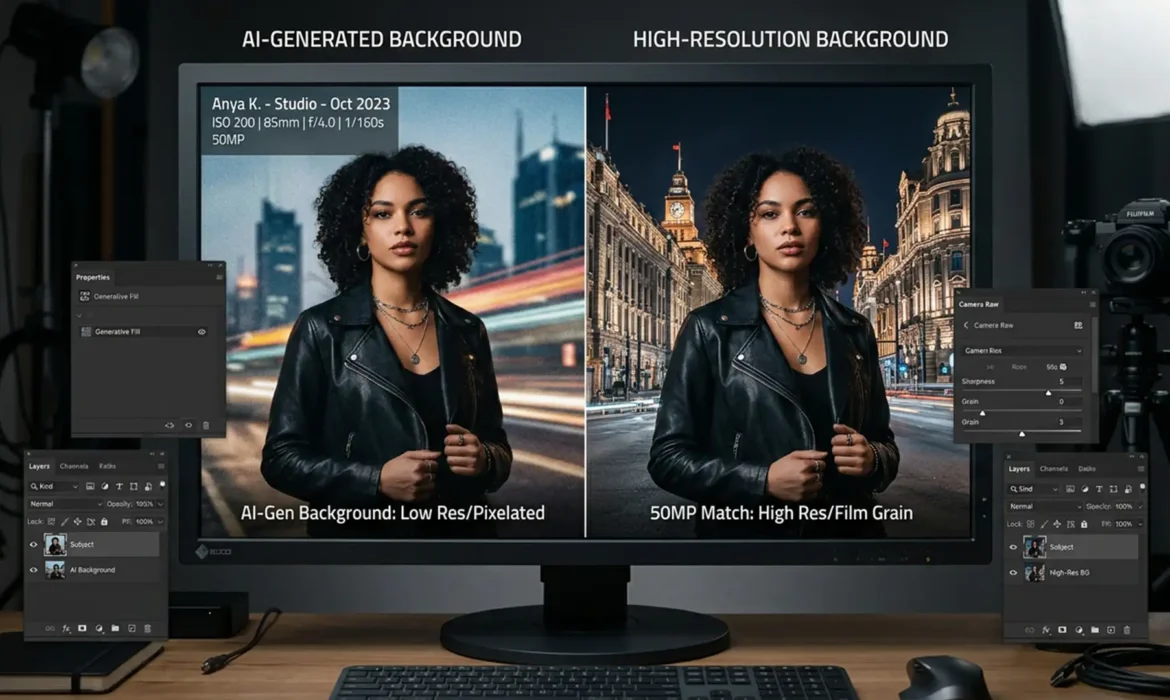
You just nailed a 50-megapixel studio portrait session, but the client wants the background expanded. You fire up Photoshop v25.0, select the empty canvas, and hit generate. The result? Fix low res generative fill in portraits (Pro Guide). This jarring mismatch happens because Adobe’s Firefly Image Model currently has a hardcoded 1024×1024 limitation. When Photoshop stretches...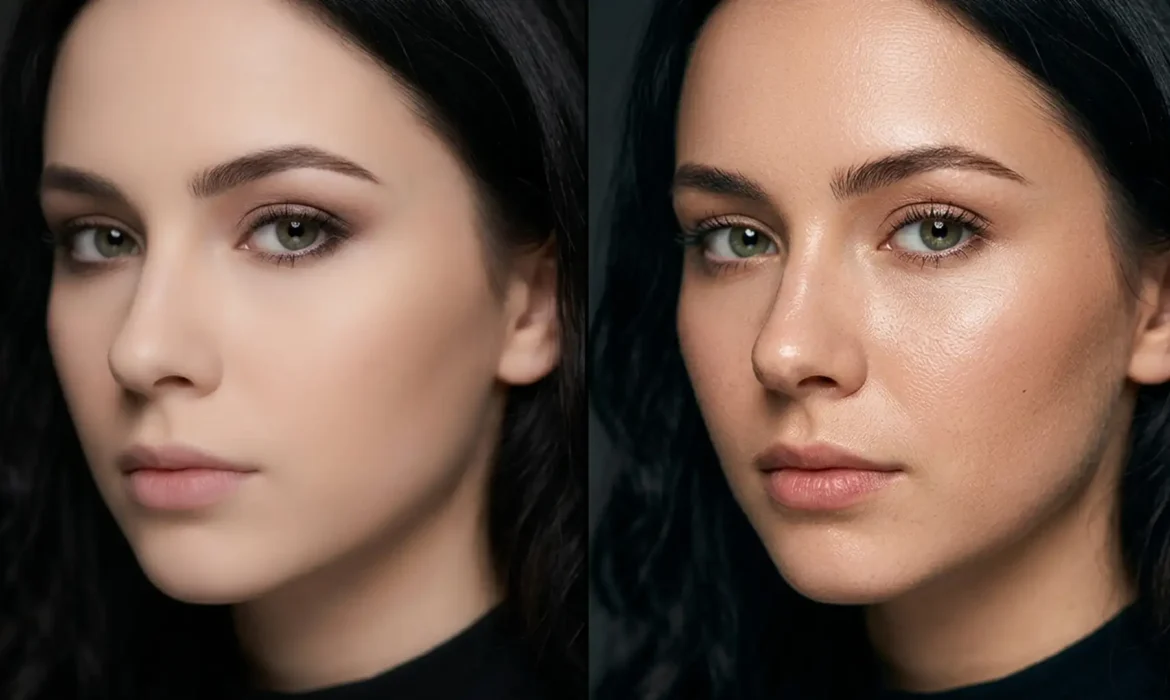
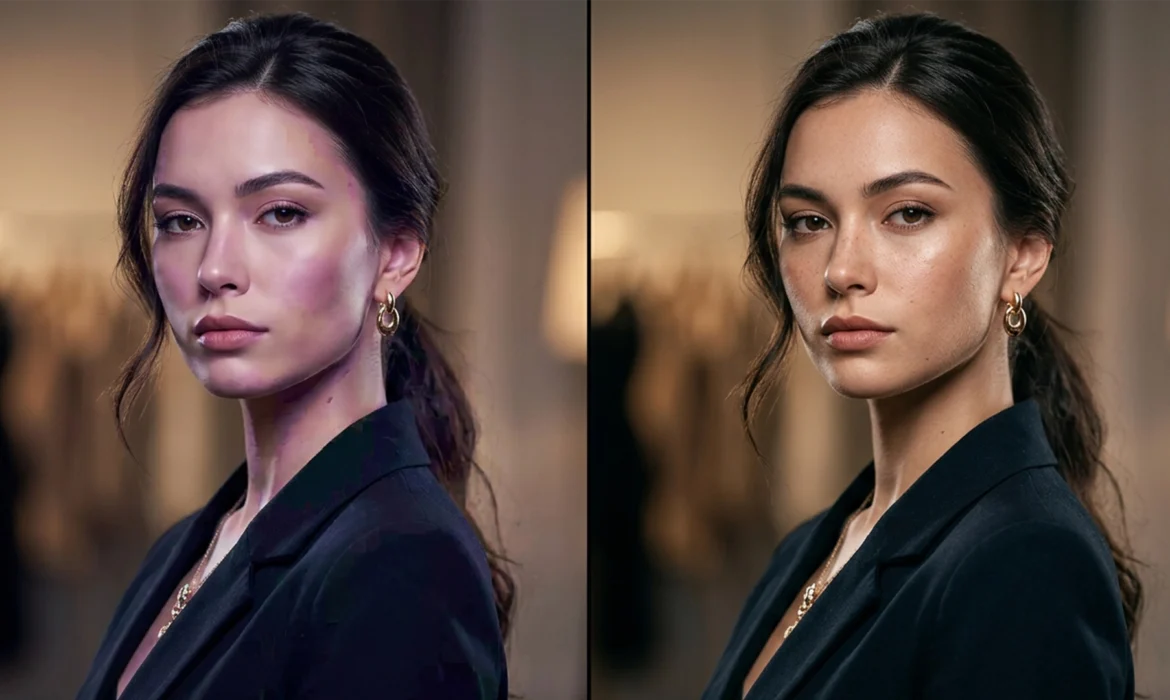
Preserving Skin Pores with Photoshop Neural Filters
You have just applied Photoshop’s preserving Skin Smoothing Neural Filter, hoping to save hours on a batch of portrait retouching. But instead of a magazine-quality finish, your subject looks like a plastic mannequin. This is the core pain point of Adobe Sensei AI in Photoshop v24.x and v25.x. While the algorithm is incredible at automatically masking faces and blurring blemishes, it...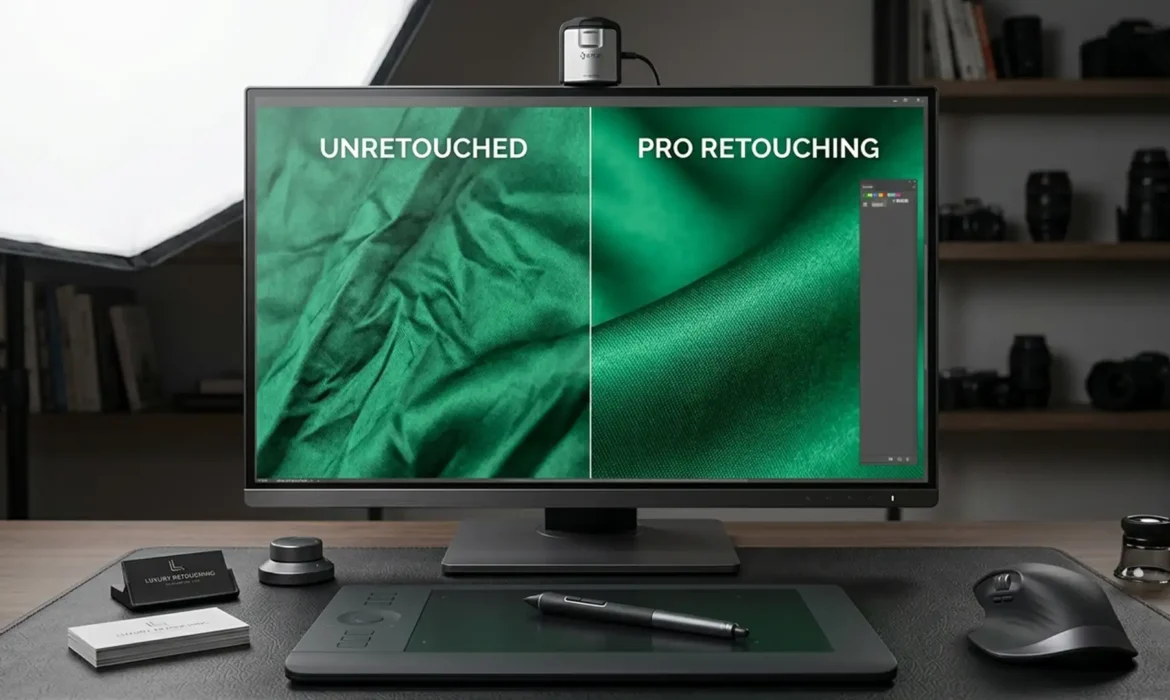
Pro Secrets for Fabric Retouching: Removing Creases Without Losing Material Weight
Have you ever tried to remove wrinkles from a luxury silk blouse, only to end up with a flat, plastic-looking garment? You’re not alone. Standard clone stamping or healing brushes destroy the fabric retouching natural drape, micro-contrast, and crucial material weight. In high-end e-commerce and fashion retouching, losing that realistic textile texture is a dealbreaker. The secret to...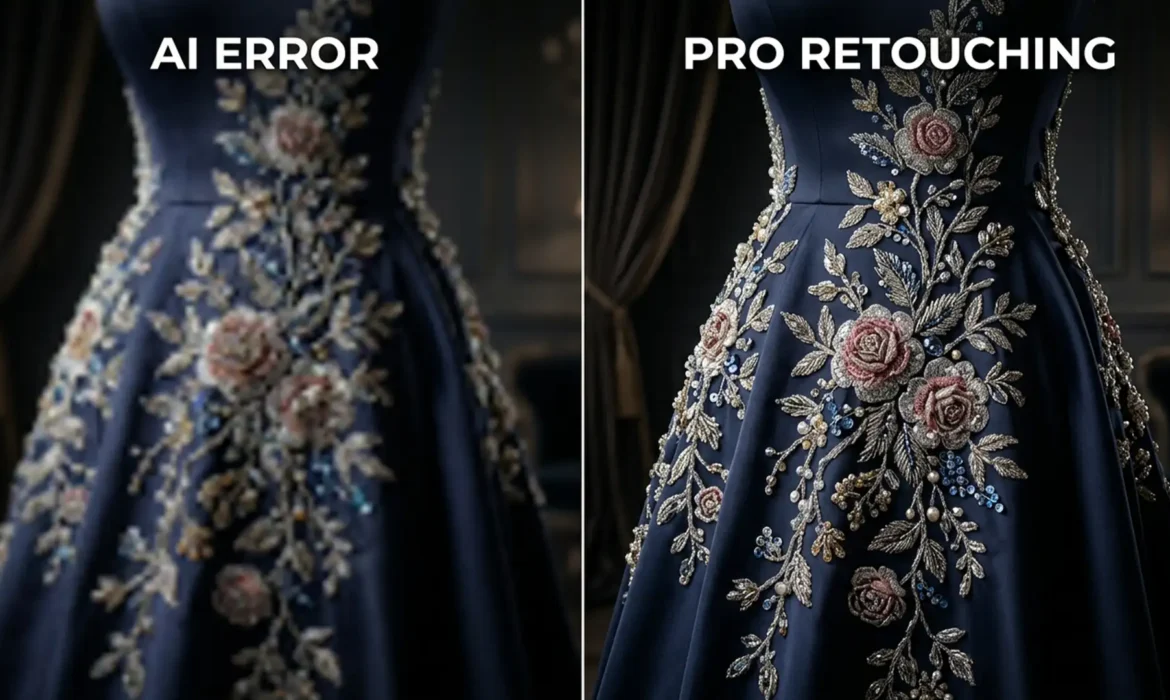
Extending Couture: Preserving Embroidery with Gen Fill
You’ve just shot a stunning extending couture, but the client needs the background and dress extended for a wide-format banner. You select the area, hit “Generative Fill” in Photoshop v25.0, and wait. The result? The base fabric looks fine, but the intricate floral beadwork and sequins have turned into a mushy, warped mess. If you are struggling with retouching couture...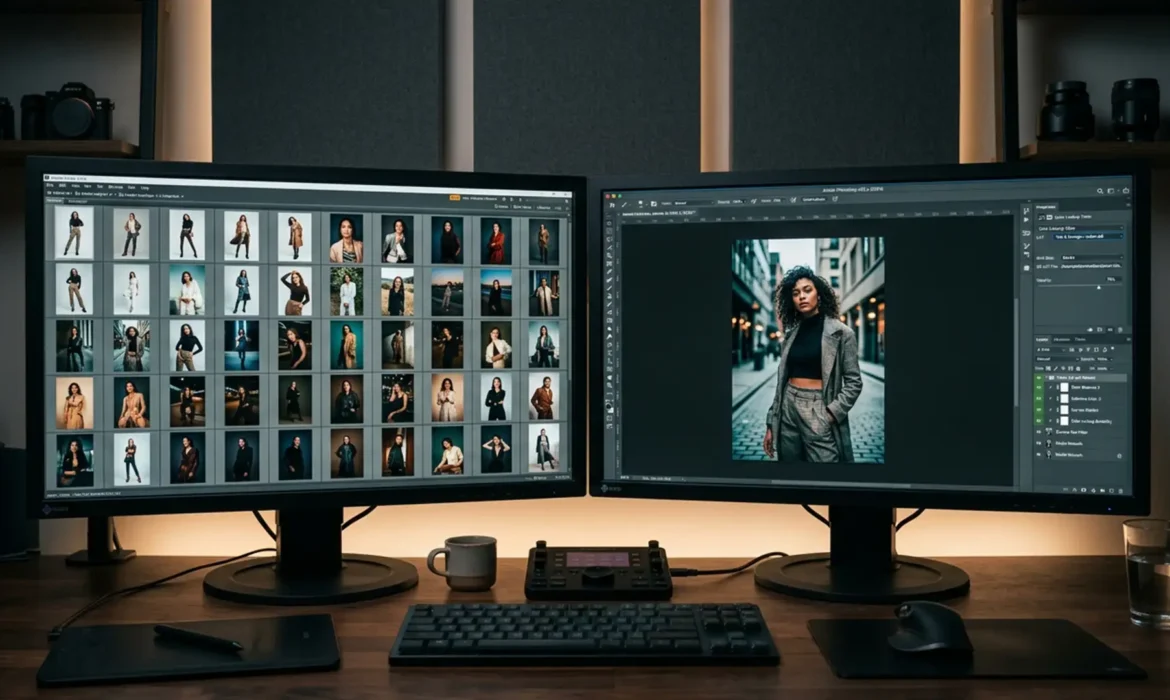
Automating Consistency: Match Lighting Across a 50-Shot Lookbook
You just wrapped a massive 50-shot fashion campaign, but as you pull the RAW files into your editor, your stomach drops. Flash recycling times lagged, ambient studio light shifted throughout the day, and now the background brightness and fabric colors are subtly—but noticeably—inconsistent across the batch. Manually adjusting each photo is a nightmare that will destroy your profit margin and...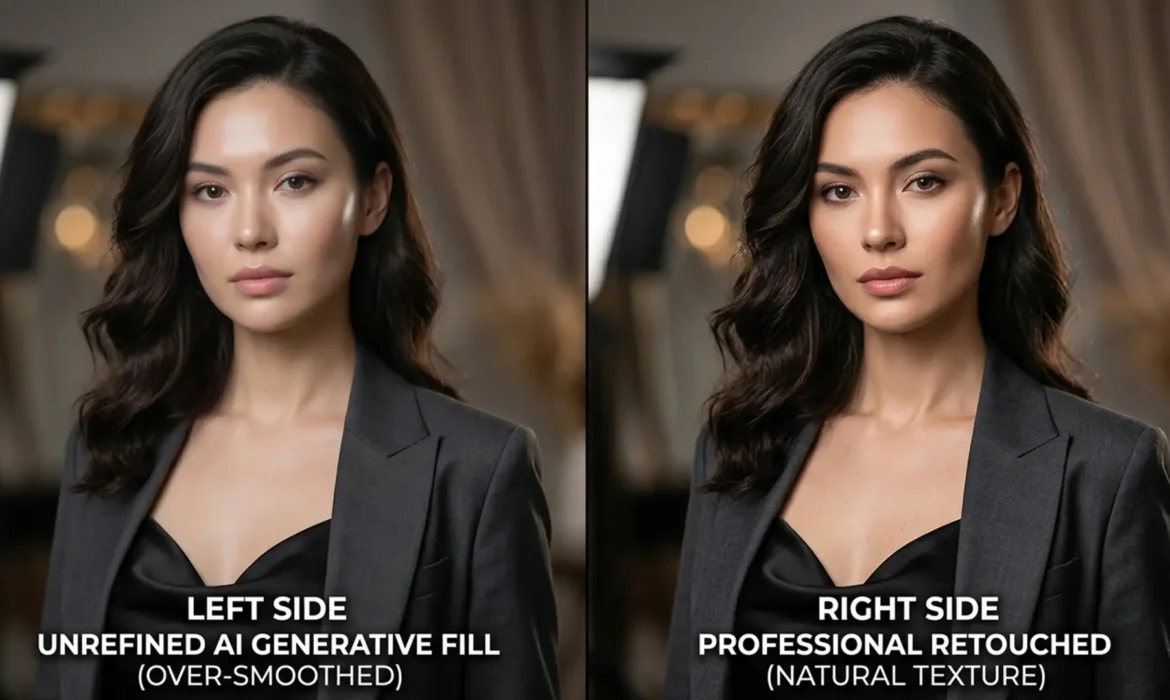
Fix Plastic AI Skin: Restore Texture in Fashion Retouching
Adobe’s latest updates to Photoshop (v25.x – v27.x) have introduced incredibly powerful tools, but they come with a frustrating flaw for high-end beauty retouchers. When using Generative Fill (Firefly) or Neural Filters for skin smoothing, the AI frequently destroys high-frequency skin textures. The result? An overly blurred, ‘plastic’ surface plagued by blocky...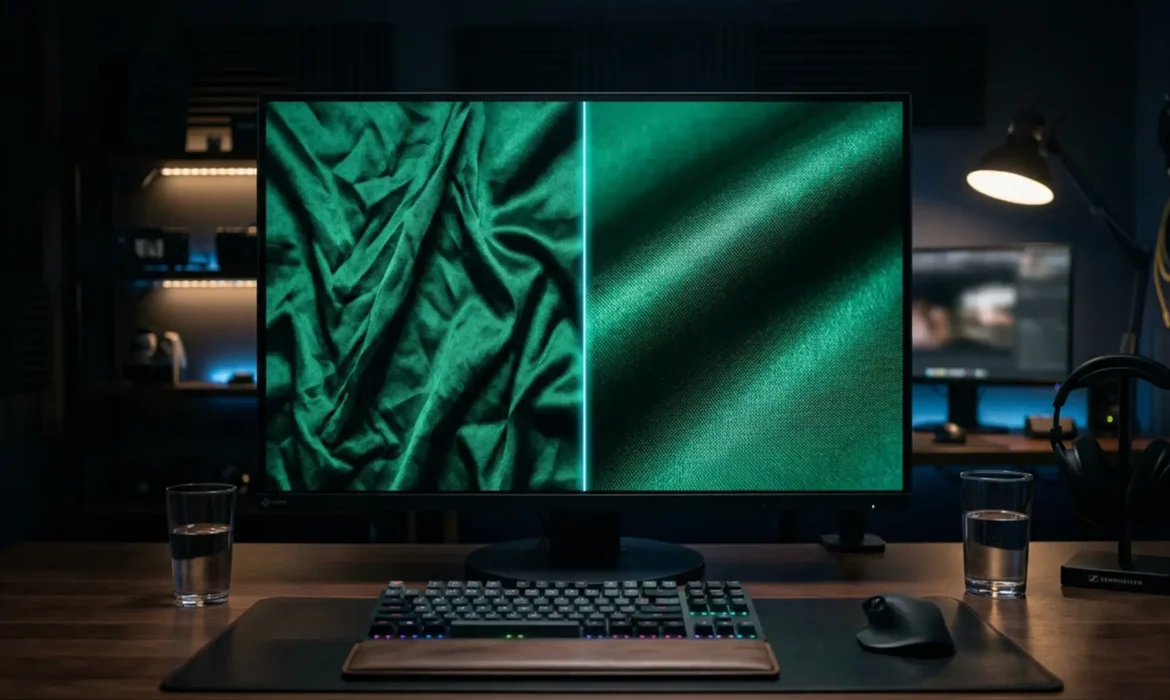
Pro Secrets for Fabric Retouching: Removing Creases Without Losing Material Weight
If you edit fabric crease removal, you know the nightmare of wrinkled garments. The client wants the dress perfectly smooth, but the second you attack those creases with a standard Clone Stamp or Healing Brush, disaster strikes. The fabric loses its natural drape, the delicate warp and weft vanish, and suddenly, luxury silk or satin looks like cheap, flat plastic. You’ve successfully...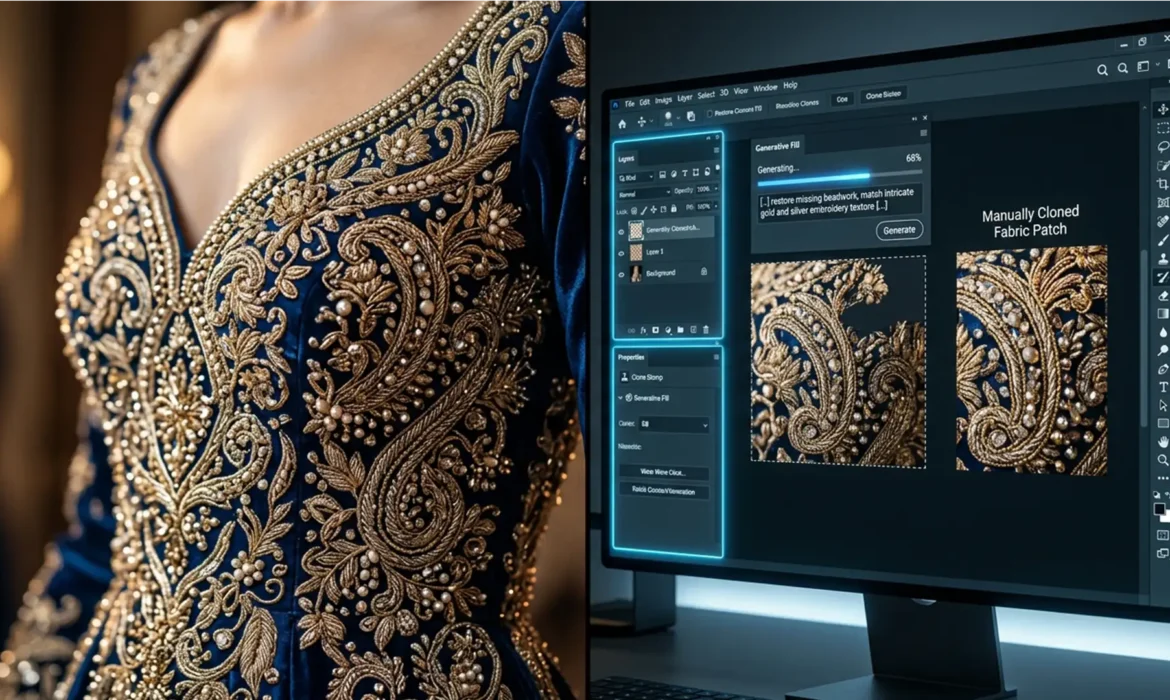
Couture Retouching: Fix Generative Fill Embroidery Blurs
You’ve just shot a breathtaking editorial campaign featuring an exquisite haute couture gown. The client wants the background expanded, so you fire up Photoshop’s AI tools. But instead of seamlessly extending the intricate threads and sparkling beads, the AI spits out a muddy, blurred mess or hallucinates unnatural patterns. Sound familiar? When retouching couture embroidery, Generative...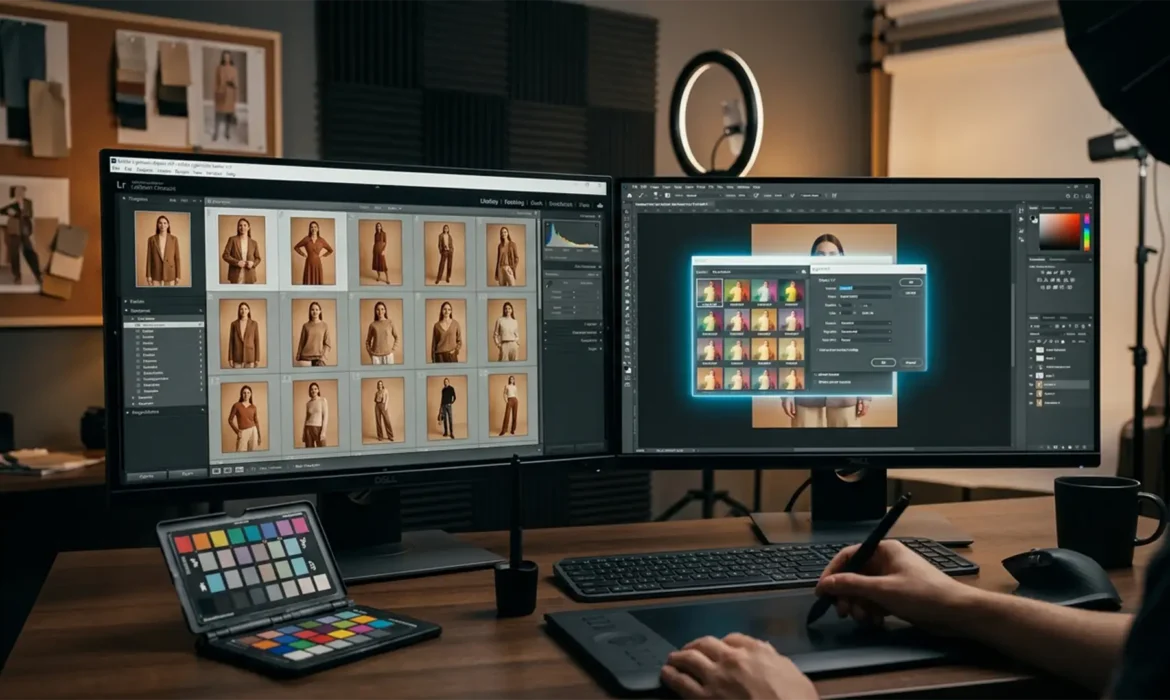
Automating Consistency: Match Color Across a 50-Shot Lookbook
You just wrapped a grueling 50-shot fashion lookbook. The model was fantastic, the styling was sharp, but as you pull the RAW files into your editor, you spot a massive problem: color drift. Due to strobe output variations, modifier shifts, and subtle ambient color temperature changes throughout the day, the exact hex code of your hero garment fluctuates from frame to frame. In e-commerce,...