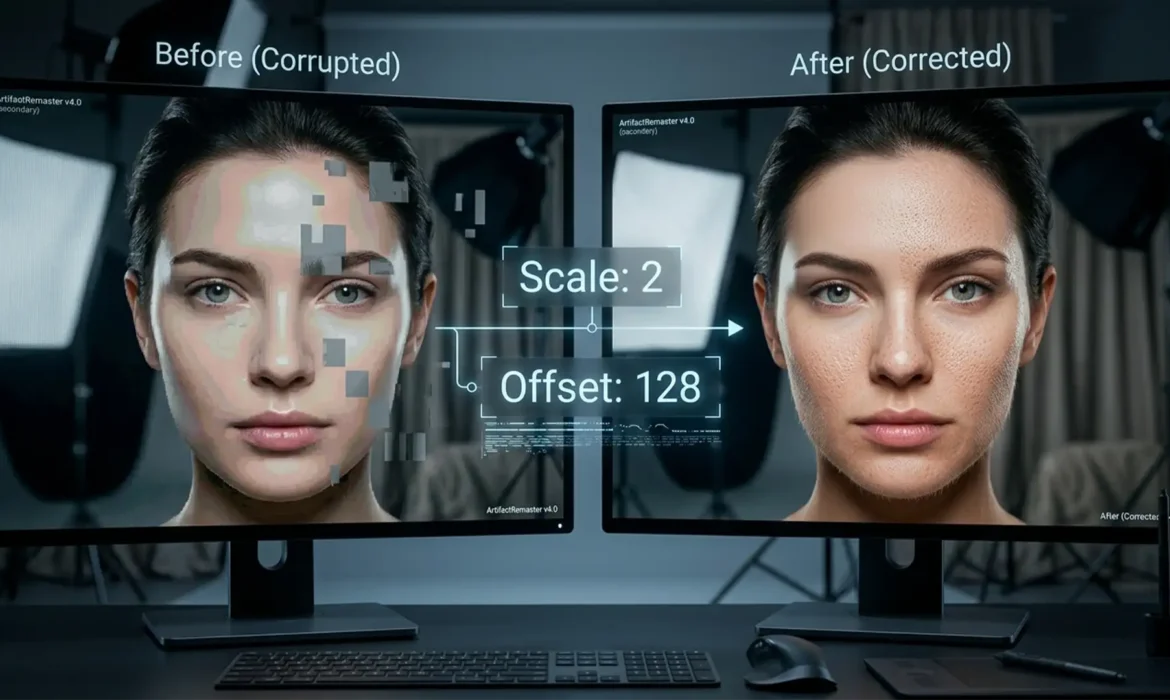
Fix Photoshop Beta Apply Image Bug in Frequency Separation
You are in the middle of a high-end retouching session. You run your trusty Frequency Separation action, expecting a perfect split between your low-frequency layer and your high-frequency texture layer. Instead? Your screen fills with harsh banding, incorrect contrast mapping, or a completely blacked-out canvas. If this sounds familiar, you have just encountered the Photoshop Beta Apply...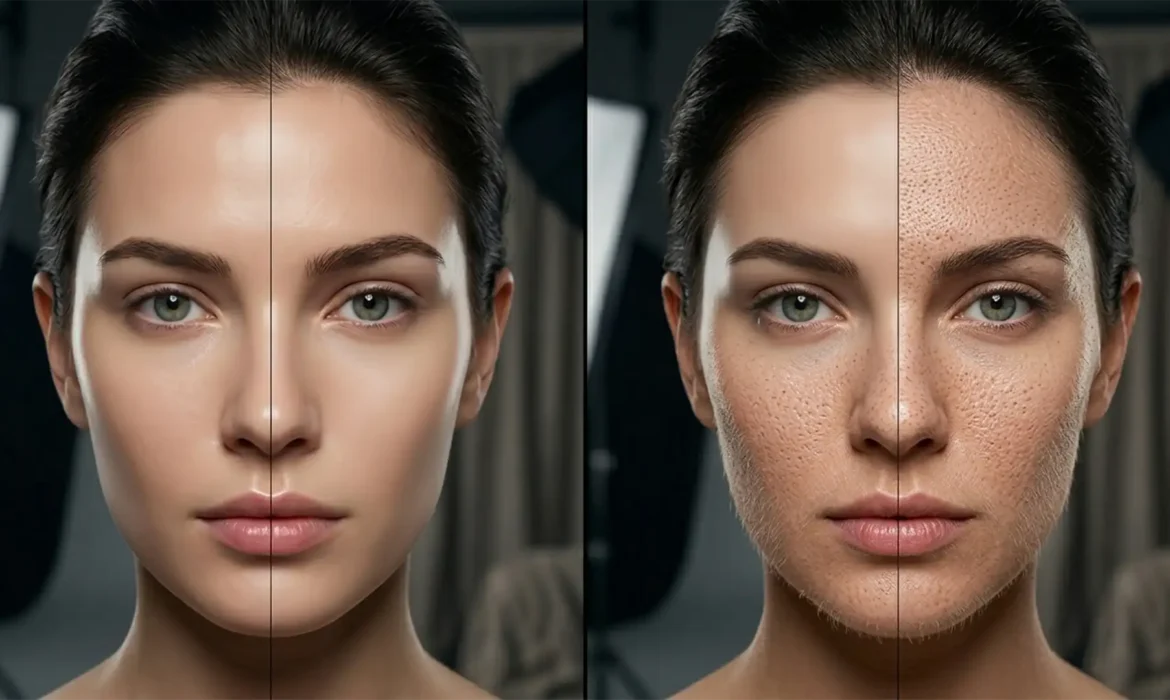
Preserve Skin Texture with Photoshop Generative Fill
You apply a quick edit to remove a stray hair or extend a background, and suddenly your high-end beauty portrait looks like a plastic mannequin. Preserve skin texture with Photoshop Generative Fill is the biggest hurdle for modern retouchers. The micro-contrast is gone, the pores are erased, and you are left with a smoothed, artificial patch that completely ruins the photograph. Adobe...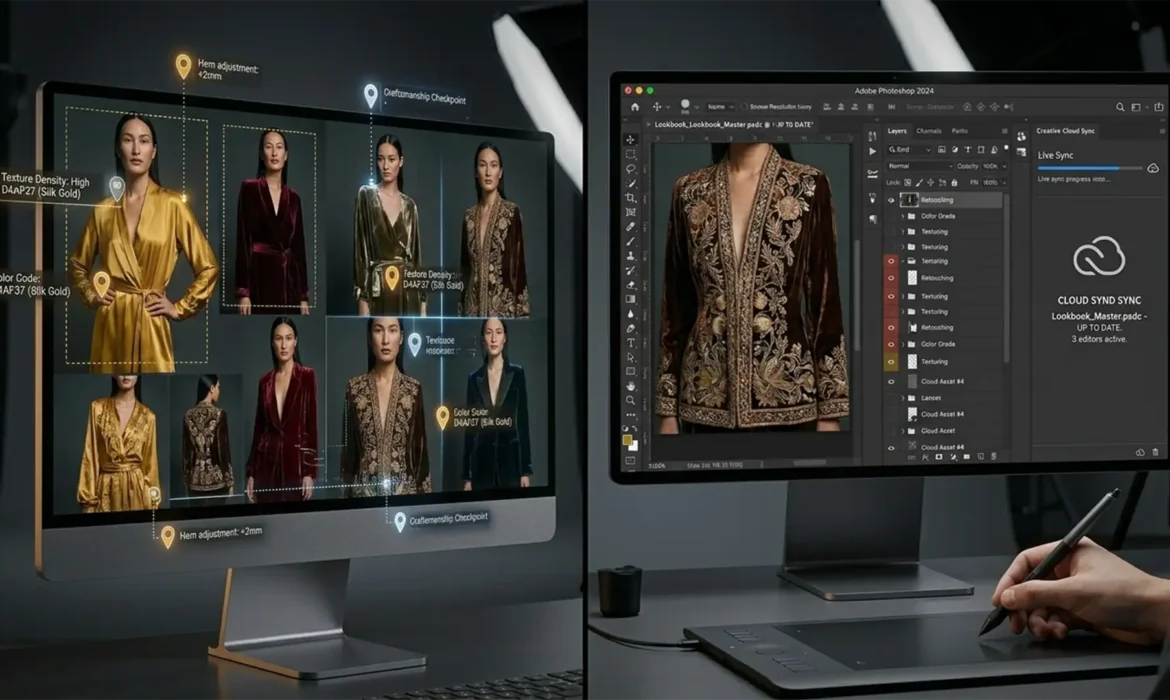
Zero-Lag Creativity: Live Revision Workflows for High-Fashion Lookbooks
If you manage high-fashion lookbooks post-production, you already know the nightmare: massive 2GB+ files, chaotic asynchronous feedback loops, and endless PDF markup revisions. Waiting hours for a file transfer just to adjust a single stray hair or tweak the color grading sync kills momentum and destroys your profit margins. What if you could completely eliminate the export-send-wait cycle?...
The Rise of Human-Led Retouching: Navigating AI Transparency Laws in Luxury Marketing
Imagine launching a multi-million dollar luxury campaign, only for social media platforms to automatically slap a cheapening “Made with AI” watermark across your flagship imagery. With the rollout of the EU AI Act and strict FTC guidelines, AI transparency compliance for luxury retouching is no longer optional—it is a legal and reputational mandate. Over-reliance on tools like...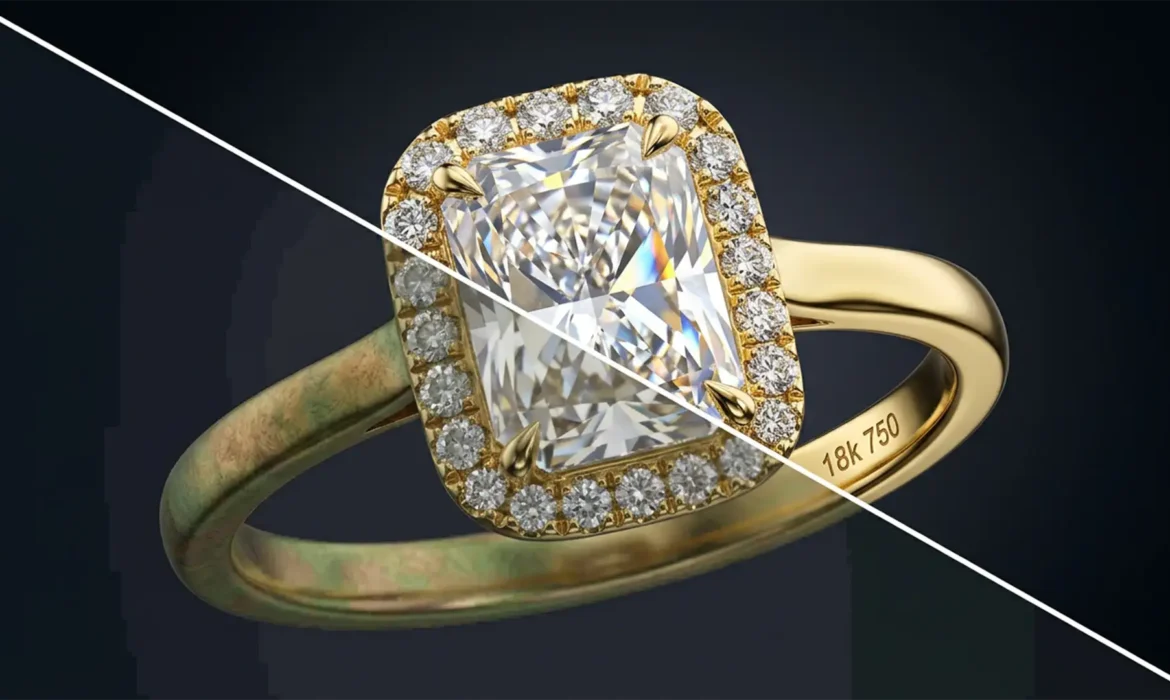
32-Bit Color Accuracy for High-End Jewelry E-commerce
Have you ever photographed a stunning gold ring, only to open it in Photoshop and see a muddy “copper-shift”? Or perhaps the dazzling highlights of a flawless diamond look flat, suffering from severe highlight clipping? If you are editing high-end jewelry in standard 8-bit or even 16-bit color spaces, you are actively destroying valuable image data. In luxury e-commerce, accurate...
Fixed: How to Solve the Grayed-Out Alpha Channel Gradient Bug in Photoshop 2024/2025
You are in the middle of a complex, high-end composite. You navigate to your Channels panel to paint a precise luminosity mask, hit ‘G’ for the Gradient Tool, and—nothing. The controls are completely grayed out, or worse, you are hit with that frustrating prohibited circle cursor. If this sounds familiar, you are not alone. For high-end retouchers who rely on painting gradients...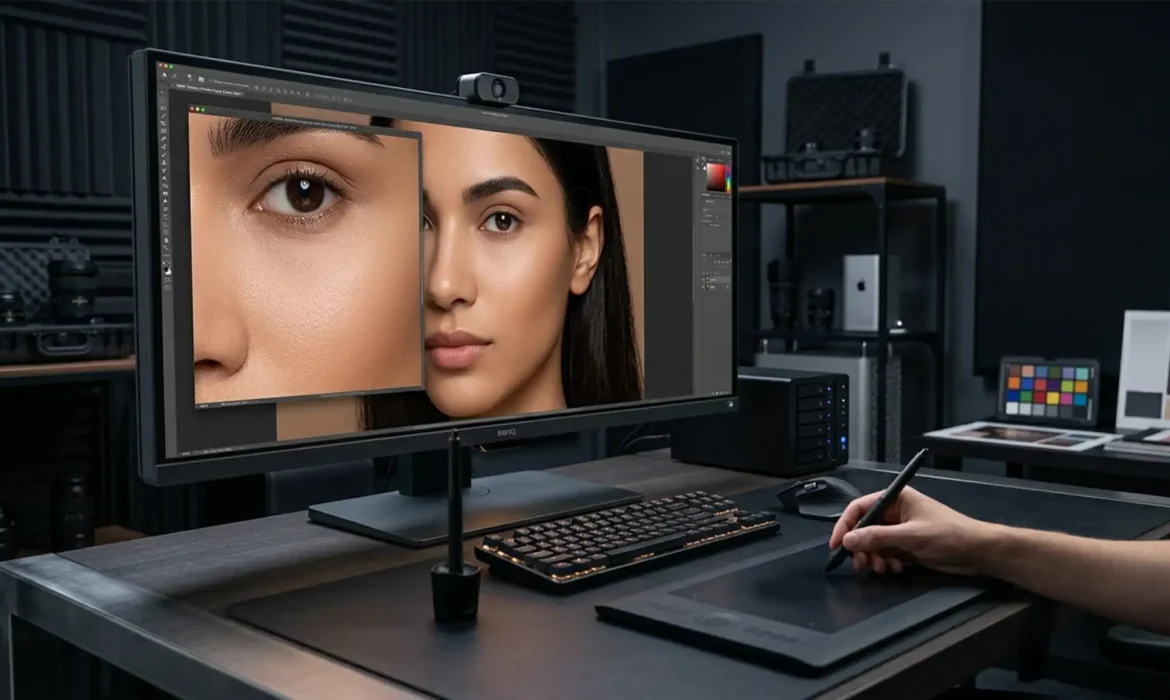
Micro Dodge & Burn vs Frequency Separation Luxury Print
You are staring at a 100-megapixel medium-format beauty portrait destined for a global dodge & burn vs frequency separation luxury print campaign. The lighting is flawless, the makeup is impeccable, but the moment you apply standard skin retouching techniques, the image falls apart. The skin pores look smudged, the natural dimension is flattened, and the subject suddenly looks like a...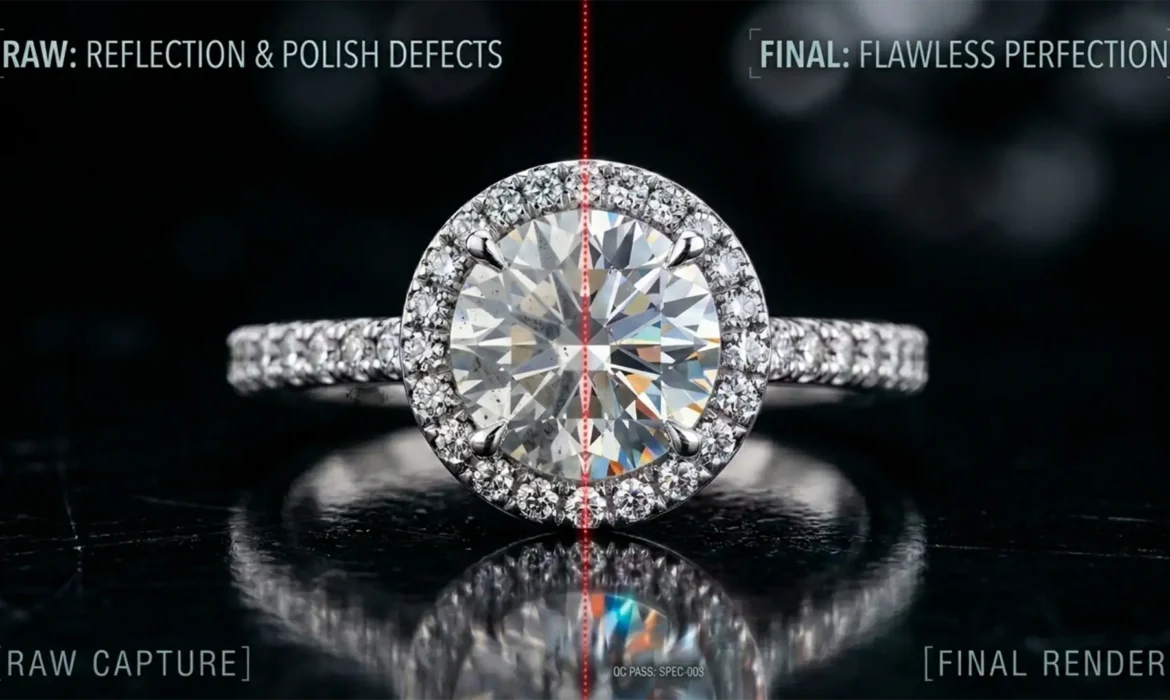
Real Metal, Not Plastic: Non-Destructive Reflection Cleanup
Have you ever received a batch of retouched jewelry images only to find your expensive silver or gold pieces looking like cheap, melted plastic? You are not alone. Improper reflection cleanup is the number one culprit behind losing the vital 3D volume of jewelry. Novice retouchers often rely on destructive Clone Stamp techniques or heavy-handed Surface Blurs. This flattens the dynamic...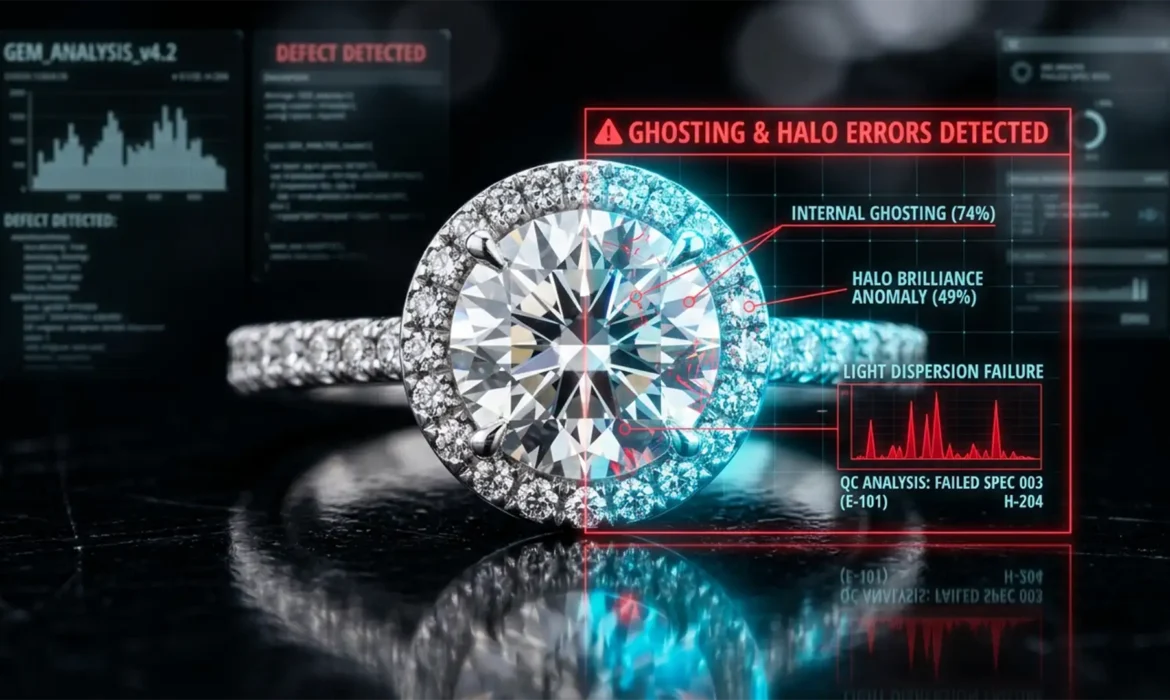
Ghost Edges & Pixel Halos: 5 Focus Stacking Red Flags in Outsourced Jewelry Photos
You just received the final files from your offshore retouching agency, expecting crisp, magazine-quality product shots. Instead, you zoom in to find blurry diamond prongs, weird glowing outlines around the platinum band, and muddy, smeared textures. Sound familiar? You are losing sales because your product shots look cheap. These are classic outsourcing jewelry focus stacking errors....