
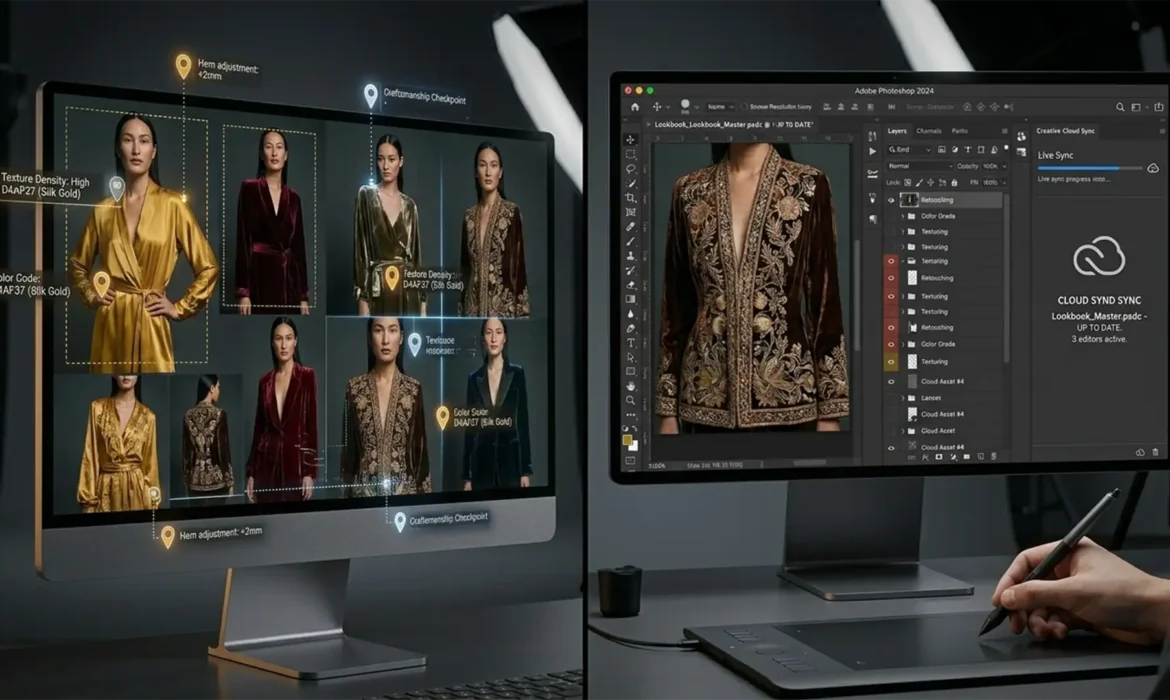
If you manage high-fashion lookbooks post-production, you already know the nightmare: massive 2GB+ files, chaotic asynchronous feedback loops, and endless PDF markup revisions. Waiting hours for a file transfer just to adjust a single stray hair or tweak the color grading sync kills momentum and destroys your profit margins.
What if you could completely eliminate the export-send-wait cycle? Today, luxury fashion houses are abandoning legacy workflows in favor of Live Revision Workflows for High-Fashion Lookbooks. By leveraging real-time collaboration ecosystems, you can cut post-production time by 70% while maintaining absolute pixel perfection. Here is exactly how to build a zero-lag creative pipeline.
The Bottleneck: Why Legacy Workflows Fail High-Fashion Post-Production
The core technical pain point in modern fashion retouching is latency. High-end lookbooks require massive resolution, frequently resulting in the cumbersome PSB large document format. When art directors and retouchers rely on asynchronous communication, the rendering of high-res adjustments and synchronization conflicts create severe bottlenecks.
Resolving this requires moving away from local-only editing and embracing a hybrid approach. By combining optimized cloud storage, proxy image rendering, and integrated API markup tools directly within your editing software, you can achieve true real-time collaboration.
Method A: The Quick Fix – Photoshop Native “Share for Review”
For teams looking to immediately eliminate PDF markups without overhauling their entire server architecture, Adobe’s native Share for Review feature (available in Photoshop v24.x and newer) is the perfect starting point.
Step-by-Step Implementation
- Open your master file in Photoshop 2024.
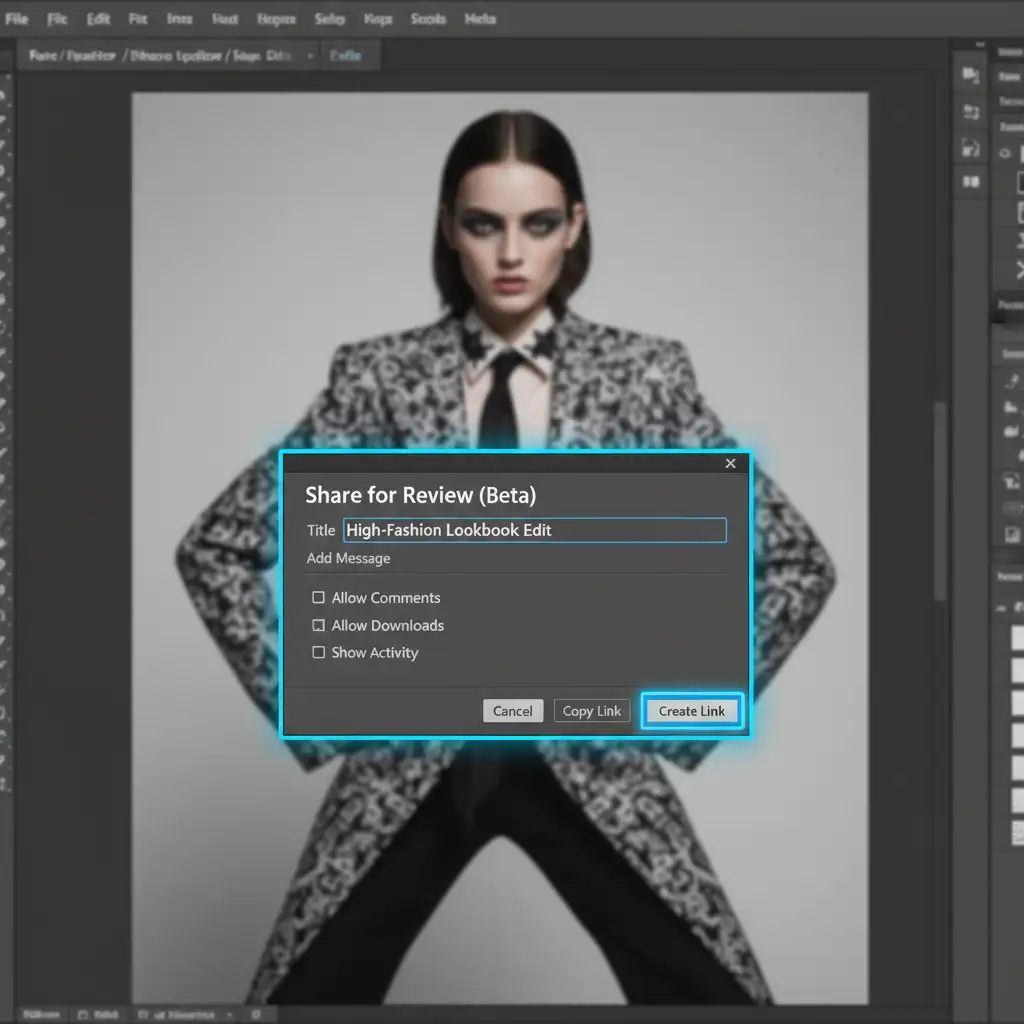
- Navigate to File > Share for Review.
- Generate a low-latency web link.
- Send the link to your art director or client.
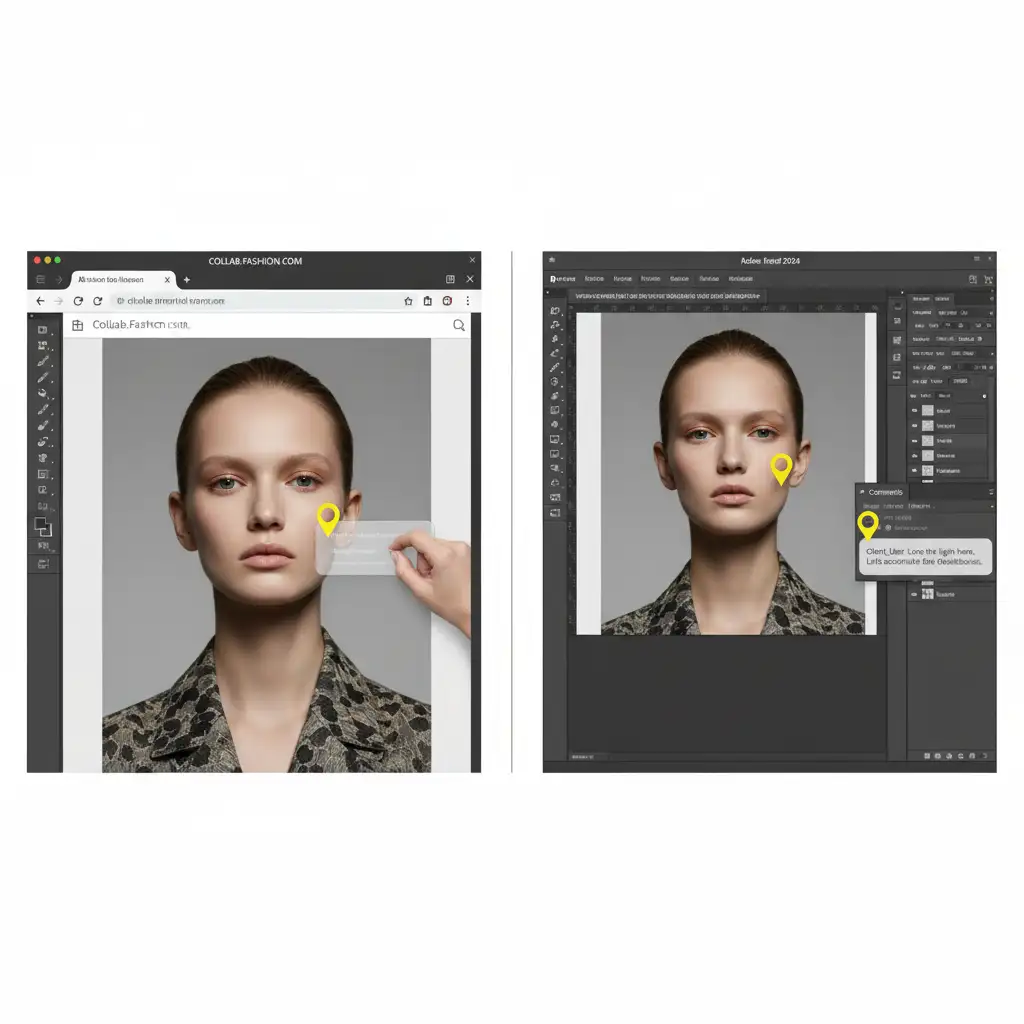
This generates a lightweight, browser-accessible version of your canvas. Reviewers can drop pins and draw annotations directly on the image. These annotations instantly sync back to the retoucher’s Comments panel inside Photoshop, completely bypassing the need to transfer heavy PSDs.
Method B: The Pro Workaround – Frame.io to Photoshop Integration
For complex campaigns requiring strict version control and integration with Camera to Cloud (C2C) systems, Frame.io V4 offers a robust, professional workaround.
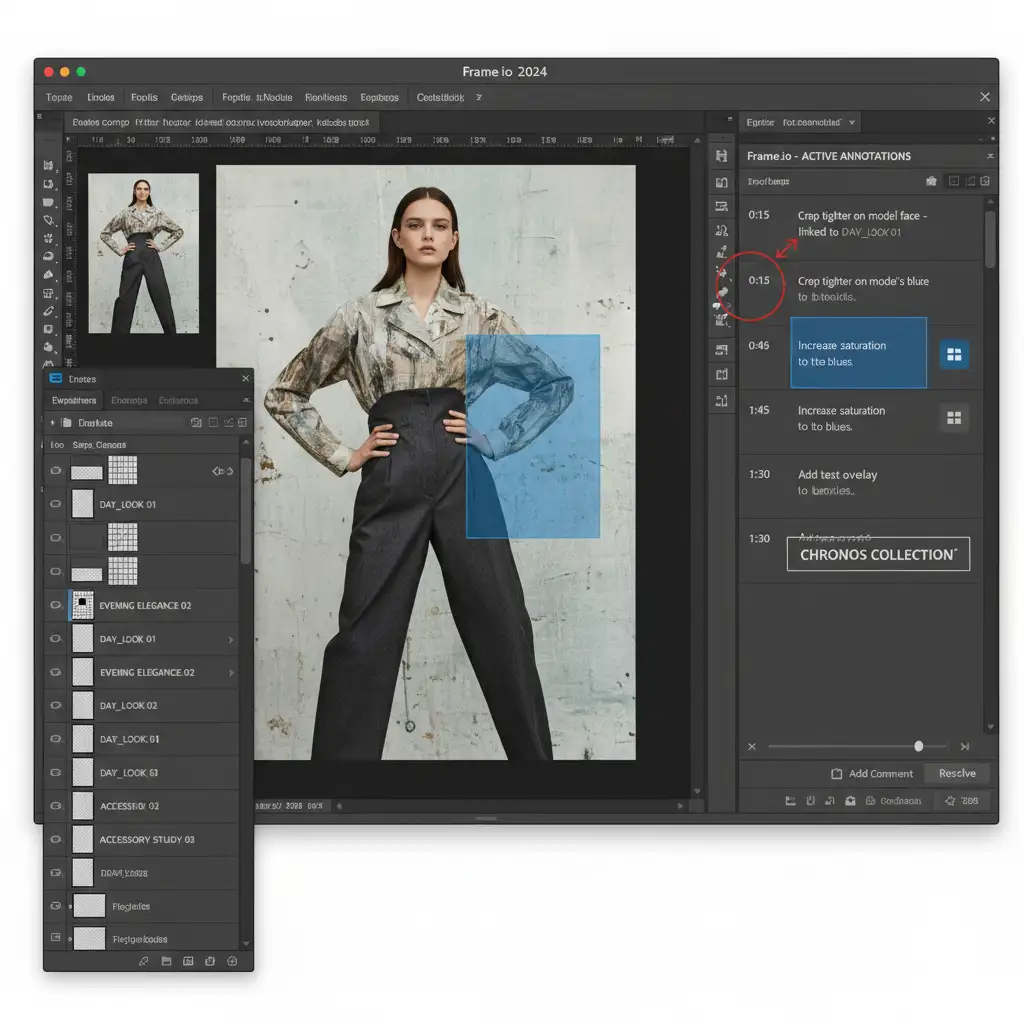
Instead of relying on native Adobe syncing, you can implement a Frame.io to Photoshop workflow. By using the Frame.io extension panel inside Photoshop, retouchers can sync specific layer comps or proxy JPEGs directly to the platform.
Benefits of Proxy Workflows
Using proxy workflows means the reviewer interacts with a lightweight, color-accurate JPEG on Frame.io. They leave time-stamped or layer-specific feedback that the retoucher sees directly inside their Photoshop workspace. This prevents version control chaos, keeps the heavy, high-res files stored locally, and ensures that the creative director’s vision is executed flawlessly.
Method C: The Technical Deep-Dive – Cloud Documents & Linked Smart Objects
To achieve the ultimate zero-lag environment, you must optimize both your network and your software architecture for latency optimization. This involves establishing a robust Cloud Document workflow.
Structuring Your Master Files
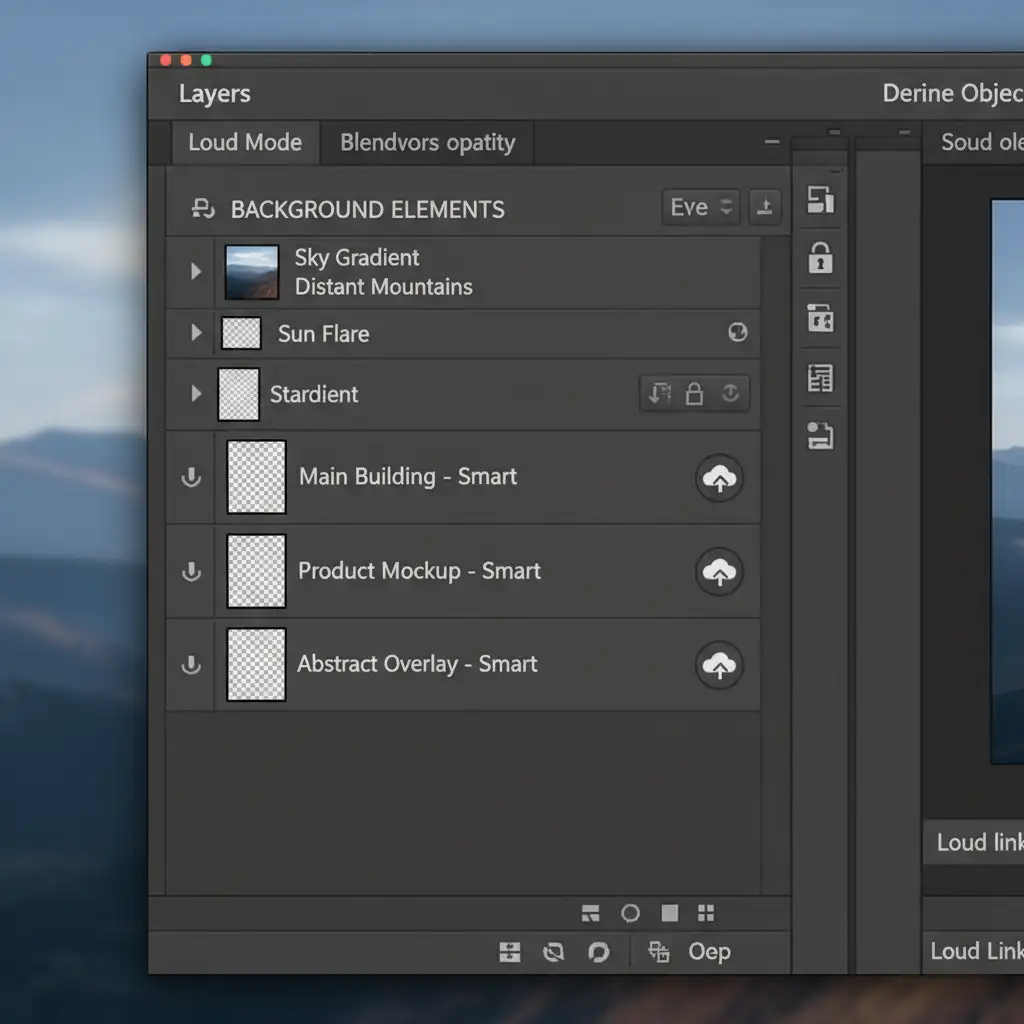
Instead of building a single, monolithic 5GB file, deconstruct the image. Convert heavy raster layers (like complex frequency separation or massive background plates) into linked Smart Objects.
- Store these linked assets on a fast local NAS.
- Keep the master cloud documents (PSDC) incredibly lightweight.
- Enable “Always keep available offline” for critical linked assets to prevent sync lag when multiple stakeholders access the file.
Optimizing Performance for Real-Time Screen Sharing
When you need an art director to oversee pixel-perfect color grading in real time, configure your Photoshop Performance settings to maximize GPU acceleration. Pair this optimized software state with low-latency screen sharing protocols like Parsec. The client sees exactly what you see, instantly, with zero compression artifacts.
Scale Your Lookbook Production with Image Work India
Transitioning to Live Revision Workflows for High-Fashion Lookbooks is the key to scaling your studio’s output, but configuring the technical infrastructure—from Frame.io API integrations to NAS-linked PSDC optimization—takes time away from actual creative work.
You don’t have to build this pipeline alone. Scale your high-fashion post-production without the bottleneck. Hire Image Work India and Cloud Retouch to integrate seamless, zero-lag retouching workflows directly into your creative pipeline. Our expert teams handle the heavy lifting of high-end retouching while providing you with frictionless, real-time collaboration tools that keep your art directors happy and your campaigns on schedule.
Contact Image Work India today to revolutionize your lookbook post-production.



