
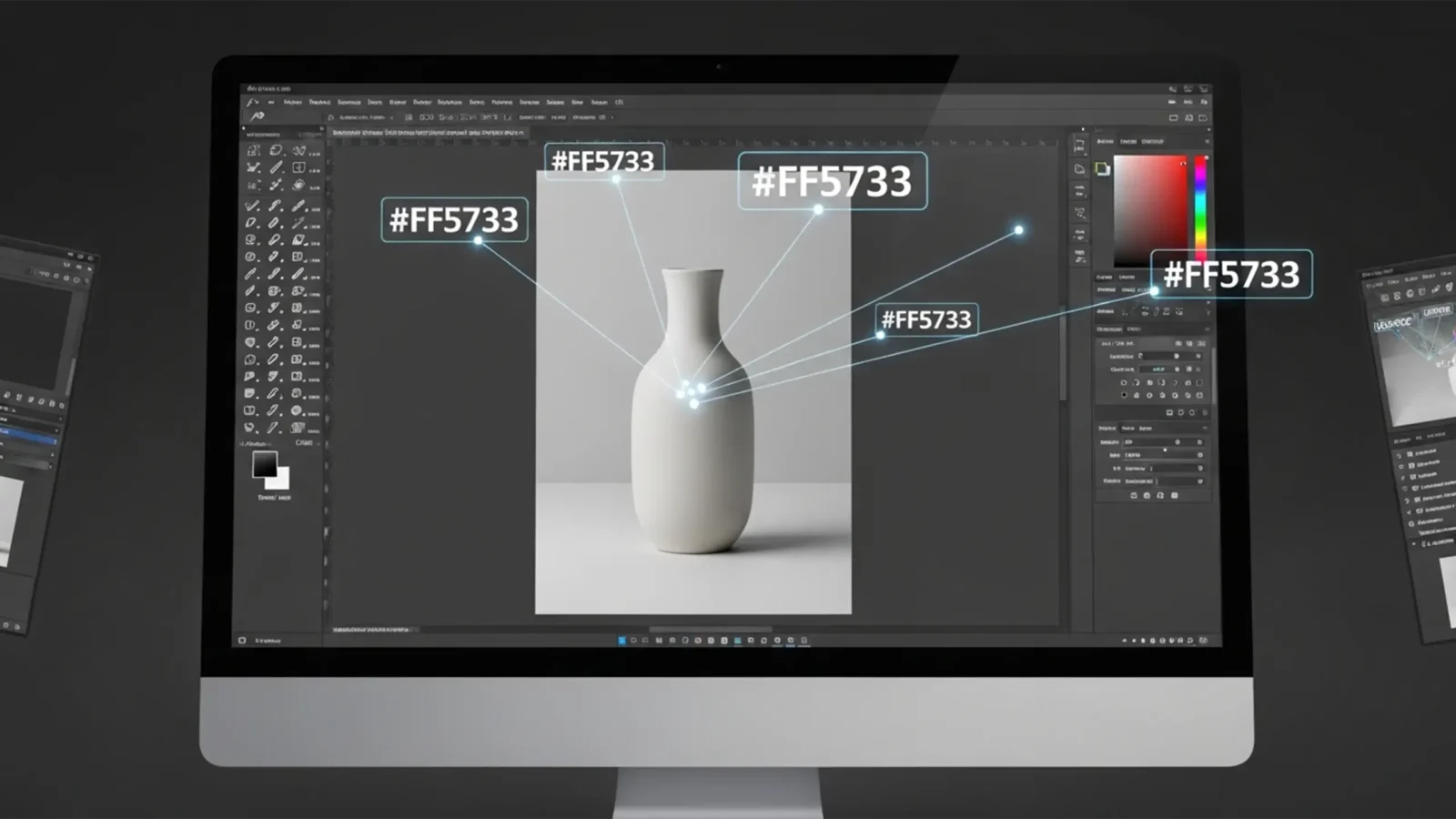
Match Hex Code to Product Photo Photoshop: Precise Guide
You already know the frustration: a client sends over a strict brand guideline with an exact #RRGGBB hexadecimal color for their new product line. You open Adobe Photoshop CC, reach for the standard Hue/Saturation slider, and instantly hit the dreaded “flat color”...
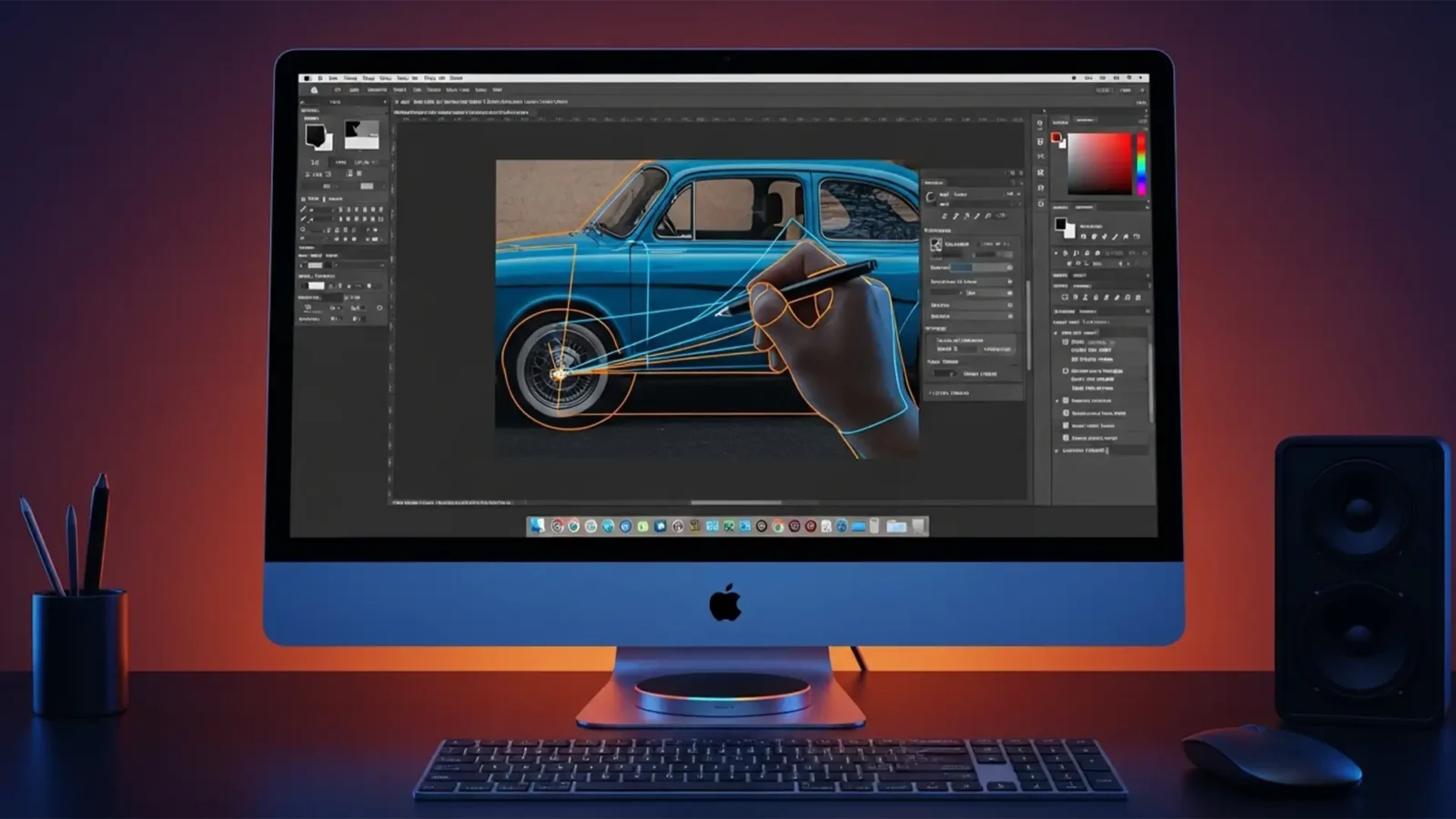
Fix Photoshop v25.12 Pen Tool Lag on macOS Sequoia
You just updated your Mac, opened Photoshop v25.12, and suddenly your workflow has ground to a halt. Every time you try to draw a precise clipping path, the Pen Tool drags, stutters, and tears across the screen. You place an anchor point, but the visual feedback is delayed by...
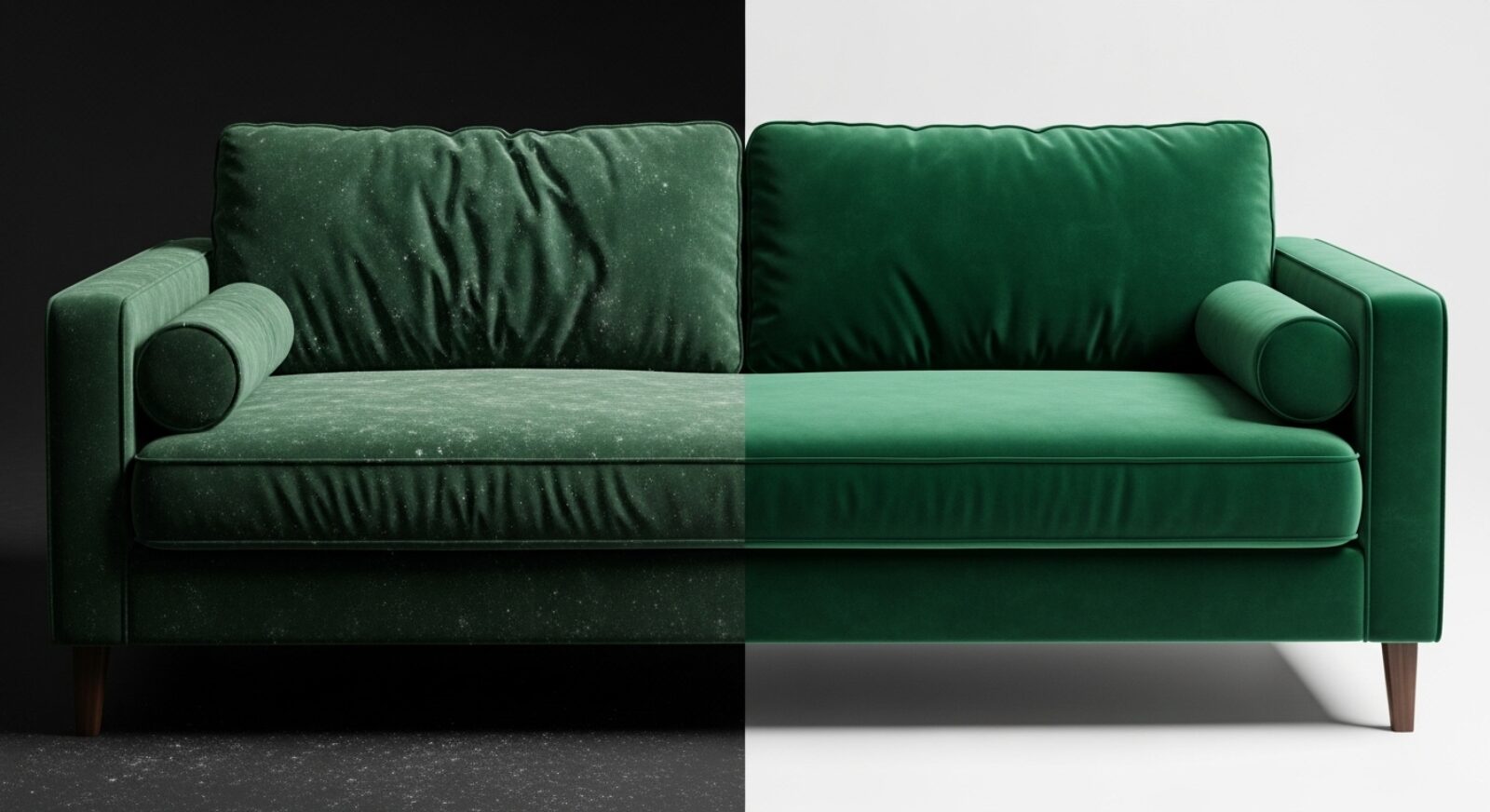
Photoshop Frequency Separation for Velvet Upholstery
If you’ve ever tried to retouch a velvet or suede sofa, you know the immediate frustration. You use the Healing Brush or Clone Stamp to remove a simple wrinkle, and suddenly, the delicate fabric nap is destroyed. You are left with patchy, smudged lighting that ruins the...
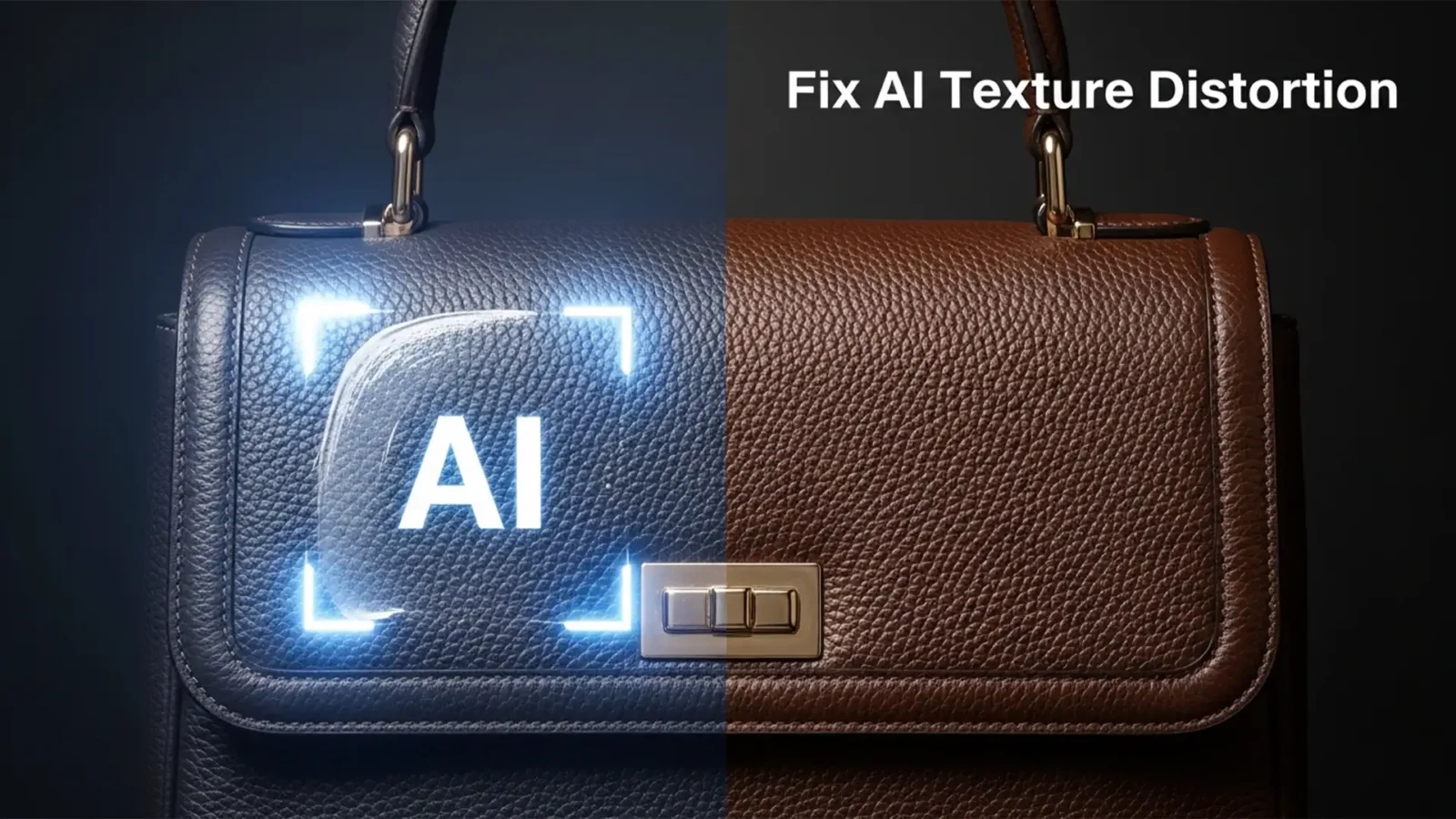
Fix Generative Fill Leather Texture Distortion in PS 2025
You are retouching a $2,000 luxury leather bag in Photoshop 2025. You use Generative Fill to remove a stray strap or extend the canvas. The color matches perfectly, but the texture? It looks like melted plastic.
The Adobe Firefly Image 3 Model is incredible for global...
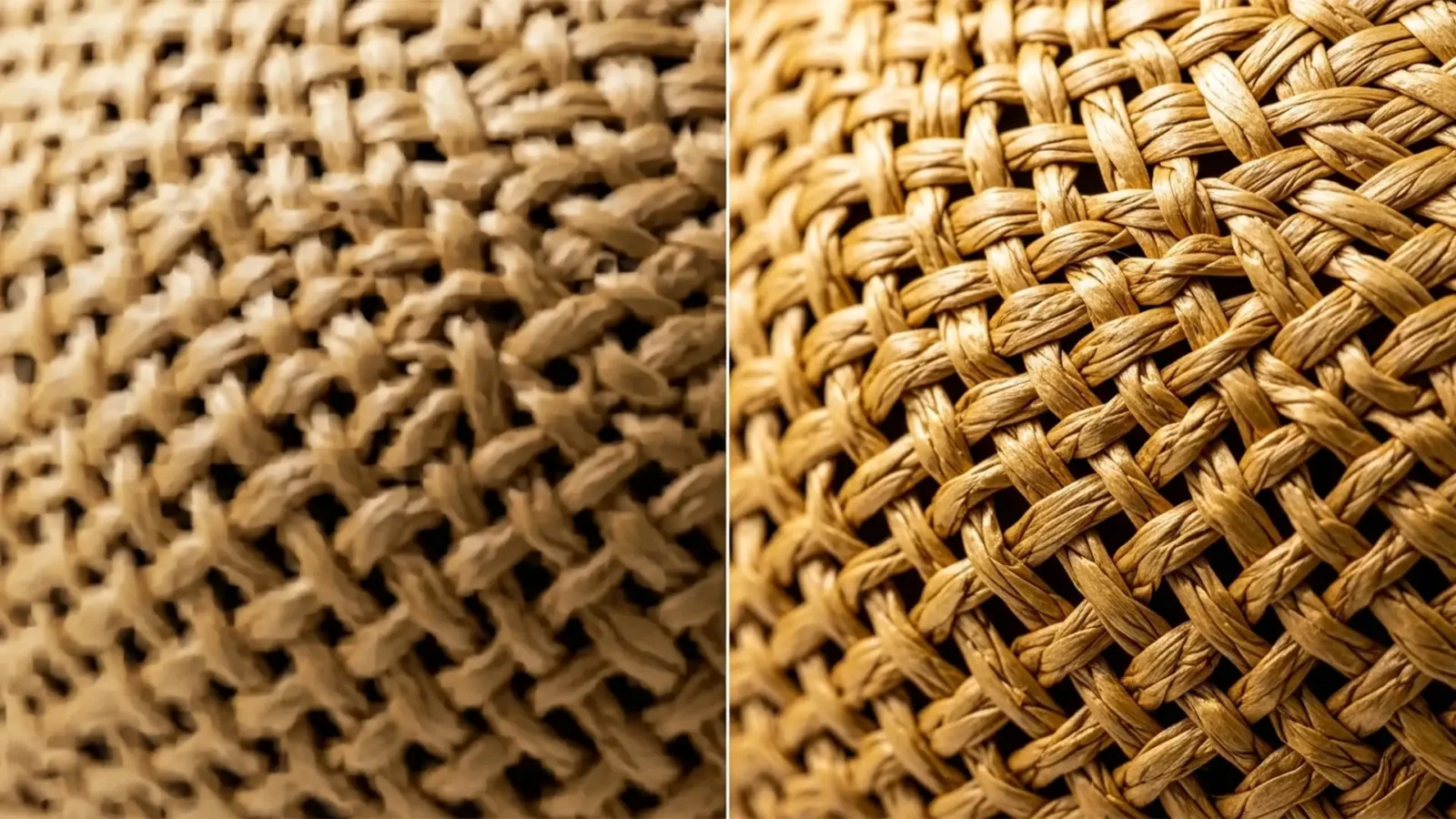
Stop the Mush: Restoring Realistic Straw and Woven Textures in Photoshop Generative Fill
You used Generative Fill to extend a background or remove a tag from a woven straw hat, and now it looks like melted plastic. Adobe Firefly’s 1024×1024 resolution limit notoriously struggles with high-frequency details, turning intricate repeating patterns like...
How to Fix Blurry Tiling and Seams in Photoshop Generative Fill
You just selected a large background area in your 50-megapixel commercial shoot, clicked “Generate” on the Contextual Task Bar, and waited for the magic. But instead of a flawless image expansion, you are staring at a blurry, low-resolution patch surrounded by...
Fix Photoshop 2025 Greyed Out UI Bugs on Windows 11
You are on a tight deadline, you launch Adobe Photoshop 2025 (v26.x) on your Windows 11 machine, and disaster strikes: the entire interface is greyed out. Your toolbars are unresponsive, floating windows are locked in place, and the dreaded color picker glitch prevents you...
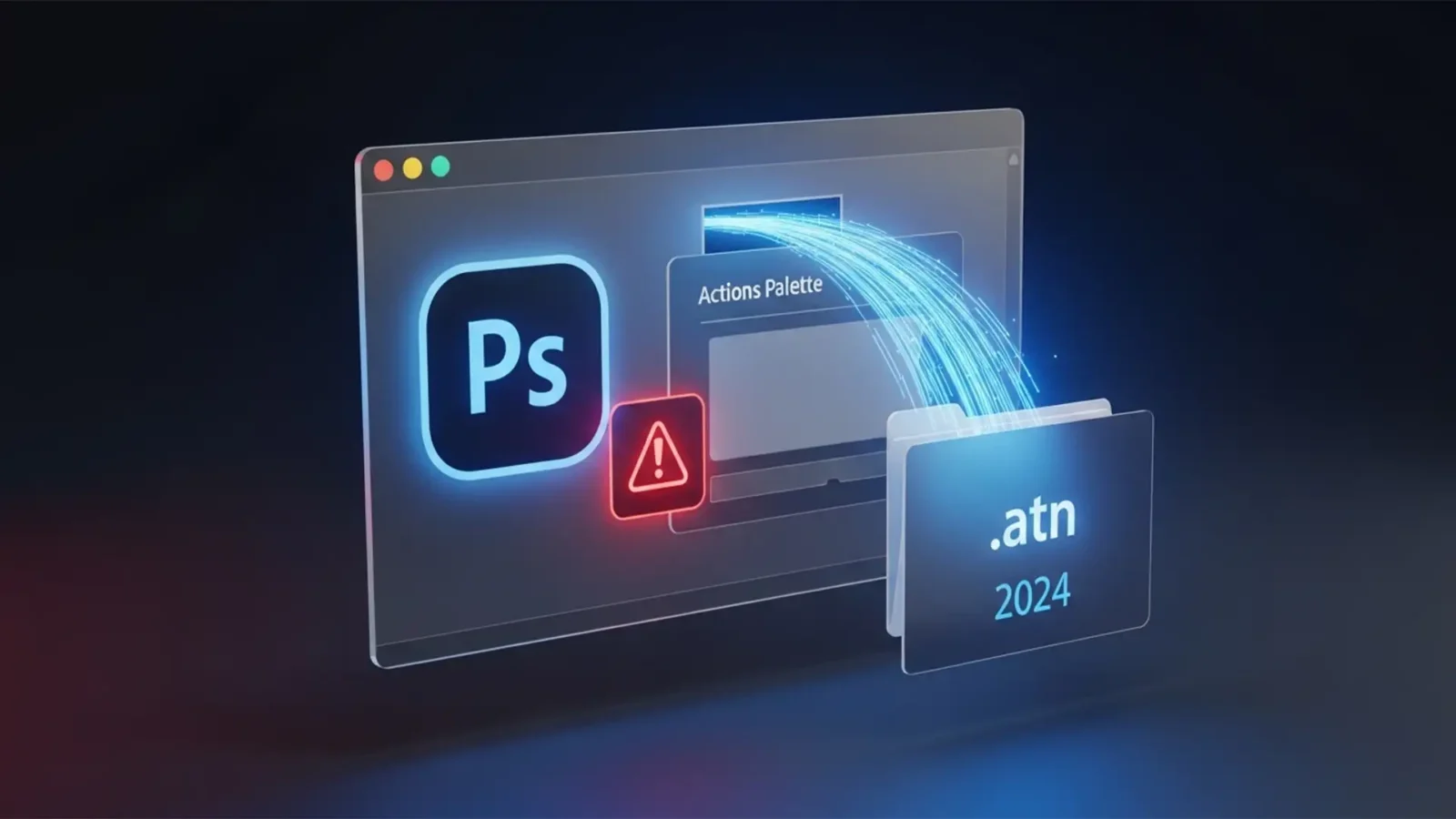
Lost Your Photoshop Actions After the 2025 Update? Here is the Emergency Recovery Guide
Imagine this: You’ve just updated to Adobe Photoshop 2025, ready to tackle a massive batch of product photos. You open the software, hit your trusty shortcut, and… nothing happens. You check your Actions Palette, and it’s completely empty, save for the default actions....
Photoshop 2025 Generative Fill Hallucinations: How to Stop AI from Adding Random Objects to Your Product Shots
You are trying to extend the background of a simple e-commerce product shot. You make your selection, hit “Generate,” and wait for the magic to happen. But instead of a clean, seamless background, you are staring at a bizarre, unrequested artifact. If you are...
How to Fix Photoshop Generative Fill Guidelines Violation
You are on a tight deadline, trying to remove a simple blemish or adjust clothing near a model’s skin using Photoshop’s Generative Fill, and suddenly—BAM. A red warning pops up: “The generated images were removed because they violate user...



