
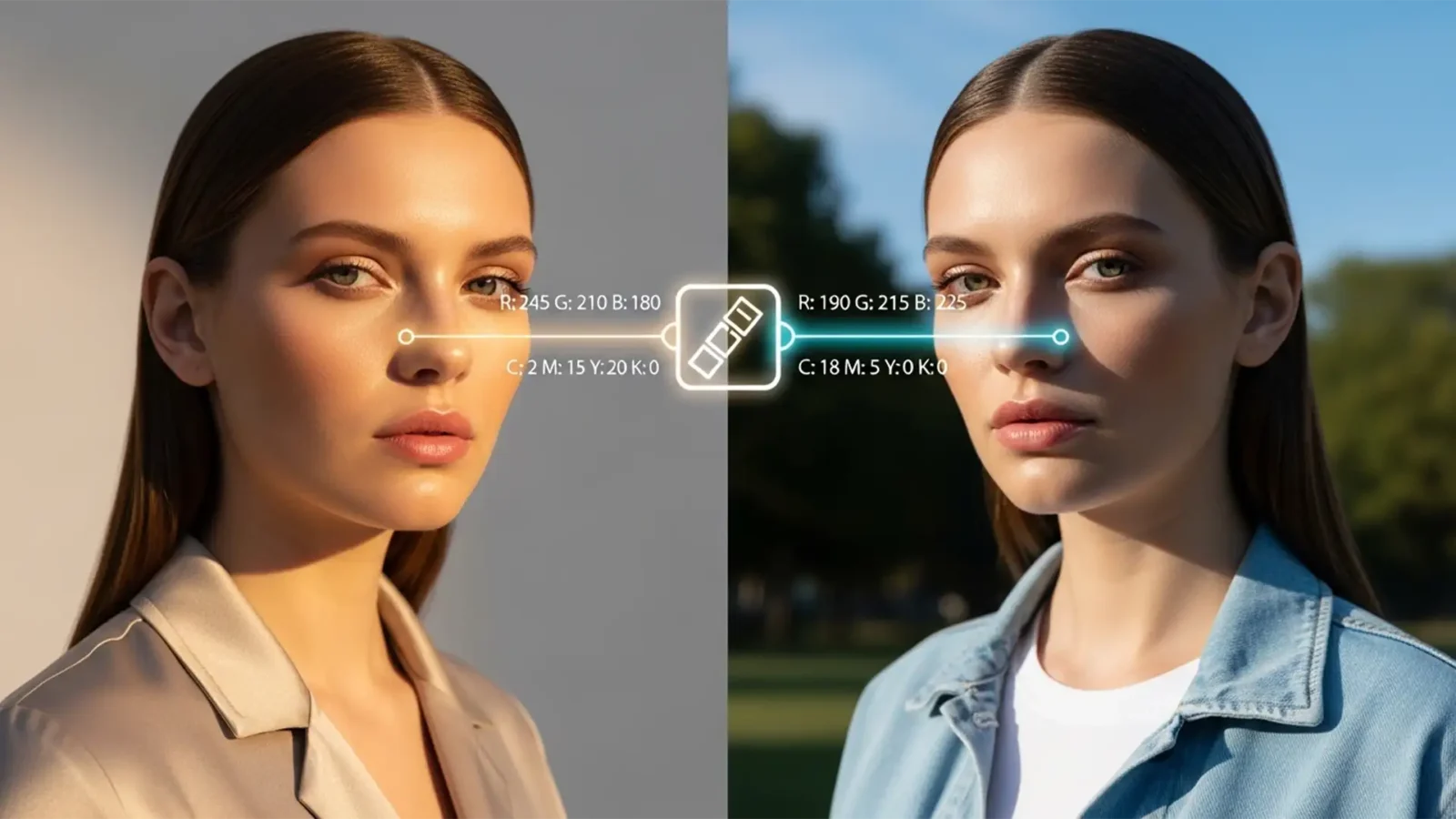
The Consistency Guide: Matching Model Skin Tones Across Variable Lighting Environments
Have you ever reviewed an e-commerce catalog only to find your model’s skin shifting from golden-hour warmth to sickly fluorescent green across different shots? Matching model skin tones across different lighting is one of the biggest hurdles in editorial retouching....
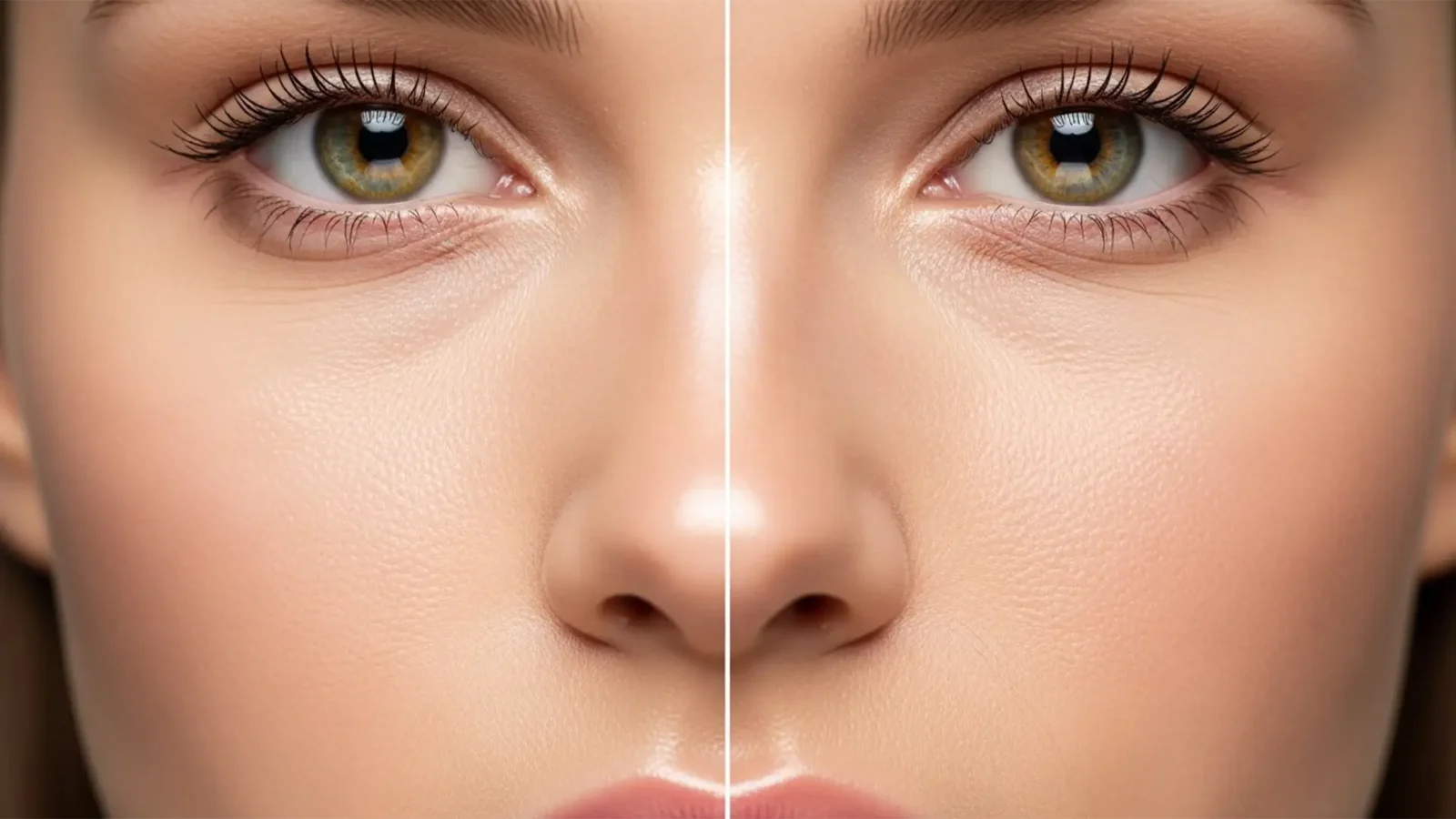
Fix Plastic Skin From Neural Filters: Restore Natural Skin Texture
You just applied the Skin Smoothing Neural Filter in Photoshop v23.0 or newer, expecting a flawless, magazine-cover finish. Instead, your subject looks like a plastic mannequin. Sound familiar?
While Adobe Sensei AI is incredibly powerful at evening out skin tones and...
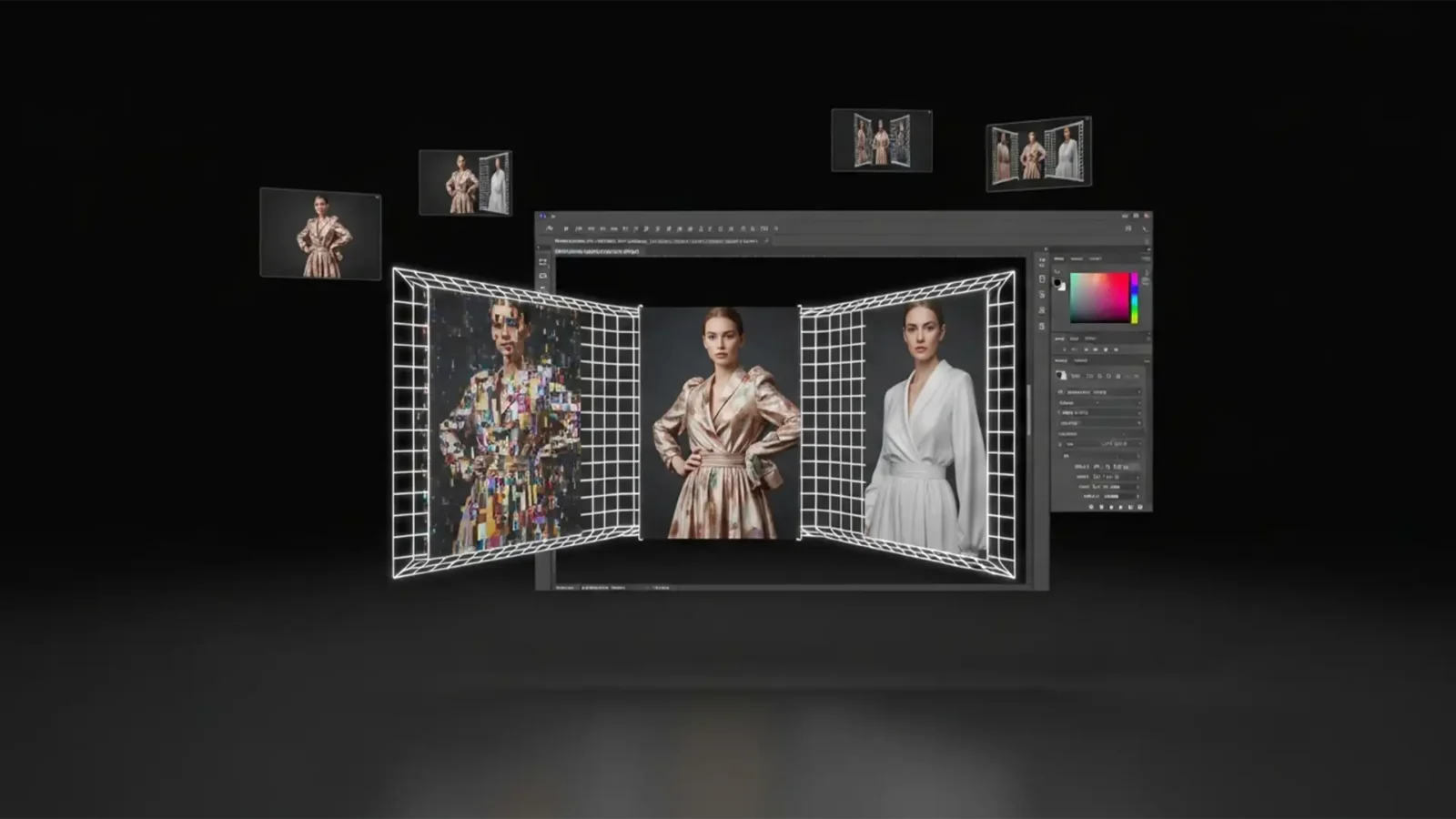
Fix Generative Expand Clothing Artifacts in Photoshop
You finally nailed the perfect fashion shot, but the client needs it in a wider aspect ratio for a website banner. You hit “Generative Expand” in Photoshop, expecting instant magic. Instead? The AI gives your model a third hand, turns smooth silk into crumpled...
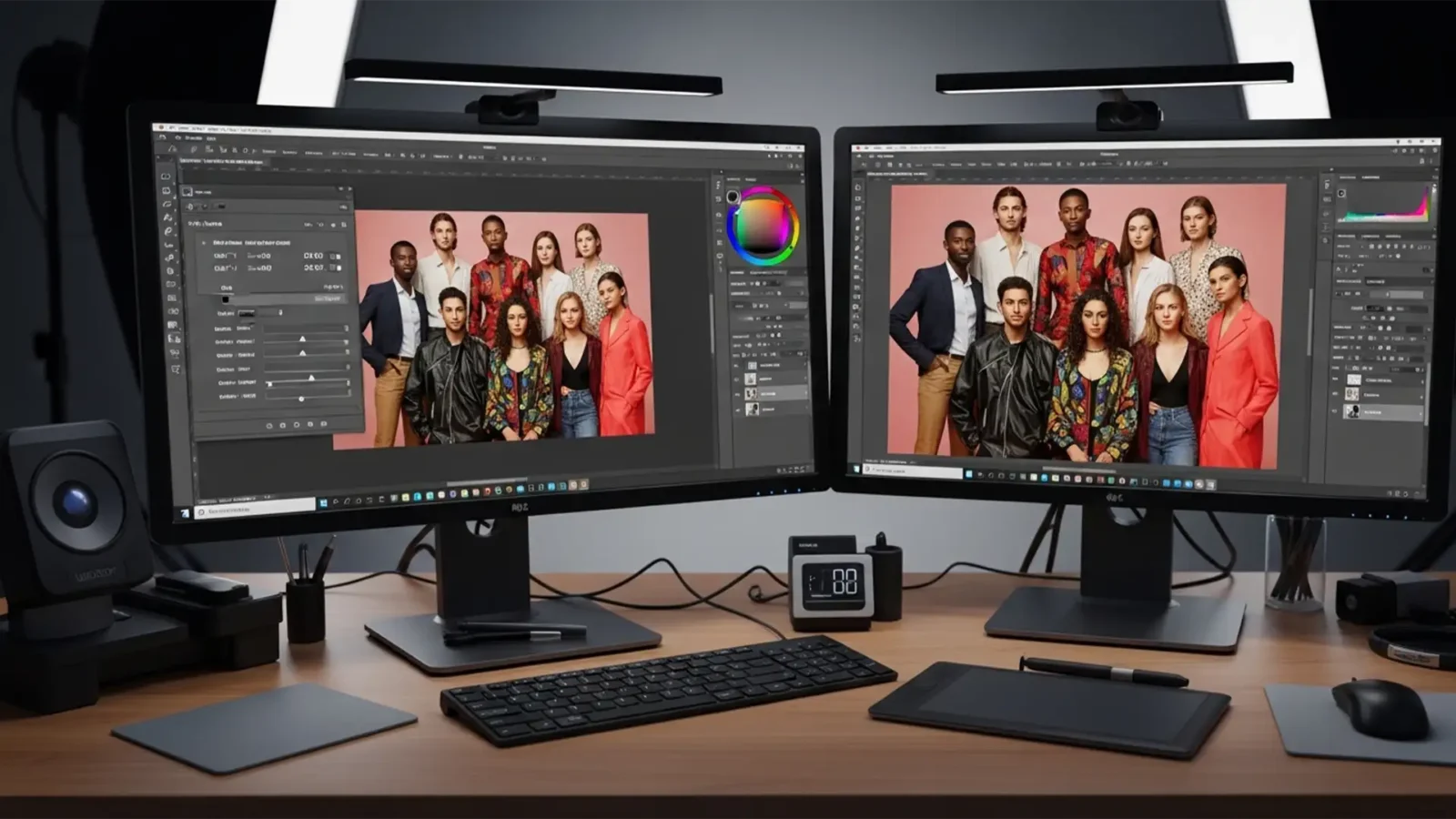
Pro Workflow: Matching Skin Tones in Diverse Group Photos
You’ve just applied a stunning warm preset to a group shot. The lighter-skinned subjects look pleasantly sun-kissed, but the darker-skinned models have suddenly turned overly orange or red. So, you pull back the warmth and cool the white balance—only to find the darker skin...
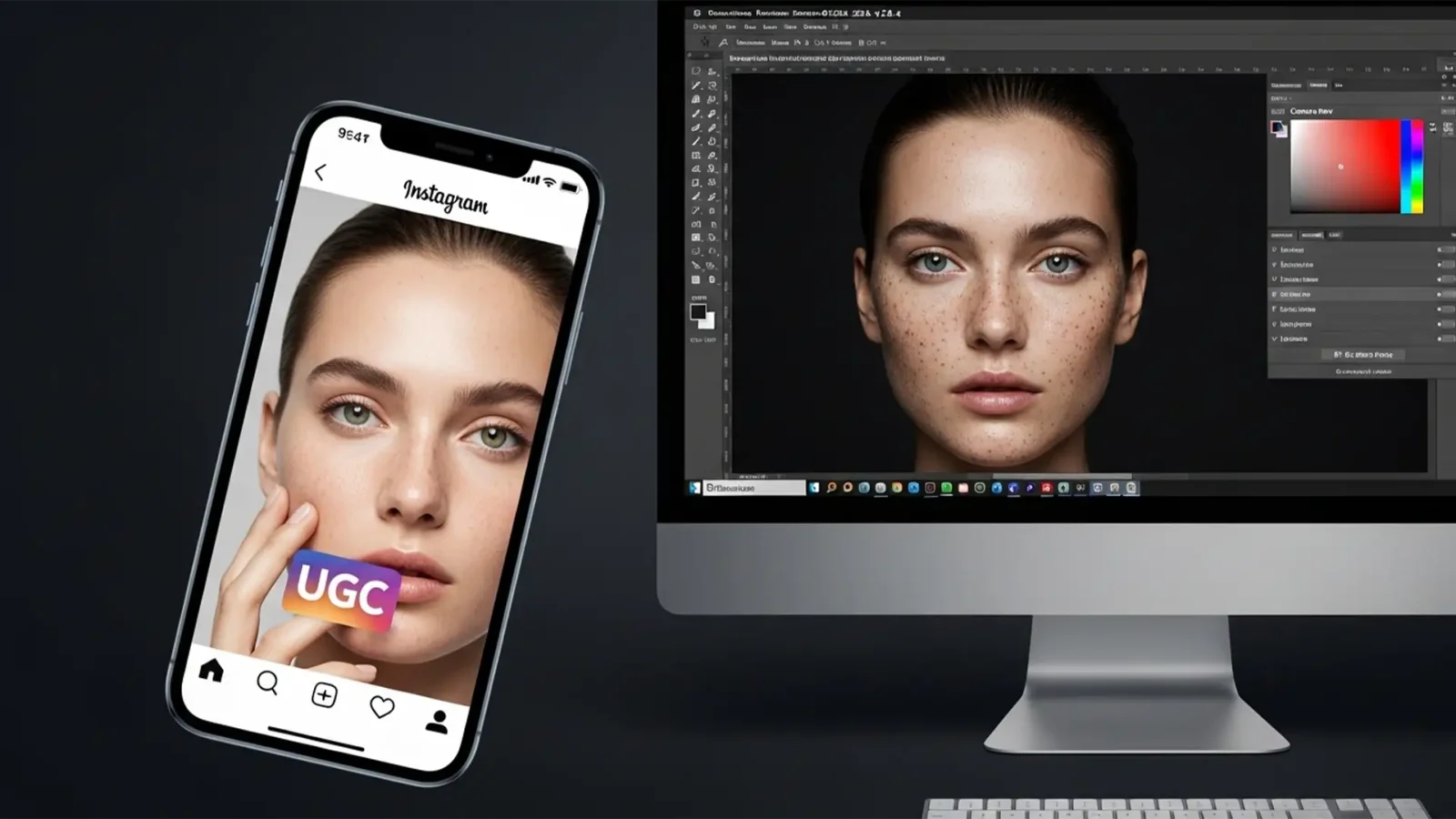
Invisible Retouching for UGC Ads: The Authentic Edit
Running high-converting TikTok or Instagram campaigns requires a delicate balance. Your User-Generated Content (UGC) ads need an authentic, unedited look to stop the scroll, but raw smartphone photos often feature distracting blemishes and poor lighting that tank conversion...
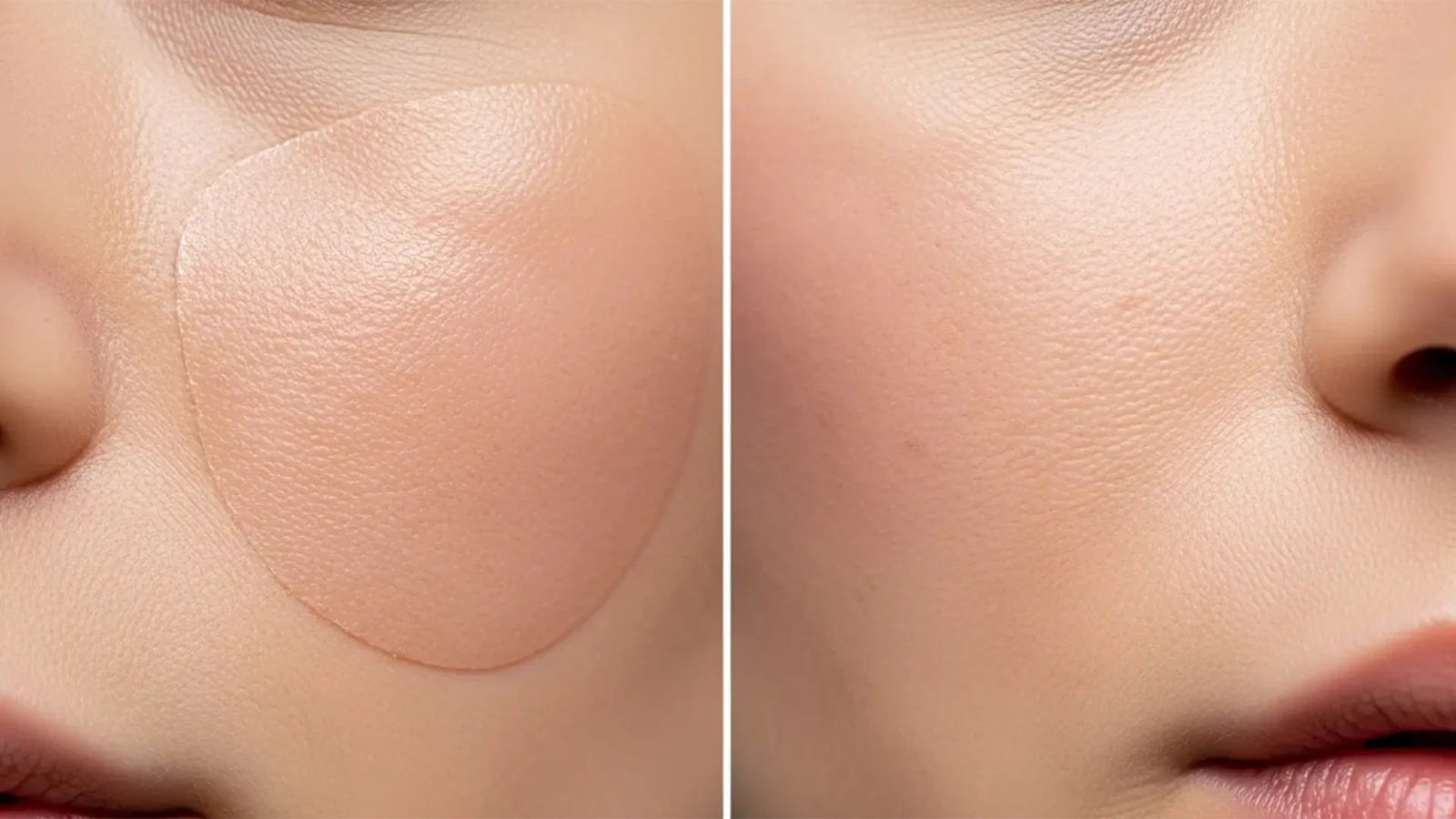
Stop the Plastic Look: How to Restore Realistic Skin Texture After Photoshop Generative Fill
You used Photoshop’s Generative Fill to remove a blemish, stray hair, or distraction on a high-end beauty portrait. The object is gone, but now you are left with a blurry, airbrushed patch of skin texture that looks like plastic.
Generative Fill in Photoshop v25.x...
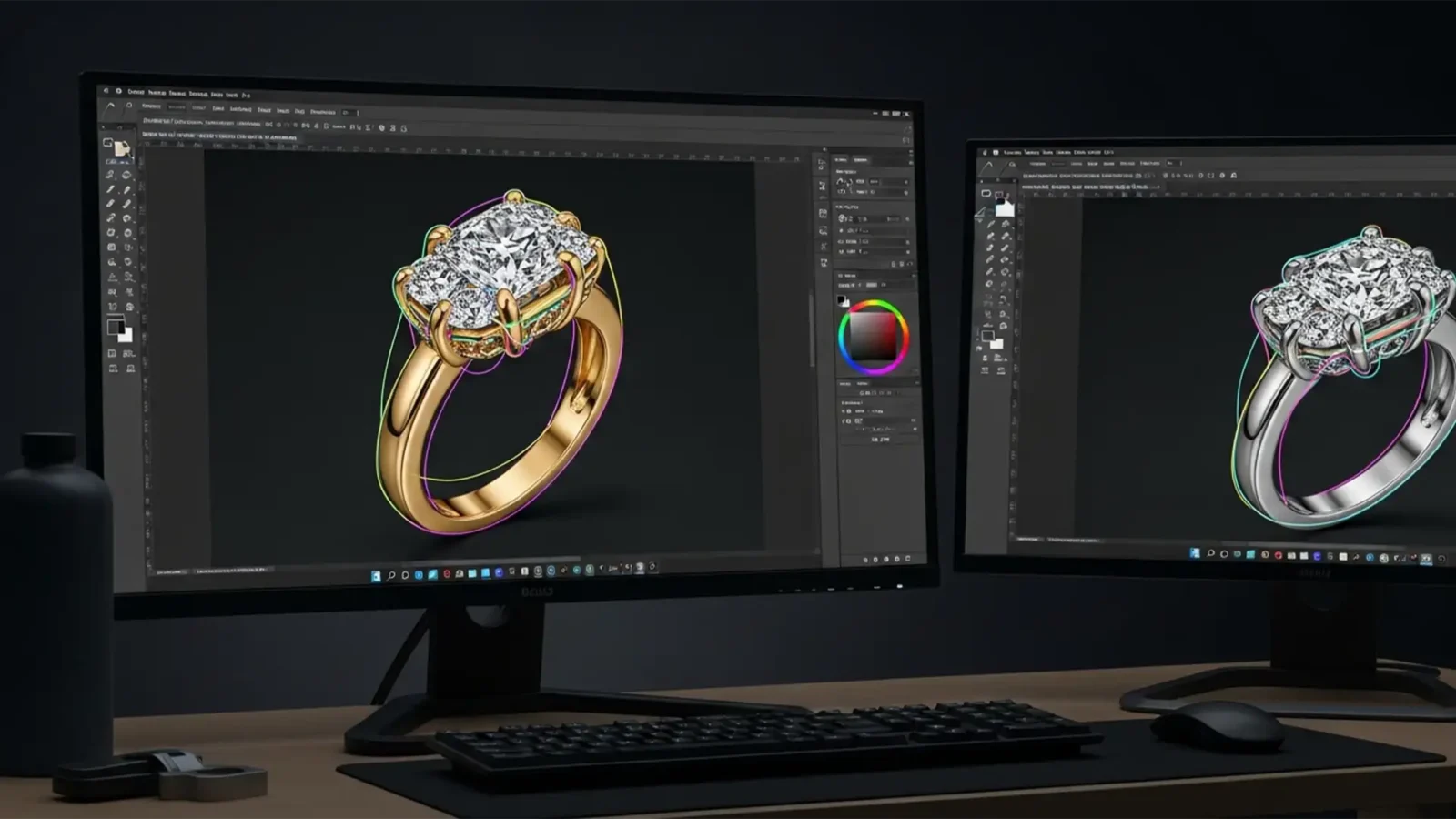
Multipath Jewelry Retouching for E-Commerce Mastery
You’ve just finished photographing a stunning diamond ring for an e-commerce catalog. The exterior background removal looks flawless, but there’s a massive problem: when you try to enhance the center diamond’s clarity, the highlights on the yellow gold band completely...
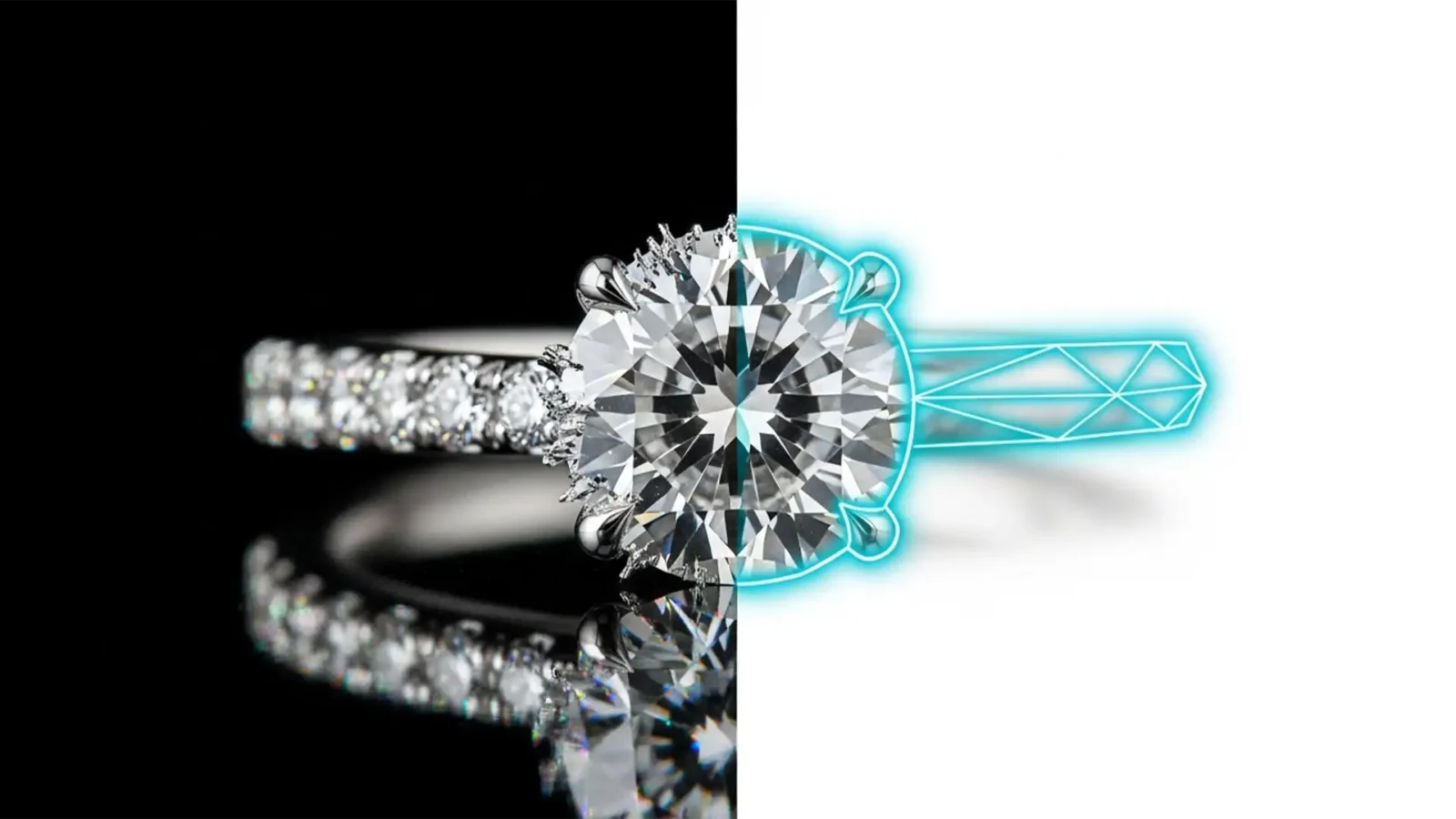
Jewelry Retouching: Why AI Background Removal Fails Where Manual Paths Win
You just ran a batch of expensive diamond ring photos through a one-click AI background remover, expecting magic. Instead, you’re staring at a disaster: missing platinum prongs, jagged edges, and background colors bleeding straight through transparent gemstones.
If...

AB 723 Compliance: The Editor’s Guide to Ethical Virtual Staging in 2026
Are you terrified of waking up to massive MLS fines or legal action because of an undeclared virtually staged photo? You aren’t alone. With California’s impending AB 723 law slated for 2026, real estate photographers and editors are facing a massive shift. The law...

Remove Studio Reflections From Luxury Bag Hardware
You have just wrapped a high-end product shoot. The leather looks flawless, but the polished metal buckles and zippers are a disaster. Because polished metals act like mirrors, they capture every studio strobe, softbox, and even the camera lens silhouette. When you try to...



