
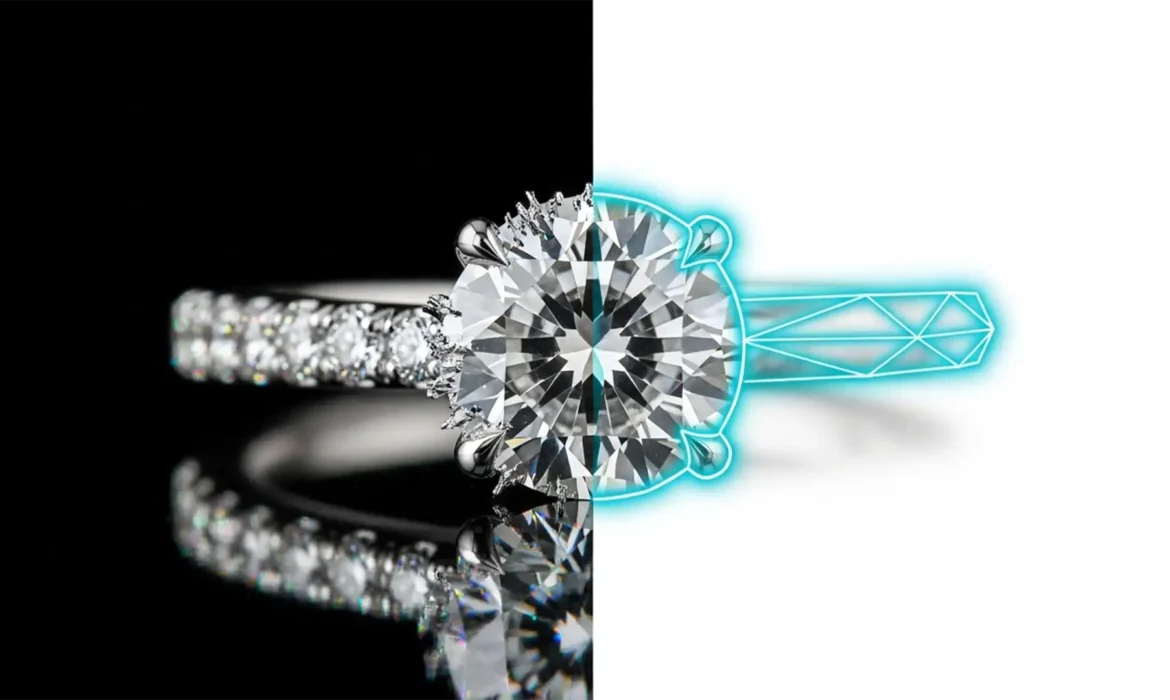
You just ran a batch of expensive diamond ring photos through a one-click AI background remover, expecting magic. Instead, you’re staring at a disaster: missing platinum prongs, jagged edges, and background colors bleeding straight through transparent gemstones.
If you’ve experienced this, you aren’t alone. In current software versions like Photoshop v25.x, even the most advanced edge detection algorithms still struggle heavily with refractive and highly reflective surfaces. When it comes to luxury e-commerce, relying on automated raster masks is a costly mistake. Let’s dive into exactly why AI fails on complex accessories, and why the debate of manual clipping path vs AI background removal for jewelry always ends with manual vector paths as the undefeated industry standard.
The Core Problem: Why AI Hallucinates on Jewelry
AI background removal tools rely primarily on contrast differences to create a raster mask. They look for a clear distinction between the subject and the background. However, jewelry presents a unique nightmare for these algorithms.
Because diamonds and precious metals have a high refractive index, they reflect their environment. A diamond shot on a white or grey background often shares the exact same pixel luma and chroma values as the background itself. When the AI cannot find a contrast edge, it guesses. This leads to severe issues:
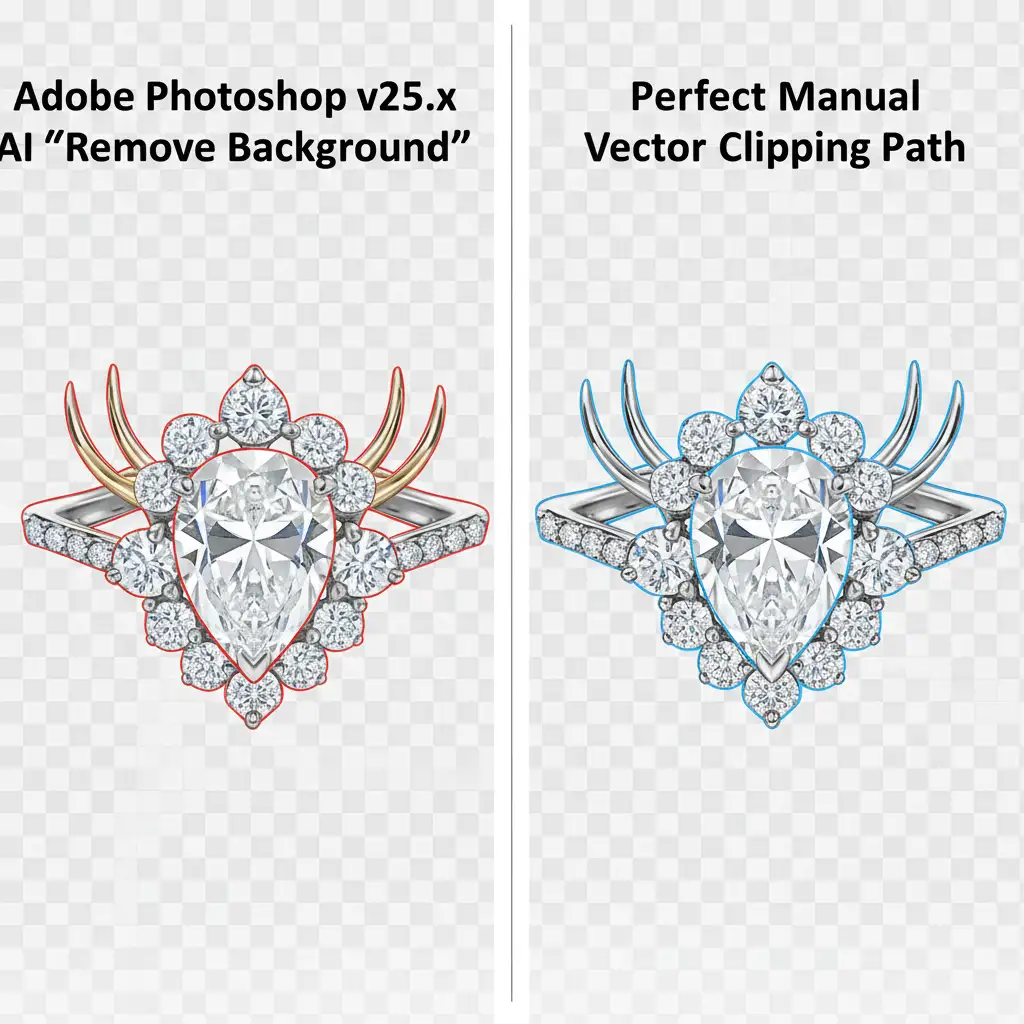
- Clipped Prongs: Fine metal prongs holding gemstones are often deleted entirely.
- Background Bleed: The background shows through clear stones, destroying the illusion of transparency.
- Generative Fill Artifacts: When trying to “fix” edges with AI, the software often hallucinates fake facets or metal textures that don’t match the physical product.
Manual clipping paths bypass this issue entirely. By using vector-based Bezier curves, a retoucher maps the physical, geometric edges of the product perfectly, regardless of pixel contrast.
3 Professional Workarounds to Flawlessly Isolate Jewelry
If you want to maintain the luxury appeal of your products, you need to abandon one-click solutions. Here are the three industry-standard methods for isolating complex jewelry, ranging from quick fixes to advanced technical deep-dives.
Method A: AI Selection with Manual Refinement (The Quick Fix)
If you are on a strict time crunch, you can use AI to do the heavy lifting, but you must manually refine the mask.
- Open your image in Photoshop v25.x and click Select Subject or Remove Background.
- Zoom in to 300% and inspect the edges, specifically around the prongs and chains.
- Select the Layer Mask.
- Use the Polygonal Lasso or a hard Brush tool (painted white) to manually paint back the missing prongs and facets that the edge detection algorithm destroyed.
Note: While faster, this still relies on a raster mask, which can lead to slightly softer edges compared to a true vector path.
Method B: The Multi-Path Technique (The Pro Standard)
This is the gold standard for jewelry retouching. A 100 percent manual vector clipping path guarantees pixel-perfect preservation of the jewelry’s geometry.
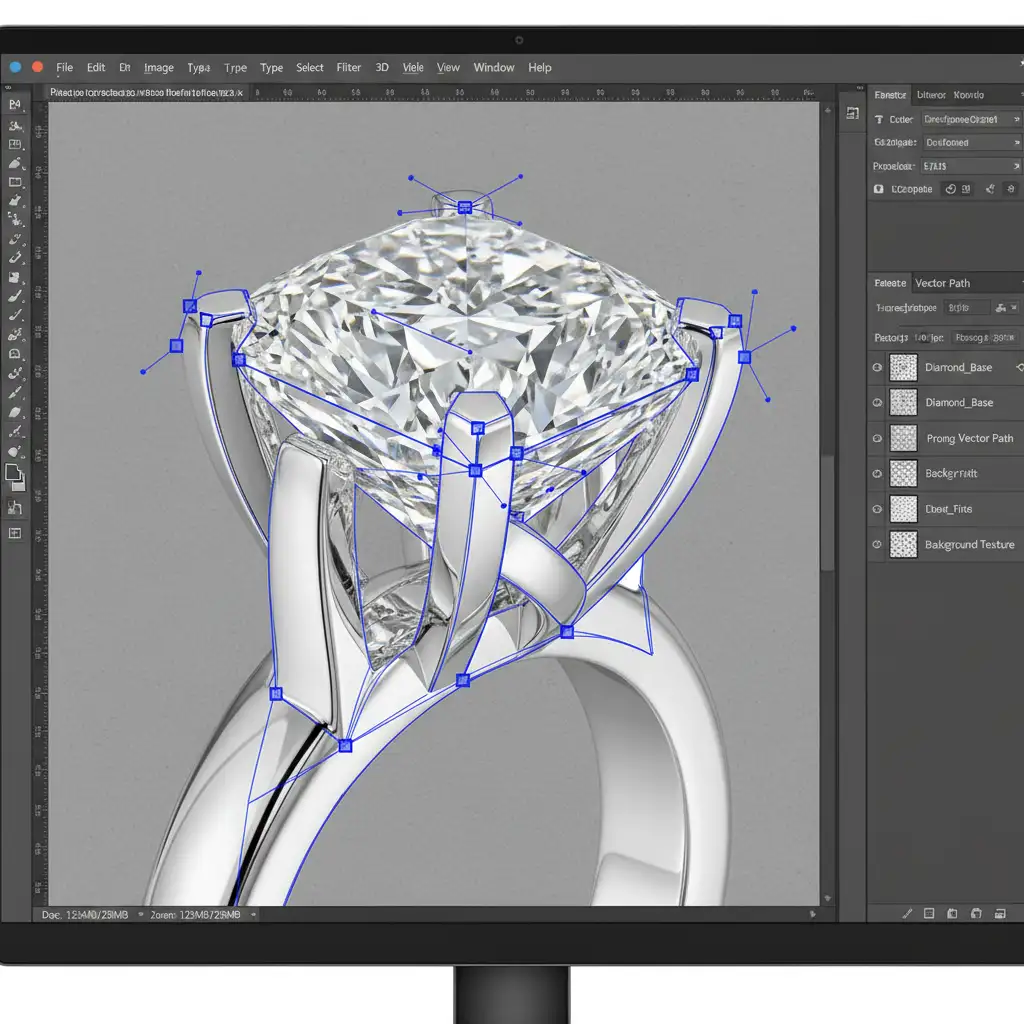
- Select the Pen Tool (P).
- Draw a precise vector path around the outer edge of the jewelry using Bezier curves. Keep your anchor points minimal for smooth curves.
- Create separate, individual paths for the “cutouts” (the negative space holes between the ring band and the gemstone setting).
- Save the path in the Paths panel.
- Right-click the path and choose Make Selection. Set the feather radius to 0.5px. This provides natural anti-aliasing so the jewelry doesn’t look cut out with scissors.
Method C: Luminosity and Channel Masking (The Technical Deep-Dive)
For highly transparent gemstones, neither AI nor basic vector paths are enough. A hard path will cut out the stone, but it will look like a piece of opaque plastic. To preserve micro-reflections and true transparency, you need an alpha channel.
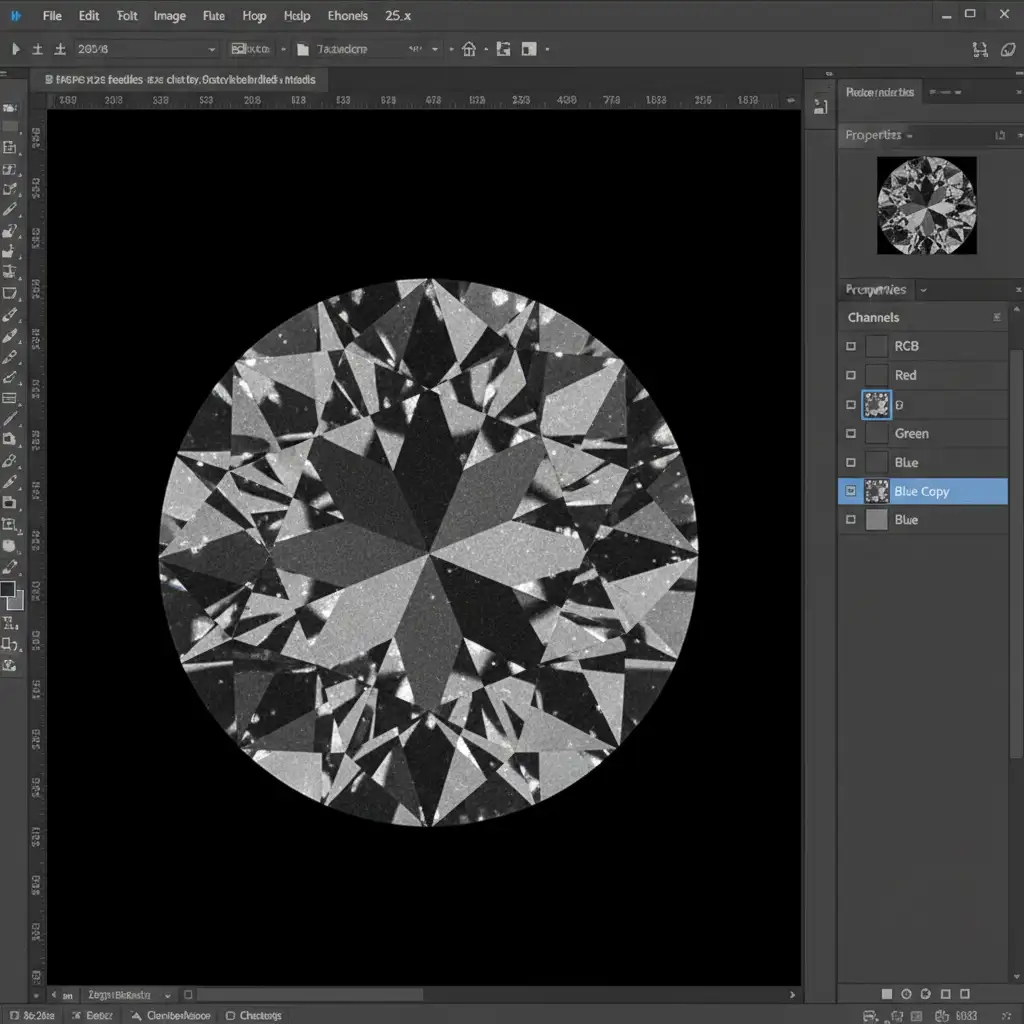
- Open the Channels panel.
- Click through the Red, Green, and Blue channels to find the one with the highest contrast (usually the Blue channel for diamonds).
- Right-click and duplicate that channel.
- Press Ctrl+L (Cmd+L) to apply a Levels adjustment directly to the duplicated channel. Push the blacks and whites to force extreme contrast.
- Ctrl-click (Cmd-click) the duplicated channel’s thumbnail. This loads the exact luminosity data of the gemstone as a selection.
- Apply this selection as a layer mask. This ensures the dark facets remain opaque while the clear areas become genuinely transparent, preserving the stone’s natural refractive index.
Stop Risking Your Brand’s Image with Bad AI
The reality of manual clipping path vs AI background removal for jewelry is simple: AI is built for speed, but manual paths are built for perfection. When a customer is zooming in on a $5,000 engagement ring, a missing prong or a jagged, AI-hallucinated edge will instantly destroy their trust in your brand.
Executing multi-path techniques and advanced luminosity masking takes hours of dedicated, highly skilled labor. If you don’t have the time or the in-house team to process hundreds of product photos manually, we can help.
Don’t let AI ruin your luxury product presentation. Trust the expert retouching teams at Image Work India and Cloud Retouch. We specialize in pixel-perfect manual clipping paths, channel masking, and high-end jewelry retouching that elevates your imagery and drives sales. Contact us today to get your jewelry images isolated with flawless precision.



