
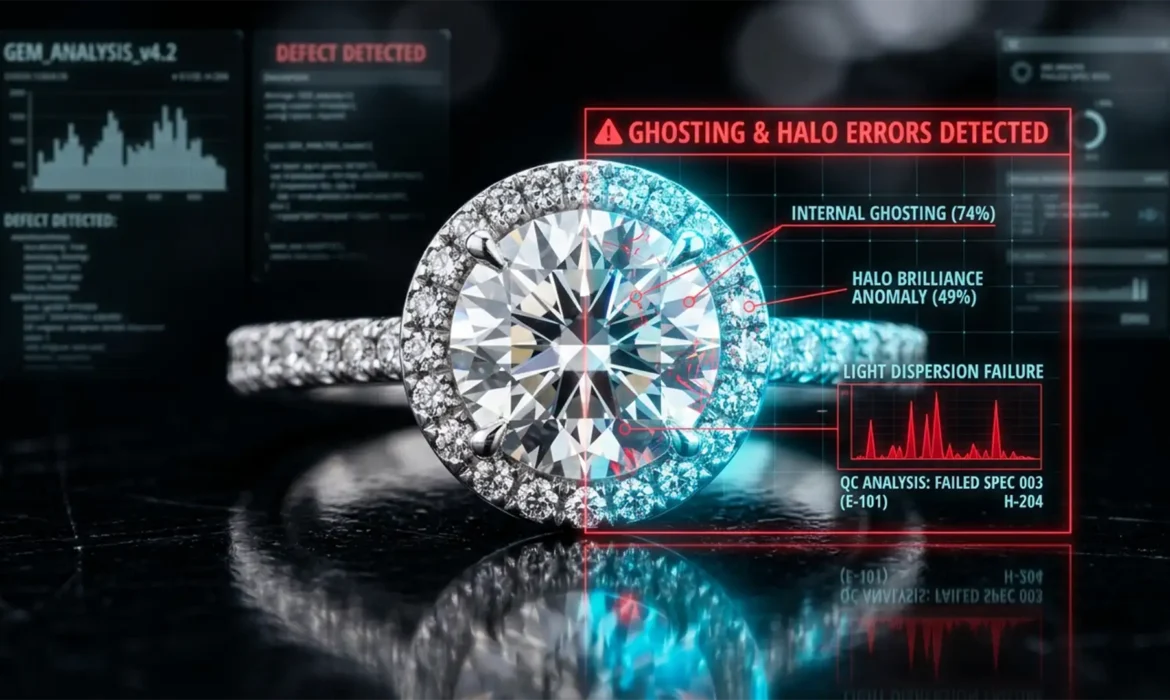
You just received the final files from your offshore retouching agency, expecting crisp, magazine-quality product shots. Instead, you zoom in to find blurry diamond prongs, weird glowing outlines around the platinum band, and muddy, smeared textures. Sound familiar?
You are losing sales because your product shots look cheap. These are classic outsourcing jewelry focus stacking errors.
When dealing with macro photography, capturing sharp details across a 3D object requires combining dozens of images. But when budget editors rely on automated software to do the heavy lifting, the results are disastrous. Here is exactly why your stacked jewelry photos are failing, the red flags to look for, and the technical workflows required to fix them.
Why Focus Stacking Fails in High-End Jewelry Photography
In macro photography, shooting fine jewelry presents a physical limitation: an incredibly shallow depth of field. Even at f/11 or f/16, you cannot keep the front prong of a ring and the back of the band in focus simultaneously.
To solve this, photographers shoot a sequence of images at varying focal distances and merge them—a process known as focus stacking. However, changing the focal point causes focus breathing (a slight change in focal length) and parallax shifts.
When outsourced editors attempt to merge these frames using basic Photoshop algorithms, the software panics. It struggles to differentiate between the sharp edge of a diamond, the bright reflection of the metal, and the background. The result? A messy, unusable final image.
The Red Flags of Bad Outsourced Focus Stacking
Before you approve another batch of retouched images, zoom in to 200% and look for these critical errors:
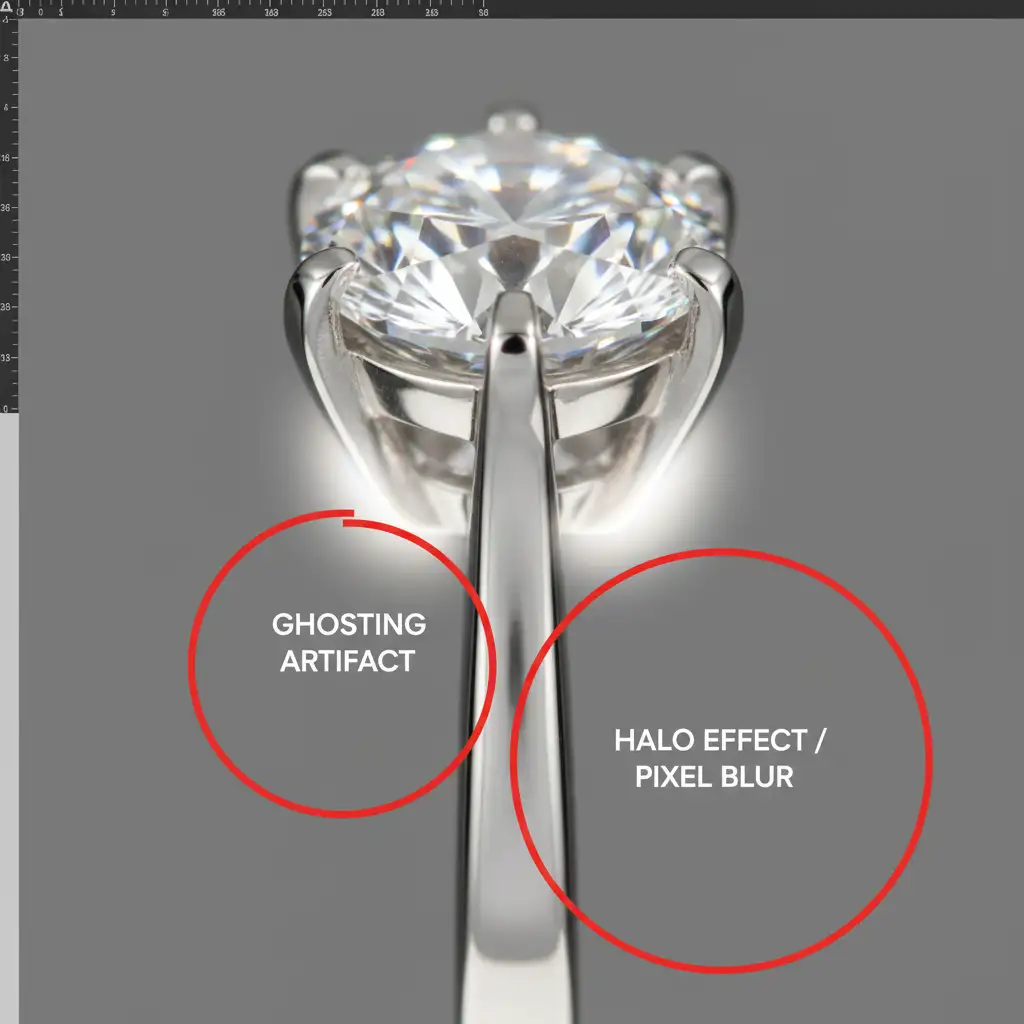
- The Halo Effect: A distinct, glowing, or blurry outline surrounding the outer edge of the jewelry piece where it meets the background.
- Ghosting: Semi-transparent, overlapping double-images, usually visible on intricate details like diamond prongs or chain links.
- Focus Banding: Unnatural horizontal or vertical lines across the metal surface where the software abruptly switched from one focal layer to the next.
- Smudged Metal Textures: Areas where the algorithm couldn’t find a sharp pixel, resulting in a smooth, plastic-like smear that destroys the natural grain of the metal.
- Amplified Chromatic Aberration: Purple or green color fringing on the edges of diamonds that gets compounded and worsened during the merging process.
How to Fix Focus Stacking Errors: 3 Professional Methods
If your current vendor is delivering sub-par work, they are likely taking shortcuts. Here are the three technical workflows required to eliminate ghost edges and halos.
Method A: The Quick Fix (Photoshop Layer Masking)
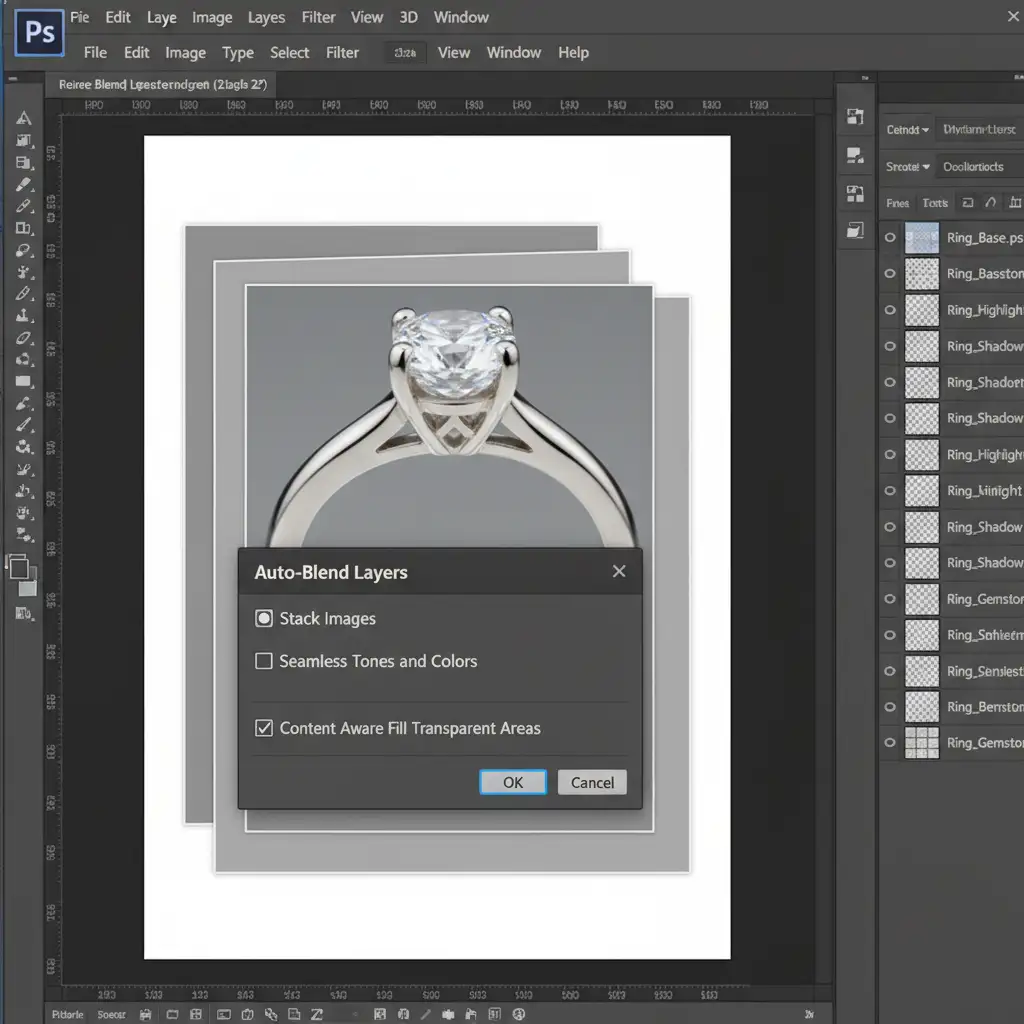
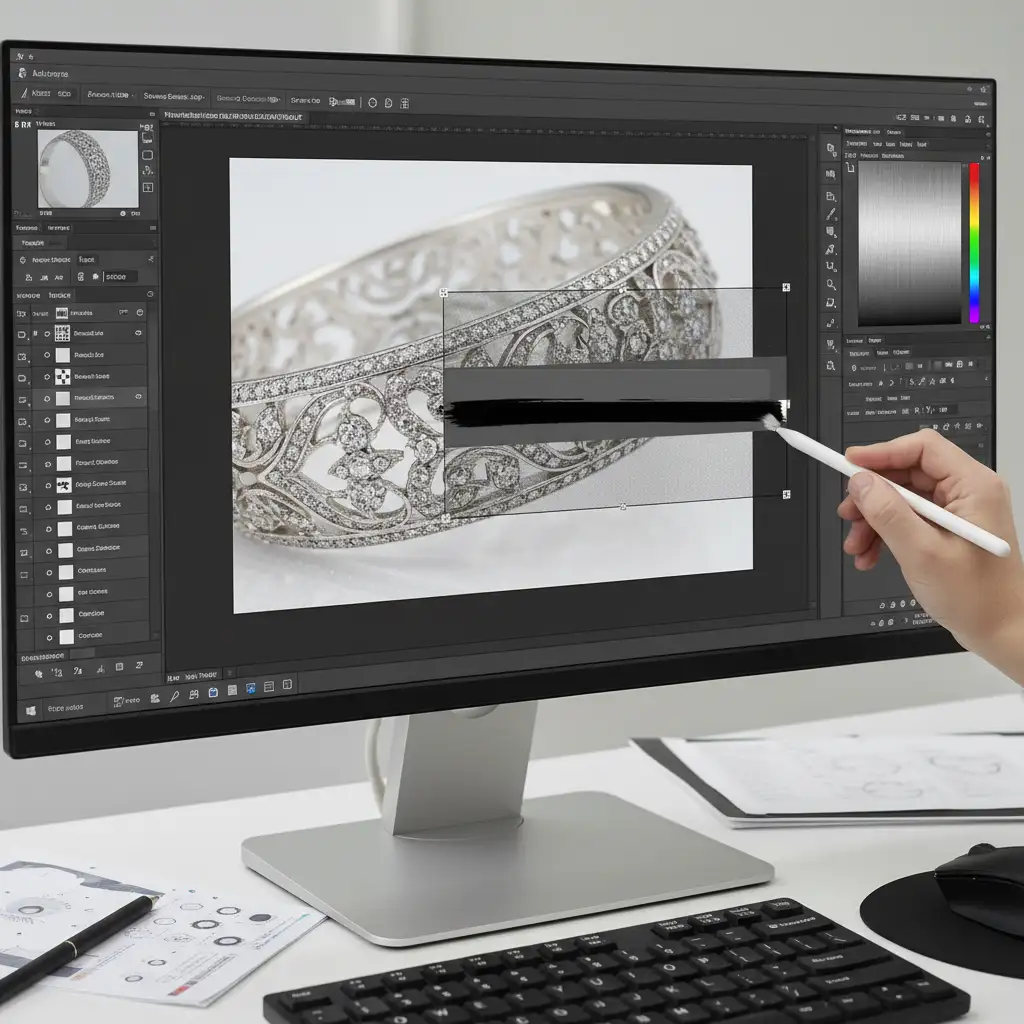
Most budget editors simply highlight all layers, hit Auto-Blend Layers, and call it a day. This is the root cause of the problem. If you must use Photoshop for stacking, manual intervention is non-negotiable.
- Load files into a stack and run Edit > Auto-Align Layers.
- Run Edit > Auto-Blend Layers (ensure “Stack Images” and “Seamless Tones and Colors” are checked).
- The Critical Step: Do not flatten the image. Inspect the automatically generated layer masks.
- Select the Brush tool, zoom in to 300%, and manually paint with black or white on the layer masks to hide focus banding and reveal the sharpest underlying pixels.
Method B: The Pro Workaround (Dedicated Stacking Software)
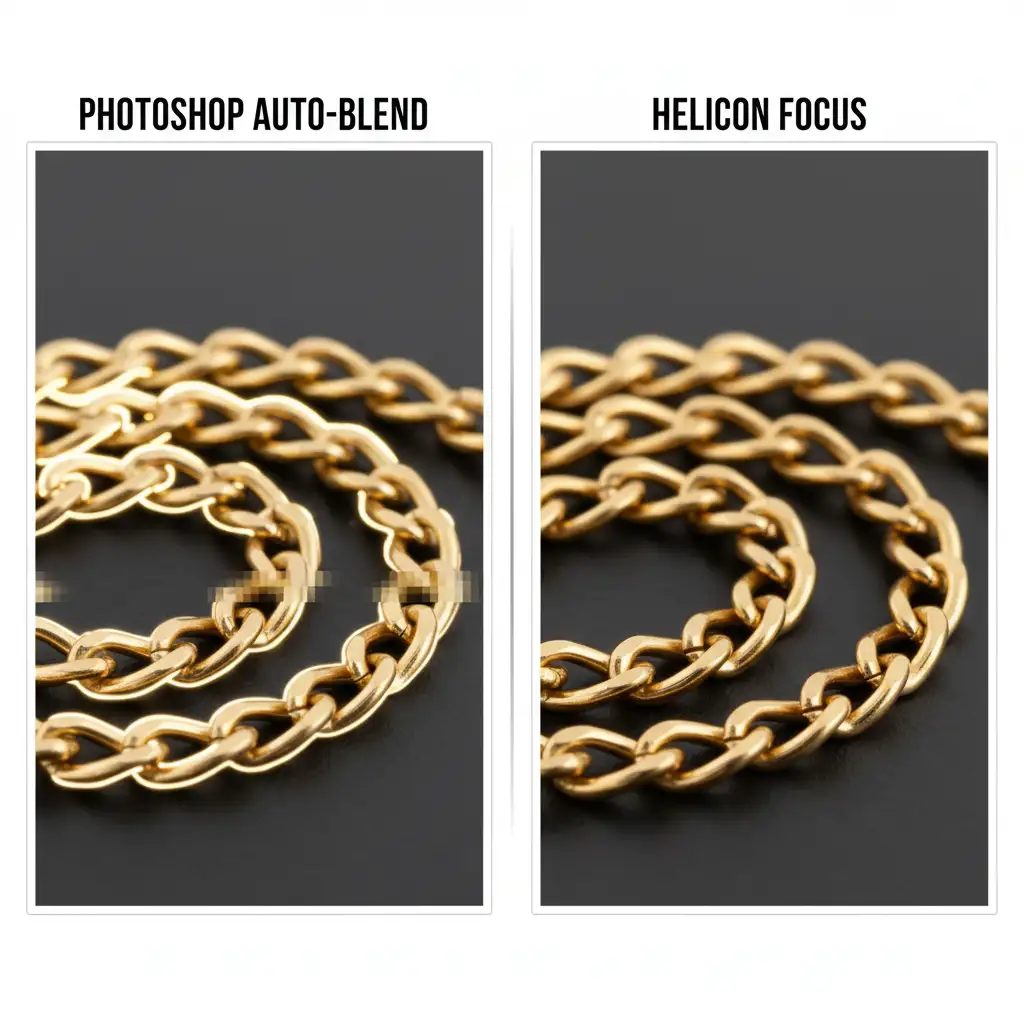
For highly reflective jewelry surfaces, Photoshop is often the wrong tool for the job. Professional retouching houses bypass Photoshop entirely for the initial merge.
Instead, export your RAW files as high-resolution TIFFs and process them through dedicated stacking software like Helicon Focus or Zerene Stacker. These programs use advanced algorithms (like Helicon’s Depth Map or Pyramid methods) that are specifically designed to handle the complex parallax shifts and reflective highlights of macro jewelry photography without generating halos.
Method C: Rescuing Bad Outsourced Work (Advanced Retouching)
What if you’ve already received a flattened, poorly stacked file from an outsourced team and you don’t have the original RAW sequence? You have to reconstruct the image.
- Isolate the Subject: Use the Pen Tool to create a precise clipping path around the jewelry, cutting away the blurry halo effect bleeding into the background.
- Frequency Separation: Apply a Frequency Separation technique to separate the metal’s texture from its color and lighting. This allows you to smooth out the muddy transition zones and focus banding on the low-frequency layer without destroying the metal’s grain on the high-frequency layer.
- Edge Reconstruction: Use the Clone Stamp tool set to ‘Darken’ or ‘Lighten’ blending modes (depending on your background) to rebuild lost edges and eliminate residual ghosting.
Stop Babysitting Your Retouchers
Dealing with outsourcing jewelry focus stacking errors is a massive drain on your time and profitability. You shouldn’t have to write paragraphs of feedback explaining how to fix basic layer masking errors or manually reconstruct clipping paths because an algorithm failed.
Avoid embarrassing focus halos and ghosted prongs entirely. Hire Image Work India or Cloud Retouch for specialized, pixel-perfect high-end jewelry retouching. Our specialized teams don’t rely on automated shortcuts. We utilize industry-leading stacking software and meticulous manual masking to guarantee crisp, flawless focus from every angle.
Stop settling for soft edges. Contact Image Work India and Cloud Retouch today to elevate your product photography to true luxury standards.



