
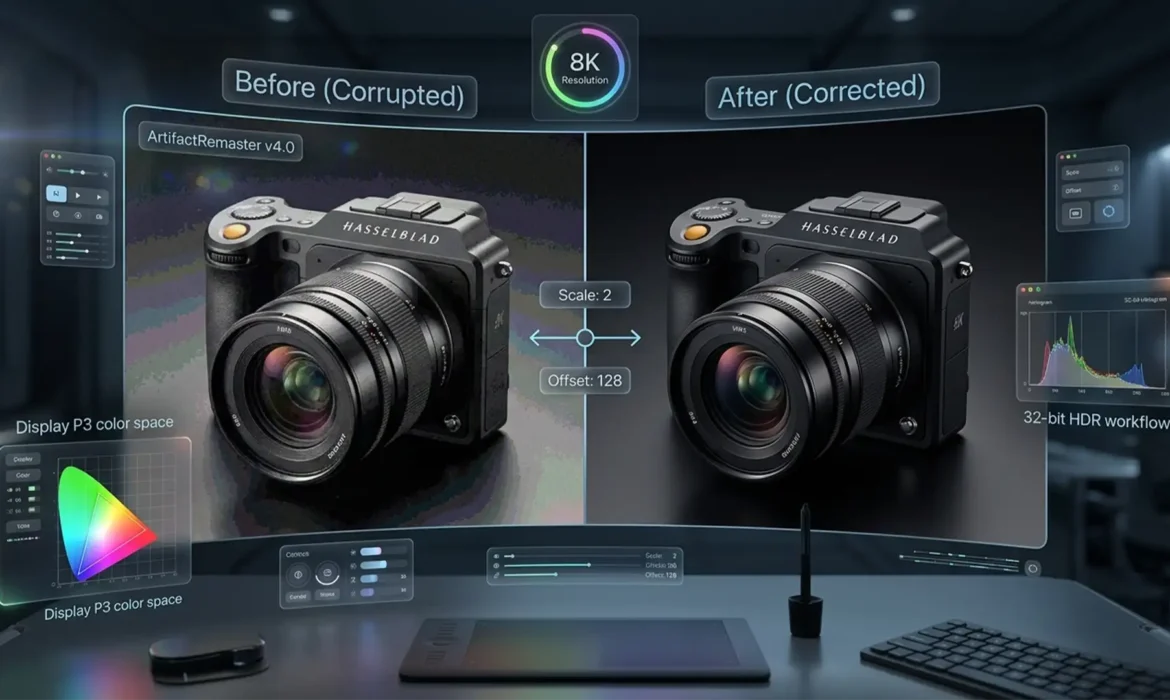
Are your e-commerce product retouching ready for the spatial computing revolution? When viewed on a standard flat monitor, your retouched photos might look flawless. But put on an Apple Vision Pro, and suddenly your traditional 8-bit sRGB workflow falls apart. In an 8K per-eye spatial environment, microscopic dust, gradient banding, and sensor noise become massively magnified, instantly breaking user immersion. Furthermore, standard SDR color profiles look incredibly flat in spatial UI, turning premium products into cheap-looking digital assets.
If you want your brand to survive the shift to ultra-high-definition AR displays, you must master high-end product retouching for 8K spatial displays. Let’s break down the exact technical workflow required to make your images spatial-ready in Photoshop v25.x and above.
Why Traditional Retouching Fails in Spatial Computing
Spatial computing fundamentally changes how users interact with product imagery. Users can pull a product close to their face, scaling the image to massive proportions. Under this extreme magnification, standard retouching techniques reveal their flaws:
- Gradient Banding: 8-bit color depth simply doesn’t have enough data points to render smooth transitions across large, curved product surfaces in 3D space.
- Magnified Artifacts: Minute chromatic aberration and microscopic sensor noise that go unnoticed on a smartphone screen look like glaring errors in 8K resolution.
- Texture Loss: Heavy-handed smoothing techniques destroy the micro-reflections and material textures necessary for spatial realism.
To fix these issues, editors must abandon legacy workflows and adopt a strict 32-bit HDR workflow built around the Display P3 color space.
The 3-Step Technical Workflow for 8K Spatial Displays
Step 1: Upgrading to a 16-Bit or 32-Bit HDR Workflow
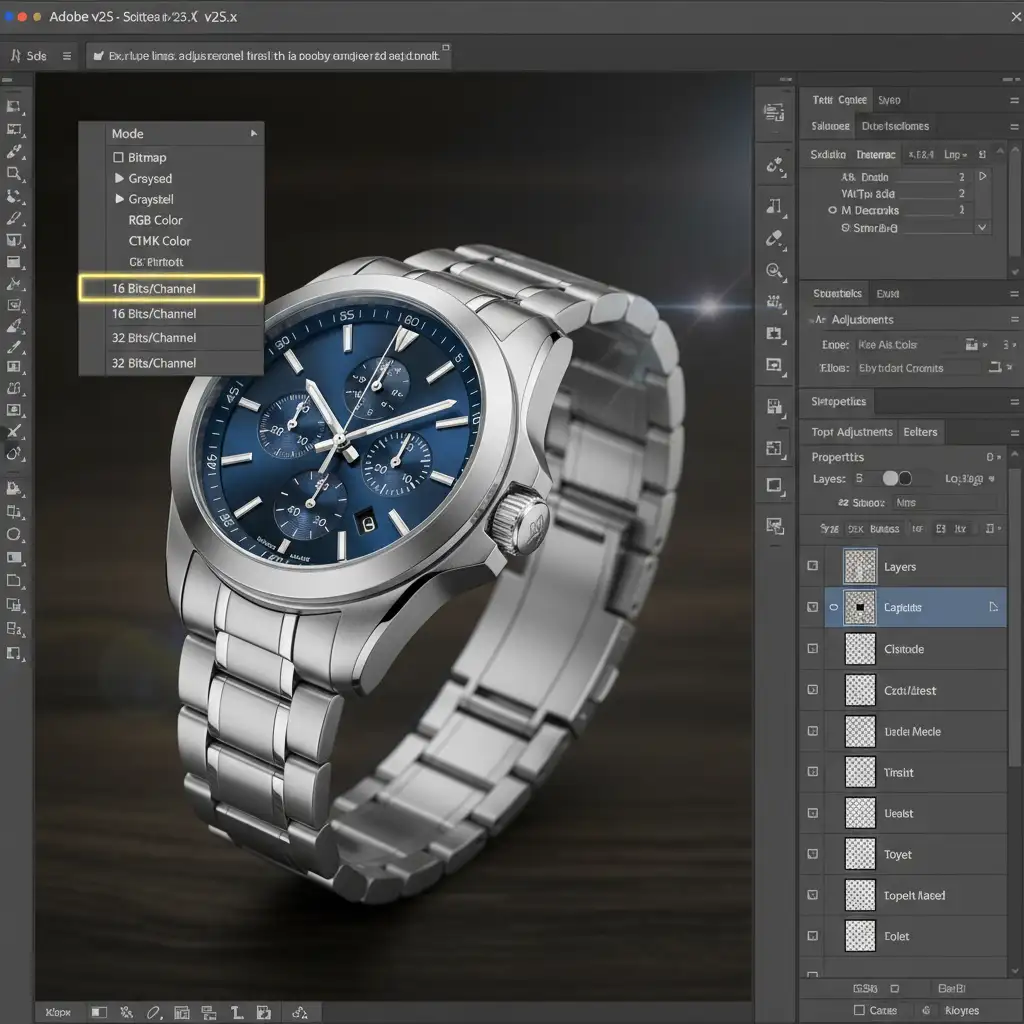
The quickest way to eliminate gradient banding and prepare your file for spatial viewing is to increase the bit depth of your document. This provides exponentially more color data, ensuring smooth tonal transitions even when the image is scaled up in an Apple Vision Pro.
- Navigate to Image > Mode.
- Select 16 Bits/Channel or 32 Bits/Channel.
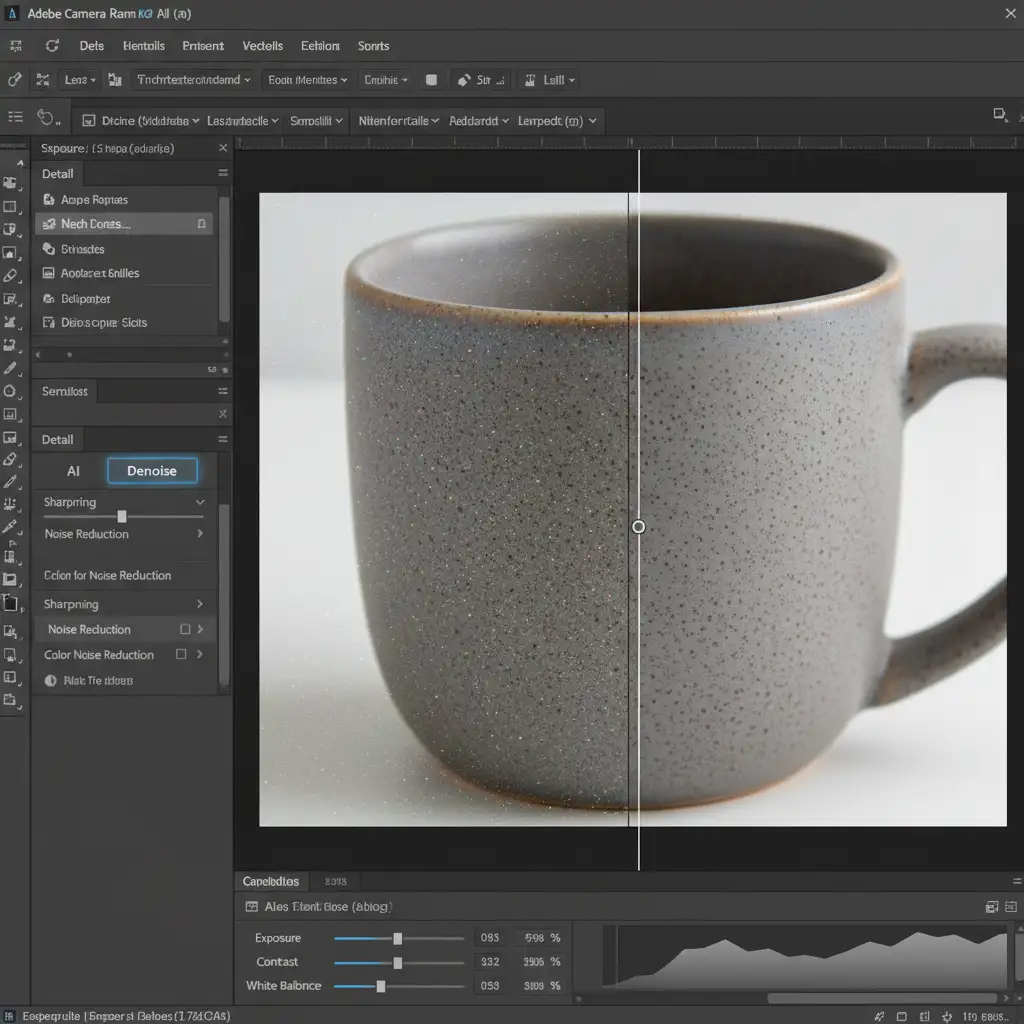
- To handle microscopic noise without destroying detail, utilize Adobe’s Camera Raw AI Denoise feature.
Step 2: Mastering Frequency Separation 2.0 for Micro-Textures
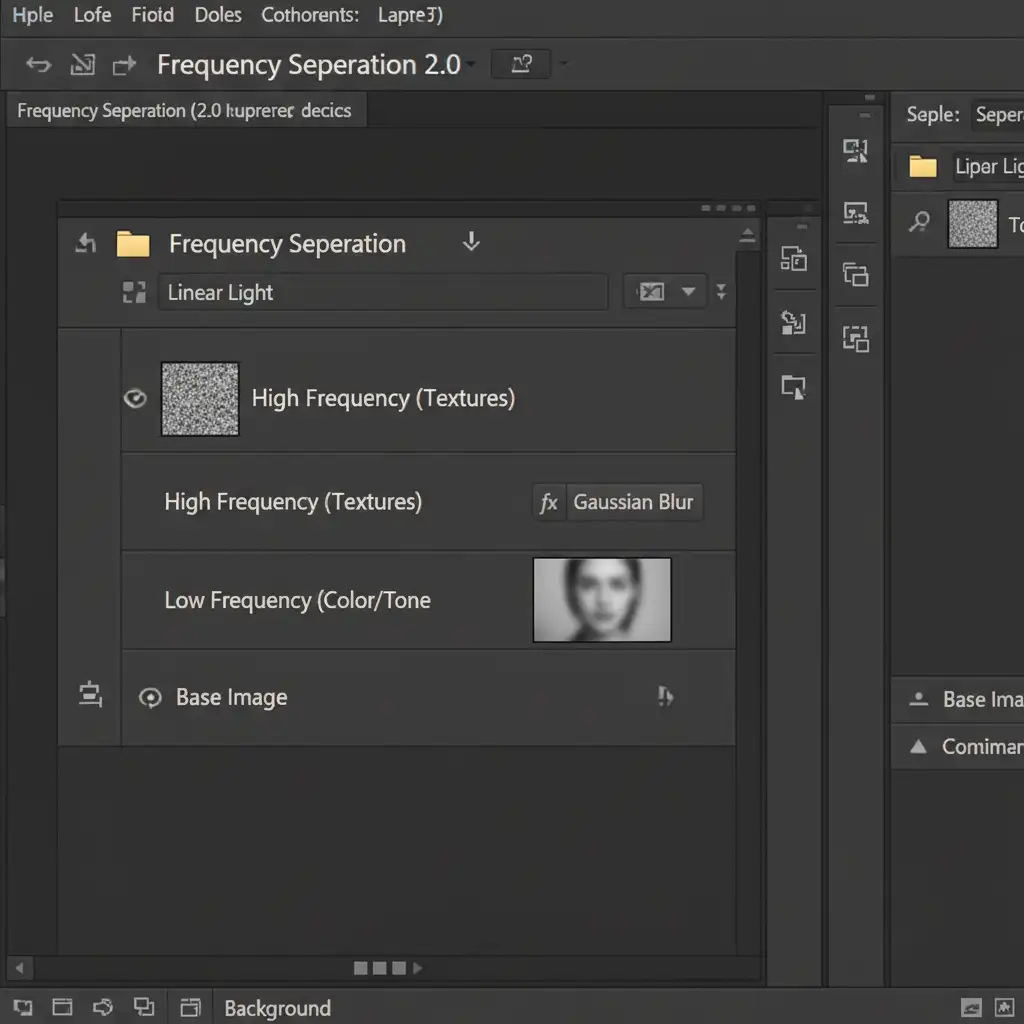
Standard clone stamping and healing brush techniques often result in flat, plastic-looking surfaces. For spatial computing, retaining realistic micro-reflections is critical. The professional workaround is Frequency Separation 2.0.
By splitting your image into high and low frequencies (using Gaussian Blur and Apply Image), you isolate the texture from the underlying color and tone.
- Low-Frequency Layer: Smooth out lighting anomalies and uneven tones.
- High-Frequency Layer: Retain the critical micro-textures, metal grain, and leather pores needed for spatial realism.
This approach guarantees non-destructive editing, ensuring the product looks hyper-realistic under extreme 8K magnification.
Step 3: Configuring Display P3 and AVIF Export
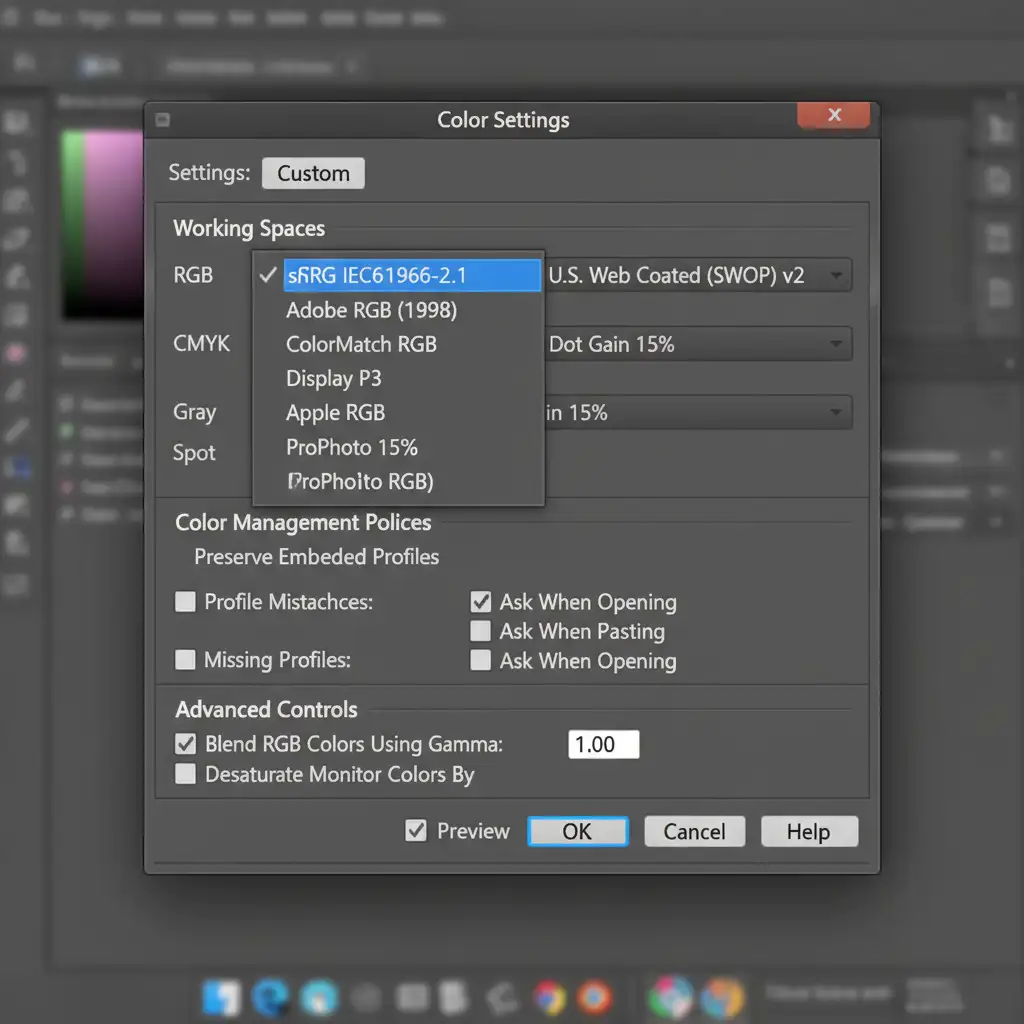
Apple Vision Pro and other high-end spatial displays utilize wide color gamuts. If you edit in sRGB, your colors will look muted and flat. You must update your color workspace to Display P3.
- Go to Edit > Color Settings.
- Set the Working Space to Display P3.
- Under Advanced Settings, enable the option to blend RGB colors using a 1.0 gamma. This ensures mathematically accurate color blending, preventing dark halos around bright reflections.
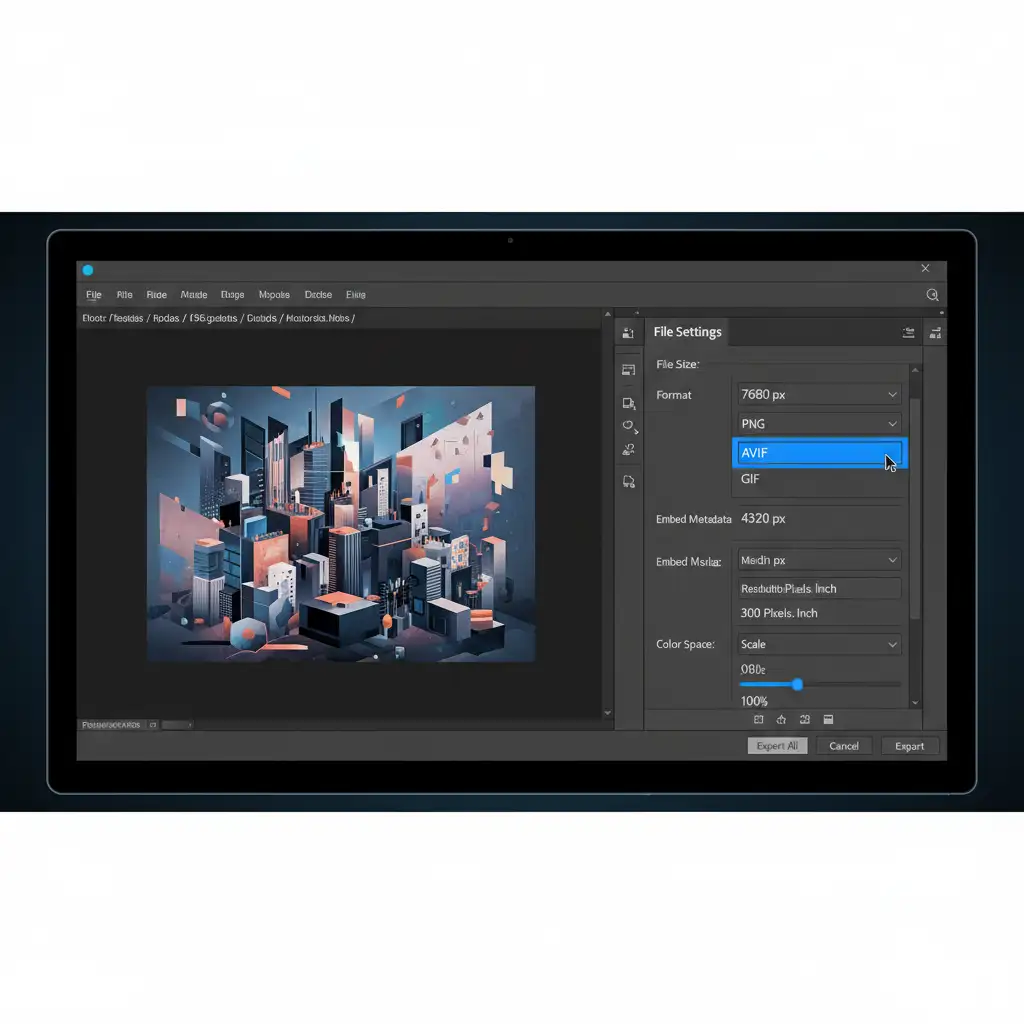
Finally, saving massive 32-bit files for web or app delivery requires modern compression. Legacy JPEGs will introduce compression artifacts that ruin your hard work. Use the Export As dialog to save your final assets in AVIF export format. AVIF preserves high dynamic range and massive pixel dimensions without degrading spatial performance.
Upgrade Your E-Commerce Catalog for the Spatial Era
Transitioning a massive product catalog to meet the exacting standards of high-end product retouching for 8K spatial displays is a monumental task. It requires specialized knowledge of 32-bit HDR workflows, advanced frequency separation, and Display P3 color management.
If you need your e-commerce catalog optimized for spatial computing but don’t have the in-house resources to execute this technical workflow, we can help.
Image Work India and Cloud Retouch specialize in ultra-high-definition image editing for global brands. Our expert retouchers understand the rigid technical requirements of the Apple Vision Pro and 8K AR/VR environments. We deliver flawless, spatial-ready product visuals that guarantee maximum immersion and higher conversion rates.
Contact Image Work India and Cloud Retouch today to future-proof your product imagery for the spatial computing generation.



