
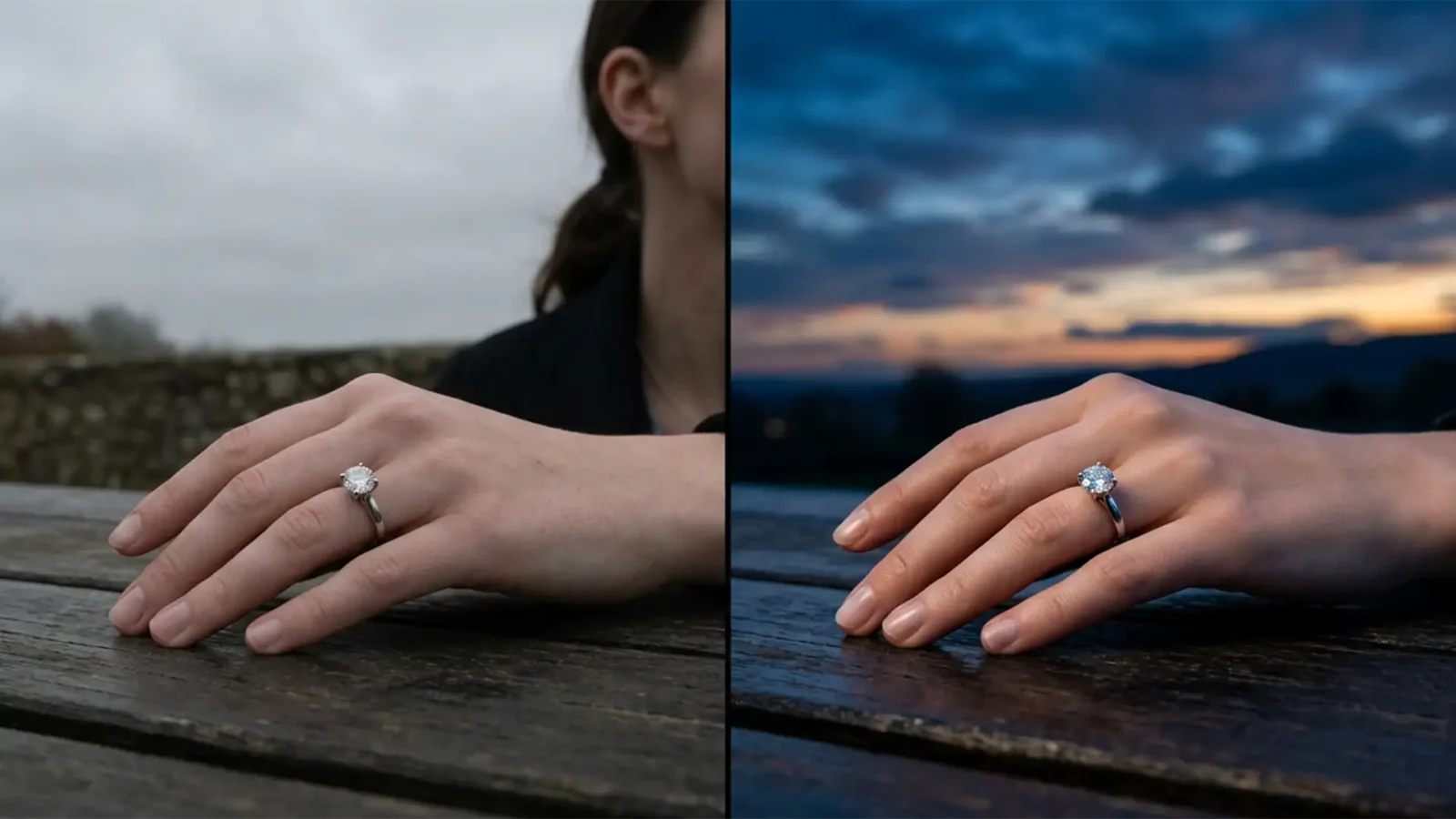
Match Sky Replacements in Overcast Jewelry Lifestyle Shots
You’ve captured a stunning outdoor jewelry lifestyle shot, but the drab, gray sky is ruining the mood. So, you drop in a vibrant sunset using Photoshop. The result? A jarring, artificial mess. The harsh lighting of the new sky clashes violently with the soft, diffuse shadows...
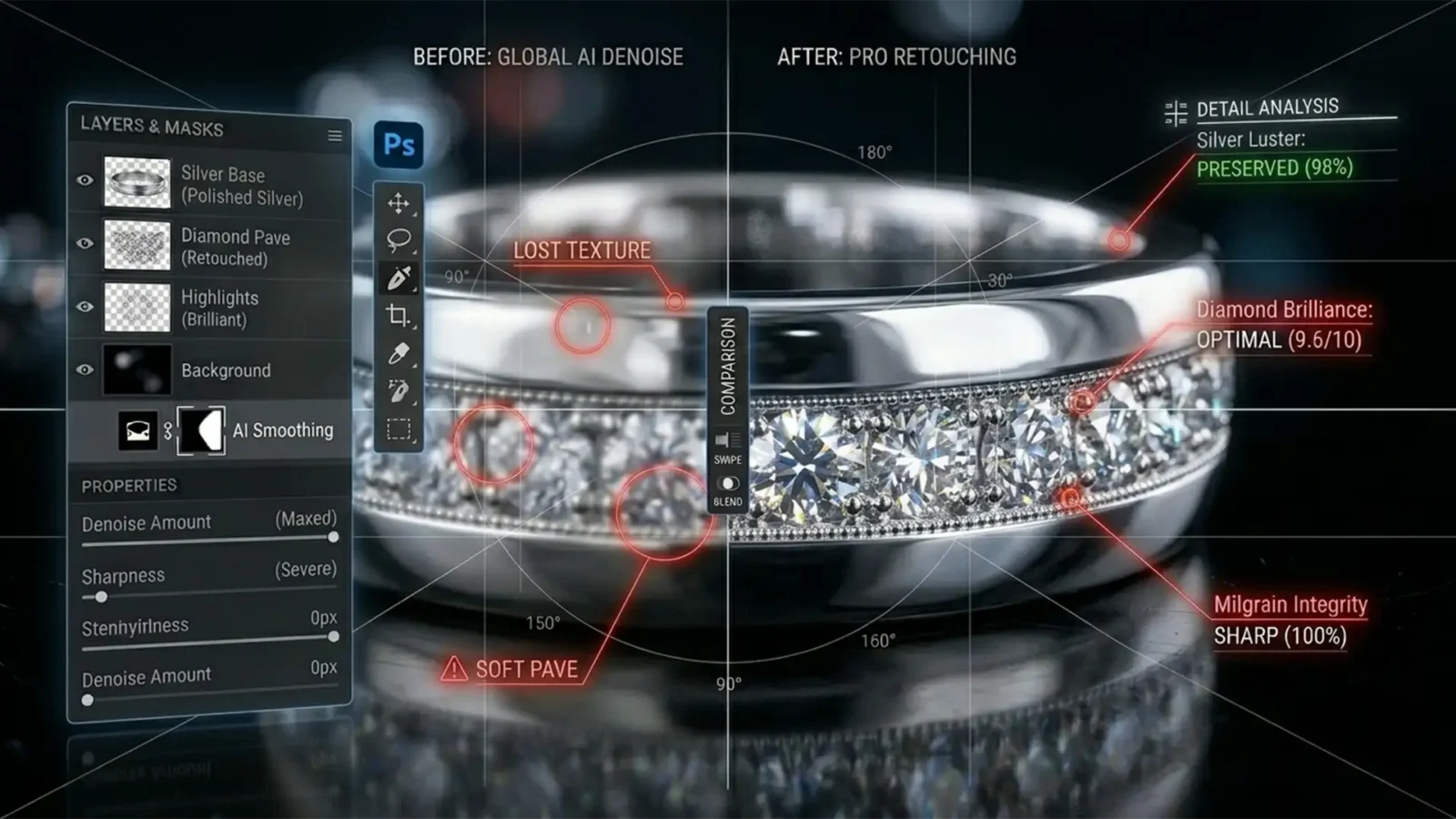
How to Fix Jewelry Reflections When Photoshop Generative Fill Fails
You are deep into a high-volume retouching workflow, cleaning up a stunning diamond ring. You select a distracting reflection on the band, hit generate, and suddenly your process grinds to a halt. A red “User Guidelines Violation” error pops up.
Why is...
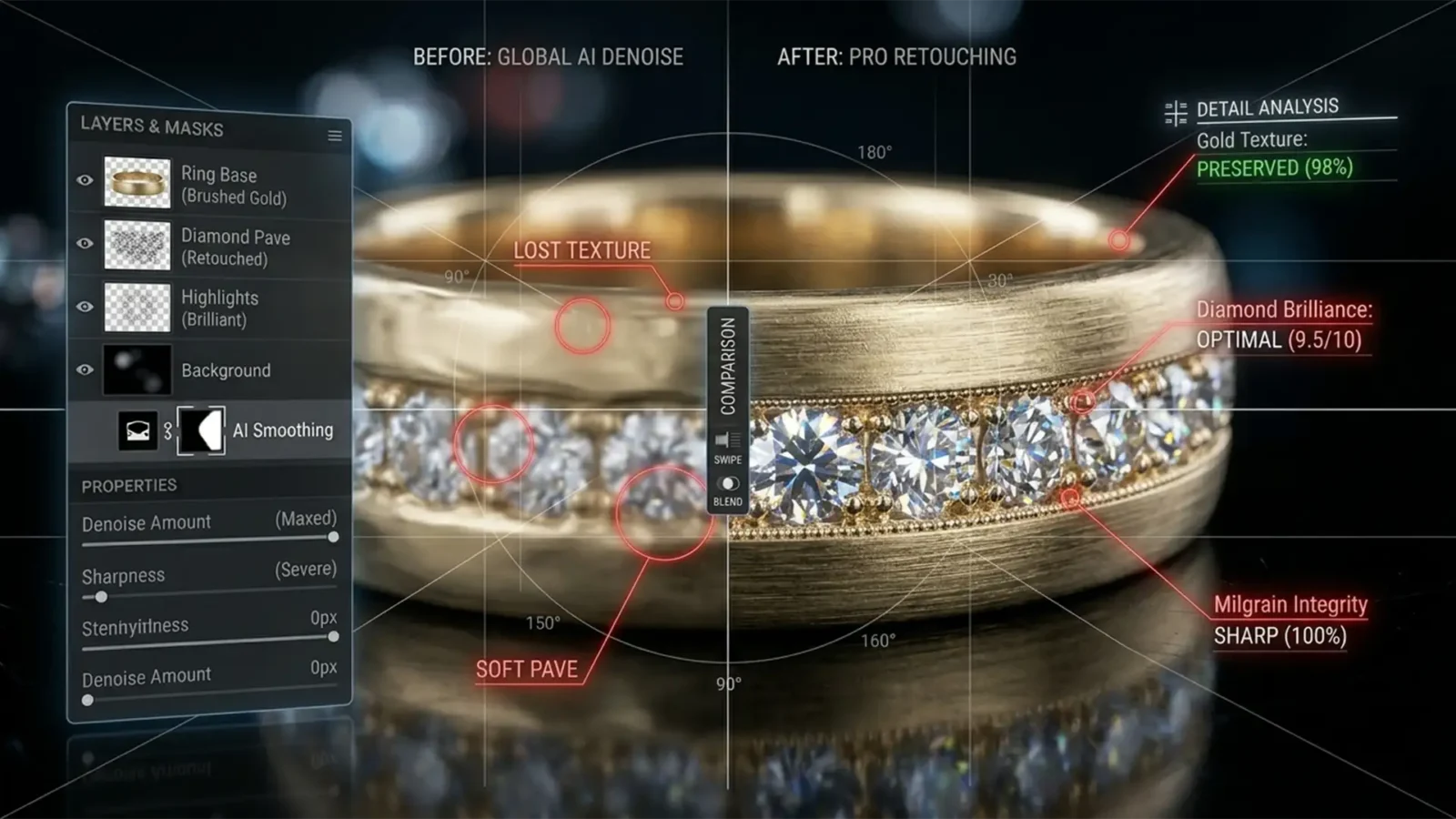
Is AI Denoise Ruining Your Jewelry? How to Clean Noise While Preserving Metal Grain
You just shot a stunning campaign featuring high-end brushed gold and diamond rings at a high ISO. To clean up the luminance noise, you run the raw files through the latest AI Denoise feature in Lightroom Classic v12.3+ or Adobe Camera Raw v15.3+. But instead of a crisp,...
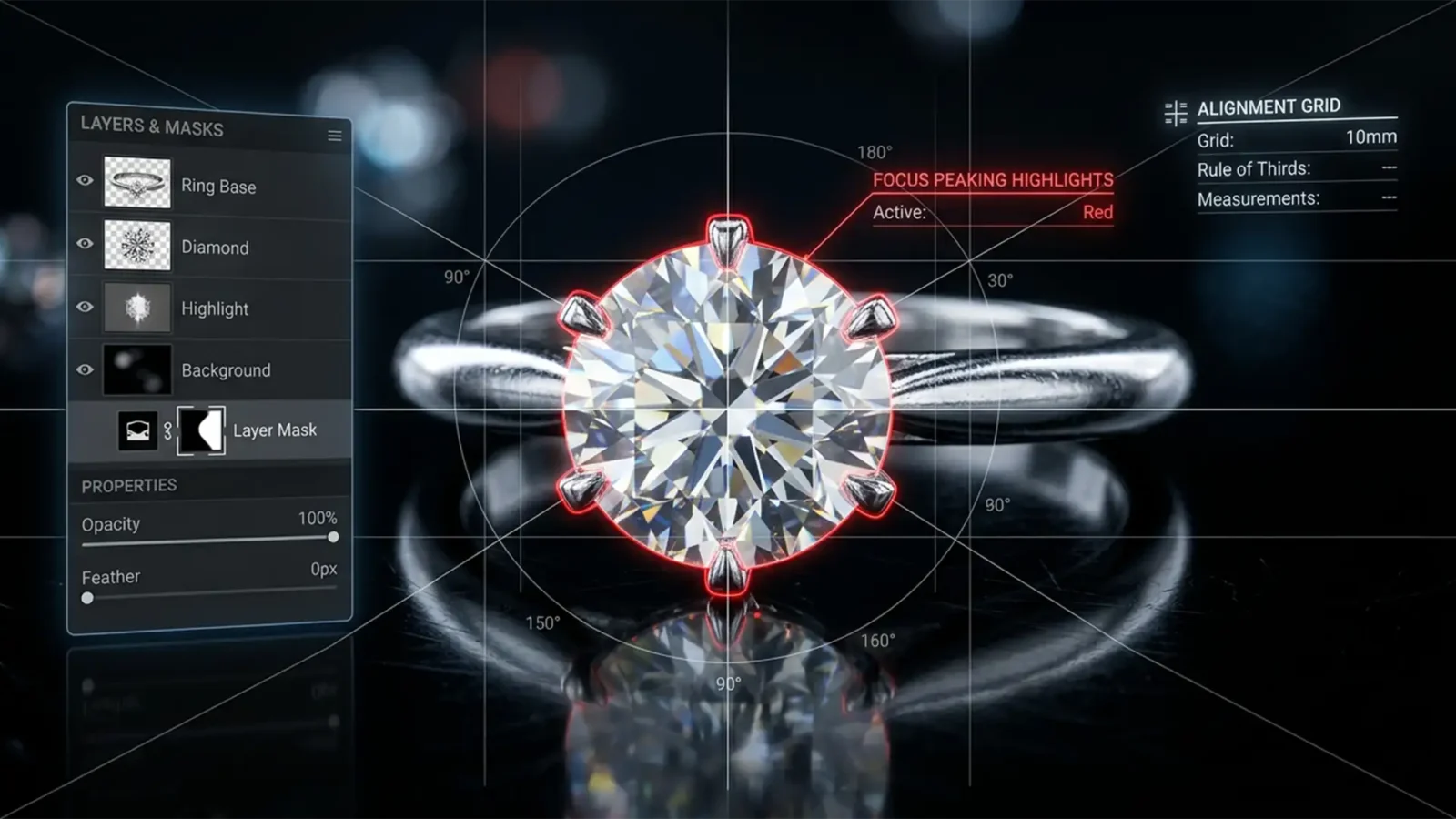
Eliminate Ghosting: Advanced Focus Stacking for Jewelry in Photoshop 2025
You just spent hours meticulously capturing a 40-image macro photography sequence of a high-end diamond ring. The lighting was flawless, and your depth of field was perfectly dialed in. But when you run Auto-Blend Layers in Photoshop, the final result is a disaster. The fine...
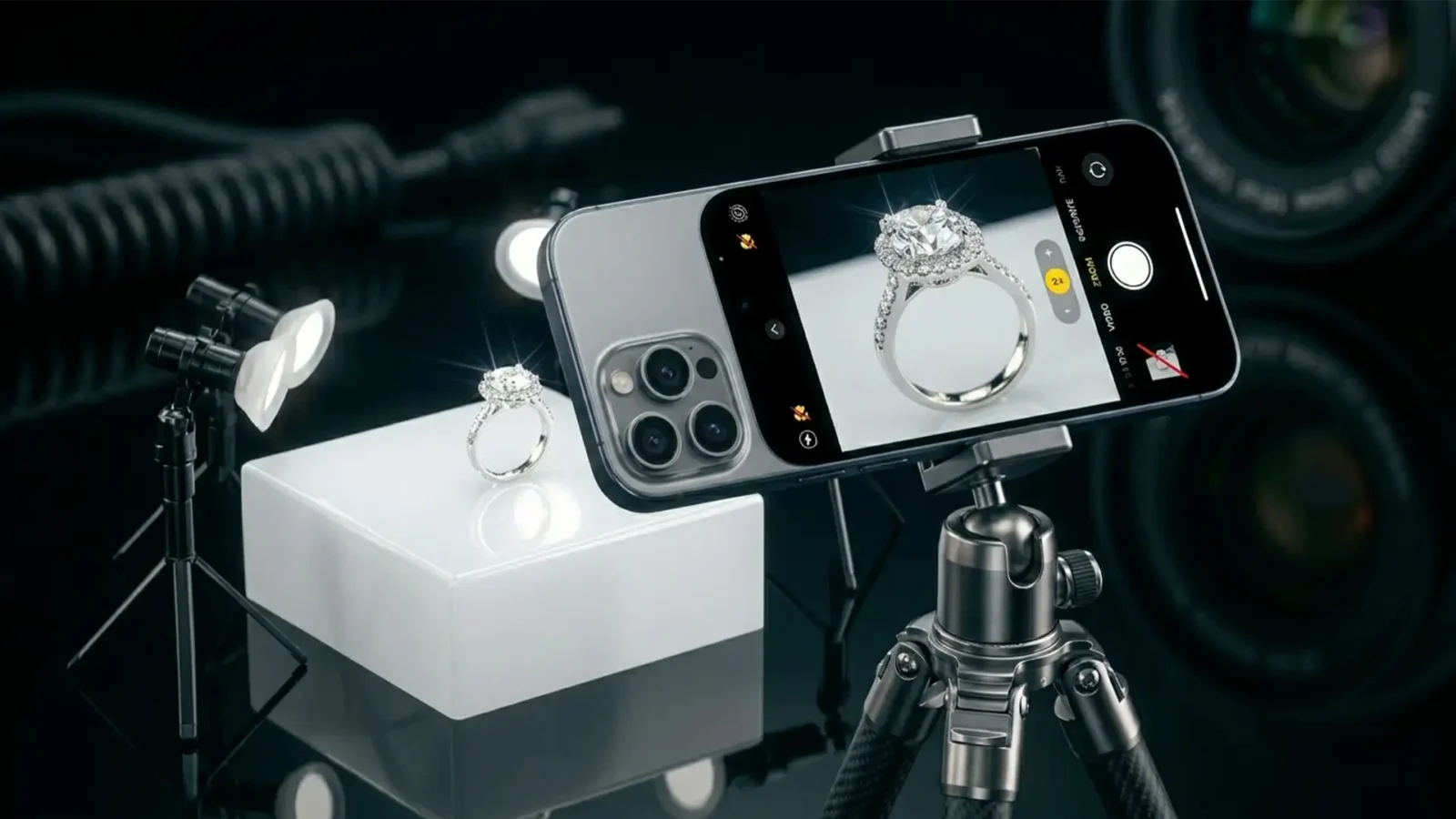
iPhone 16 Pro Jewelry Photography: How to Disable Auto-Macro for Pro Results
Are you struggling with blurry, distorted, or poorly lit jewelry shots on your new device? You are not alone. When trying to capture intricate details of rings, necklaces, and earrings, the default iPhone 16 Pro macro jewelry photography settings actually work against you. As...
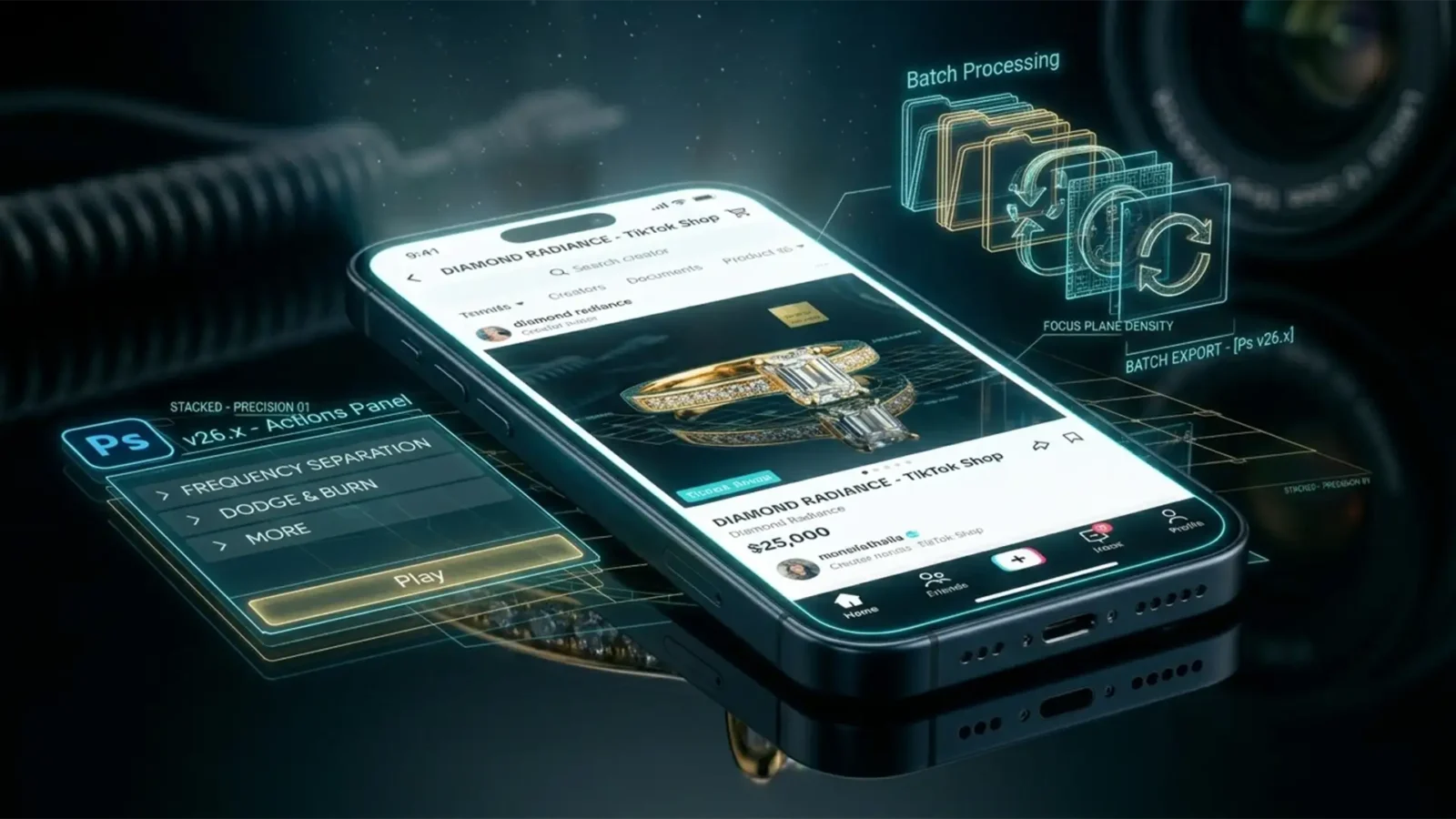
High-Volume Jewelry Retouching for TikTok Shop
E-commerce moves fast, but TikTok Shop moves at the speed of light. If you sell rings, necklaces, or watches on the platform, you already know the algorithm rewards fresh, frequent listing updates. But here is the massive bottleneck: high-volume jewelry retouching. Manually...
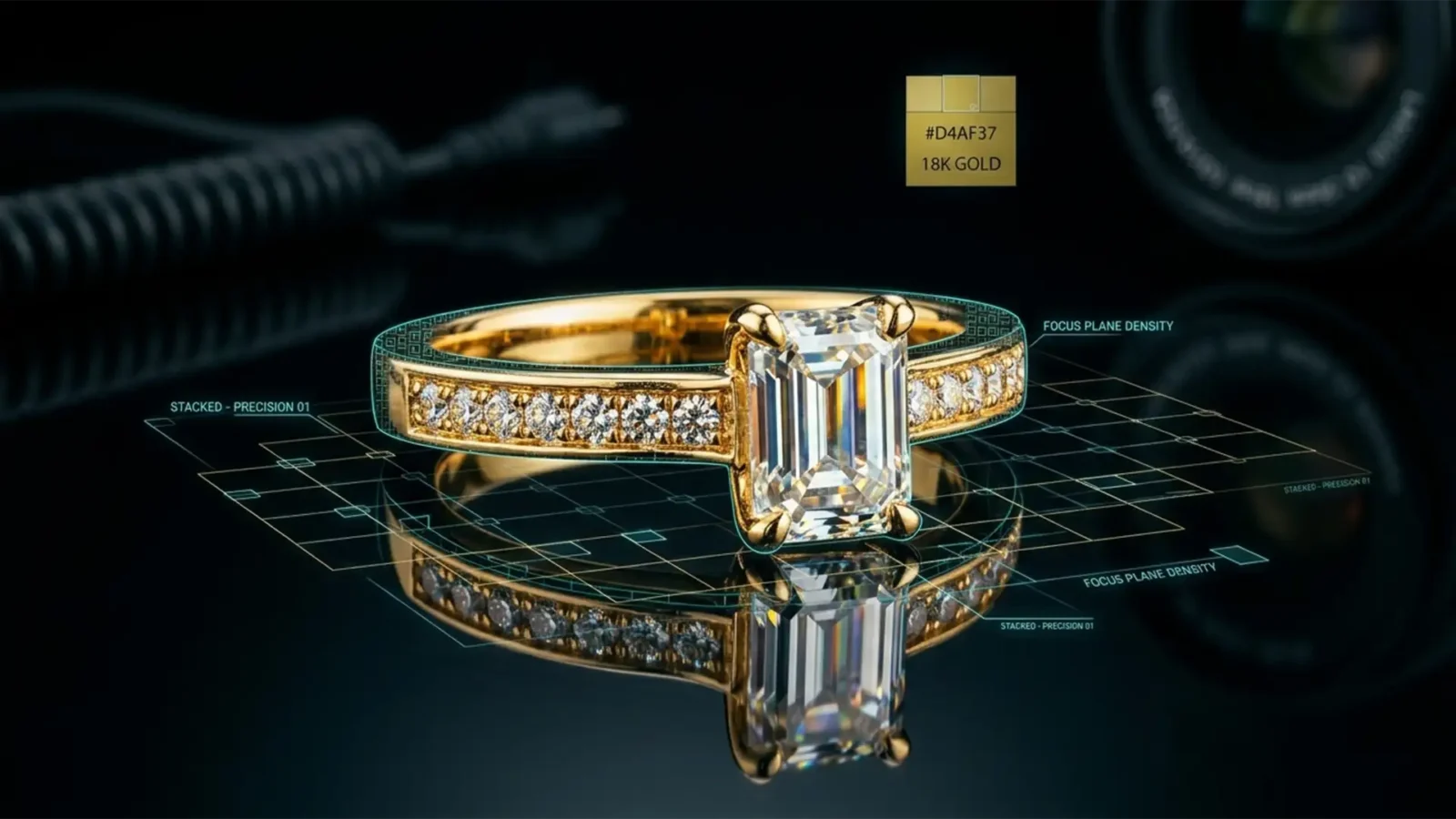
Eliminating Ghosting: Solving Jewelry Focus Stacking Errors in Photoshop 2024
If you shoot commercial jewelry, you know the frustration. You meticulously capture 40 frames on your focus rail, load them into Photoshop 2024, and run the stacking algorithm—only to find blurry halos and ghosting around your diamond facets and metallic prongs. Dealing with...
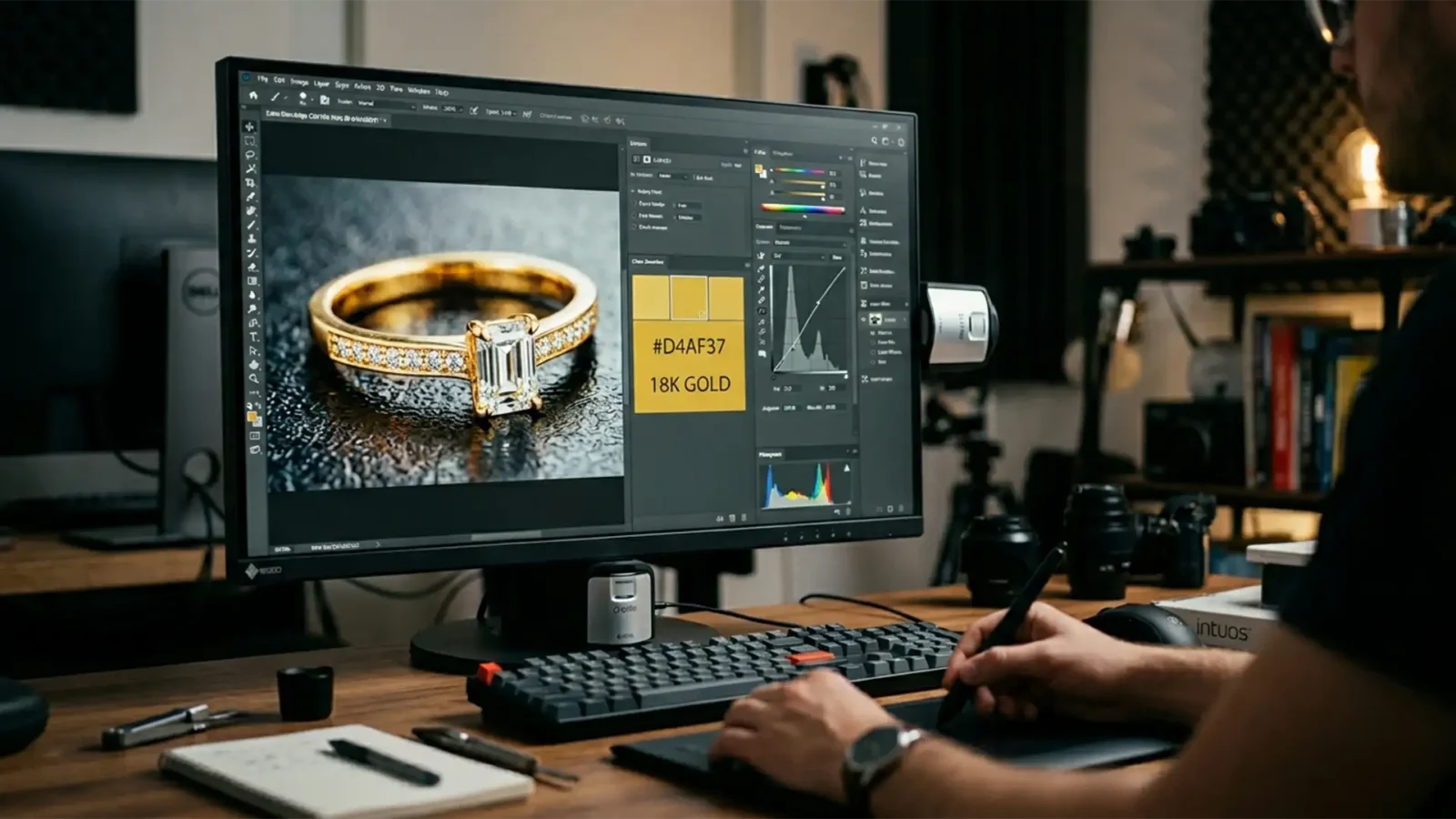
Match 18k Gold Color Profiles for HDR Jewelry Retouching
You have spent hours perfecting a high-end jewelry image, only to view the final export on a modern mobile device and realize your stunning 18k gold looks sickly green or brassy orange. It is a frustrating, conversion-killing problem. The culprit? Mismatched color management...
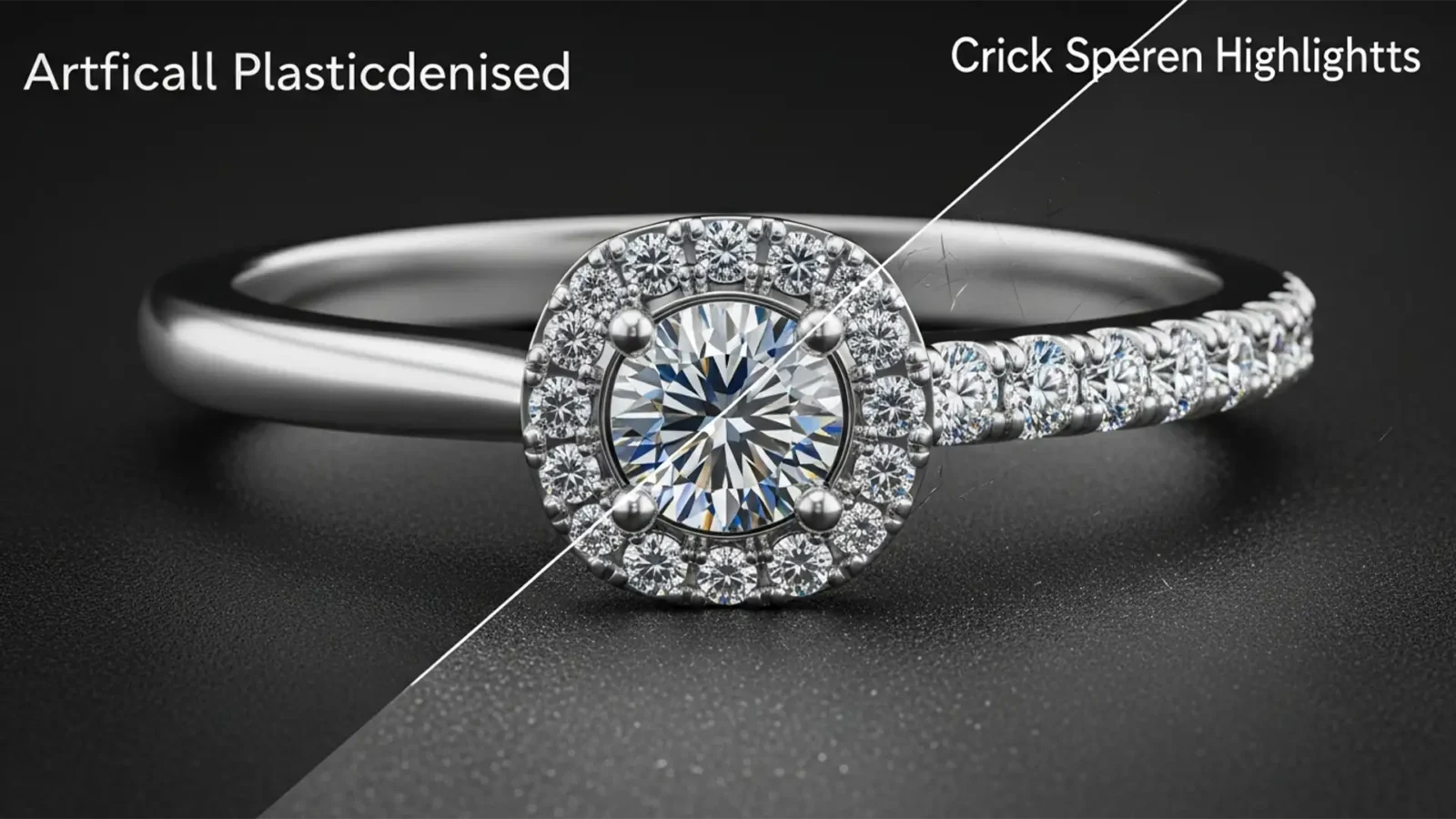
Restoring the Shine: How to Fix Plastic-Looking Metals in AI Jewelry Retouching
Are you tired of running complex jewelry retouching texture through Photoshop’s Generative Fill, only to have your gold and silver pieces come out looking like cheap plastic? You are not alone. In Photoshop v24.x and v25.x, diffusion models are notorious for...
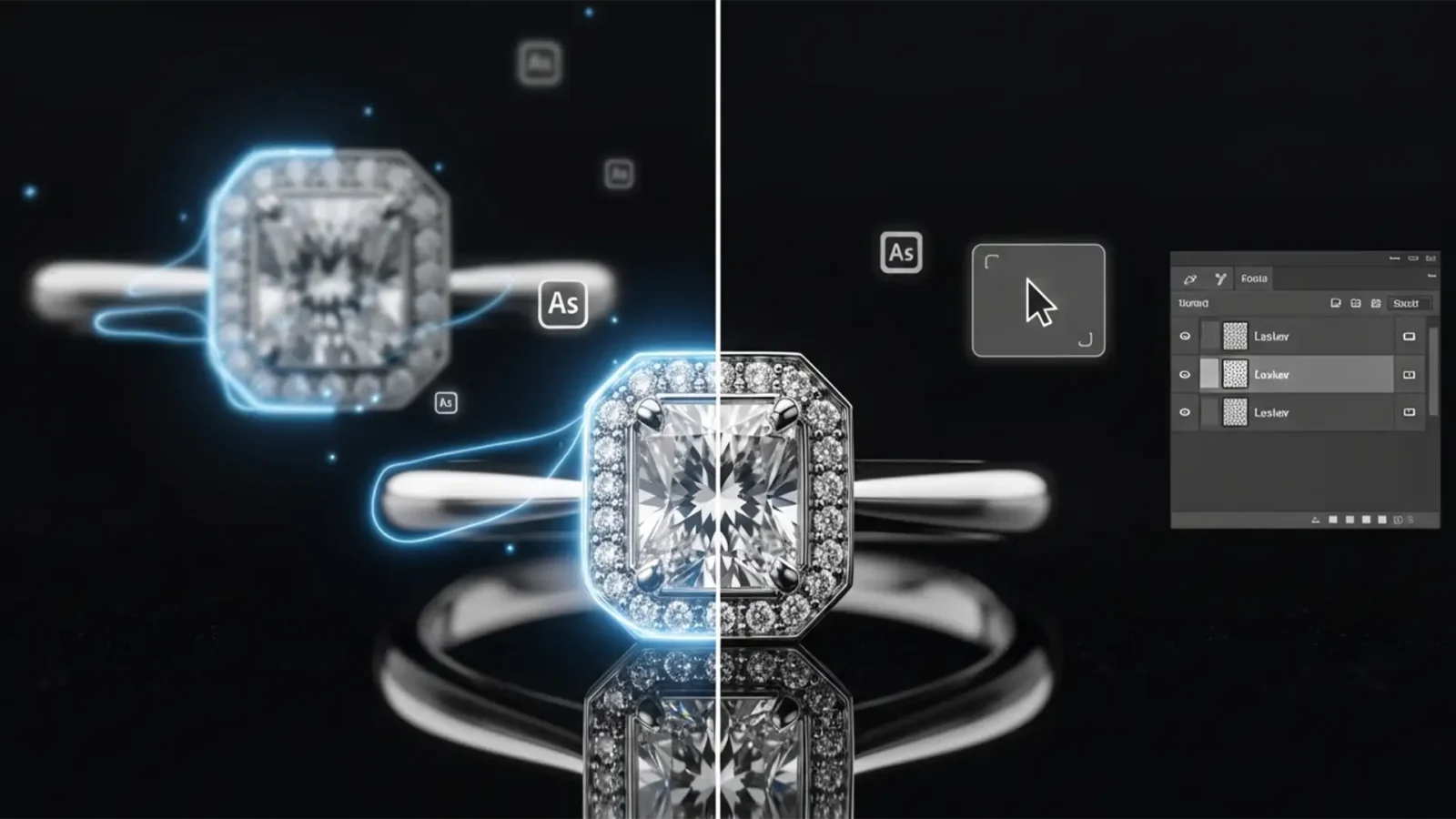
Fix Focus Stacking Halos in Macro Jewelry Photos
You just spent an hour shooting 40 perfectly bracketed frames of a high-end diamond ring. You load them into Photoshop, run the automated blending tools, and wait. But instead of a crisp, edge-to-edge masterpiece, you are left with mushy, translucent edges and glowing borders...



