
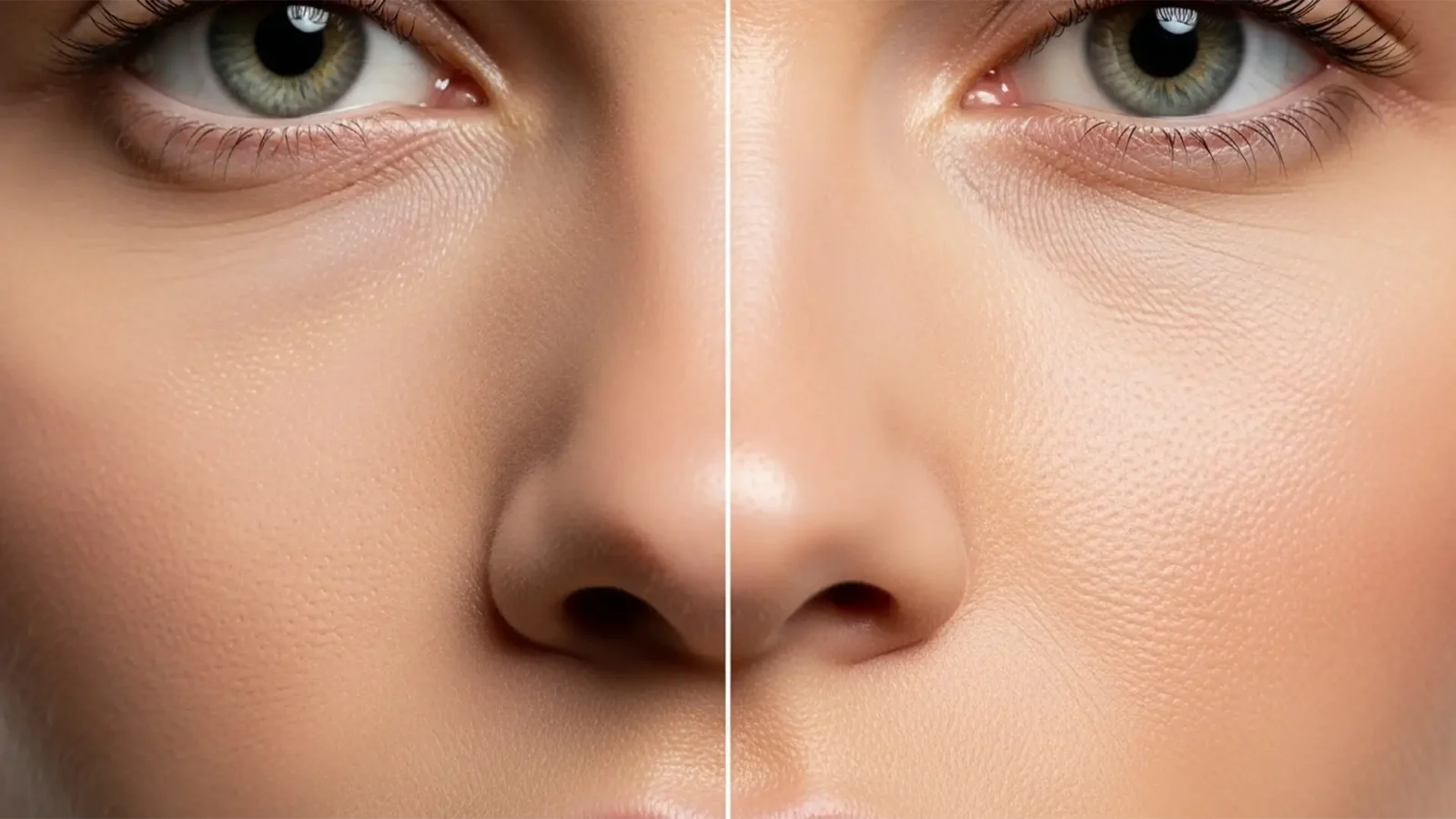
Retouching for 8K: Micro-Retouching Standards for High-Resolution Displays
E-commerce and commercial fashion are rapidly shifting to 8K display standards (7680×4320 pixels). If you are still relying on traditional model retouching methods, you are in for a rude awakening. At 8K, extreme pixel peeping reveals every micro-flaw—makeup settling,...
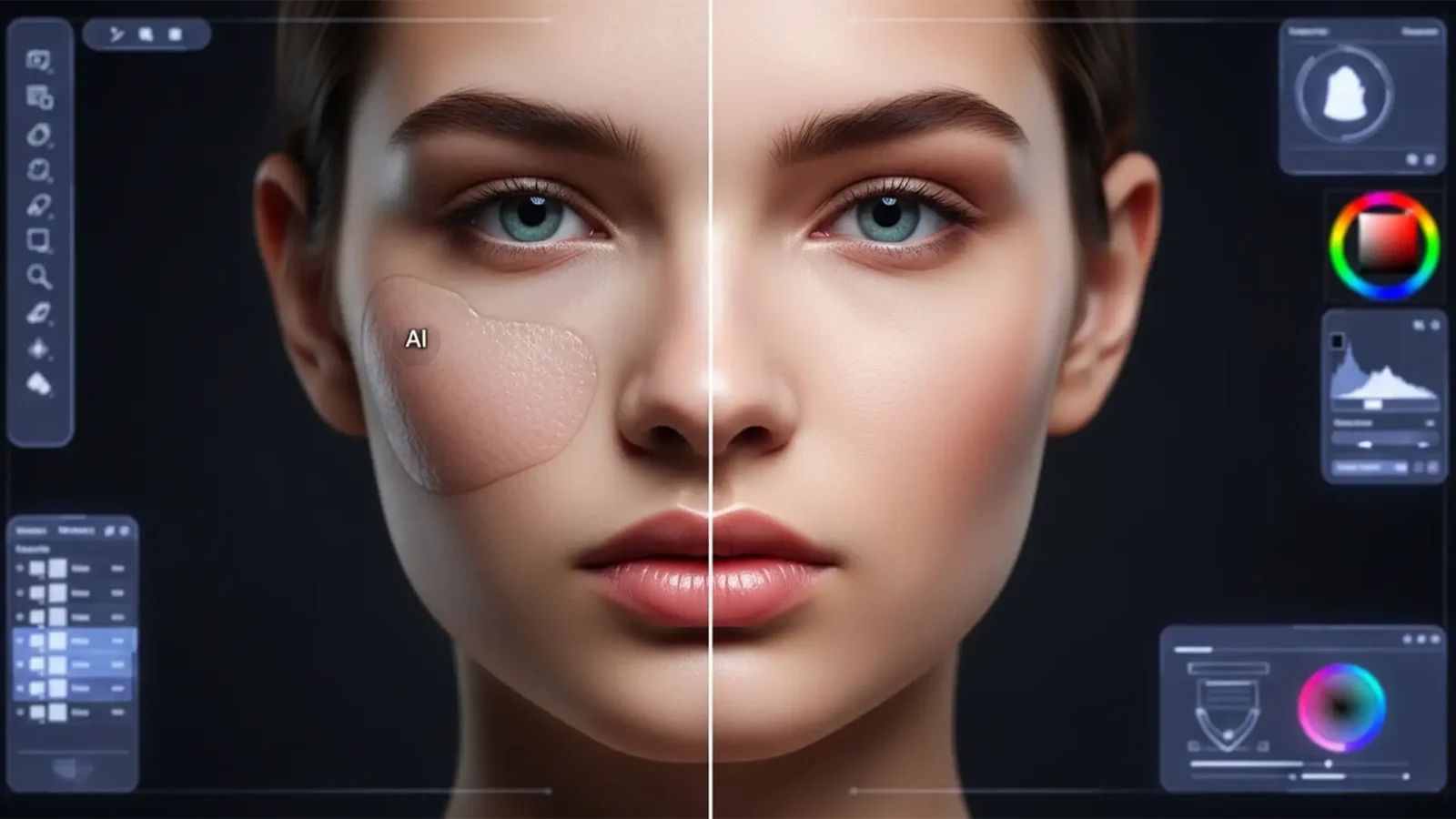
Fixing Undertone Mismatch: Solving AI Skin Tone Shifts in Model Retouching
You’ve just used Adobe Photoshop’s Generative Fill to extend a background or remove a complex blemish on a high-end beauty portrait. The composition looks seamless, but there’s a glaring problem: the AI-generated skin looks muddy, overly orange, or completely ashy....
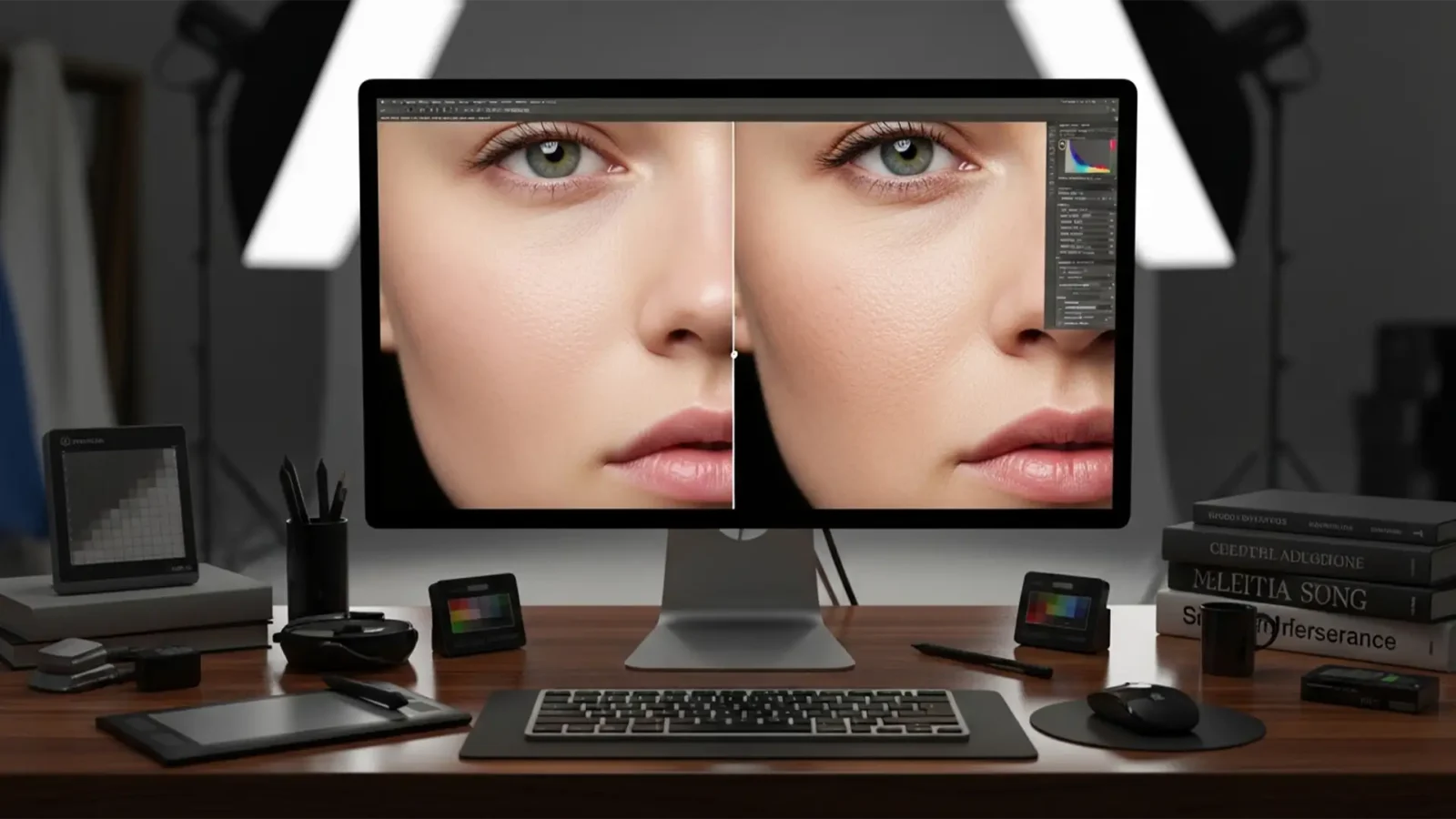
Beyond the Blur: Restore Skin Porosity After AI Retouching
You’ve just used Photoshop’s Generative Fill or Neural Filters to clean up a complex portrait. The blemishes are gone, but so is humanity. Instead of a high-end editorial shot, you are staring at a plastic mannequin.
This “uncanny valley” effect happens because...
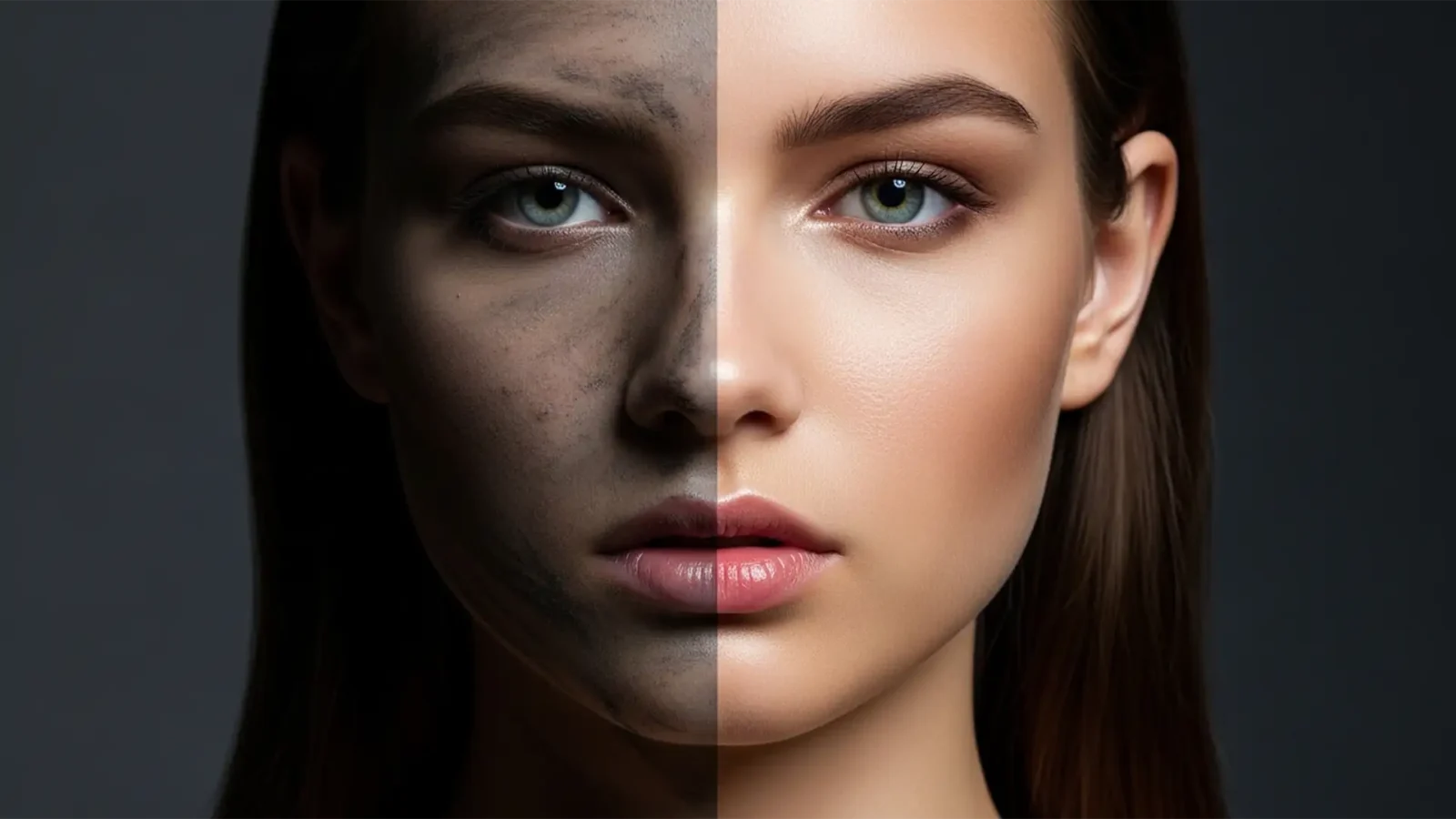
Fix Gray Artifacts in Photoshop Neural Filter Skin Smoothing
You just applied Photoshop’s Neural Filter Skin Smoothing to save time on a portrait, but instead of flawless skin, you are left with muddy, gray artifacts along the jawline. Sound familiar? While Adobe Sensei AI is incredible for quick blemish removal, it frequently...
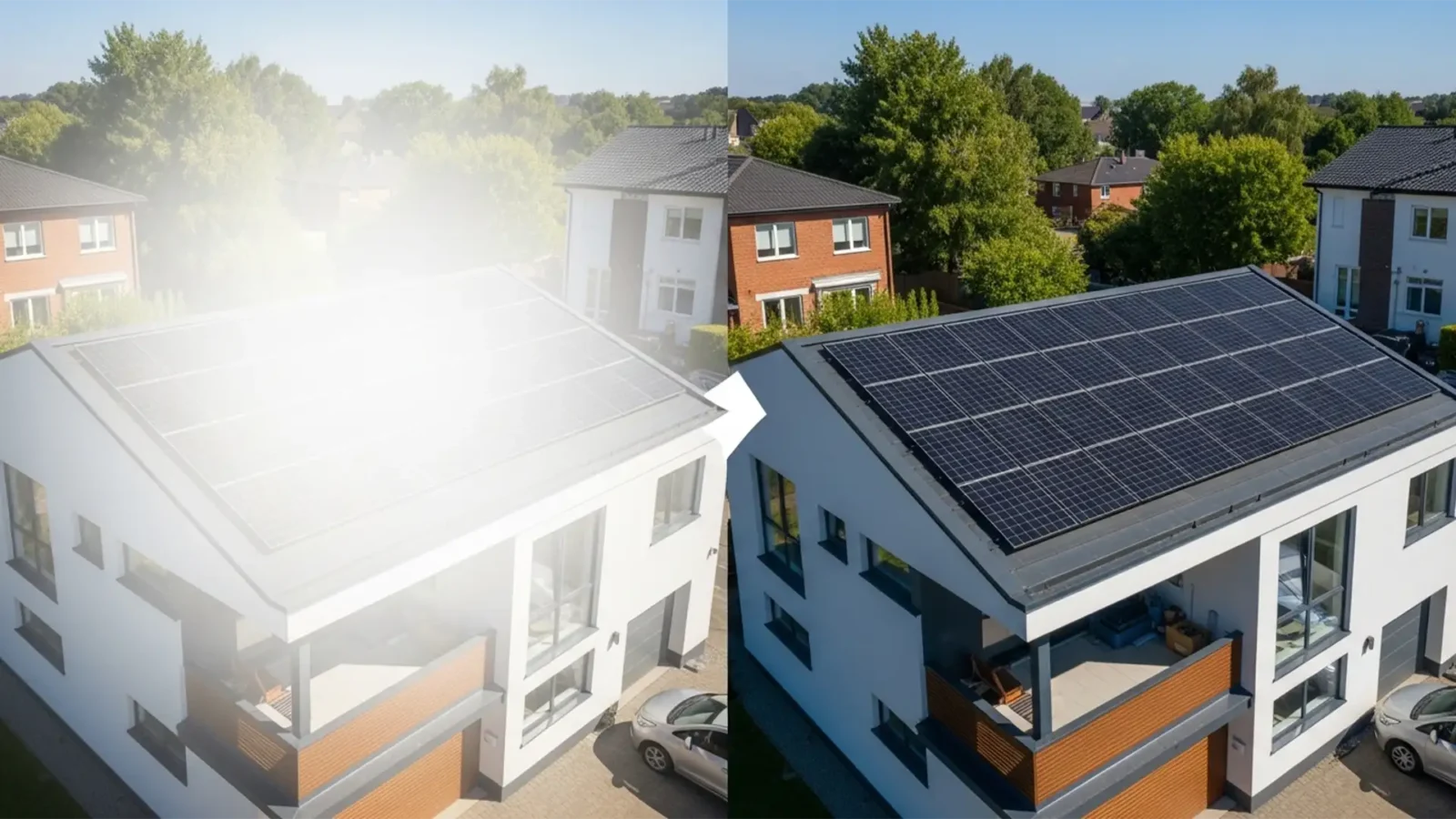
Remove Solar Panel Reflections: Real Estate Retouching
You are editing a stunning drone shot of a luxury property, but there is a glaring issue-literally. The sun has hit the roof at the exact wrong angle, turning the solar panels into an ugly,remove solar panel reflections real estate retouching. When RGB values are clipped at...
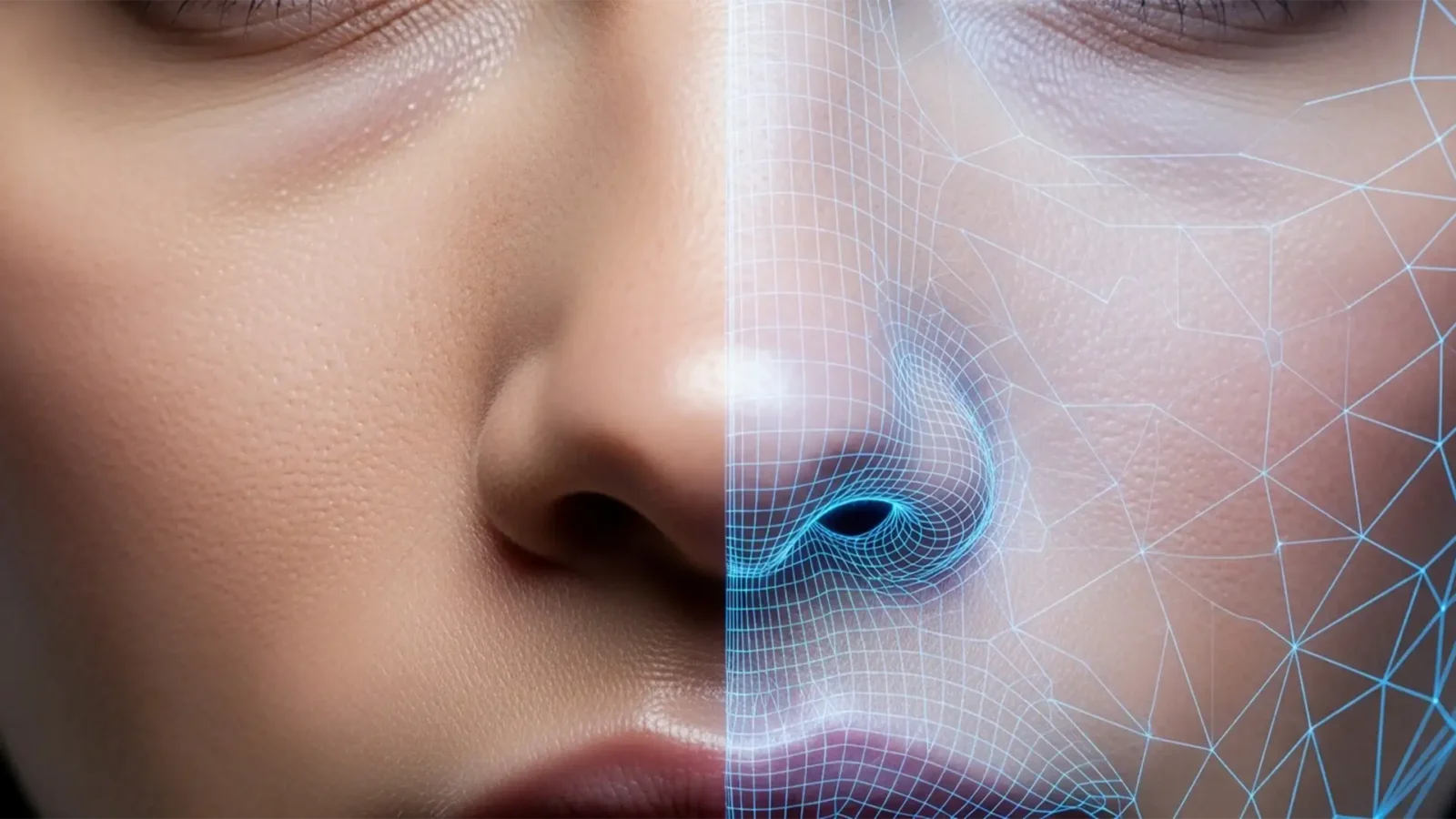
Lightroom Generative Remove vs Photoshop Generative Fill for Skin
There is a glaring problem in modern portrait editing: AI tools are destroying natural skin. When you try to remove a blemish, stray hair, or distraction, the AI often replaces it with a smooth, poreless patch. This AI hallucination creates a mismatched, “plastic...
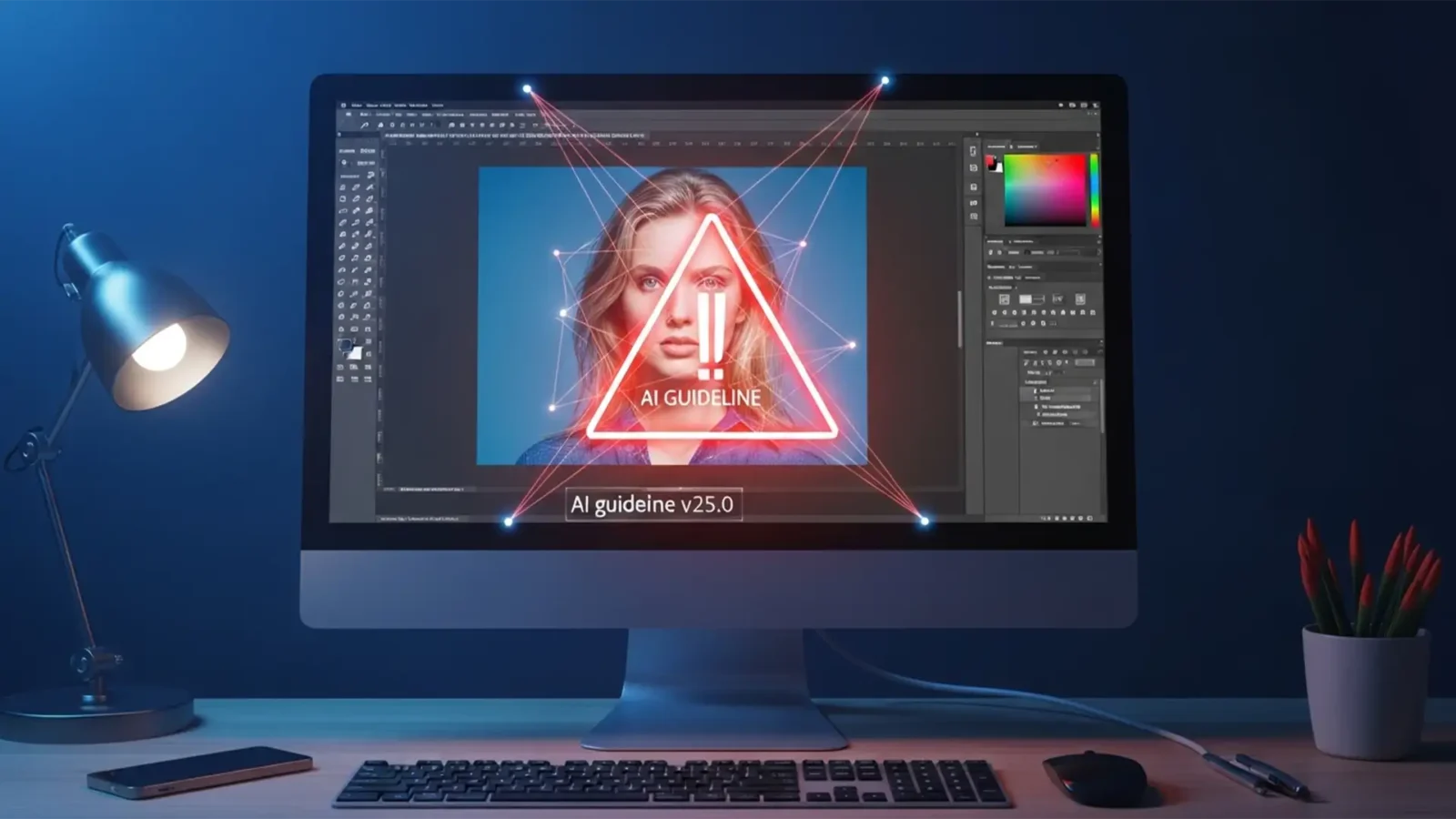
How to Fix Photoshop Generative Fill Guidelines Violations During Skin Retouching
You are in the middle of a high-end portrait edit, trying to remove a simple stray hair or a minor blemish on a subject’s shoulder. You make your selection, hit generate, and suddenly-a glaring red error box pops up. “Guidelines Violation.”
If Adobe’s...
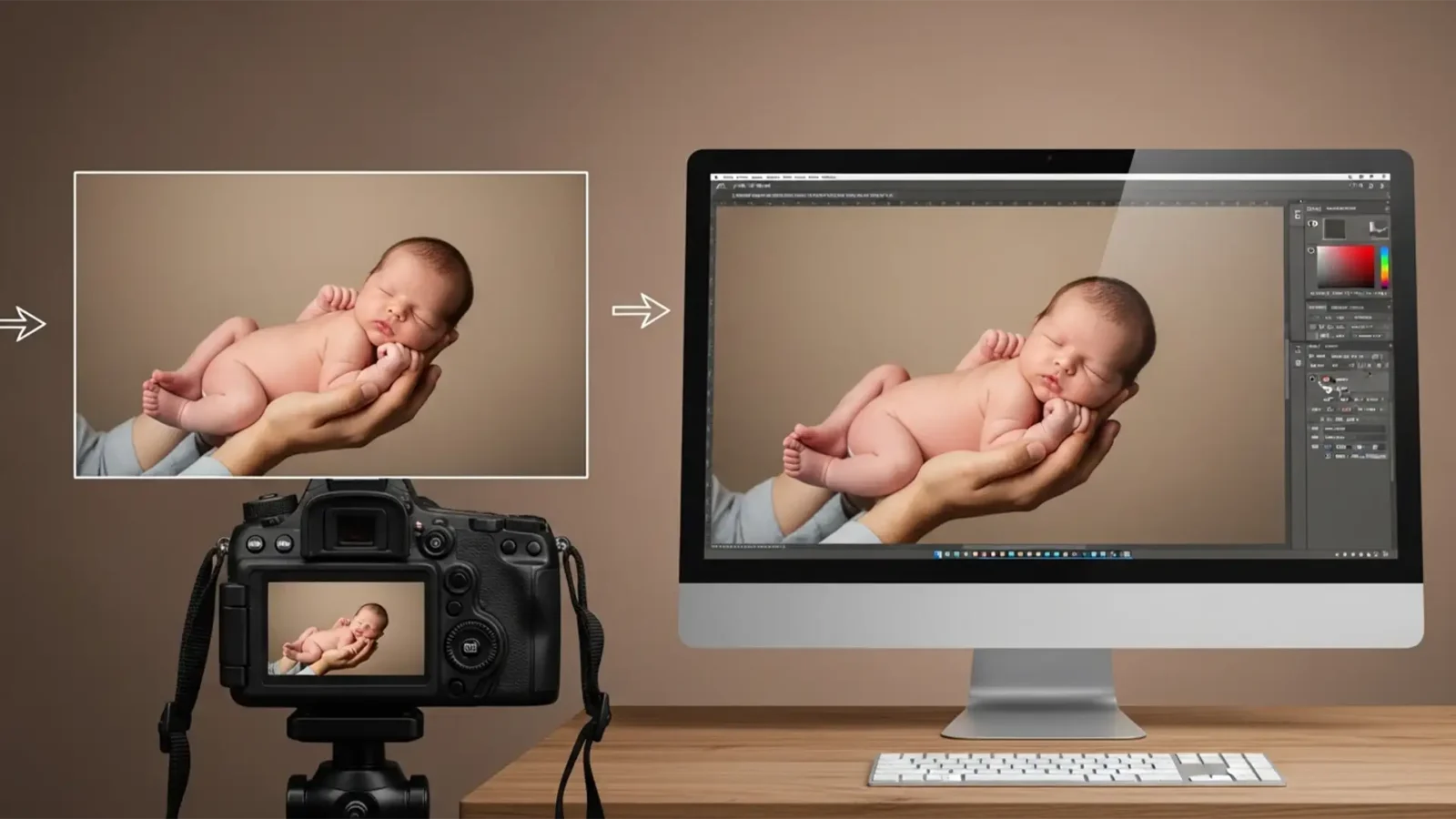
Composite Newborn Poses Safely in Photoshop: Pro Guide
Every professional newborn photographer knows the golden rule: safety first. When clients request the iconic, adorable “Froggy Pose,” executing it safely means never letting the baby support their own weight. This requires capturing two separate images—one with an...
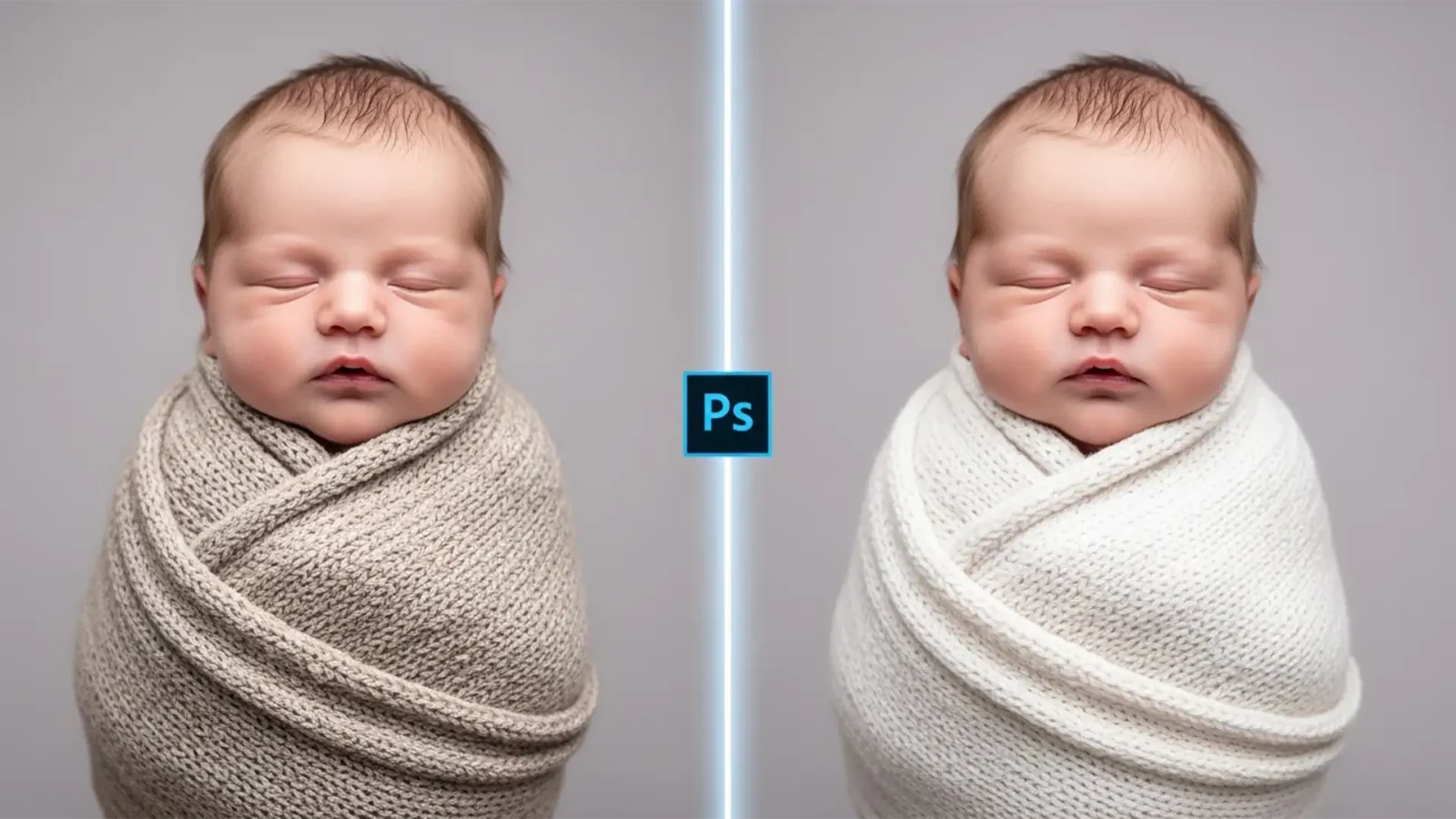
Using Photoshop Generative Fill for Newborn Swaddles
You’ve just captured the perfect newborn swaddles pose. The lighting is soft, the baby is sleeping peacefully, but there is one glaring problem: the baby squirmed, and now the swaddle is a wrinkled, loose, distracting mess.
If you are a newborn photographer, you know the...
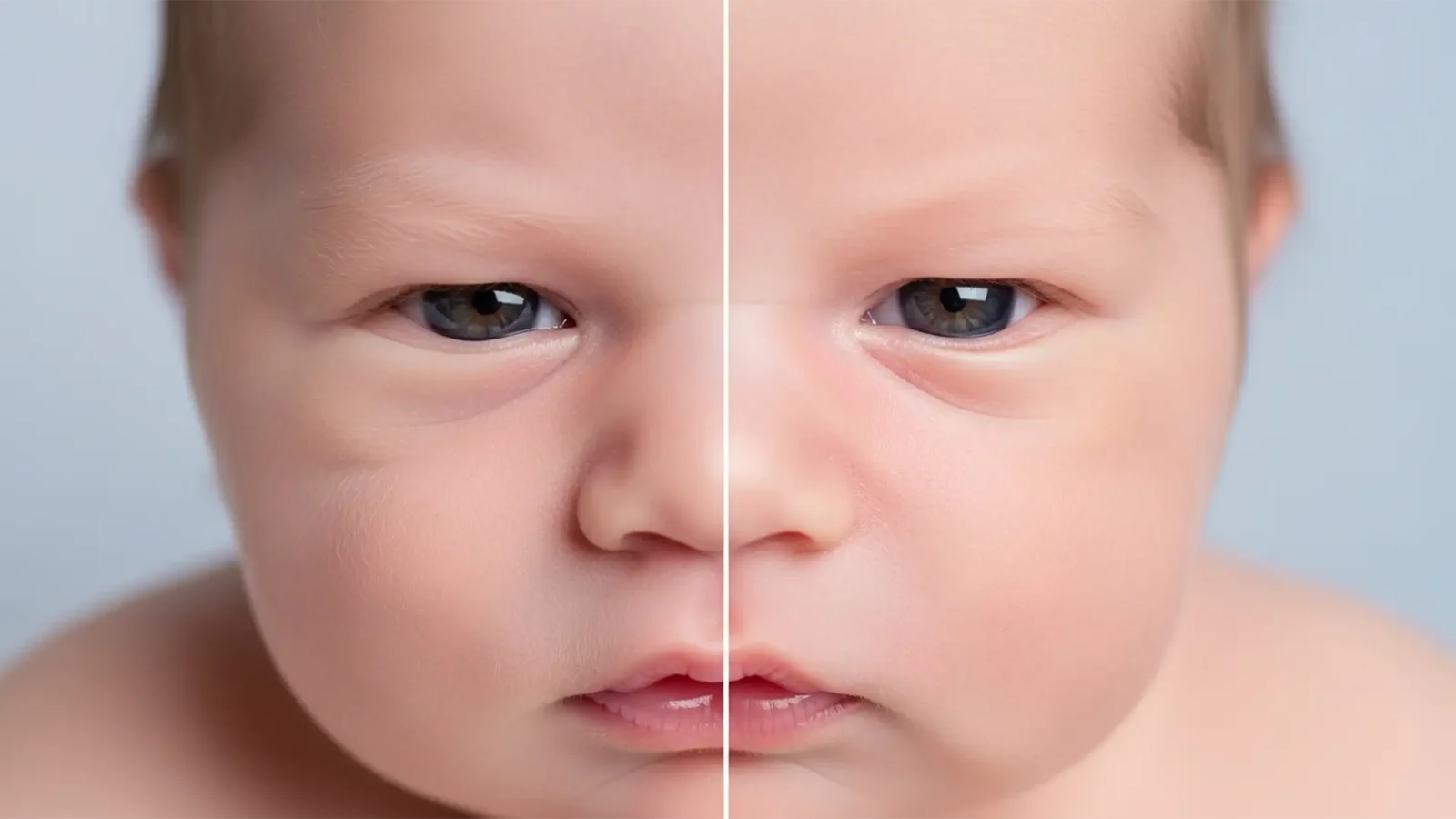
Realistic Newborn Skin Retouching: How to Avoid the AI Plastic Look in Photoshop
Newborn photography is all about capturing delicate, fleeting details. But when editors open modern versions of Photoshop (v24.x or v25.x) and rely heavily on the Skin Smoothing Neural Filter or an over-applied Mixer Brush, disaster strikes. The baby’s beautiful peach...



