
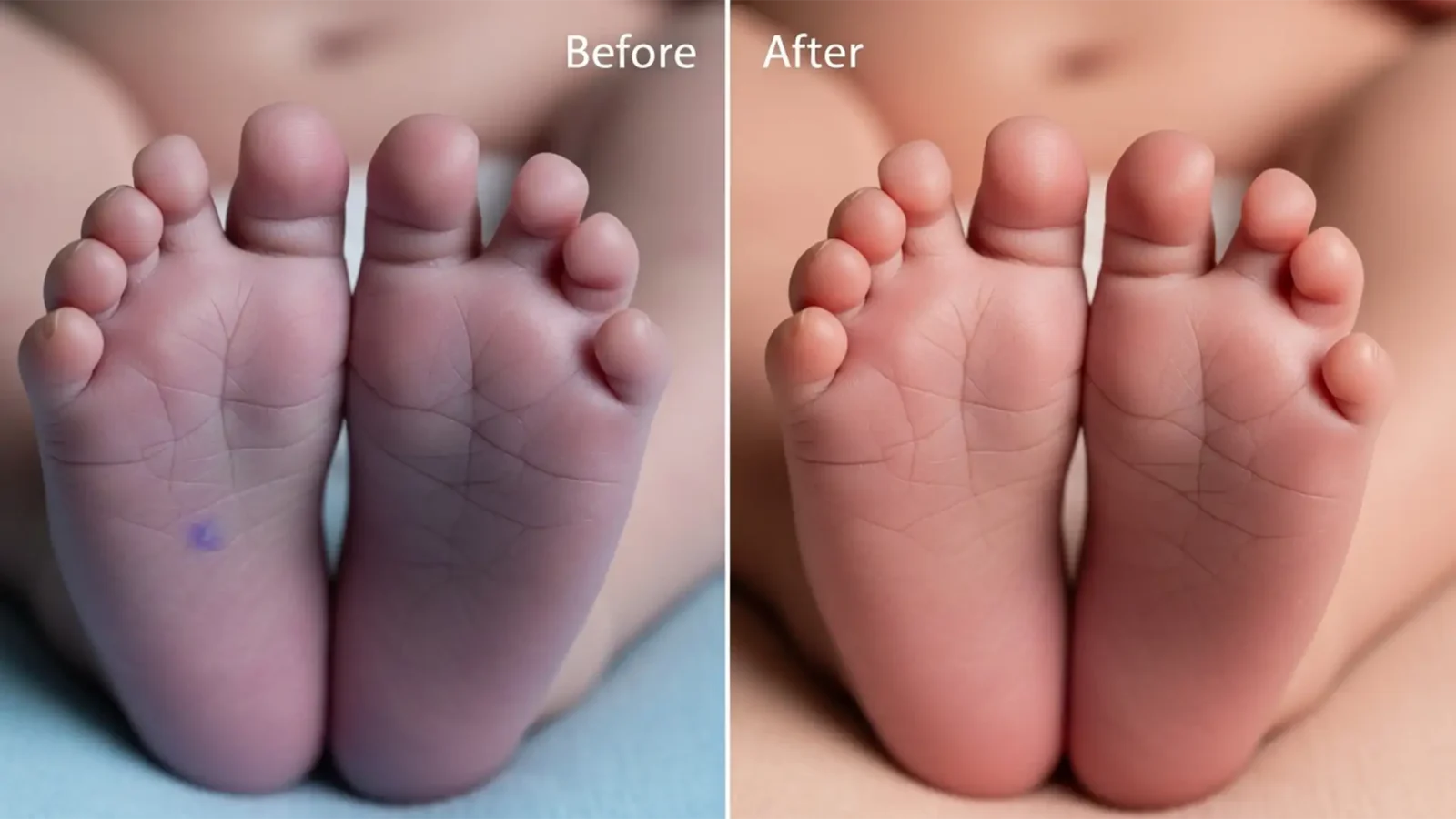
Fix Purple Newborn Feet in Photoshop (2024 Guide)
You’ve just wrapped up a beautiful newborn photography session. The poses are perfect, the lighting is soft, but there’s one glaring issue: the purple newborn feet and hands are bright purple. Acrocyanosis (purple/blue extremities) and mottled skin are incredibly common...
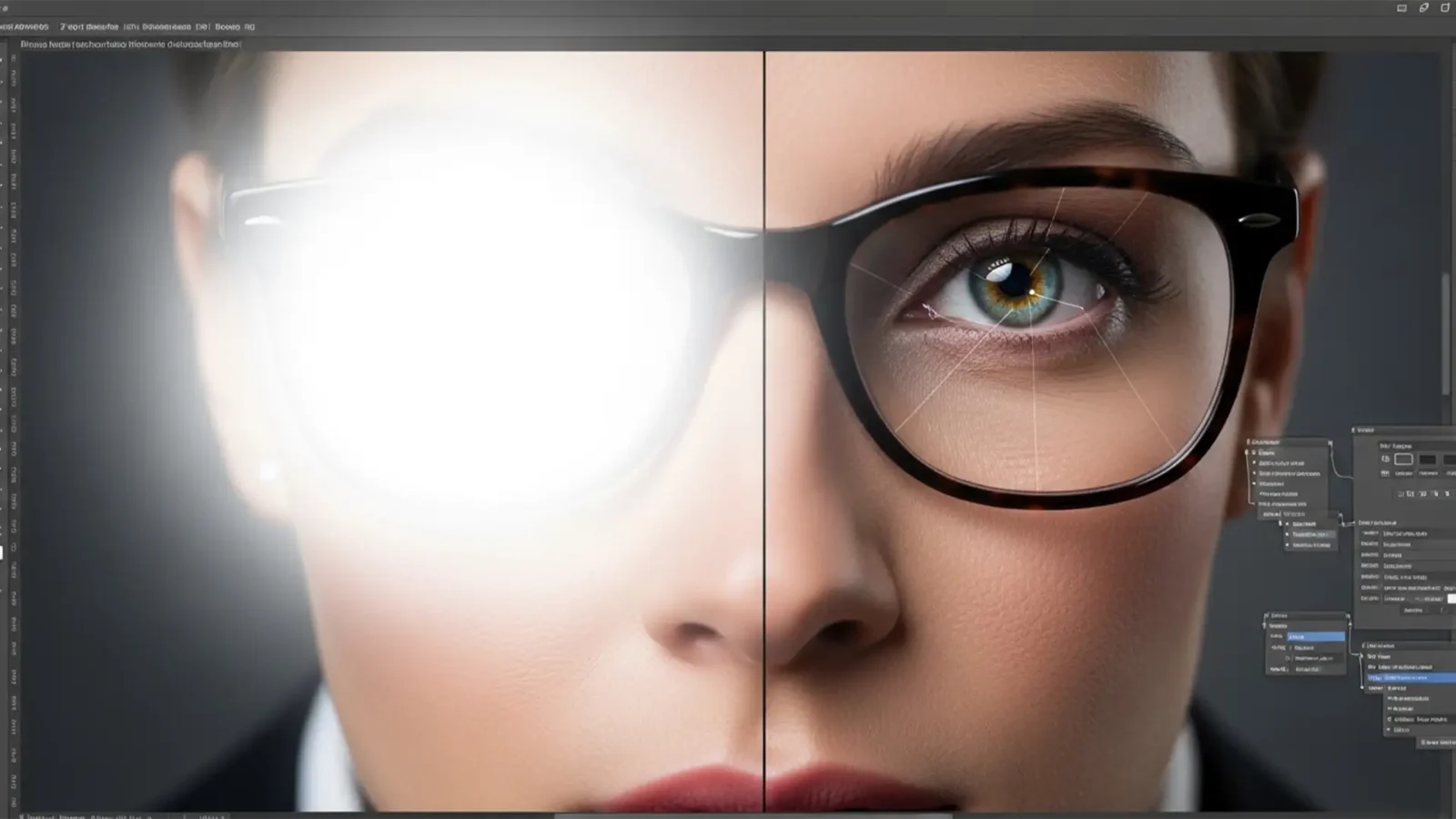
Clear Vision: The 2025 Guide to Removing Glasses Glare Without Losing Eye Detail
You’ve just nailed a corporate headshot session, but there’s a glaring problem: dense, opaque flash reflection completely obscuring your subject’s eyes. If you’ve ever tried fixing this with basic tools, you know the dreaded result—a smudged, cloudy...
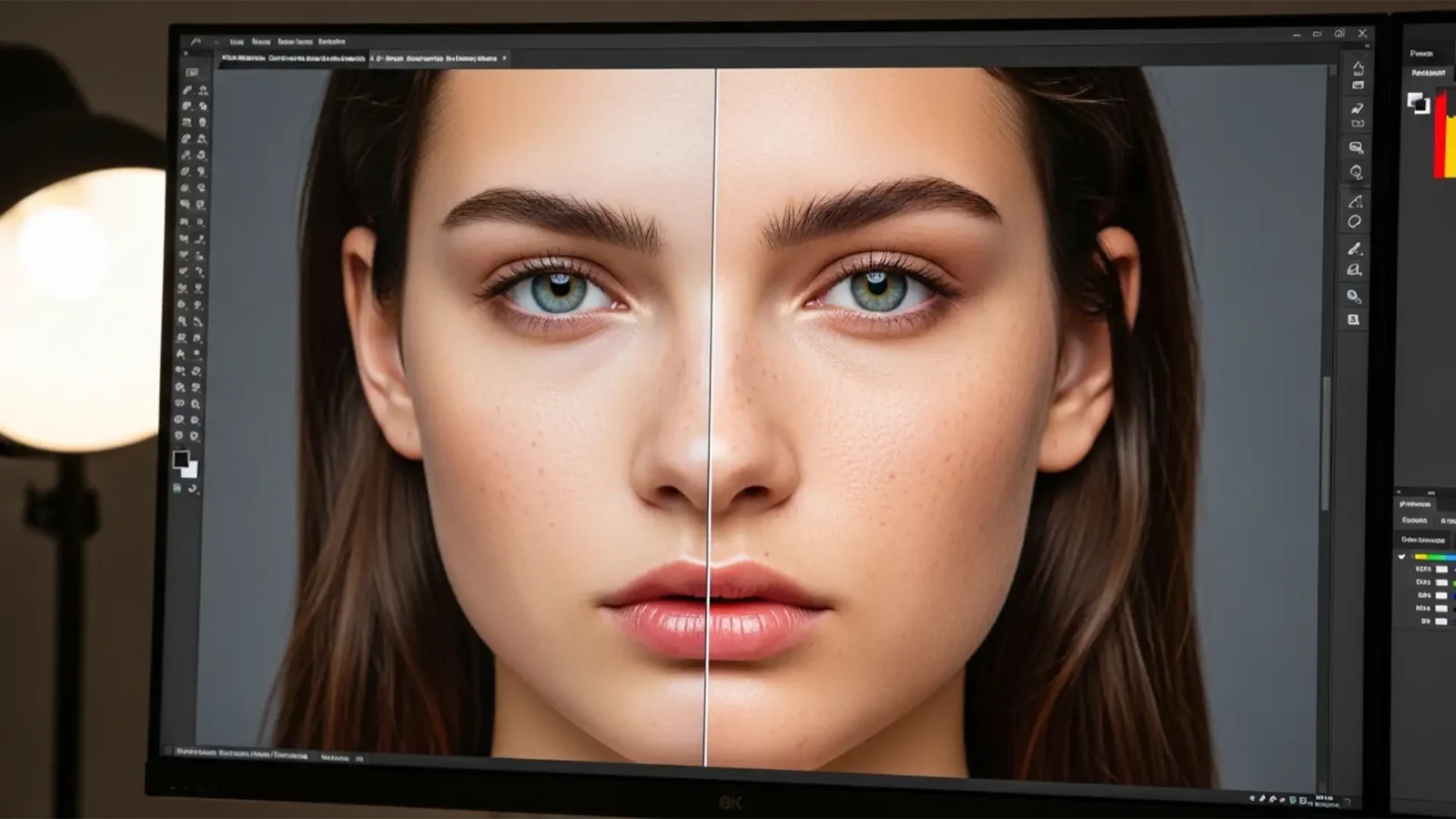
Fix Waxy Skin: Photoshop Neural Filters Guide
You’ve just applied Photoshop’s Skin Smoothing Neural Filter to a stunning high-resolution raw portrait. It removes the blemishes instantly, but there’s a massive problem: your subject now looks like a plastic mannequin. The Adobe Sensei AI algorithm has completely...
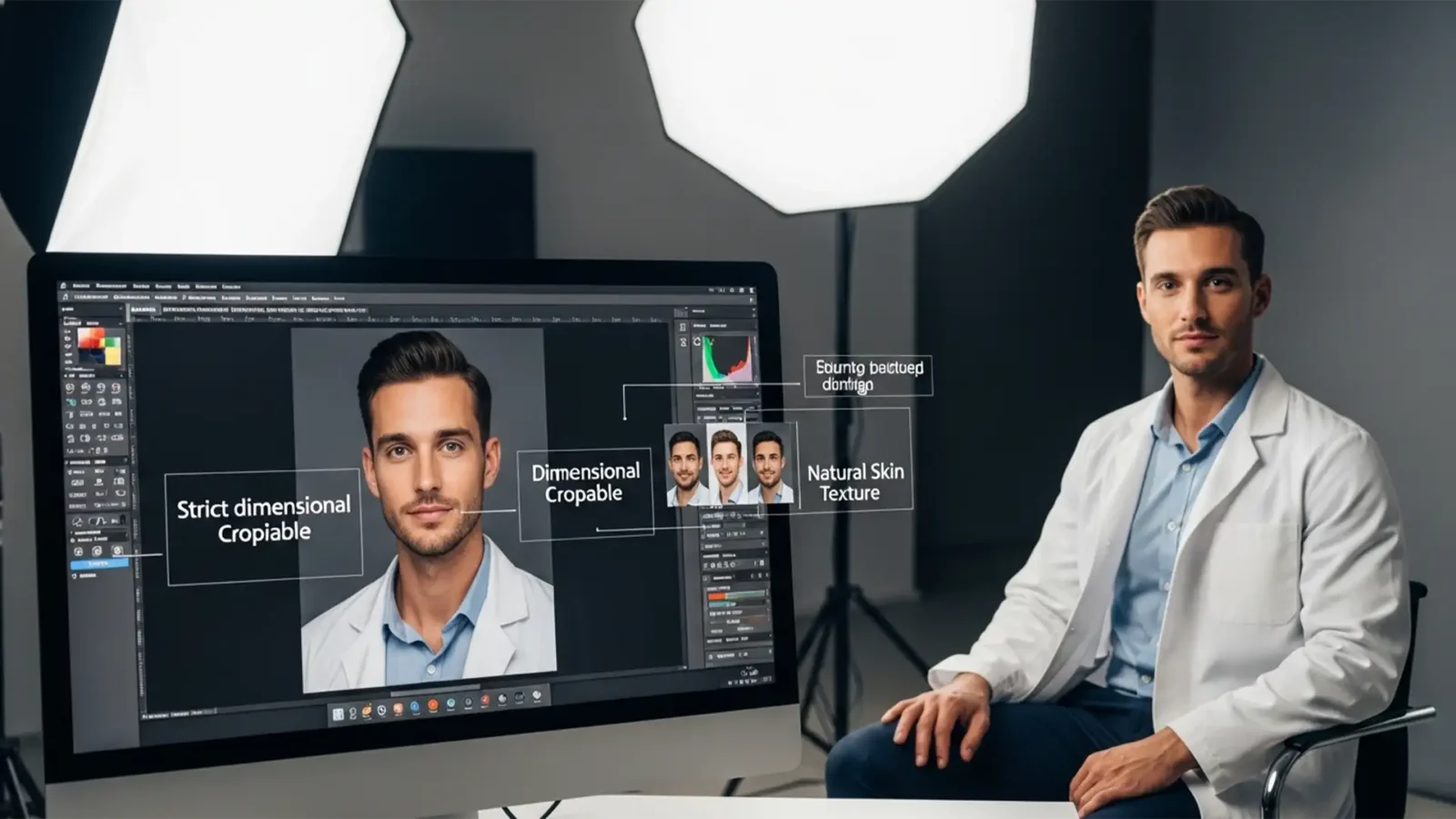
2025 ERAS Photo Standards: Residency Retouching Guide
You’ve spent years surviving medical school, crushing your USMLEs, and perfecting your personal statement. But did you know a simple technical error on your headshot could stall your entire residency application?
The 2025 AAMC guidelines for the Electronic Residency...
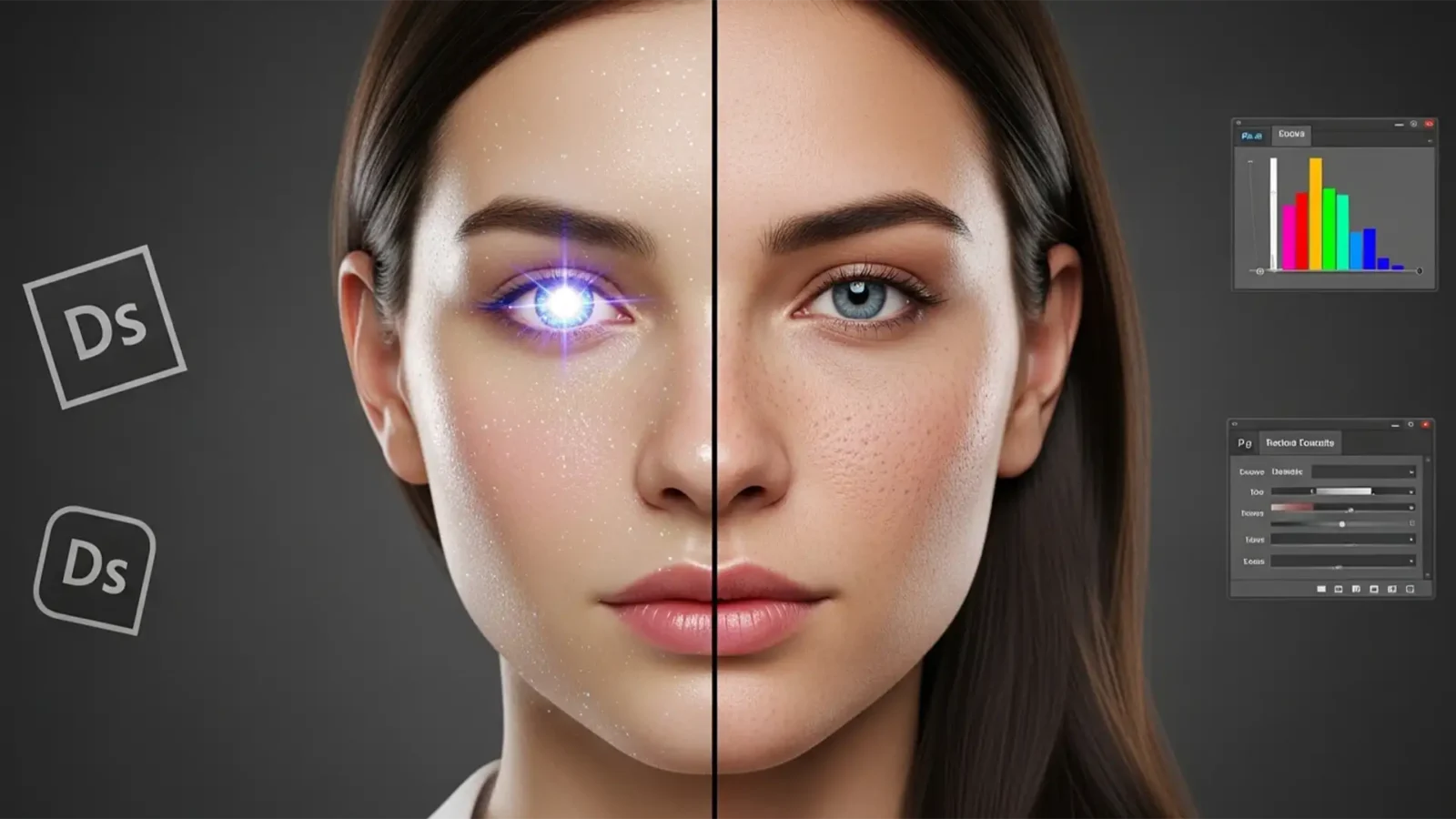
Saved by Science: How to Fix and Humanize Glitchy AI-Generated Headshots
You generated a batch of corporate ai generated headshots using Midjourney v6 or Dall-E 3, and they look almost perfect. But when you zoom in, something feels off. The skin is hyper-smoothed and plastic. The pupils are asymmetrical. The specular highlights look like they...
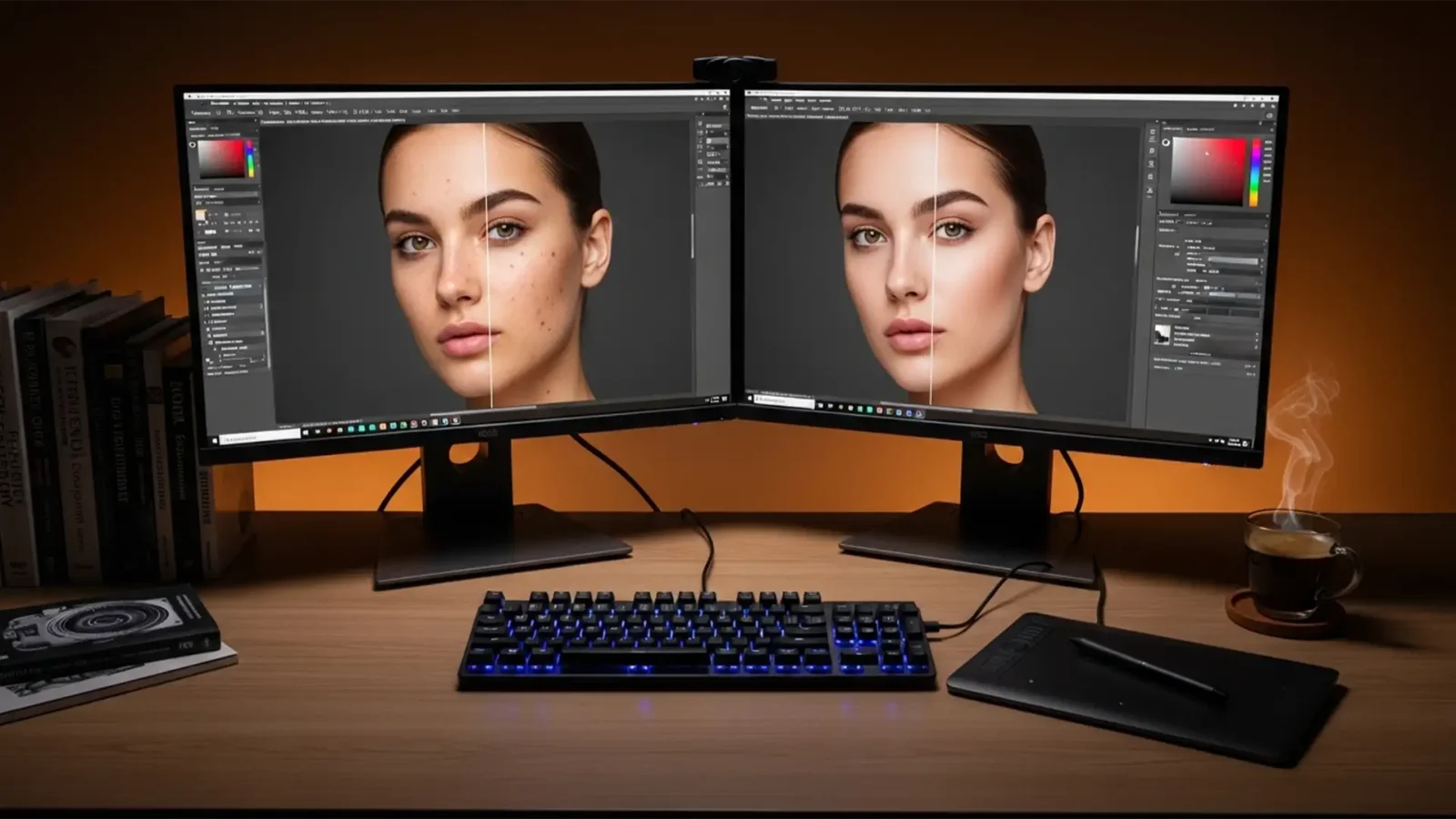
The Updated 2024 Guide to Non-Destructive Frequency Separation
Are you tired of ruining your base image data or dealing with frustrating color shifts during high-end portrait retouching? You are not alone. In Photoshop v25.x (the 2024 release), traditional frequency separation is a trap if you aren’t using the latest...
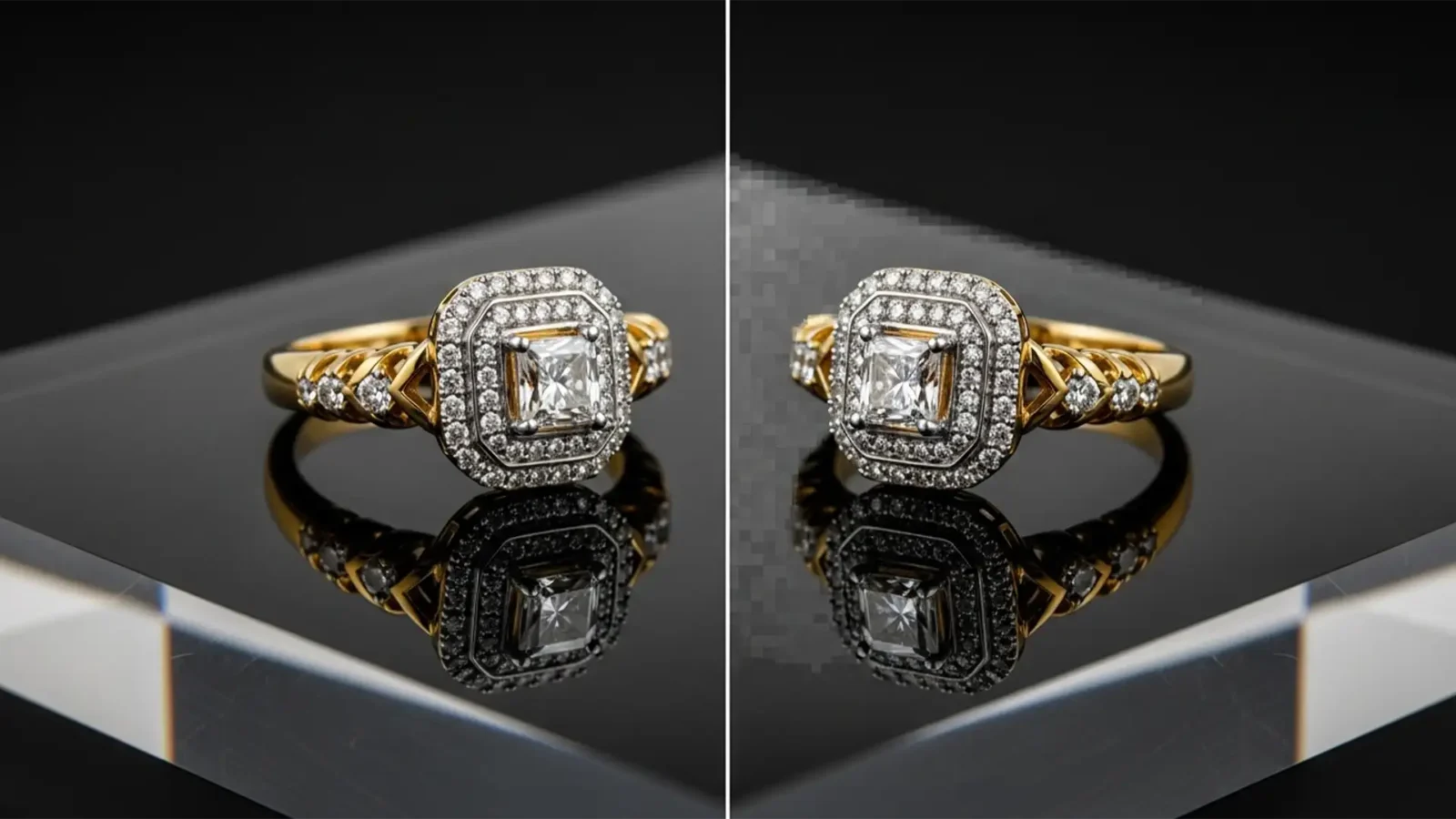
Fix Generative Fill Artifacts in Jewelry Retouching
You just used Photoshop to extend the background on a stunning, high-end diamond ring photograph. The background looks great, but when you zoom in on the base, the metallic reflection is a muddy, warped mess.
If you are dealing with Generative Fill jewelry reflection...
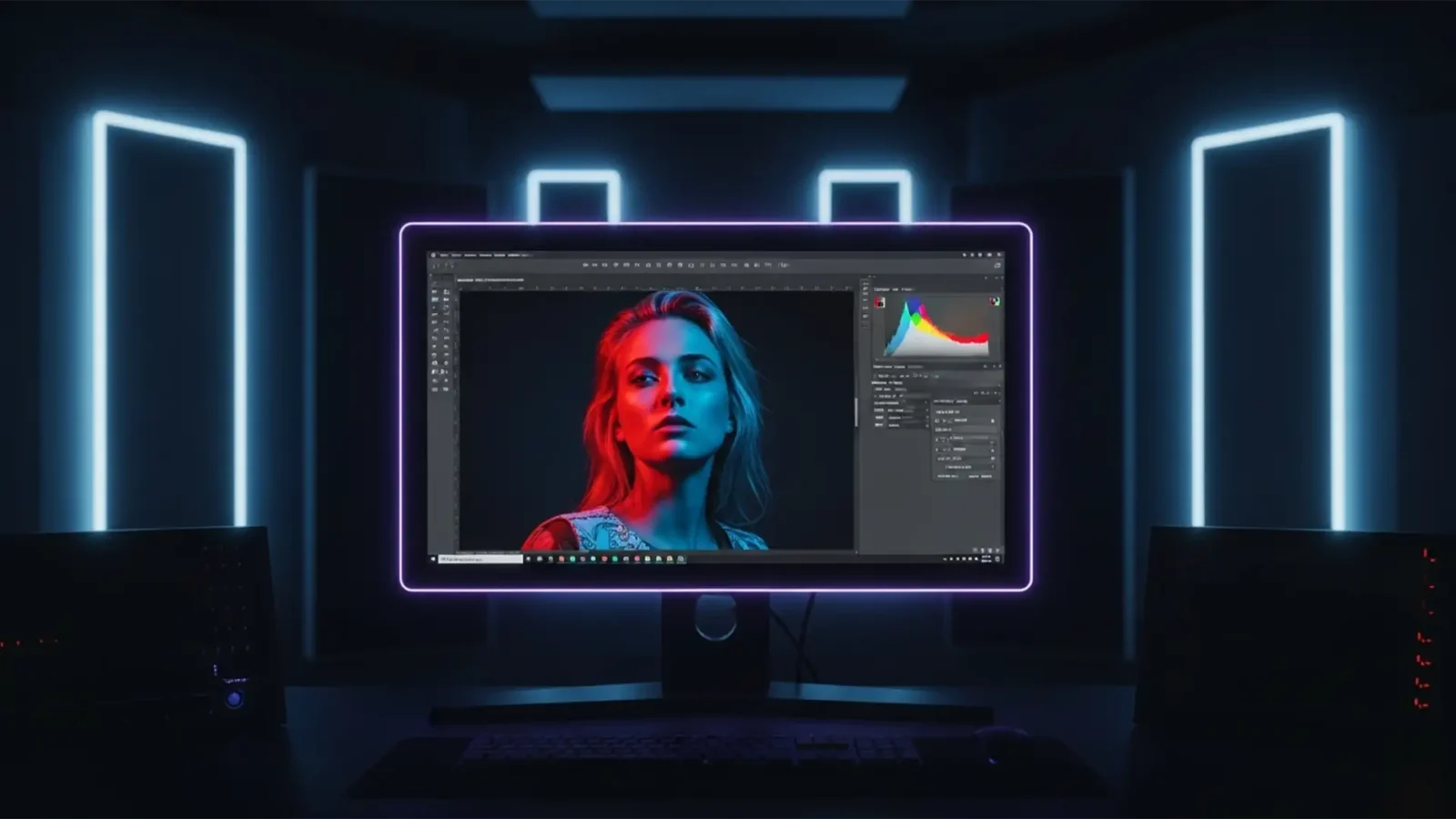
32-Bit HDR Portrait Retouching Workflow: The Ultimate Guide
Are you tired of your high-end portraits looking spectacular on your editing monitor, only to appear flat, banded, or blown out on modern OLED screens? As display technology evolves, traditional 8-bit and 16-bit editing pipelines are no longer sufficient. If you are...
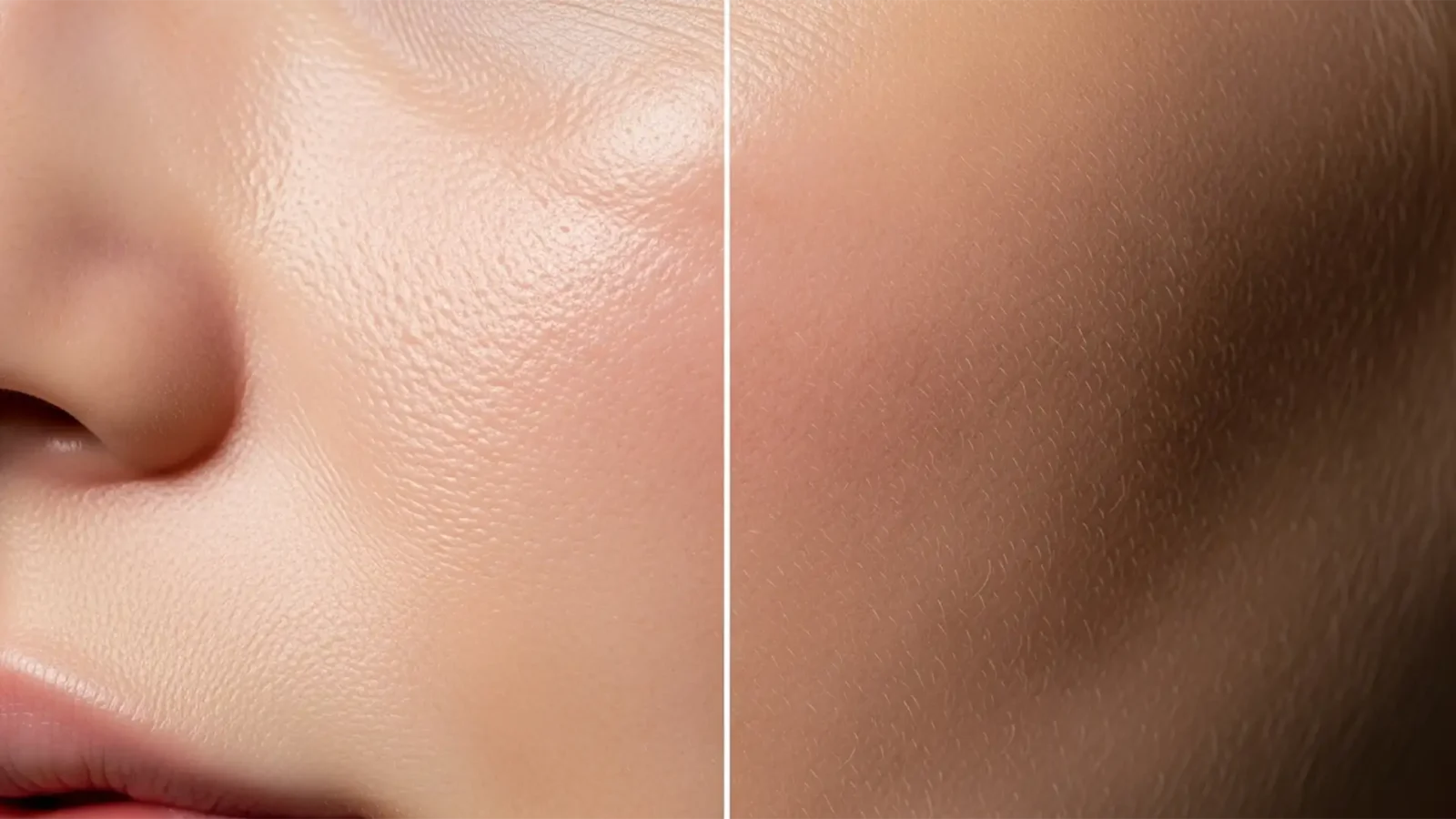
Beyond the Uncanny Valley: How to De-Plasticize AI Skin in High-End Retouching
You finally generated the perfect commercial portrait using Midjourney v6 or DALL-E 3, but there is a glaring problem: the subject looks like a mannequin. Modern diffusion models are incredible at rendering lighting and composition, but their denoising algorithms inherently...

TikTok Shop Jewelry Requirements: How to Retouch for High-Conversion Listings
Are your jewelry listings mysteriously losing traffic, or worse, facing outright rejection on TikTok Shop? You are likely dealing with an algorithmic shadowban caused by non-compliant product images. TikTok Shop jewelry enforces aggressive vendor compliance specs,...



