
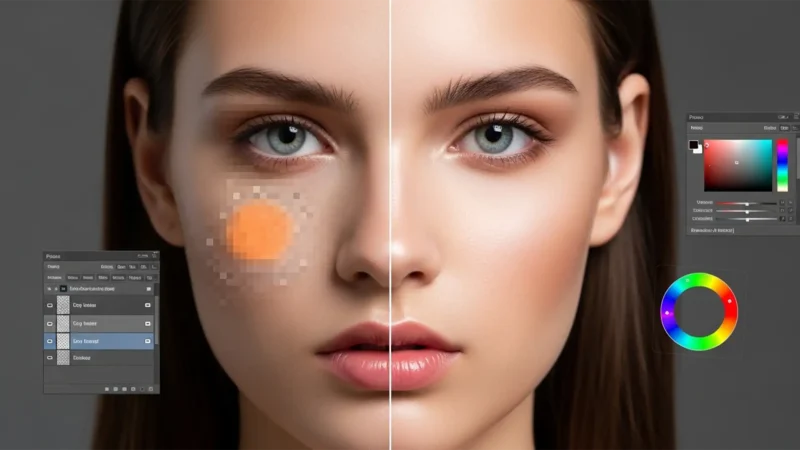
Solving the Generative Fill Skin Tone Mismatch: Seamless Portrait Extensions
You’ve just framed the perfect portrait, but the crop is too tight. You hit “Generative...
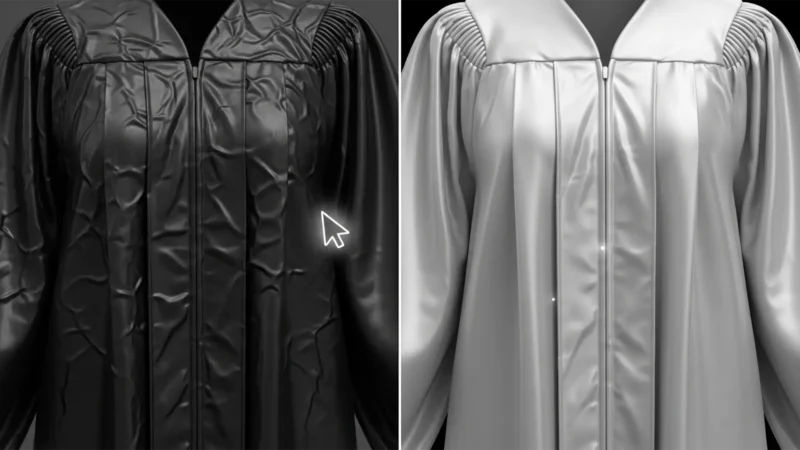
Perfect Grad Photos: Removing Graduation Gown Wrinkles Without Losing Fabric Detail
You’ve captured the perfect graduation portrait, but there’s a glaring issue: the gown...
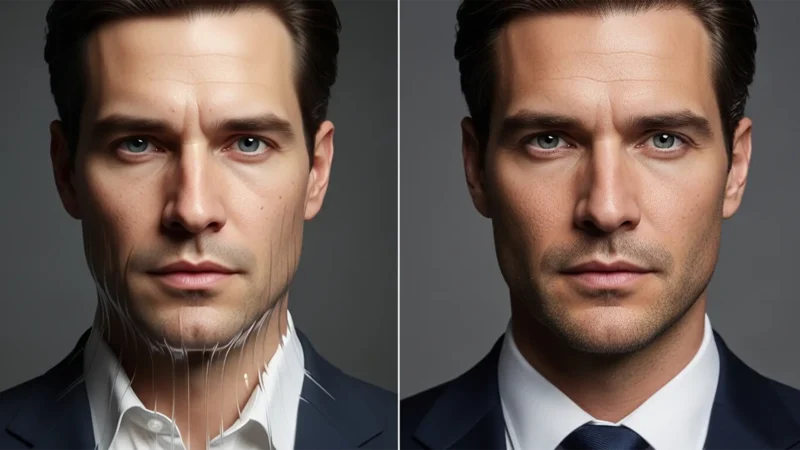
How to Fix AI Headshot Distortions in Photoshop
You generated a batch of professional portraits using Midjourney or Lensa, but something feels...
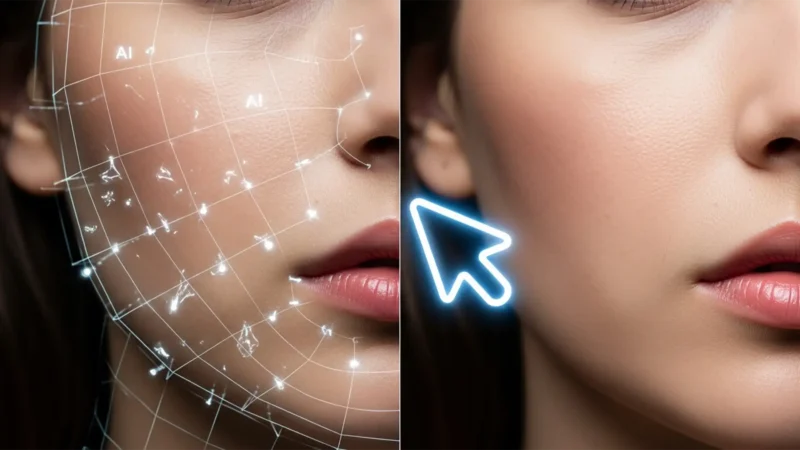
Fix AI Artifacts on High-Fashion Skin in Photoshop
You use Generative Fill to clean up stray hair on a high-fashion skin portrait, and suddenly,...
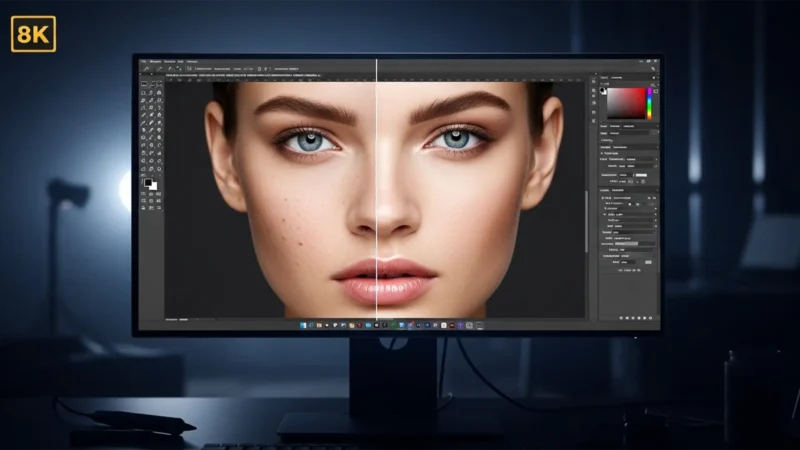
8K Glamour Retouching: The Ultimate Ultra-HD Workflow
Ultra-high-definition displays are ruthless. At 7680×4320 pixels—roughly 33.1...
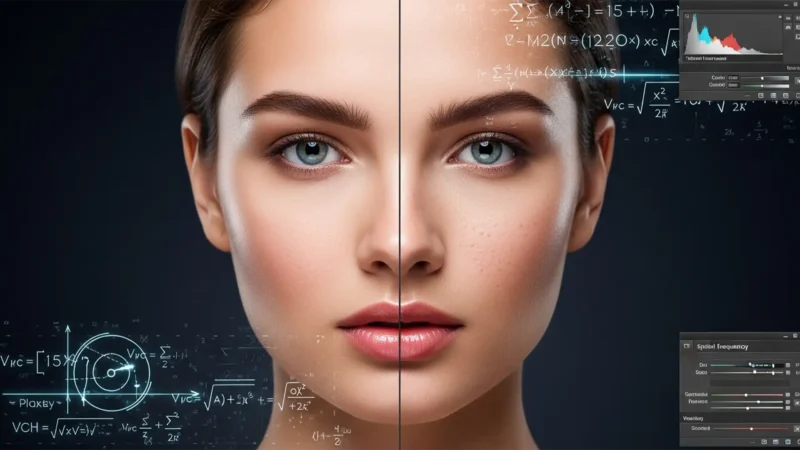
AI Smoothing vs. Manual Frequency Separation: The Luxury Standard
Ever spent hours retouching a beauty portrait only to have the client reject it for looking...
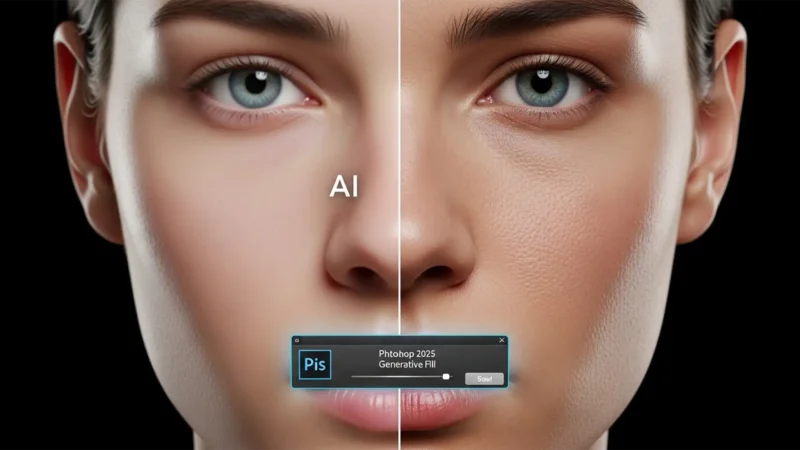
How to Fix Smudged and Muddy Skin Textures in Photoshop 2025 Generative Fill
You’ve just used Photoshop 2025’s Generative Fill to extend a beauty portrait or remove a...
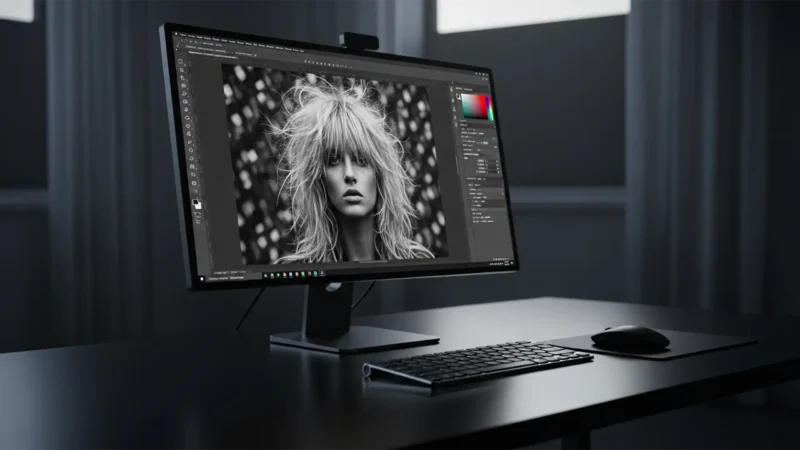
Fix Hair Artifacts from the Photoshop Remove Tool
You’ve just finished masking a stunning portrait in Photoshop v25.x, but there’s a glaring...

Fix Generative Fill NSFW False Positives in Fashion Edits
You are on a tight deadline for a high-end commercial campaign. You make a precise selection...
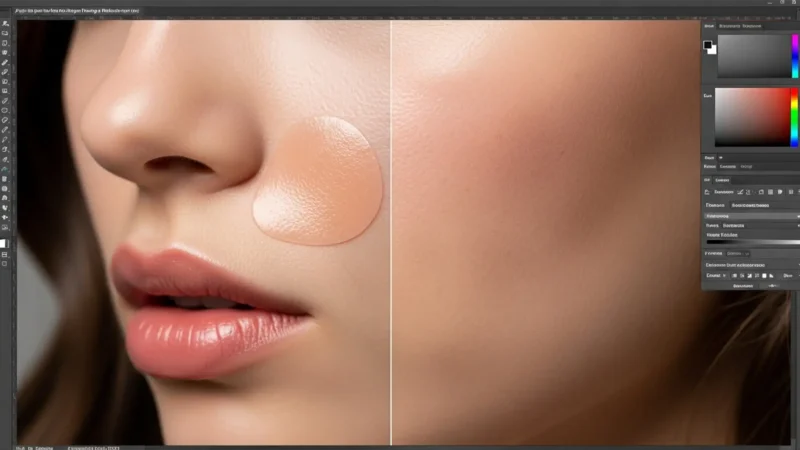
How to Restore Authentic Skin Pores After Using Photoshop Generative Fill
You just used Photoshop’s AI to remove a stray hair or a distracting blemish from your...
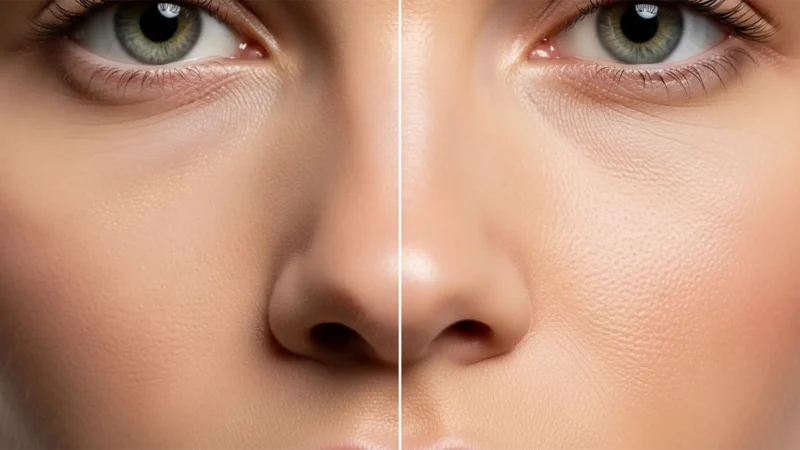
Retouching for 8K: Micro-Retouching Standards for High-Resolution Displays
E-commerce and commercial fashion are rapidly shifting to 8K display standards (7680×4320...
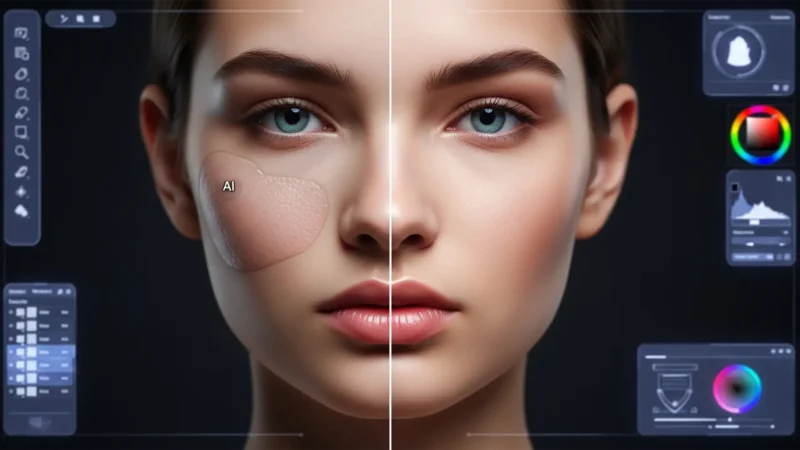
Fixing Undertone Mismatch: Solving AI Skin Tone Shifts in Model Retouching
You’ve just used Adobe Photoshop’s Generative Fill to extend a background or remove a complex...
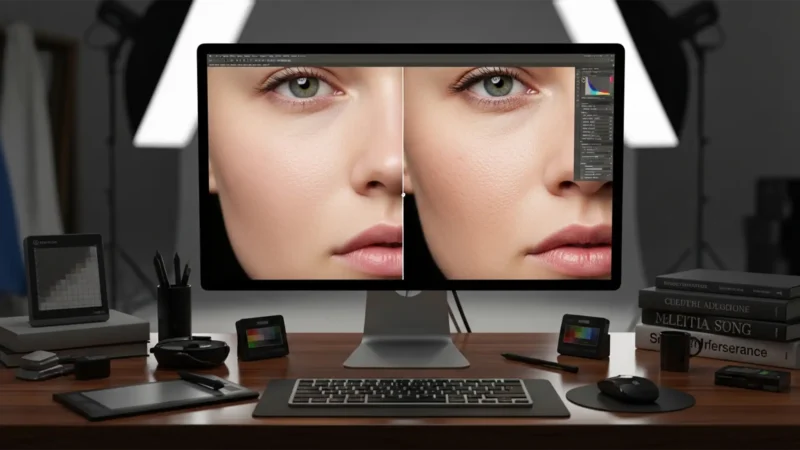
Beyond the Blur: Restore Skin Porosity After AI Retouching
You’ve just used Photoshop’s Generative Fill or Neural Filters to clean up a complex portrait....
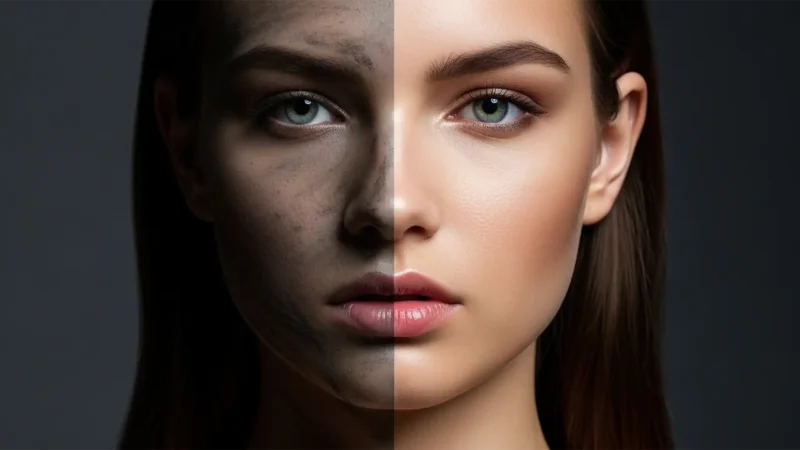
Fix Gray Artifacts in Photoshop Neural Filter Skin Smoothing
You just applied Photoshop’s Neural Filter Skin Smoothing to save time on a portrait, but...
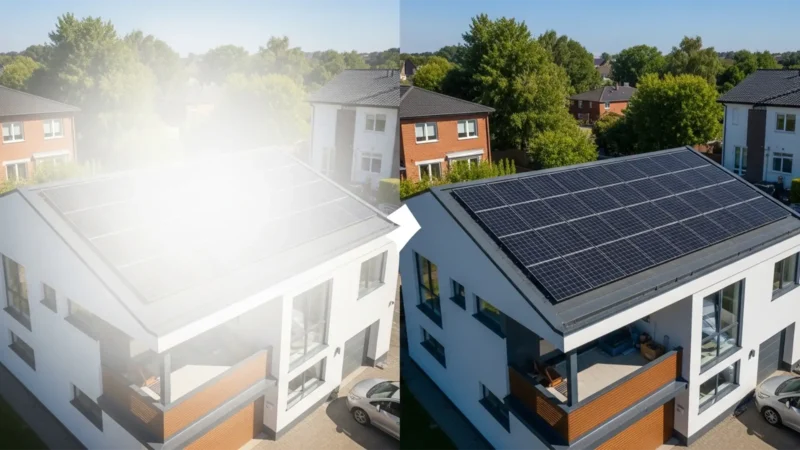
Remove Solar Panel Reflections: Real Estate Retouching
You are editing a stunning drone shot of a luxury property, but there is a glaring...
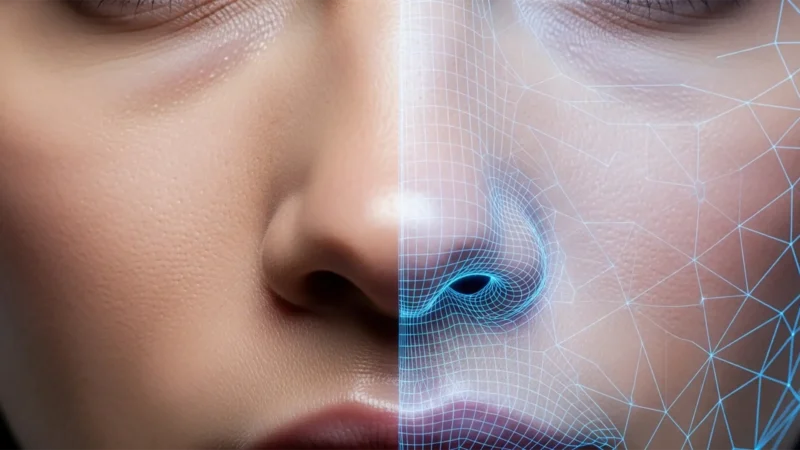
Lightroom Generative Remove vs Photoshop Generative Fill for Skin
There is a glaring problem in modern portrait editing: AI tools are destroying natural skin....
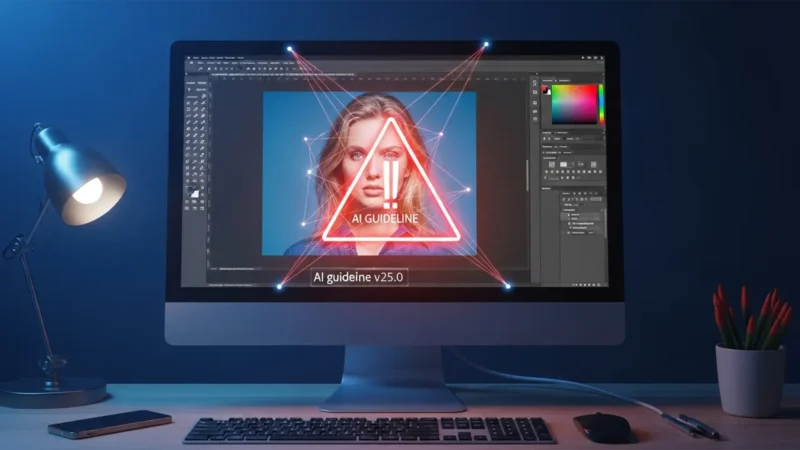
How to Fix Photoshop Generative Fill Guidelines Violations During Skin Retouching
You are in the middle of a high-end portrait edit, trying to remove a simple stray hair or a...
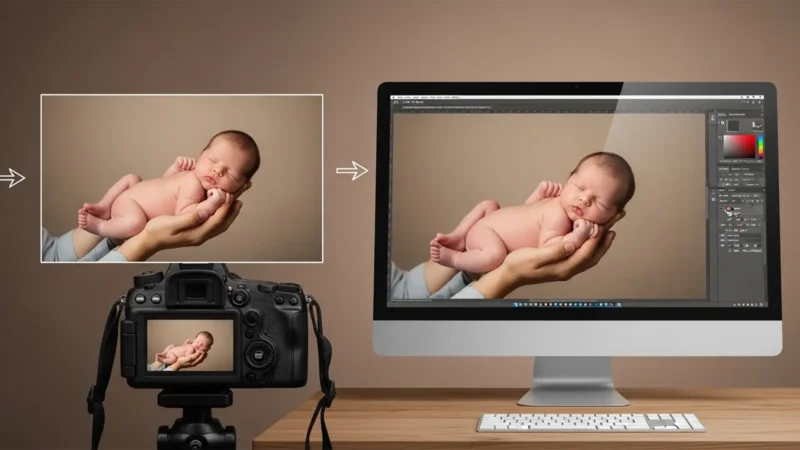
Composite Newborn Poses Safely in Photoshop: Pro Guide
Every professional newborn photographer knows the golden rule: safety first. When clients...
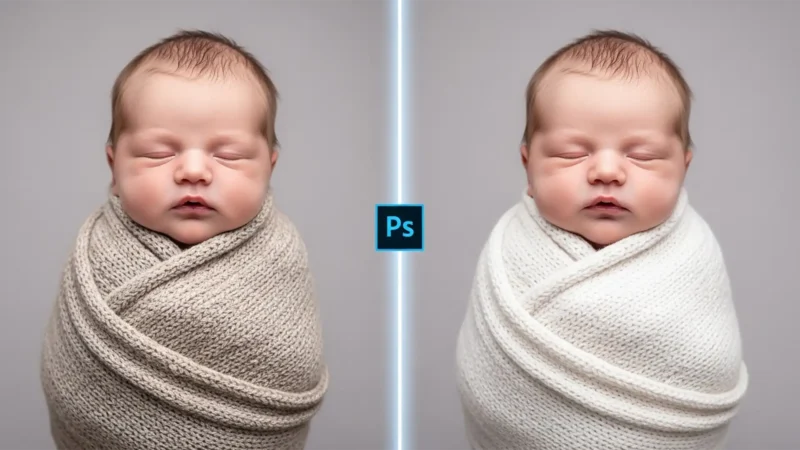
Using Photoshop Generative Fill for Newborn Swaddles
You’ve just captured the perfect newborn swaddles pose. The lighting is soft, the baby is...
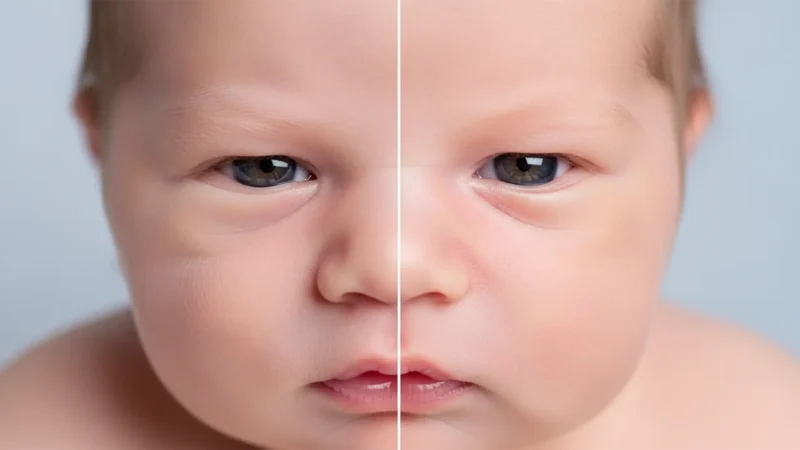
Realistic Newborn Skin Retouching: How to Avoid the AI Plastic Look in Photoshop
Newborn photography is all about capturing delicate, fleeting details. But when editors open...