
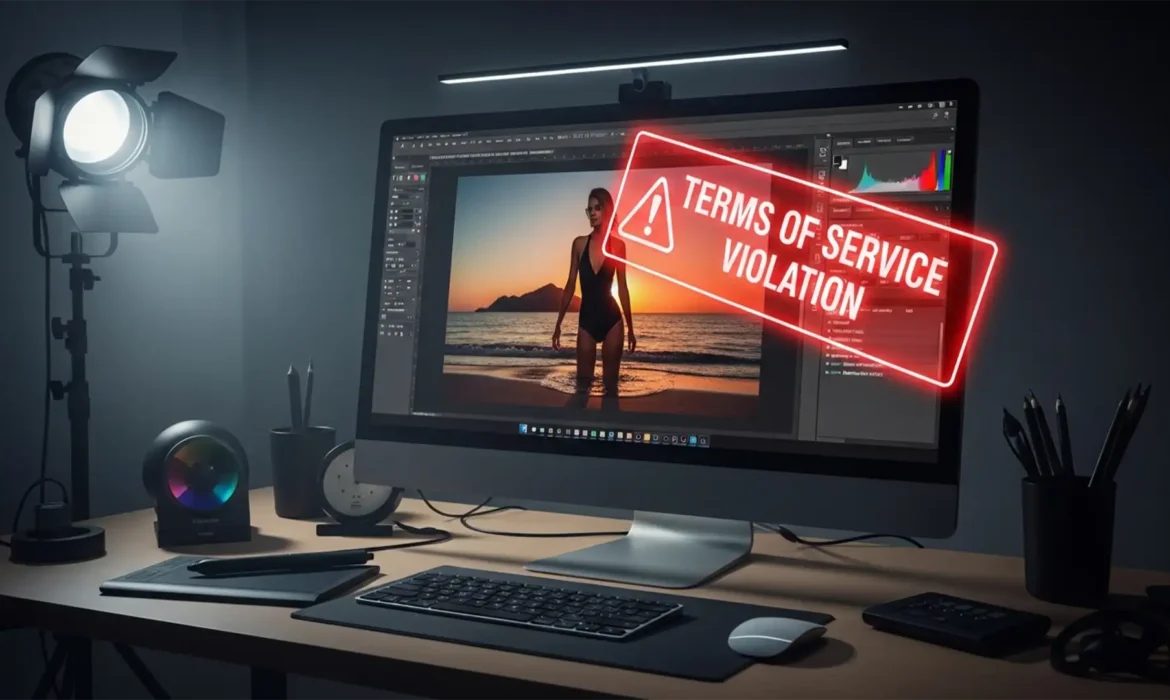
You are on a tight deadline for a high-end commercial campaign. You make a precise selection around a model’s swimwear to remove a stray wrinkle, hit “Generate,” and—bam. A glowing red “Terms of Use violation” error stops you in your tracks.
If this workflow bottleneck sounds familiar, you aren’t alone. Adobe Firefly’s strict AI guardrails frequently cause NSFW false positives in professional fashion photography. The system aggressively flags legitimate edits involving exposed skin, lingerie, or form-fitting clothing as inappropriate, completely halting your progress.
In this technical guide, we will show you exactly how to fix the Photoshop Generative Fill NSFW false positive fashion error using prompt engineering and advanced masking techniques so you can get your retouching pipeline back on track.
The Core Problem: Why Adobe Firefly Flags Fashion Retouching
In Adobe Photoshop v25.0+ and Photoshop Beta, the Generative Fill feature is powered by the Adobe Firefly engine. To prevent the generation of illicit imagery, Firefly employs strict automated safety filters.
Unfortunately, these filters lack the contextual awareness to distinguish between a high-fashion editorial and inappropriate content. When your marching ants encompass a high ratio of exposed skin—common when editing swimwear or lingerie—the AI triggers an immediate NSFW False Positive. This results in a ‘Guidelines’ error and disables the generation entirely.
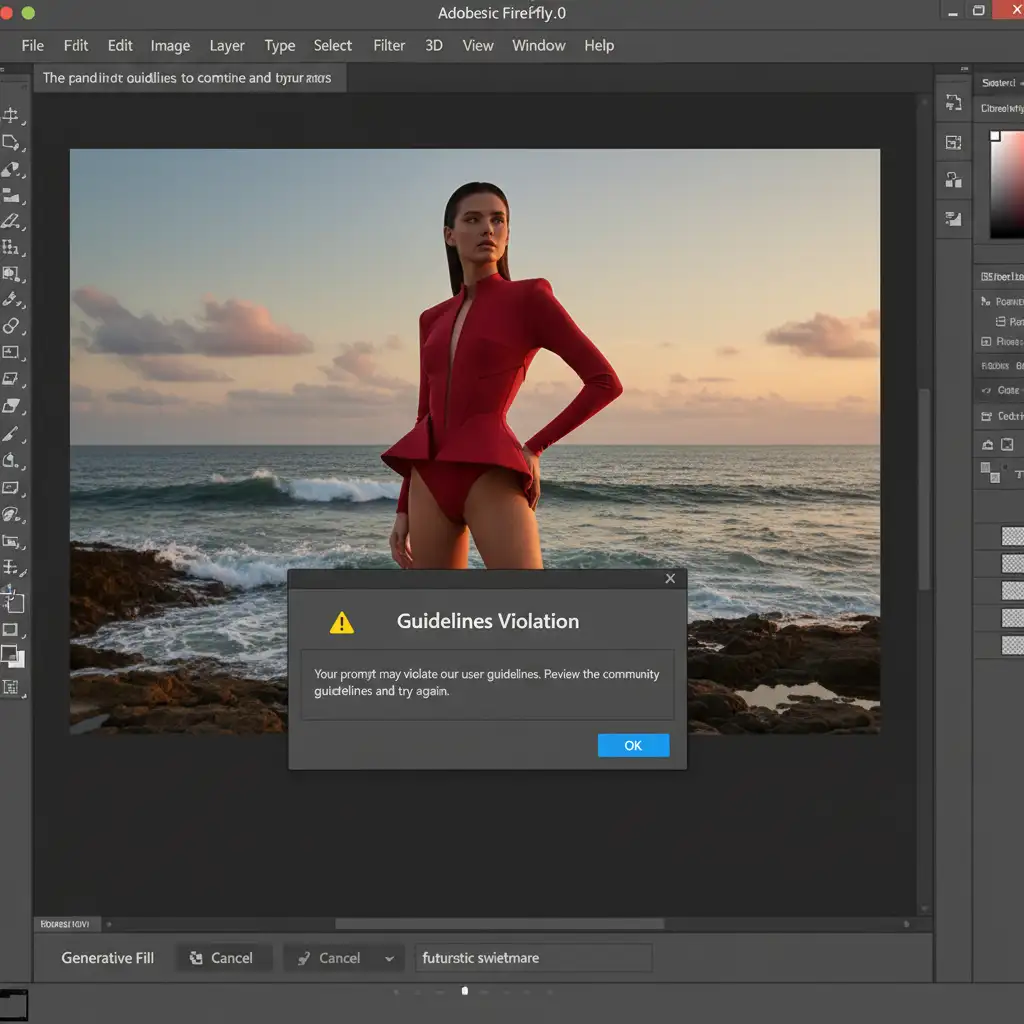
How to Fix the Generative Fill NSFW Error (3 Methods)
To bypass these AI guardrails, you must change how the Firefly engine analyzes your active bounding box. Here are three proven methods, ranging from quick adjustments to professional non-destructive editing workflows.
Method 1: The Quick Fix (Prompt Engineering & Selection Sizing)
The most common trigger for a Terms of Use Violation is a combination of a large selection area and anatomical text prompts.
- Sanitize Your Prompts: Avoid using words related to the body (e.g., skin, leg, chest). Instead, leave the text prompt entirely blank, or use highly sanitized, non-anatomical terms like ‘smooth fabric’ or ‘remove crease’.
- Shrink Your Selection: Grab the Lasso Tool and drastically reduce your selection size. Ensure your selection includes significantly less exposed skin and strictly hugs the clothing element you are trying to alter.
Method 2: The Pro Workaround (Modular Micro-Selections)
If reducing the selection slightly doesn’t work, you need to alter the skin-to-clothing ratio within the AI’s analysis bounding box.
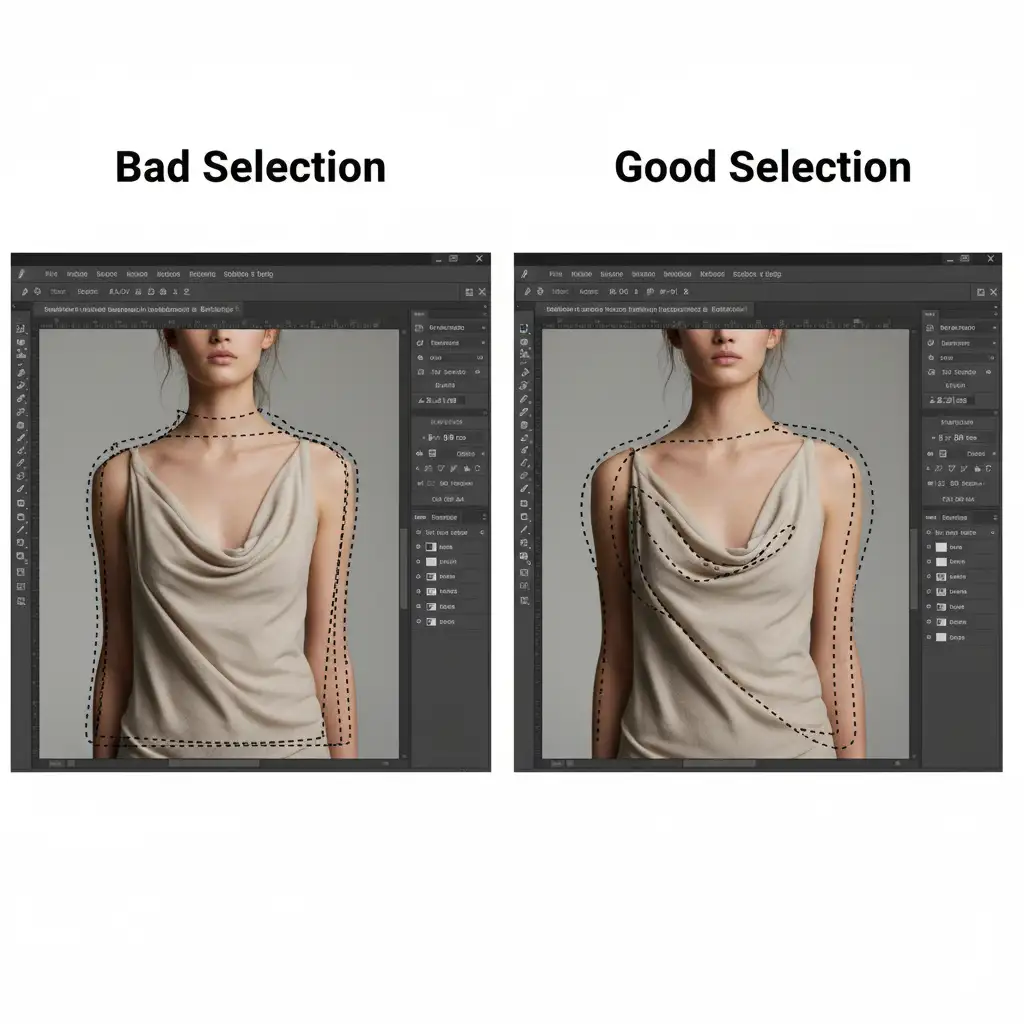
Instead of selecting an entire torso or leg to fix a garment, break the retouching area into smaller, modular selections. Select only the specific hemline or a single fabric wrinkle. By feeding the AI an isolated patch of fabric rather than the surrounding anatomy, you prevent the safety filters from recognizing the human form, bypassing the block.
Method 3: The Technical Deep-Dive (The Pre-Censoring Technique)
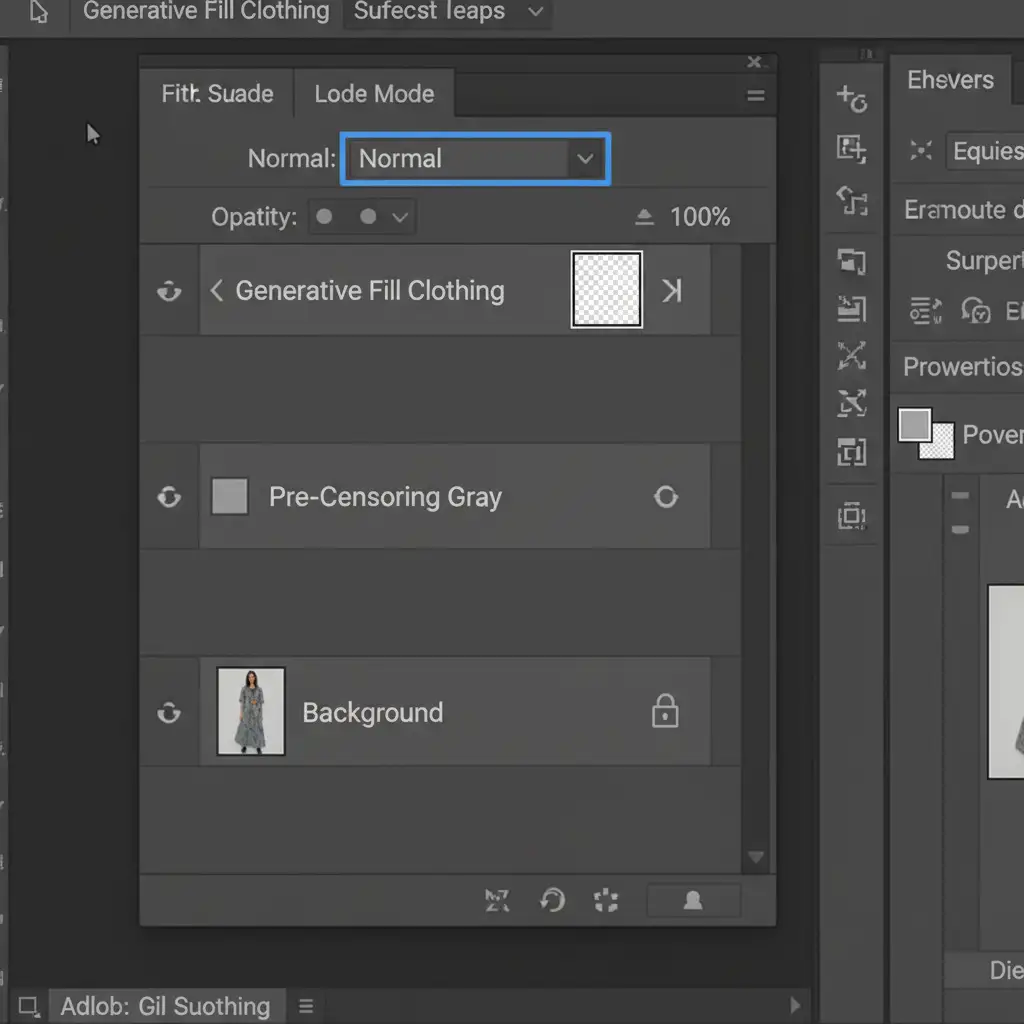
When dealing with sheer fabrics or complex intersections of skin and clothing, micro-selections might fail. The ultimate solution is the Pre-Censoring Technique, which temporarily hides sensitive areas from the AI engine while allowing for flawless, non-destructive editing.
- Create a Block-Out Layer: Create a new layer above your working image.
- Paint Out the Skin: Use the Brush tool to paint a solid neutral gray over the model’s skin, leaving only the target clothing visible.
- Merge and Generate: Merge visible to a temporary layer. Run Generative Fill on the clothing area. Because the AI only sees gray pixels instead of skin, it will not trigger an NSFW false positive.
- Blend with Masks: Delete the temporary gray layer. Use Layer Masking to precisely blend the newly generated clothing with your original, untouched high-res skin.
Outsource Your Complex Fashion Edits to the Experts
Navigating AI guardrails, tweaking prompts, and building complex pre-censoring masks takes valuable time away from your creative vision. While AI tools like Generative Fill are powerful, their automated restrictions frequently create unacceptable bottlenecks for high-end commercial campaigns.
Tired of AI guardrails slowing down your workflow? Outsource your complex image editing to Image Work India and Cloud Retouch.
Our team of expert retouchers specializes in flawless, manual professional retouching that AI simply cannot match. From high-end fashion and beauty editorials to complex clipping paths and color correction, we deliver pixel-perfect results without the software limitations.
Contact Image Work India and Cloud Retouch today to streamline your post-production pipeline and elevate your brand’s visual standard.



