Change Black Clothing to White in Photoshop 2026 (Pro Fix)
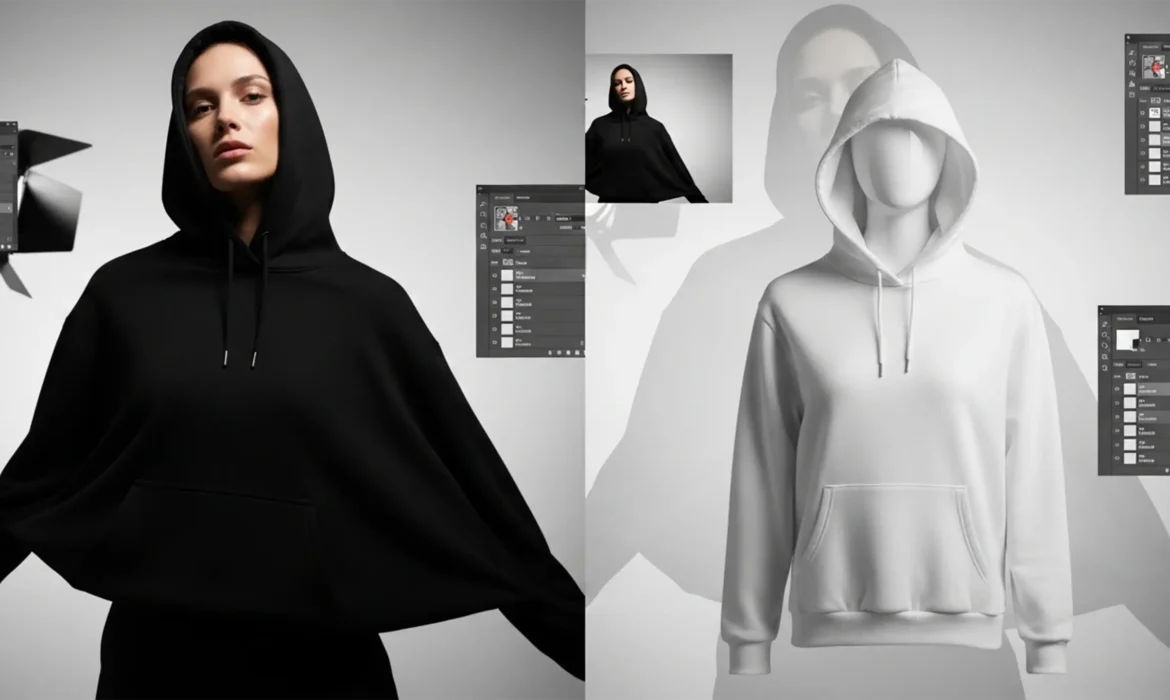
Every professional retoucher knows the dread of a client asking to “just make it white.” When you attempt to change black clothing to white in Photoshop 2026, standard brightness adjustments or simple inversions almost always result in a muddy, textureless gray or a blown-out, flat blob. The core issue? Pure black pixels lack inherent luminosity data. When you force the exposure...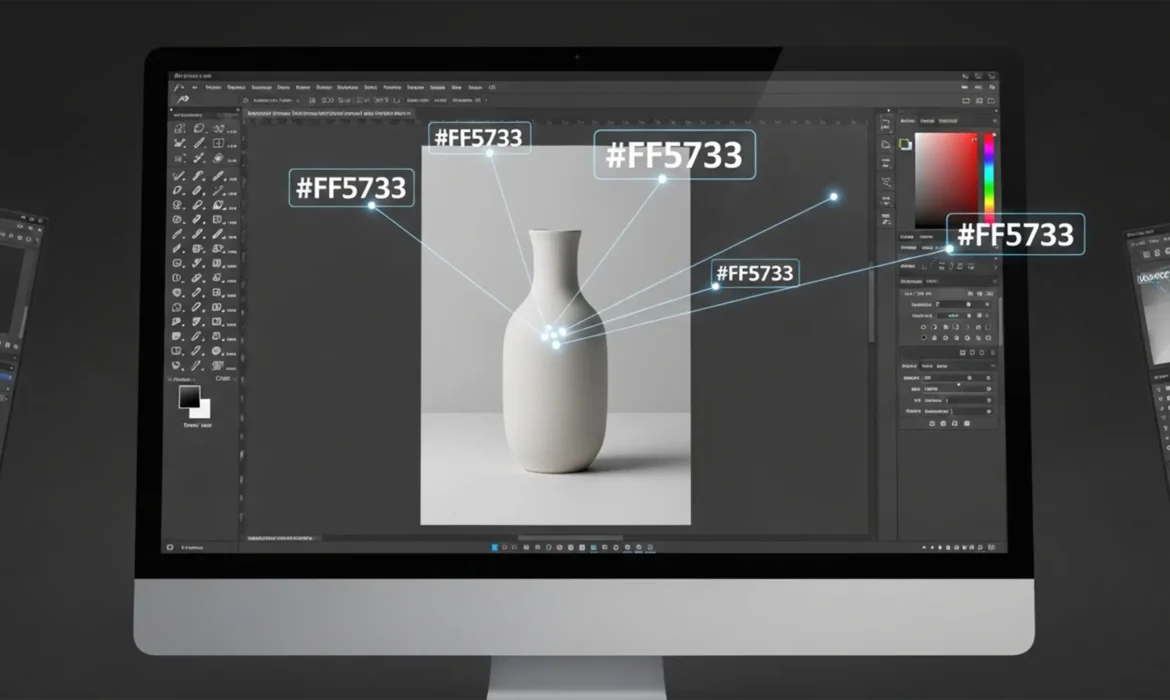
Match Hex Code to Product Photo Photoshop: Precise Guide
You already know the frustration: a client sends over a strict brand guideline with an exact #RRGGBB hexadecimal color for their new product line. You open Adobe Photoshop CC, reach for the standard Hue/Saturation slider, and instantly hit the dreaded “flat color” error. The exact color is there, but the product now looks like a lifeless, two-dimensional cartoon. The texture is...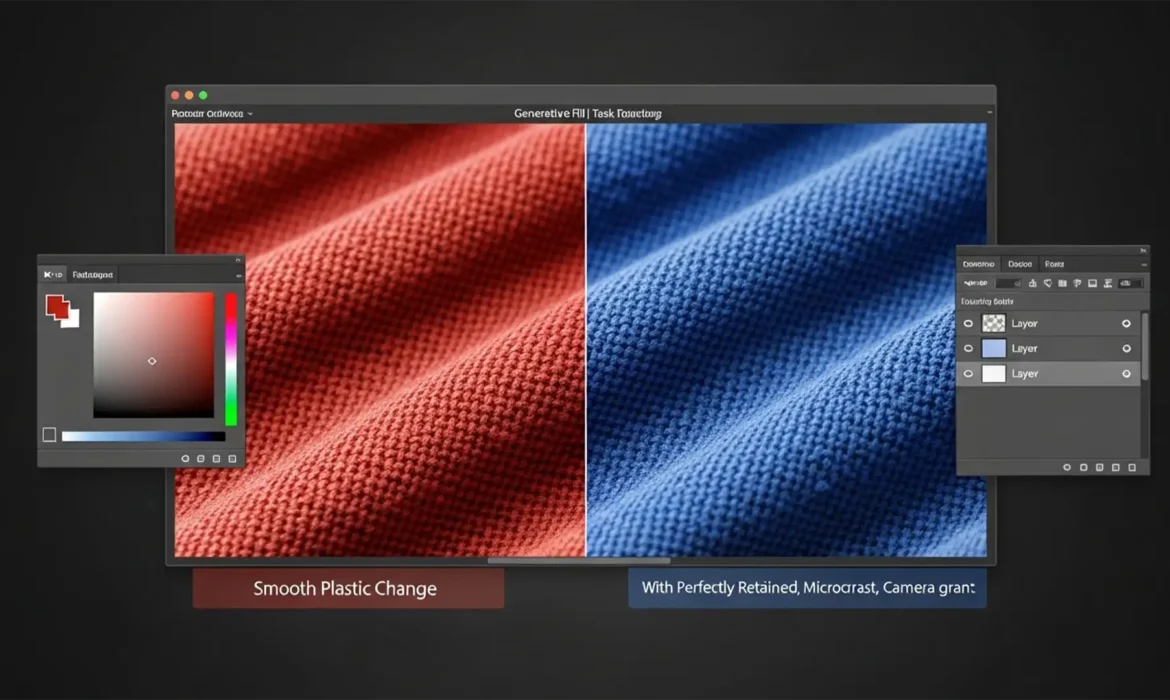
How to Fix Generative Fill Texture Loss & Color Change
You tried to change the color of a product using Photoshop’s Generative Fill. It swapped the color perfectly, but now the object looks like smooth, plastic garbage. The beautiful fabric weave, the delicate micro-contrast, and the realistic grain are completely gone. This happens because Generative Fill synthesizes entirely new pixels, overwriting your original photographic data. If...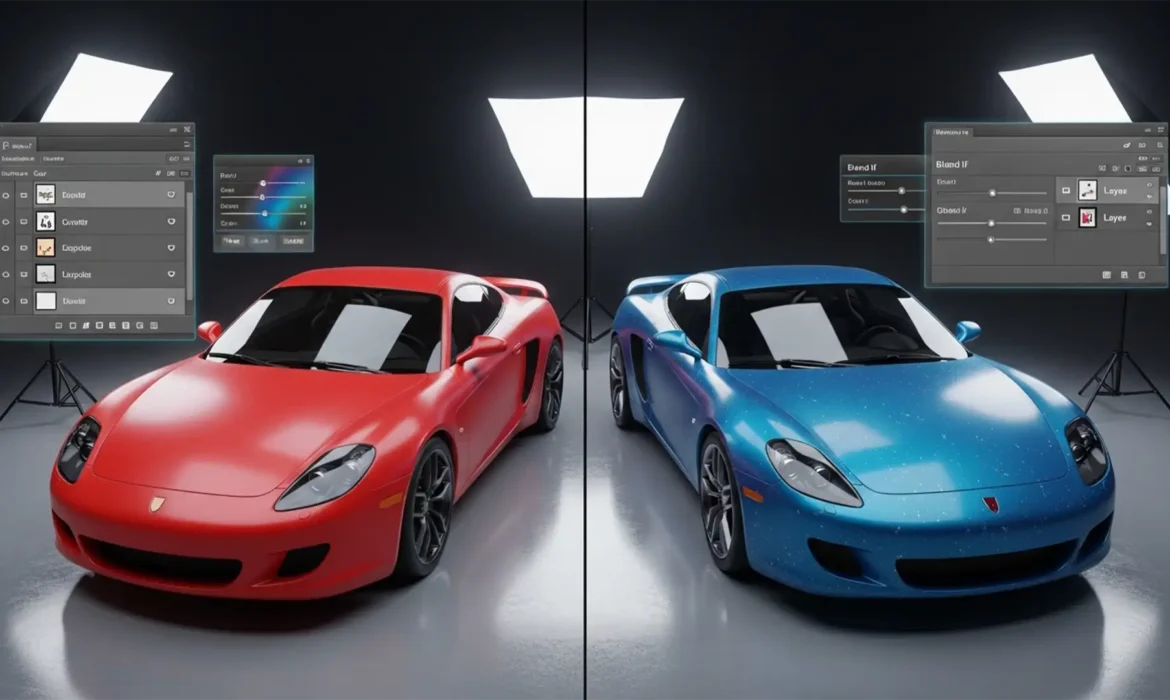
Change Car Color in Photoshop & Retain Reflections
Have you ever tried change car color in Adobe Photoshop CC, only to end up with a vehicle that looks like a cheap plastic toy? You’re not alone. When automotive retouchers rely solely on basic Hue/Saturation adjustments, they indiscriminately replace hues, instantly destroying the tonal variance. This wipes out the specular highlights, metallic flakes, and environmental reflections that...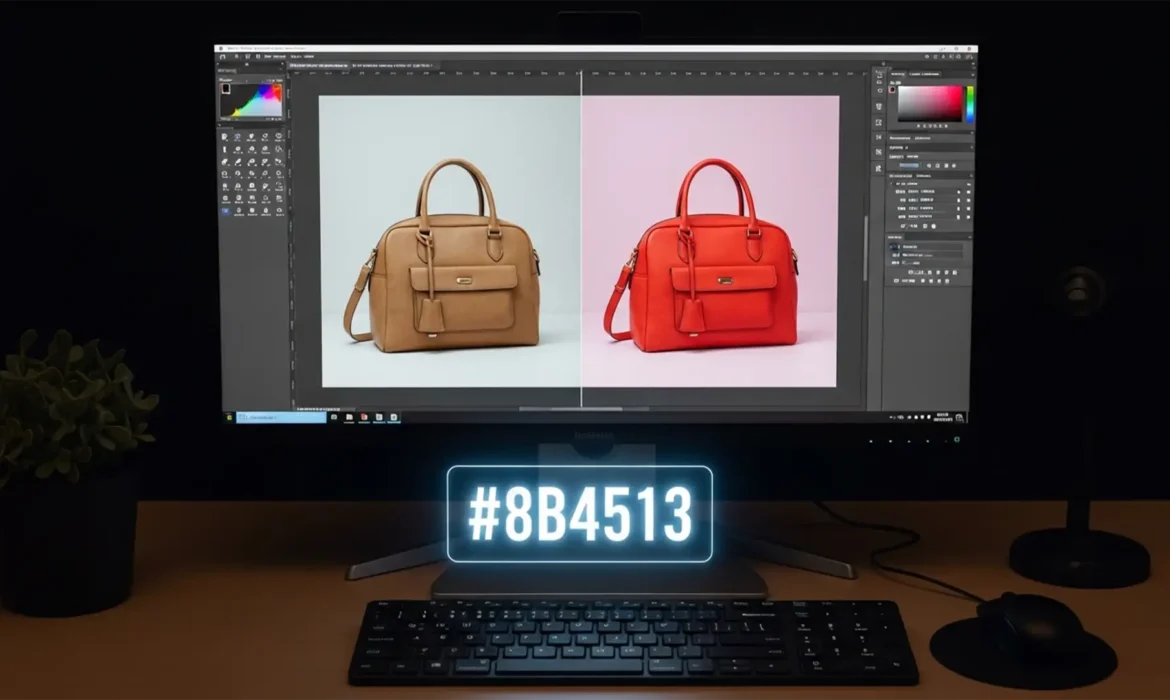
How to Match a Product Photo to a HEX Code in Photoshop
Here is exactly how to match a product photo to a HEX code in Photoshop (versions CC v24.x – v25.x) while perfectly preserving its 3D realism. It is the most dreaded feedback for any e-commerce seller. Manufacturers provide exact color codes, but translating those into a raw product photo is notoriously difficult. Studio flash reflections, ambient lighting temperatures, and camera...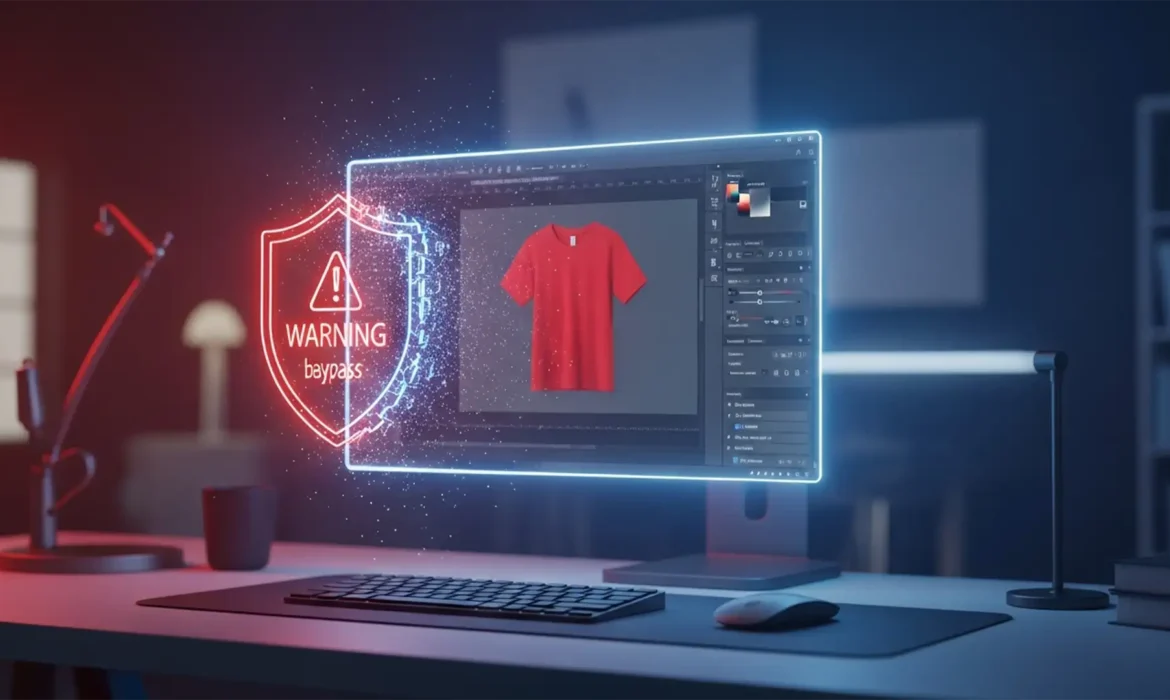
Fix Photoshop Gen Fill Color Change Guideline Violations
You are on a tight deadline, processing a batch of apparel photos. You isolate a model’s t-shirt in Photoshop 2024, type “change shirt to red” into the Generative Fill prompt, and hit enter. Instead of a seamless color change, you are hit with a frustrating roadblock: a Guidelines Violation error. If Adobe Firefly is blocking your basic edits due to overactive safety filters,...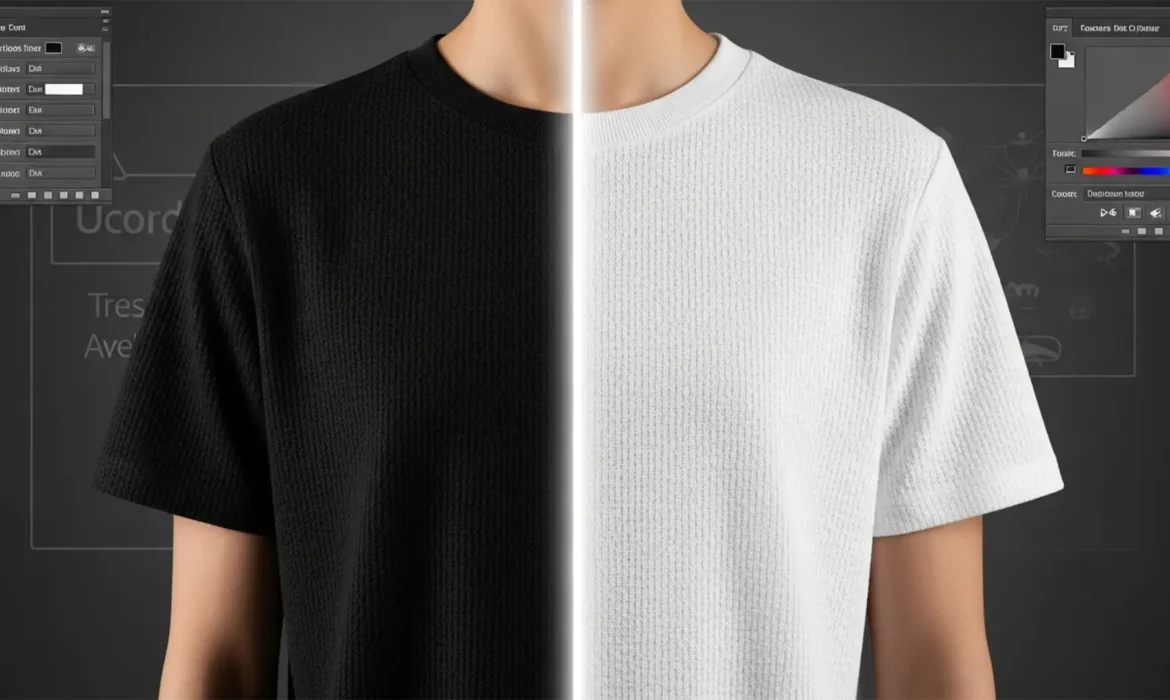
How to Change Black Clothing to White in Photoshop 2024
If you’ve ever tried to change black clothing to white in Photoshop 2024, you already know the nightmare. Because true black pixels lack luminance and color data, standard hue and saturation adjustments do absolutely nothing. Try a simple ‘Invert’ command, and you’re left with a glowing, radioactive negative that completely destroys the realistic texture, shadows, and...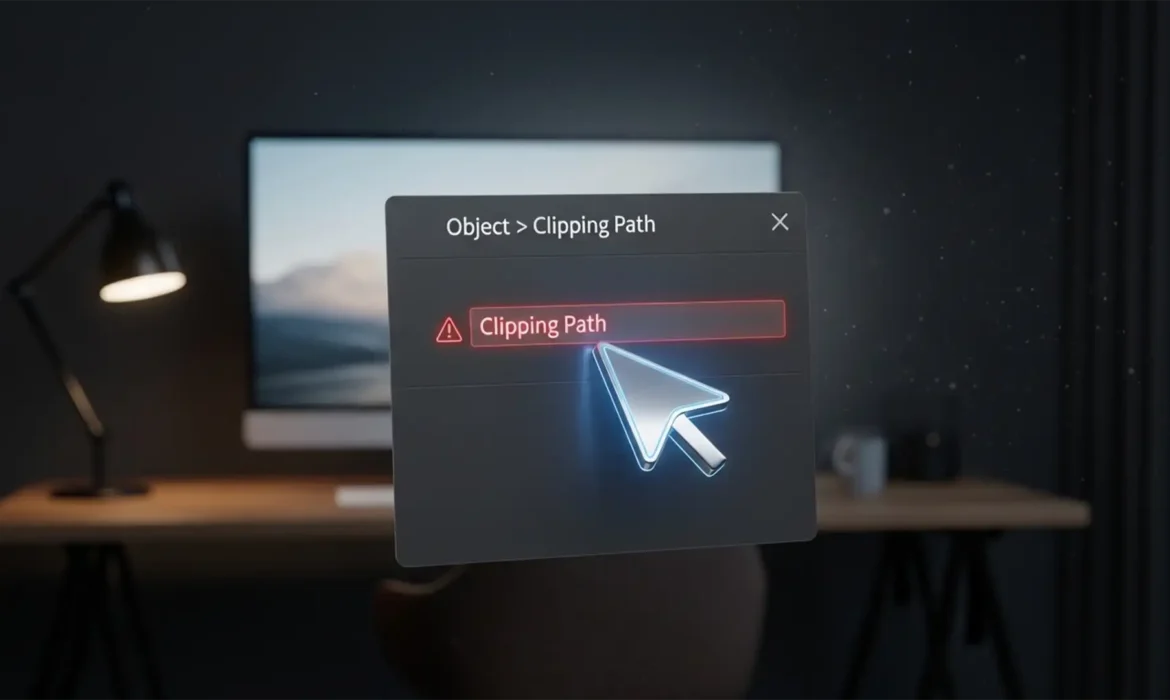
Why is the Clipping Path Option Grayed Out in InDesign? (2025 Fix)
You are on a tight deadline, finalizing a layout, and you need to drop out the background of a placed product image. You navigate to Object > Clipping Path > Options, but there is a major problem: the menu is completely grayed out. This frustrating technical bottleneck stops thousands of graphic designers in their tracks. Fortunately, the InDesign clipping path grayed out fix 2025 is...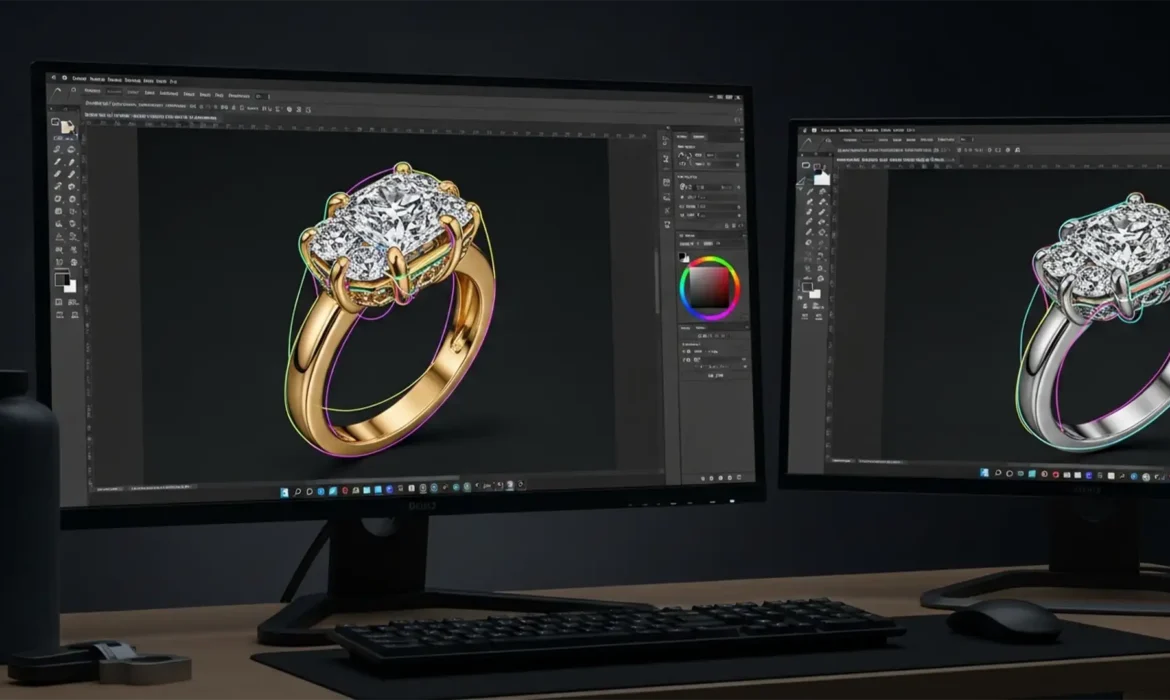
Multipath Jewelry Retouching for E-Commerce Mastery
You’ve just finished photographing a stunning diamond ring for an e-commerce catalog. The exterior background removal looks flawless, but there’s a massive problem: when you try to enhance the center diamond’s clarity, the highlights on the yellow gold band completely blow out. If you’ve ever struggled to change the color of a specific jewelry component without ruining the rest...