Perfect Brims: A Digital Guide to Hat Symmetry and Shape Correction
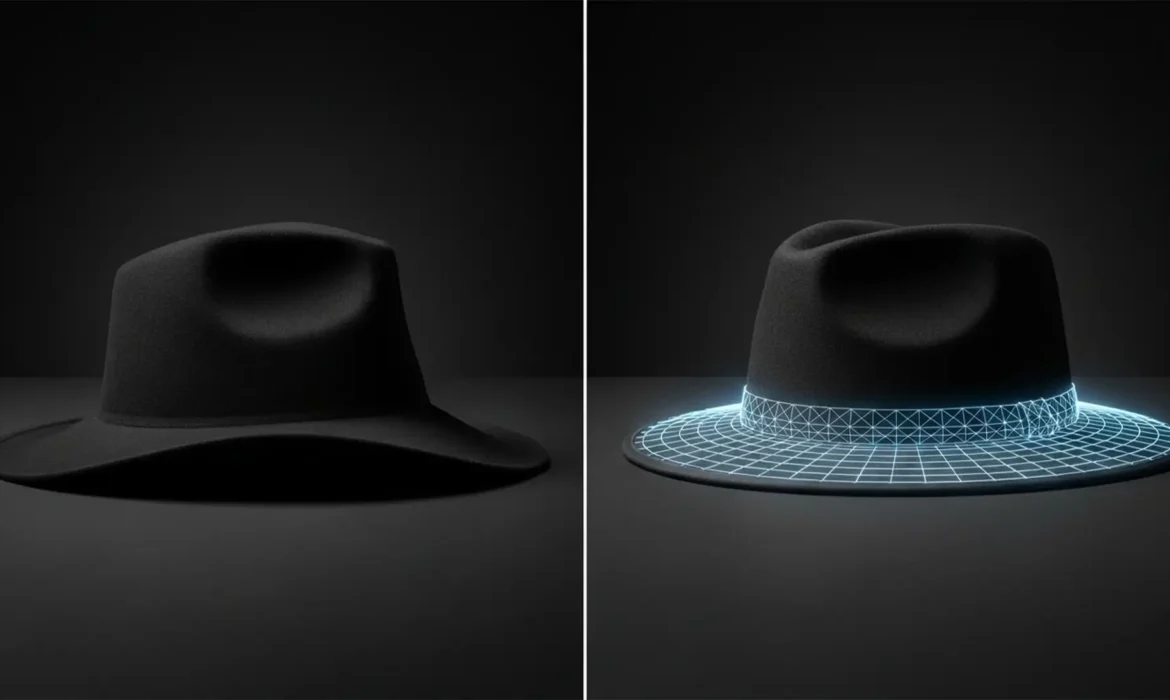
Nothing ruins a high-end e-commerce catalog faster than structural distortion in digital hat photography. Due to shipping and handling, hats frequently arrive on set with floppy brims, asymmetrical crowns, and unsightly dents. When retouchers try to fix these issues using basic transformation tools, they often run into a frustrating roadblock: pixel distortion that ruins the natural weave of...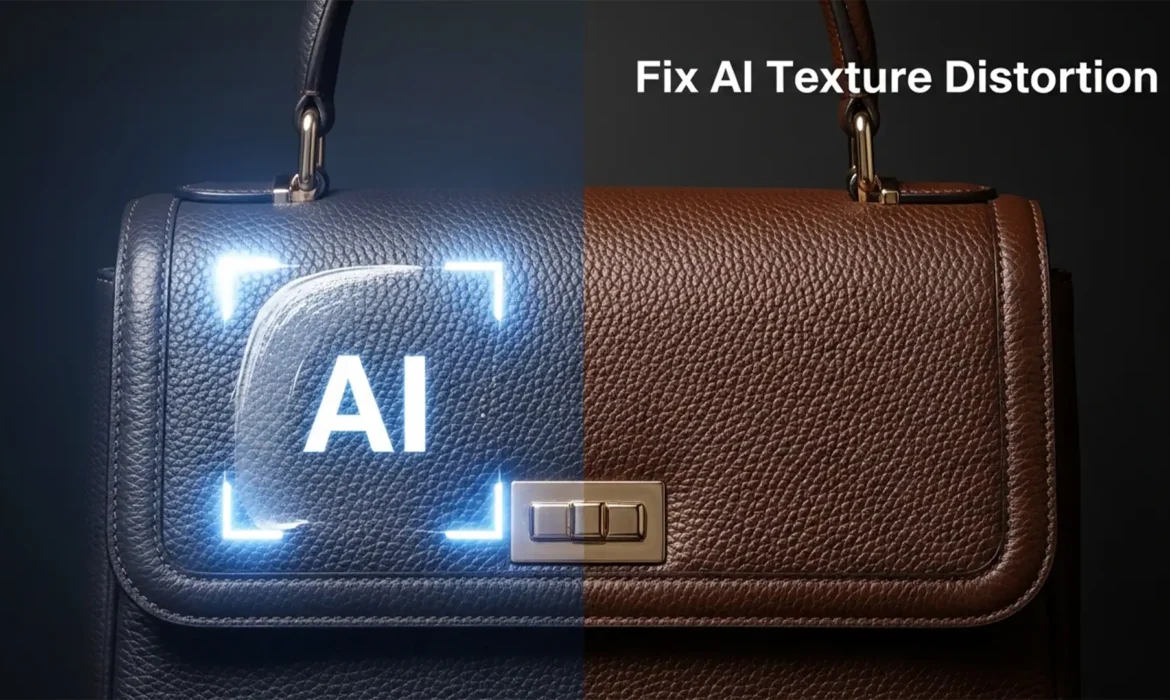
Fix Generative Fill Leather Texture Distortion in PS 2025
You are retouching a $2,000 luxury leather bag in Photoshop 2025. You use Generative Fill to remove a stray strap or extend the canvas. The color matches perfectly, but the texture? It looks like melted plastic. The Adobe Firefly Image 3 Model is incredible for global lighting, but it notoriously fails at replicating structured organic micro-textures like pebbled leather grain. If you are...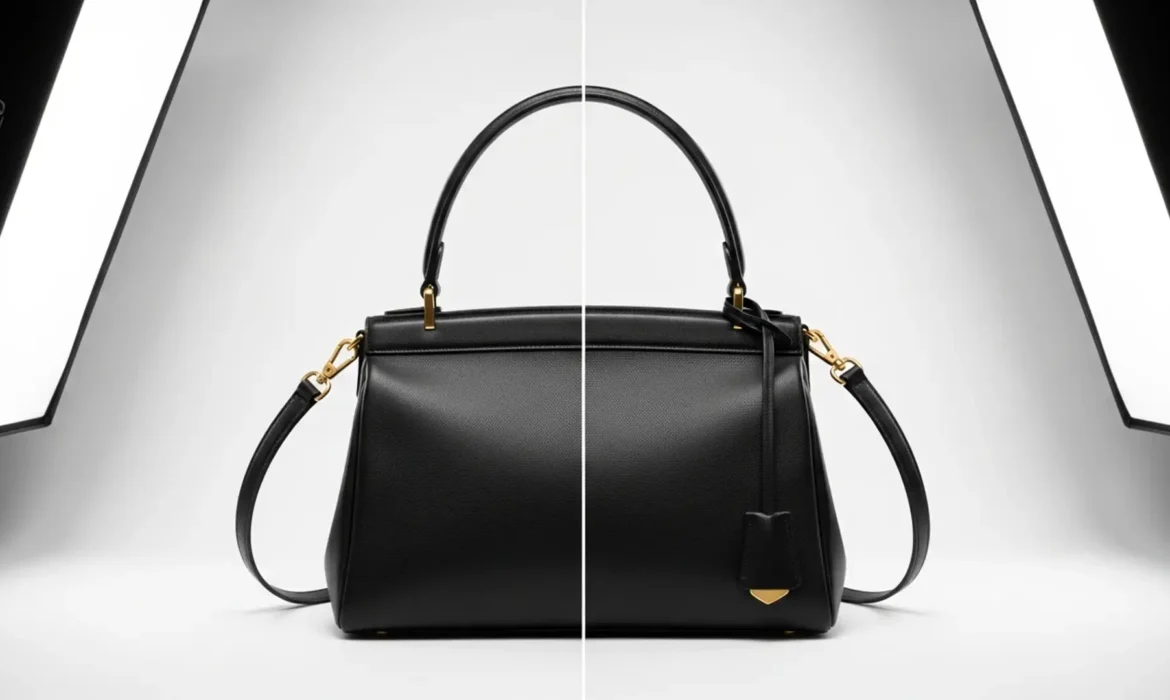
The Perfect Arc: Straighten Bag Straps in Photoshop
You’ve nailed the lighting, the focus is crisp, and the leather looks luxurious. But there’s one glaring issue: the handbag straps are sagging. In high-end e-commerce retouching, floppy, twisted, or asymmetrical straps can instantly make a premium product look cheap and unprofessional. Physical styling on set often falls short of creating that perfect, gravity-defying arc, leaving the heavy...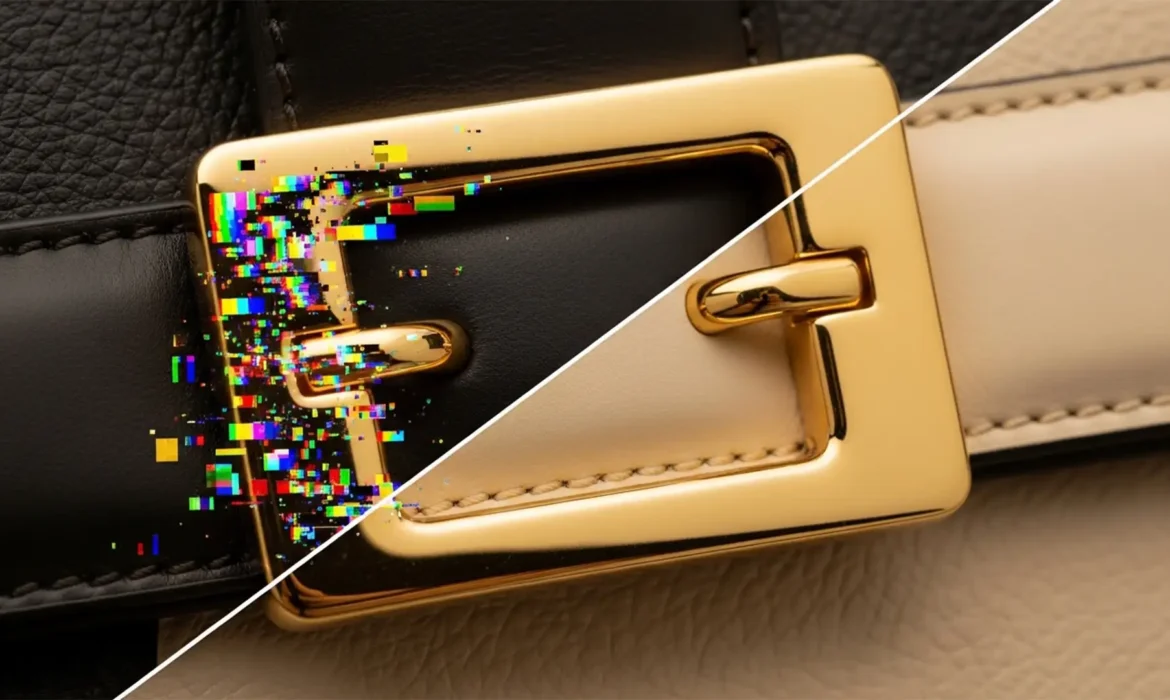
How to Fix Rainbow Artifacts on Bag Hardware in Photoshop
You are finalizing the edits on a luxury handbag, and everything looks perfect—until you zoom in on the metal buckle. You use Photoshop v25.0’s Generative Fill or the Remove Tool to clean up a distracting studio reflection on the hardware. But instead of a pristine, shiny surface, the software leaves behind a cluster of chaotic, multi-colored rainbow pixels. This chromatic noise is a...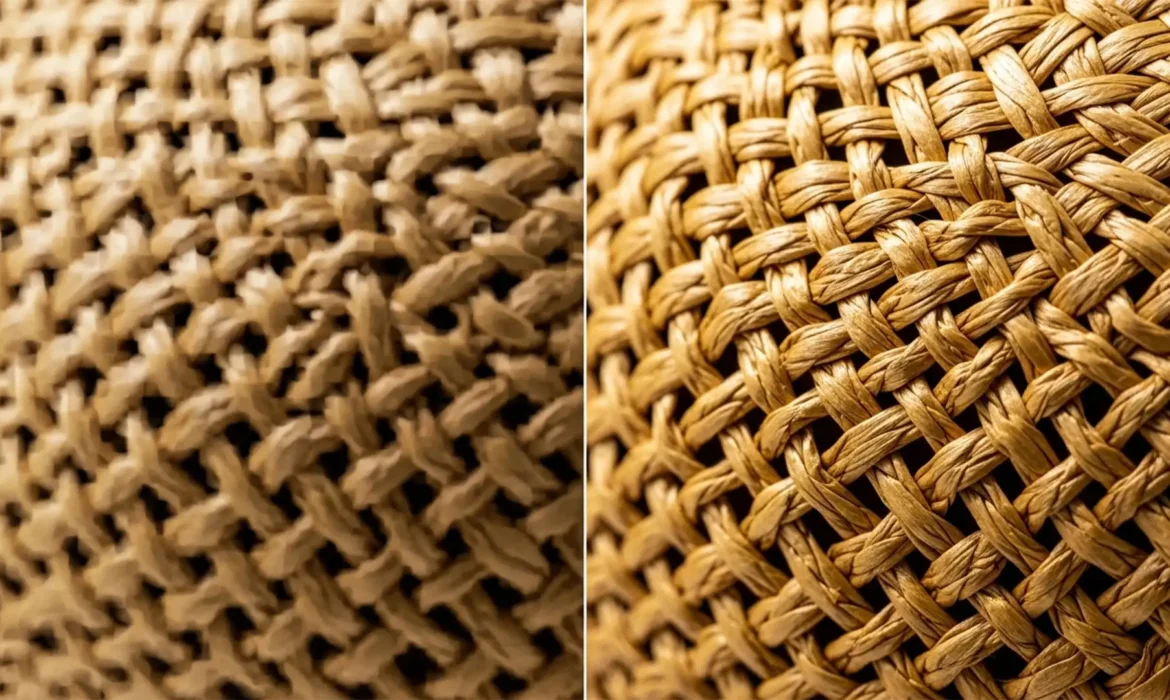
Stop the Mush: Restoring Realistic Straw and Woven Textures in Photoshop Generative Fill
You used Generative Fill to extend a background or remove a tag from a woven straw hat, and now it looks like melted plastic. Adobe Firefly’s 1024×1024 resolution limit notoriously struggles with high-frequency details, turning intricate repeating patterns like wicker, canvas, and woven straw into blurry, mushy AI artifacts. If you are doing high-end e-commerce or accessory...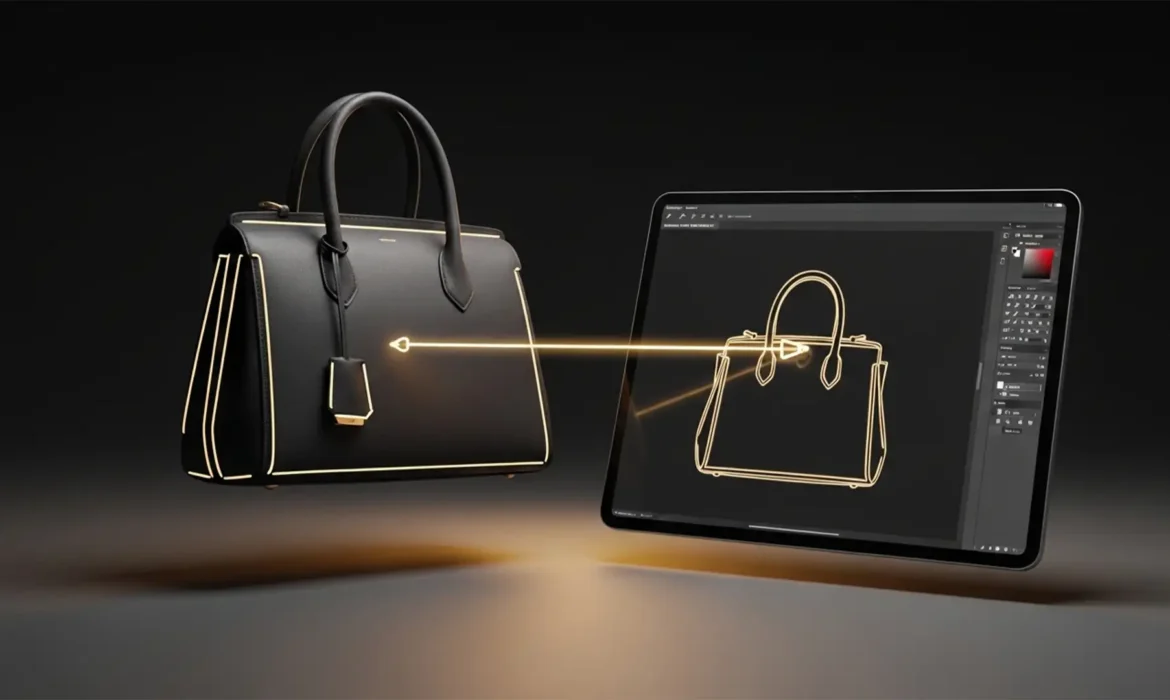
Beyond the AI: How to Fix Ghost Mannequin Artifacts on Structured Bags & Hats
Are you tired of automated background removal tools ruining your premium product shots? While Photoshop’s latest features are powerful, fixing AI ghost mannequin artifacts on structured bags and hats remains a massive headache for e-commerce retouchers. When dealing with rigid materials and deep interior linings, tools like Generative Fill often leave behind jagged edges, awkward lighting...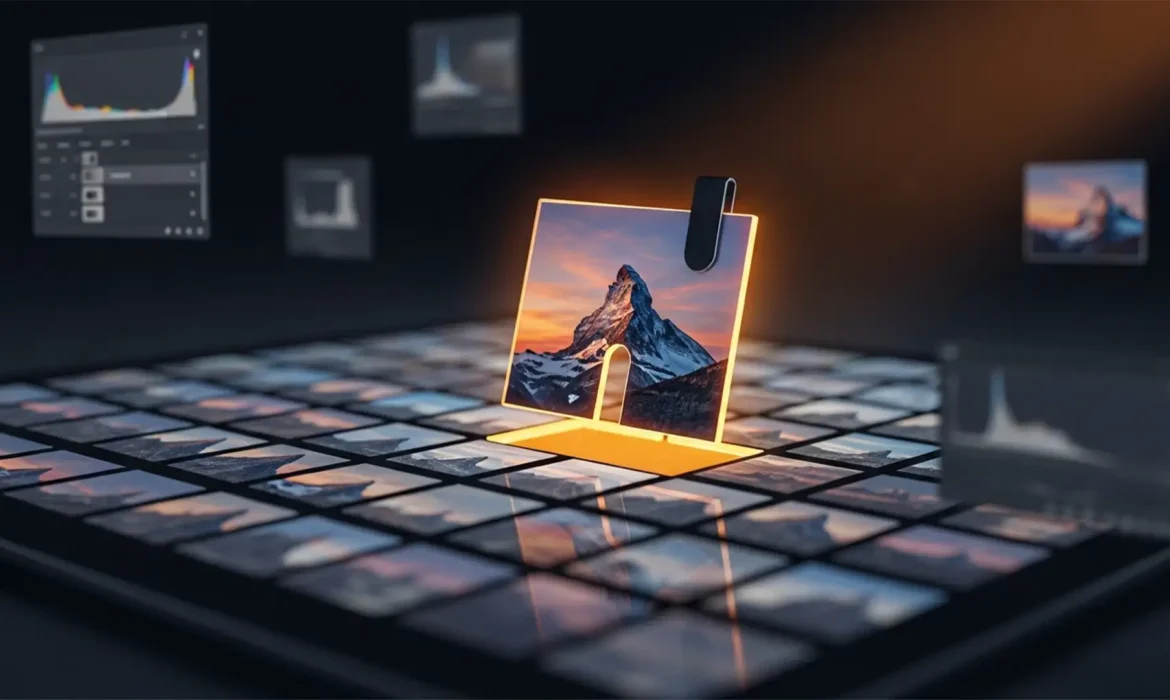
How to Fix Blurry Tiling and Seams in Photoshop Generative Fill
You just selected a large background area in your 50-megapixel commercial shoot, clicked “Generate” on the Contextual Task Bar, and waited for the magic. But instead of a flawless image expansion, you are staring at a blurry, low-resolution patch surrounded by harsh, visible lines. If you are working on professional, large-scale images, this is a massive workflow killer in...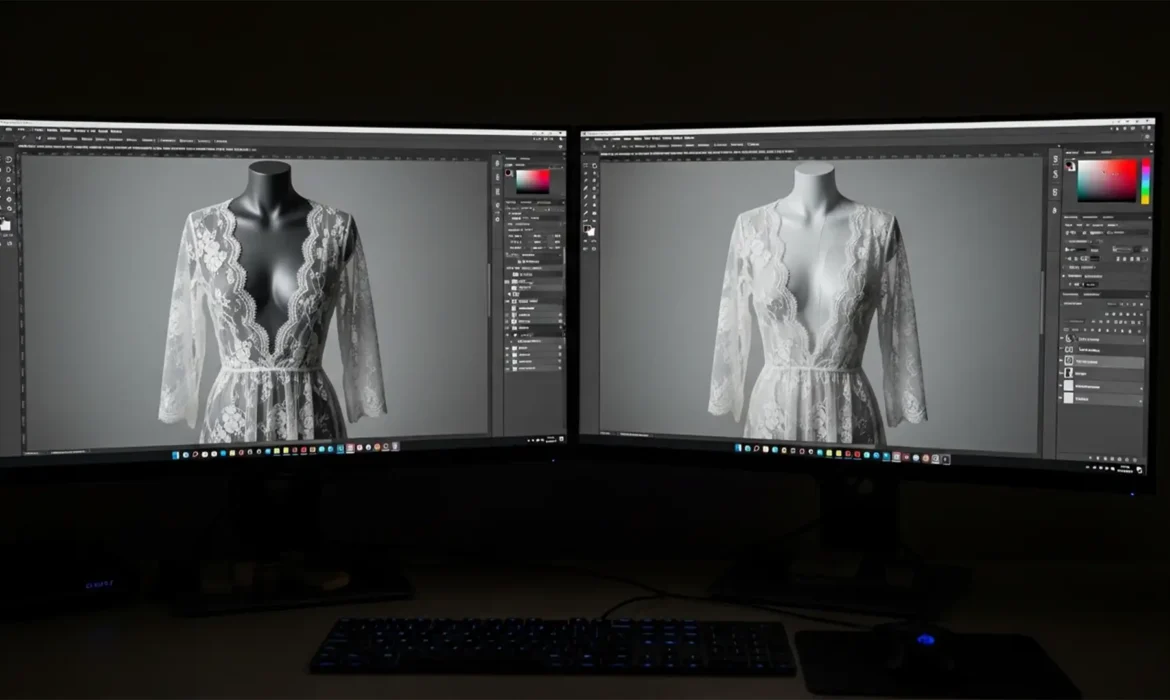
Ghost Mannequin Guide for Sheer, Lace & Mesh Fabrics
Have you ever tried to apply a standard clipping path to a lace dress, only to watch the delicate fabric turn into a jagged, opaque mess? Removing a solid mannequin from underneath semi-transparent sheer, lace, or mesh fabrics is one of the most frustrating challenges in e-commerce post-production. It often results in a loss of fabric texture, artificial opacity, or muddy edges. If you are...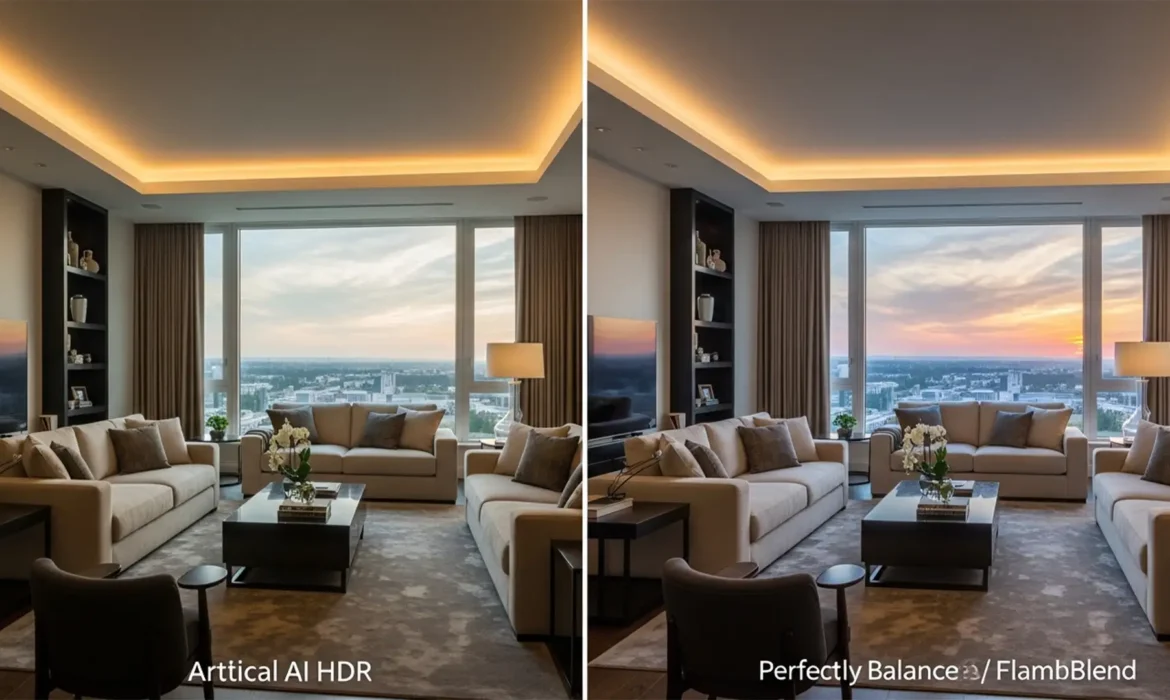
Natural Real Estate HDR Photo Editing: The Pro Guide
Are your real estate photos suffering from glowing halos, flattened midtones, and muddy shadows? In the rush to automate workflows, many photographers rely heavily on basic AI tools and automated HDR plugins in Lightroom and Photoshop. The result? An “over-baked,” artificial appearance that instantly cheapens high-end property listings. Luxury buyers expect authenticity. They...