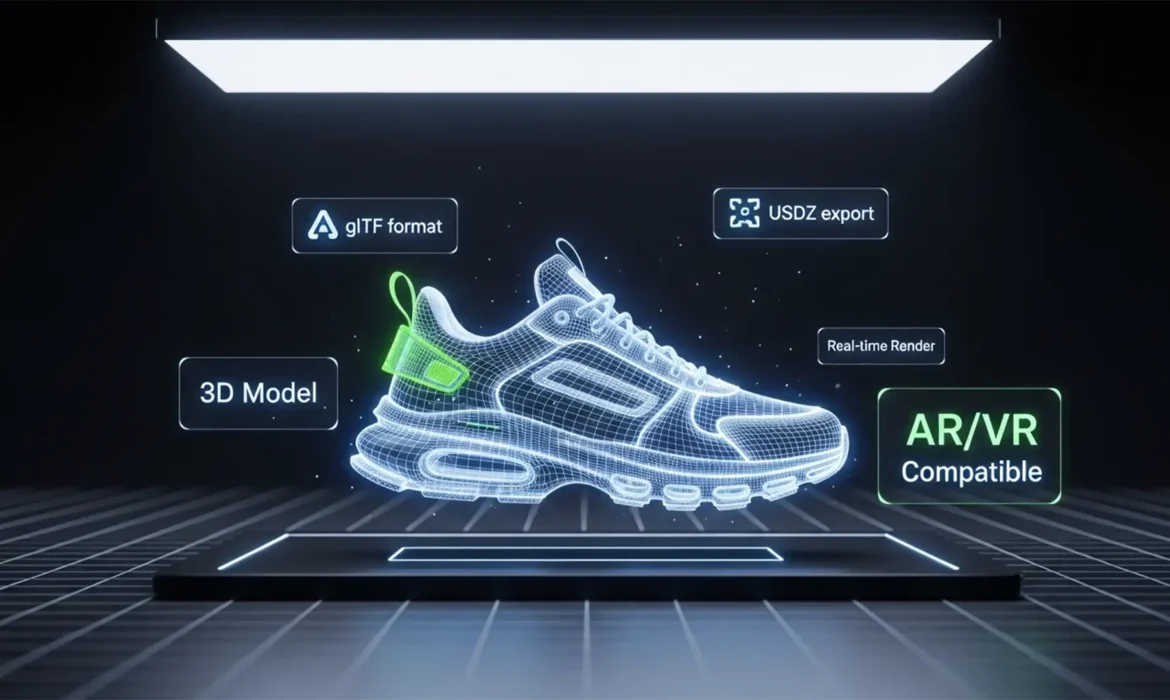
Spatial Commerce: Convert 2D Product Images for AR/VR
The era of flat ecommerce is ending. As Apple Vision Pro and Meta Quest push spatial computing into the mainstream, online shoppers expect to interact with your products in three dimensions. But here is the massive roadblock: your entire product catalog consists of flat 2D JPEGs. When you try to drop standard 2D product photos into WebAR or VR viewers, they look like lifeless, paper-thin...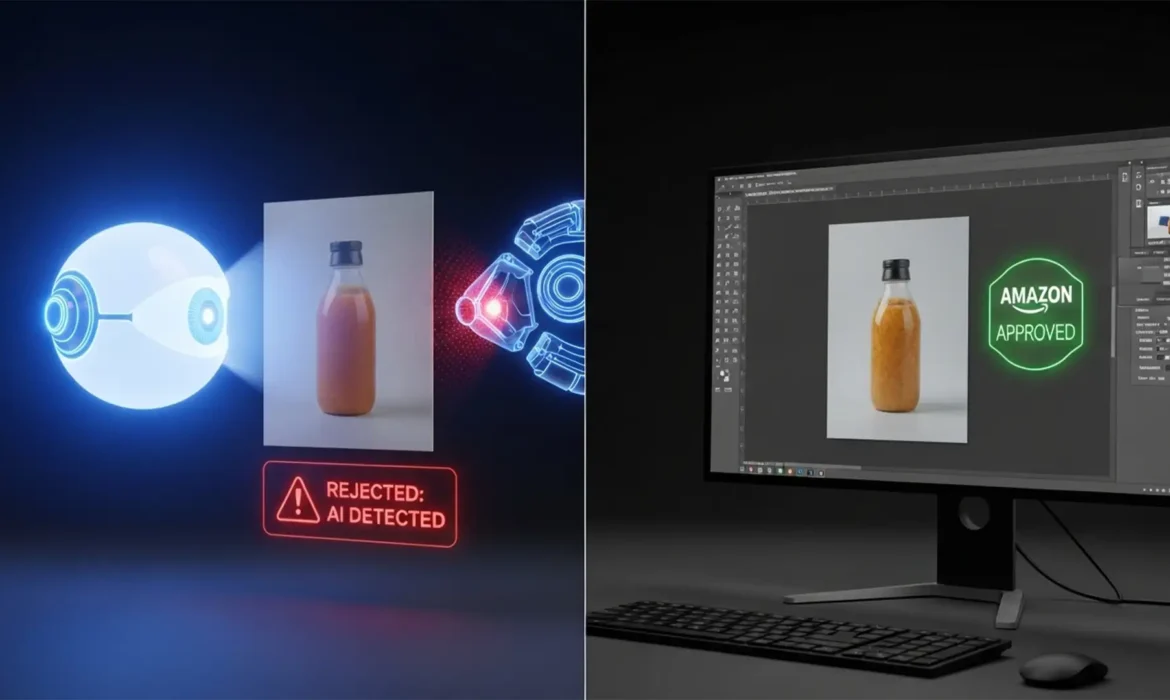
How to Fix Amazon Rejections for ‘AI-Generated’ Product Photos
Imagine spending thousands of dollars on a high-end product photoshoot, meticulously retouching every detail, and uploading your flawless images to Seller Central—only to wake up to a suppressed listing. The reason? Amazon’s automated bots flagged your 100% genuine photos as “AI-generated.” If you are dealing with a false positive AI detection, you are not alone. As Amazon...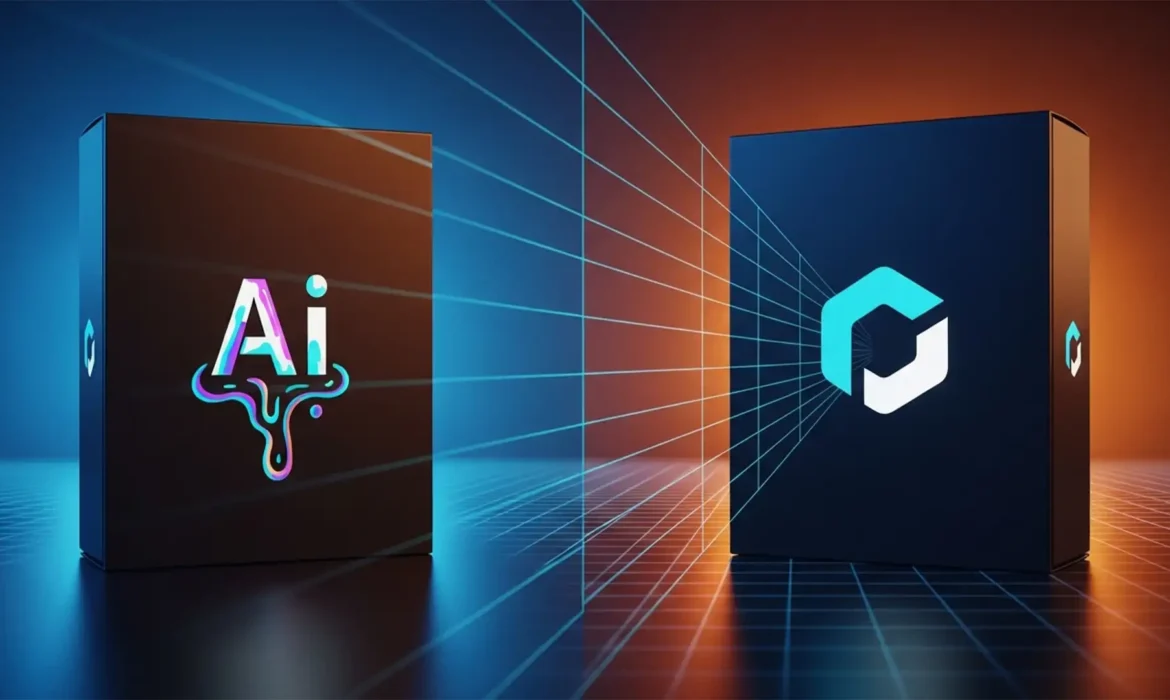
Fixing AI Distorted Logos on Product Packaging in Photoshop
You just used Generative Fill to expand a stunning background for your e-commerce product shot. The lighting is perfect, the textures are flawless, but there’s one massive problem: your brand logo looks like melted plastic. AI diffusion models are incredible at blending pixels, but they are notoriously terrible at preserving rigid typography and vector graphics. This “diffusion model...
TikTok Shop Photo Requirements: Edit 2D Catalog for Viral Success
Are your product listings getting rejected by TikTok Shop, or worse, failing to convert scrollers into buyers? TikTok Shop enforces incredibly strict image guidelines, and simply uploading your standard flat 2D catalog won’t cut it. To win on this highly visual platform, sellers must transform basic assets into engaging, compliant imagery that stops the scroll. If you are struggling...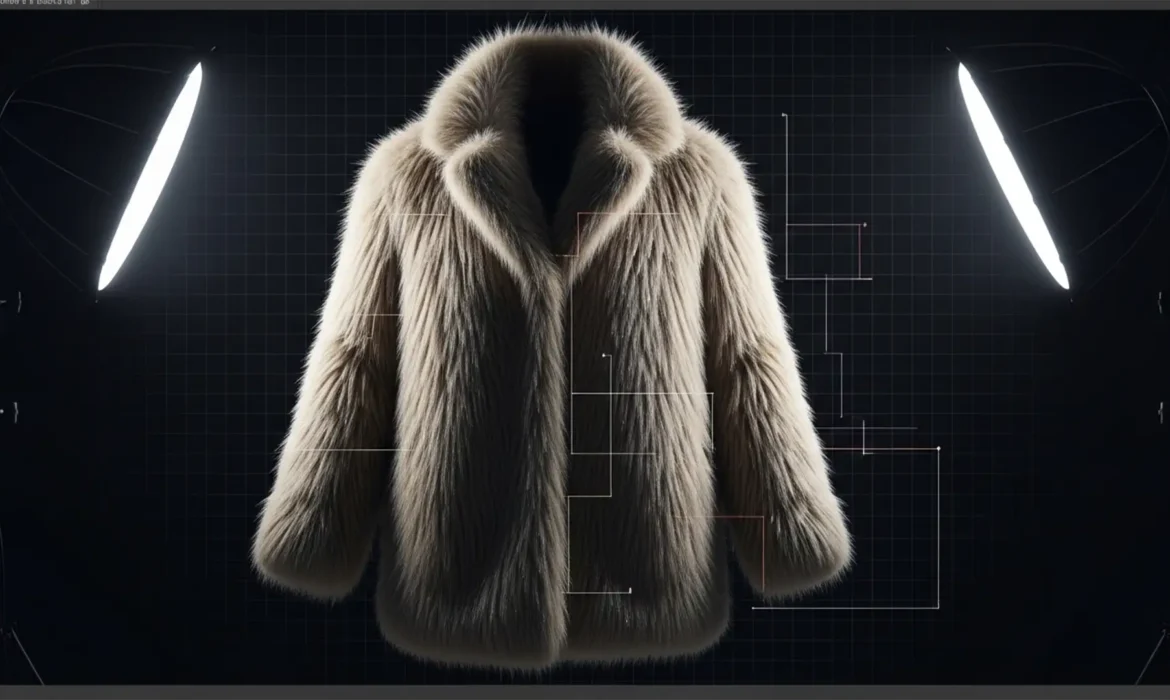
Batch Background Removal for Fur & Fringe Products
If you manage high-volume e-commerce catalogs, you already know the nightmare of processing intricate textures. Standard AI tools and basic vector clipping paths might work perfectly for a smooth leather shoe, but try running a batch background removal for fur and fringe products. The result? The dreaded “haloing effect,” chopped edges, and destroyed micro-contrast that makes...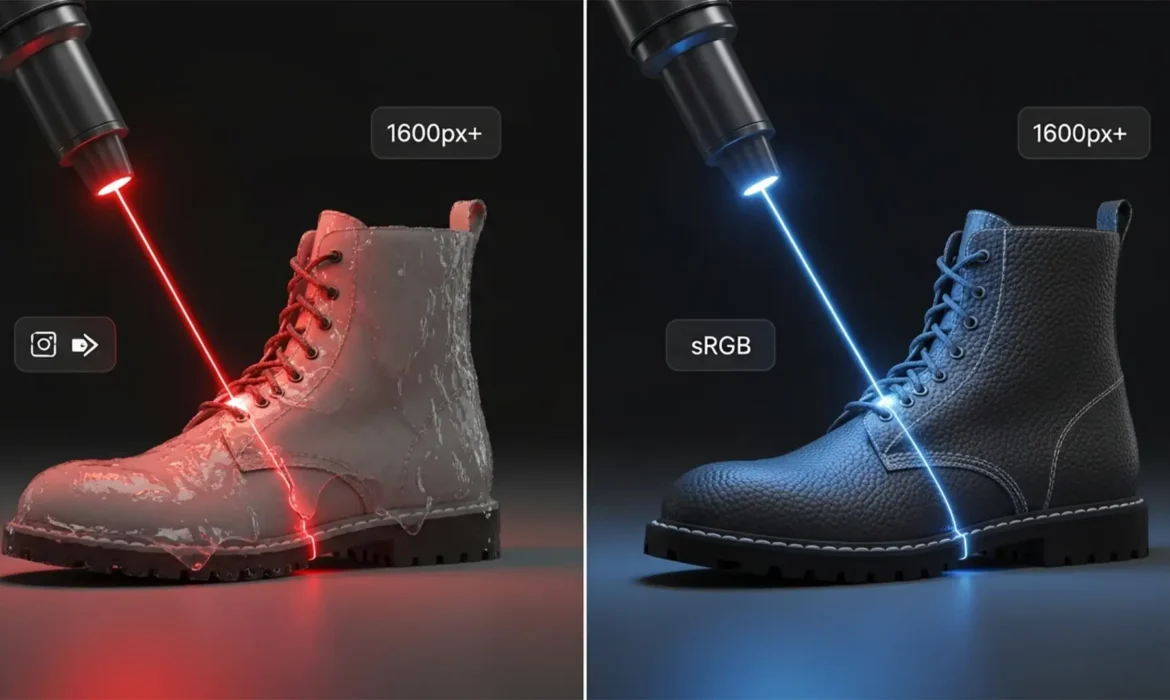
Beyond AI Upscaling: Preparing High-Resolution Product Images for Amazon’s 2024 Standards
You have a catalog of low-res product photos, and you need to meet Amazon’s strict 2024 zoom requirements. So, you run them through a basic AI upscaler. The resolution increases, but suddenly your premium fabric looks like melted plastic, and metallic grains turn into smooth smudges. This is the dreaded “waxy” AI effect. When upscaling low-res product photos for Amazon 2024...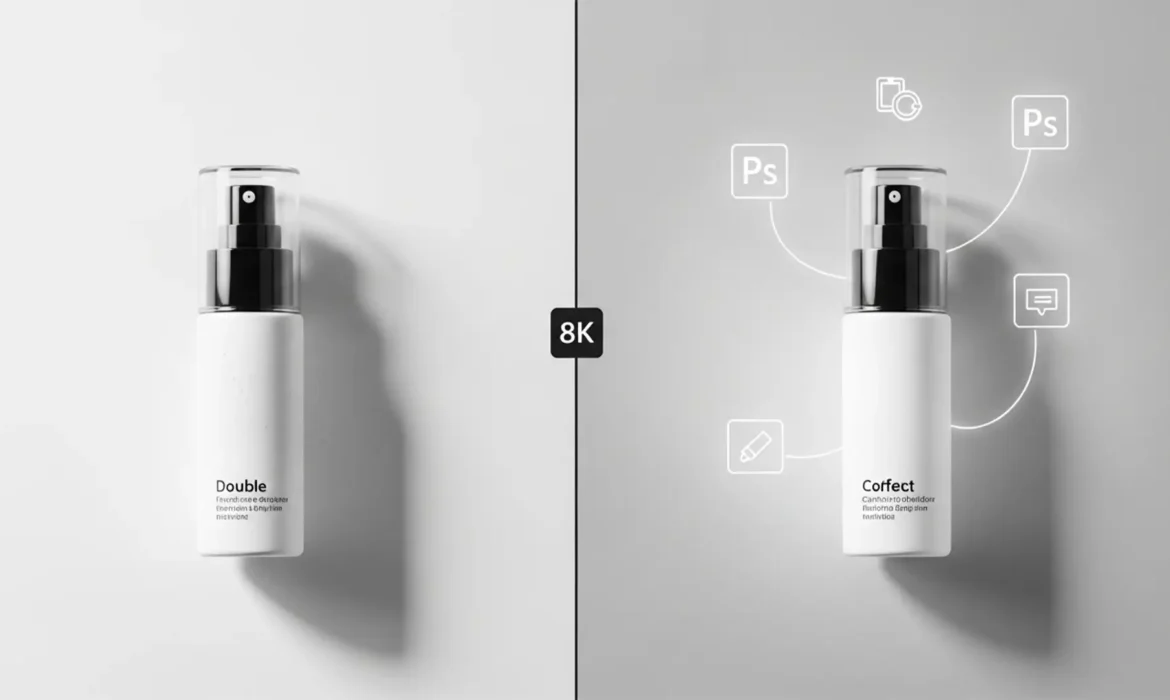
Fix Generative Fill Shadow Artifacts in Product Photos
You just used Photoshop’s Generative Fill to expand a product background. It looks great—until you look at the base. Suddenly, your sleek product has three conflicting light sources and a muddy “double shadow.” This physically inaccurate hallucination instantly ruins the commercial realism of your e-commerce shot. Fixing generative fill shadow artifacts in product photos...
Realistic Contact Shadows for AI Background Replacement
You have just generated the perfect Midjourney environment or expanded your canvas using Photoshop v25.x Generative Fill. You carefully paste your beautifully photographed product into the scene, but something is horribly wrong—it looks like it is hovering in mid-air. This dreaded “floating product” effect instantly shatters the illusion of your composite. The culprit? A...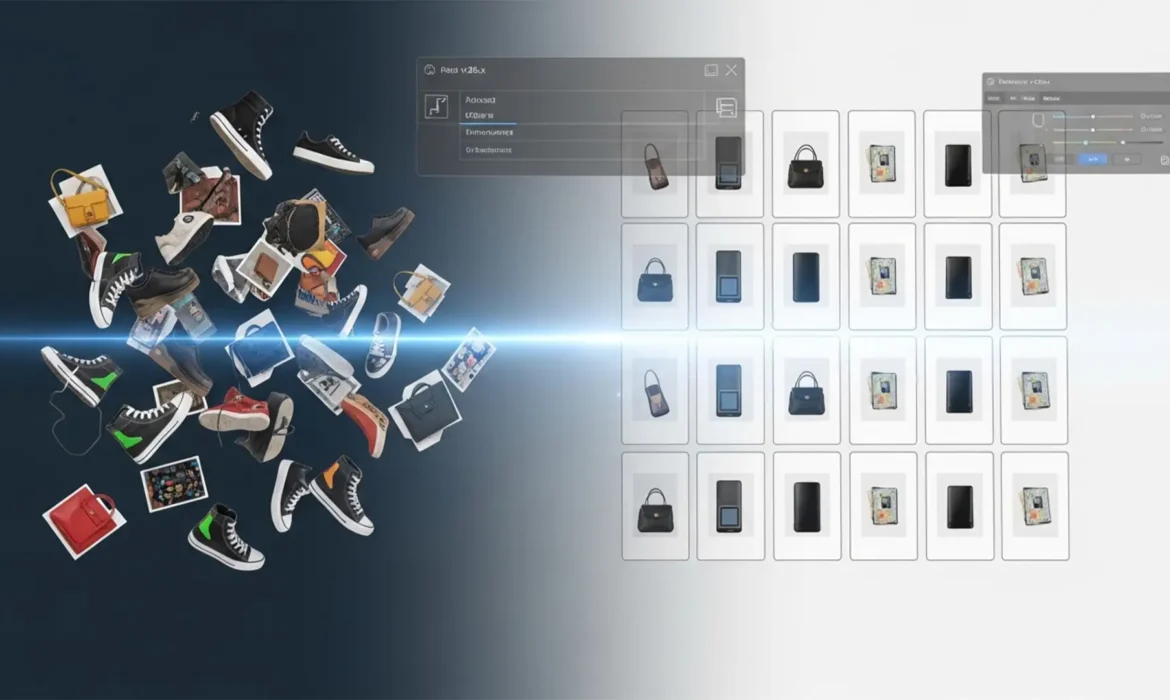
Automated Batch Scaling & Alignment for E-Commerce Photos
If you manage an online store, you know the frustration of an inconsistent product grid. When products are shot at different distances, cropped haphazardly, or saved with varying pixel dimensions, your storefront looks unprofessional. Manually opening, cropping, and resizing hundreds of photos to fix this “jumping” effect takes hours you don’t have. Fortunately, you...