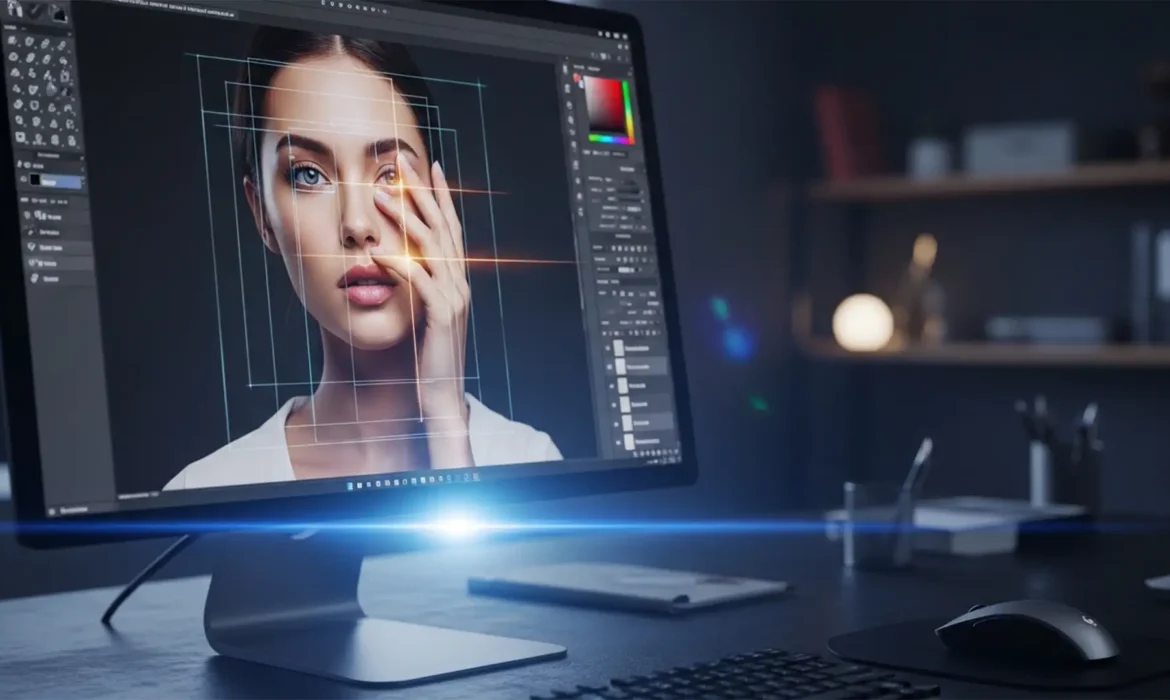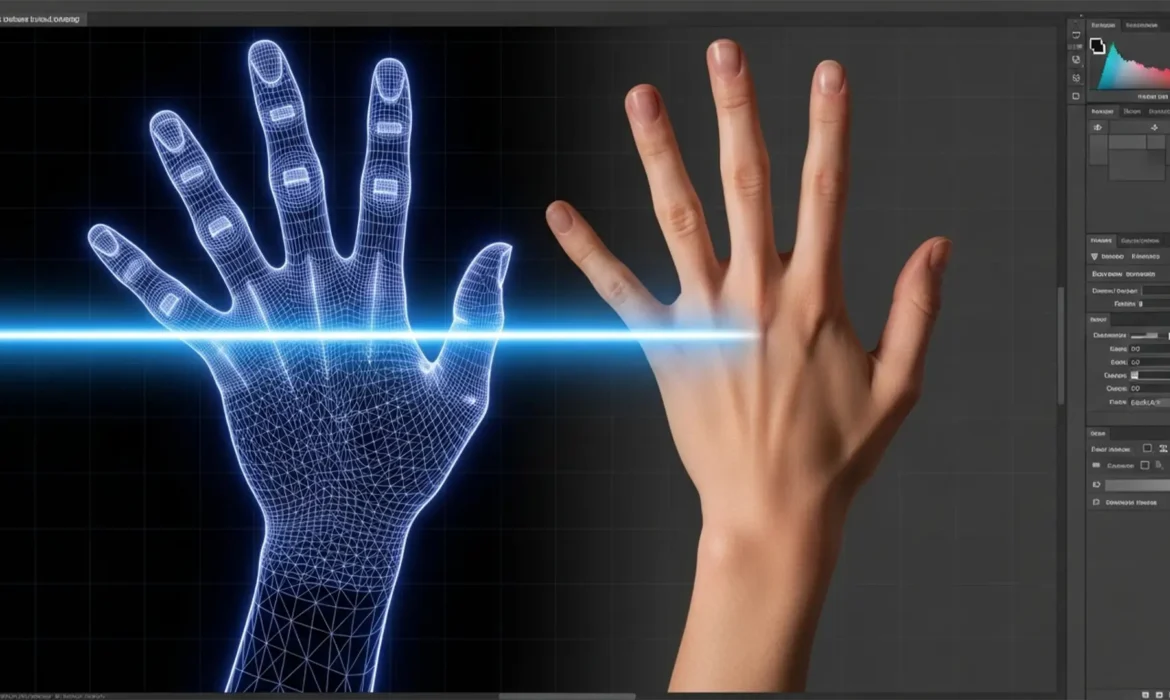
AI Hand Surgery: How to Fix AI Generated Hand Distortion in Portraits
You’ve just generated a breathtaking portrait in Midjourney v6 or Stable Diffusion XL. The lighting is cinematic, the composition is flawless, and the subject’s face is perfect. Then, you look down. The subject has seven fused fingers bending at impossible angles. Sound familiar? Fixing AI-generated hand distortion in portraits is the new standard in photo retouching. Because AI models...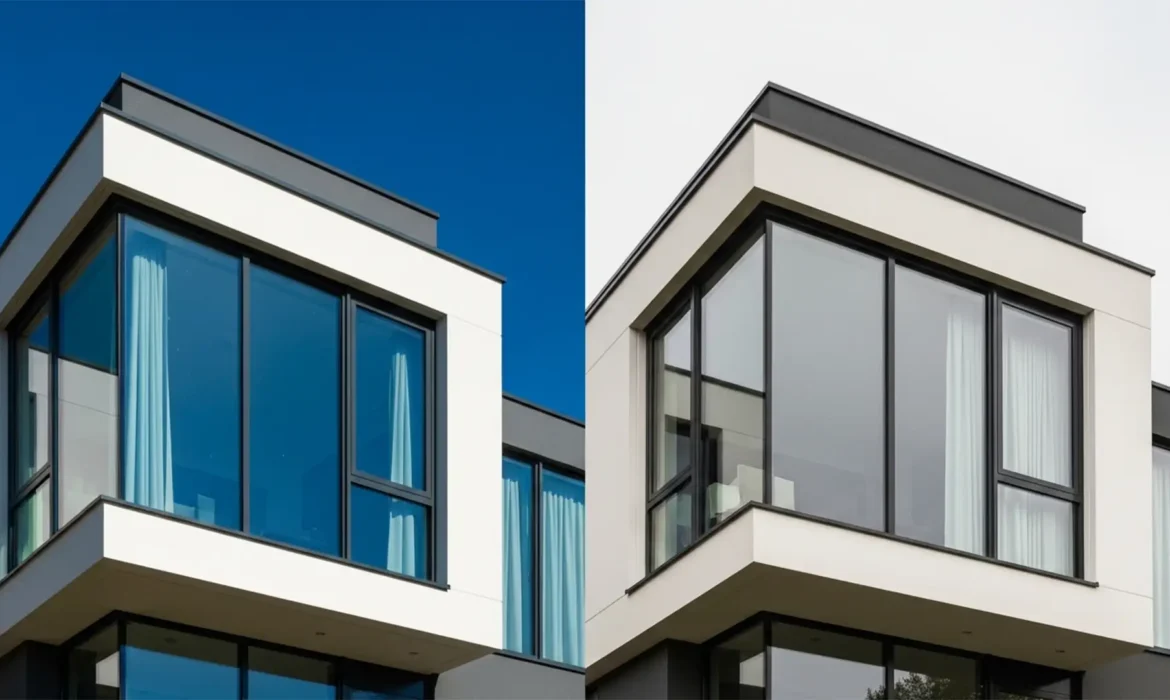
Real Estate Retouching: Fixing Window Reflections After AI Sky Replacement
You have just used Photoshop’s AI Sky Replacement to turn a drab, overcast real estate shot into a stunning golden-hour masterpiece. But when you zoom in on the exterior windows, disaster strikes. Instead of natural reflections, the glass is glowing with an unnatural, heavy blue or neon orange color cast. This happens because Photoshop’s algorithm struggles to differentiate...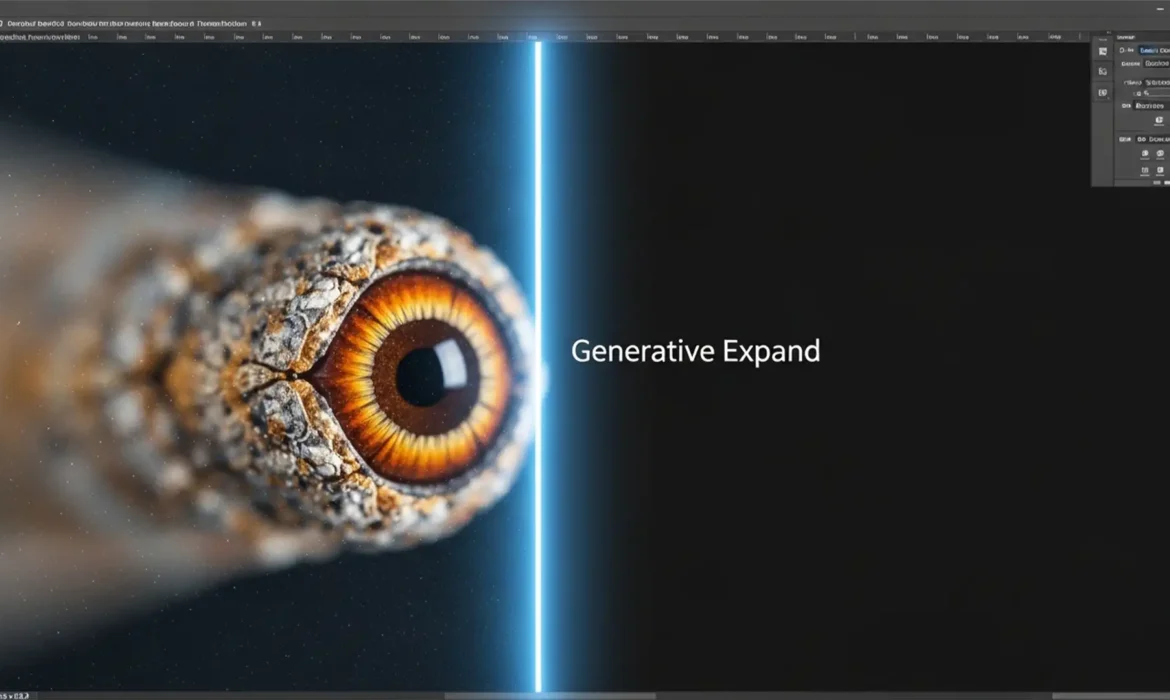
Match Grain in Generative Expand: Seamless Transitions
You’ve just used Adobe Photoshop’s Generative Expand to perfectly resize a tight crop. The composition looks great from afar, but zoom in to 100%, and disaster strikes. There is a glaring, artificial seam where your photograph ends and the AI begins. Why? Because Adobe Firefly generates perfectly smooth pixels that completely lack the natural ISO noise, sensor artifacts, or film grain of...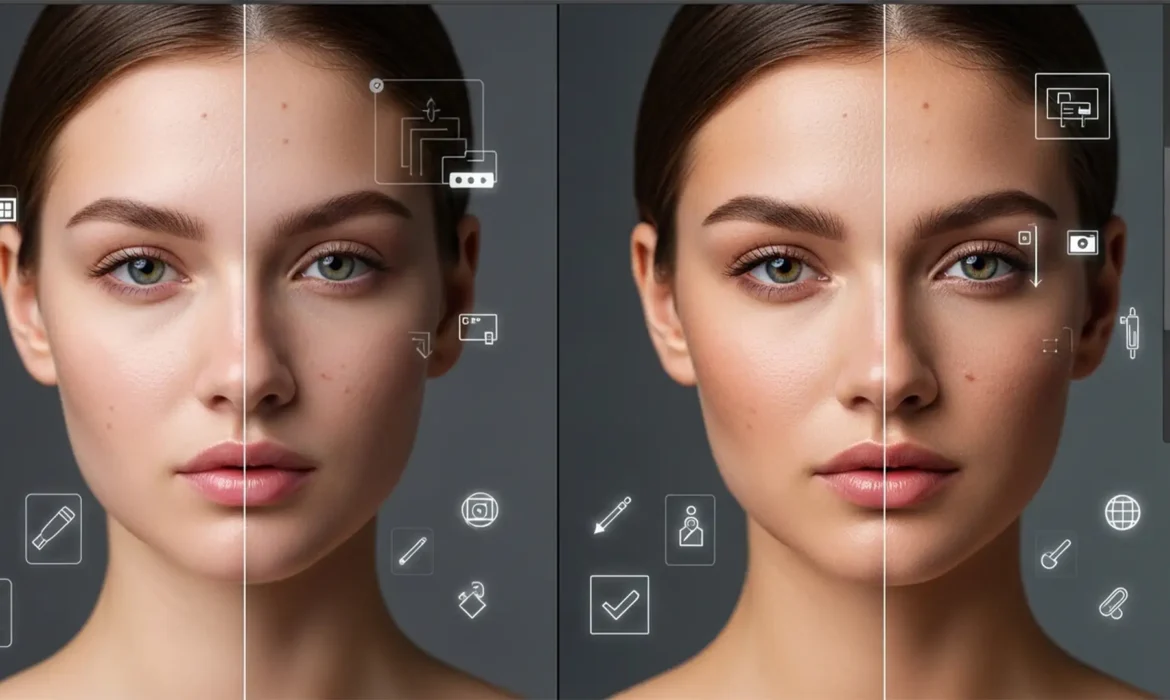
How to Fix Plastic Skin: Recovering Real Pores After Photoshop AI Retouching
You’ve just used Photoshop’s latest Generative Fill or Skin Smoothing Neural Filter to clean up a portrait. The blemishes are gone, but there’s a massive problem: your subject now looks like a plastic mannequin. In recent versions of Photoshop (v25.0+ and v26.x), AI models prioritize removing imperfections but fail to reconstruct the high-frequency micro-texture—like pores and fine lines....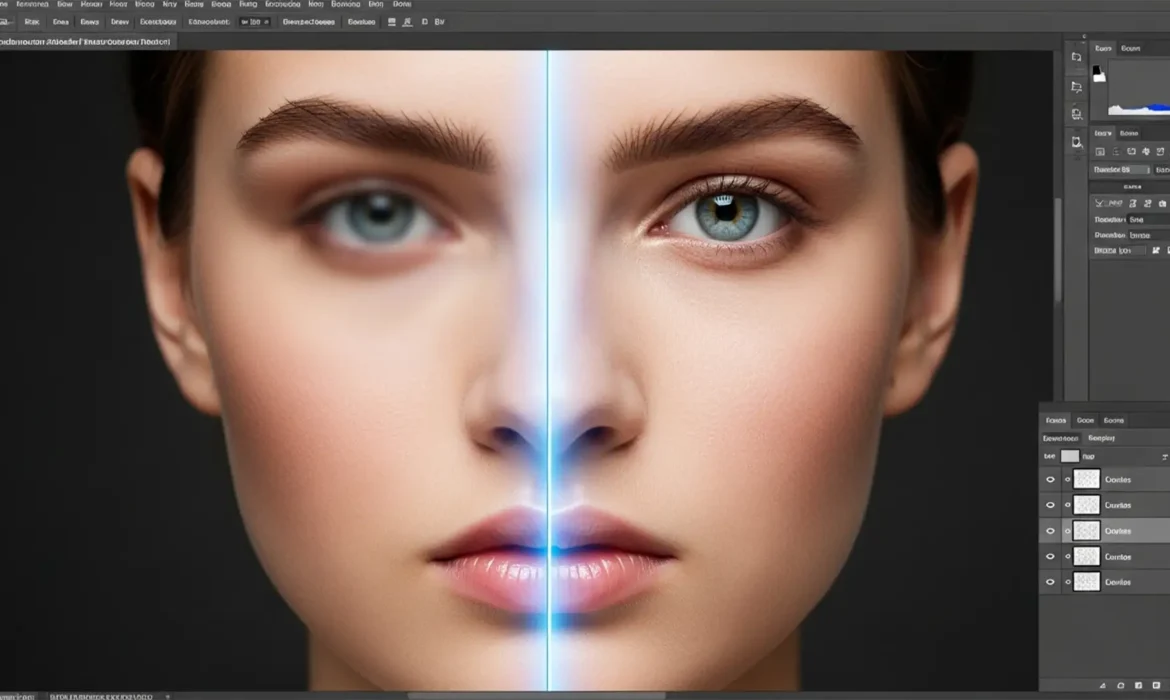
Photoshop Remove Tool Blurry? 5 Quick Fixes for High-Res Retouching
You just spent hours color-grading a flawless 16-bit file, only to use the Remove Tool and find it left a soft, muddy, low-resolution patch right over your subject’s skin. If you are experiencing this, you are not alone. In Photoshop 2024 (v25.x), the AI-powered Remove Tool is a massive time-saver, but it frequently outputs blurry artifacts on high-resolution images. This ruins the...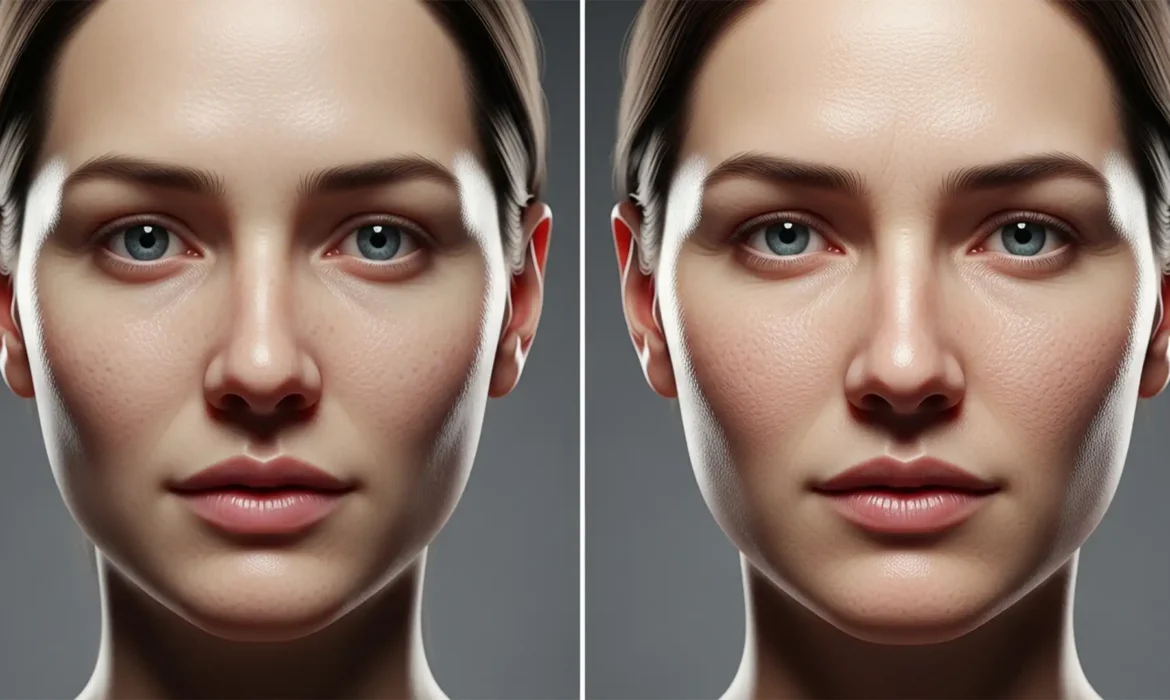
Humanizing AI: How to Restore Skin Texture in AI Headshots
Are your AI-generated corporate portraits suffering from the dreaded “uncanny valley” effect? While models like Midjourney v6 and Stable Diffusion produce stunning compositions, they consistently fail at one crucial detail: human skin. Excessive pixel smoothing leaves these digital faces looking like plastic mannequins, completely lacking the epidermal micro-textures, pores, and...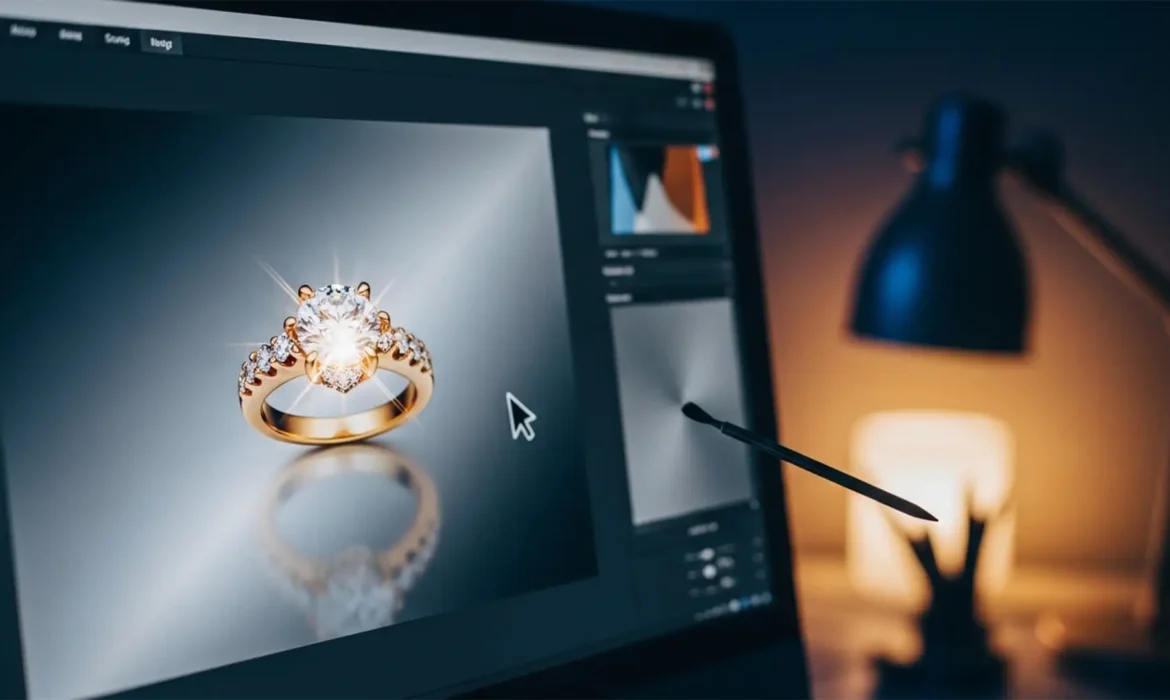
Clean Jewelry Edits: Solving Generative Remove Artifacts in Lightroom
You just imported a stunning batch of macro product photos, but there is a harsh glare on a gold band. You reach for the new AI tools, expecting magic. Instead, attempting to fix lightroom generative remove jewelry reflections leaves you with a smudged, matte mess that destroys the structural geometry of the piece. If you are struggling with AI artifacting on high-end jewelry, you are not...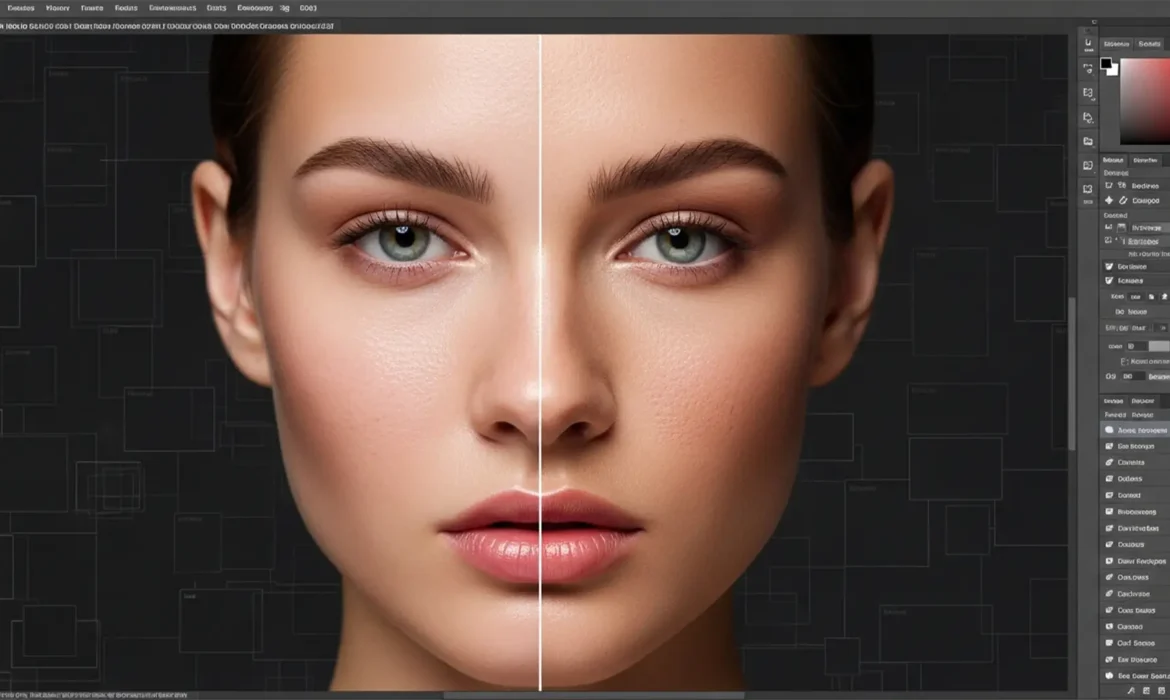
How to Fix Plastic Skin in Photoshop Generative Fill
You’ve just used Photoshop’s Generative Fill to expand a portrait or remove a complex blemish. The color matches perfectly, but there’s a glaring issue: the skin looks like smooth, lifeless plastic. In Photoshop v25.x and later, the Firefly AI struggles to replicate high-frequency details like pores, micro-texture, and fine hairs. This leaves human subjects trapped in the uncanny valley...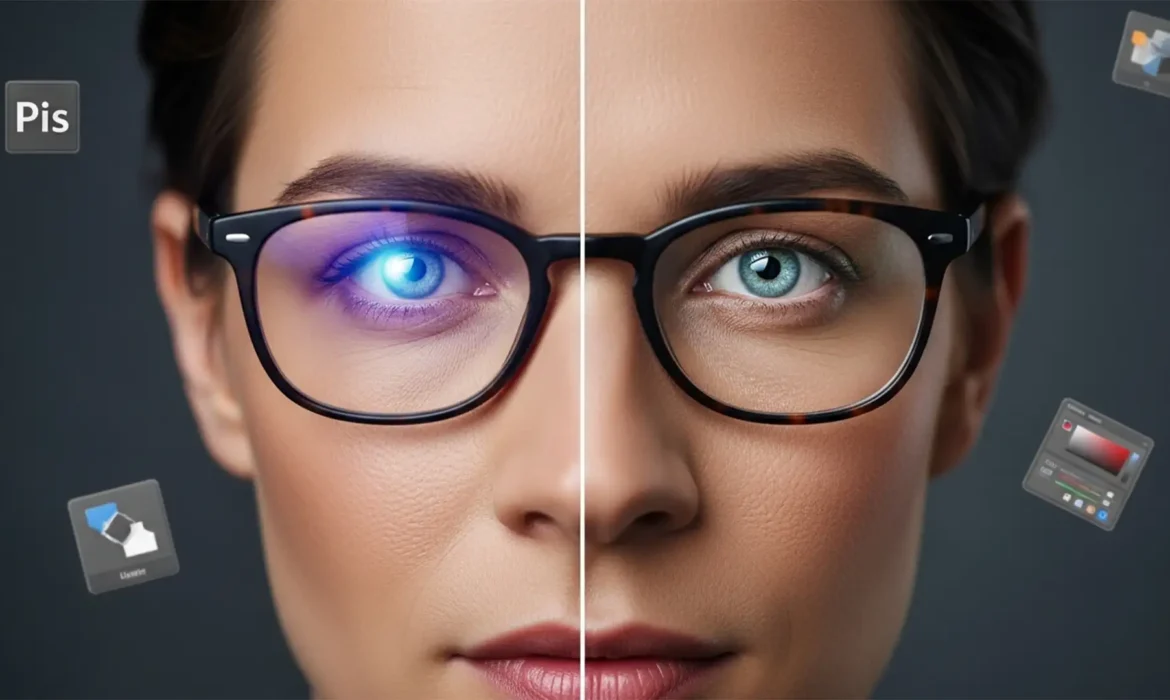
Fix Blue Light Lens Flare in Photoshop Headshots
You just finished a flawless corporate headshot session, only to open Photoshop and find a glaring issue: stubborn purple and blue reflections completely hiding your subject’s eyes. Retouching blue light lens flare in headshots is the bane of modern portrait photography. Because these glasses use specialized dielectric coatings, the resulting glare isn’t just a bright...