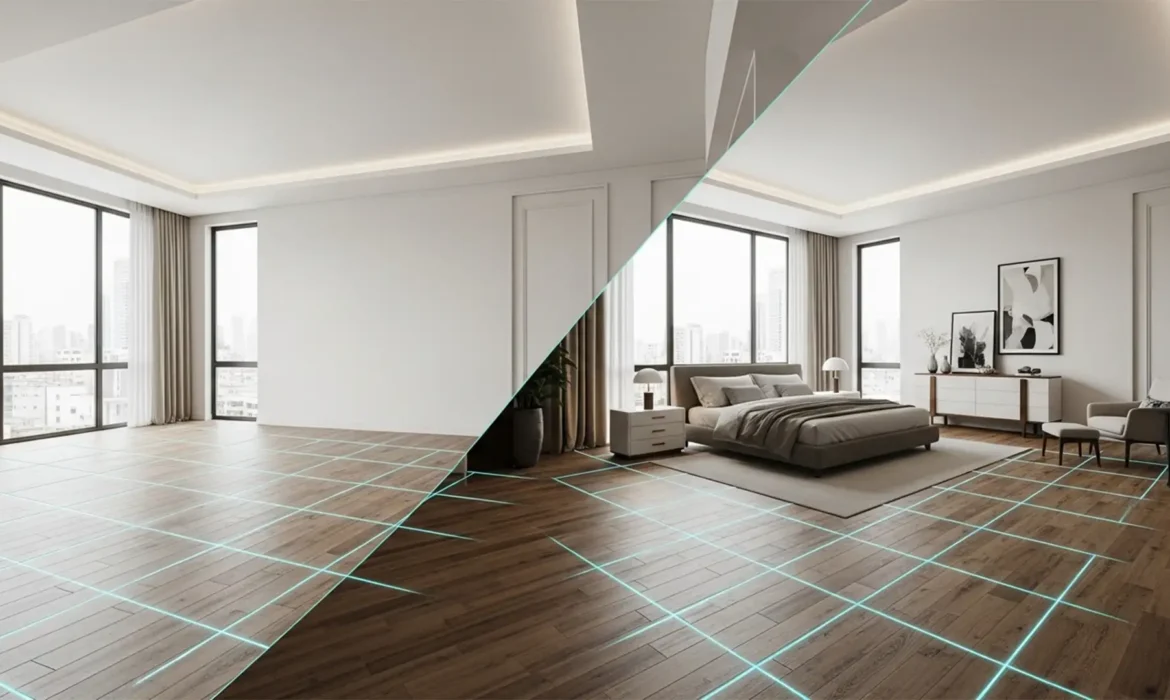
Fixing the Photoshop 2025 Path Selection Bug: A Guide for Frustrated Editors
You’ve just spent ten minutes meticulously drawing a complex clipping path around a product. You right-click with the Pen Tool, expecting to hit “Make Selection,” but instead, your tool suddenly jumps to the Eyedropper. Or worse, the context menu simply refuses to appear. If this sounds familiar, you’ve just encountered the frustrating Photoshop 2025 path selection bug....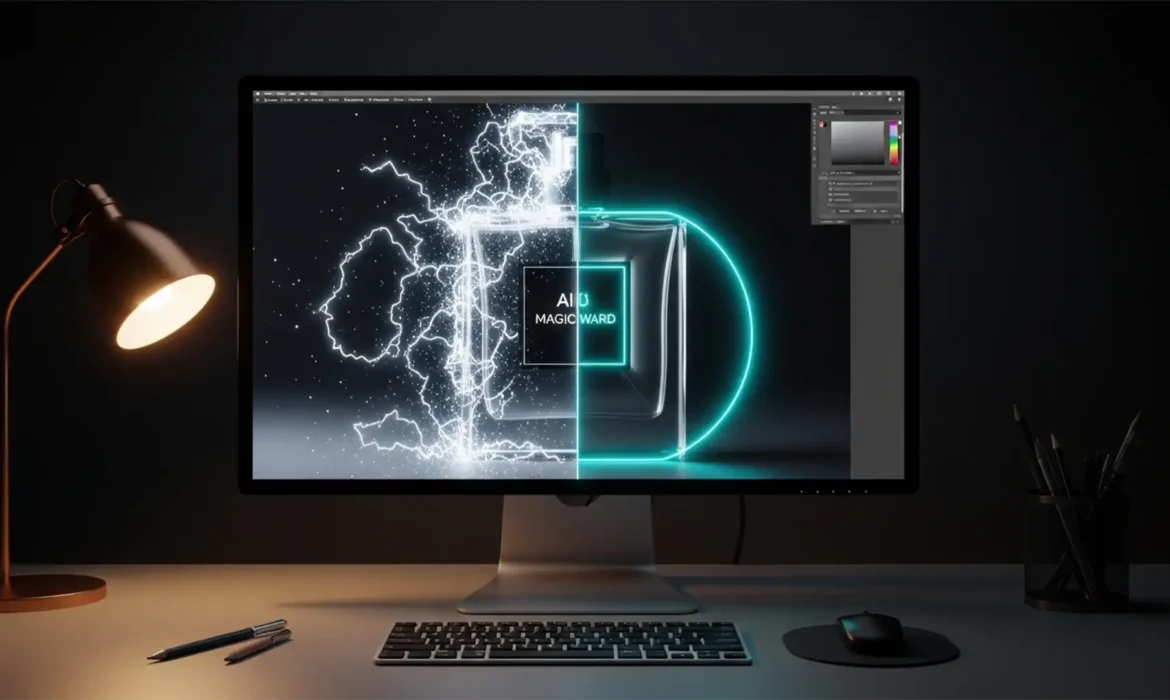
Beyond the Magic Wand: Why AI-Generated Images Still Need Manual Clipping Paths
You click the AI “Remove Background” button, expecting a flawless product image ready for your e-commerce catalog. Instead, you zoom in and find a disaster: jagged edges, missing chunks of the product, and a glowing fringe of pixels around the subject. While automated masking in tools like Photoshop (v24.x through v27.x), Midjourney, and Stable Diffusion has evolved rapidly,...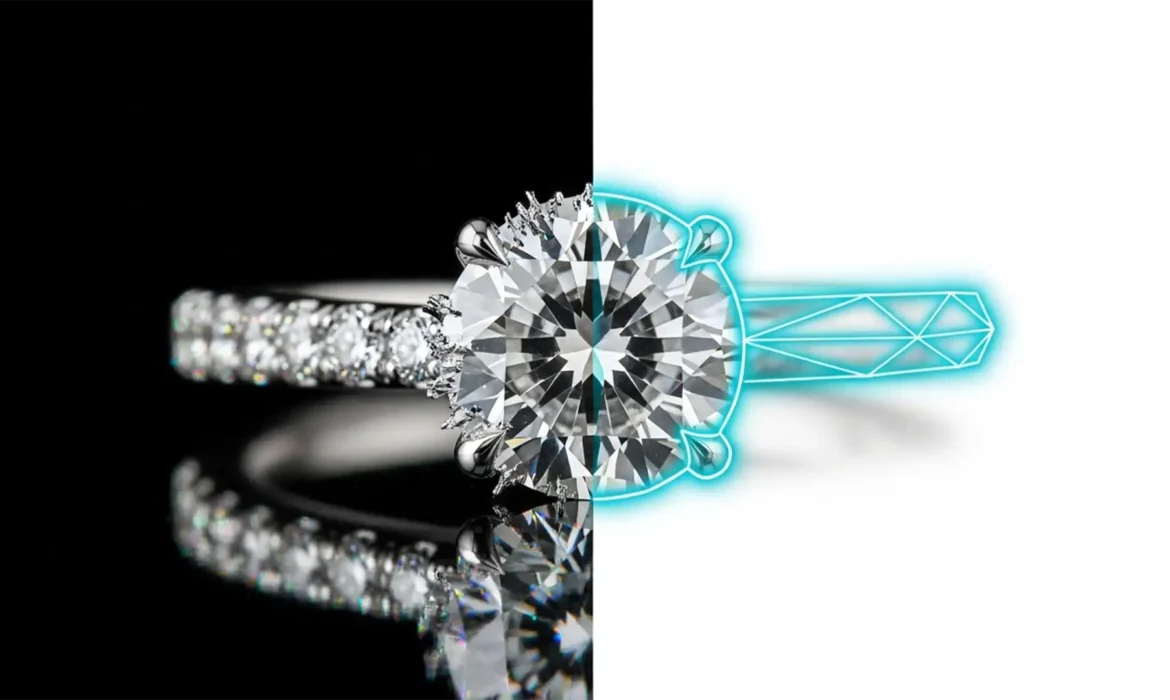
Jewelry Retouching: Why AI Background Removal Fails Where Manual Paths Win
You just ran a batch of expensive diamond ring photos through a one-click AI background remover, expecting magic. Instead, you’re staring at a disaster: missing platinum prongs, jagged edges, and background colors bleeding straight through transparent gemstones. If you’ve experienced this, you aren’t alone. In current software versions like Photoshop v25.x, even the most...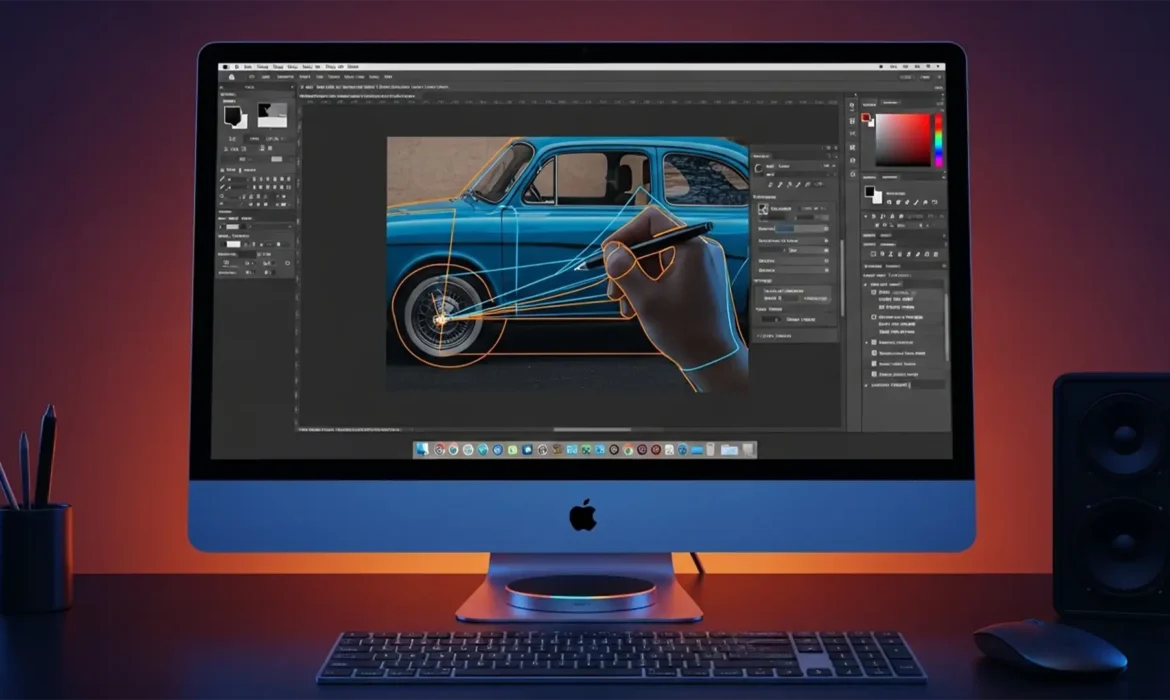
Fix Photoshop v25.12 Pen Tool Lag on macOS Sequoia
You just updated your Mac, opened Photoshop v25.12, and suddenly your workflow has ground to a halt. Every time you try to draw a precise clipping path, the Pen Tool drags, stutters, and tears across the screen. You place an anchor point, but the visual feedback is delayed by a frustrating fraction of a second. If you are experiencing this severe input lag, you aren’t alone. This...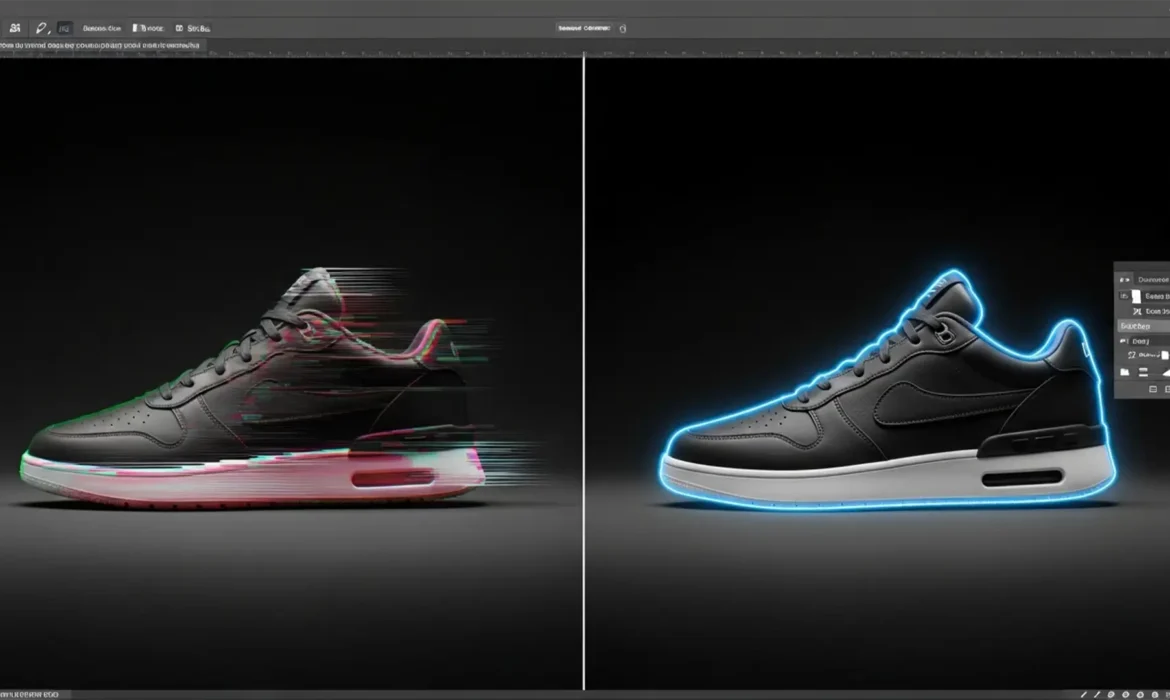
Fix Blurry Generative Fill Edges with Clipping Paths
E-commerce sellers love the idea of Adobe Photoshop’s Generative Fill. It promises instant background expansion and effortless prop removal. But when you actually use it in Photoshop v25.0 or newer, reality hits: the AI hallucinates. Instead of a crisp product, you get blurry edges, color bleeding, and a dreadful halo effect around your subject. For strict platforms like Amazon, these AI...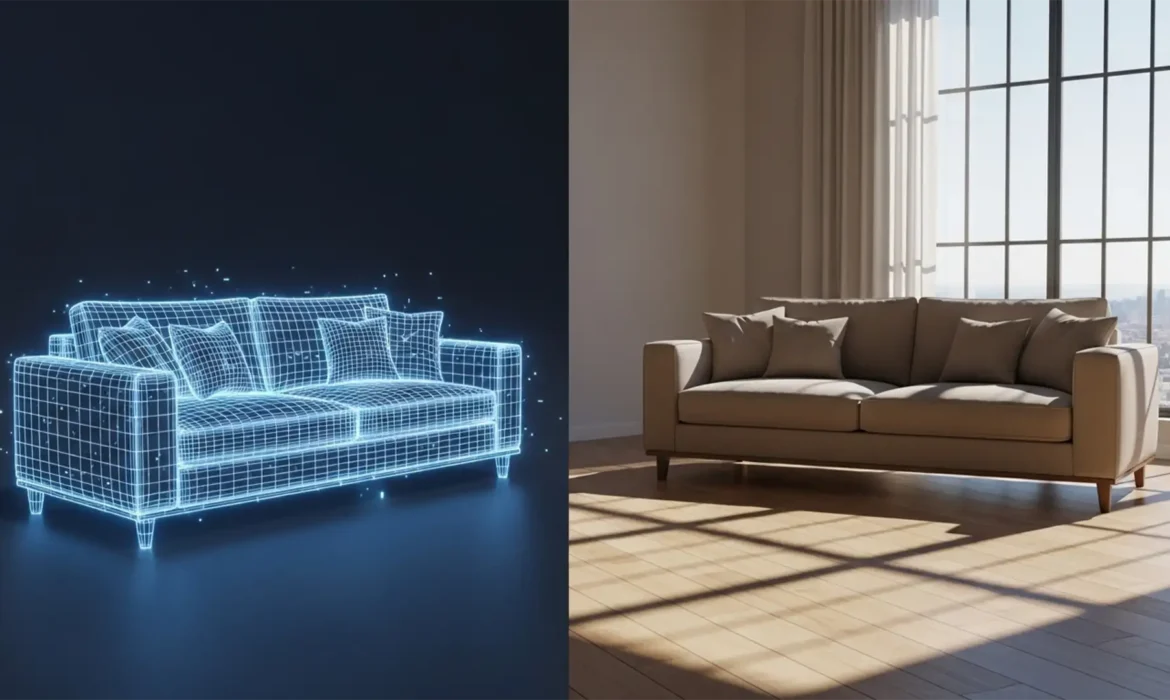
Fixing AI Furniture Staging Shadow Mismatches
You just generated a stunning modern sofa for an empty living room using Adobe Photoshop Generative Fill, but something is glaringly wrong. The sofa looks like it’s hovering three inches off the floor. This “floating furniture” effect is a classic AI furniture staging shadow mismatch. When AI models miscalculate 3D space lighting physics, they generate shadows with...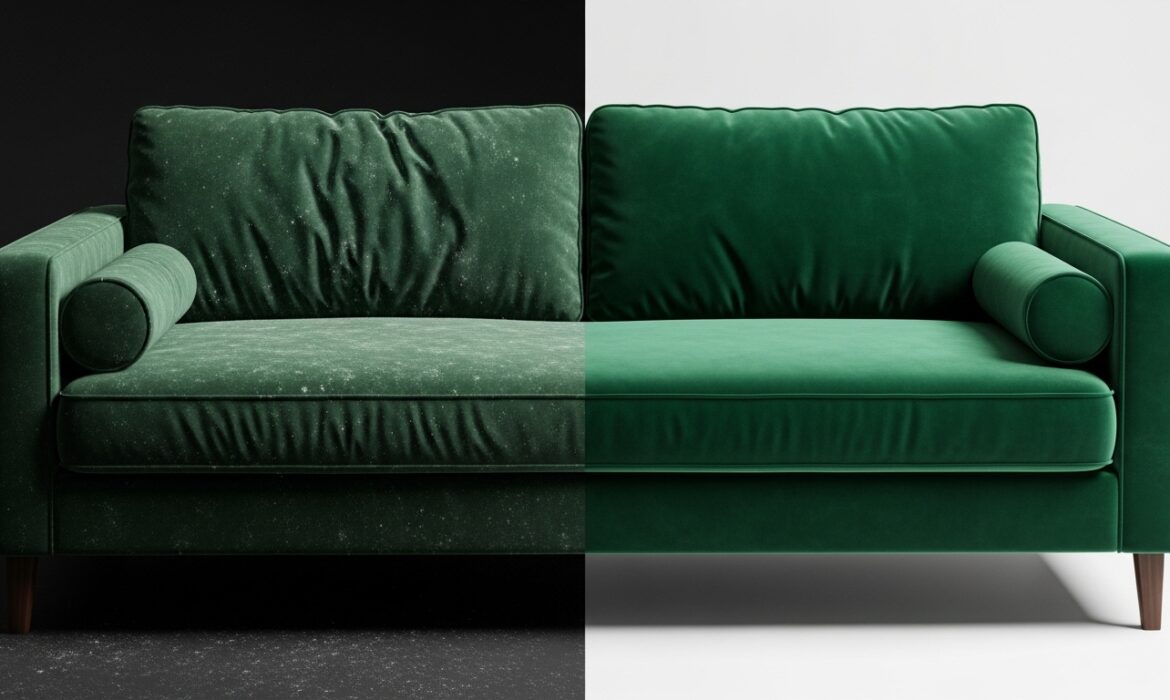
Photoshop Frequency Separation for Velvet Upholstery
If you’ve ever tried to retouch a velvet or suede sofa, you know the immediate frustration. You use the Healing Brush or Clone Stamp to remove a simple wrinkle, and suddenly, the delicate fabric nap is destroyed. You are left with patchy, smudged lighting that ruins the high-end tactile look of the upholstery photoshop frequency. For e-commerce and furniture photographers, resolving color...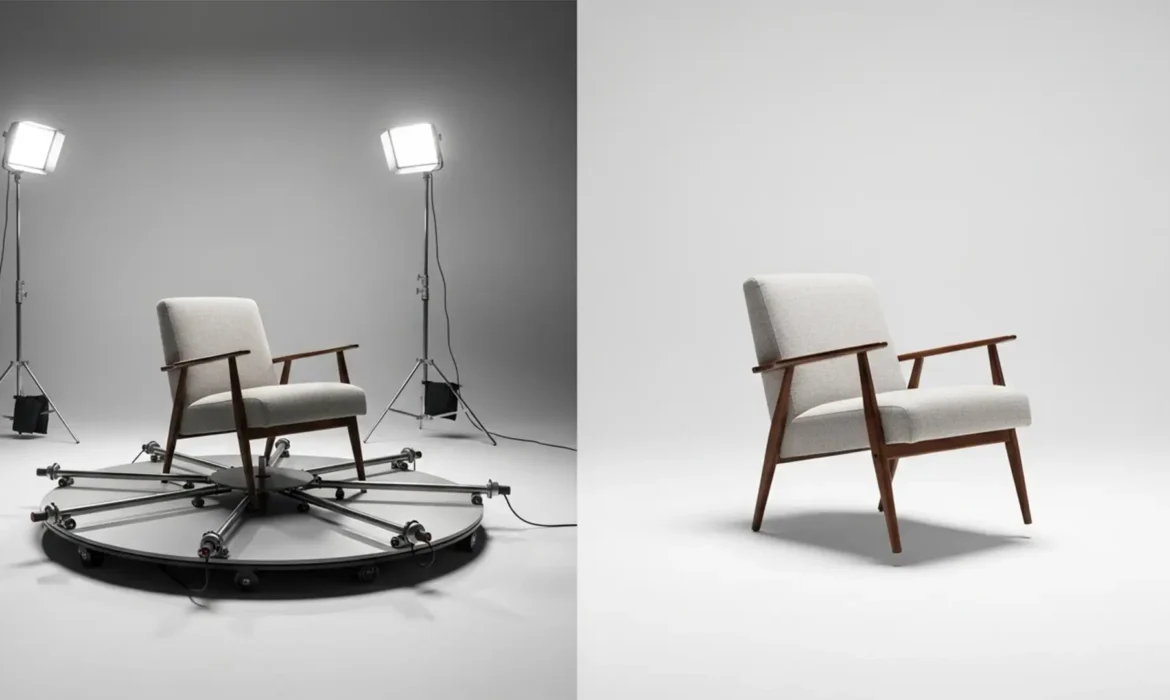
Removing 360-Degree Photography Rigs from Furniture Photos: A Step-by-Step Guide
If you shoot 360 product photography, you know the sinking feeling of reviewing 72 perfectly exposed frames—only to realize the motorized base, center pin, and support arms are glaringly visible in every single shot. The technical challenge is immense: you need to remove furniture turntable rig 360 photography elements across dozens of consecutive frames without destroying the bottom edge...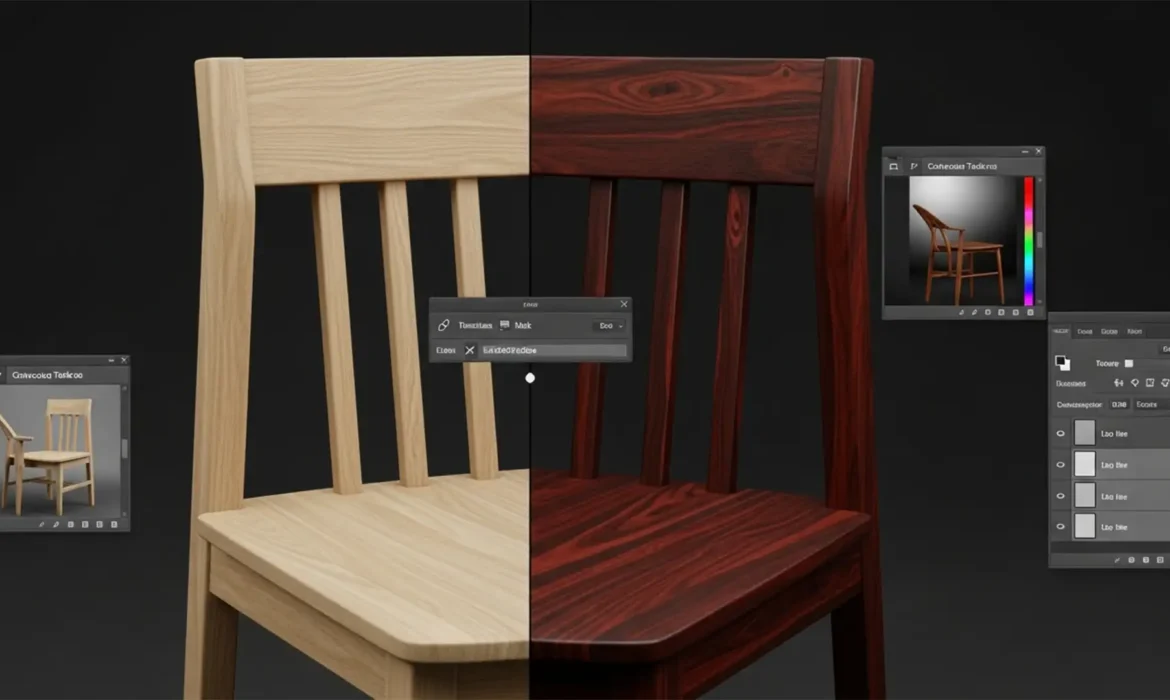
Change Wood Stain Color Photoshop Generative Fill: Pro Guide
Have you ever tried to change wood stain color in Photoshop Generative Fill, only to end up with a plastic, fake-looking mess? It is a common frustration for e-commerce retouchers and furniture designers. When you use a text prompt like “dark mahogany stain,” Photoshop v25.0 and newer versions completely overwrite the original pixels. This destroys the natural wood grain, unique...