Fix Jewelry Chromatic Aberration in Macro Focus Stacking
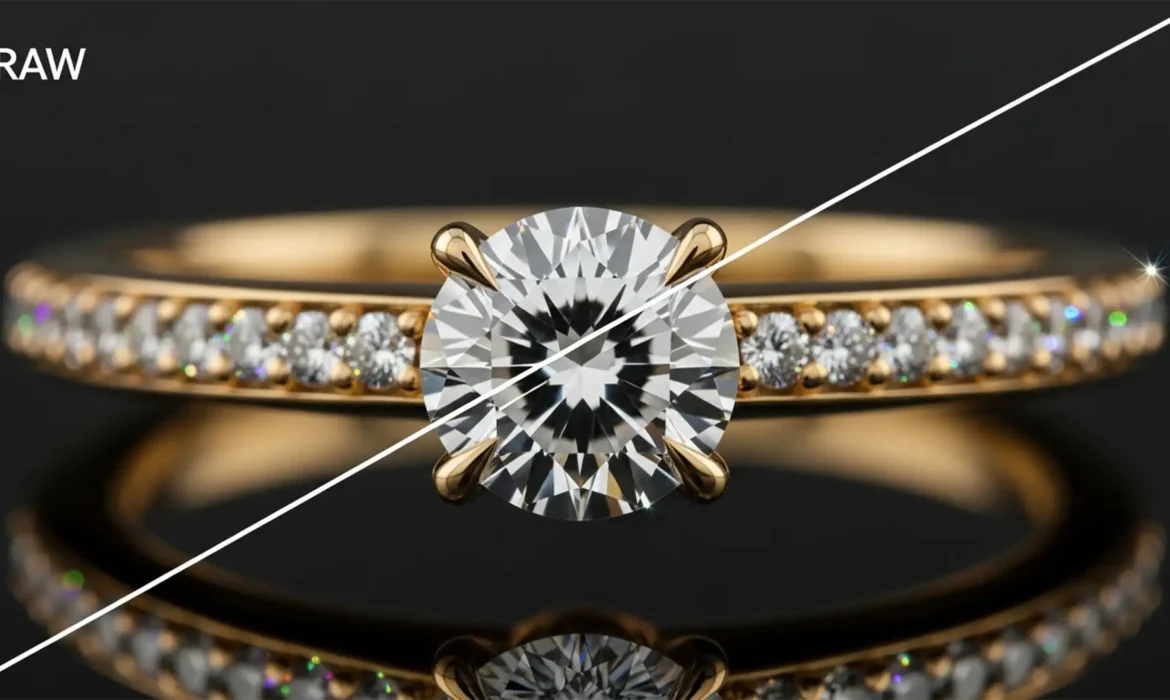
You have just shot 50 flawless frames of a high-karat gold and diamond ring. But when you run the macro focus stacking process, disaster strikes. Thick, ugly purple and green halos wrap around the sharp metallic edges and specular highlights. This is jewelry chromatic aberration in macro focus stacking, and it instantly ruins the luxury appeal of high-end catalogs. Focus blending algorithms...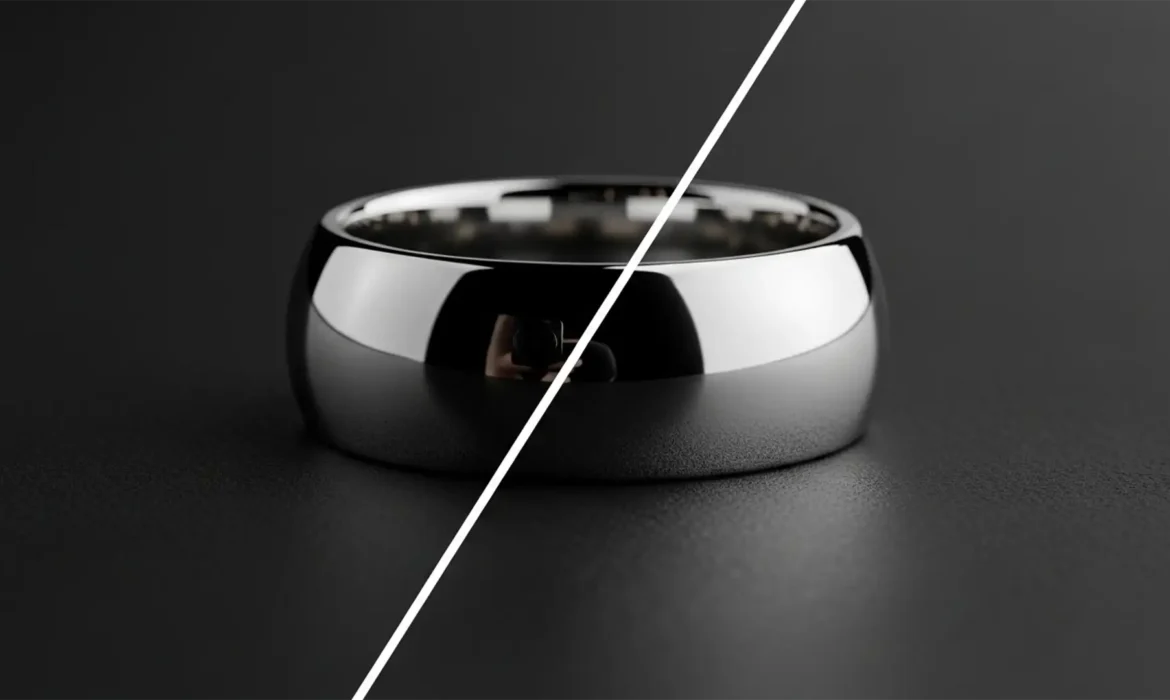
The Silver Mirror Fix: How to Remove Black Camera Reflections from Polished Jewelry Photos
You’ve just wrapped a high-end jewelry shoot. The lighting was perfect, the styling was flawless, but when you open the RAW files, your heart sinks. Right in the middle of that beautifully polished silver ring is a harsh, black camera reflections. Because polished silver acts as a curved mirror, capturing dark studio gaps, tripods, and lenses is almost inevitable. If you try using standard...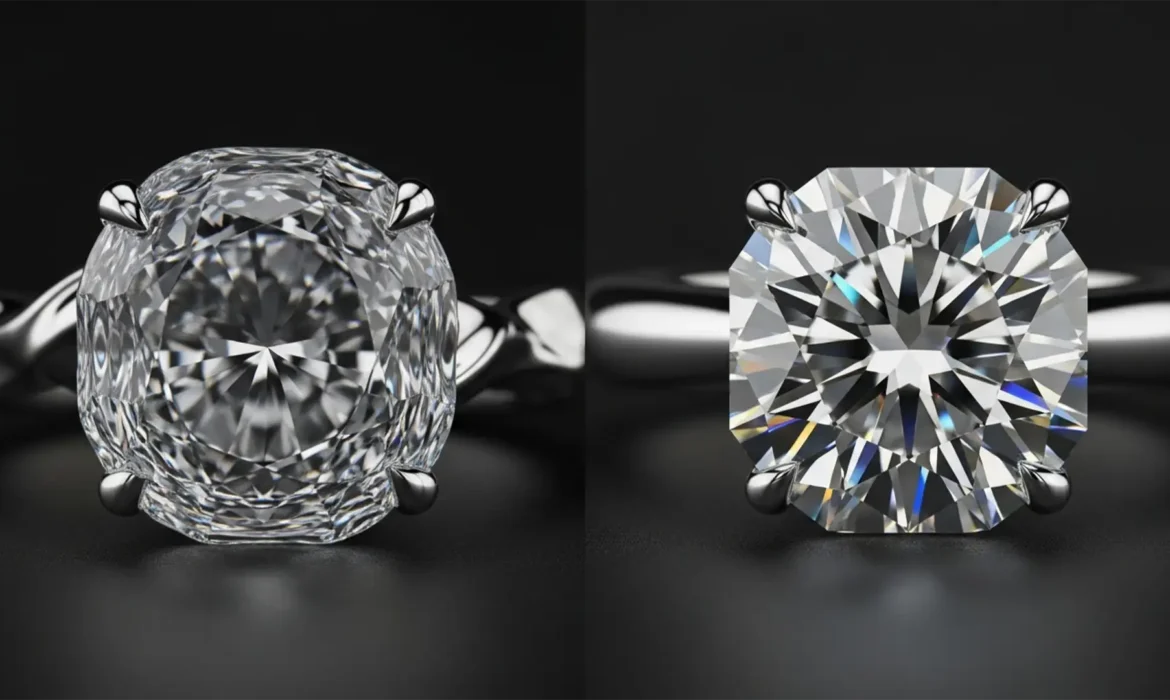
Fix AI Generative Fill Gemstone Distortion in Jewelry
You’ve just shot a stunning piece of high-end jewelry, but the background needs cleanup. You lasso the area, hit Photoshop’s Generative Fill, and wait. The result? Your pristine, mathematically perfect diamond now looks like a melted piece of plastic. If you’ve experienced this, you aren’t alone. While AI excels at generating organic textures, it fails miserably at the strict...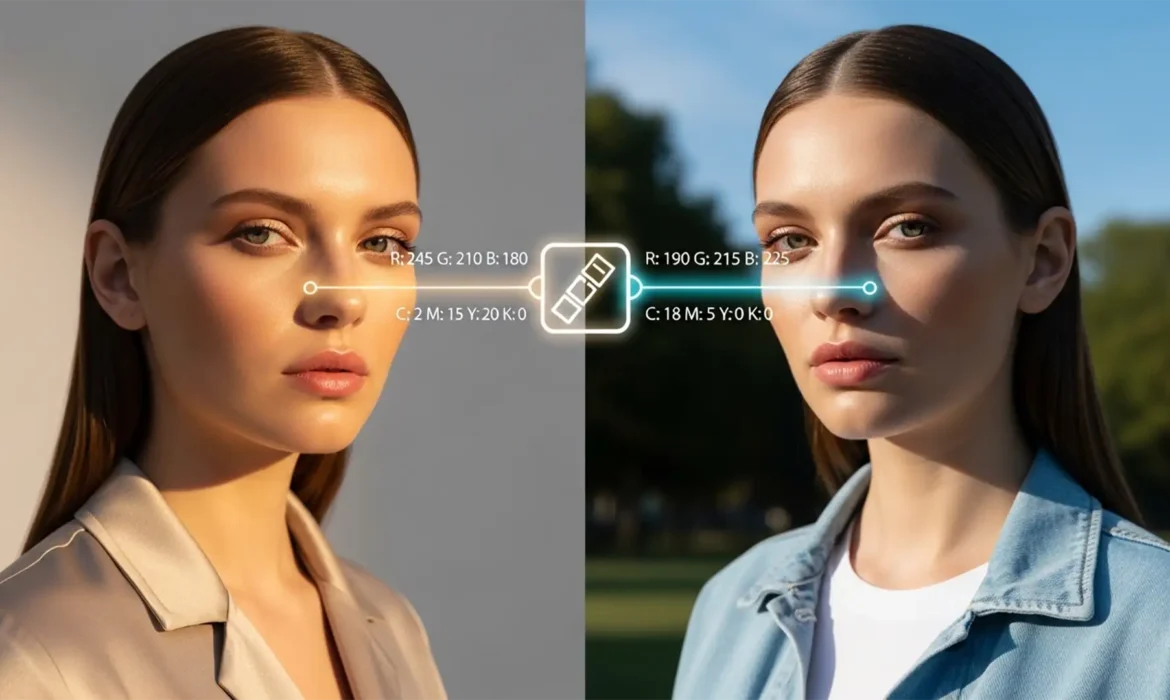
The Consistency Guide: Matching Model Skin Tones Across Variable Lighting Environments
Have you ever reviewed an e-commerce catalog only to find your model’s skin shifting from golden-hour warmth to sickly fluorescent green across different shots? Matching model skin tones across different lighting is one of the biggest hurdles in editorial retouching. Ambient light contamination inherently alters the RGB values of the skin, creating jarring luminance and tint...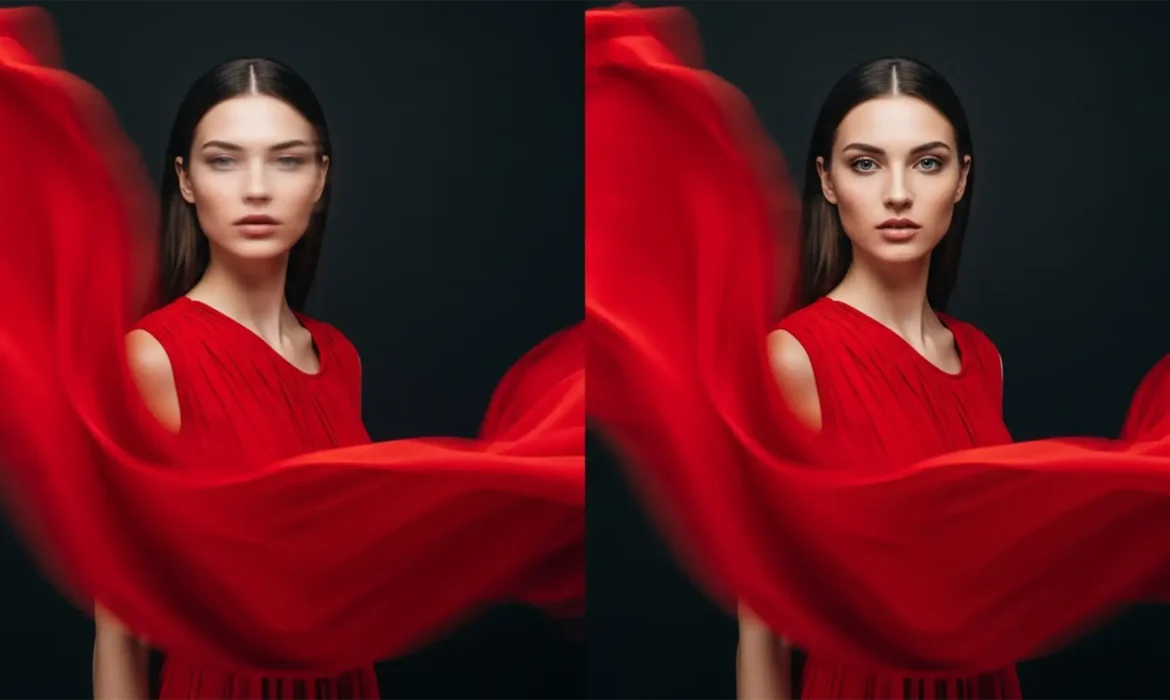
AI Face Recovery for Motion Blur Models: A Selective Guide
You nailed the perfect high-motion editorial shot. The dress is flowing, the kinetic energy is palpable, but there is a fatal flaw: the model’s face is lost to motion blur. When you run global AI sharpening tools to fix it, the software destroys the intentional artistic movement, making the entire image unnaturally crisp and ruining the aesthetic. How do you fix the face without killing...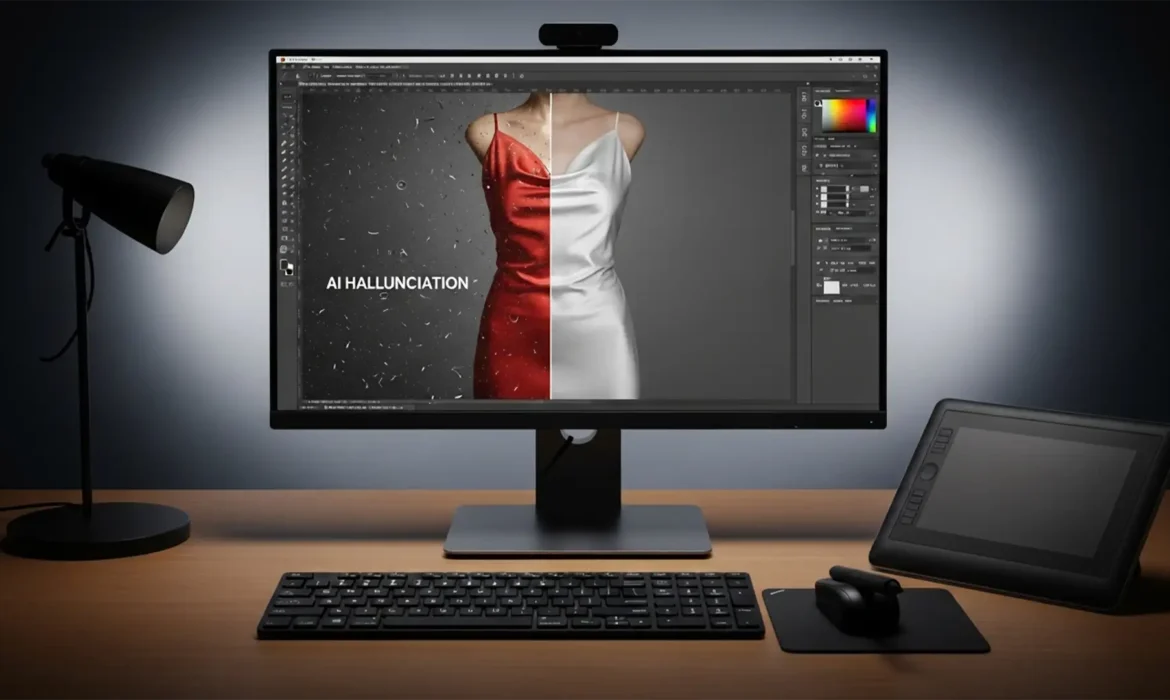
Fix Generative Fill Clothes Wrinkle Artifacts
You are trying to smooth out a high-end apparel shot in Photoshop v25.0+, but the AI just ruined the garment clothes wrinkle. Instead of removing a simple crease, Generative Fill hallucinated an entirely new pocket, altered the fashion designer’s cut, or completely destroyed the delicate fabric grain. These hallucination artifacts happen because the Firefly Image Model misinterprets...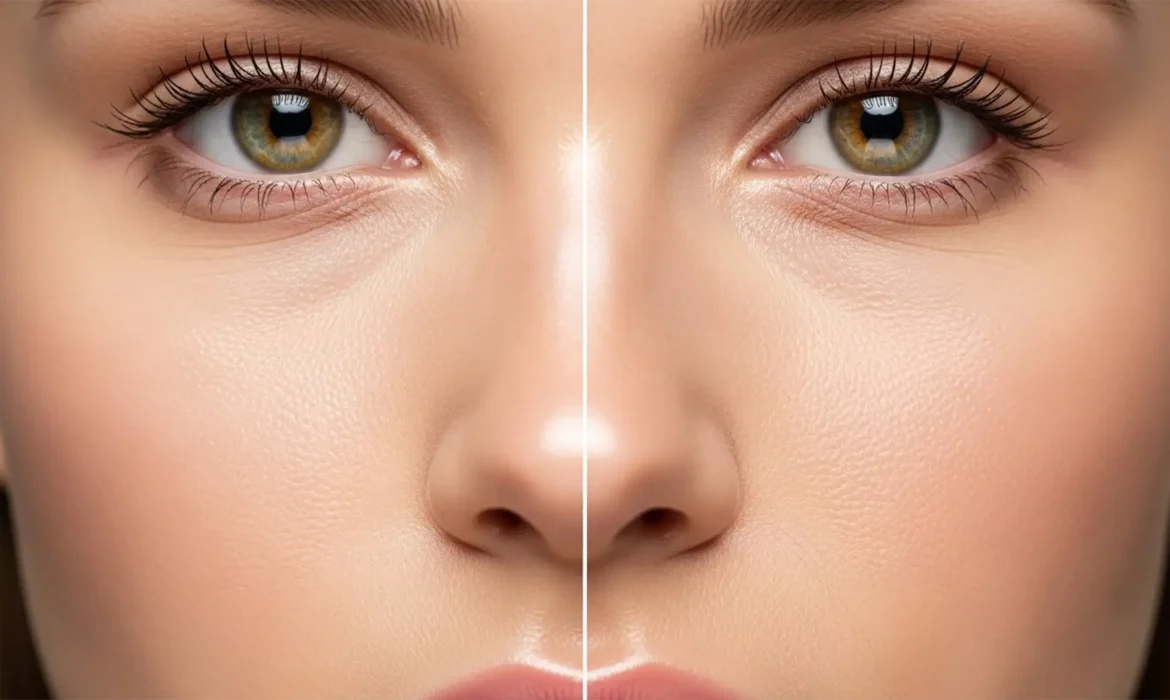
Fix Plastic Skin From Neural Filters: Restore Natural Skin Texture
You just applied the Skin Smoothing Neural Filter in Photoshop v23.0 or newer, expecting a flawless, magazine-cover finish. Instead, your subject looks like a plastic mannequin. Sound familiar? While Adobe Sensei AI is incredibly powerful at evening out skin tones and blurring blemishes, it has a glaring blind spot: it destroys high-frequency details. When you lose pores, micro-contrast,...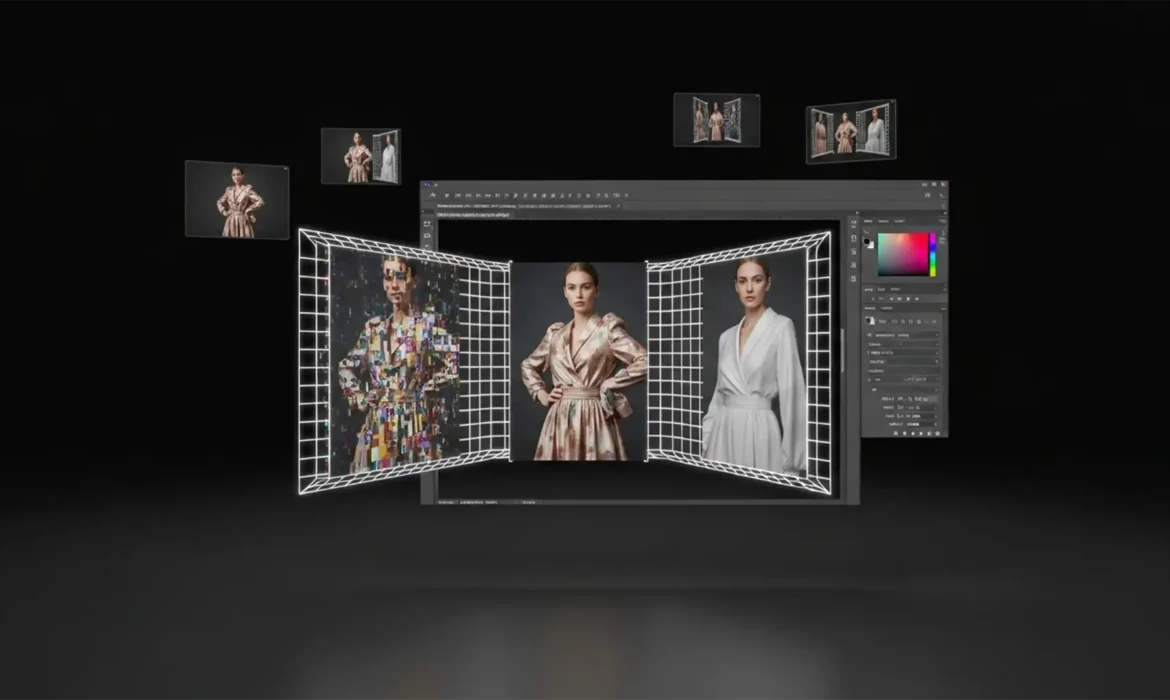
Fix Generative Expand Clothing Artifacts in Photoshop
You finally nailed the perfect fashion shot, but the client needs it in a wider aspect ratio for a website banner. You hit “Generative Expand” in Photoshop, expecting instant magic. Instead? The AI gives your model a third hand, turns smooth silk into crumpled plastic, and completely ruins the directional flow of the fabric. If you are desperately searching for a reliable...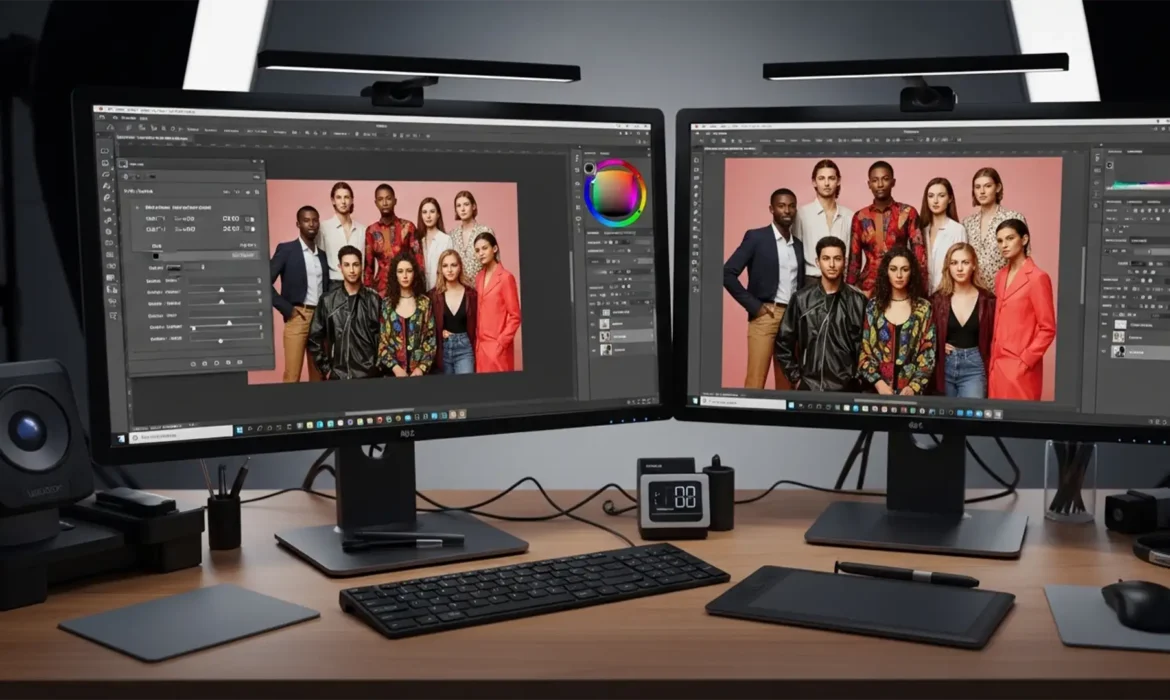
Pro Workflow: Matching Skin Tones in Diverse Group Photos
You’ve just applied a stunning warm preset to a group shot. The lighter-skinned subjects look pleasantly sun-kissed, but the darker-skinned models have suddenly turned overly orange or red. So, you pull back the warmth and cool the white balance—only to find the darker skin tones now look ashy, gray, and lifeless. If this sounds familiar, you have experienced the exact technical limitation...