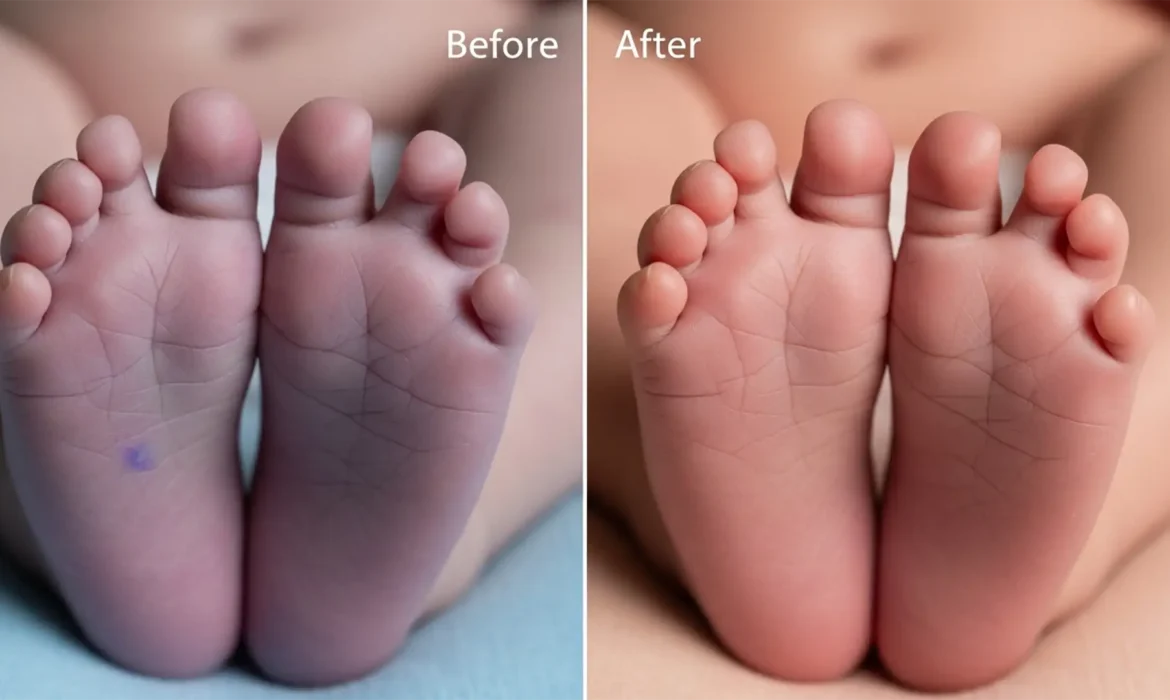
Fix Purple Newborn Feet in Photoshop (2024 Guide)
You’ve just wrapped up a beautiful newborn photography session. The poses are perfect, the lighting is soft, but there’s one glaring issue: the purple newborn feet and hands are bright purple. Acrocyanosis (purple/blue extremities) and mottled skin are incredibly common in newborns due to temperature shifts and immature circulation. However, when it comes to post-production, amateur...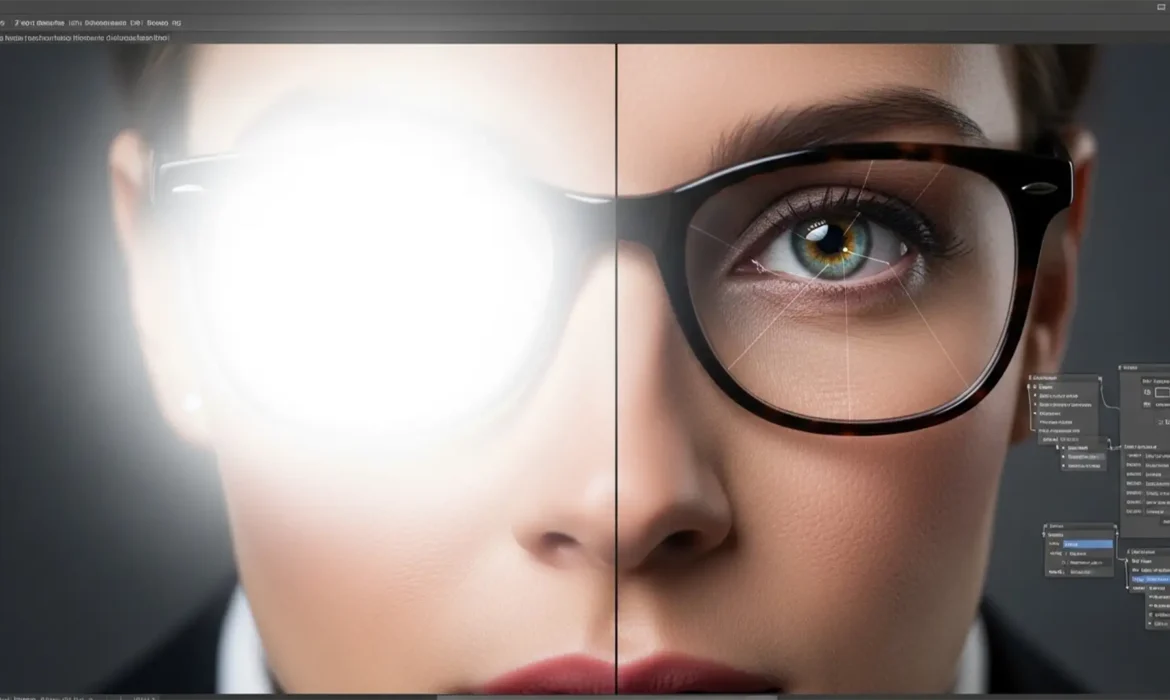
Clear Vision: The 2025 Guide to Removing Glasses Glare Without Losing Eye Detail
You’ve just nailed a corporate headshot session, but there’s a glaring problem: dense, opaque flash reflection completely obscuring your subject’s eyes. If you’ve ever tried fixing this with basic tools, you know the dreaded result—a smudged, cloudy mess that destroys natural iris striations and delicate catchlights. High-end clients demand absolute photorealism, not...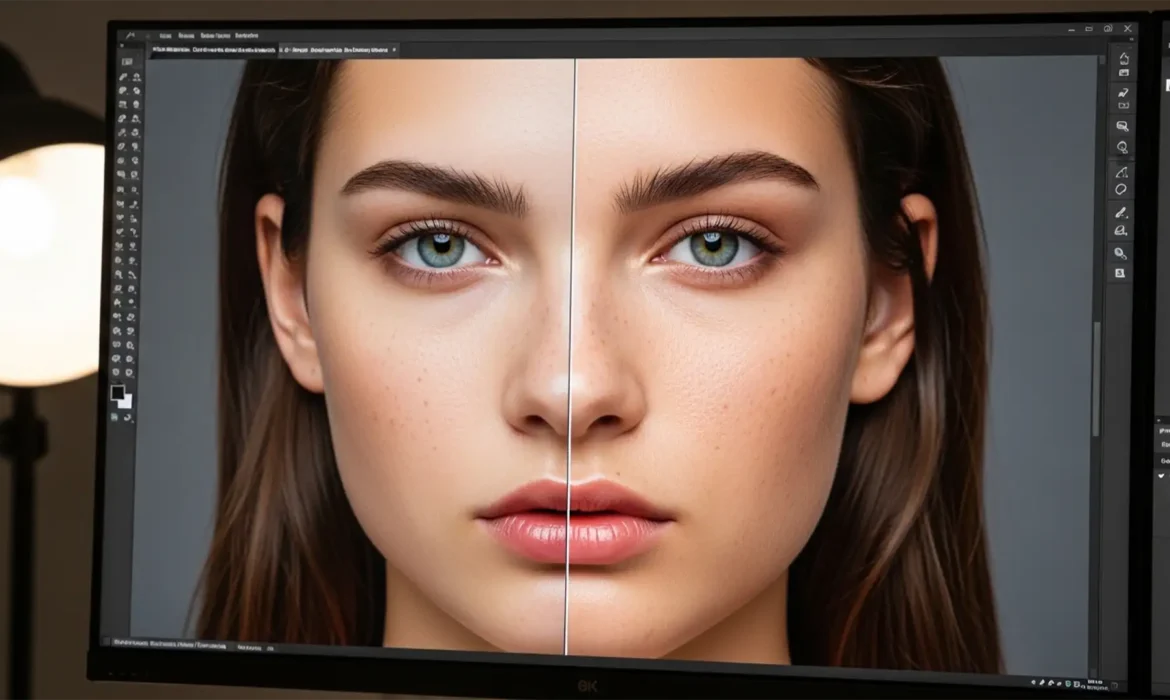
Fix Waxy Skin: Photoshop Neural Filters Guide
You’ve just applied Photoshop’s Skin Smoothing Neural Filter to a stunning high-resolution raw portrait. It removes the blemishes instantly, but there’s a massive problem: your subject now looks like a plastic mannequin. The Adobe Sensei AI algorithm has completely obliterated the vital micro-contrast and pore detail, leaving behind a waxy, unnatural finish that clashes heavily with the sharp...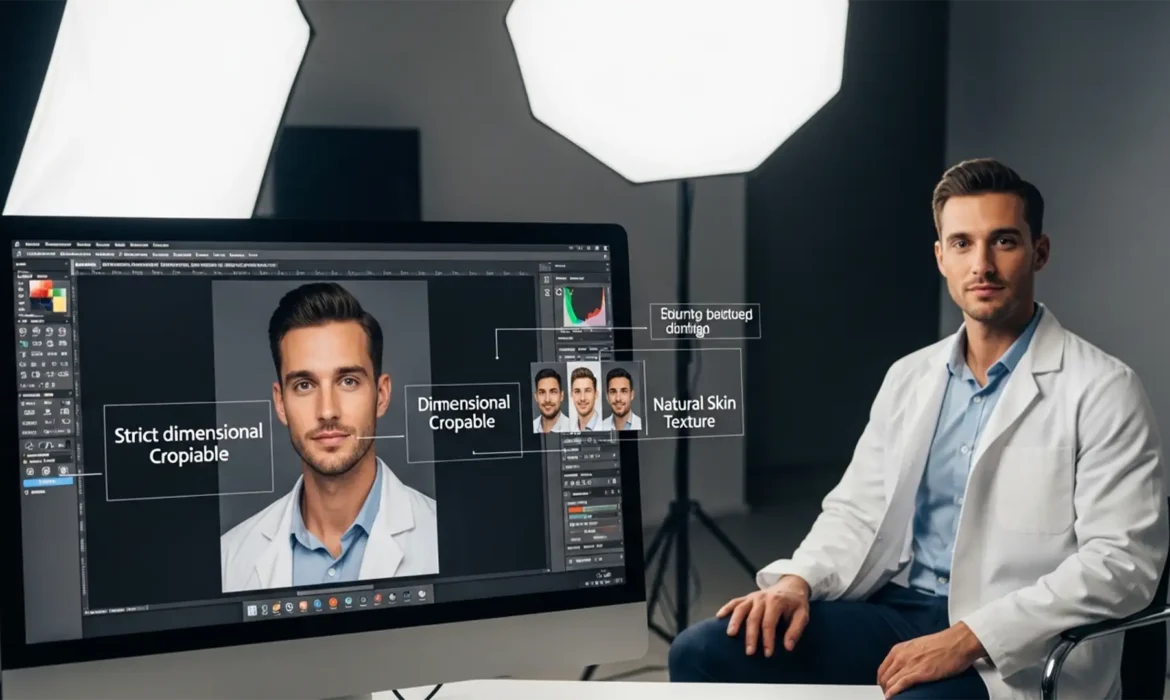
2025 ERAS Photo Standards: Residency Retouching Guide
You’ve spent years surviving medical school, crushing your USMLEs, and perfecting your personal statement. But did you know a simple technical error on your headshot could stall your entire residency application? The 2025 AAMC guidelines for the Electronic Residency Application Service (ERAS) are notoriously strict. If your file is over 100KB, has the wrong aspect ratio, or features heavy,...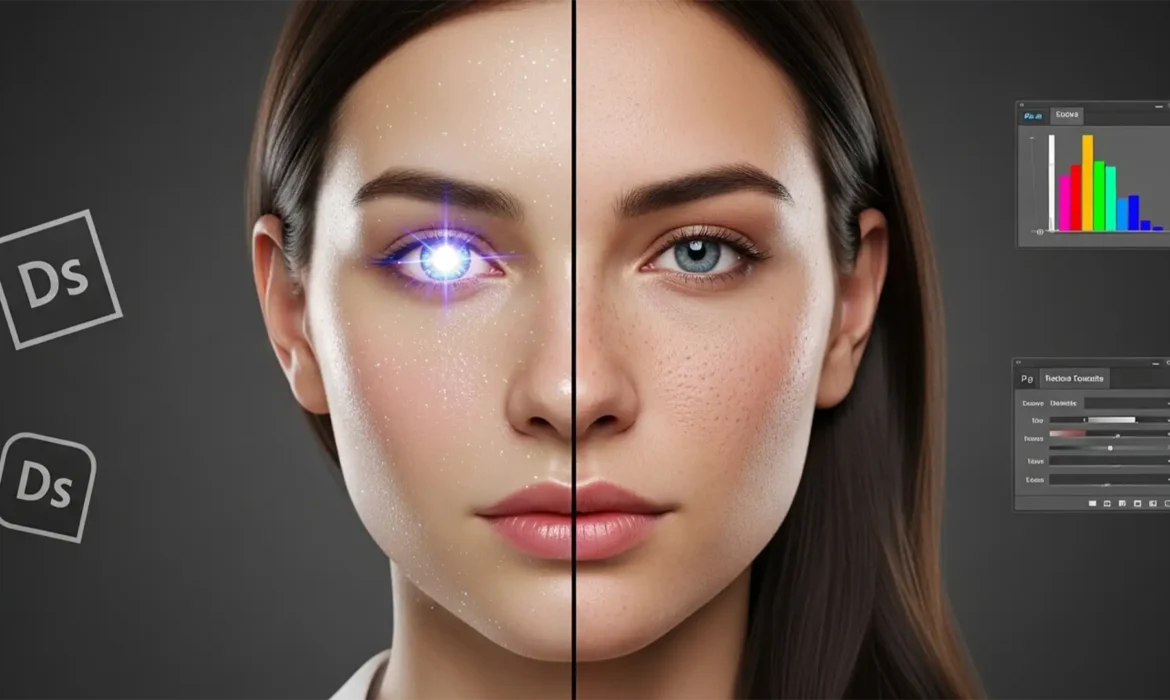
Saved by Science: How to Fix and Humanize Glitchy AI-Generated Headshots
You generated a batch of corporate ai generated headshots using Midjourney v6 or Dall-E 3, and they look almost perfect. But when you zoom in, something feels off. The skin is hyper-smoothed and plastic. The pupils are asymmetrical. The specular highlights look like they belong on a mannequin, plunging the portrait straight into the “uncanny valley.” If your AI headshot looks...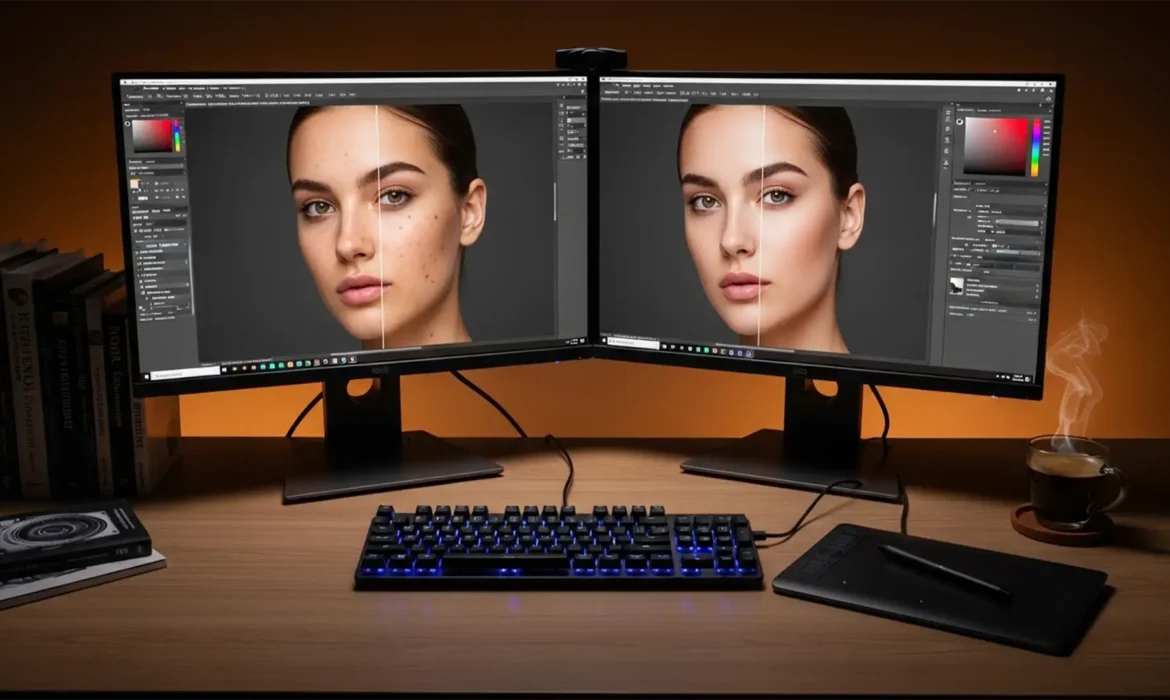
The Updated 2024 Guide to Non-Destructive Frequency Separation
Are you tired of ruining your base image data or dealing with frustrating color shifts during high-end portrait retouching? You are not alone. In Photoshop v25.x (the 2024 release), traditional frequency separation is a trap if you aren’t using the latest non-destructive frequency separation workflows. Once you bake in those texture or tone changes using outdated methods, there is no...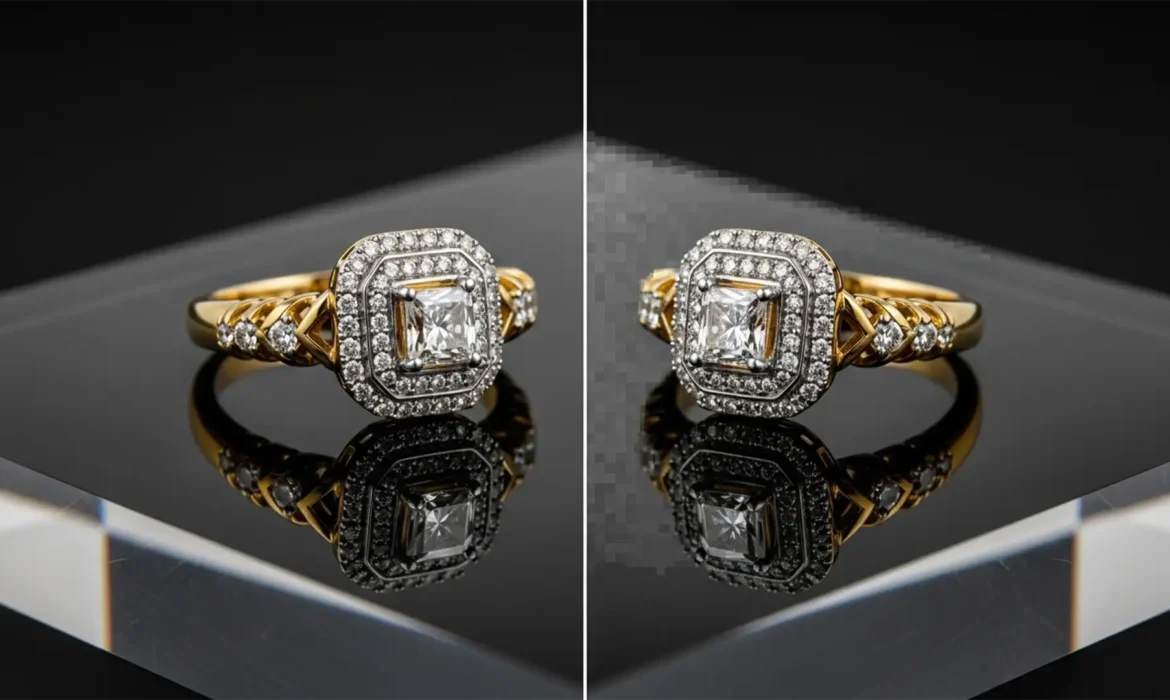
Fix Generative Fill Artifacts in Jewelry Retouching
You just used Photoshop to extend the background on a stunning, high-end diamond ring photograph. The background looks great, but when you zoom in on the base, the metallic reflection is a muddy, warped mess. If you are dealing with Generative Fill jewelry reflection artifacts, you are not alone. While Adobe’s AI tools are incredible for general photo manipulation, they routinely fail...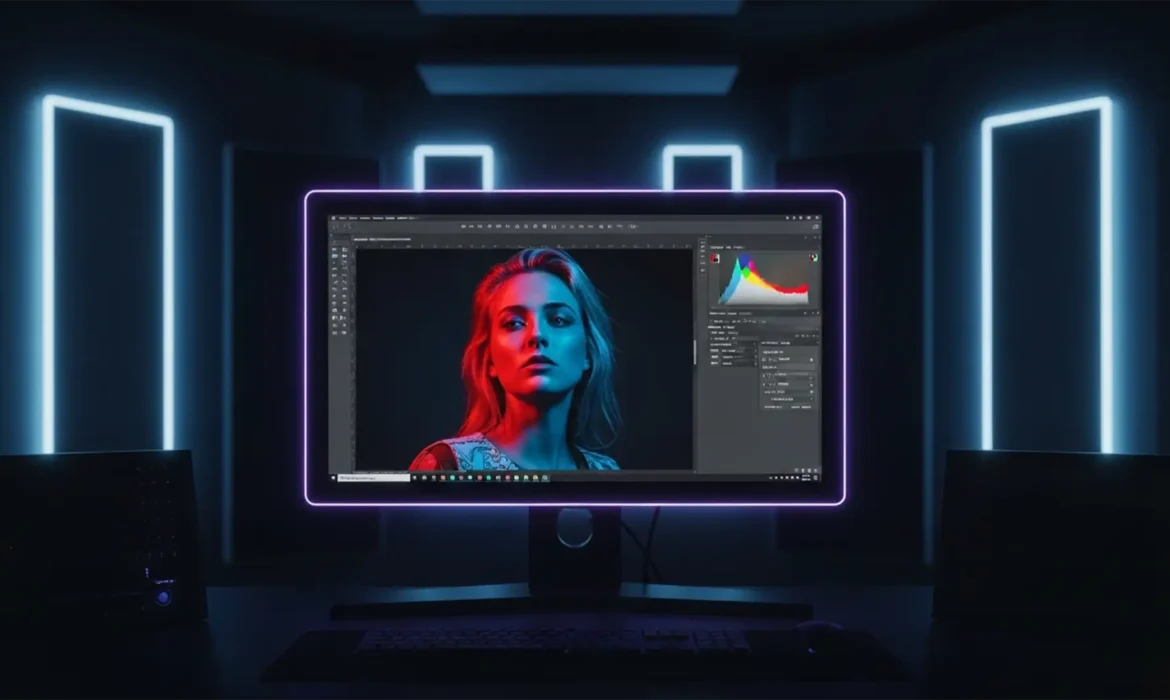
32-Bit HDR Portrait Retouching Workflow: The Ultimate Guide
Are you tired of your high-end portraits looking spectacular on your editing monitor, only to appear flat, banded, or blown out on modern OLED screens? As display technology evolves, traditional 8-bit and 16-bit editing pipelines are no longer sufficient. If you are transitioning to a 32-bit HDR portrait retouching workflow in Photoshop v25.x or later, you have likely encountered clipping,...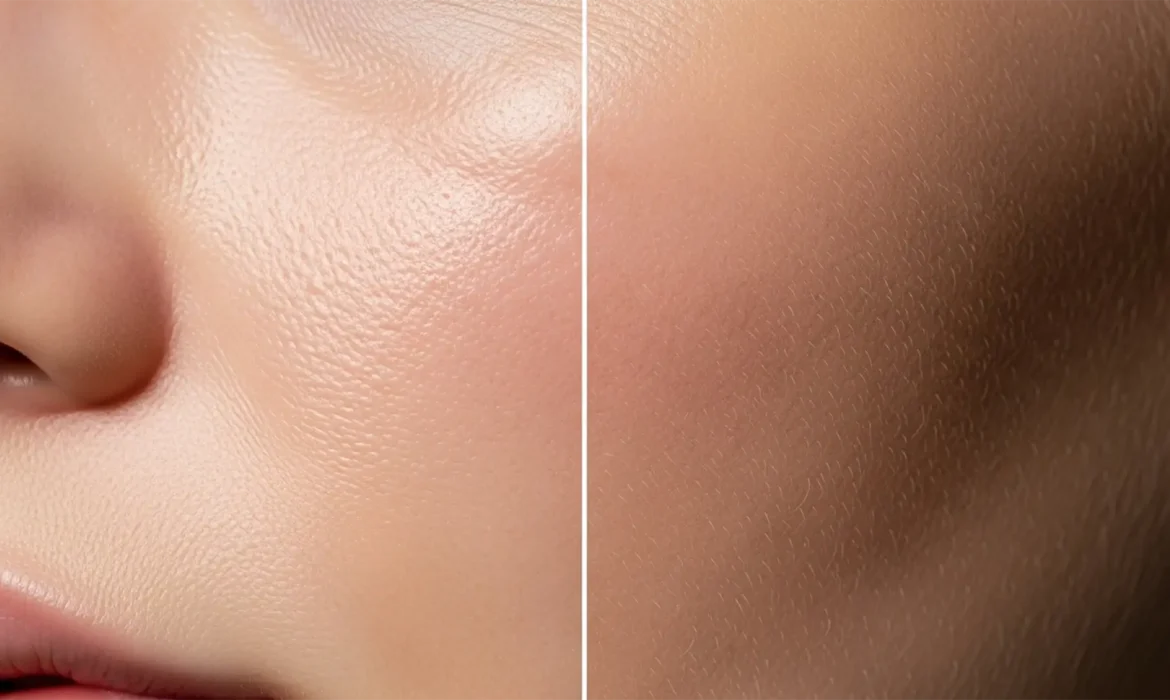
Beyond the Uncanny Valley: How to De-Plasticize AI Skin in High-End Retouching
You finally generated the perfect commercial portrait using Midjourney v6 or DALL-E 3, but there is a glaring problem: the subject looks like a mannequin. Modern diffusion models are incredible at rendering lighting and composition, but their denoising algorithms inherently average out micro-ai skin textures. The result is a hyper-smooth, waxy appearance that plunges your image straight into...