Stop the Plastic Look: How to Restore Realistic Skin Texture After Photoshop Generative Fill
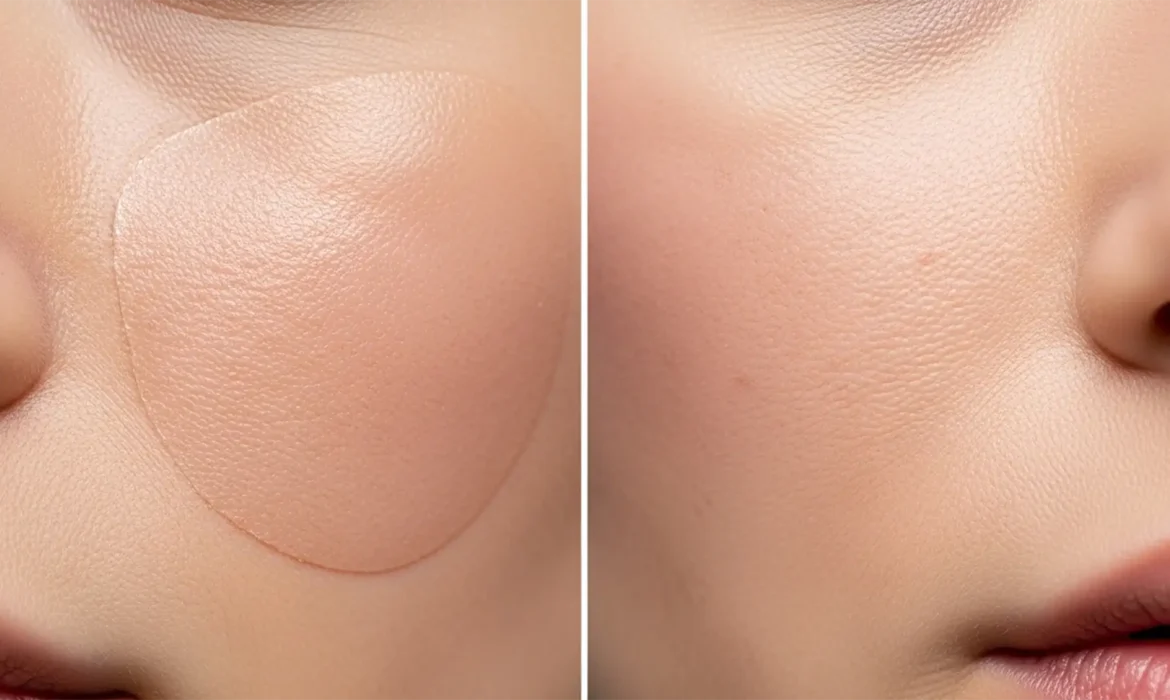
You used Photoshop’s Generative Fill to remove a blemish, stray hair, or distraction on a high-end beauty portrait. The object is gone, but now you are left with a blurry, airbrushed patch of skin texture that looks like plastic. Generative Fill in Photoshop v25.x and above is incredible for object removal, but it notoriously fails at replicating micro-contrast and the natural human...
Fix Photoshop v25.5 Invisible Drop Shadow Glitch
You’ve meticulously cut out your product image, set up your background, and double-clicked the layer to add that final touch of realism. But when you apply the effect, nothing happens. Your drop shadow is completely invisible. If you are desperately searching for a photoshop drop shadow invisible glitch fix, you are not alone. Adobe Photoshop v25.5 has introduced a frustrating bug where...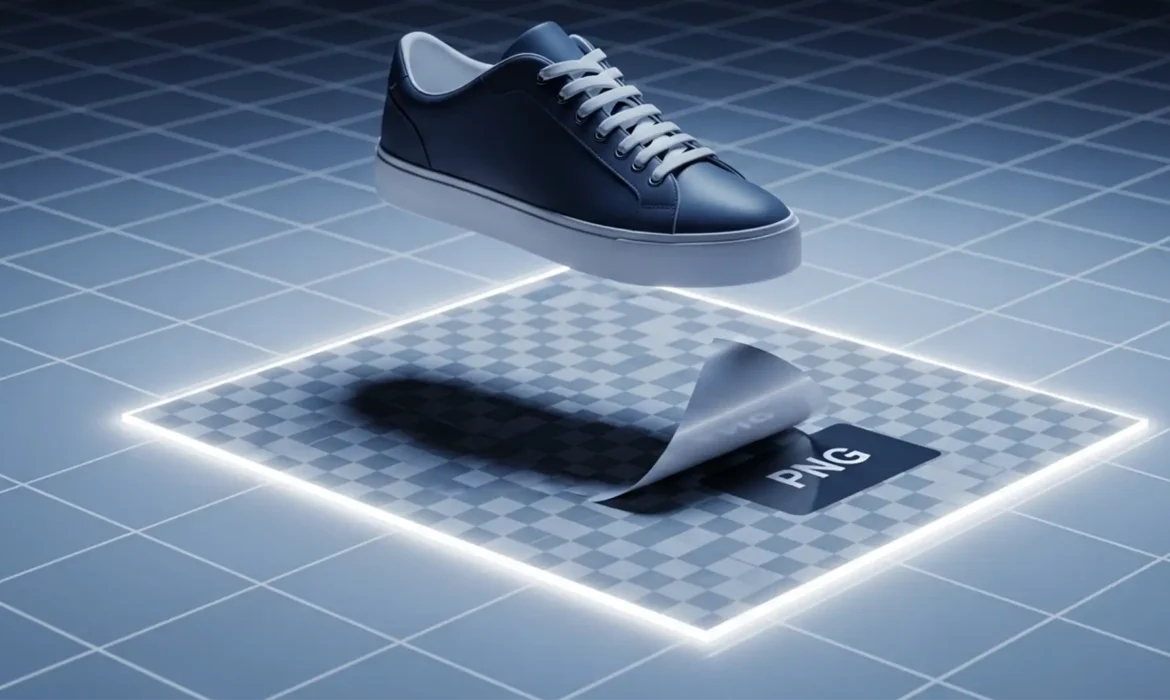
Extract Natural Shadow for Transparent Background Guide
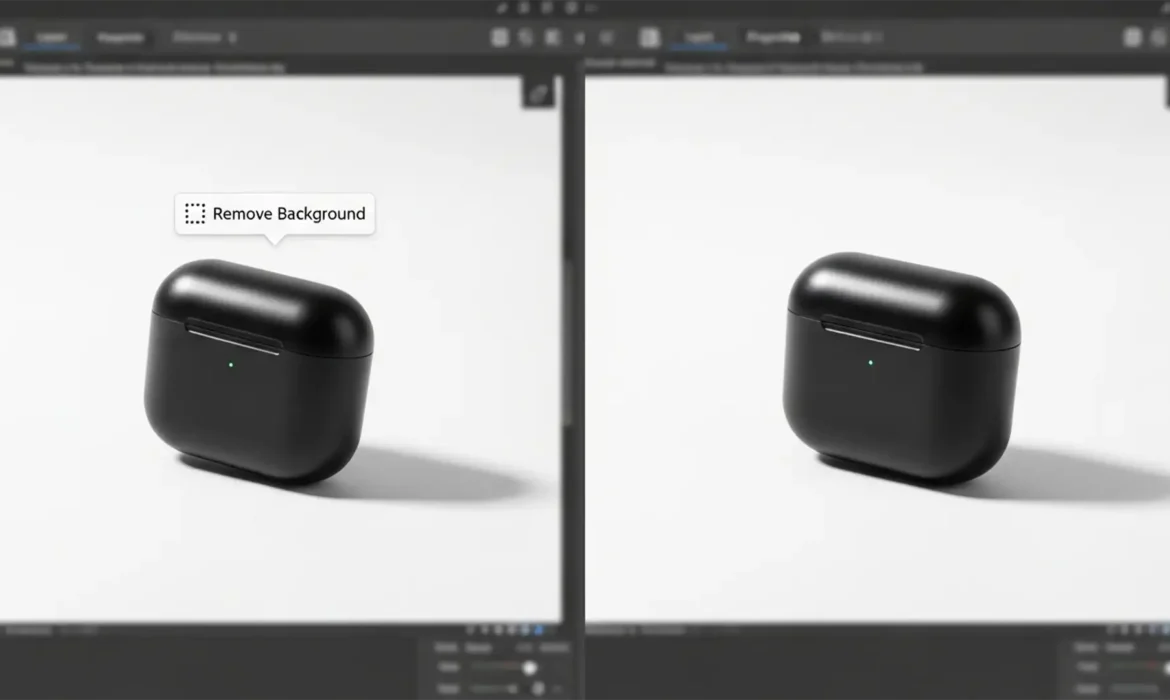
E-commerce photo editors know the exact frustration: you use Photoshop’s automated “Remove Background” tool, and instantly, your product’s beautiful, grounded natural shadow is completely destroyed. To fix it, you might try manually saving the shadow using the “Multiply” blend mode. It looks flawless inside Photoshop, but the second you export it for your website,...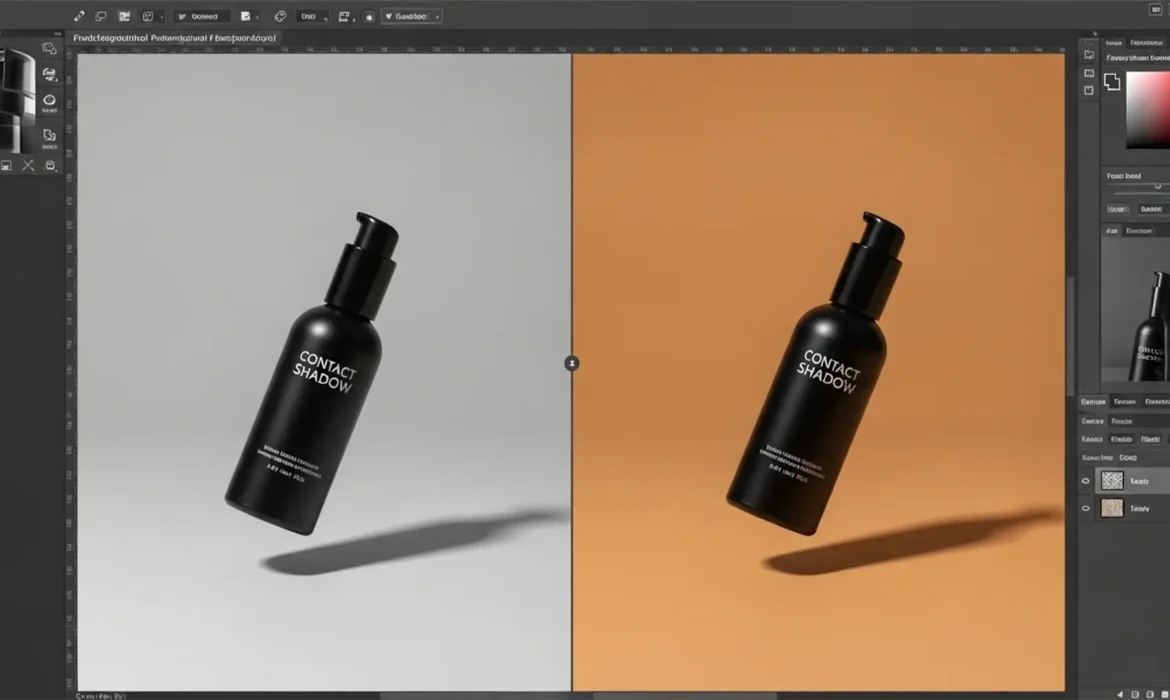
How to Preserve Original Shadows Using Photoshop Generative Fill (Stop Floating Products)
If you have recently used Photoshop’s AI tools to extend a background for an e-commerce shoot, you have likely encountered the dreaded “floating product” effect. You make a perfect selection, type your prompt, and watch as Adobe Firefly generates a stunning new environment—only to realize it completely obliterated your product’s natural drop shadow. Without that crucial...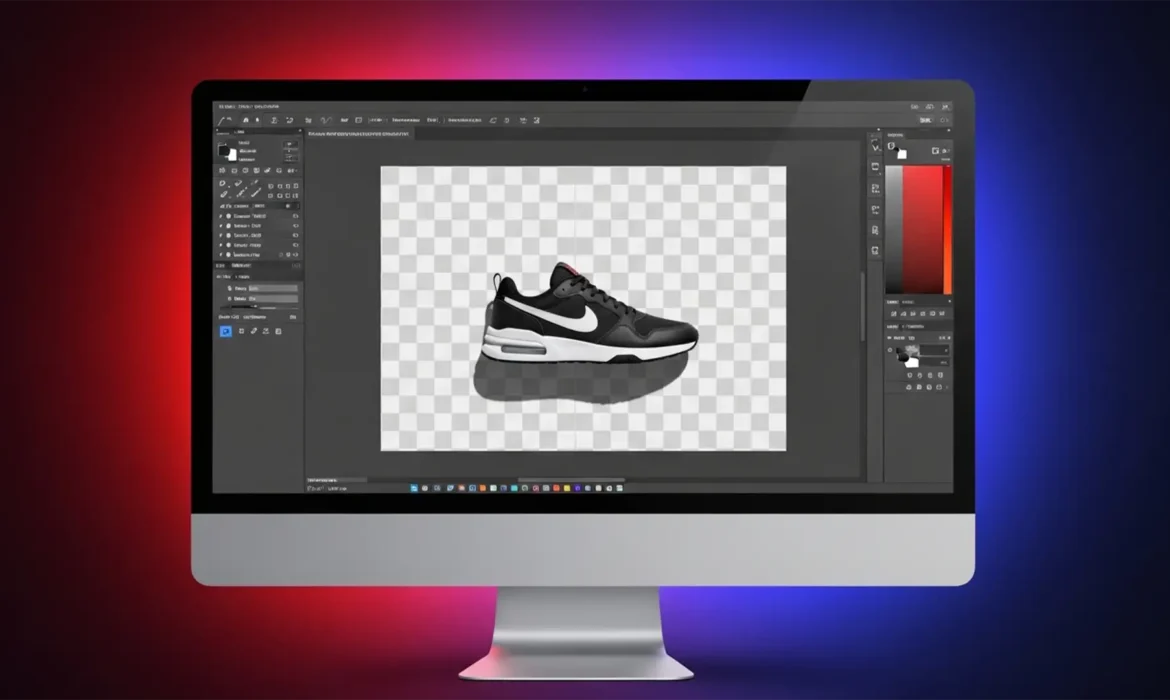
Preserve Original Shadows on Transparent Backgrounds
You’ve just used Photoshop’s latest background removal tool. It perfectly extracted your e-commerce product, but there’s a massive problem: the natural, environmental shadow is completely gone. Now your product looks like it’s floating in mid-air. To fix it, you try painting a digital shadow, but it ends up looking like a cheap, fake drop shadow. Sound familiar? If you want your product...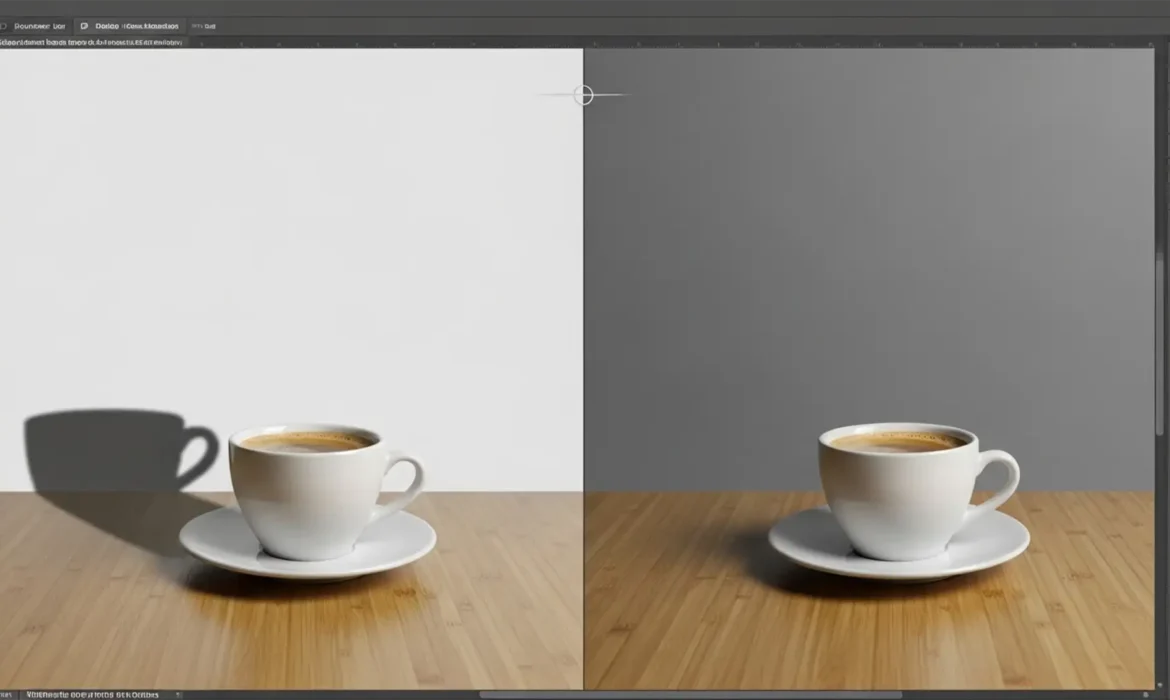
Fix Generative Fill Shadow Mismatches in Photoshop
You just used Generative Fill in Photoshop 2024 to add the perfect element to your scene, but there is a glaring problem: the lighting is completely wrong. While Adobe’s Firefly Image 3 model is incredible at rendering objects, it frequently misinterprets the ambient lighting of the original photographic plate. The result is a frustrating photoshop generative fill shadow mismatch....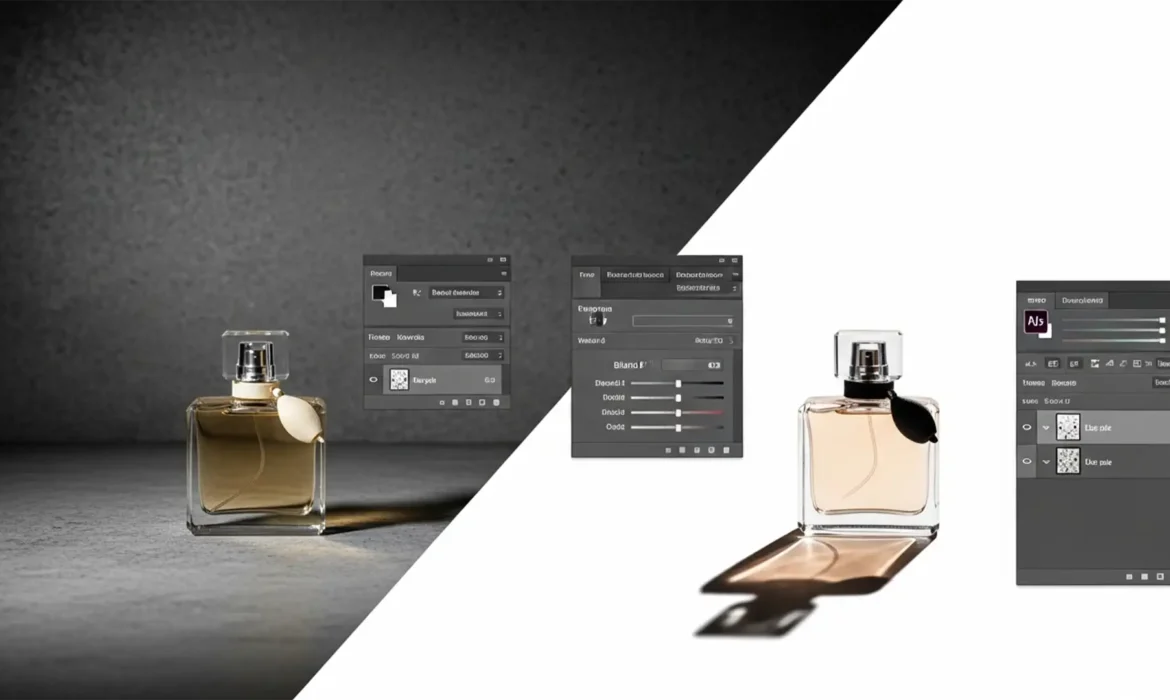
How to Extract and Keep Original Shadows for High-End Product Photography
Nothing ruins high-end product photography faster than the dreaded “floating product” effect. When shooting items on textured or imperfect studio backdrops, preserving the natural drop shadow is a major technical hurdle. Shadows are not solid black pixels; they are translucent reductions in light. If you try to isolate a shadow using the Magic Wand or Quick Select tool, you will...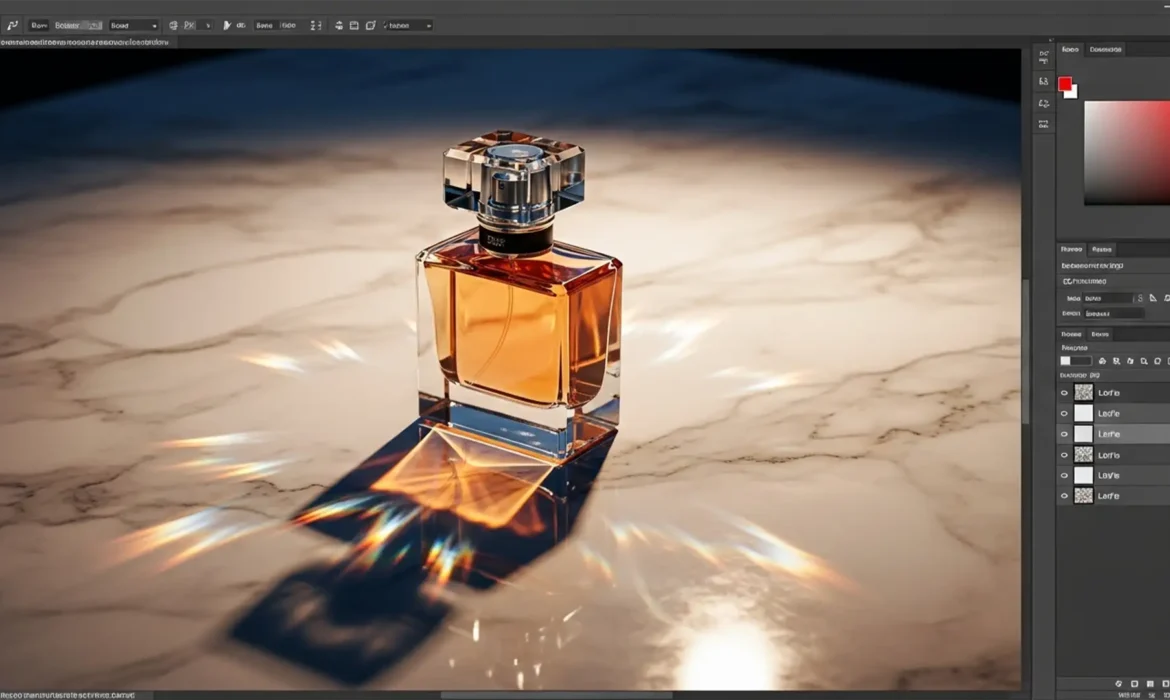
How to Keep Original Shadows on Reflective Surfaces
You’ve just spent hours perfecting a clipping path around a complex glass bottle, only to realize the background swap destroyed the natural cast shadow. Trying to manually paint a drop shadow back in? It almost always looks fake. You lose the delicate light falloff, the intricate caustics, and the bounced light that makes reflective objects look grounded. If you are struggling with...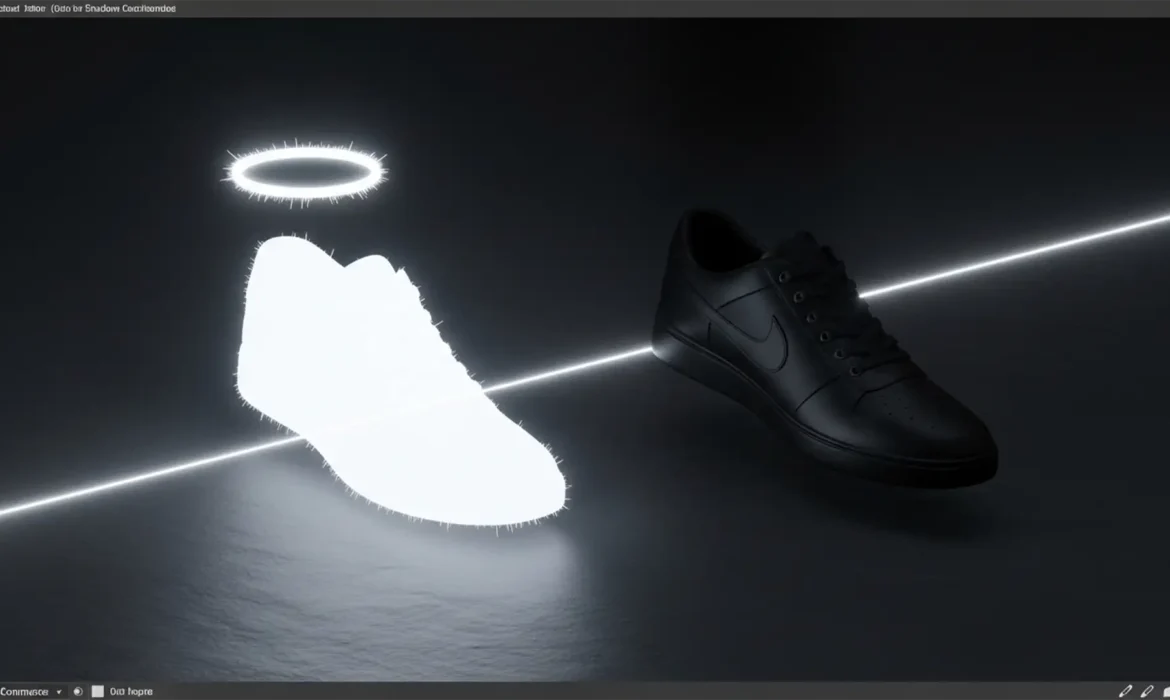
Eliminate the White Halo: Exporting Original Shadows as Truly Transparent PNGs
You spent hours meticulously extracting a product and its natural shadow in Photoshop. Over a white background, it looks flawless. But the moment you export it as a transparent PNG and place it over a dark-themed webpage or a colored HTML background, disaster strikes: a stark, ugly white glow surrounds your shadow. If you are desperately searching for an original shadow PNG export white...