
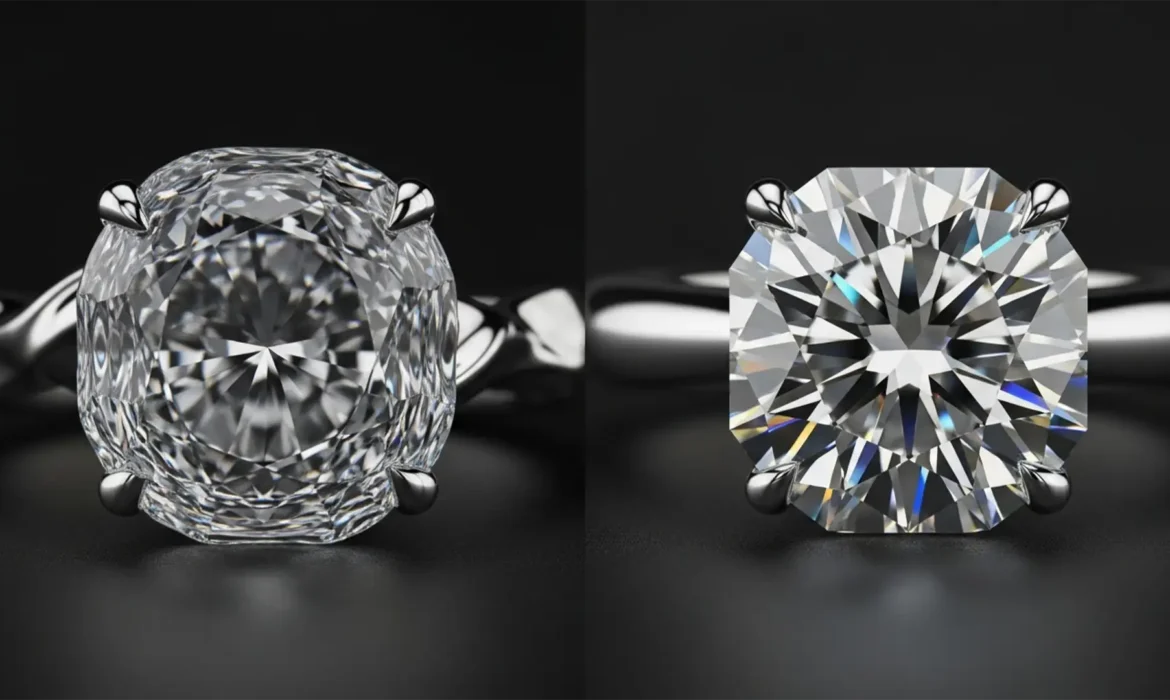
You’ve just shot a stunning piece of high-end jewelry, but the background needs cleanup. You lasso the area, hit Photoshop’s Generative Fill, and wait. The result? Your pristine, mathematically perfect diamond now looks like a melted piece of plastic.
If you’ve experienced this, you aren’t alone. While AI excels at generating organic textures, it fails miserably at the strict geometric topology required for jewelry. Instead of crisp optical fire, it generates blurry, asymmetrical blobs.
In this guide, we will show you exactly how to fix AI generative fill gemstone distortion using a professional hybrid retouching workflow that protects your diamonds while keeping your workflow fast.
Why Adobe Firefly AI Ruins Diamond Facets
In Adobe Photoshop v25.0 and newer (powered by the Adobe Firefly Image 2 Model), Generative Fill relies on diffusion algorithms. These algorithms are trained to blend and smooth pixels to create natural-looking elements.
However, diamonds are completely unnatural to an AI. They require absolute geometric precision. The AI lacks contextual awareness of optical “Fire and Brilliance” and the complex refraction index of a gemstone. When Firefly analyzes the sharp, high-contrast faceted reflections of a diamond, it interprets them as random image noise. It attempts to “fix” this noise by smoothing it out, resulting in Generative Fill artifacts that completely destroy the commercial value of the jewelry image.
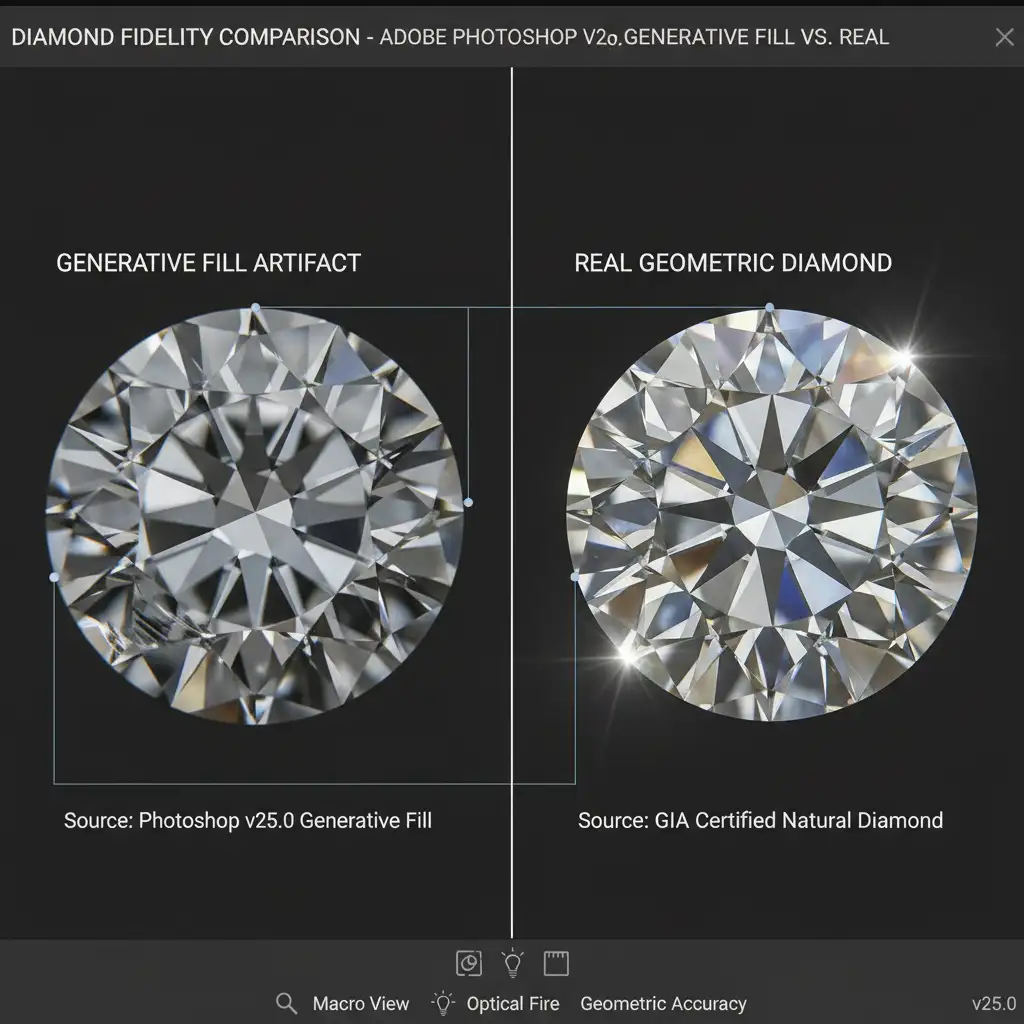
3 Ways to Fix AI Generative Fill Gemstone Distortion
To maintain the high standards required for e-commerce and editorial jewelry photography, you cannot rely purely on text prompts. Here is how professional retouchers solve the problem.
Method 1: The Quick Fix (Optimizing Your AI Prompts)
If the distortion is minor, the issue might be your text prompt. When you use generic terms like “diamond,” the AI pulls from a vast, uncurated dataset of both good and bad jewelry renders.
To force the AI to respect the structure of the stone, optimize your prompt with highly specific geometric descriptors.
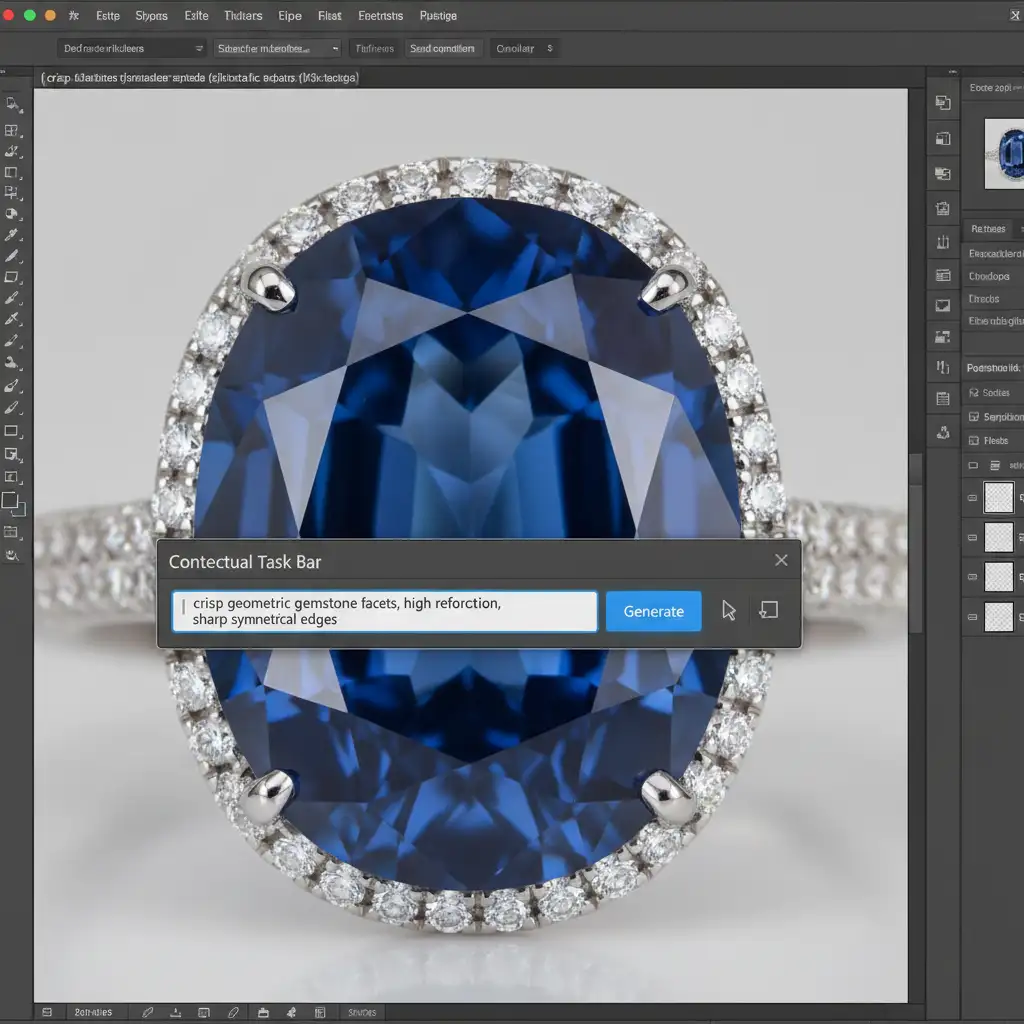
- Make your selection over the damaged area.
- Open the Contextual Task Bar.
- Type: crisp geometric gemstone facets, high refraction, sharp symmetrical edges
- Meticulously cycle through the variations panel until you find a structurally sound generation.
Method 2: The Pro Workaround (The Hybrid Retouching Workflow)
For high-end retouching, Method 1 is rarely enough. The most reliable way to prevent Generative Fill artifacts is to physically block the AI from touching the gemstone. We call this the hybrid retouching workflow.
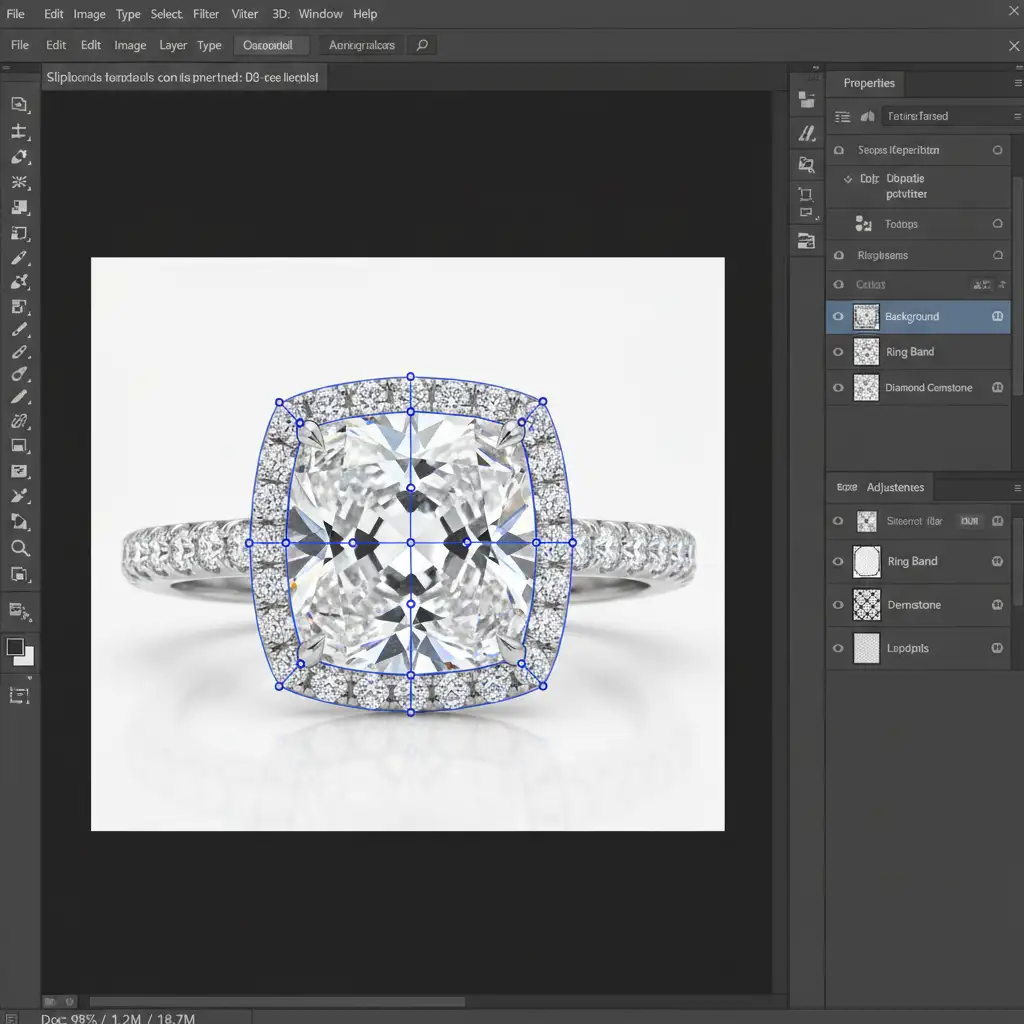
- Path Creation: Use the Pen Tool to draw a precise Pen Tool clipping path around the gemstone’s exact outer edges.
- Isolation: Convert the path to a selection and apply a Layer Mask to isolate the diamond on its own protective layer.
- Inversion: Go to your base image, load the diamond selection, and invert it (Ctrl/Cmd + Shift + I).
- Targeted Generation: Run Generative Fill to clean up the metal ring band or background. Because the gemstone is masked out of the selection, its original geometric precision remains untouched.
Method 3: Complete Gemstone Replacement (Technical Deep-Dive)
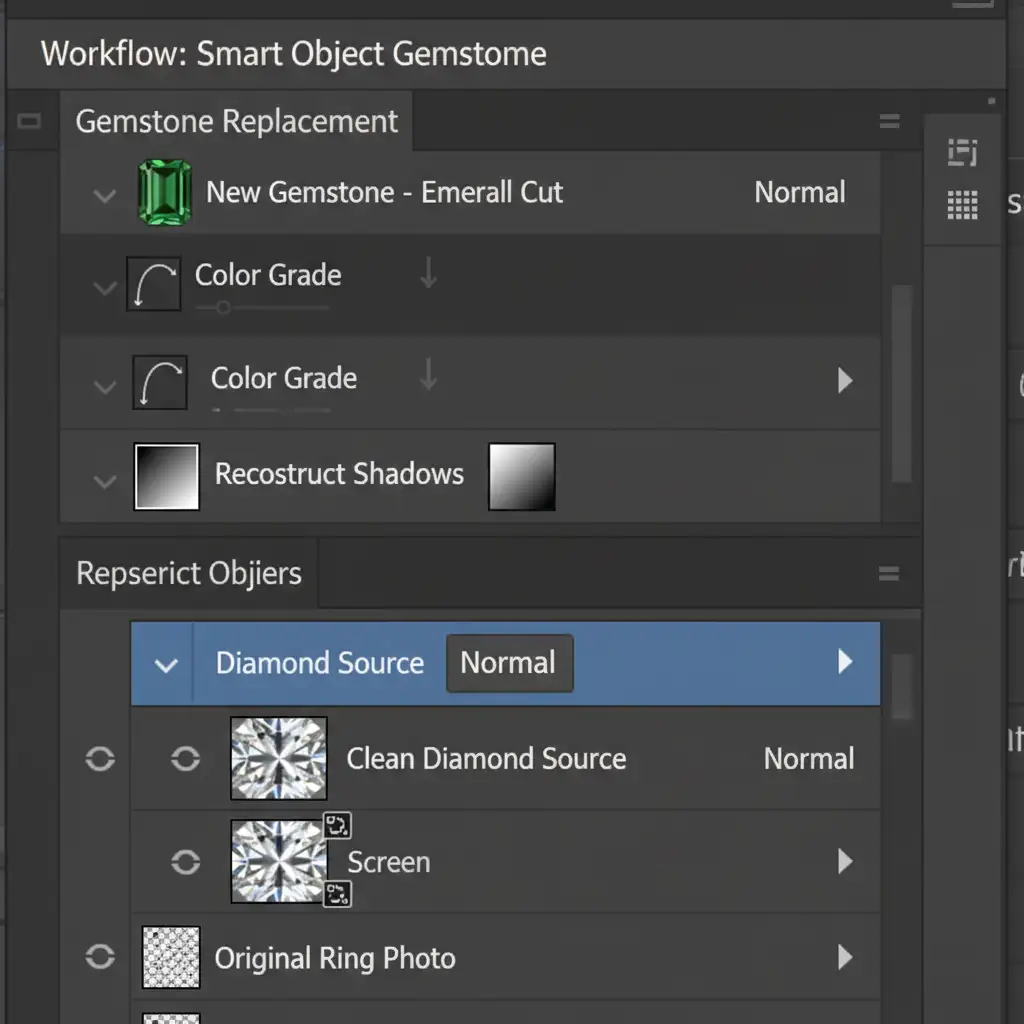
Sometimes, the original diamond is already heavily damaged by camera glare or poor studio lighting, meaning you can’t simply mask it. If Generative Fill fails to rebuild it, you must execute a complete gemstone replacement.
- Source a Clean Diamond: Import a high-resolution, geometrically perfect source image of a diamond as a Smart Object.
- Transform and Fit: Use the Transform and Warp tools to perfectly fit the new diamond into the existing prong setting.
- Blend Modes: Change the Smart Object’s blend mode to ‘Lighten’ or ‘Screen’ to drop out the dark pixels and blend the refraction into the ring.
- Reconstruct Lighting: Create a Curves adjustment layer, clip it to the Smart Object (Ctrl/Cmd + Alt + G), and manually reconstruct the prong shadows and internal reflections so the new diamond seamlessly matches the ambient lighting of the original photo.
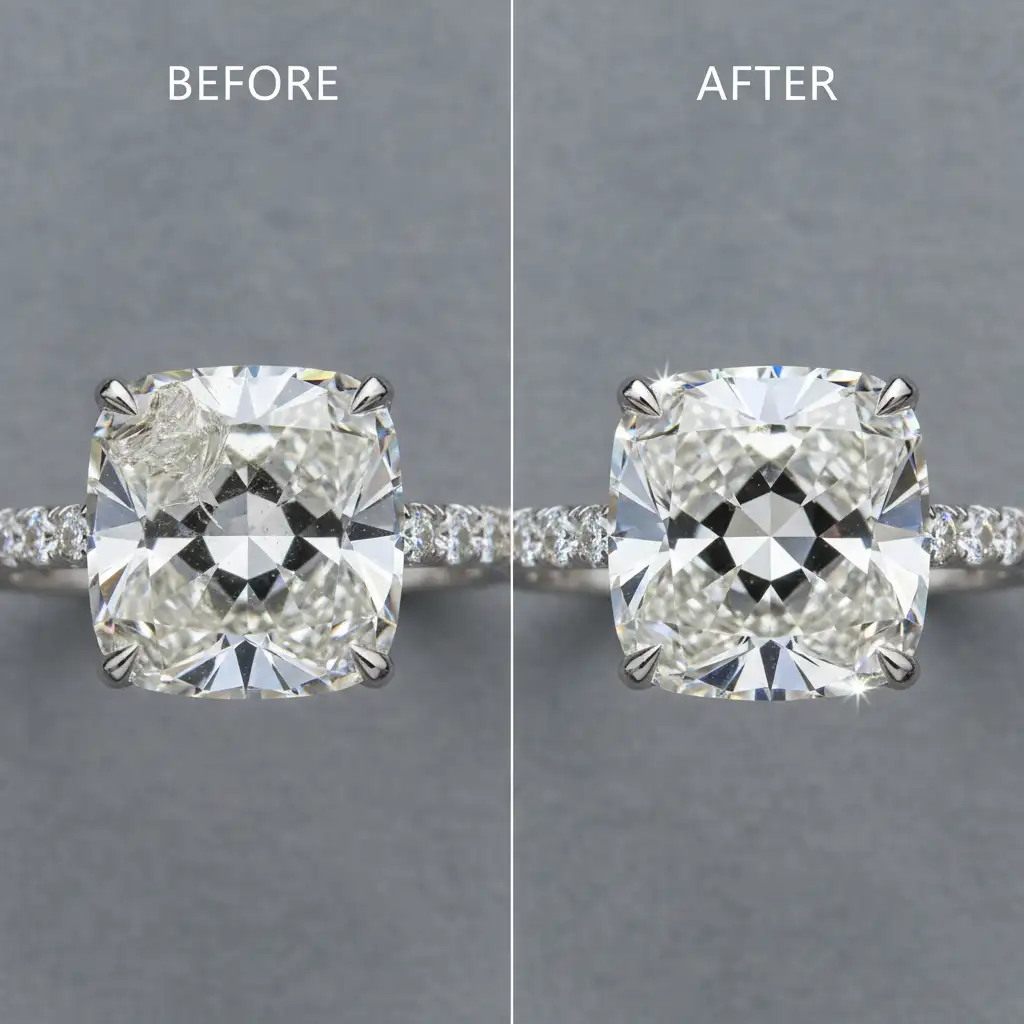
The Final Polish: Bringing Back Fire and Brilliance
By utilizing layer masking and Smart Objects, you bypass the limitations of Adobe Firefly AI entirely. This hybrid approach ensures you get the speed of AI background cleanup without sacrificing the mathematical perfection of your gemstones.
Stop Fighting AI: Let Image Work India & Cloud Retouch Handle It
Fixing AI generative fill gemstone distortion requires patience, an expert understanding of light refraction, and advanced Photoshop masking skills. If you are spending hours trying to rebuild melted diamond facets, you are losing valuable time.
Need flawless jewelry images without the AI artifacts? The experts at Image Work India and Cloud Retouch specialize in high-end jewelry retouching. We utilize a proprietary hybrid retouching workflow, combining AI efficiency for rapid background cleanup with pixel-perfect manual precision to make your diamonds shine exactly as they should.
Stop letting AI ruin your high-ticket products. Contact Image Work India and Cloud Retouch today for a free trial and see the difference manual geometric precision makes.



