
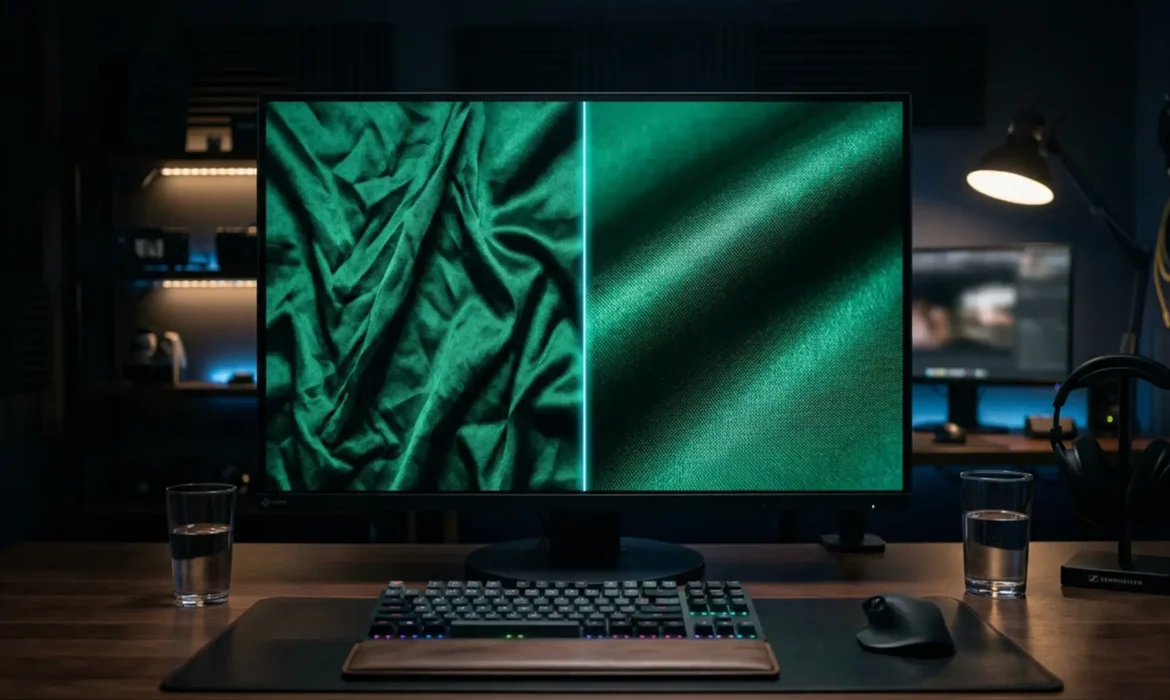
If you edit fabric crease removal, you know the nightmare of wrinkled garments. The client wants the dress perfectly smooth, but the second you attack those creases with a standard Clone Stamp or Healing Brush, disaster strikes. The fabric loses its natural drape, the delicate warp and weft vanish, and suddenly, luxury silk or satin looks like cheap, flat plastic.
You’ve successfully removed the wrinkle, but you’ve destroyed the “material weight.”
In this guide, we will explore the exact non-destructive fabric crease removal techniques used by top-tier retouchers in Photoshop v25.x (2024) to eliminate harsh shadows while keeping every single thread intact.
The Challenge: Preserving Material Weight in Fabric Retouching
The technical challenge of fabric retouching lies in separating the luminosity of the crease (the dark shadow and the bright highlight) from the high-frequency detail (the woven thread texture). When you clone over a wrinkle, you overwrite both the light and the texture. To achieve professional, high-end results, you must rely exclusively on non-destructive editing workflows.
Here are three proven methods to achieve flawless garments.
Method 1: The Quick Fix Using the Photoshop 2024 Remove Tool
For standard e-commerce workflows where speed is critical, the updated AI-driven Remove Tool in Photoshop 2024 is a game-changer. Unlike older healing tools, it intelligently analyzes the surrounding warp and weft to rebuild the fabric texture seamlessly.
The Workflow:
- Create a new blank layer above your base image.
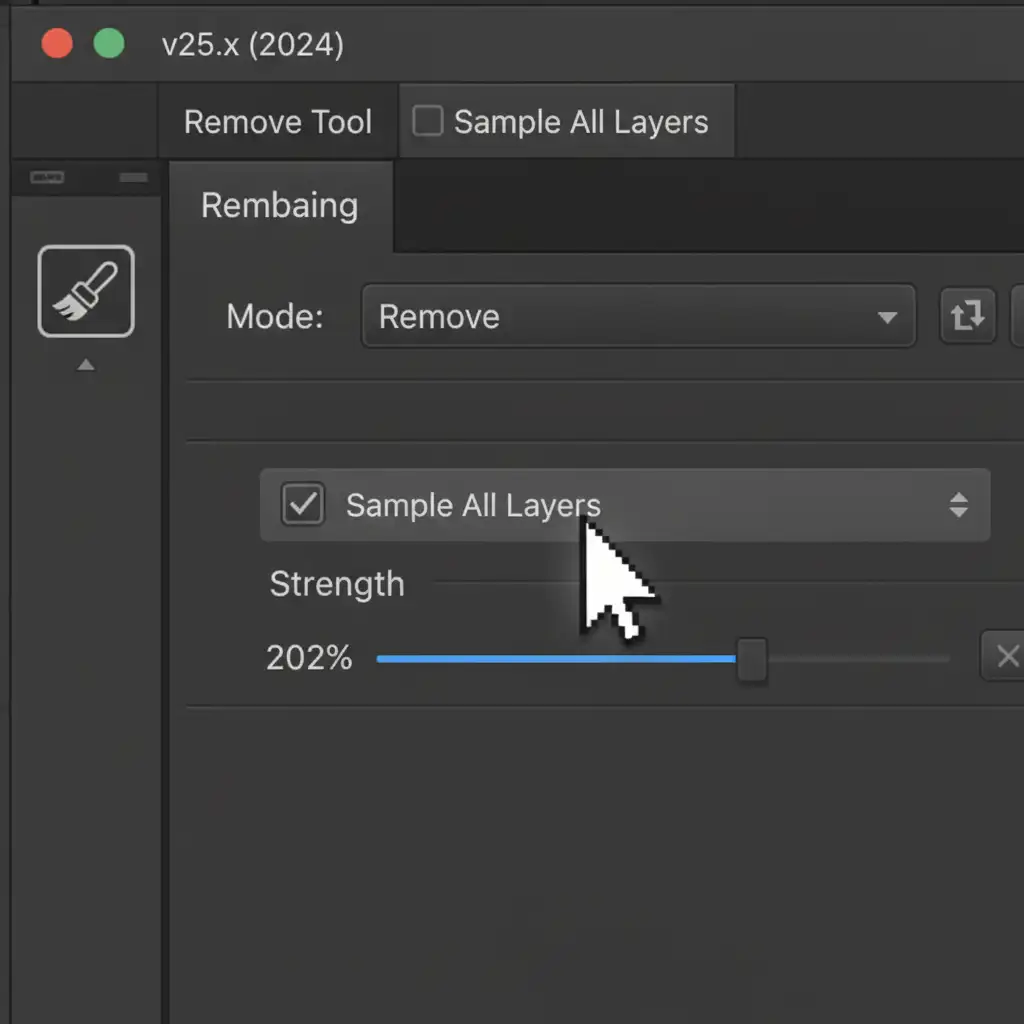
- Select the Remove Tool (J).
- In the top options bar, check the box for Sample All Layers.
- Lightly brush over the creases.
Because you are working on a blank layer, this is entirely non-destructive. If the tool over-blurs an area, simply use the eraser tool or a layer mask to bring back the original fabric.
Method 2: The Pro Workaround – Frequency Separation
When dealing with complex fabrics like linen or heavy cotton, the Remove Tool might struggle to perfectly align the weave. This is where Frequency Separation becomes essential.
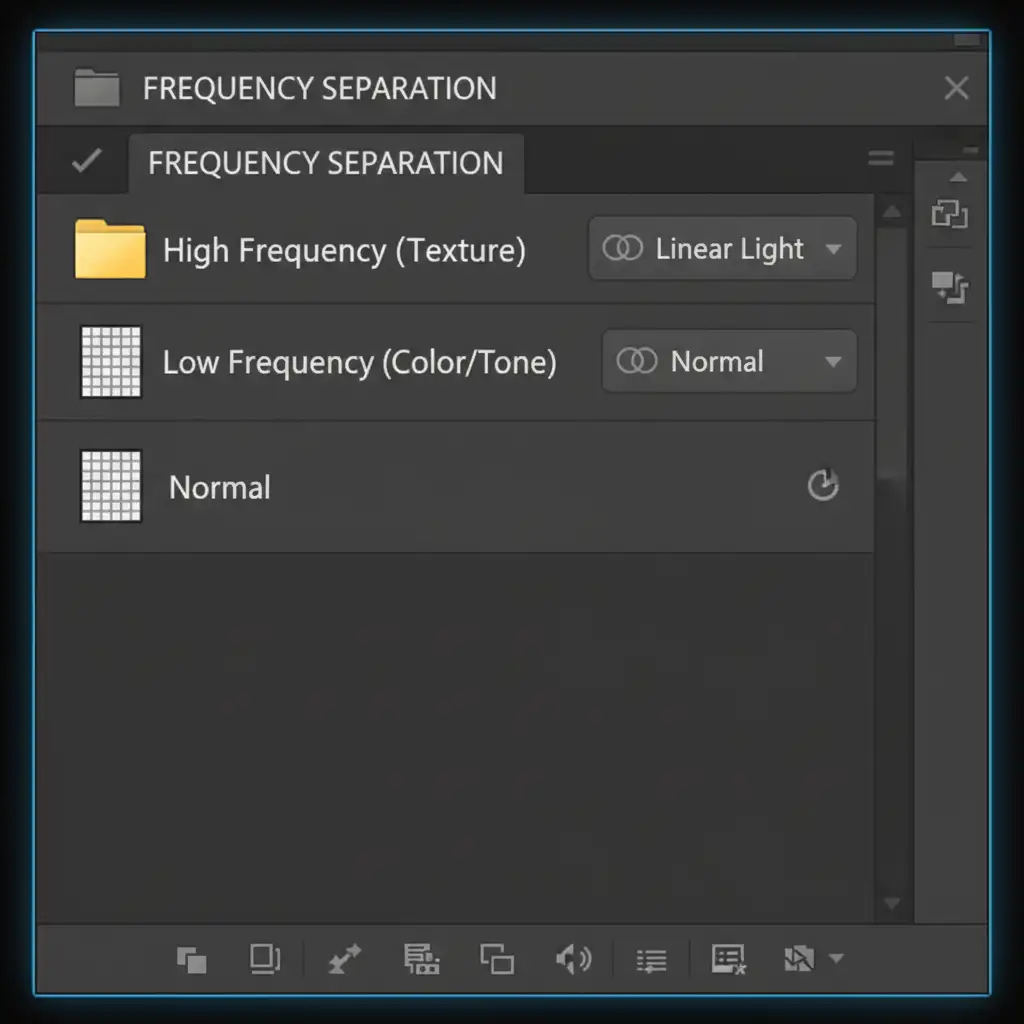
By splitting your image into a Low Frequency layer (which holds color and tone) and a High Frequency layer (which holds the texture), you can manipulate the shadow of the crease without ever touching the fabric’s physical appearance.
The Workflow:
- Run your standard Frequency Separation action to create your two distinct layers.
- Select the Low Frequency (color/tone) layer.
- Select the Mixer Brush tool. Set it to a clean brush, with Wet, Load, Mix, and Flow set to around 20-30%.
- Gently brush along the shadow of the crease. You are essentially smudging the dark tones into the lighter tones, flattening the lighting.
- Because the High Frequency detail layer remains untouched above it, the material weight and texture remain perfect.
Method 3: The Technical Deep-Dive – Micro Dodge and Burn
For high-end editorial and luxury fashion campaigns, blurring tones with a Mixer Brush isn’t enough. You need absolute pixel-perfect control over the micro-contrast of the garment. The ultimate technique for non-destructive fabric crease removal is Micro Dodge and Burn.
Instead of removing pixels, you are neutralizing the lighting of the wrinkle.
The Workflow:
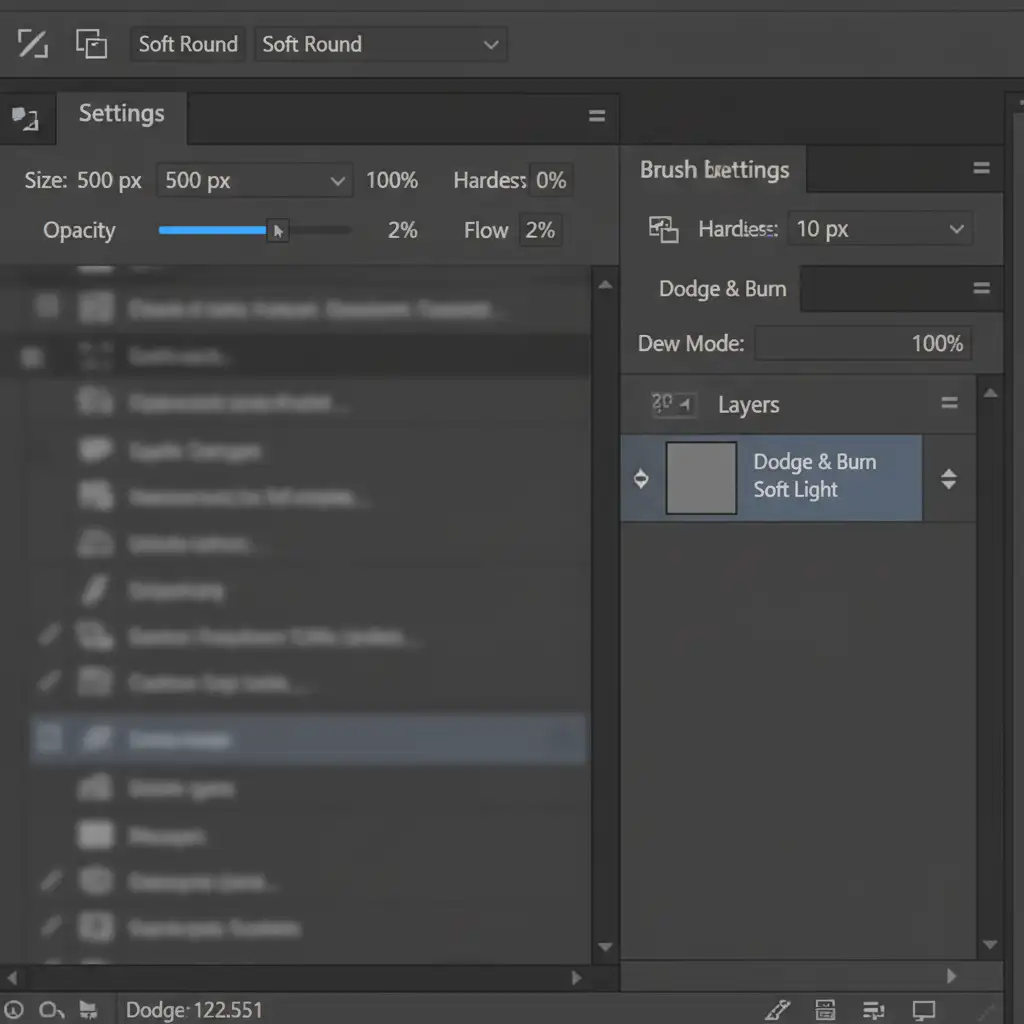
- Create a new layer and fill it with 50% Gray.
- Change the layer’s blending mode to Soft Light.
- Select the Brush tool with a very soft edge.
- Drop your Flow to 1% or 2% (Opacity at 100%).
- To remove a crease, manually paint white over the dark shadow of the wrinkle to lift it. Then, paint black over the bright highlight ridge to darken it.
(Pro Tip: For extreme precision, advanced retouchers pair this technique with a Luminosity Mask to restrict their brush strokes solely to the darkest shadows of the crease.)
By meticulously balancing the light, the wrinkle vanishes, but the fabric’s actual texture is never altered.
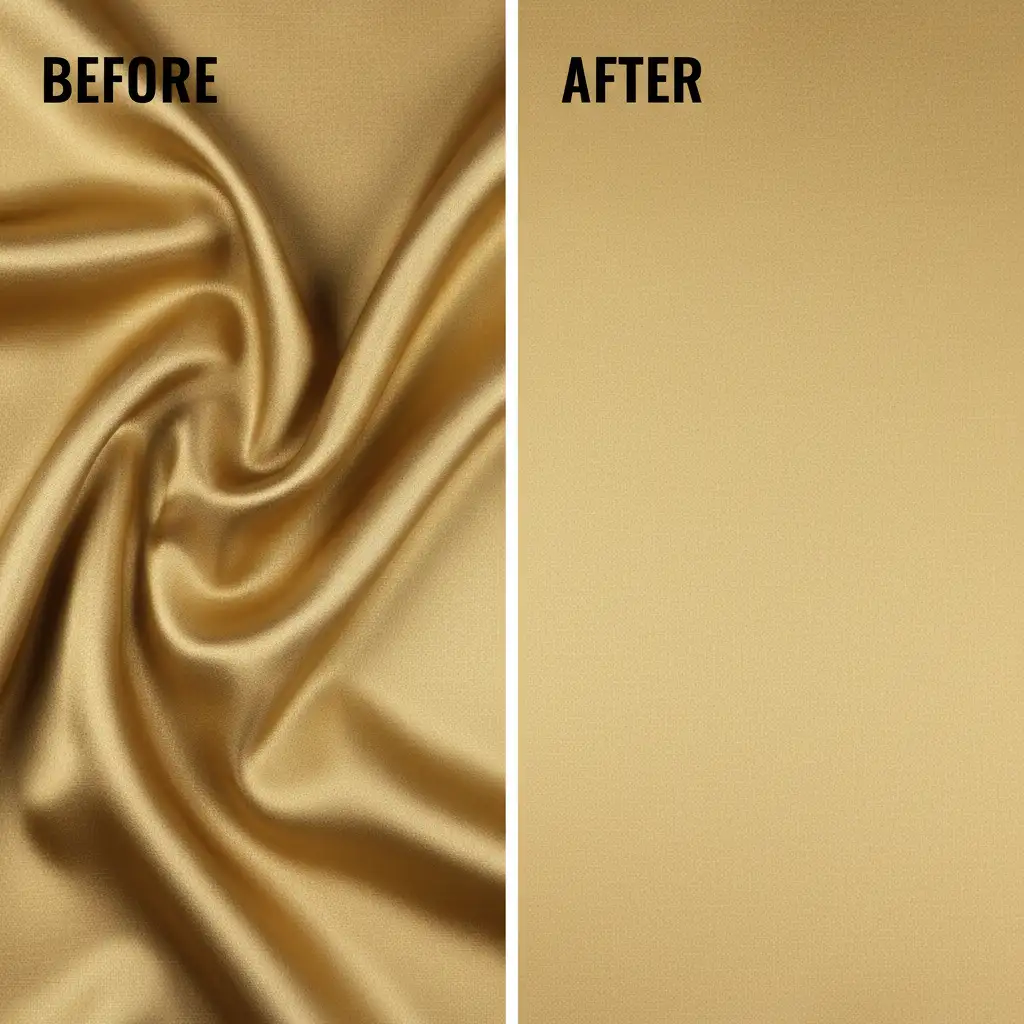
Stop Struggling with Fabric Retouching. Let the Experts Handle It.
Achieving perfect non-destructive fabric crease removal requires immense patience, a deep understanding of Photoshop 2024’s toolset, and hours of meticulous Dodge and Burn work. When you are managing high-volume fashion e-commerce shoots, you simply don’t have the time to spend 45 minutes fixing the warp and weft on a single dress.
That’s where we step in.
At Image Work India and Cloud Retouch, our dedicated team of high-end retouchers specializes in texture-perfect fabric editing. We utilize advanced Frequency Separation and Micro Dodge & Burn techniques to ensure your garments look flawless, natural, and luxurious—never plastic or flat.
Ready to elevate your e-commerce visuals and save hours of post-production time? Contact Image Work India and Cloud Retouch today for a custom retouching quote and let us perfect your apparel photography.



