
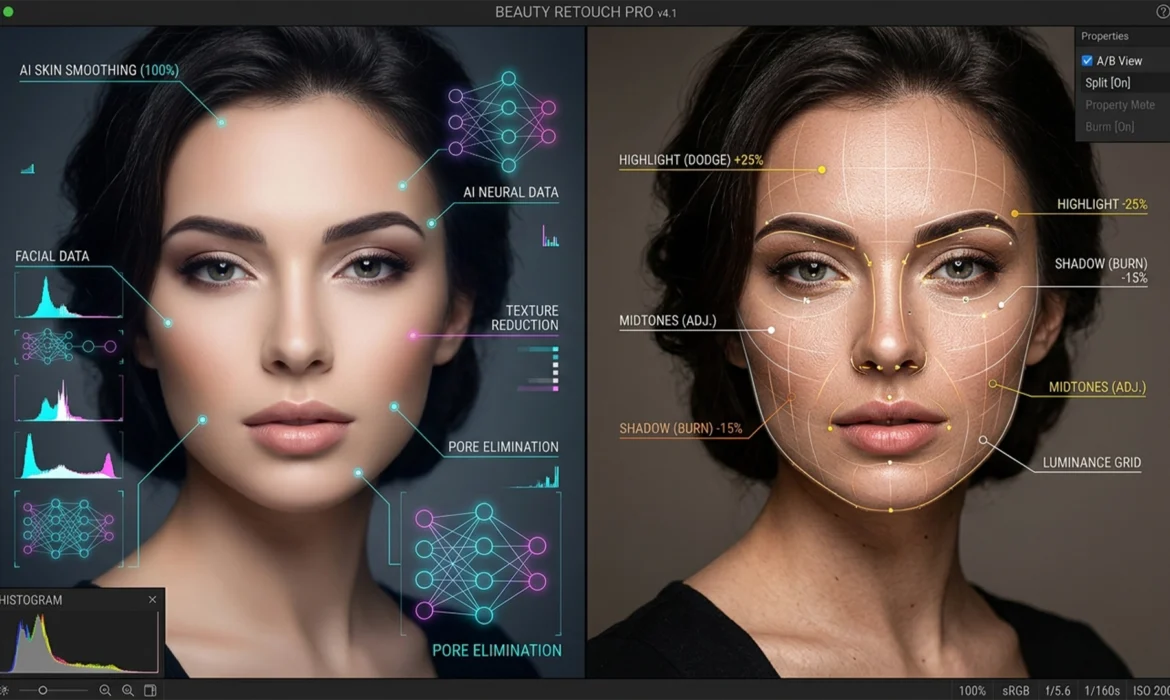
In modern high-end beauty retouching, the ultimate challenge is balancing flawless, luminous skin with absolute natural texture retention. You’ve likely experienced the frustration: you apply the latest AI noise reduction, and suddenly, your subject looks like a plastic mannequin. Pores vanish, micro-hairs melt, and the realistic micro-contrast is destroyed.
So, when comparing AI noise reduction vs manual dodge and burn, which technique actually delivers magazine-quality results? While Photoshop v25.x and Lightroom Classic v13.x boast highly capable AI tools, professional retouchers know that nothing entirely replaces the precision of manual pixel-level retouching. Let’s break down the exact workflows, limitations, and hybrid solutions used in global beauty campaigns.
The Core Problem: Why AI Struggles with Skin Texture Retention
Adobe introduced advanced AI Denoise (powered by Adobe Sensei) to drastically reduce luminance noise in RAW files. For landscapes or low-light event photography, it is a massive time-saver. However, high-end beauty photography operates on a different standard.
AI models are trained to seek out and eliminate random pixel variations. Unfortunately, the algorithm often misinterprets critical facial details—like natural pores, fine peach fuzz, and micro-shadows—as noise. The result is a destructive, over-smoothed appearance that ruins the integrity of the image.
Manual Micro Dodge and Burn (D&B), on the other hand, targets pixel-level luminosity shifts. By selectively lightening (dodging) and darkening (burning) specific pixels, retouchers can smooth out blotchy transitions and blemishes without altering the underlying pixel data. This ensures 100% skin texture retention.
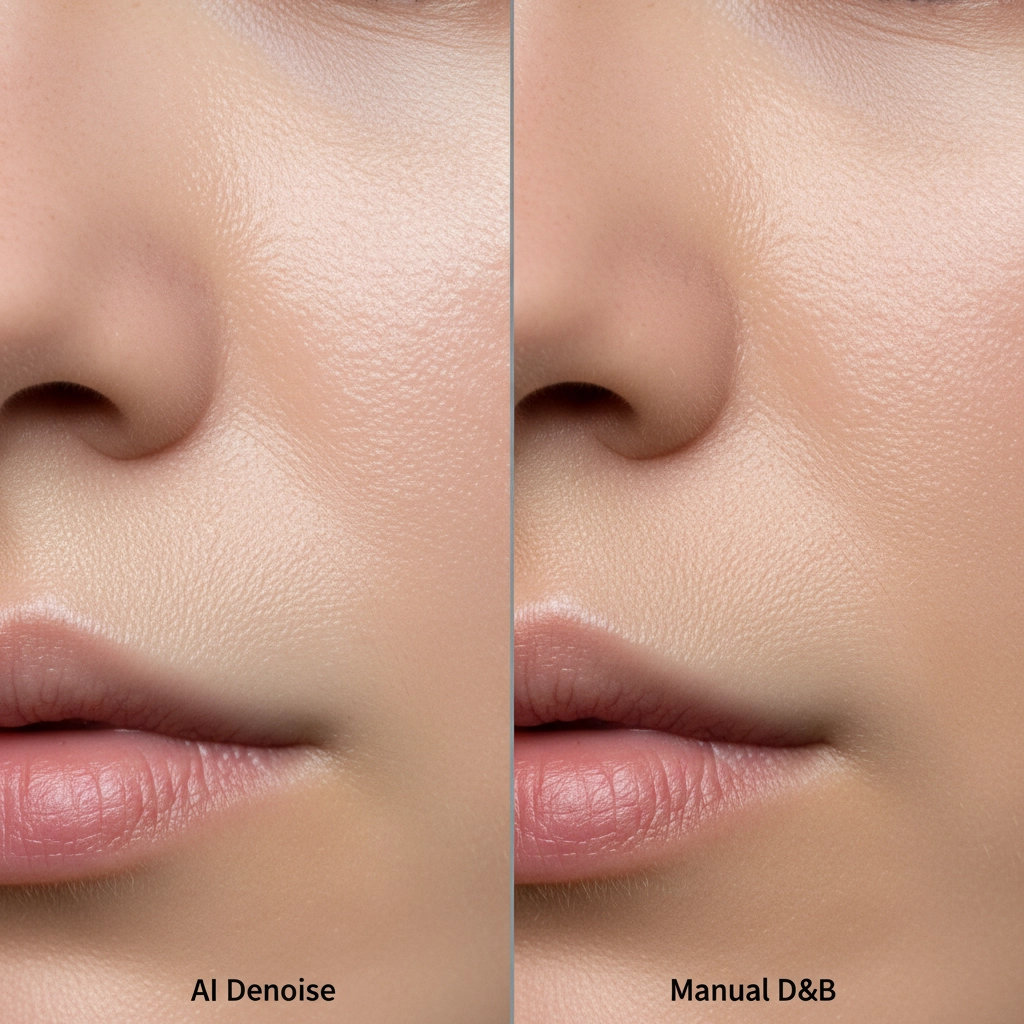
AI Noise Reduction vs Manual Dodge and Burn: The Showdown
To understand how to optimize your non-destructive editing workflow, we must look at the standard approaches to noise and texture management.
Method A: The Quick Fix – AI Denoise Application
If you are working on a tight deadline for social media deliverables, AI Denoise can provide a fast baseline.
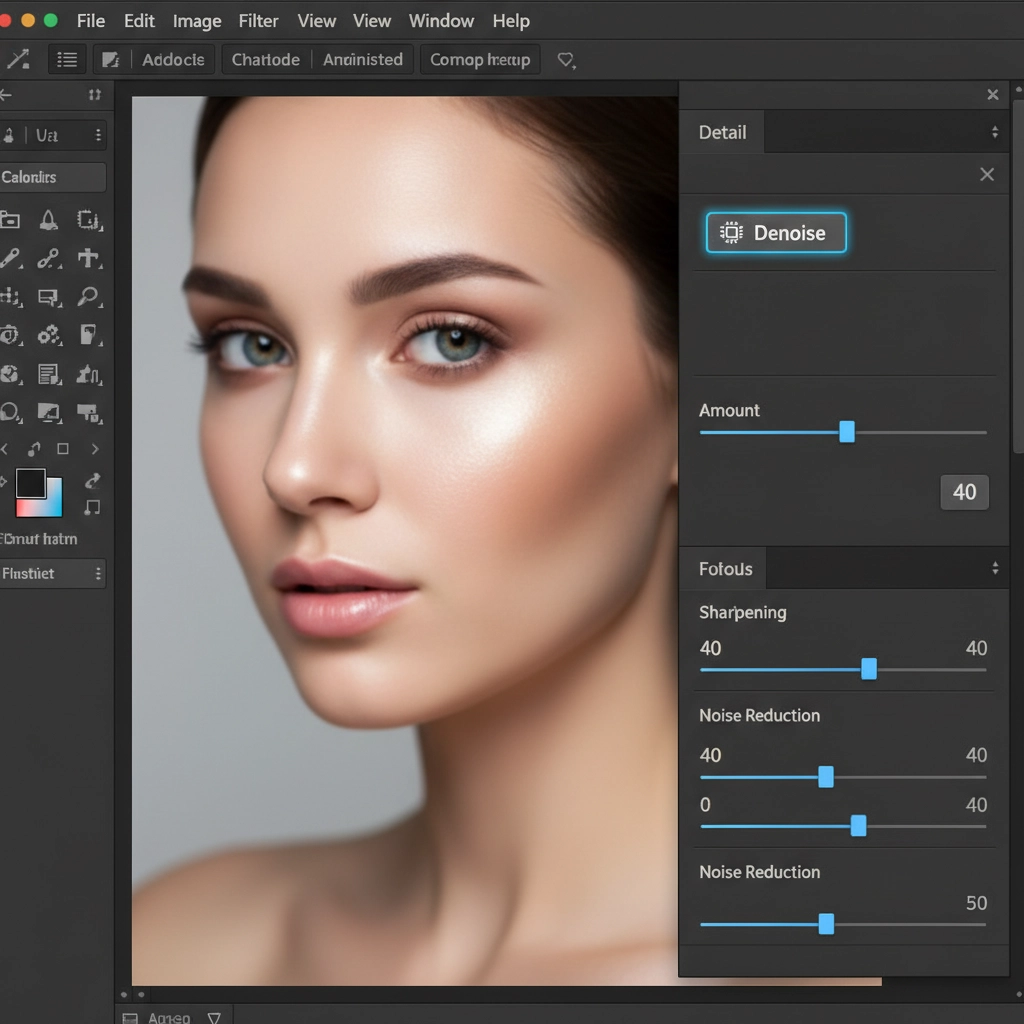
- Open your RAW file in Adobe Camera Raw (ACR).
- Navigate to the Detail panel.
- Click the Denoise button to activate the AI model.
- Crucial Step: Do not leave this at the default 50+. Set the slider between 30-50 to reduce base noise without entirely melting the skin texture.
- Open the image into Photoshop as a Smart Object.
Method B: The Pro Standard – Manual Micro Dodge & Burn
For global beauty campaigns, Method A is insufficient. True professionals rely on Micro Dodge and Burn to maintain absolute control over the image.
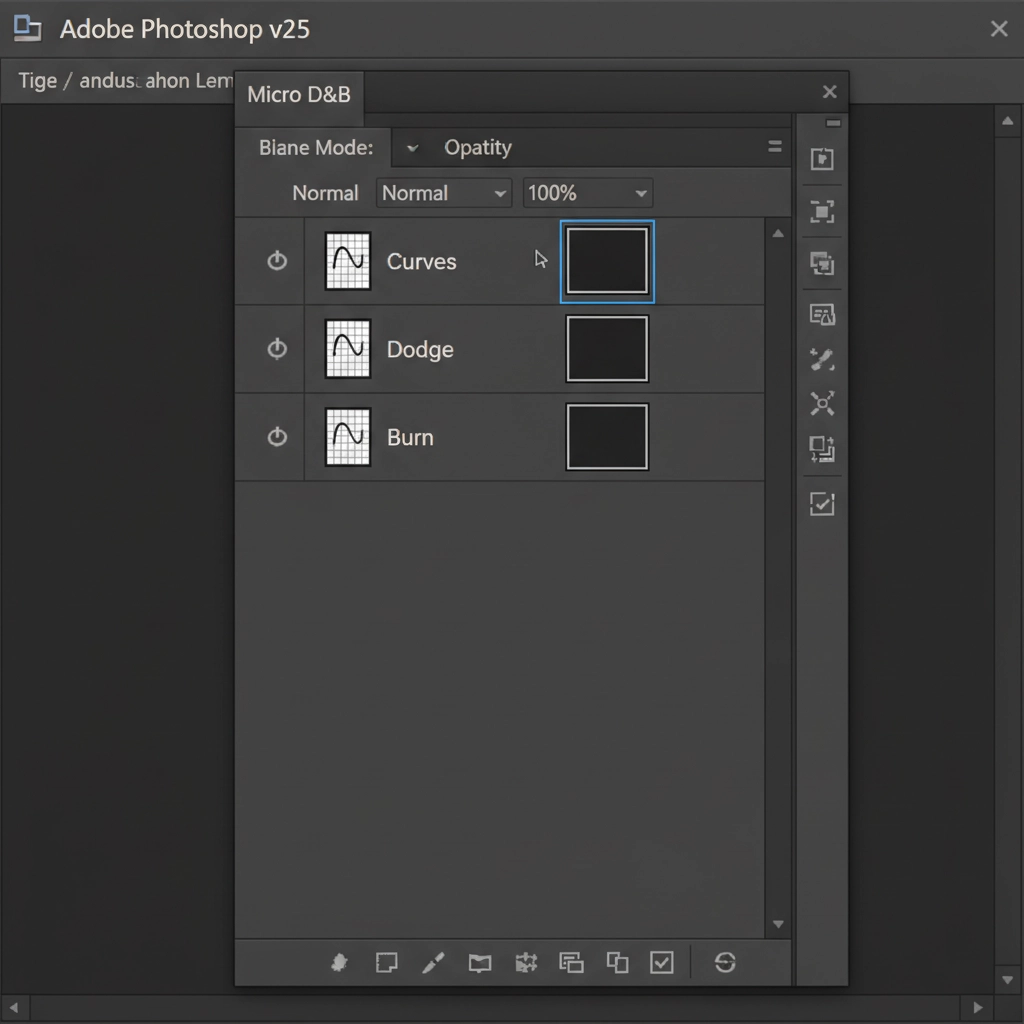
- Create two Curves adjustment layers. Pull the curve up on the first layer (name it “Dodge”) and pull the curve down on the second layer (name it “Burn”).
- Group the layers and invert both layer masks to black.
- Select a soft round brush and set your Flow to 1-2%.
- Zoom in to 100-200% and manually paint white on the masks over dark pores (Dodge) and light hotspots (Burn).
This method is highly manual and requires immense skill, but it guarantees that the pixel structure remains untouched.
The Ultimate Technical Deep-Dive: Hybrid Smart Masking Technique
The primary technical challenge is optimizing the workflow to save time without sacrificing the 100% texture retention required by top-tier clients. The solution is a hybrid approach that leverages AI for base noise reduction in non-critical areas while relying on manual D&B for the focal points.
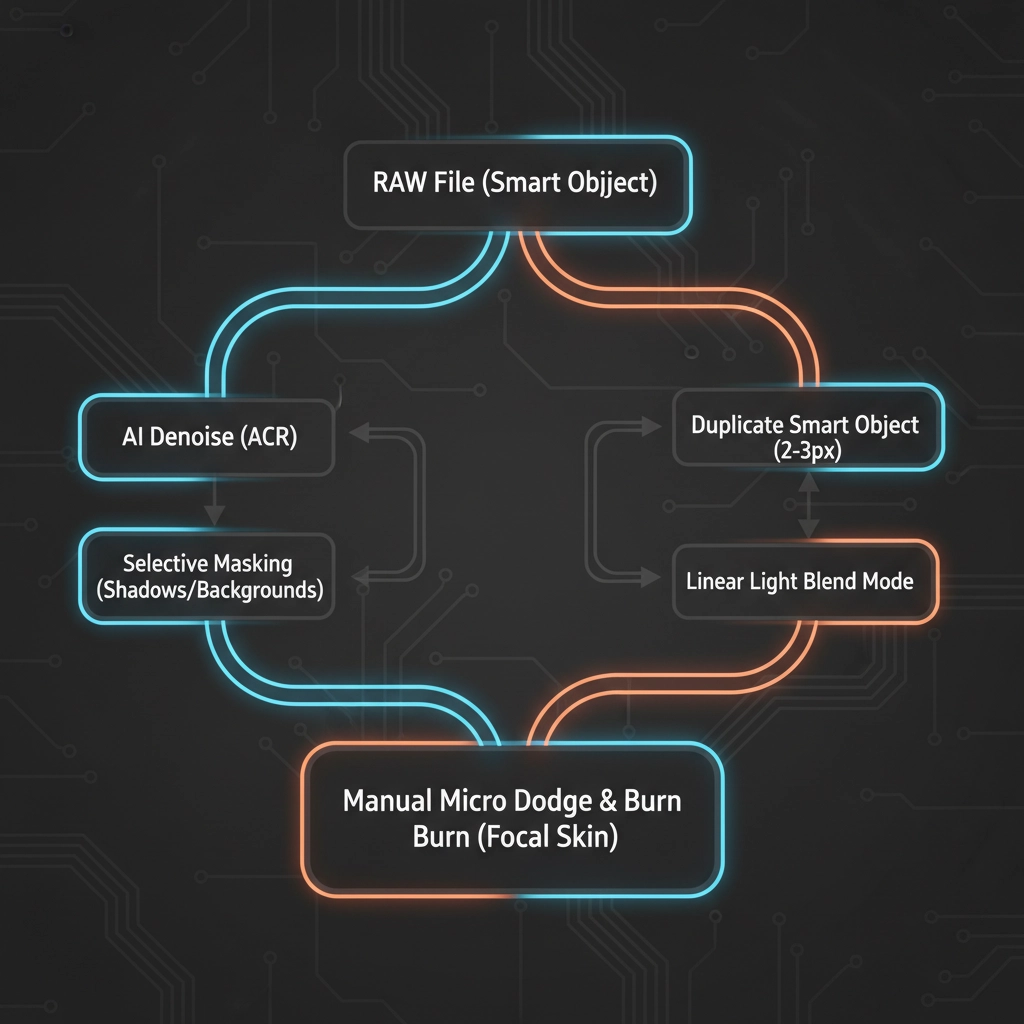
Step-by-Step Hybrid Workflow
- Base AI Processing: Apply AI Denoise via ACR on a Smart Object as described in Method A.
- Smart Object Duplication: Duplicate the Smart Object via copy (Ctrl/Cmd + J will not work here; you must right-click and select “New Smart Object via Copy”).
- Texture Recovery: Rasterize the duplicated layer. Apply a High Pass filter (radius 2-3px) to capture the micro-contrast.
- Blend Modes: Change the blend mode of the High Pass layer to Linear Light. This recovers the edge contrast that the AI Denoise smeared.
- Selective Masking: Group these layers and apply an inverted (black) mask.
- Targeted Application: Using a soft white brush, selectively paint in the AI noise reduction only in areas lacking critical texture (like deep shadows, out-of-focus hair, or studio backgrounds).
- Final Polish: Leave the focal skin texture to be refined solely by manual Micro Dodge and Burn.
Integrating with Advanced Retouching Systems
This hybrid method fits perfectly into broader non-destructive workflows. Whether you are using Frequency Separation for macro color correction or Luminosity masking to target specific tonal ranges, keeping your noise reduction isolated via Smart Objects ensures you can always roll back your edits.
AI is an incredible tool for heavy lifting, but it lacks the human eye’s understanding of anatomy, lighting, and natural beauty. By restricting AI noise reduction to the shadows and relying on manual dodge and burn for the highlights and midtones, you achieve the holy grail of retouching: an image that looks completely unretouched, yet entirely flawless.
Need Pixel-Perfect Retouching Without the Plastic AI Look?
Mastering the balance between AI noise reduction vs manual dodge and burn takes years of practice and countless hours per image. If your agency, studio, or e-commerce brand requires flawless skin without the plasticized, over-smoothed AI effect, you don’t have to tackle it alone.
Outsource your high-end retouching to Image Work India and Cloud Retouch. Our team of professional retouchers blends cutting-edge AI technology with artisanal, pixel-level Dodge and Burn techniques to deliver magazine-ready results that retain 100% of the natural skin texture.
Let us handle the technical deep-dives so you can focus on shooting. Contact Image Work India and Cloud Retouch today to elevate your beauty campaigns to the global standard.



