
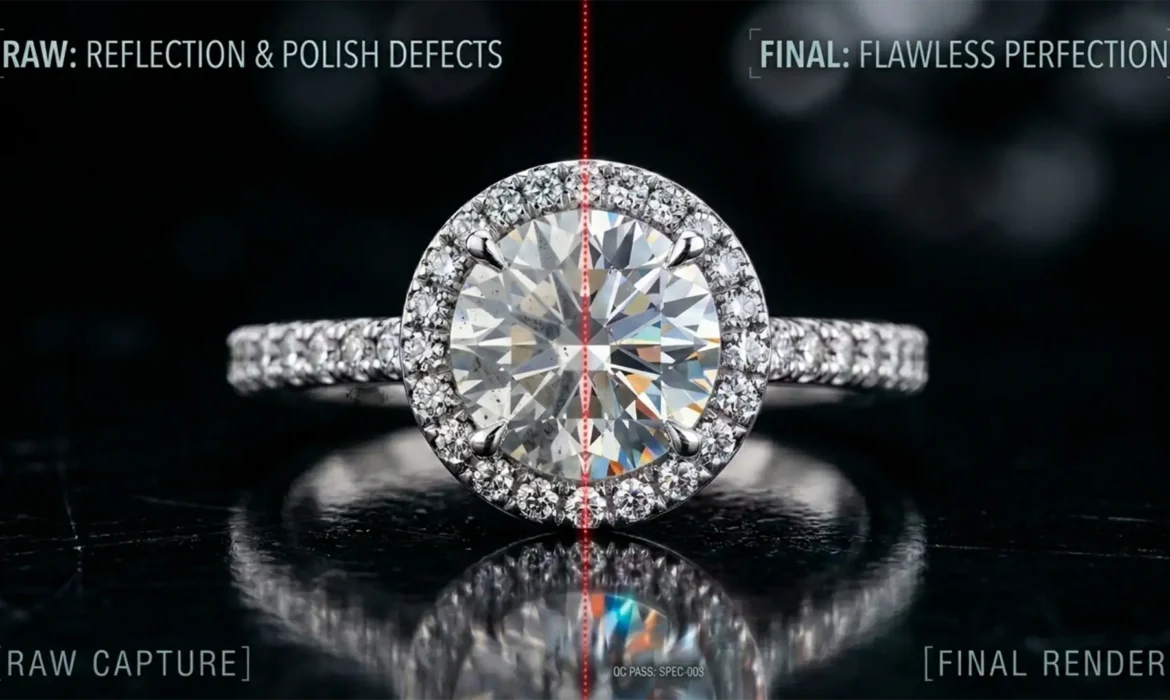
Have you ever received a batch of retouched jewelry images only to find your expensive silver or gold pieces looking like cheap, melted plastic? You are not alone. Improper reflection cleanup
is the number one culprit behind losing the vital 3D volume of jewelry. Novice retouchers often rely on destructive Clone Stamp techniques or heavy-handed Surface Blurs. This flattens the dynamic range, destroys micro-contrast, and leaves you with a CGI-like disaster. If you want to maintain the authentic, high-end look of real metal, you need to master non-destructive reflection cleanup. Here is how the professionals do it.
Why Traditional Reflection Cleanup Fails on Jewelry
In Photoshop CC v25.x and above, the tools available to retouchers are incredibly powerful, but using them incorrectly on hard metallic surfaces yields disastrous results. Metal is defined by its texture—the tiny scratches, the metal grain, and the sharp specular highlights.
When amateurs attempt to remove distracting dark spots, camera lens reflections, or environmental bounce lights, they often blur the underlying texture. This destroys the micro-contrast and edge highlights that give metal its physical weight. True non-destructive editing requires isolating these high-frequency details (the grain and scratches) from the low-frequency data (the color and luminosity gradients).
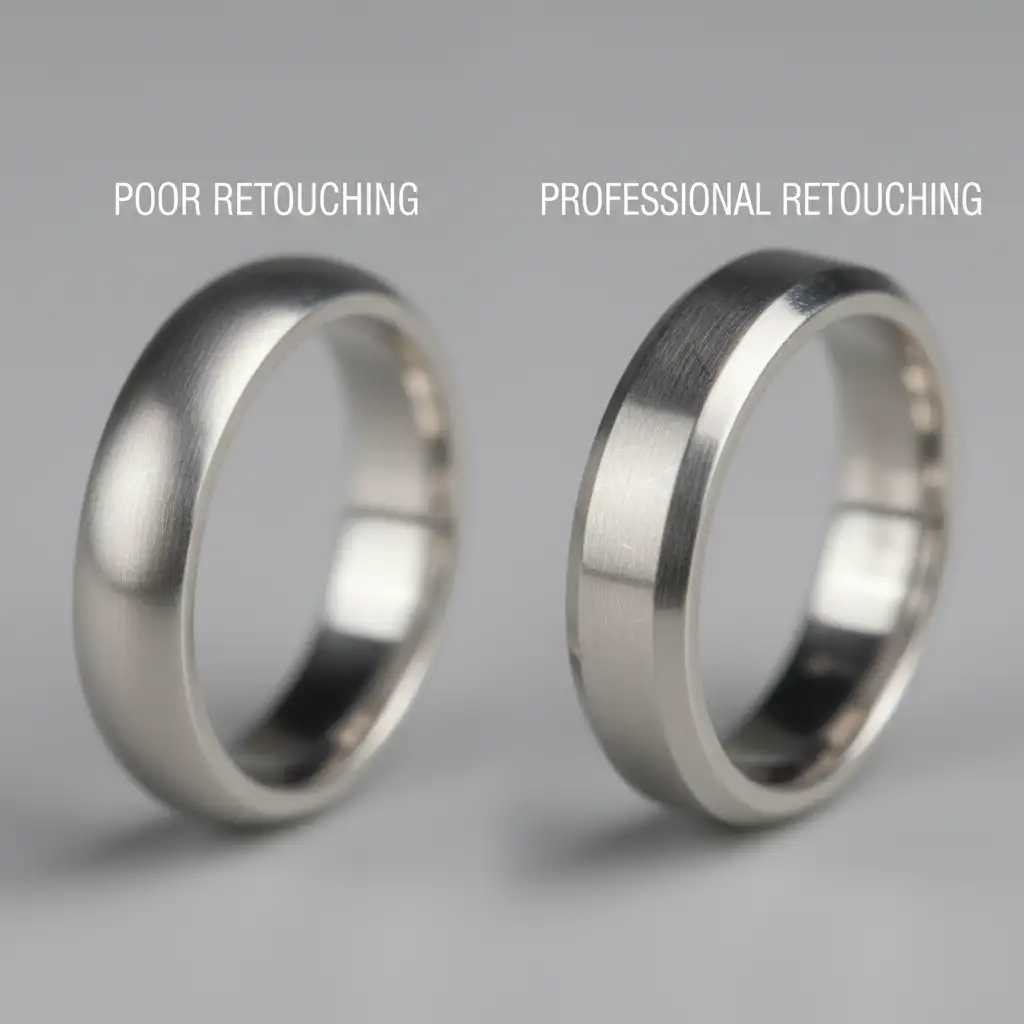
3 Pro Methods for Non-Destructive Reflection Cleanup for Metal
To ensure the preservation of 3D volume while safely removing reflections, you must adopt a multi-tiered approach. Depending on the severity of the reflection, here are three progressive methods.
Method A: The Quick Fix (Luminosity and Color Blending)
For minor environmental color casts or uneven lighting caused by studio bounce cards, you don’t always need complex masking.
- Create a blank layer above your base image.
- Set the layer’s blend mode to Color (to fix unwanted color casts) or Luminosity (to even out harsh lighting gradients).
- Select a very soft brush and drop the flow to 10%.
- Gently paint over the offending reflection by sampling adjacent, clean tones.
Because you are only affecting specific color or luminosity values on a blank layer, the underlying texture remains entirely untouched.
Method B: The Pro Workaround (Smart Object Frequency Separation)
When dealing with harsh camera reflections that disrupt the surface gradient, standard healing tools fail. You need frequency separation, but it must be non-destructive.
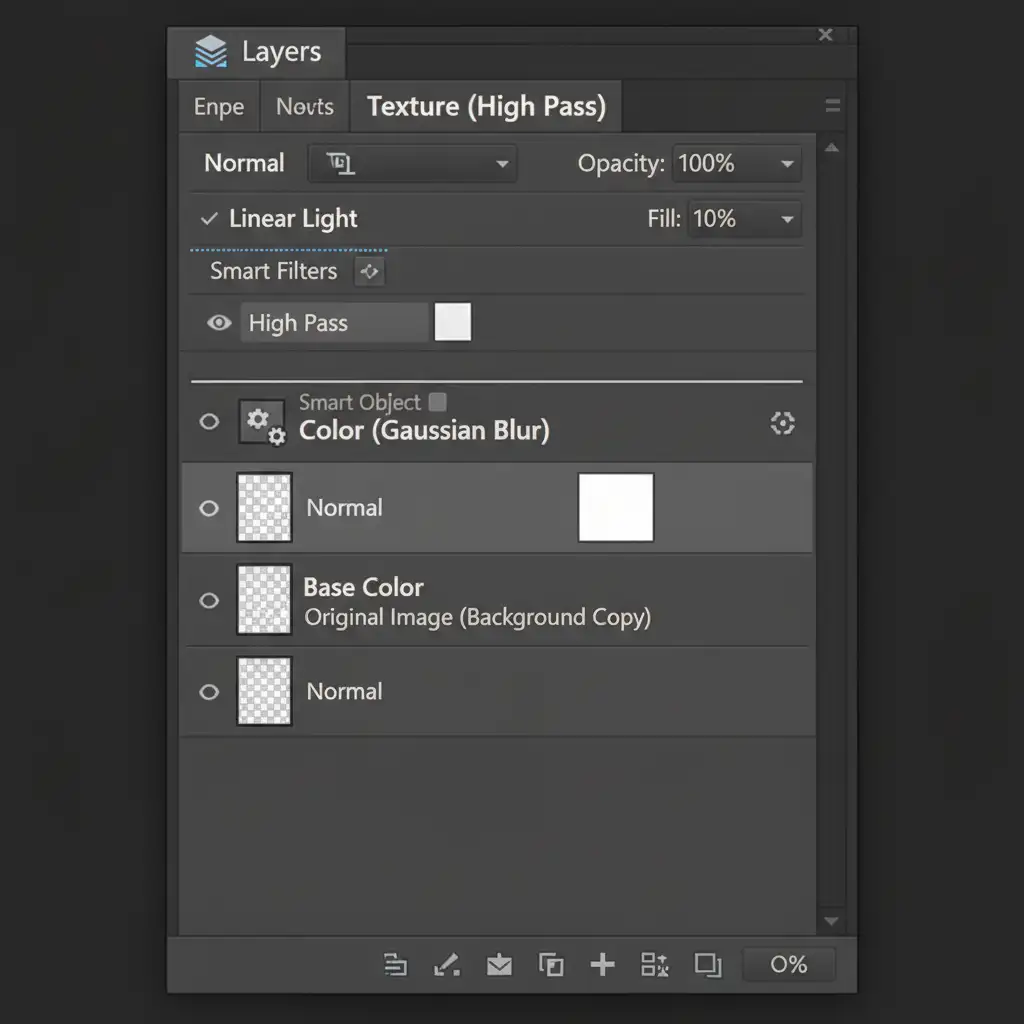
- Convert your base image layer into a Smart Object.
- Duplicate this Smart Object. You now have a lower layer (Color/Low Frequency) and an upper layer (Texture/High Frequency).
- Apply a Gaussian Blur to the lower Color layer until the reflections smooth out.
- Apply a High Pass filter to the upper Texture layer, and set its blend mode to Linear Light. This perfectly preserves the metal’s grain.
- Add a layer mask to the lower Color layer. Paint with a soft black brush to mask out the harsh reflections, allowing the smoothed color to show through while the High Pass layer maintains the physical texture.
Method C: The Technical Deep-Dive (Gradient Maps & Blend If)
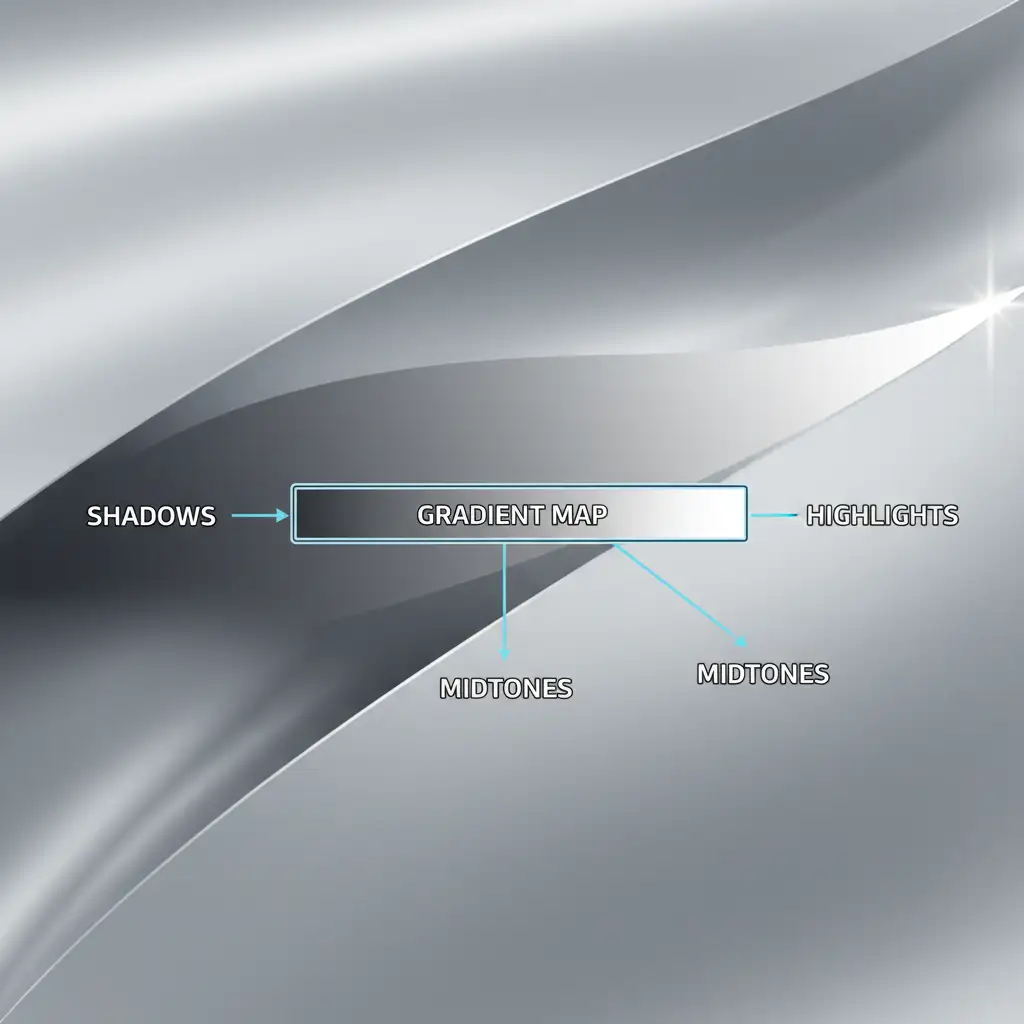
For complex anisotropic reflections on curved silver or gold, you must map new gradients onto the metal without destroying the extreme highlights and shadows. This requires precise Gradient Maps governed by Blend If sliders.
- Sample the perfect highlight, midtone, and core shadow directly from the clean areas of the metal.
- Use these samples to build a custom Gradient Map adjustment layer, and clip it to your metal layer.
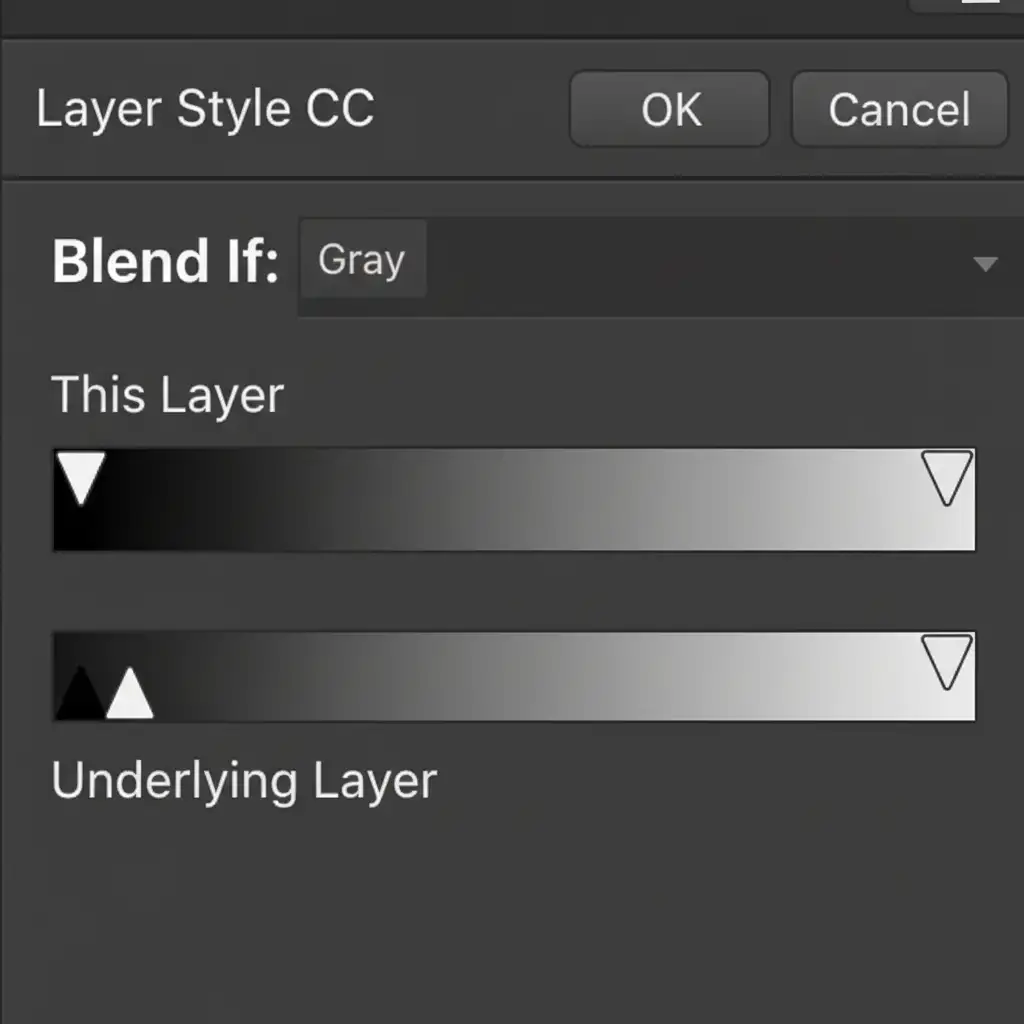
- Double-click the Gradient Map layer to open the Layer Styles dialog box.
- Navigate to the ‘Underlying Layer’ Blend If sliders.
- Hold Alt/Option to split the slider arrows. Carefully drag the split sliders inward to protect the 255 pure white specular highlights and the deep black core shadows.
By utilizing this advanced form of luminosity masking, your gradient map only corrects the midtone reflections, perfectly protecting the extremes that give the metal its authentic shine.
Flawless Metal Retouching at Scale
High-end jewelry retouching requires a master’s touch. Executing non-destructive reflection cleanup for metal takes time, deep technical knowledge of Photoshop CC, and a trained eye for micro-contrast. If your in-house team is struggling to maintain authenticity while hitting strict deadlines, it is time to bring in the specialists.
Outsource your complex jewelry editing workflows to Image Work India and Cloud Retouch. Our expert retouchers specialize in non-destructive editing, advanced frequency separation, and precise luminosity masking. We ensure your commercial jewelry imagery is flawless, scalable, and—most importantly—looks like real, expensive metal. Contact us today to elevate your product photography.



