
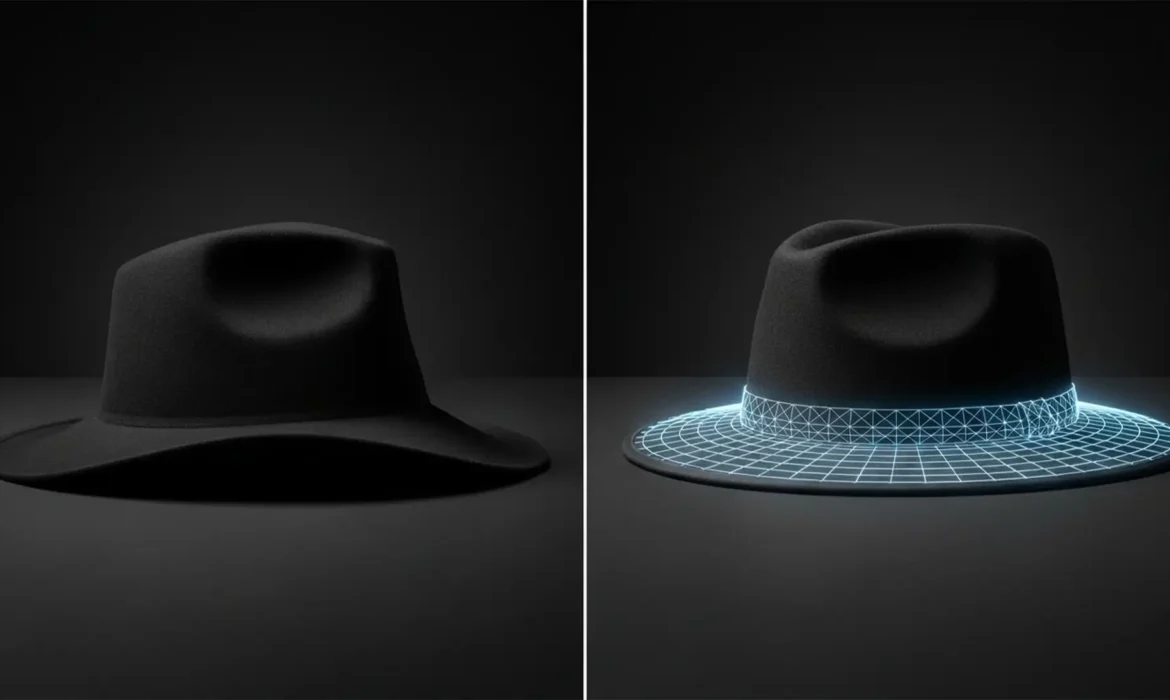
Nothing ruins a high-end e-commerce catalog faster than structural distortion in digital hat photography. Due to shipping and handling, hats frequently arrive on set with floppy brims, asymmetrical crowns, and unsightly dents. When retouchers try to fix these issues using basic transformation tools, they often run into a frustrating roadblock: pixel distortion that ruins the natural weave of straw, felt, or wool.
If you want to achieve flawless digital hat brim straightening and symmetry without stretching fabric textures or creating artificial blur, you need a professional approach. In this guide, we will break down the exact non-destructive editing workflows in Adobe Photoshop v24.x to v27.x to achieve perfect silhouette correction every time.
Why Headwear Photography Demands Specialized Retouching
Woven materials are notoriously unforgiving in post-production. Standard stretching techniques warp the individual threads of the hat, immediately signaling to a customer that the image has been heavily manipulated. To preserve the integrity of the fabric while reshaping the hat, retouchers must rely on advanced Photoshop features like Smart Objects, Puppet Warp meshes, and Frequency Separation.
Preparing Your Workspace: Non-Destructive Editing
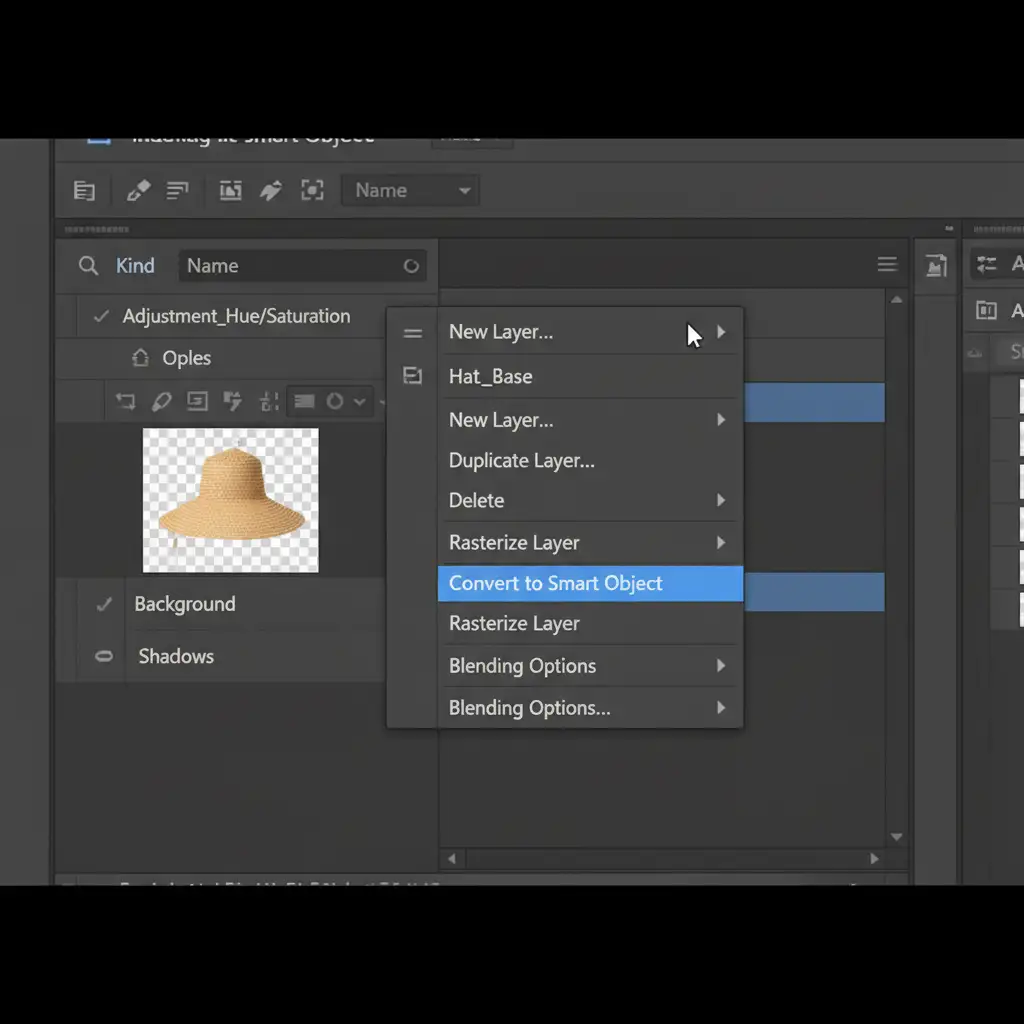
Before applying any structural fixes, you must protect your base image. Always convert your isolated hat layer into a Smart Object. This allows you to apply filters dynamically, adjust mesh density later, and ensure that your original pixels remain untouched.
Method A: The Quick Fix Using Free Transform Warp
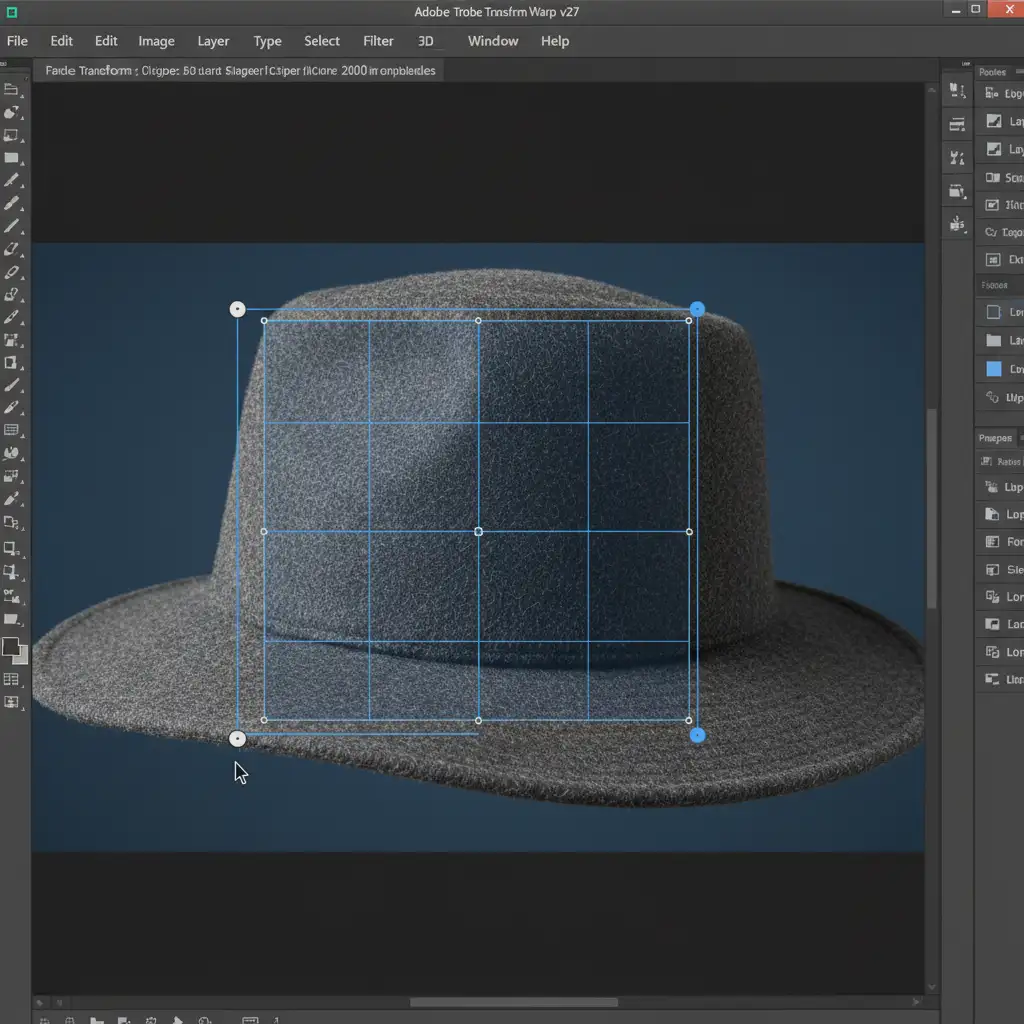
For minor silhouette corrections—such as a slight dip in a floppy brim—the Free Transform Warp tool is your fastest option.
- Select your Smart Object hat layer.
- Press Ctrl+T (Windows) or Cmd+T (Mac) to initiate Free Transform.
- Right-click inside the bounding box and select Warp.
- Carefully adjust the grid points to lift or lower the brim edge, creating immediate symmetry.
Pro Tip: Keep your adjustments minimal here. Pushing the grid too far will cause the dreaded pixel distortion on the hat’s weave.
Method B: The Pro Workaround with Puppet Warp
When dealing with severe asymmetrical crowns or brims that require localized adjustments, the Puppet Warp tool offers unparalleled precision.
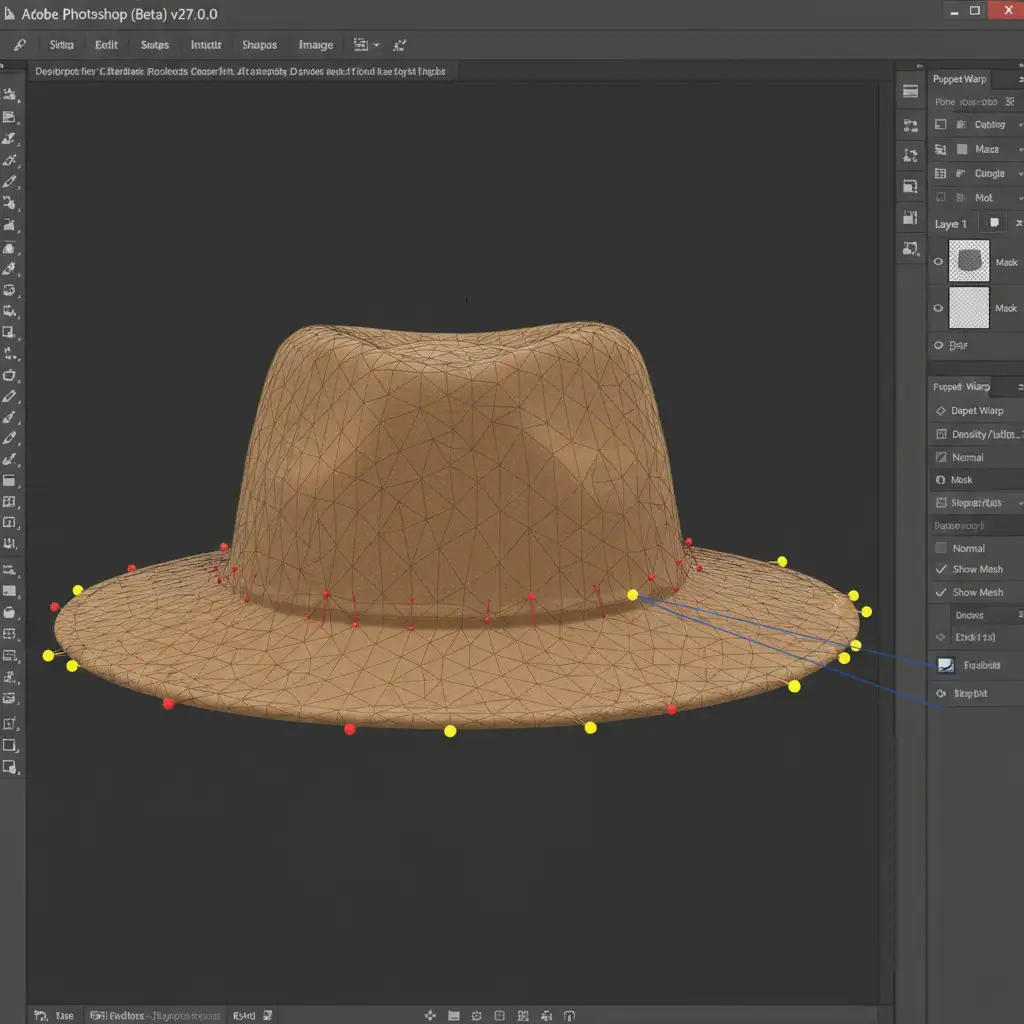
- With your Smart Object selected, navigate to Edit > Puppet Warp.
- Adjust the Mesh Density in the top toolbar to “More Points” for tighter control over woven textures.
- Lock the structure: Place red anchor pins at the base of the crown to lock it entirely in place.
- Manipulate the brim: Place yellow pins along the flexible brim edge. Carefully drag these pins to straighten asymmetrical areas without distorting the locked center structure.
Method C: The Technical Deep-Dive – Liquify Filter & Frequency Separation
For the highest-end catalog look, you must separate the hat’s texture from its underlying color and shape. This is where Frequency Separation combined with the Liquify Filter becomes a game-changer.
- Run a Frequency Separation action to split your image into a High-Frequency (Texture) layer and a Low-Frequency (Color/Shape) layer.
- Select the Low-Frequency layer and open the Liquify Filter (Shift+Ctrl+X).
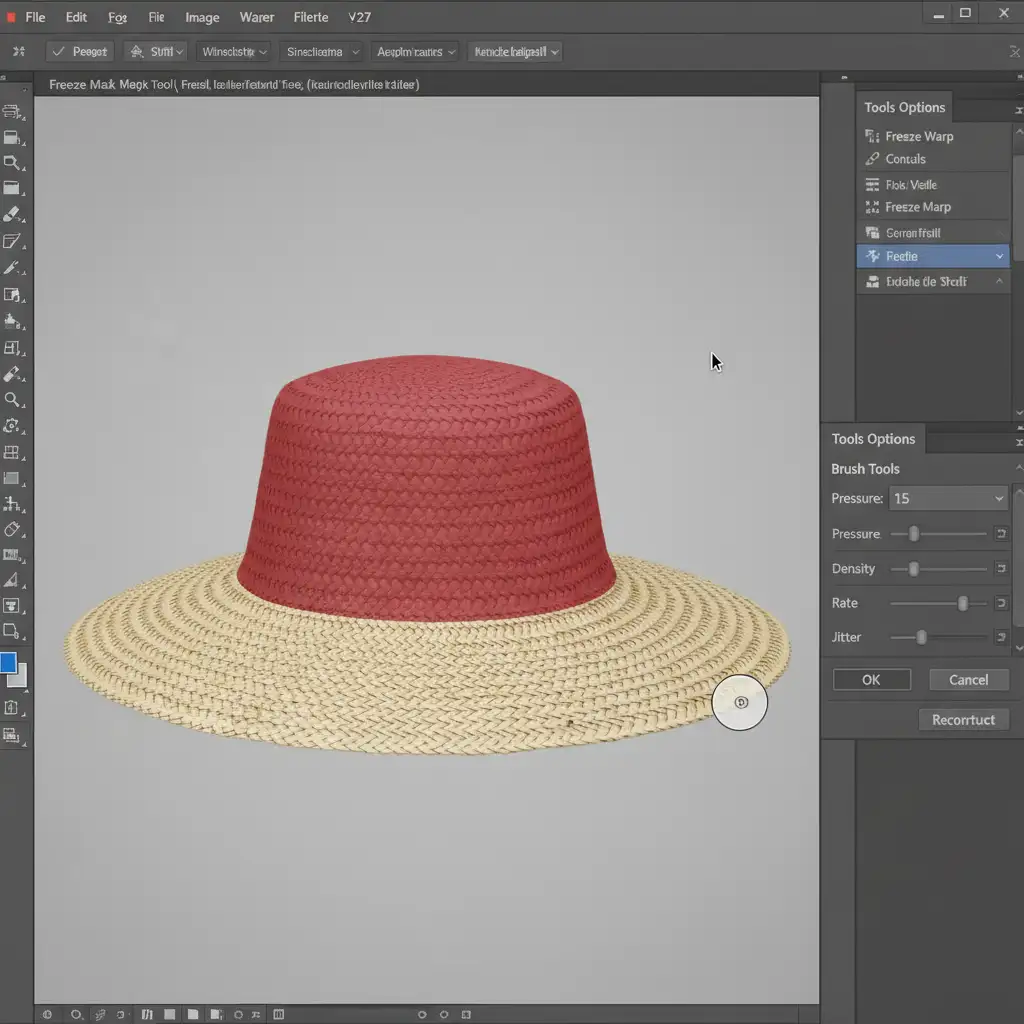
- Select the Freeze Mask Tool. Paint a red overlay over the crown of the hat to completely protect it from accidental warping.
- Select the Forward Warp Tool. Set your brush size to slightly larger than the area you are fixing, and drop the pressure to a low 15-20.
- Gently push and nudge the brim into perfect symmetry. Because the texture resides on a separate layer, the fabric weave remains pristine and untouched.
Scale Your E-Commerce Retouching Workflow
Mastering digital hat brim straightening and symmetry takes time, patience, and a deep understanding of fabric behavior in Photoshop. While these techniques—from Puppet Warp to Frequency Separation—guarantee stunning results, they can create a severe bottleneck when you have hundreds of product photos to process for an upcoming seasonal launch.
Need flawless product images for your e-commerce store without manual labor?
Hire the expert retouching team at Image Work India and Cloud Retouch. We specialize in high-end apparel and headwear photography editing, providing scalable, pixel-perfect silhouette correction for leading e-commerce brands. Let us handle the complex structural edits so you can focus on growing your business. Contact Image Work India today to elevate your product catalog to the next level.



