
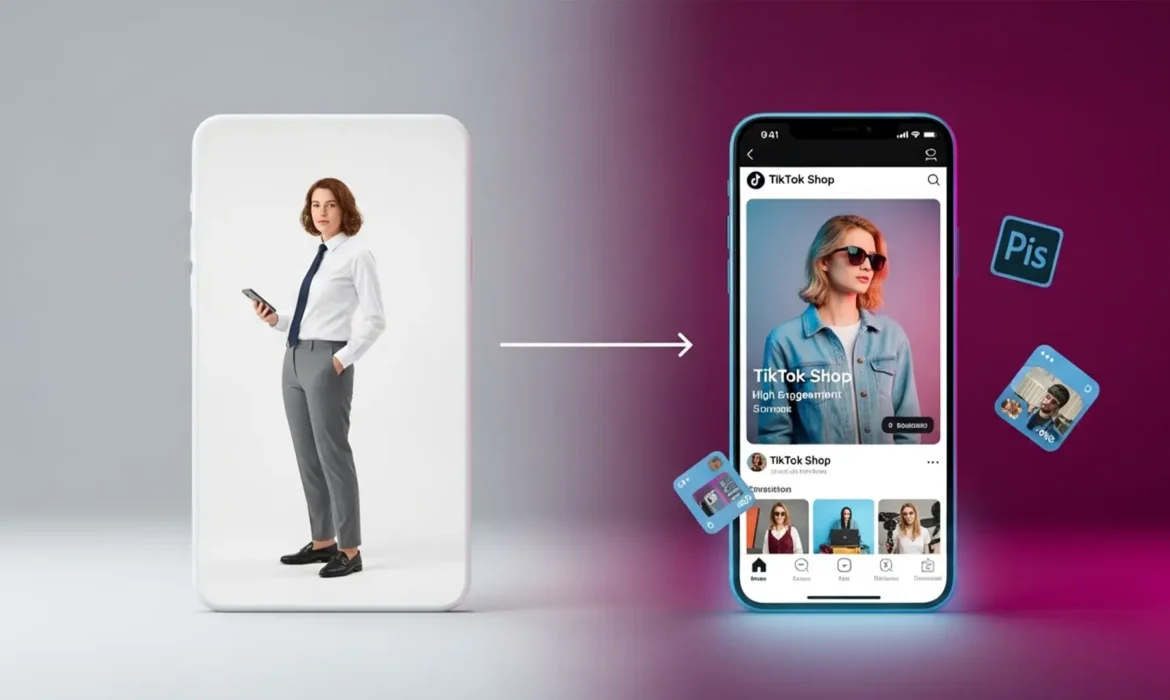
Are your product listings getting rejected by TikTok Shop, or worse, failing to convert scrollers into buyers? TikTok Shop enforces incredibly strict image guidelines, and simply uploading your standard flat 2D catalog won’t cut it. To win on this highly visual platform, sellers must transform basic assets into engaging, compliant imagery that stops the scroll.
If you are struggling with converting 2D product photos to TikTok Shop compliant lifestyle images without them looking artificially pasted, you are not alone. The technical barrier involves matching perspective, fixing lighting, and passing the platform’s automated compliance checks. In this guide, we will break down the exact editing workflows using Photoshop v25.x to guarantee your catalog gets approved and drives sales.
Understanding TikTok Shop Photo Requirements
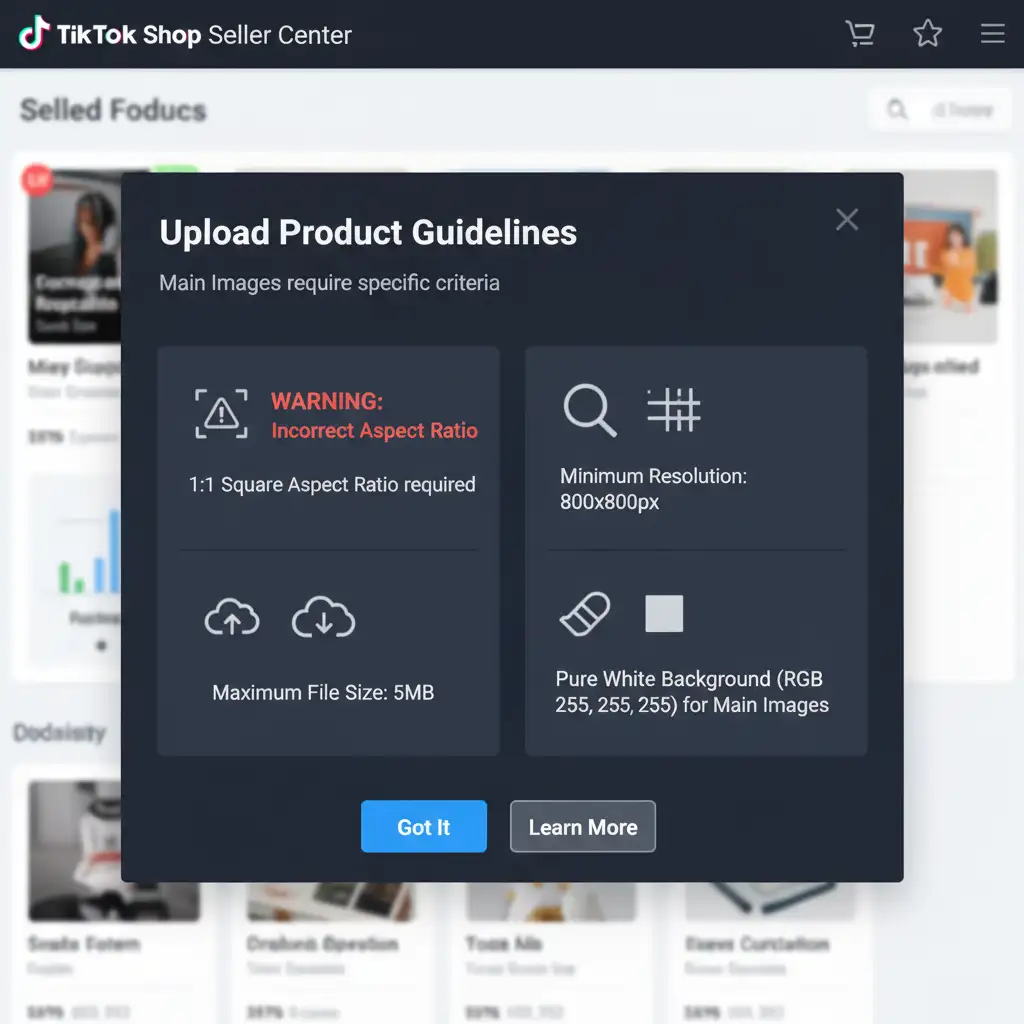
Before opening your editing software, you must understand the rules. TikTok Shop’s automated system will instantly flag or reject images that fail to meet their baseline technical specifications.
To pass compliance, every image must feature:
- An aspect ratio 1:1 (perfect square).
- Minimum pixel dimensions of 800x800px.
- A maximum file size of 5MB.
- An sRGB color profile to ensure accurate color representation on mobile screens.
Furthermore, TikTok dictates content structure. Your main product image must have a pure white background with zero text, logos, or watermarks. However, your supplementary images must showcase a lifestyle composition to drive user engagement. This is where sellers face the biggest hurdle: bridging the gap between a flat studio shot and a realistic, in-use environment.
3 Workflows for Converting 2D Product Photos to TikTok Shop Compliant Lifestyle Images
Using Photoshop v25.x and above, you can overcome the challenge of blending flat 2D assets into 3D lifestyle scenes. Here are three methods ranging from a quick fix to a fully automated technical workflow.
Method 1: The Quick Fix (Templates & Subject Isolation)
If you need to move fast and already have lifestyle background assets, this method is your go-to.
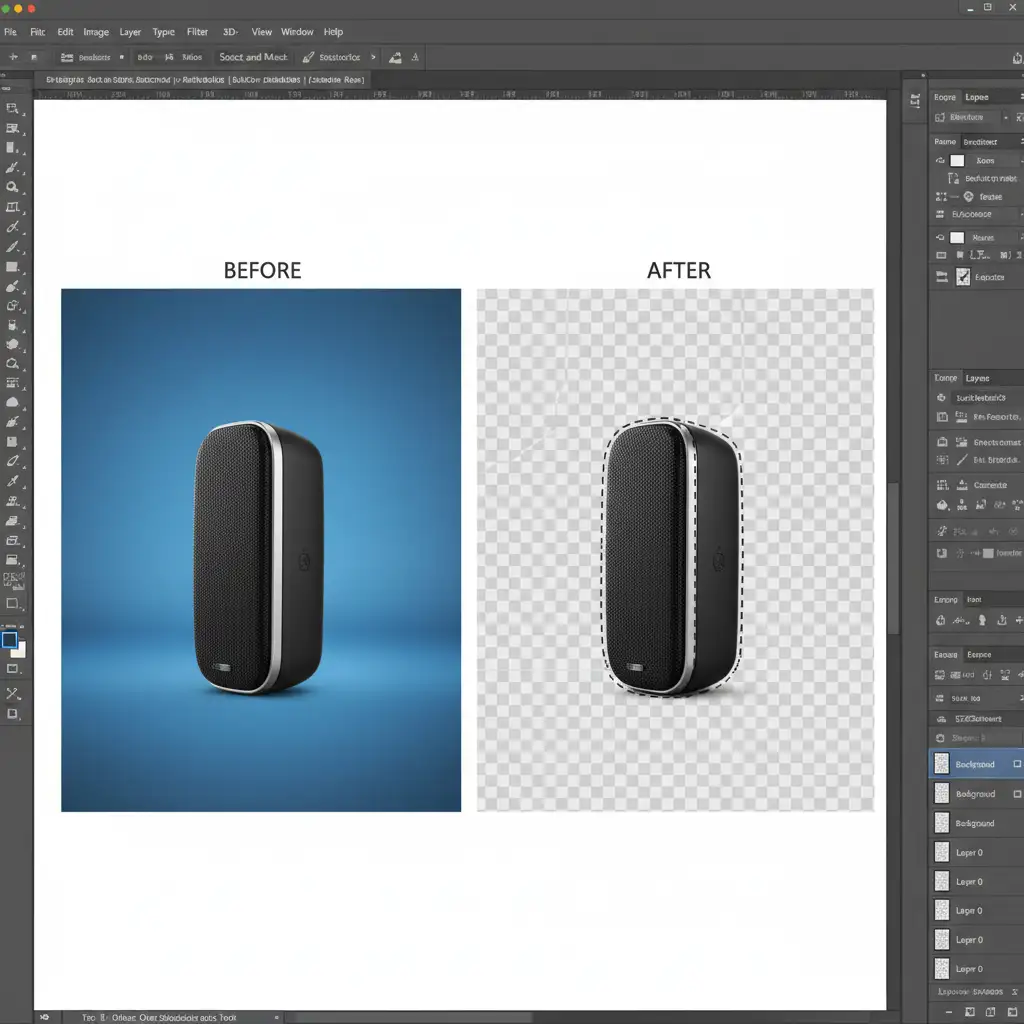
- Open your flat 2D product photo in Photoshop.
- Navigate to the Properties panel and click Remove Background to perform instant subject isolation.
- Refine the edges using the Object Selection tool if the automated mask missed any details.
- Drag and drop your isolated product into a pre-made lifestyle template.
- Convert the product layer into a smart object. This allows you to scale and transform the product non-destructively to fit the template’s perspective.
Method 2: The Pro Workaround (Generative Fill Integration)
When pre-made templates look too generic, you can use Photoshop’s AI capabilities for complete background replacement to create a hyper-realistic environment.
- Isolate your product as described in Method 1.
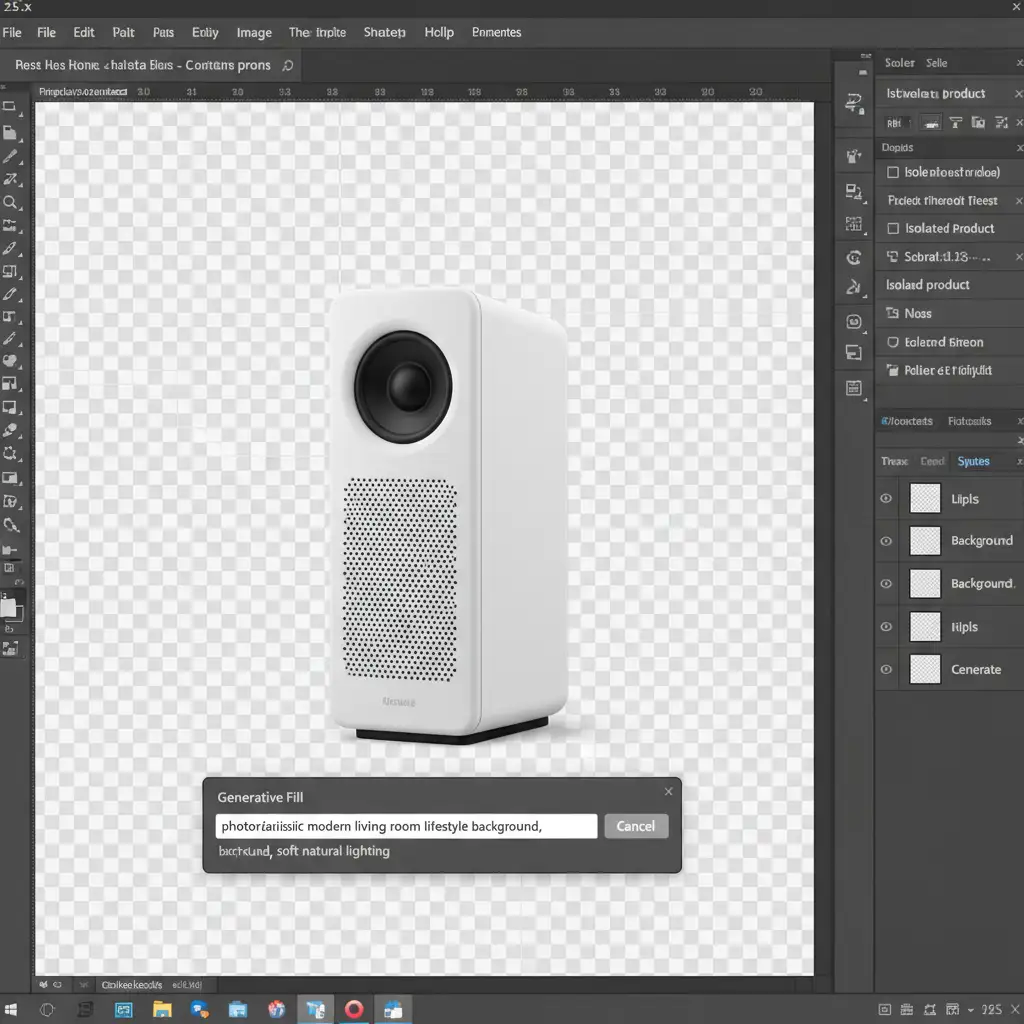
- Select the transparent background area.
- Activate Generative Fill from the contextual taskbar.
- Type a descriptive prompt for your desired environment (e.g., “modern marble kitchen countertop with soft morning sunlight”).
- Once the background is generated, the real work begins. The AI rarely gets the lighting perfect on the 2D object. You must manually add custom drop shadows beneath the product to ground it in the 3D space.
- Use a layer mask and lighting adjustment layers (Curves and Levels) clipped to the product layer to match the contrast and directional light of the new AI-generated background.
Method 3: The Technical Deep-Dive (Batch Processing Compliance)
Creating the perfect lifestyle image is only half the battle; it still needs to pass TikTok’s technical upload constraints. If you have hundreds of SKUs, doing this manually is inefficient. You need to set up a Photoshop Action for batch processing.
- Open the Actions panel and record a new action named “TikTok Shop Compliance”.
- Add a step to crop the canvas to an aspect ratio 1:1.
- Add an Image Size adjustment, ensuring the shortest side meets the 800x800px minimum.
- Go to Edit > Convert to Profile and select the sRGB color profile. This prevents your images from looking washed out on the TikTok app.
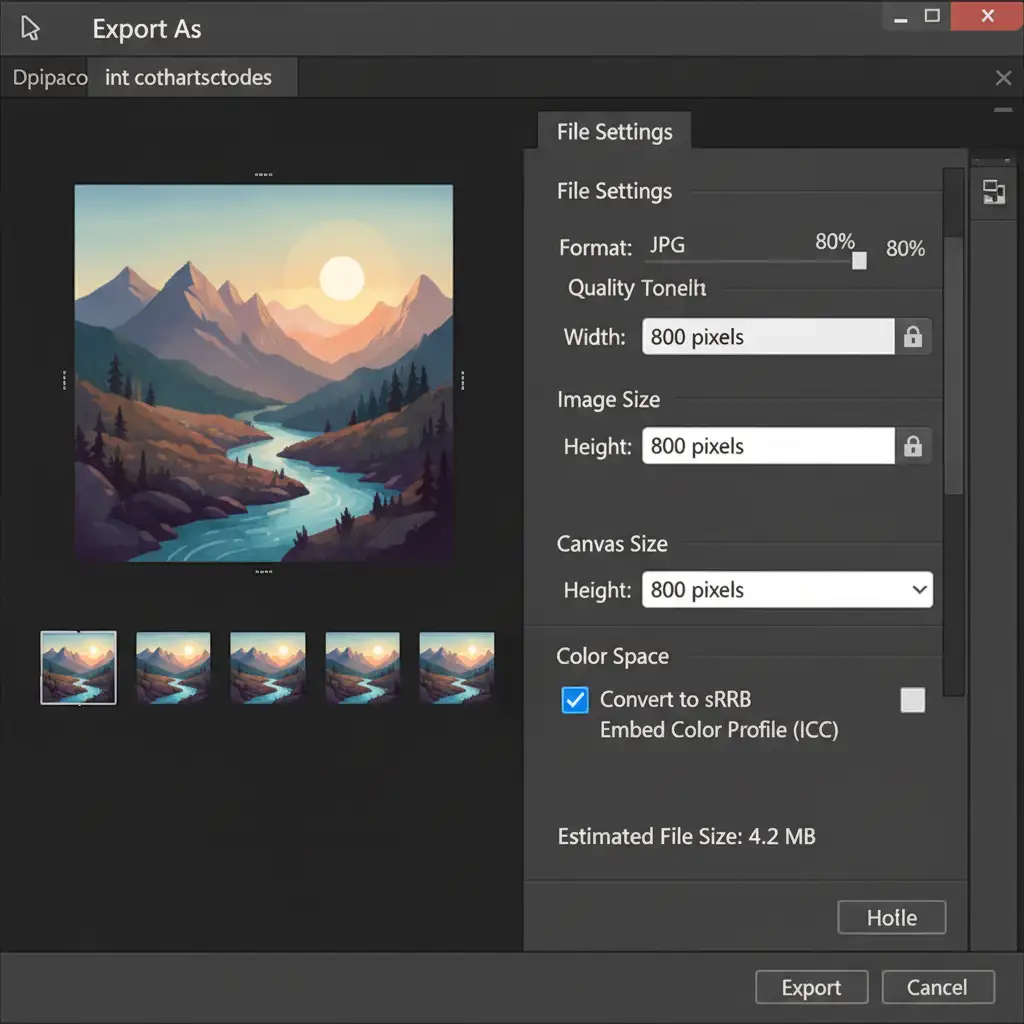
- Finally, use the Export As dialog. Adjust the JPG quality slider while monitoring the estimated file size to ensure it stays strictly under the 5MB limit.
- Stop recording. You can now apply this action to entire folders of edited lifestyle images via File > Automate > Batch.
Scale Your TikTok Shop Catalog with Expert Help
Mastering the process of converting 2D product photos to TikTok Shop compliant lifestyle images takes time, technical skill, and an eye for photorealistic composition. If your team is wasting hours struggling with Generative Fill artifacts, manual layer masks, and batch export errors, it is time to streamline your workflow.
Image Work India and Cloud Retouch specialize in high-volume ecommerce photo editing and premium 3D rendering services. We understand the exact technical specifications required by TikTok Shop, Amazon, and Shopify. Whether you need bulk background removal, advanced lifestyle compositing, or automated compliance formatting, our expert retouchers deliver pixel-perfect results at scale.
Stop letting image compliance issues throttle your sales. Let us handle the technical editing so you can focus on growing your brand. Contact Image Work India or Cloud Retouch today to get your entire catalog optimized for viral success.



