
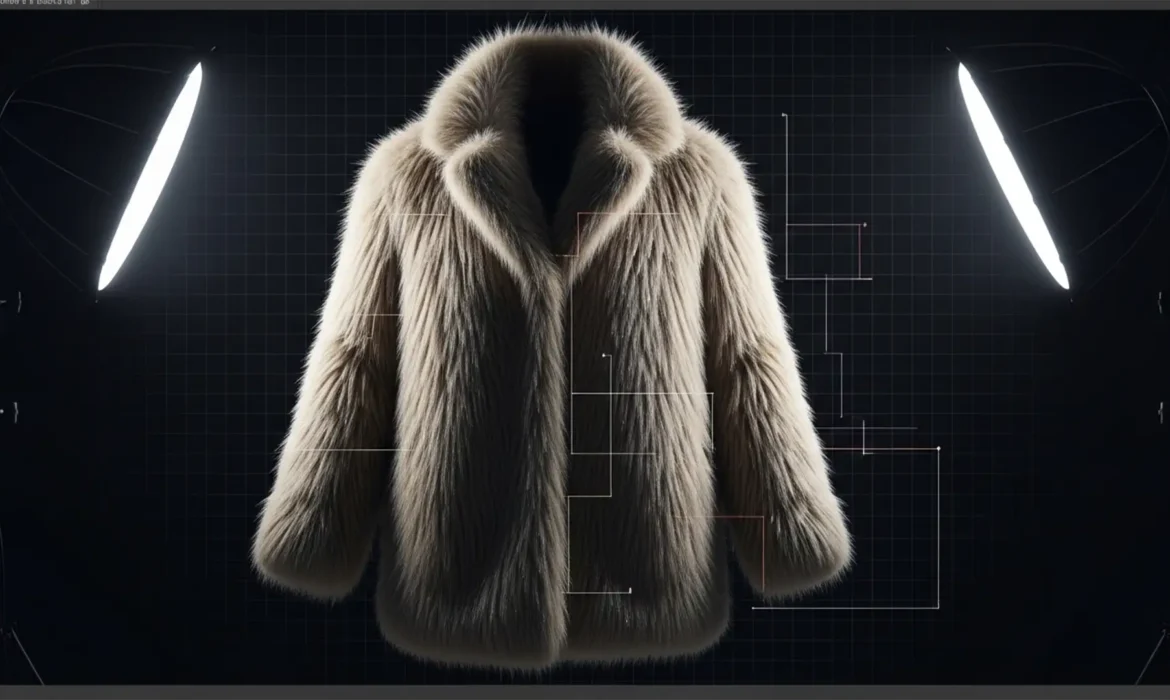
If you manage high-volume e-commerce catalogs, you already know the nightmare of processing intricate textures. Standard AI tools and basic vector clipping paths might work perfectly for a smooth leather shoe, but try running a batch background removal for fur and fringe products. The result? The dreaded “haloing effect,” chopped edges, and destroyed micro-contrast that makes premium apparel look cheap.
When you’re staring down a folder of 100+ fuzzy sweaters or delicate lace dresses in Adobe Photoshop v25.x (2024), manual pen-tooling isn’t a scalable option. Standard APIs fail to distinguish between fine product fibers and background pixel data. In this guide, we’ll show you exactly how to automate flawless edge detection and shift to advanced raster masking to save your catalog.
Why Standard Clipping Paths Fail on Complex Textures
A standard vector clipping path relies on hard, defined lines. When applied to intricate items like translucent lace or furry collars, paths simply cut off the microscopic details, leaving the product looking unnatural and rigid.
To preserve the realism of the product, editors must shift from vector-based paths to raster-based alpha channel masking and advanced edge detection algorithms. Here is the three-tiered workflow to achieve pixel-perfect cutouts at scale.
The 3-Tier Workflow for Complex Edge Masking
Method 1: The Quick Fix (Refine Hair Algorithm + Actions)
For catalogs with consistent, contrasting backgrounds, Photoshop’s built-in AI tools offer a rapid solution when recorded properly.
- Open a sample product image.
- Open your Actions panel and begin recording a new Action.
- Go to Select > Subject.
- Open the Select and Mask workspace.
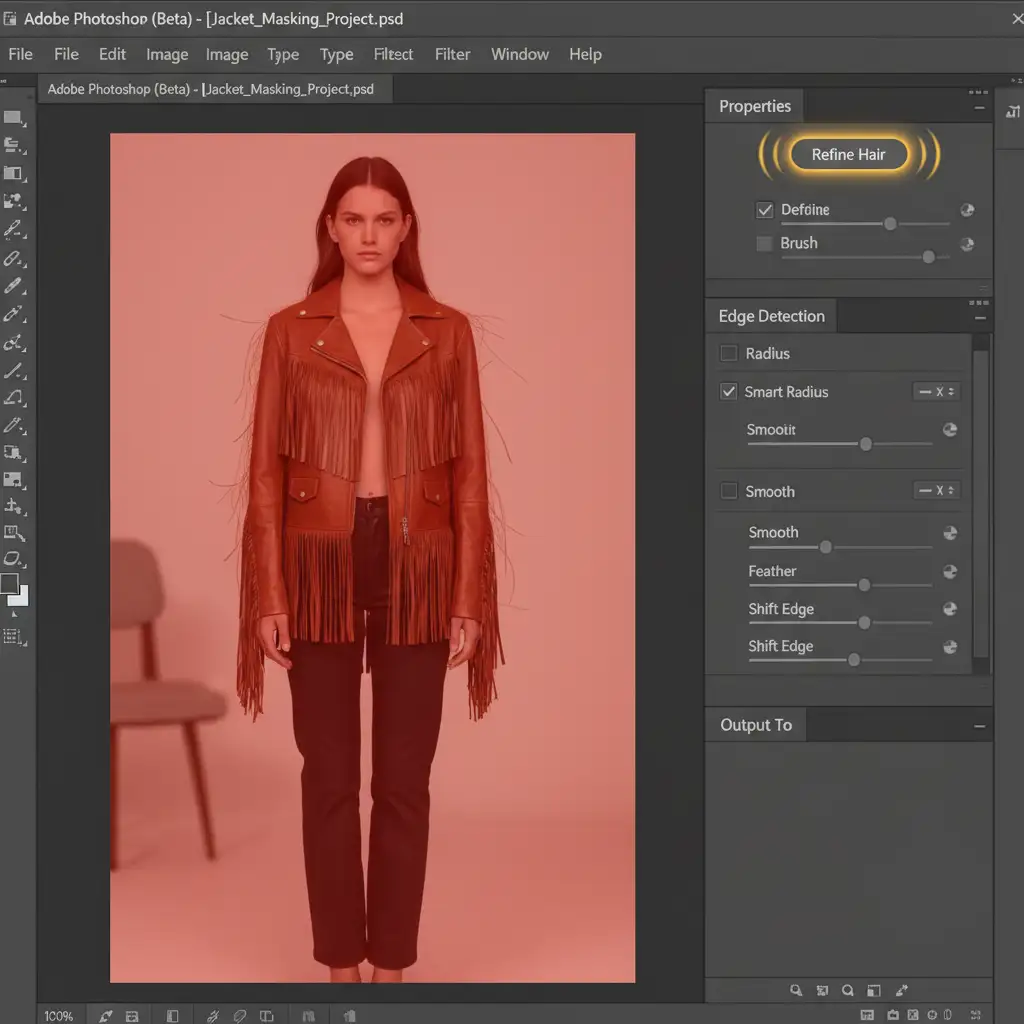
- Click the Refine Hair algorithm button at the top of the interface. This forces Photoshop to specifically look for wispy, complex edges rather than hard boundaries.
- Output to a Layer Mask, stop recording, and save your Action.
- Navigate to File > Automate > Batch to apply these Photoshop Actions to your entire folder of images.
Method 2: The Pro Workaround (Alpha Channel Masking)
When the AI fails or the background contrast is low, you need to manually isolate the luminance data. This is where channel masking becomes invaluable.
- Open your Channels panel.
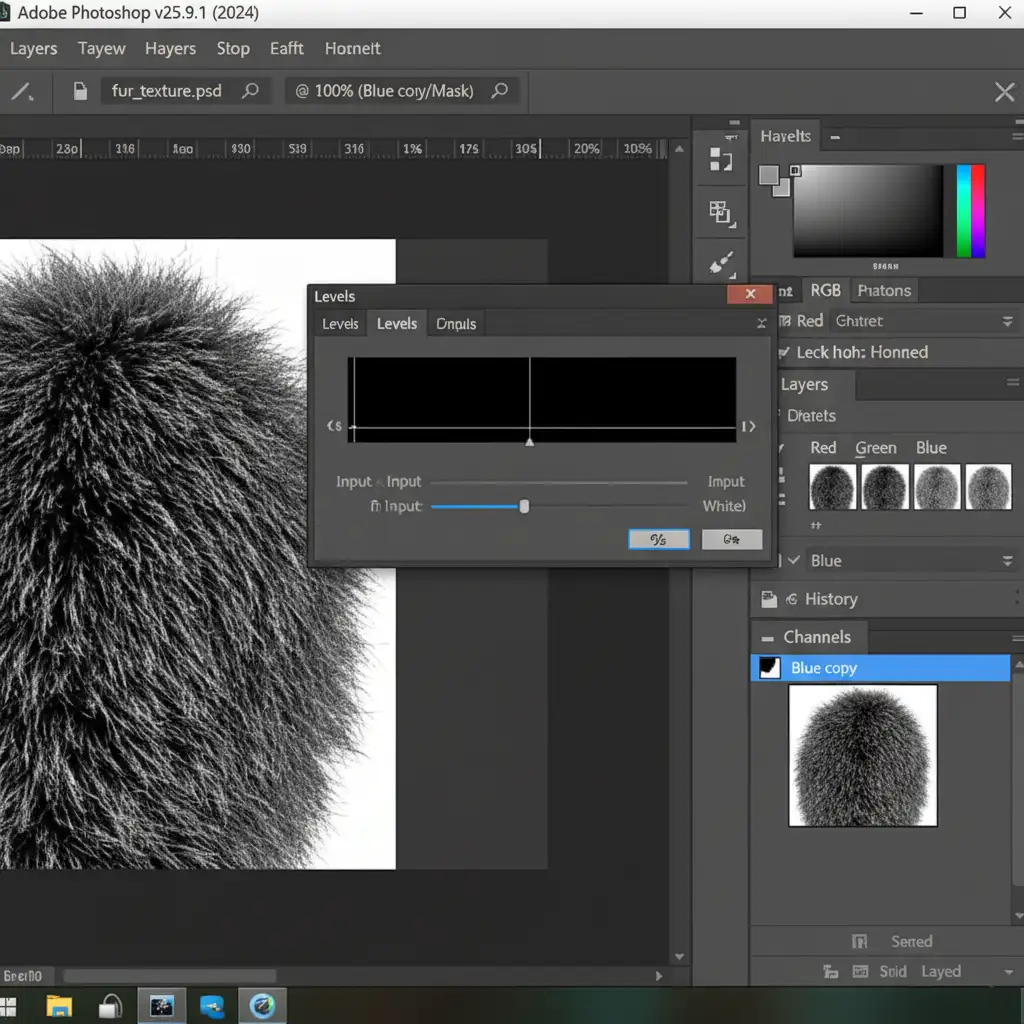
- Click through the Red, Green, and Blue channels to find the one with the highest contrast between the product and the background (for white backgrounds, this is usually the Blue channel).
- Duplicate that high-contrast channel.
- Press Ctrl+L (or Cmd+L) to open the Levels adjustment dialog box.
- Crush the blacks and whites by dragging the outer sliders toward the center until the product is pure black and the background is pure white.
- Ctrl-click the channel thumbnail to load it as a perfect selection, then apply it as a layer mask.
This creates a flawless alpha mask that preserves microscopic fur and lace details without the AI artifacting common in automated removals.
Method 3: The Technical Deep-Dive (Batch Automation Droplets)
For massive e-commerce operations, you need a drag-and-drop solution. By creating conditional batch droplets, you can process thousands of complex images unattended.
- Start recording a new Action.
- Open the Select and Mask workspace.
- Check the Smart Radius box and set the edge detection radius to exactly 3px. This specific radius allows the software to differentiate between solid product bodies and fuzzy edges.
- Check color decontamination to remove any background color spill reflecting onto the fringe edges.
- Output to a New Layer with Layer Mask and stop recording.
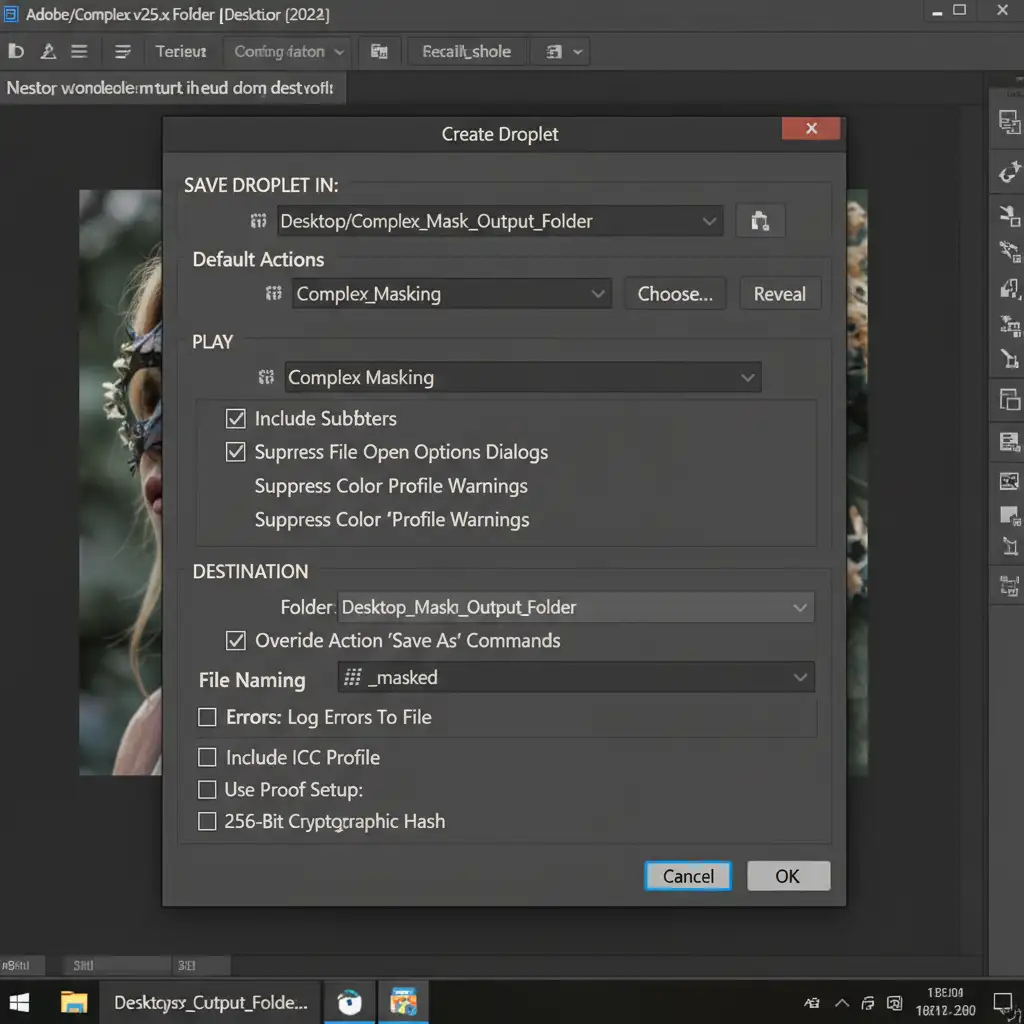
- Go to File > Automate > Create Droplet.
- Select your destination folder, choose your new Action, and save the Droplet to your desktop.
Now, you can simply drag and drop raw product folders directly onto the droplet icon for highly accurate, unattended processing.
Scale Your Image Editing with Image Work India & Cloud Retouch
Mastering batch background removal for fur and fringe products requires a deep understanding of raster masking, edge detection, and automation logic. While the workflows above will significantly improve your output, managing these technical processes in-house drains valuable time from your creative team.
Struggling with inconsistent cutouts on thousands of intricate products? Outsource your complex masking to Image Work India and Cloud Retouch. Our expert retouchers specialize in pixel-perfect edge detection, advanced alpha channel masking, and high-volume catalog processing at scale. We guarantee flawless edges on your most complex textures—saving your team hundreds of hours.
Contact us today to streamline your post-production workflow and elevate your product imagery.



