
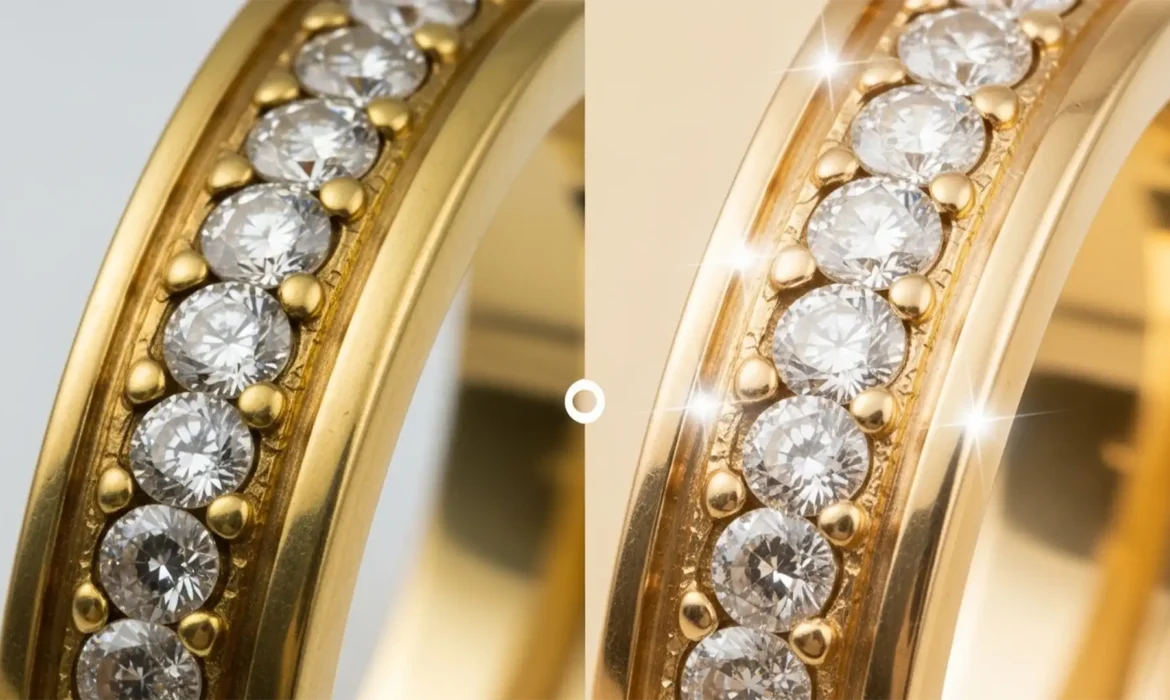
Have you ever spent hours shooting high-end jewelry, only to open the files in Photoshop and find the gold looks cheap, brassy, or tinted green? You are not alone. In macro photography mixed lighting, studio reflections often create aggressive color casts on metal surfaces. Standard global adjustments usually destroy the metal’s natural luminosity and micro-texture. If you want to achieve that luxurious, creamy, warm undertone—the iconic Cartier gold color you cannot rely on standard hex yellows. Mastering Cartier gold color correction Photoshop techniques requires precise RGB control to eliminate highlight fringing and elevate your e-commerce catalog.
Here is the definitive guide to transforming cheap brass into luxury cream in Adobe Photoshop v24.x and v25.x.
The Problem with Standard Gold in Jewelry Photography
Standard digital yellow often translates poorly in high-end jewelry retouching. Raw photography frequently captures ambient studio reflections, resulting in green or magenta color casts. When retouchers attempt a basic Selective Color adjustment or global saturation boost, the gold loses its metallic realism.
The “Cartier Gold” aesthetic is not a bright yellow; it is a carefully balanced, desaturated yellow with a warm, creamy undertone. Achieving this requires absolute control over specular highlights to prevent color fringing, ensuring the metal retains its high-end, tactile micro-texture.
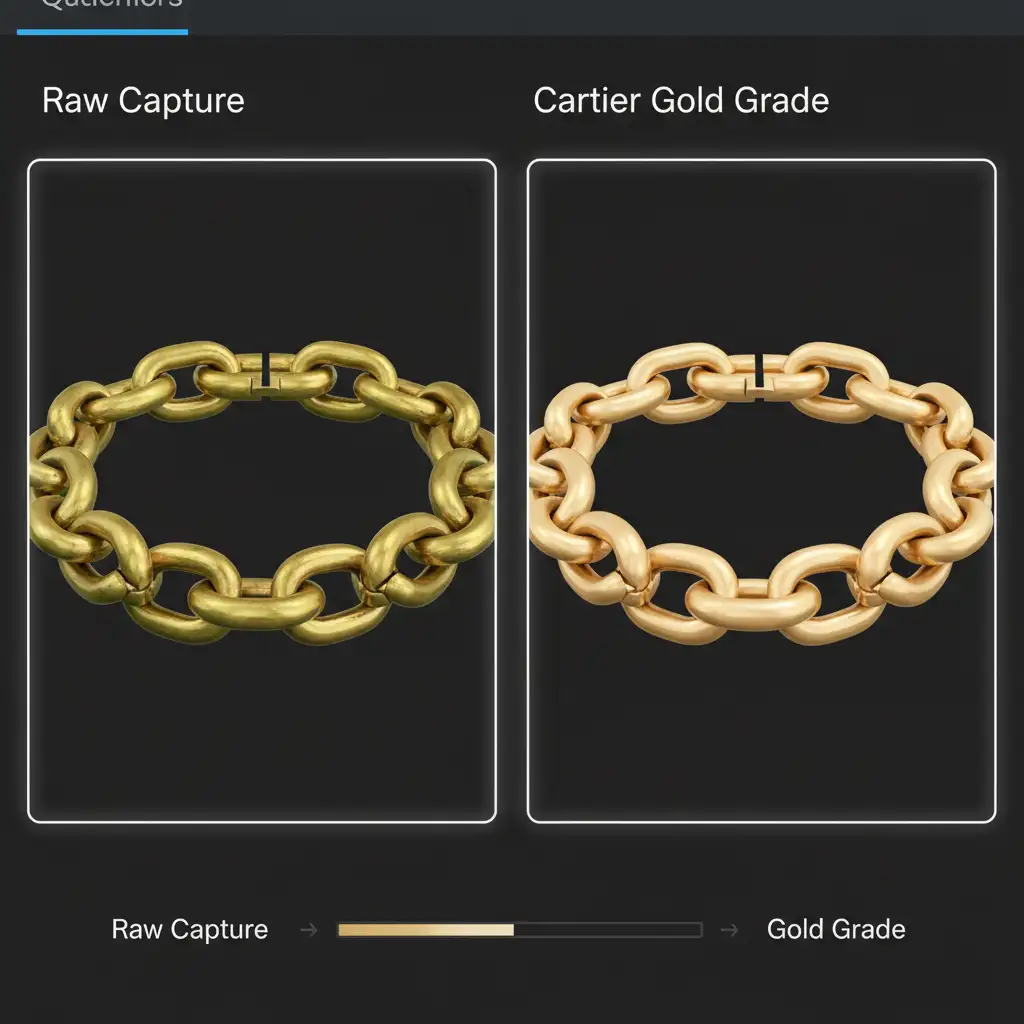
3 Methods for Cartier Gold Color Correction in Photoshop
Whether you need a rapid fix for a high-volume e-commerce batch or a pixel-perfect grade for a hero banner, these three methods offer non-destructive editing workflows to perfect your metal tones.
Method 1: The Quick Fix (Targeted Hue/Saturation)
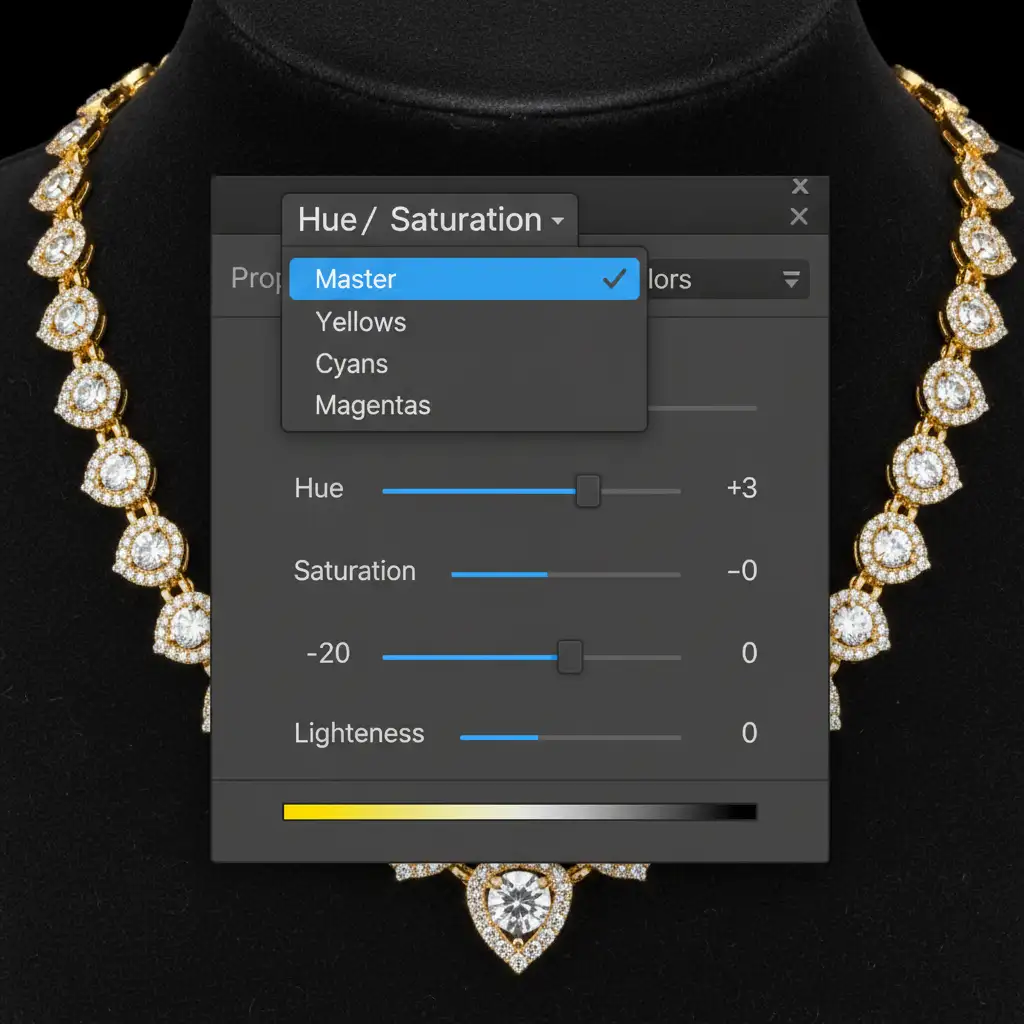
When dealing with minor color casts, a targeted Hue/Saturation adjustment layer is your fastest route to neutralizing brassiness.
- Create a Hue/Saturation adjustment layer.
- In the properties panel, change the targeted channel from “Master” to Yellows.
- Decrease the Saturation slider by -15 to -25. This removes the “cheap” neon brightness.
- Push the Hue slider +2 to +4 towards the red spectrum. This effectively neutralizes the unwanted green tint caused by macro photography mixed lighting.
Method 2: The Pro Workaround (Custom Gradient Maps)
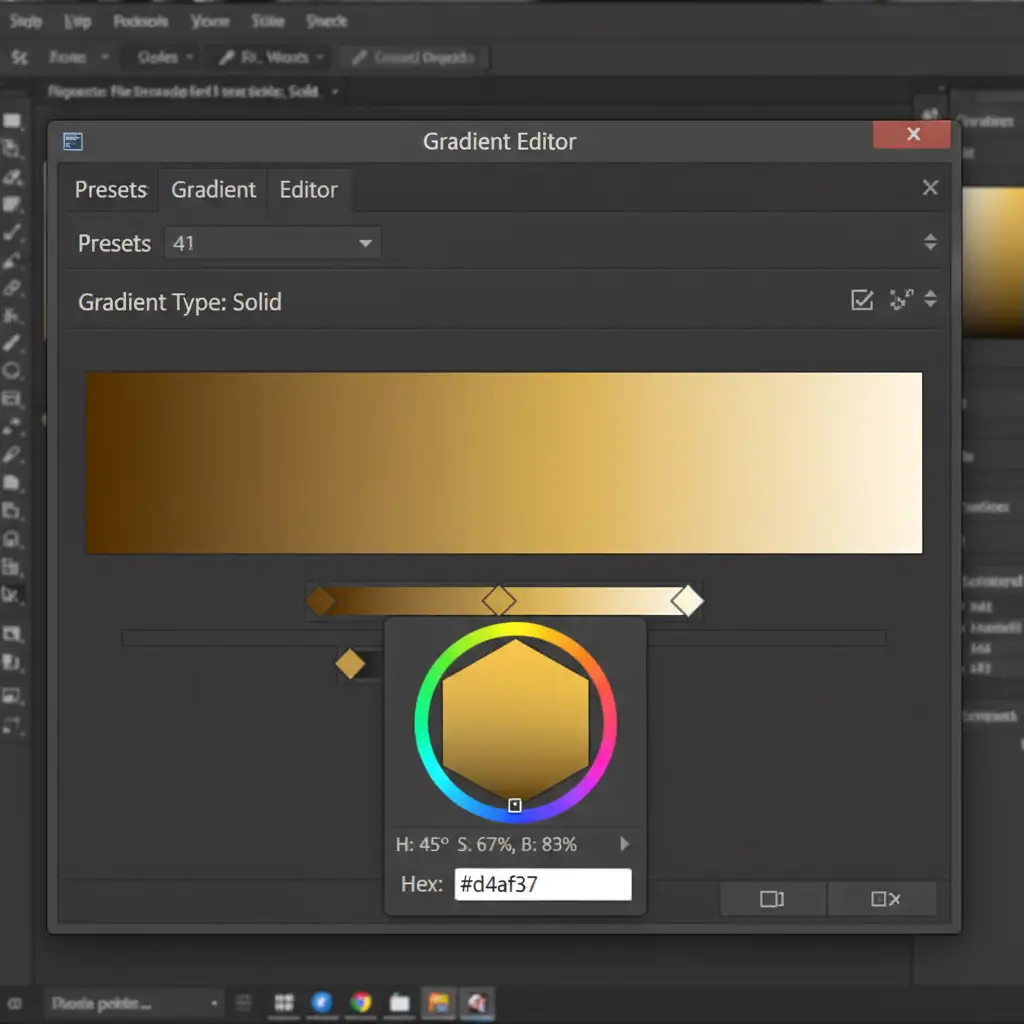
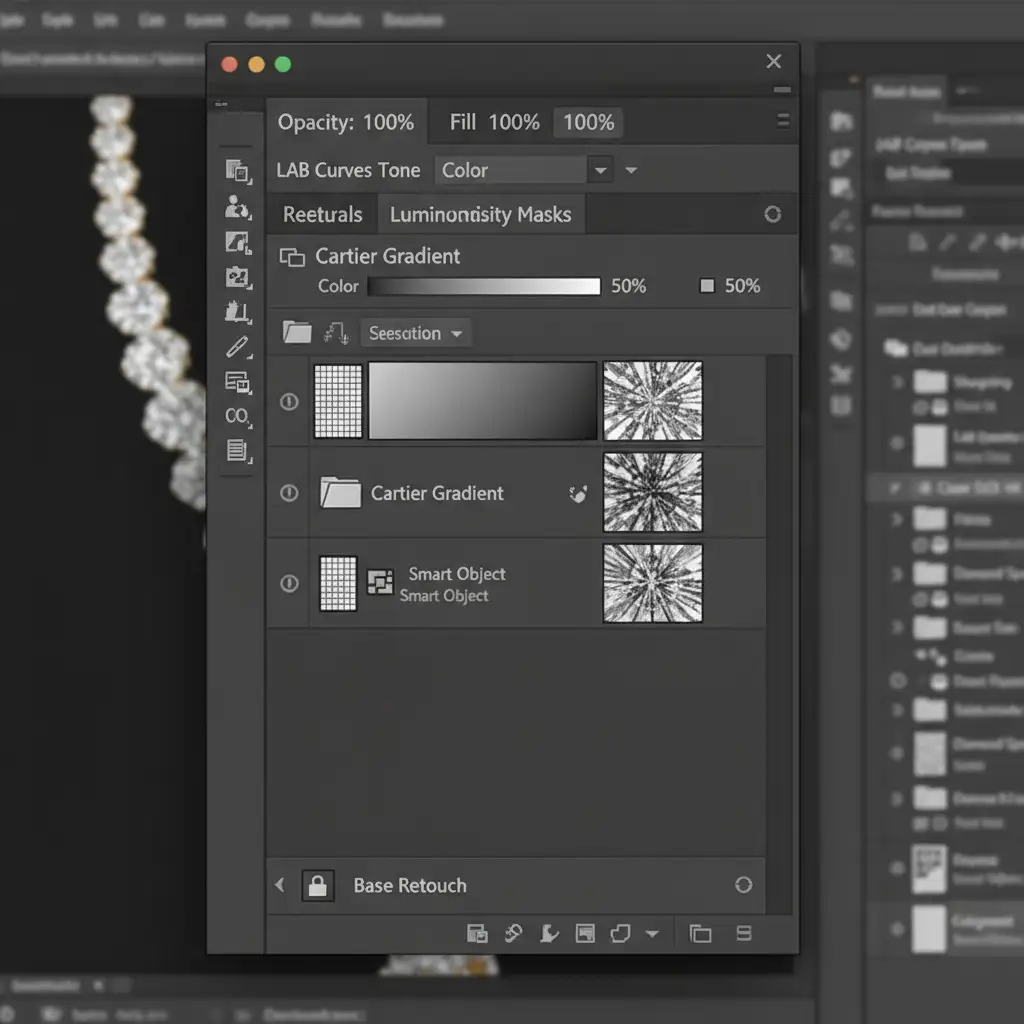
For absolute color consistency across a catalog of Smart Objects, using a custom Gradient Map is the industry standard. This method forces the shadows, midtones, and highlights to adhere to specific luxury hex codes.
- Add a Gradient Map adjustment layer.
- Open the Gradient Editor and input the exact Cartier gold hex codes:
- Shadows: #6b5322 (Deep, warm bronze)
- Midtones: #d4af37 (Classic metallic gold)
- Highlights: #fcf3e3 (Creamy, warm white)
- Change the layer blending mode to Color.
- Reduce the Opacity to 40-60% to blend the gradient naturally with the original metal texture.
- Apply a layer mask to carefully brush out any gemstones, ensuring the gradient only affects the metal.
Method 3: The Technical Deep-Dive (LAB Color Space & Luminosity Masking)
For hero images where preserving micro-texture and pure white specular highlights is critical, converting your workflow to the LAB color space offers unparalleled control.
- Convert your image to LAB Color Space (Image > Mode > Lab Color).
- Add a Curves adjustment layer.
- Select the A channel (which controls Green to Magenta). Flatten the curve slightly by bringing the top and bottom points closer to the center. This mathematically neutralizes any green/magenta color cast without affecting luminosity.
- Select the B channel (which controls Blue to Yellow). Carefully adjust the curve to introduce the precise amount of creamy yellow warmth.
- Return to RGB space. To protect your deep shadow textures and bright reflections, generate Luminosity masking channels. Apply a midtone luminosity mask to your color grading group so the pure white specular highlights remain untouched and free of color fringing.
Scale Your High-End Jewelry Retouching Today
Mastering Cartier gold color correction in Photoshop requires a deep understanding of color theory, precise masking, and an eye for luxury aesthetics. While these techniques will elevate your imagery, applying them flawlessly across hundreds of e-commerce SKUs is incredibly time-consuming.
You don’t have to do it alone. If you need pixel-perfect luxury jewelry retouching at scale, Image Work India or Cloud Retouch are your dedicated partners. Our team of specialized high-end retouchers understands the exact RGB ratios, luminosity masking techniques, and non-destructive workflows required to make your jewelry catalog shine.
Ready to elevate your brand’s visual standard? Contact Image Work India and Cloud Retouch today to transform your raw captures into flawless, luxury-grade imagery.



