
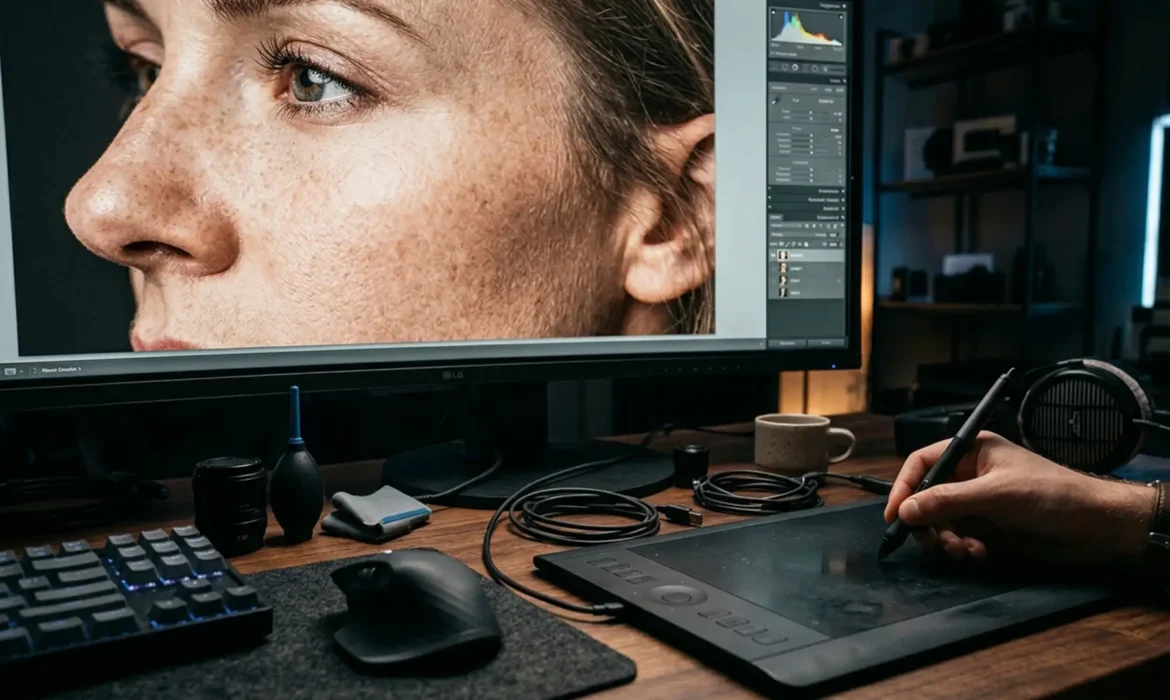
You finish a high-end glamour retouch. It looks flawless on your 4K monitor. But when the client reviews the final campaign on a massive 8k micro-texture display, the skin looks like melted plastic. Fine hairs are missing. Pore walls are obliterated.
Standard frequency separation just ruined your commercial campaign.
At 7680×4320 pixels, ultra-HD screens expose every shortcut. If you are relying on 8-bit workspaces and global blurring, your 8K micro-texture retouching workflow is fundamentally failing. To survive the transition to ultra-high-definition, you must abandon outdated techniques. Here is the technical blueprint to fix your workflow, eliminate color banding, and preserve 100% of your subject’s granular skin details.
The 8K Problem: Why Standard Frequency Separation Fails
Standard 4K and 1080p retouching relies heavily on global Frequency Separation. While effective for lower resolutions, this technique uses aggressive Gaussian Blur filters that destroy micro-contrast.
At 8K resolution, this missing data registers visually as heavily manipulated or “fake.” Furthermore, working in standard 8-bit workspaces causes severe color banding when applying aggressive tonal shifts across large, high-resolution gradients. To achieve true ultra-HD retouching, we must pivot to non-destructive editing techniques that manipulate light, rather than blurring pixels.
Building a Flawless 8K Micro-Texture Retouching Workflow
If you are using Photoshop v24.x or v25.x, follow these exact steps to optimize your files for 8K delivery.
Step 1: The Quick Fix – Switch to 16-Bit Color Depth
The absolute first step in any 8K workflow is preventing tonal degradation. Before you make a single brush stroke, you must expand your file’s data capacity.
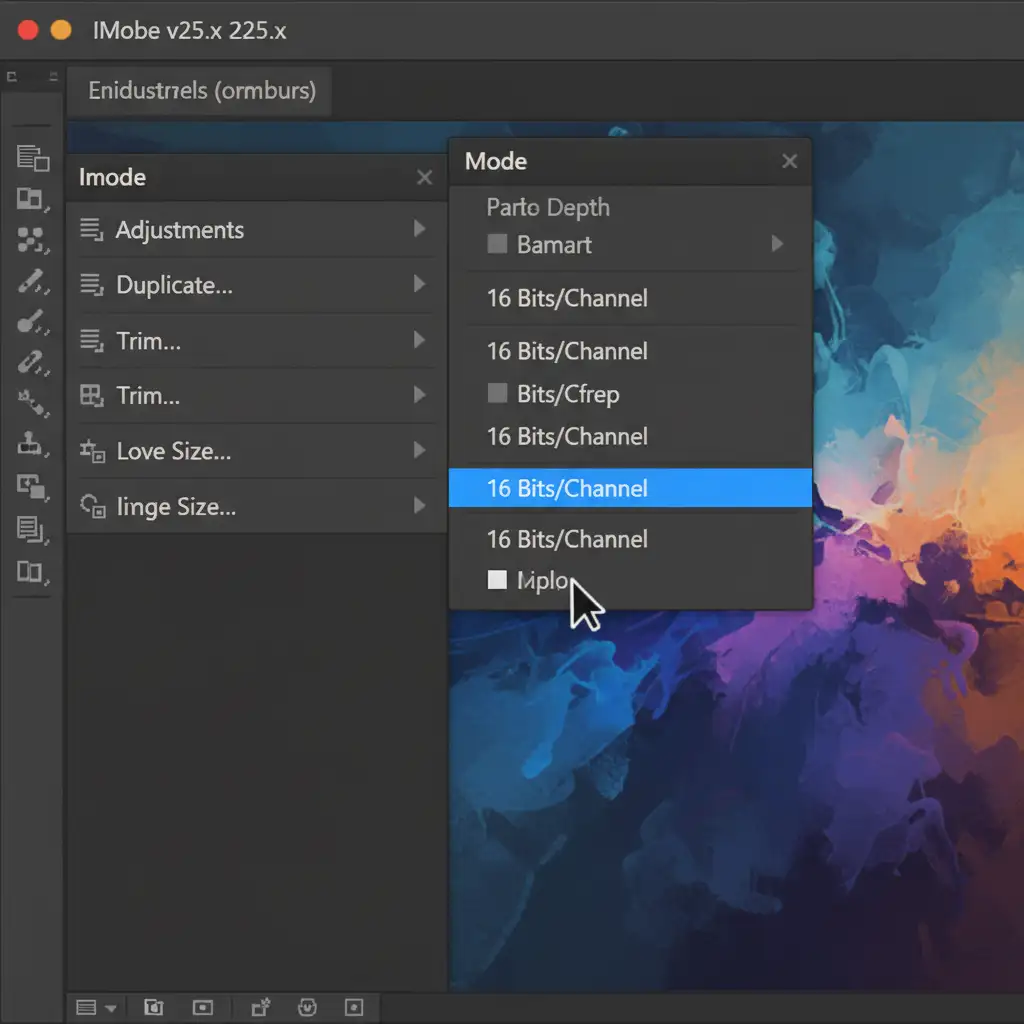
Converting the document to a 16-bit color depth prevents color banding during aggressive dodge and burn routines on large files.
How to do it: Navigate to Image > Mode > 16 Bits/Channel.
Step 2: The Pro Workaround – Micro Dodge and Burn
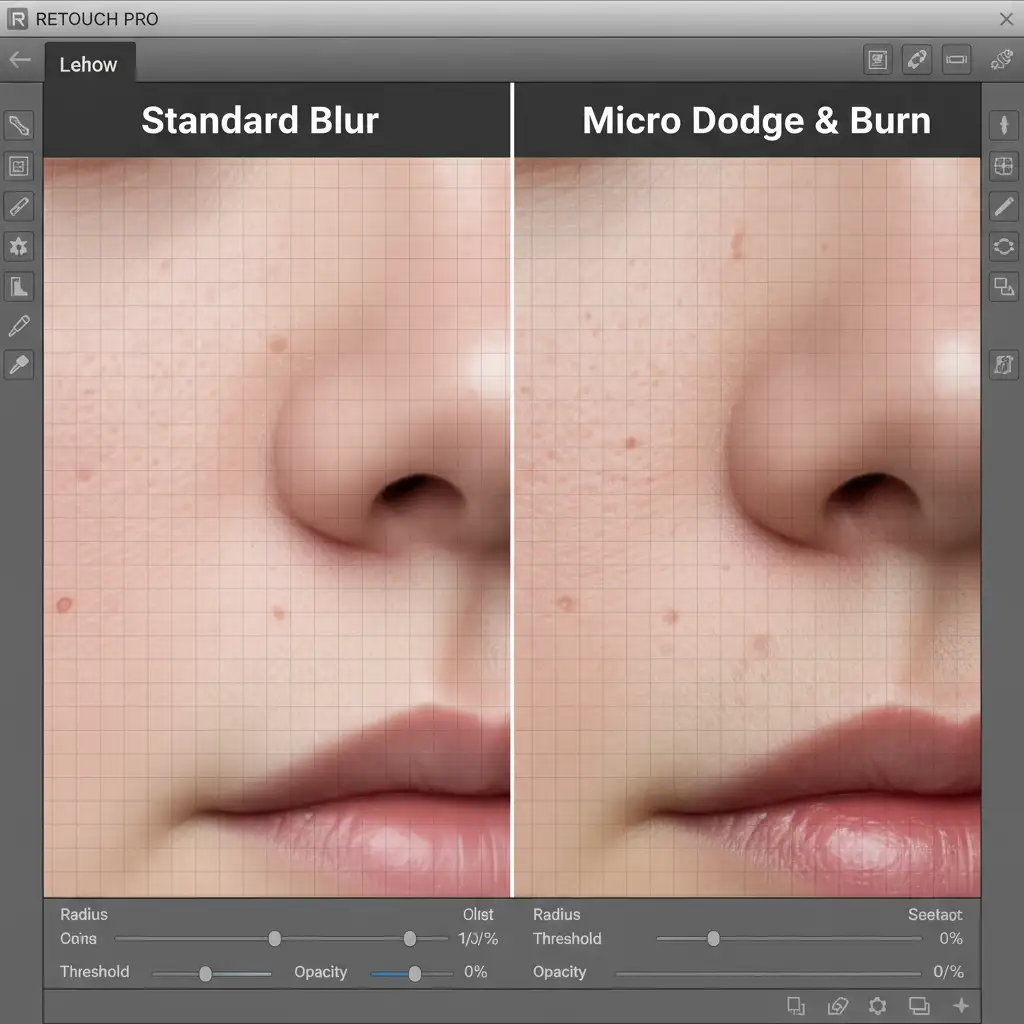
To preserve pore-level detail, you must abandon basic Frequency Separation in favor of Micro Dodge and Burn. This technique corrects micro-shadows and highlights directly at the pore level without blurring structural textures.
The Workflow:
- Create a new layer filled with 50% Gray.
- Set the layer blending mode to Soft Light.
- Equip a soft brush set to 1% Flow.
- Using a pressure-sensitive tablet, zoom your canvas to 200%.
- Manually paint black to deepen micro-shadows, and white to lift micro-highlights.
Step 3: The Technical Deep-Dive – Inverted High Pass (IHP)
When you need to smooth larger areas of skin tone without losing the granular texture, the Inverted High Pass technique is the ultimate 8K solution. It acts as a highly controlled, localized frequency separation that targets tone while masking texture.
The Workflow:
- Duplicate your underlying texture/base layer.
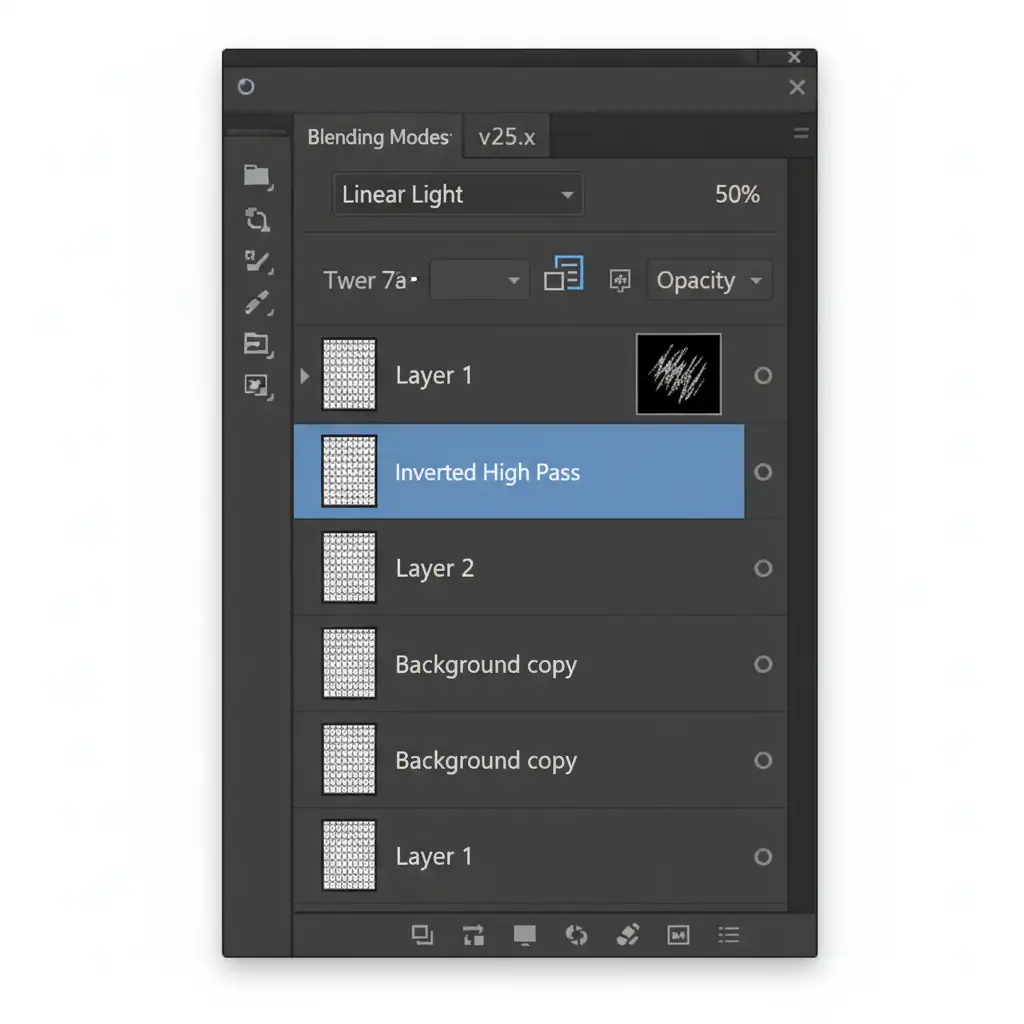
- Apply a High Pass filter. For 8K resolution (7680×4320), use a high radius of 18-24px.
- Invert the layer by pressing Ctrl/Cmd + I.
- Change the layer blending mode to Linear Light and drop the Opacity to 50%.
- Add an inverted (black) layer mask.
- Paint with a soft white brush only over the areas that require tonal smoothing. For even more precision, combine this with luminosity masking.
Step 4: Optimize Photoshop Performance for 8K PSB Files
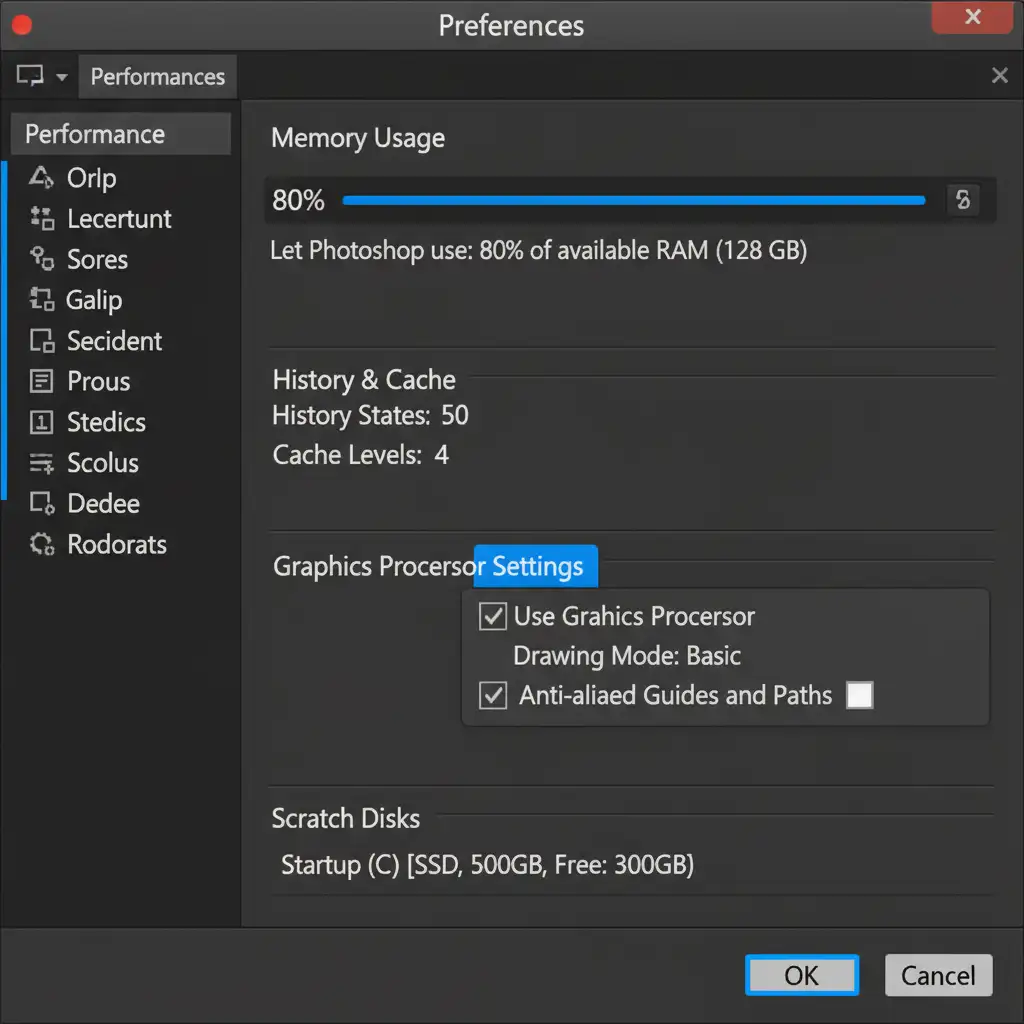
8K files with multiple 16-bit layers will quickly exceed standard file size limits, requiring you to save as Large Document Format (PSB). If your system isn’t optimized, Photoshop will crash.
Navigate to Edit > Preferences > Performance. To handle massive 8K PSB files smoothly, allocate at least 80% RAM to Photoshop and ensure GPU acceleration (Use Graphics Processor) is enabled.
Scale Your Ultra-HD Retouching with Image Work India
Mastering an 8K micro-texture retouching workflow requires immense patience, technical precision, and hours of manual brushwork. While the results are undeniable, executing this level of non-destructive editing on a tight deadline can bottleneck your entire post-production pipeline.
Handling massive 8K commercial campaigns? You don’t have to do it alone. Outsource your ultra-HD retouching to Image Work India and Cloud Retouch. Our team of expert retouchers specializes in 16-bit workflows, advanced Micro Dodge & Burn, and flawless texture preservation. We deliver pore-perfect, campaign-ready imagery at scale, ensuring your work looks breathtaking on any display.
Contact Image Work India today to elevate your retouching pipeline for the ultra-HD era.



