
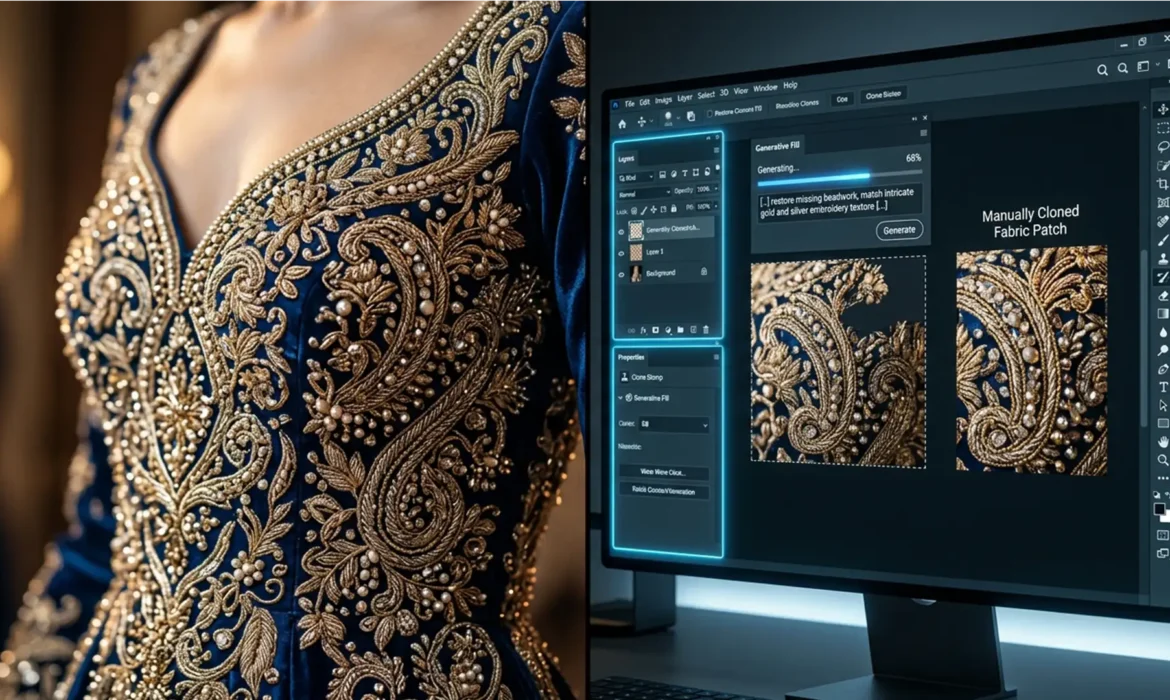
You’ve just shot a breathtaking editorial campaign featuring an exquisite haute couture gown. The client wants the background expanded, so you fire up Photoshop’s AI tools. But instead of seamlessly extending the intricate threads and sparkling beads, the AI spits out a muddy, blurred mess or hallucinates unnatural patterns. Sound familiar?
When retouching couture embroidery, Generative Fill is a double-edged sword. While AI expansion is a massive time-saver for backgrounds, its current technical limitations routinely destroy high-frequency details in luxury fabrics. If you are tired of losing vital fabric depth to AI blur, this guide will show you exactly how to combine Adobe’s newest features with pro-level manual retouching to preserve every single stitch.
Why Generative Fill Fails on Couture Embroidery
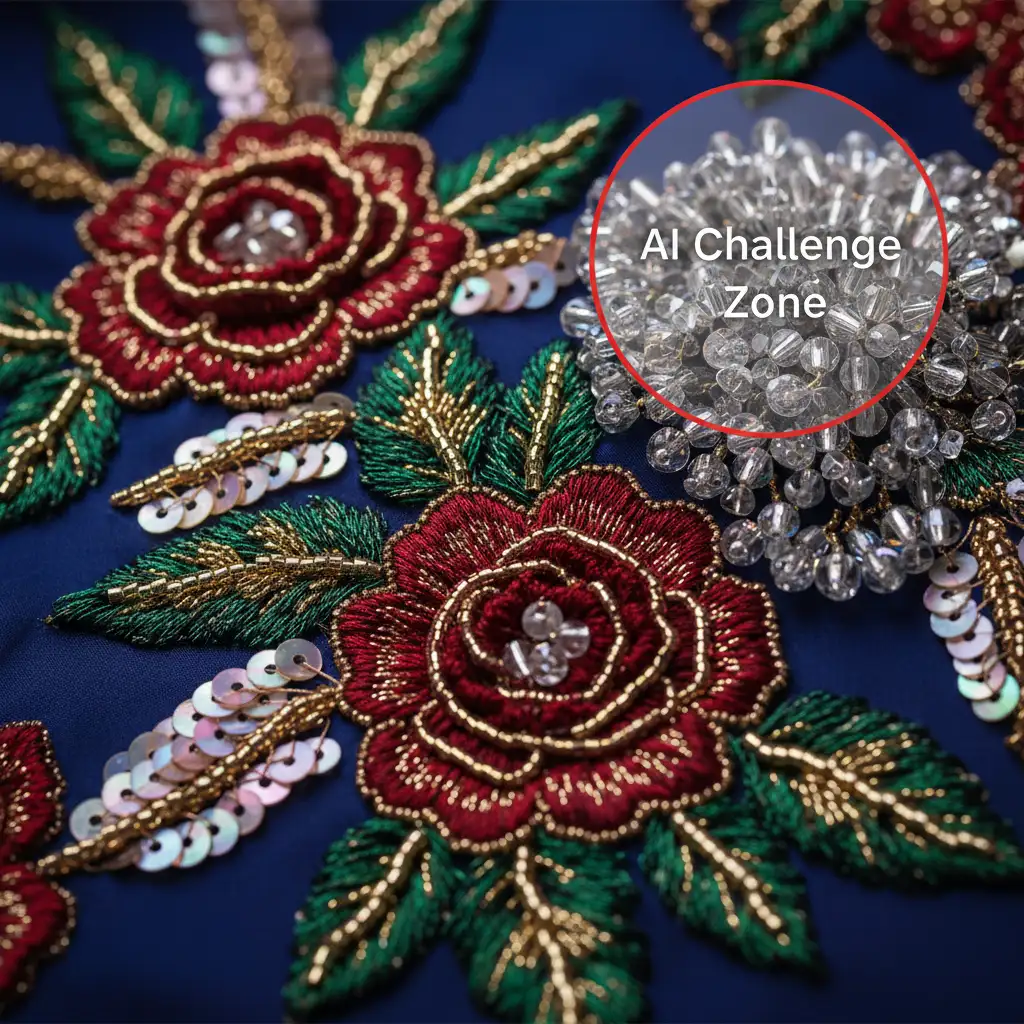
In Adobe Photoshop v25.0 and later, the Firefly-powered Generative Fill algorithm analyzes surrounding pixels to synthesize new image data. However, couture garments are packed with high-frequency detail—tiny beads, sequins, and complex geometric thread patterns.
The technical bottleneck lies in the AI model’s current resolution output. Because it is capped at a 1024×1024 resolution per generation block, the AI struggles to maintain strict geometric continuity across complex micro-textures. Instead of recreating the authentic organic flow of the garment, the algorithm averages out the textures, resulting in highly visible AI blurs or repetitive, cloned-looking artifacts.
How to Extend Couture Without Destroying Fabric Depth
To achieve high-end fashion retouching standards, you cannot rely entirely on AI. You must blend AI expansion with traditional, non-destructive editing techniques. Here are three methods to perfectly extend your couture imagery.
Method A: The Quick Fix (Selective AI Expansion)
If you only need to expand the canvas and don’t necessarily need to generate more of the dress, the best approach is avoidance.
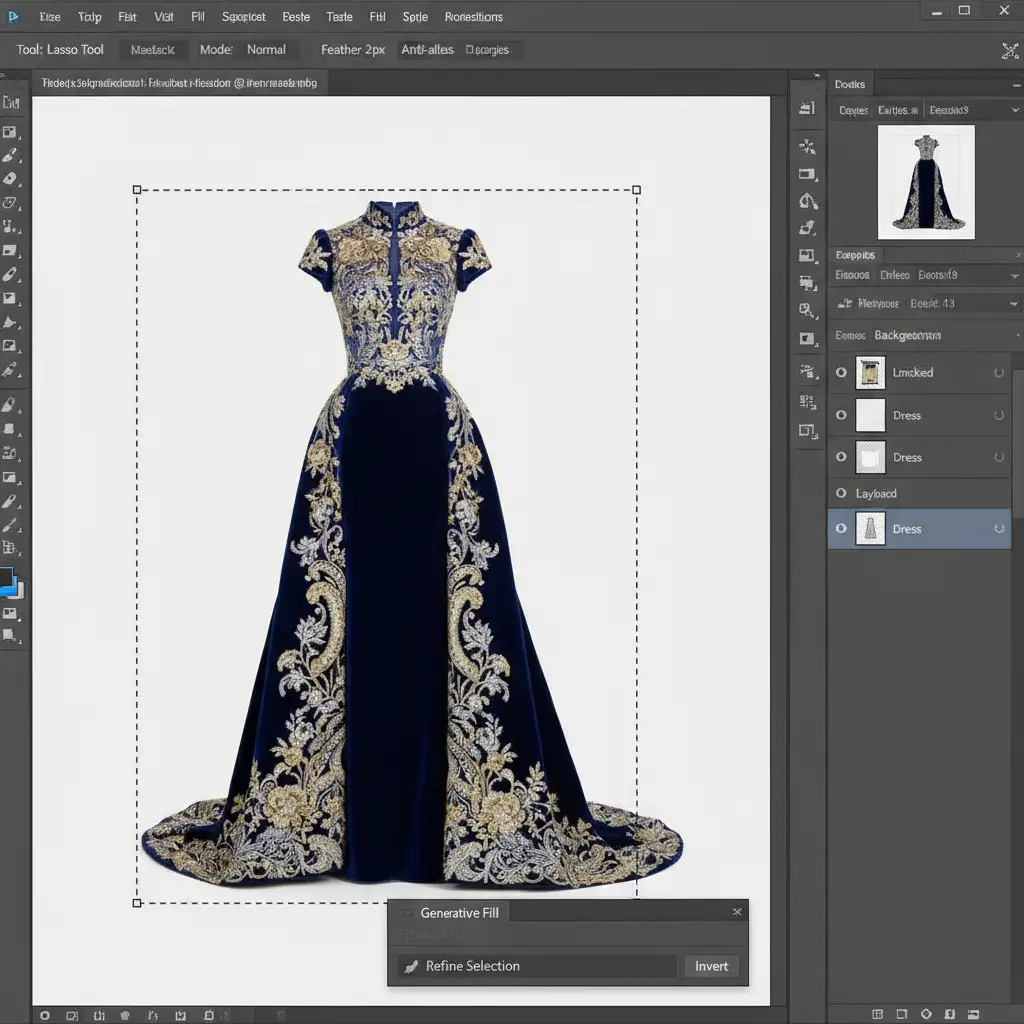
- Select the Lasso Tool.
- Set your feathering to 2px in the top options bar to ensure a soft, natural blend.
- Carefully draw your selection exclusively around the plain background or non-embroidered fabric.
- Apply Generative Fill, leaving the prompt blank.
By strictly restricting the AI from touching the intricate edges of the dress, you preserve the original embroidery entirely.
Method B: The Pro Workaround (Generative Base + Clone Patches)
When you actually need to extend the garment itself, you must build the extension in stages.
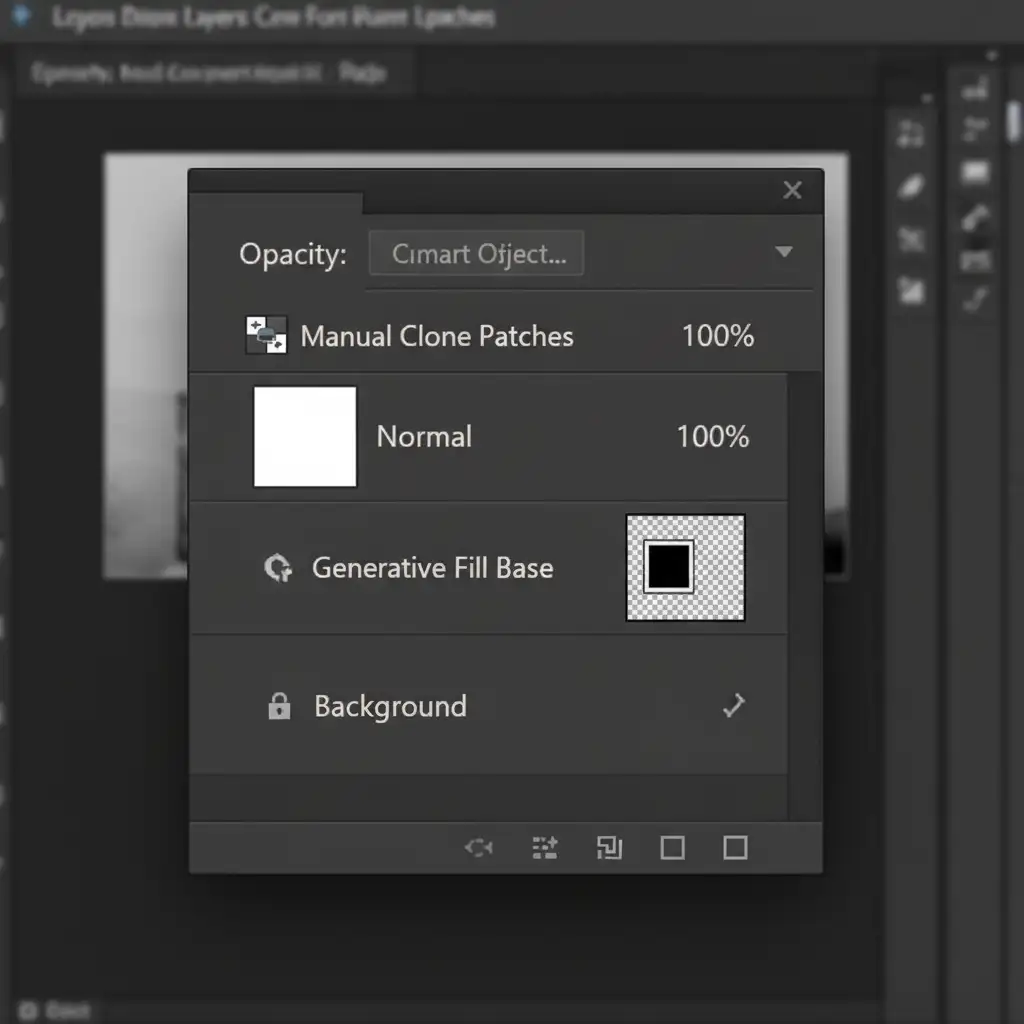
First, use Generative Fill to create the structural extension of the garment. Accept that the high-frequency detail will be blurred—you are only looking for the correct structural shape and lighting base.
Next, create a new blank layer above your Generative Fill layer. Select the Clone Stamp Tool, set the sample mode to Current and Below, and manually copy authentic embroidery patches from the original dress over the AI-generated base. This allows you to utilize the AI for the heavy lifting of lighting and fabric folds, while your manual cloning restores the luxury fabric depth.
Method C: The Technical Deep-Dive (Frequency Separation)
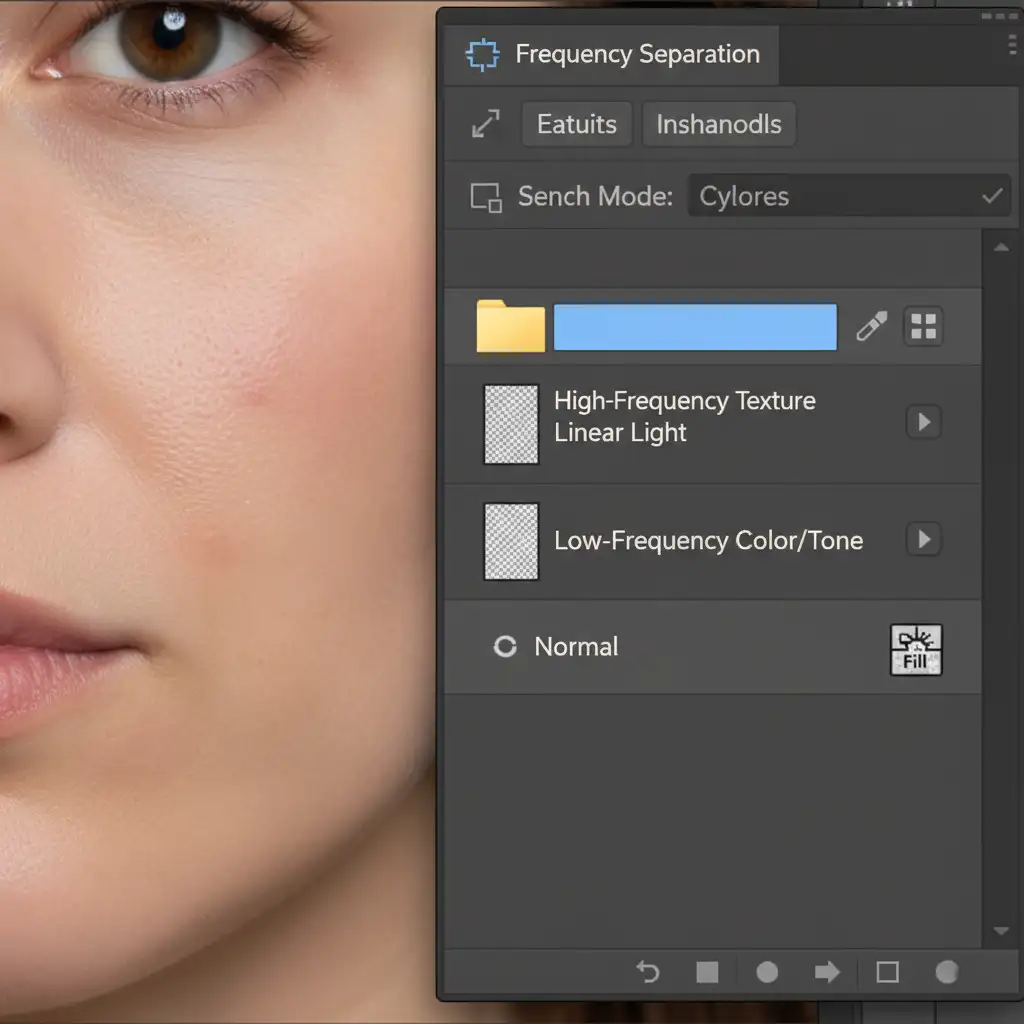
For the ultimate pixel-perfect result, professional retouchers combine AI with Frequency Separation. This technique separates the image into two layers: a low-frequency layer (color, tone, and lighting) and a high-frequency layer (texture, beads, and stitches).
- Set up your standard Frequency Separation layer stack.
- Select the Low-Frequency Color/Tone layer. Run Generative Fill here to extend the lighting, shadows, and base fabric color.
- Move to the High-Frequency Texture layer. Use manual patching and the Healing Brush tool to perfectly map the intricate threads and beads over the newly generated base.
Because the AI never touches the high-frequency texture layer, there are zero AI artifacts, resulting in a flawless, editorial-quality extension.
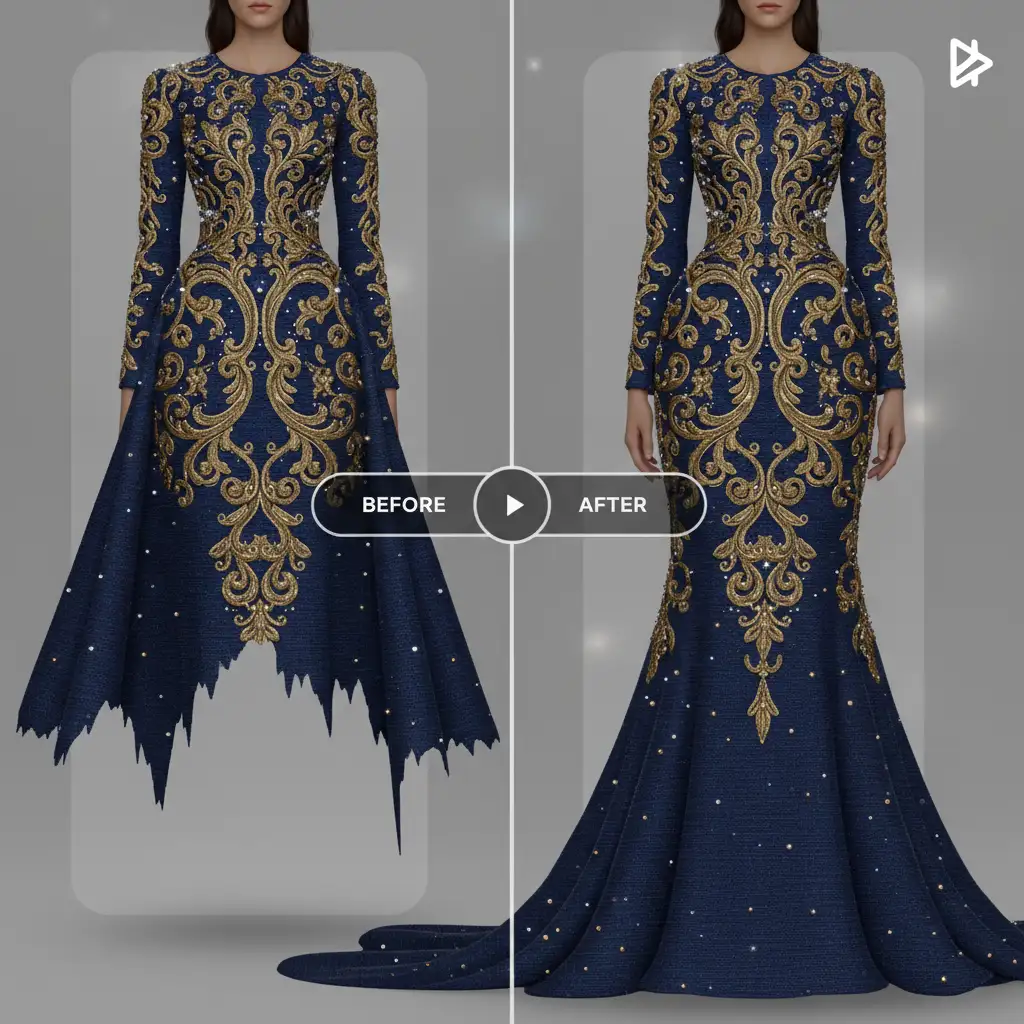
The Final Result: Flawless Couture Extension
By understanding the limitations of AI and leaning on foundational retouching skills like layer masking and frequency separation, you can maintain the integrity of the designer’s work while meeting the spatial demands of modern editorial layouts.
Outsource Your High-End Fashion Retouching
Mastering the balance between AI expansion and manual pixel-pushing takes years of experience. When you’re dealing with high-stakes editorial campaigns, luxury fashion lookbooks, or demanding couture clients, there is no room for blurry textures or repetitive AI artifacts.
Need flawless editorial imagery without the hours of manual cloning? Outsource your complex couture and high-end fashion retouching to the experts at Image Work India and Cloud Retouch. Our specialized team seamlessly blends cutting-edge technology with traditional, non-destructive retouching techniques to guarantee pixel-perfect results that preserve the true luxury of your garments.
Contact Image Work India today to elevate your fashion imagery to the next level.



