
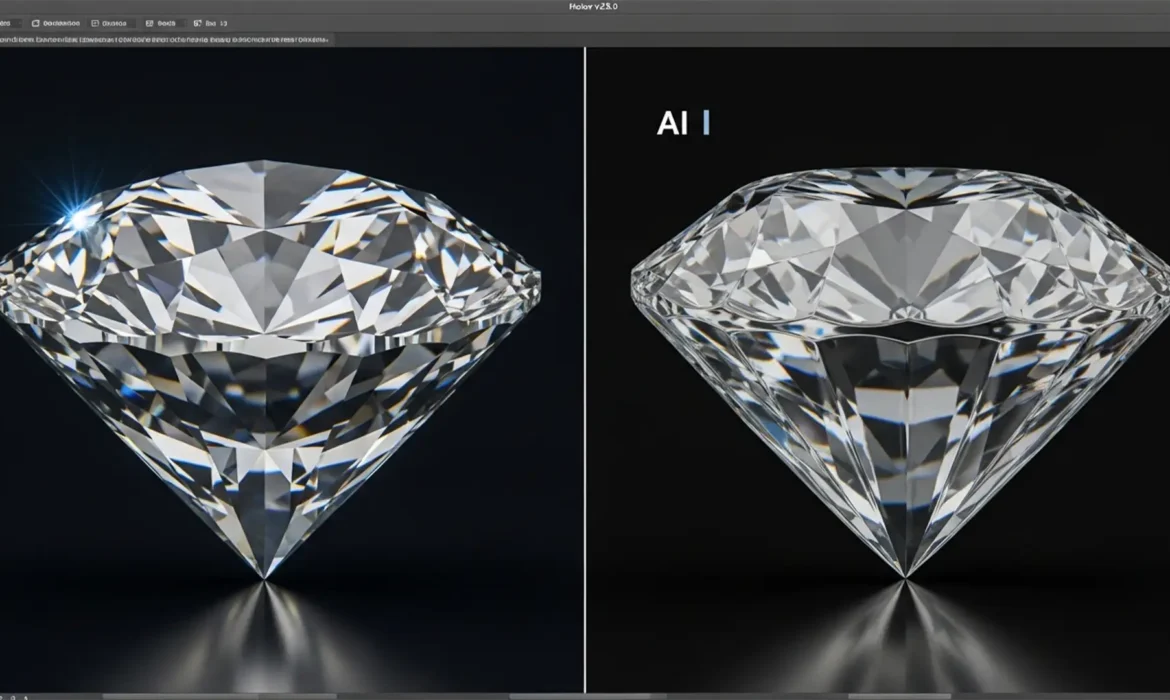
Are you tired of watching your high-end diamonds turn into melted plastic the moment you use Photoshop’s Generative Fill? You are not alone. In e-commerce jewelry photography, utilizing an effective AI gemstone distortion repair workflow is no longer optional—it is a necessity.
When you attempt to expand or remove backgrounds adjacent to jewelry, Adobe’s Firefly AI frequently destroys the rigid, high-frequency details of precious stones. The result is a hallucinatory mess that ruins the perceived value of your product. In this guide, we will break down exactly why this happens and provide a step-by-step technical workflow to protect your gemstone geometry while still leveraging AI for rapid background generation.
Why Generative Fill Destroys Gemstone Facet Geometry
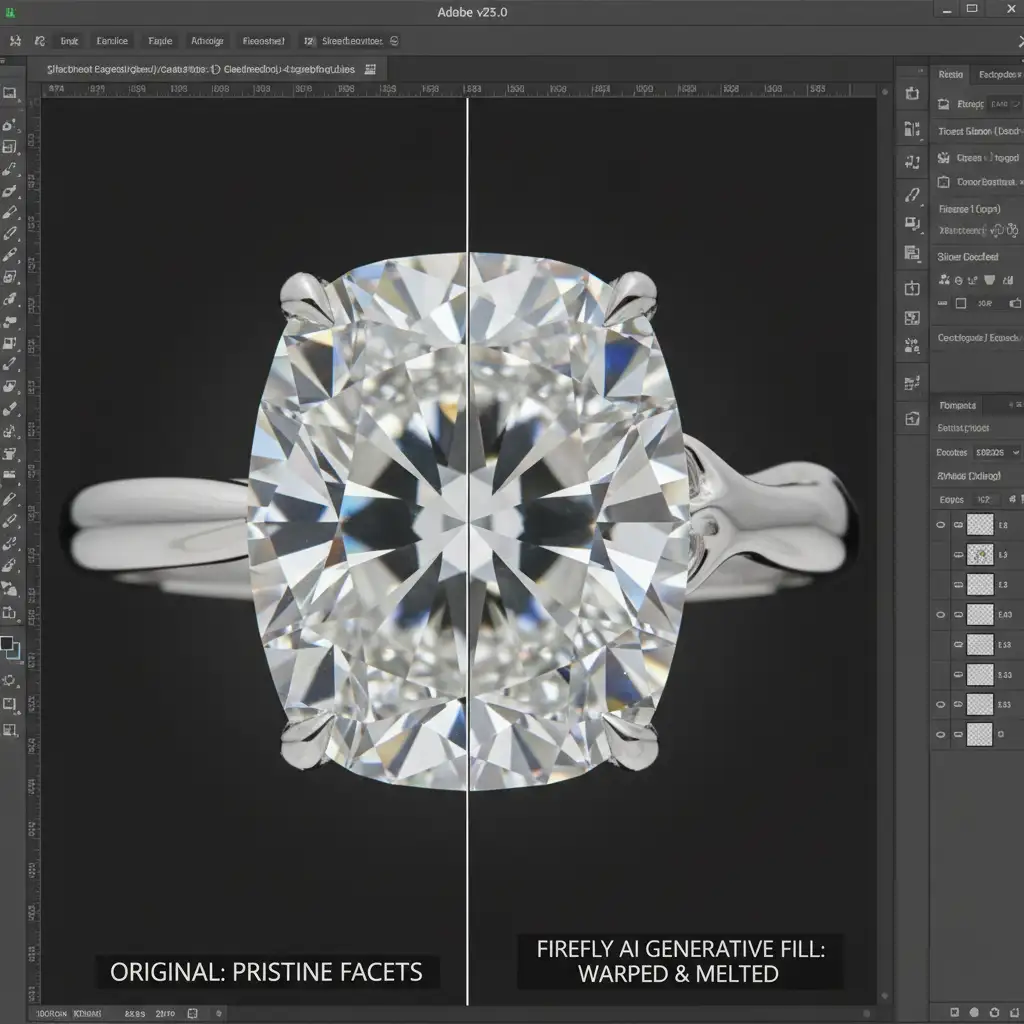
In Adobe Photoshop v25.0 and later versions, Firefly AI is trained to prioritize broad semantic understanding over strict geometric light refraction. When the AI generates pixels, it attempts to blend the new background seamlessly with the subject.
However, high-end jewelry relies on precise facet geometry, refraction, and dispersion. Because the AI lacks an understanding of rigid crystallographic structures, it “guesses” the edge transitions. This causes the AI to bleed background pixels into the gemstone, resulting in soft, melting edges and the complete loss of natural light dispersion.
The Ultimate AI Gemstone Distortion Repair Workflow
To fix this, you must separate the AI generation process from the gemstone itself. Here are three methods, ranging from a quick fix to a professional composite technique.
Method 1: The Quick Fix (Selection Contraction)
If you are working on a tight deadline and the background replacement doesn’t require complex shadow reconstruction, you can simply adjust your selection boundaries.
- Make your initial selection around the jewelry.
- Invert the selection so the background is targeted.
- Navigate to Select > Modify > Contract and reduce the marching ants by 2 to 3 pixels.
- Apply Generative Fill.
By contracting the selection, you create a buffer zone that prevents the AI generation from overlapping with the gemstone’s edge pixels.
Method 2: The Pro Workaround (Vector Masking)
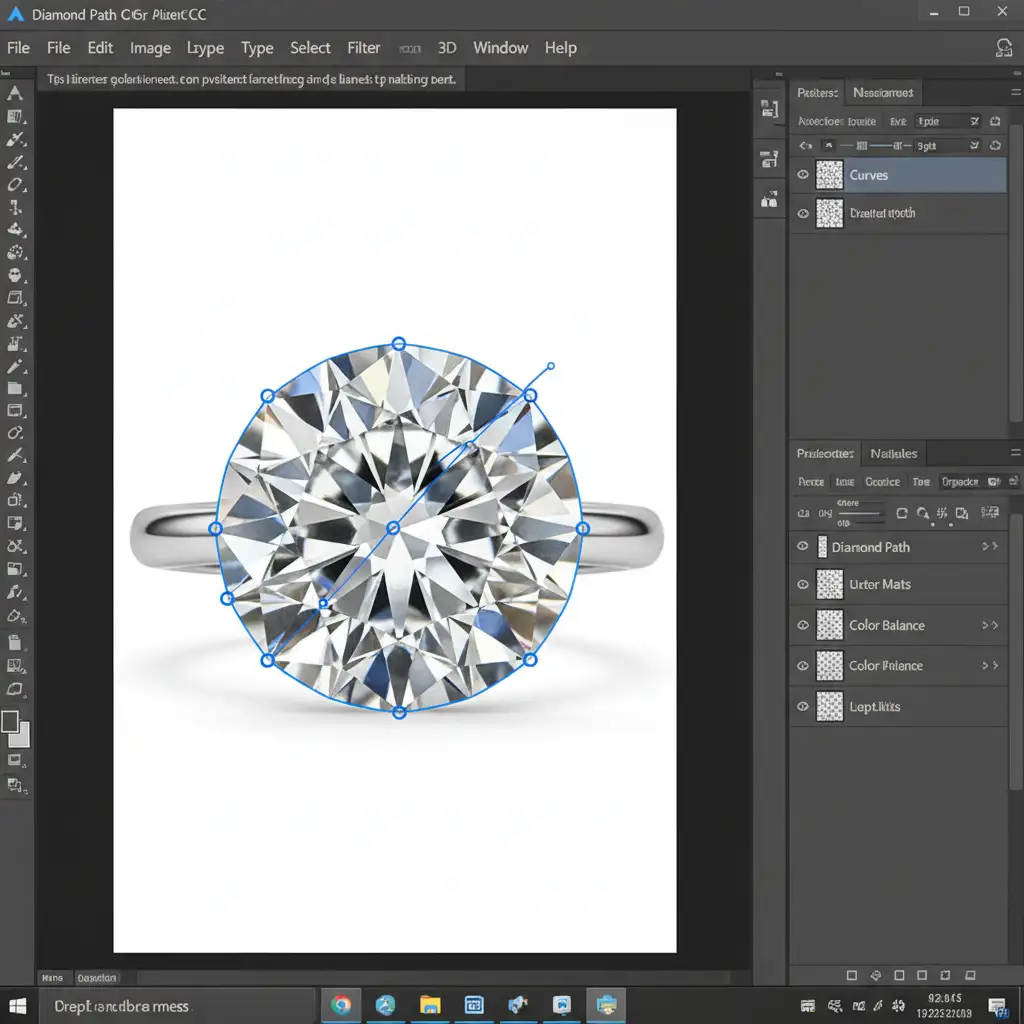
For professional e-commerce catalogs, a buffer zone isn’t enough. You need absolute isolation. The most reliable way to protect a diamond is by utilizing a hand-drawn clipping path.
- Select the Pen Tool (P).
- Zoom in to 300% and carefully trace the rigid geometry of the gemstone facets.
- Save the path and convert it into a highly precise vector mask.
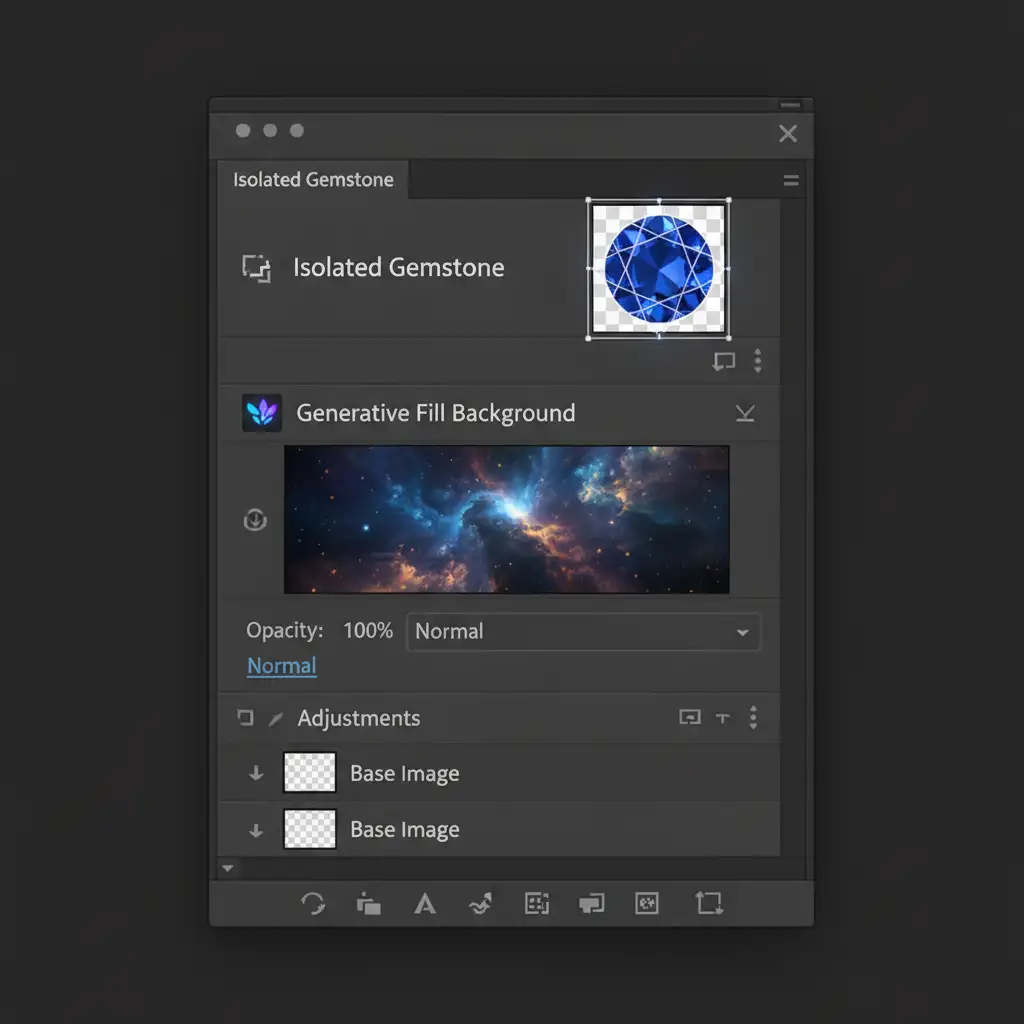
- Duplicate the original image and isolate the gem on this new layer.
- Select the original background layer beneath it and apply your Generative Fill.
Because the isolated gemstone layer sits above the AI-generated layer, the original facet geometry remains 100% untouched.
Method 3: The Technical Deep-Dive (Frequency Separation & Blending)
Sometimes, the AI background generation looks perfect, but it completely overwrites the natural shadows and light caustics cast by the jewelry. To restore these elements without bringing back the original background, you must use advanced compositing techniques.
- Place the original, unedited photo on a layer at the very top of your stack.
- Perfectly align it with your AI-generated background.
- Mask out everything except the specific areas containing the gemstone’s cast shadows and light dispersion.
- Utilize frequency separation if you need to separate the texture of the shadow from the color of the new background.
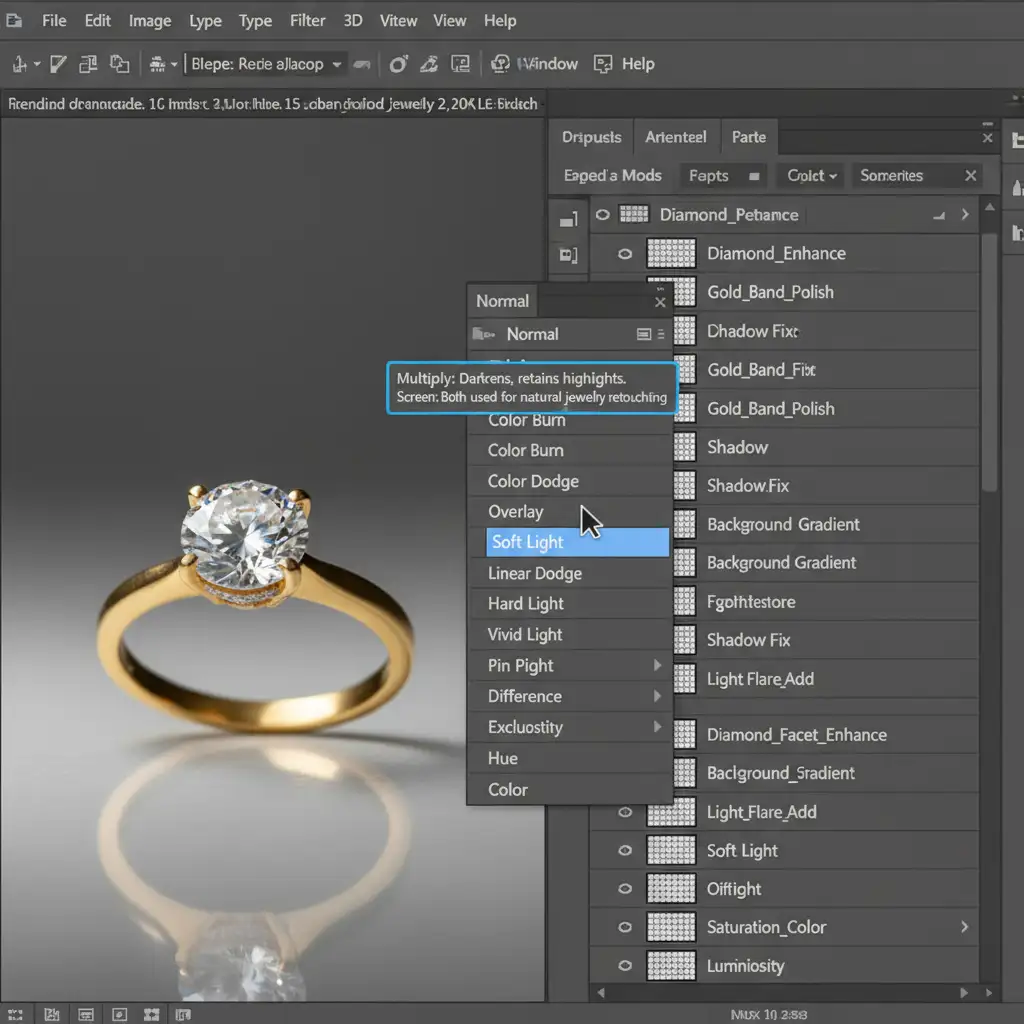
- Change the layer’s blending modes. Set the shadow layers to Multiply (to darken the new background using the original shadow data) and the refraction layers to Screen (to overlay the authentic light bounces).
This technique seamlessly blends the authentic light dispersion of the original photograph into the new AI-generated environment.
Stop Fighting AI—Let the Professionals Handle It
Mastering an AI gemstone distortion repair workflow takes time, patience, and a deep understanding of Photoshop’s technical mechanics. When you are managing a massive e-commerce catalog, spending 20 minutes masking a single ring simply isn’t scalable.
Don’t let AI ruin your high-end jewelry catalogs with melted edges and plastic-looking diamonds. Image Work India or Cloud Retouch specialize in high-volume, premium jewelry editing. Our expert retouching teams provide pixel-perfect, hand-drawn clipping paths, flawless vector masking, and advanced compositing that AI simply cannot match.
Focus on growing your brand, and let us deliver the geometric precision your gemstones deserve. Contact Image Work India and Cloud Retouch today for a free trial on your most complex jewelry images.



