
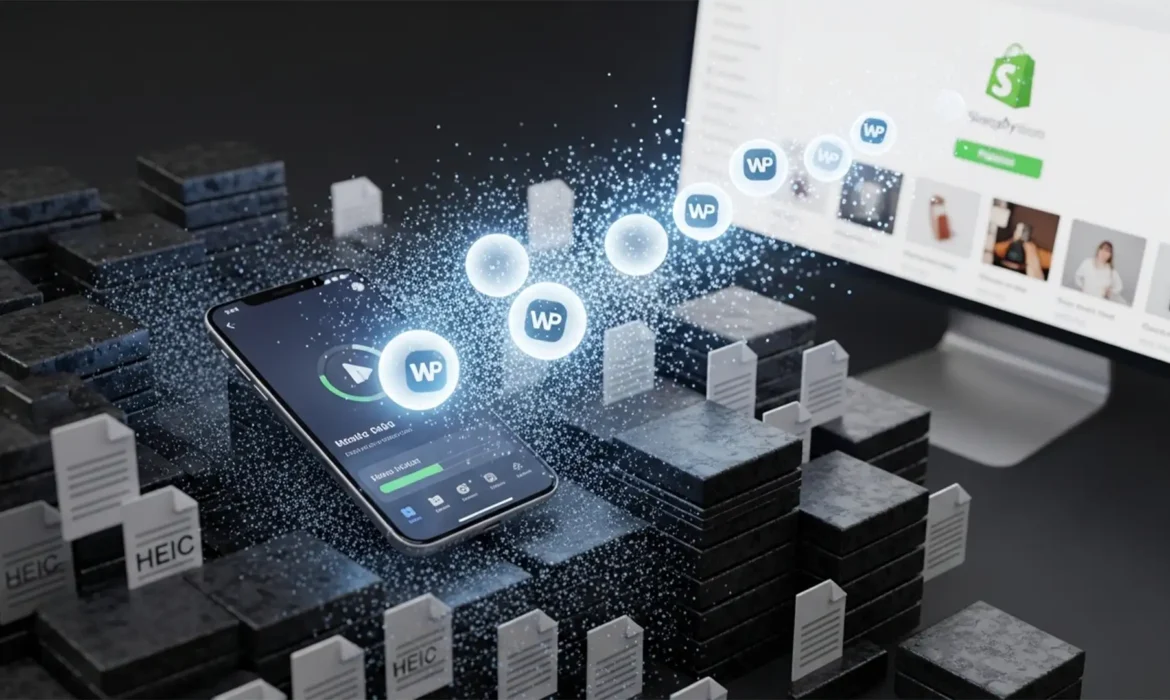
You just finished a massive product shoot using your iPhone. The photos look stunning, but there is a major catch: they are all saved in the HEIC format. While Apple’s high-efficiency format is incredible for saving local storage space on your device, uploading raw HEIC files to your eCommerce store is a recipe for disaster. It bogs down your Shopify CDN, creates browser compatibility errors, and destroys your page load speed.
If you want your product pages to rank higher on Google and convert more visitors, you need a next-gen web solution. In this guide, we break down exactly how to bulk convert HEIC to WebP for Shopify, allowing you to slash file sizes and boost performance without sacrificing a single pixel of image quality.
Why the HEIC Format Hurts Your Shopify Page Load Speed
Shopify merchants frequently shoot product photos on mobile devices. Unfortunately, native HEIC files are not universally supported across all older web browsers and can cause rendering delays.
Transitioning your catalog to the WebP format is the industry standard for eCommerce optimization. Developed by Google, WebP provides superior lossless compression and lossy compression for web images. In fact, WebP files are typically 25 to 34 percent smaller than equivalent JPEG files at the exact same quality. By implementing a proper batch processing workflow, you can ensure rapid uploads to the Shopify CDN and optimize your core web vitals.
How to Bulk Convert HEIC to WebP for Shopify (3 Proven Methods)
Converting one file is easy, but when you have hundreds of product angles, you need an automated workflow that retains your metadata and color profiles. Here are the three best technical approaches.
Method 1: The Quick Fix – macOS Automator & Quick Actions
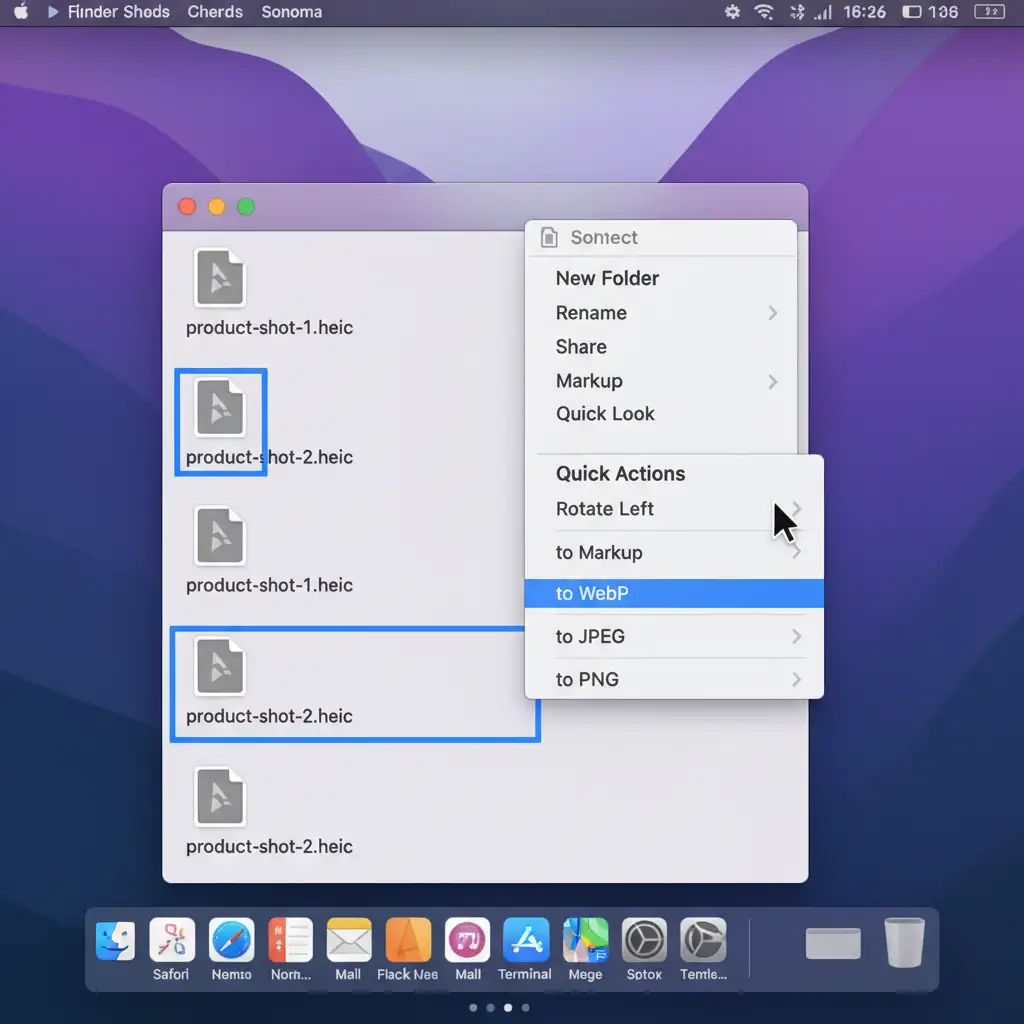
If you are a Mac user, you don’t need third-party software for basic conversions. You can leverage the built-in macOS Automator and Finder Quick Actions to handle the job instantly.
Step-by-Step Workflow:
- Place all your iPhone product photos into a single folder.
- Highlight all the HEIC files in Finder.
- Right-click the selected files to open the context menu.
- Navigate to Quick Actions > Convert Image.
- Select WebP from the format dropdown and choose your desired image size.
(Note for Windows Users: To achieve a similar quick fix on a PC, download a bulk desktop tool like XnConvert to process your folders).
Method 2: The Pro Workaround – Adobe Photoshop Batch Processing
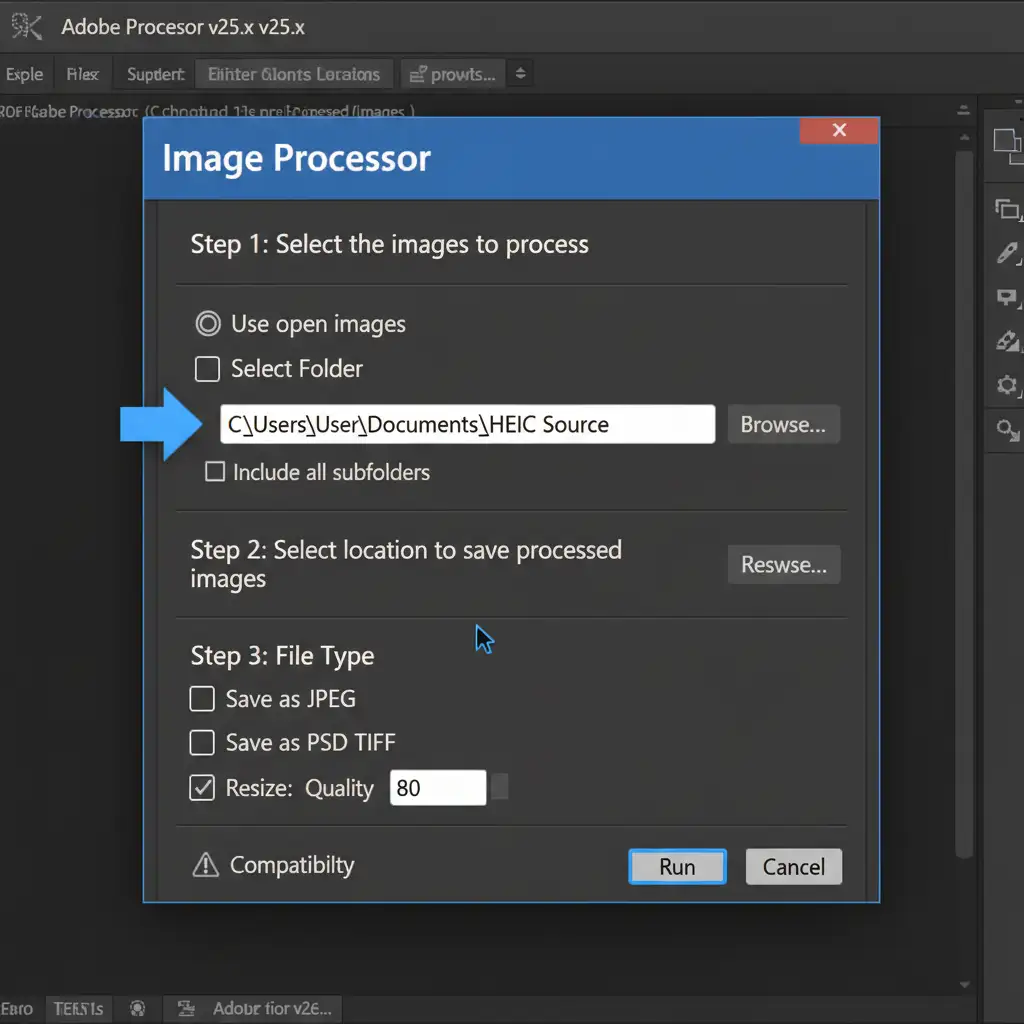
For professional eCommerce retouchers who need strict control over color profiles and compression artifacts, the Photoshop Image Processor is the ultimate tool. This method requires Adobe Photoshop v25.x or newer.
Step-by-Step Workflow:
- Open Adobe Photoshop v25.x.
- Navigate to File > Scripts > Image Processor.
- In Step 1 of the dialog box, select the source folder containing your HEIC files.
- In Step 2, select your destination folder.
- In Step 3, check the box to save as WebP (if using a modern WebP plugin/native support) and set your quality to 80. This is the sweet spot for web delivery.
- Click Run to execute the batch process.
Method 3: The Technical Deep-Dive – Command Line Automation
If you are comfortable with the terminal and want maximum efficiency, command-line automation using ImageMagick and the cwebp utility offers the fastest processing speeds and the most precise control over metadata retention.
Step-by-Step Workflow:
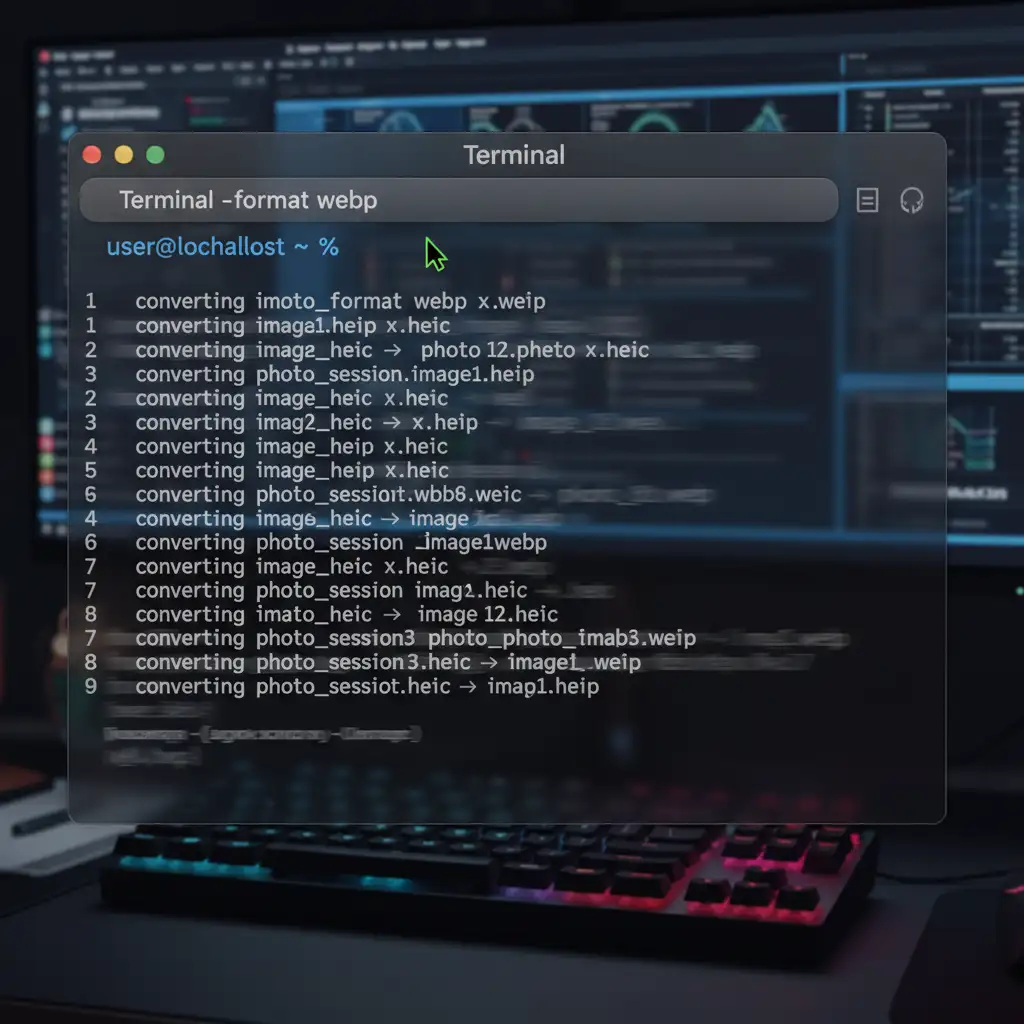
- Open your Terminal.
- Install ImageMagick via Homebrew by typing: brew install imagemagick
- Navigate to your folder of product photos: cd /path/to/your/heic/folder
- Run the following shell script loop to batch convert the files: mogrify -format webp *.heic
This command instantly transcodes all HEIC files in the directory to WebP, stripping unnecessary bulk while perfectly preserving the visual fidelity needed for your storefront.
Scale Your Shopify Store with Image Work India & Cloud Retouch
Optimizing your page load speed is critical for keeping customers on your site, but managing file formats, color correction, and metadata can quickly eat up hours of your week. You should be focused on growing your brand, not fighting with file extensions.
Save hours of tedious formatting and ensure your store loads lightning-fast. Let Image Work India and Cloud Retouch handle your bulk product photo editing, clipping paths, and web optimization. Our expert retouching teams seamlessly integrate into your workflow, taking your raw mobile or studio shots and delivering web-ready, high-converting imagery directly to your inbox.
Ready to speed up your Shopify store? Contact us today to get a free trial of our premium eCommerce image editing services!



