
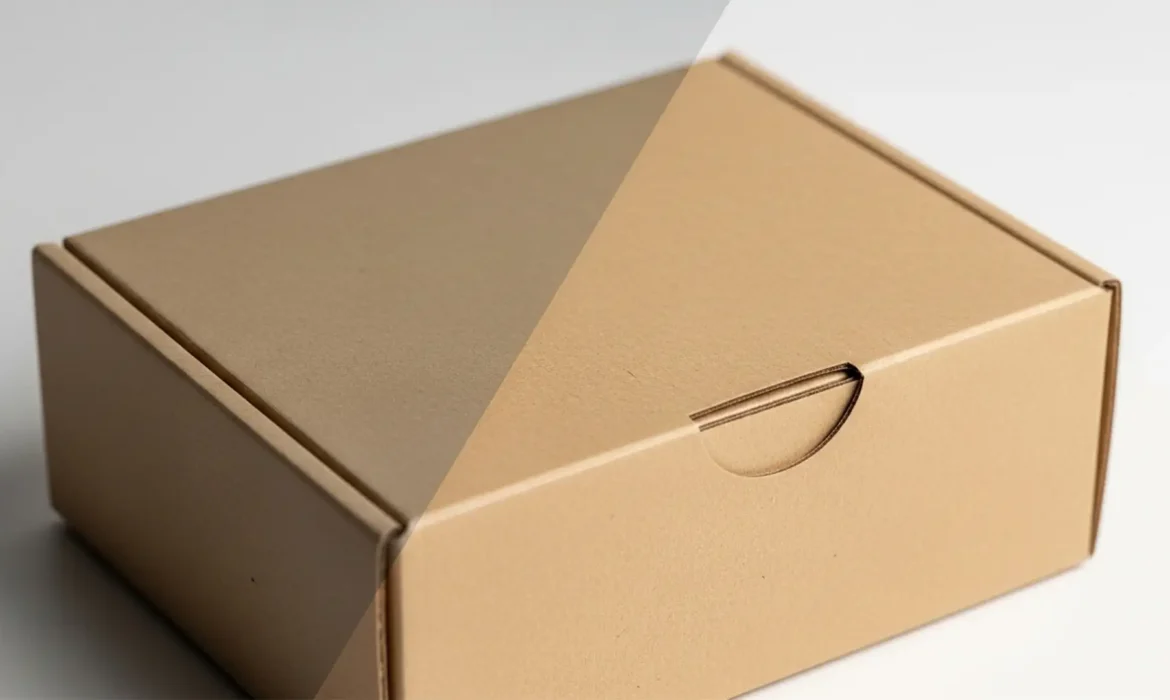
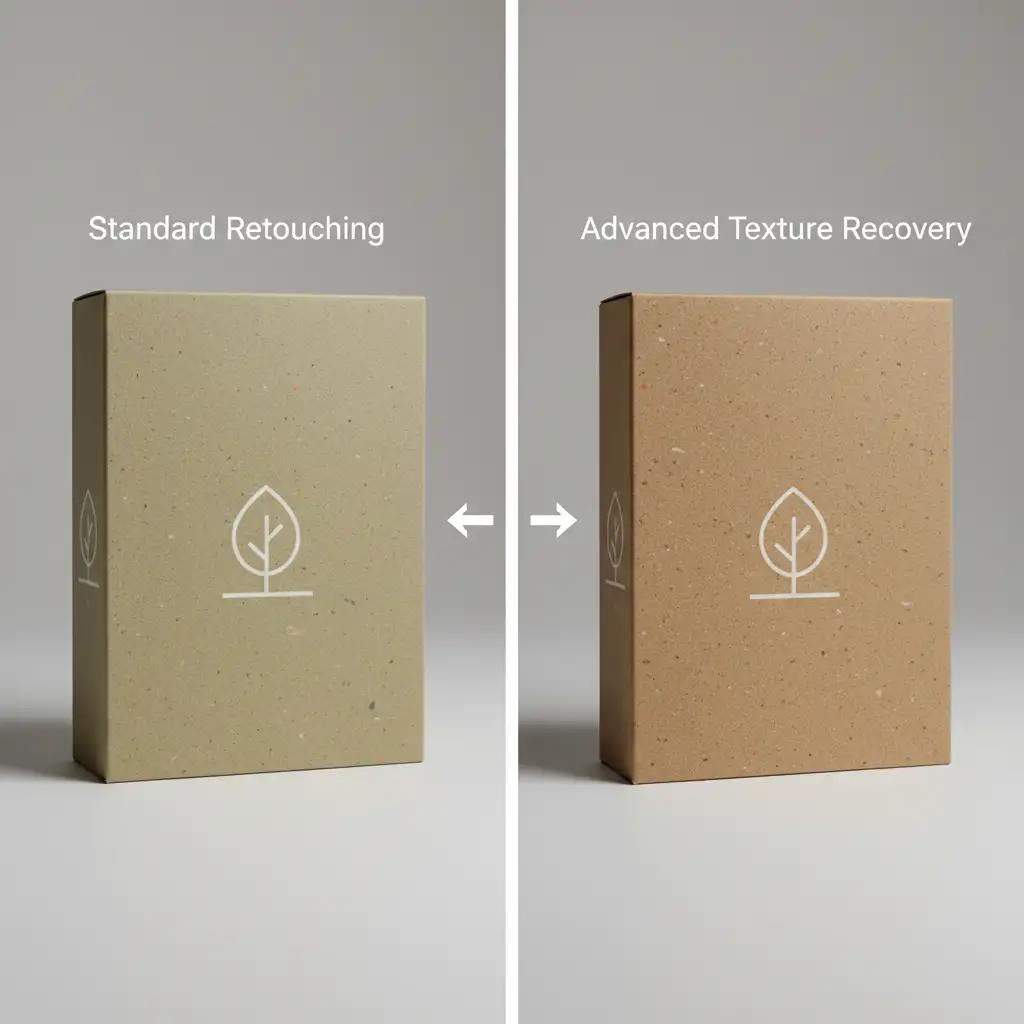
Eco-friendly packaging is a massive selling point, but photographing it is a retouching nightmare. You zoom in, and those beautiful, natural kraft paper specks suddenly look like dirty sensor dust. Apply a standard noise reduction or dust-and-scratches filter in Photoshop v24 or v25, and your premium sustainable box instantly turns into cheap, fake plastic.
The struggle to balance clean product photography with authentic, tactile texture is real. If your recycled packaging looks dull, blotchy, or artificially smooth, you are actively losing sales. The technical challenge lies in isolating the macro-texture (the recycled paper specks) from the micro-texture (camera sensor noise) and uneven color casts.
Here is exactly how to fix it.
The Challenge of Kraft Paper Retouching
When working with sustainable materials, standard clean-up techniques fail. Recycled paper naturally contains dark fibers, wood pulp remnants, and uneven dye distribution. When a retoucher tries to smooth out the lighting, they often destroy these defining characteristics. To achieve premium kraft paper retouching, you must utilize techniques that separate color from texture, allowing you to clean the lighting without erasing the product’s eco-friendly identity.
3 Pro Methods for Retouching Recycled Paper Packaging
Below are three distinct, non-destructive editing workflows to rescue your sustainable packaging photography.
Method 1: The High Pass Filter for Micro-Contrast (Quick Fix)
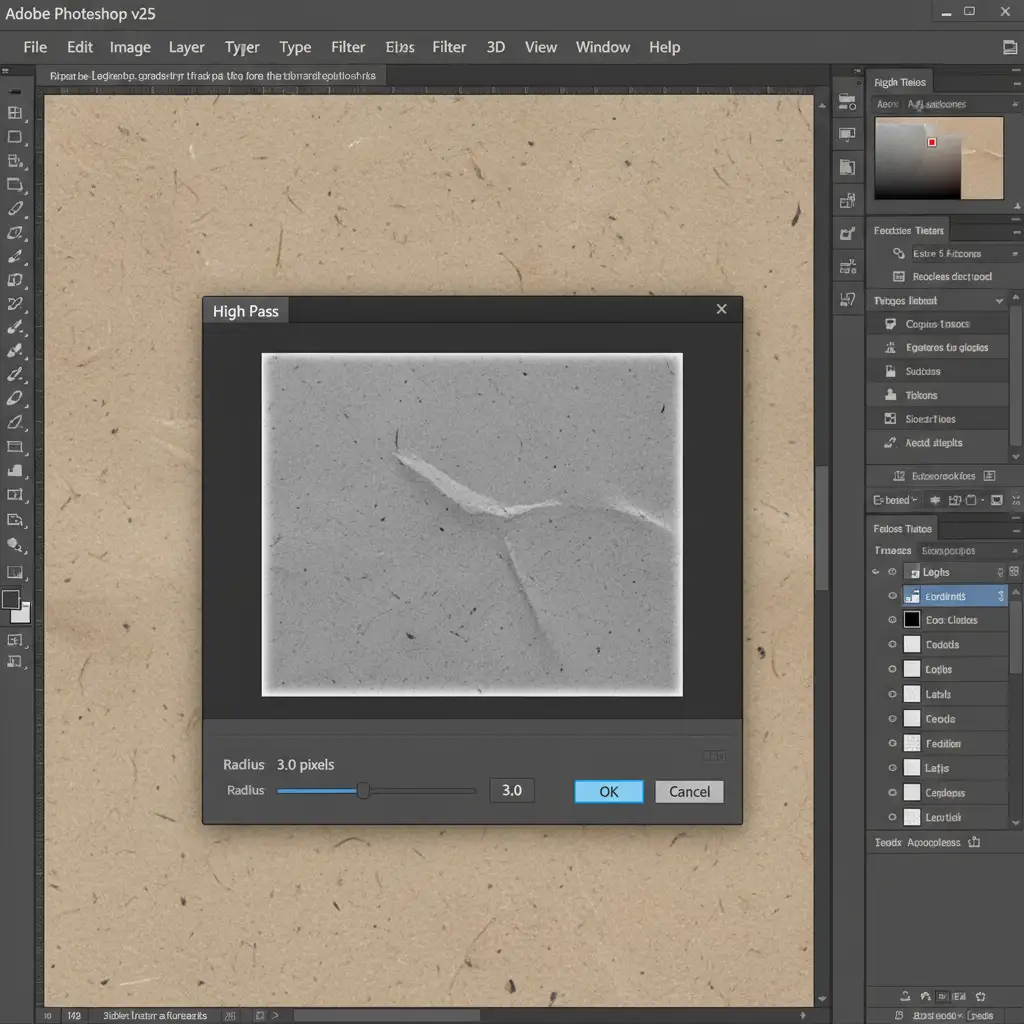
If your packaging looks flat and the recycled fibers are blending into the background, you need to boost the micro-contrast. The High Pass filter is the fastest way to make natural fibers pop without over-sharpening the entire image.
- Duplicate your main packaging layer.
- Change the blending mode of this new layer to Overlay or Linear Light.
- Navigate to Filter > Other > High Pass.
- Set the radius between 2.0 and 4.0 pixels. This specific range targets the recycled specks without amplifying underlying color noise.
- Use layer masking to paint this effect strictly onto the paper surface, avoiding logos or text.
Method 2: Frequency Separation for Tone Control (Pro Workaround)
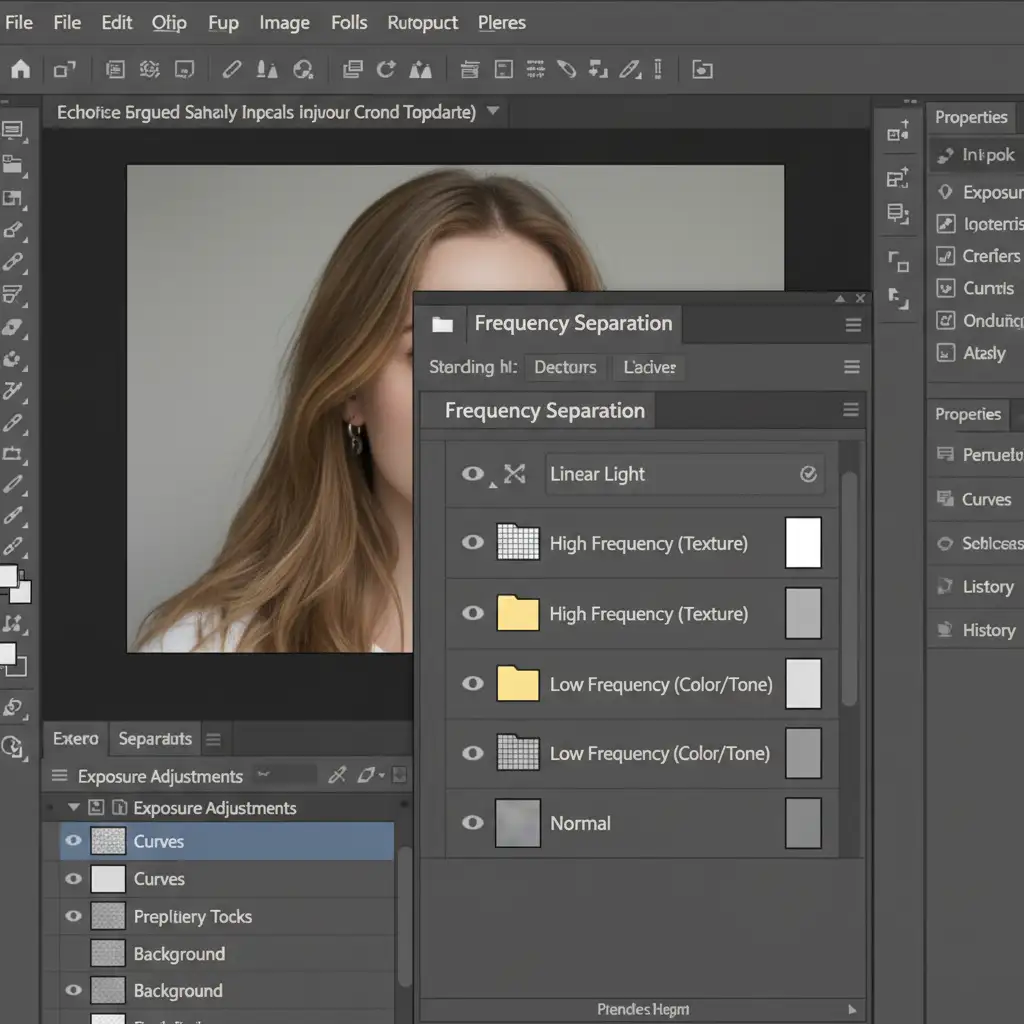
Uneven lighting and color blotchiness are common with recycled materials. Frequency separation is the ultimate professional workaround, allowing you to smooth the paper’s color independently of its texture.
- Split the Image: Run your frequency separation action to split the image into a High Frequency layer (texture) and a Low Frequency layer (color/tone).
- Protect the Texture: The High Frequency layer now holds all the essential eco-friendly specks. Lock this layer.
- Smooth the Color: Select the Low Frequency layer. Select the Mixer Brush tool (with a clean, moist brush setting).
- Carefully blend the uneven shadows and color blotches. Because the texture is safely isolated on the layer above, you can aggressively smooth the lighting without making the paper look like plastic.
Method 3: Camera Raw Filter for Texture & Color Grading (Technical Deep-Dive)
Raw kraft paper often reflects unwanted ambient light, resulting in ugly green or magenta color casts. The Camera Raw Filter provides precise control over color grading and texture enhancement in one non-destructive step.
- Right-click your packaging layer and select Convert to Smart Object.
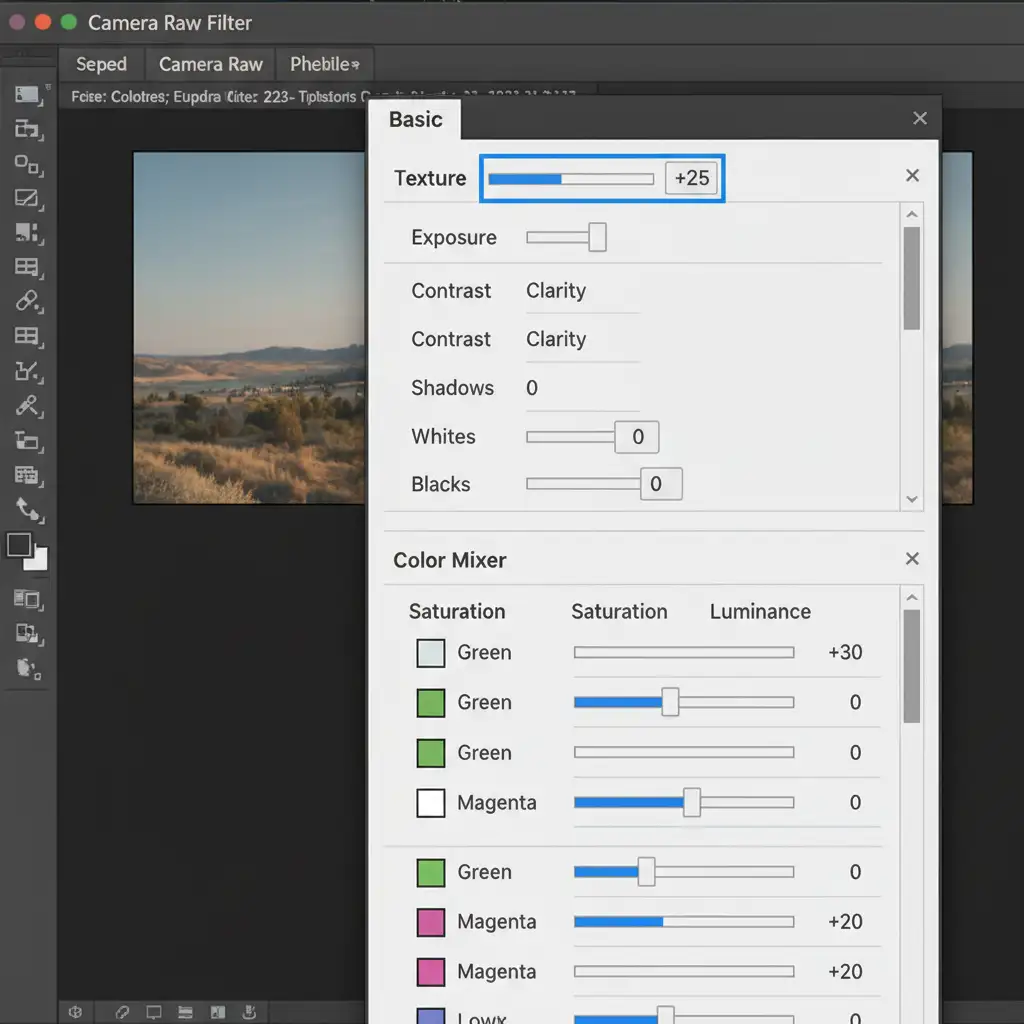
- Open Filter > Camera Raw Filter.
- Enhance the Grain: Navigate to the Basic panel. Push the Texture slider up (+15 to +30). This specifically enhances the medium-sized details (the paper fibers).
- Control the Contrast: Keep the Clarity slider neutral (0). Pushing Clarity too high will create harsh midtone contrast, making the packaging look dirty rather than textured.
- Neutralize Casts: Open the Color Mixer panel. Use the Hue and Saturation sliders to desaturate unwanted greens or magentas, bringing the kraft paper back to a warm, premium brown.
Why Non-Destructive Editing Matters for Sustainable Brands
When retouching recycled paper packaging, always use non-destructive editing techniques like Smart Objects and Layer Masking. Client feedback on eco-friendly products is notoriously subjective—what looks “authentically recycled” to one art director might look “unclean” to another. By keeping your High Pass filters and Camera Raw adjustments on smart layers, you can dial the texture up or down in seconds without starting from scratch.
Perfect Your Product Presentation with Image Work India
Balancing clean product aesthetics with the rugged, natural look of recycled materials requires a highly specialized eye. If your in-house team is struggling to make your sustainable packaging look premium, it’s time to bring in the experts.
At Image Work India and Cloud Retouch, our senior retouching teams specialize in complex texture recovery and advanced frequency separation. We ensure your eco-friendly brand looks authentic, tactile, and flawlessly lit. Don’t let bad retouching ruin your sustainable message. Contact Image Work India and Cloud Retouch today to elevate your product photography to a world-class standard.



