
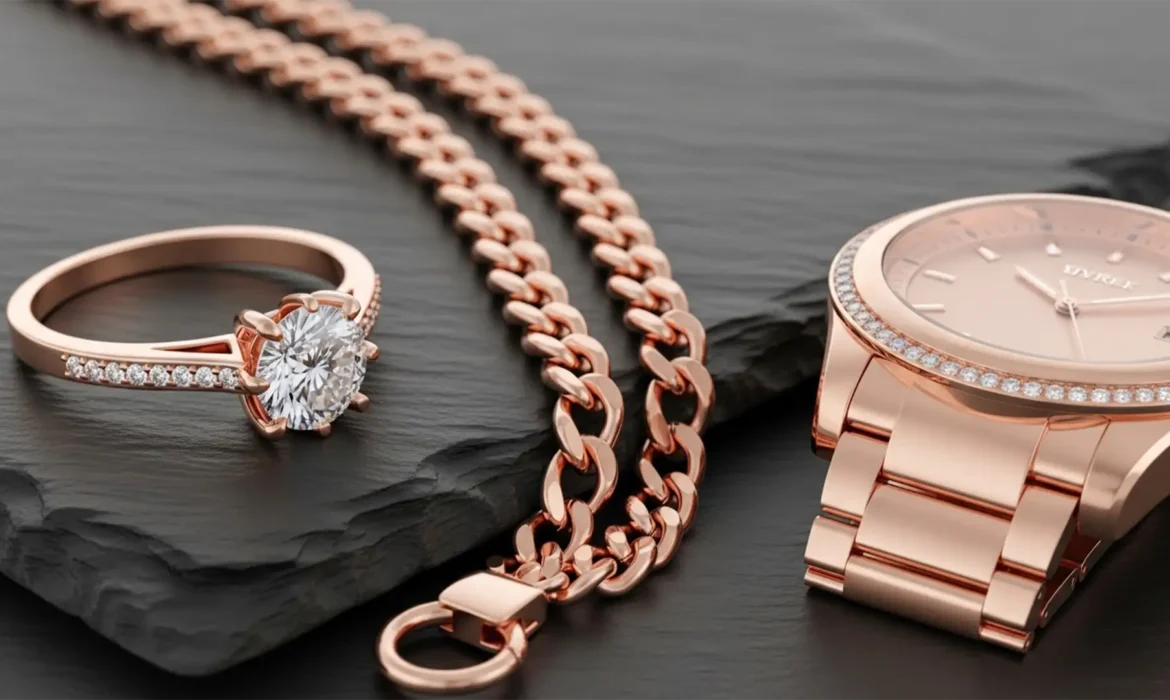
You’ve just received the latest product shots for a luxury jewelry line, but there’s a glaring problem. Half the rings look like cheap copper, and the necklaces look like brassy yellow gold. Matching Rose Gold color consistency across collections is notoriously one of the hardest tasks in high-end retouching. Varying studio lighting, mixed base metals, and unpredictable reflections make it nearly impossible to maintain true hex code consistency straight out of the camera. If you are tired of battling mismatched tones and disjointed catalog pages, this guide breaks down the exact Adobe Photoshop (v24.x – v25.x) workflows to achieve flawless, uniform rose gold color grading.
The Challenge of Rose Gold in E-Commerce
Rose gold requires a highly specific balance of magenta, yellow, and a touch of cyan. Get it wrong, and the metal shifts drastically. When photographing an entire collection, slight shifts in strobe power or ambient room reflections cause major deviations in the final file.
Before diving into color grading, proper white balance correction is essential. However, even with a perfectly balanced raw file, you will still need targeted, non-destructive editing techniques to unify the collection. Here are the three industry-standard methods to achieve perfect RGB color-matching and prepare your files for accurate CMYK calibration in print catalogs.
Method 1: The Quick Fix (Color Fill Blend Mode)
When dealing with a tight deadline and minor color deviations, a simple solid color overlay can pull disparate tones together.
Step-by-Step Workflow
- Open your masked jewelry image in Photoshop.
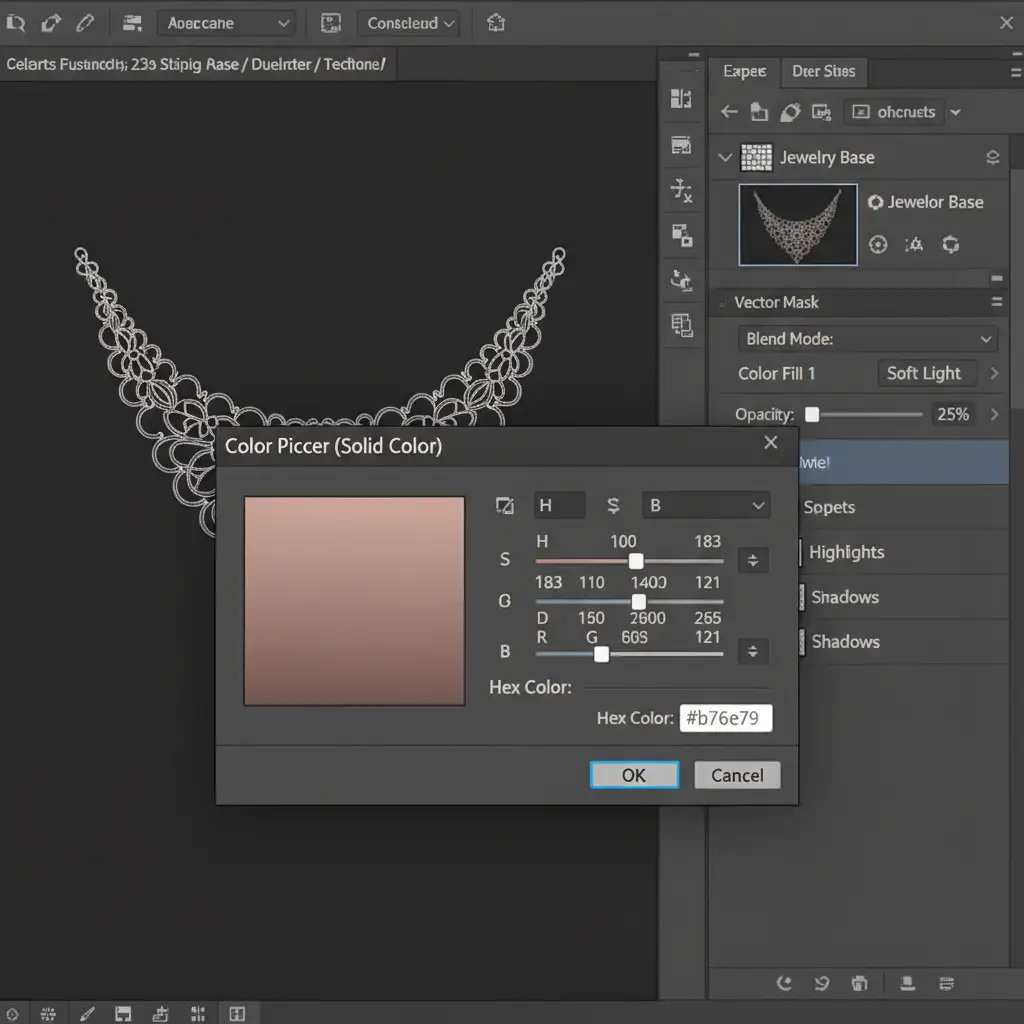
- Create a Solid Color adjustment layer above the jewelry group.
- Input your brand-approved rose gold HEX code (e.g., #b76e79).
- Change the layer’s blend mode to Color or Soft Light.
- Drop the opacity to 20% – 30% to unify the base tone without flattening the metal’s natural contrast.
Method 2: The Pro Workaround (Selective Color & Curves)
For images where the rose gold has shifted too far into the copper (orange) or brassy (yellow) spectrum, the Color Fill blend mode won’t be enough. You need precise control over the individual ink values using a Selective Color adjustment.
Step-by-Step Workflow
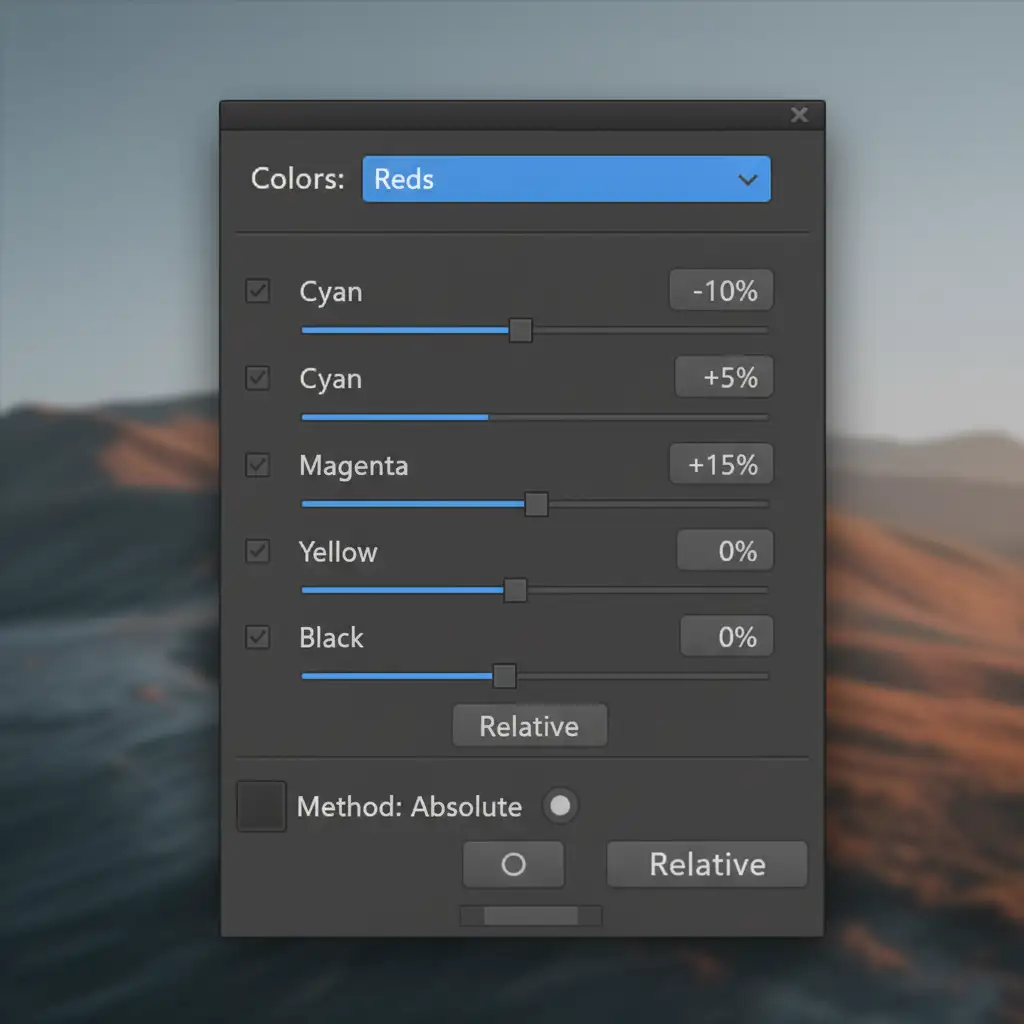
- Add a Selective Color adjustment layer clipped to your jewelry mask.
- Target the Reds channel. To remove brassiness and enhance the rose tone, adjust the sliders to: Cyan (-10), Magenta (+5), and Yellow (+15).
- Target the Yellows channel to neutralize any lingering green/brass casts.
- Add a Curves adjustment layer to rebuild contrast in the midtones, ensuring the metallic shine remains crisp and dimensional.
Method 3: The Technical Deep-Dive (Gradient Maps & Luminosity Masks)
To achieve the ultimate luxury standard—matching Rose Gold color consistency across collections regardless of the original lighting—you must rebuild the color structure from the ground up using Gradient Maps.
Step-by-Step Workflow
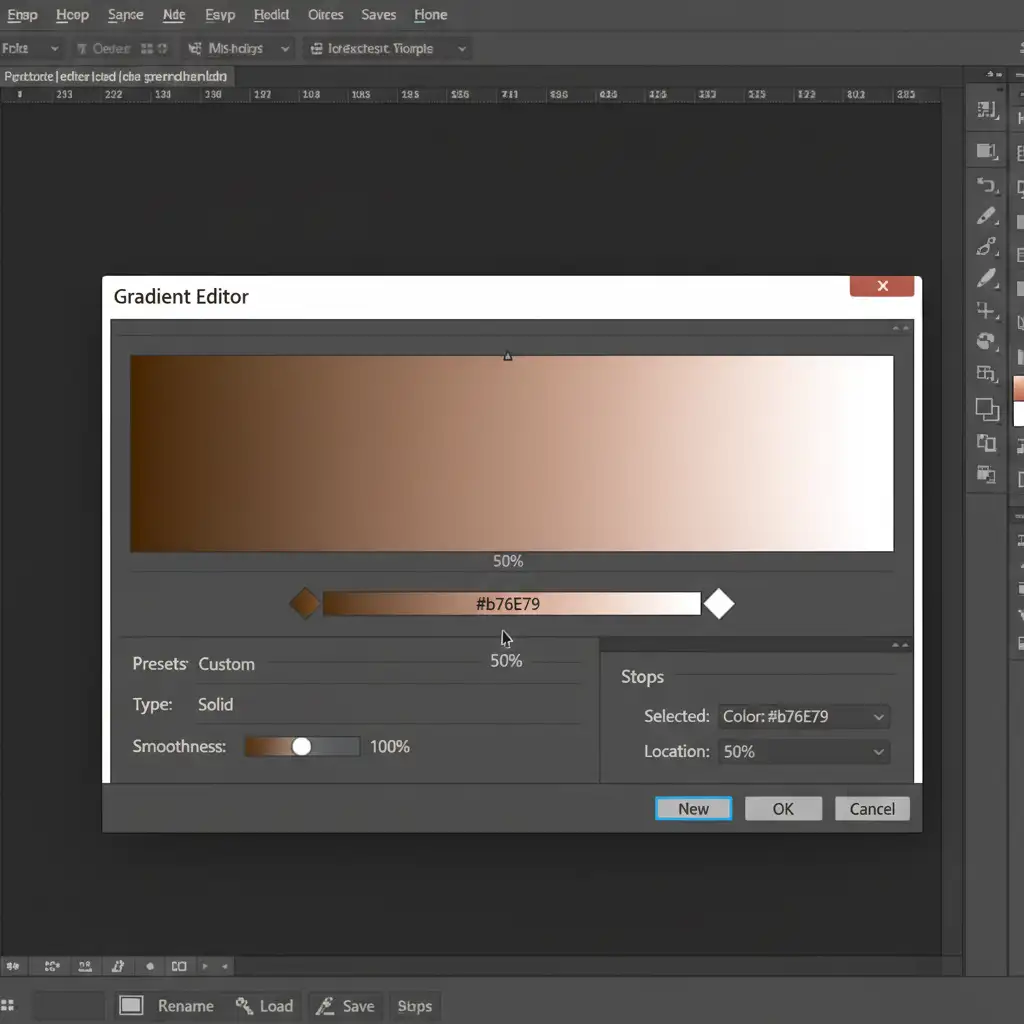
- Add a Gradient Map adjustment layer.
- Set the shadow stop (left) to a deep, warm brown to ground the metal.
- Set the midtone stop (center) to your precise rose gold target (#b76e79).
- Set the highlight stop (right) to pure white or a very pale, warm pink.
- Crucial Step: Apply Luminosity masks to this group to protect the deep shadows and the brightest specular highlights. If you colorize the specular highlights, the jewelry will look like plastic rather than highly polished metal.
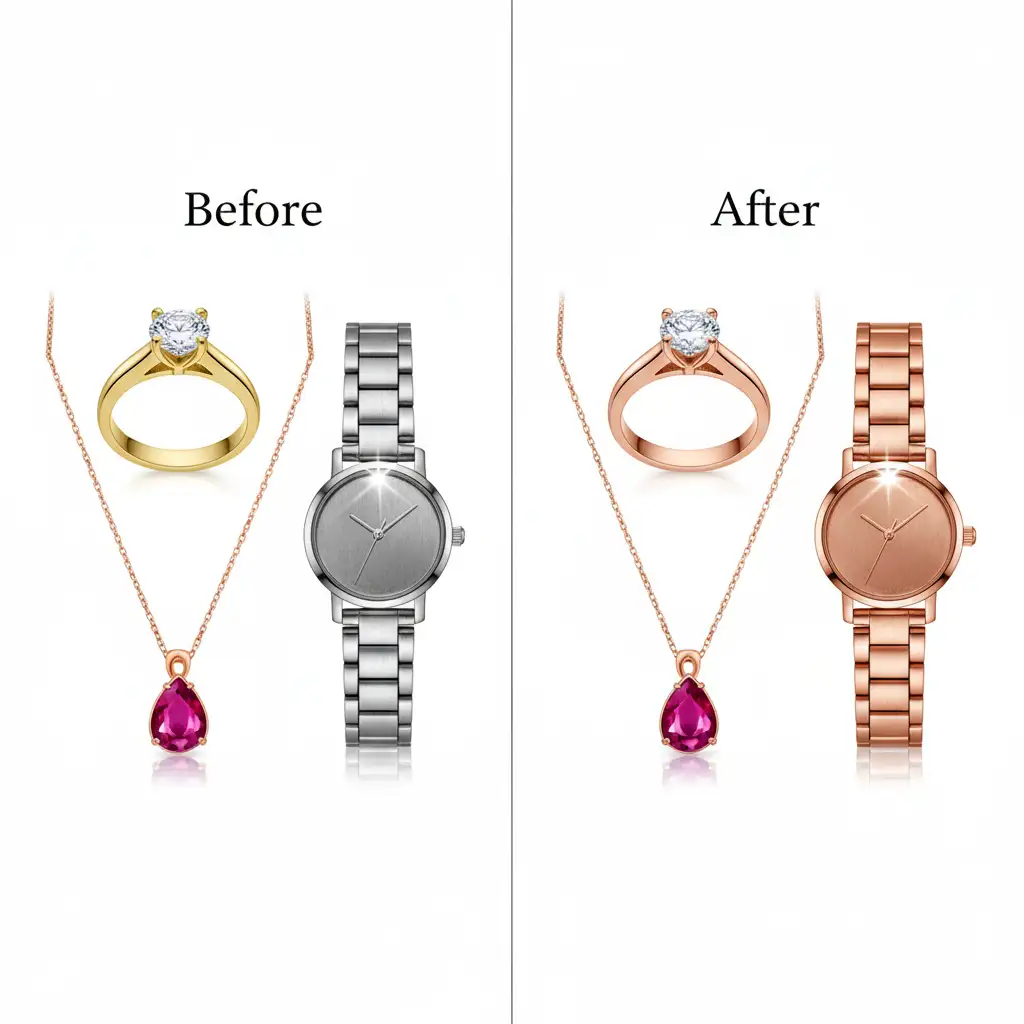
The Final Result
By utilizing these non-destructive techniques, you ensure that a ring shot under bright strobes perfectly matches a watch shot under softer, continuous lighting.
Scale Your Luxury Retouching with the Experts
Achieving 100% color consistency across hundreds of catalog SKUs is incredibly time-consuming. While the techniques above are the industry standard, applying them flawlessly to high-volume batches requires dedicated expertise and an eye for minute detail.
If you need pixel-perfect color consistency for your luxury jewelry catalog, you don’t have to do it alone. Hire the expert retouching teams at Image Work India or Cloud Retouch. We specialize in high-end jewelry retouching, advanced CMYK calibration, and flawless color matching. Let us handle the technical heavy lifting so your rose gold pieces shine with pristine, uniform perfection across every platform.
Contact Image Work India and Cloud Retouch today to elevate your e-commerce imagery to the luxury standard.



