How to Fix Photoshop Generative Fill Guidelines Violation
You are on a tight deadline, trying to remove a simple blemish or adjust clothing near a model’s skin using Photoshop’s Generative Fill, and suddenly—BAM. A red warning pops up: “The generated images were removed because they violate user guidelines.” It is incredibly frustrating when a false positive from an overly sensitive cloud-based AI blocks your workflow. If...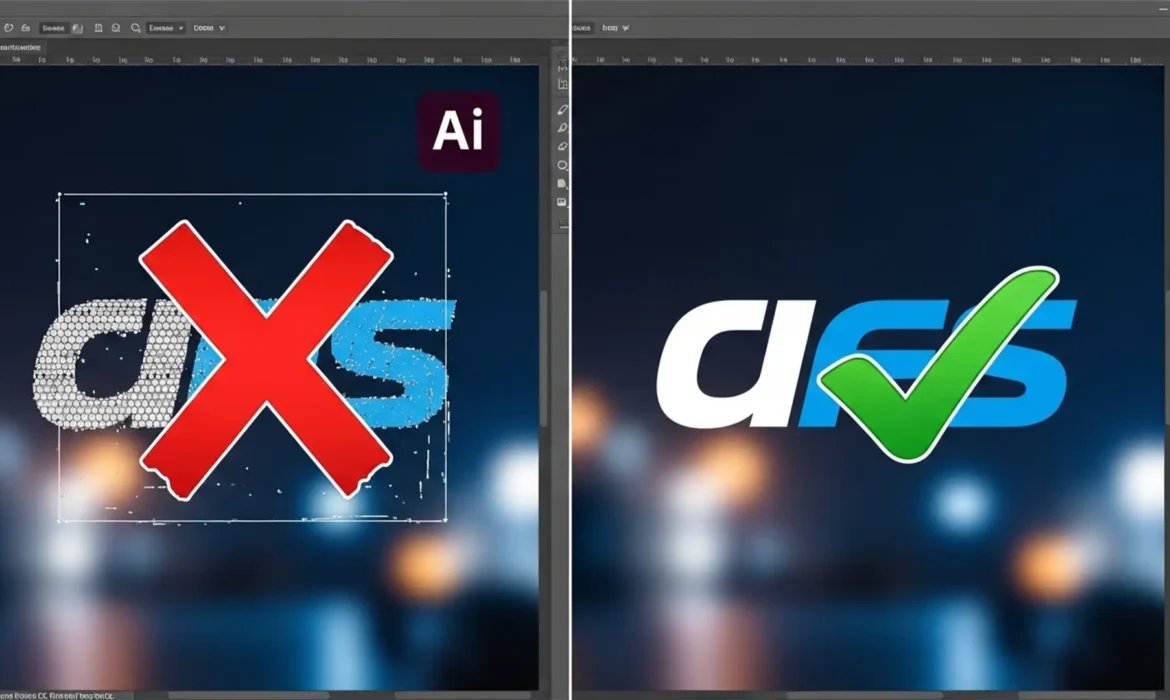
Why Photoshop’s ‘Remove Background’ Fails on Logos (Fixes)
You click “Remove Background” in Photoshop, expecting a crisp, transparent logo ready for your client’s website. Instead, you get a disaster. The edges are jagged, the anti-aliasing is a mess, and the inside of the letter ‘O’ still has a solid white block. If you’re frustrated by Photoshop removing background failing on logos, you aren’t alone....
Create Realistic Product Shadows After Background Removal
You’ve just spent hours executing the perfect clipping path or using the latest AI selection tool to isolate your e-commerce products. The backgrounds are perfectly white, the edges are crisp, but something is horribly wrong. Your products look like they are hovering in mid-air. This is “floating product syndrome.” When you strip away a product’s original environment, you...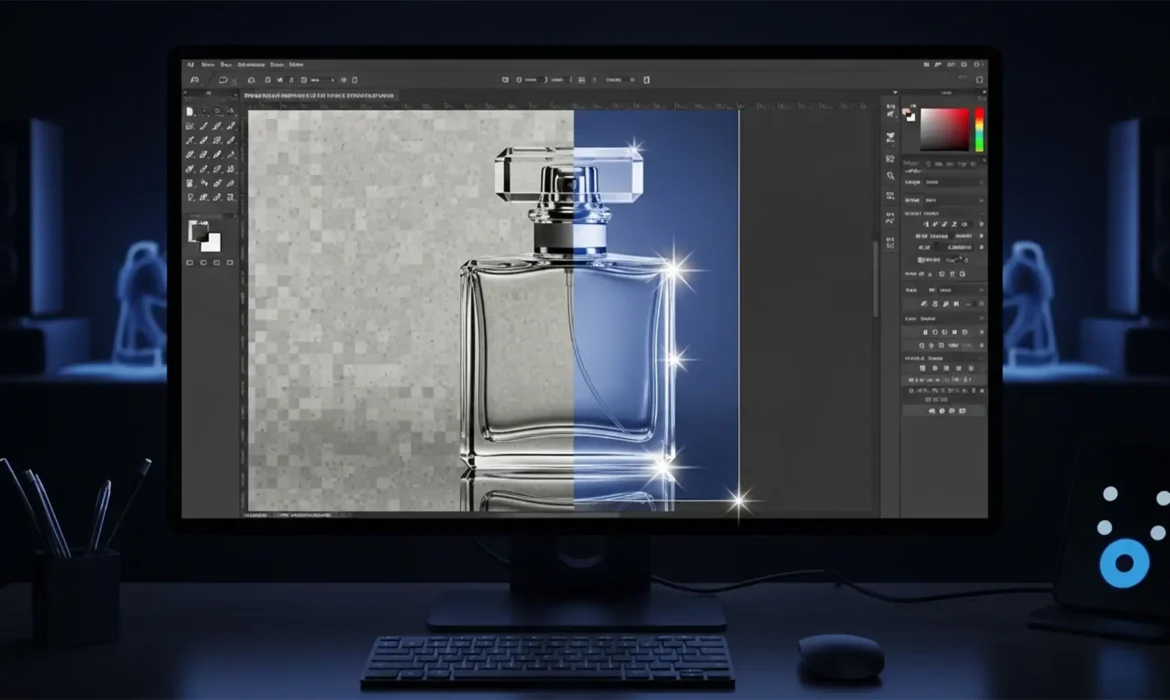
Remove Background from Glass in Photoshop 2024: Pro Guide
You just updated your software, dropped a stunning product photo of a glass bottle onto your canvas, and hit the “Remove Background” quick action. The result? A muddy, ghosted disaster. While Adobe’s AI-driven tools like Select Subject are incredible for solid objects, they completely fail when it comes to refractive and transparent products. The AI simply cannot...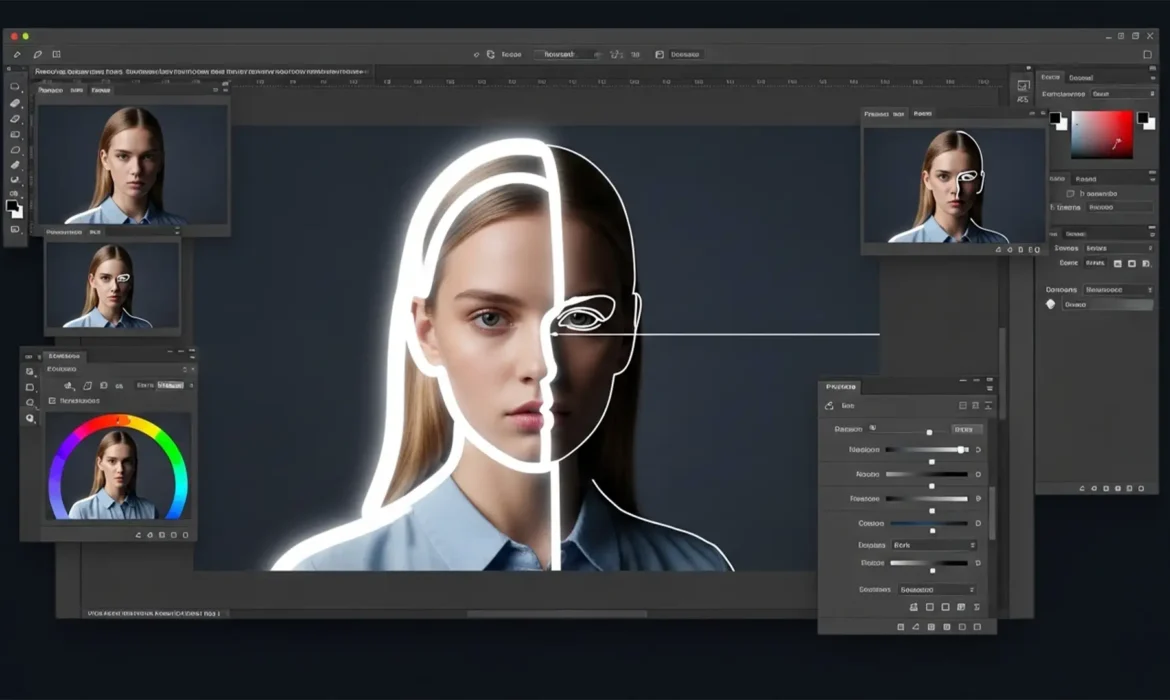
How to Fix AI Halos in Photoshop 2024 Background Removal
You click “Remove Background” in Photoshop 2024, and at first glance, the result looks magical. But zoom in to 300%, and there it is—the dreaded pixel halo. That ugly fringe of leftover background color clinging to your subject’s edges instantly ruins the professional illusion. While Adobe Sensei’s machine learning is incredibly powerful, its automated alpha channel...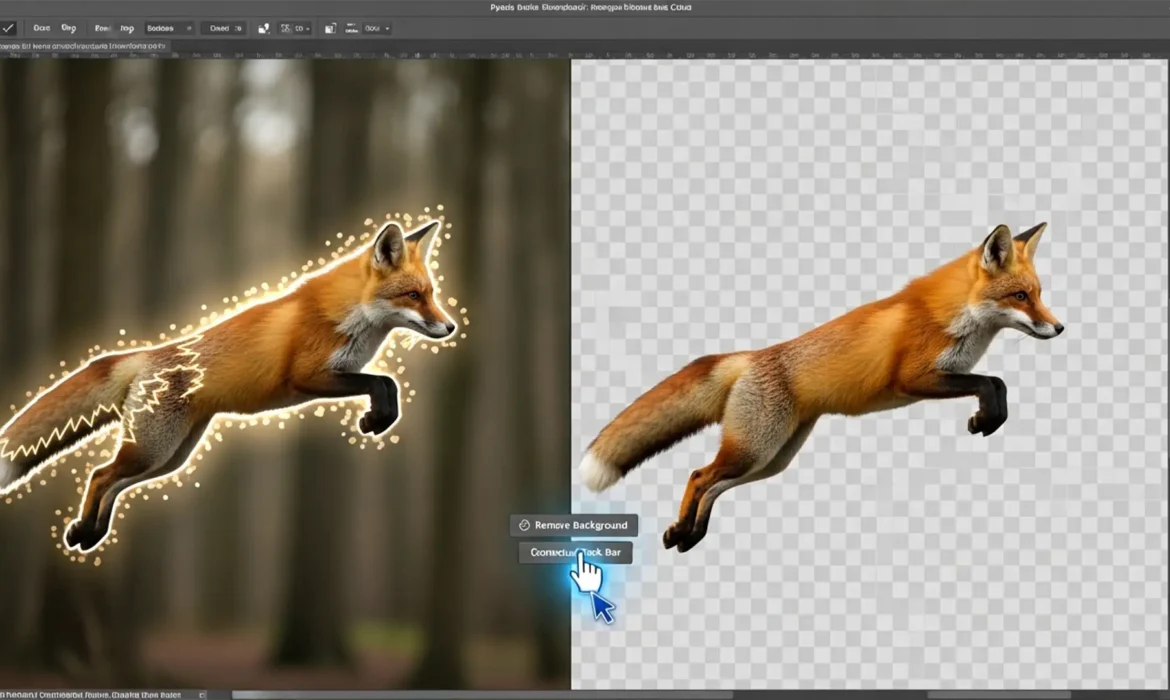
How to Fix Photoshop Remove Background Artifacts (Easy Pro Guide 2026)
You clicked the magical “Remove Background” button in Photoshop, expecting a flawless cutout. Instead, you are staring at a jagged, pixelated mess. If you are dealing with ugly edge halos, color ghosting, or weird lighting glitches around your subject, you are not alone. While the Generative AI updates in Photoshop v24.x and v25.x have revolutionized photo editing, the AI...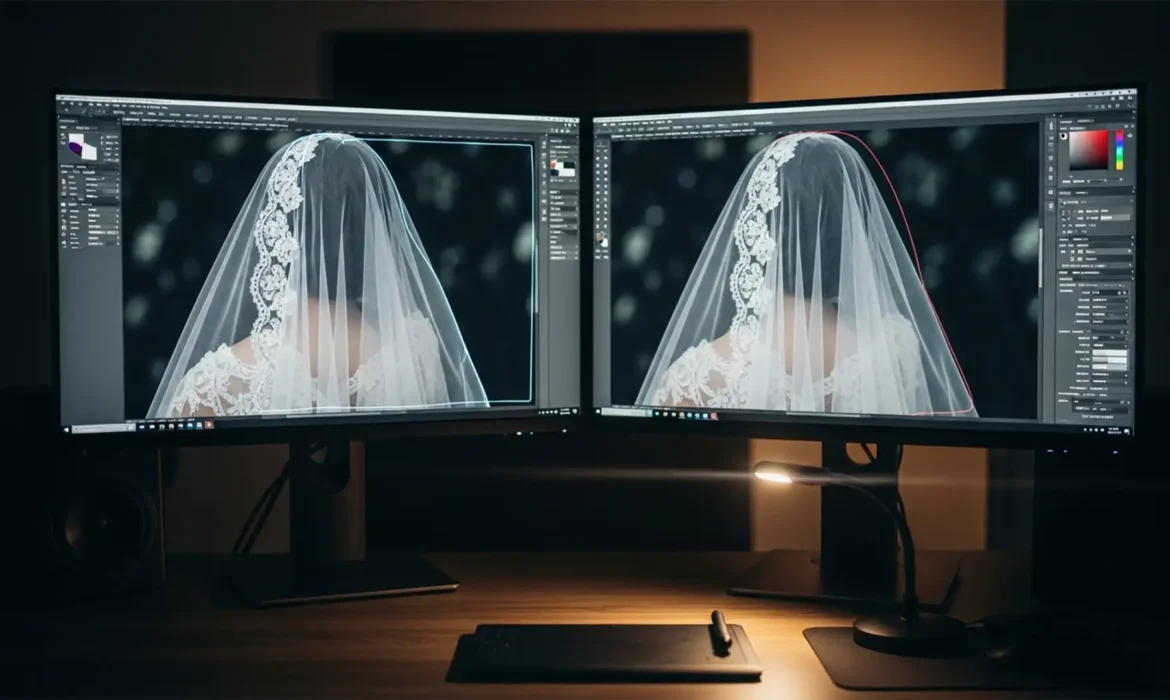
How to Remove Background from Lace and Transparent Fabric (Pro Photoshop Guide 2024)
E-commerce editors know the nightmare: you click “Remove Background” on a wedding dress, and the AI instantly destroys the veil. Standard automated tools rely on hard edge-contrast detection. When faced with the alpha transparency of chiffon or intricate lace, they fail critically-leaving behind jagged geometric edges, completely deleted fabric, and severe color fringing from the...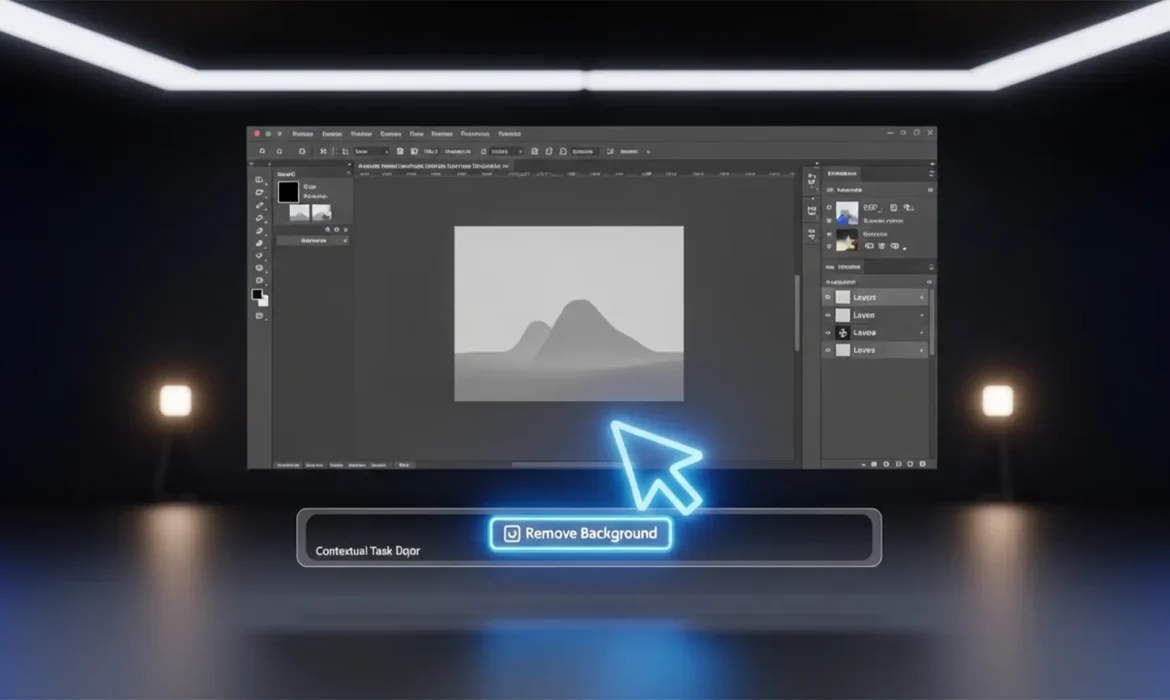
Fix: Photoshop Remove Background Button Missing (2024)
You are on a tight deadline, staring at your screen, and suddenly realize the one-click magic tool you rely on is gone. If you are frantically searching for a Photoshop Remove Background button missing 2024 fix, you are not alone. When Adobe introduced Photoshop 2024 (v25.x), they streamlined workflows by moving the Remove Background tool to a floating UI element called the Contextual Task...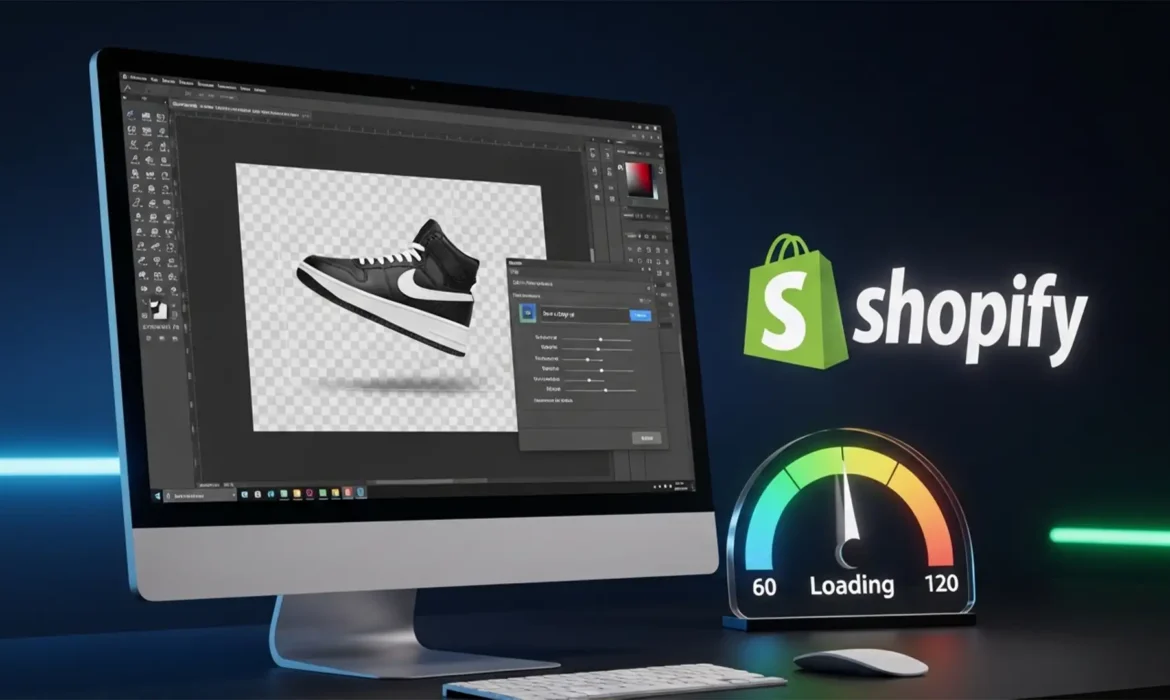
The Zero-Cost Workflow: Batch Exporting WebP with Transparency in Photoshop for Shopify
Are you tired of paying monthly subscriptions for Shopify optimization apps just to convert your product catalog? Or worse, have you tried to bulk-convert transparent PNGs in Photoshop, only to end up with hundreds of images ruined by a flattened white background? You are not alone. Since Shopify shifted its algorithm to prioritize Core Web Vitals, serving fast-loading images via the...