
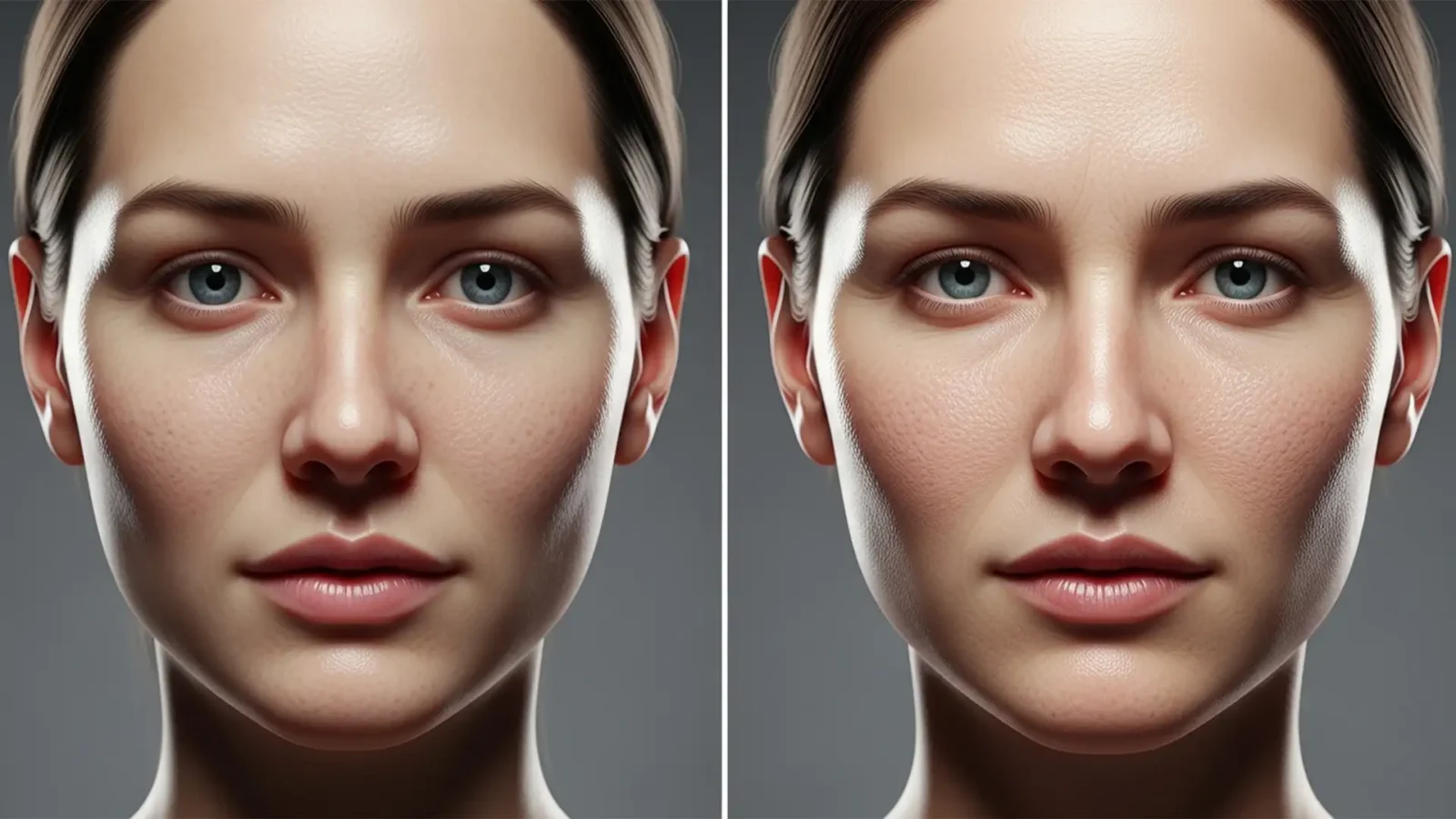
Humanizing AI: How to Restore Skin Texture in AI Headshots
Are your AI-generated corporate portraits suffering from the dreaded “uncanny valley” effect? While models like Midjourney v6 and Stable Diffusion produce stunning compositions, they consistently fail at one crucial detail: human skin. Excessive pixel smoothing...
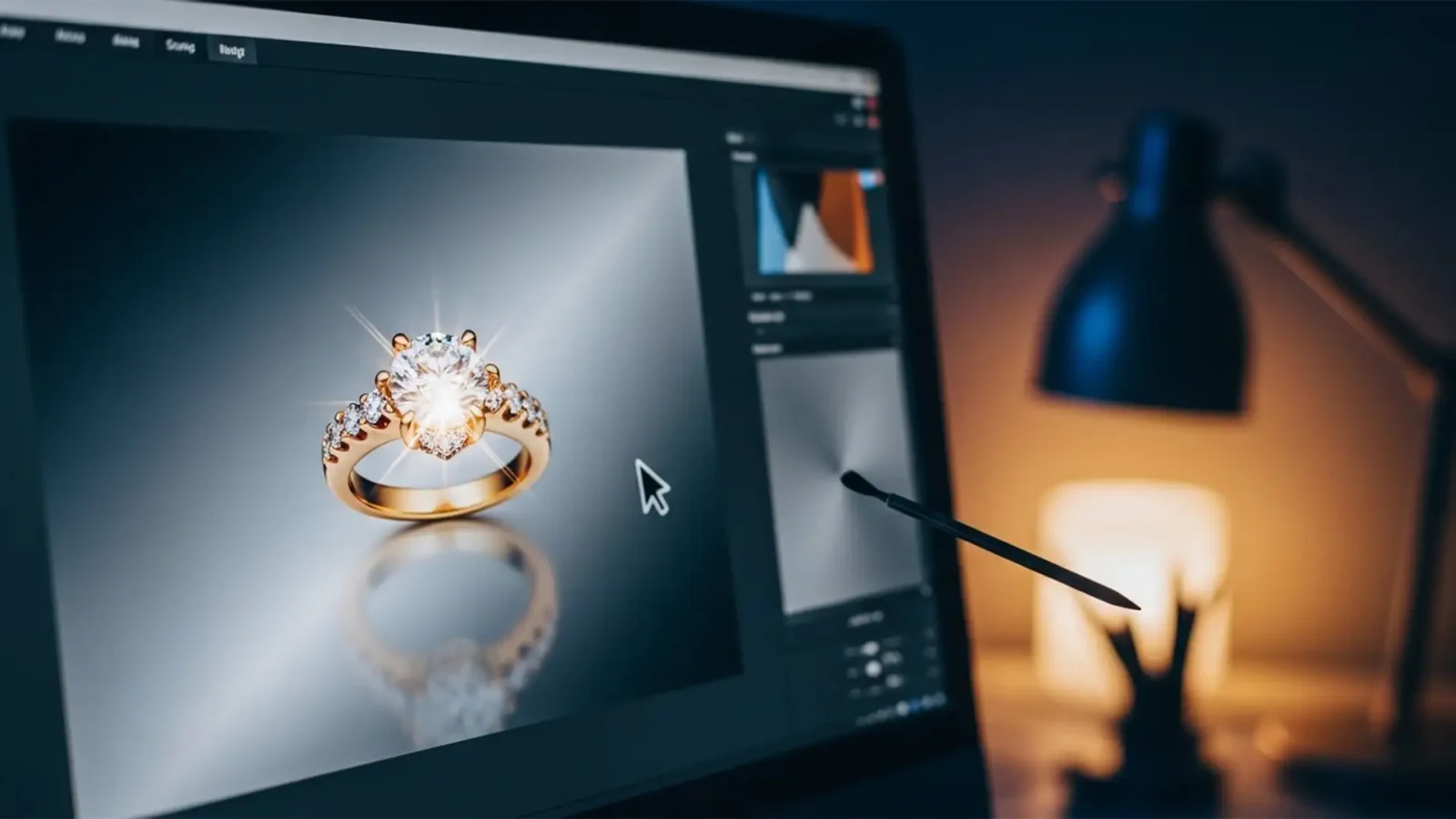
Clean Jewelry Edits: Solving Generative Remove Artifacts in Lightroom
You just imported a stunning batch of macro product photos, but there is a harsh glare on a gold band. You reach for the new AI tools, expecting magic. Instead, attempting to fix lightroom generative remove jewelry reflections leaves you with a smudged, matte mess that...
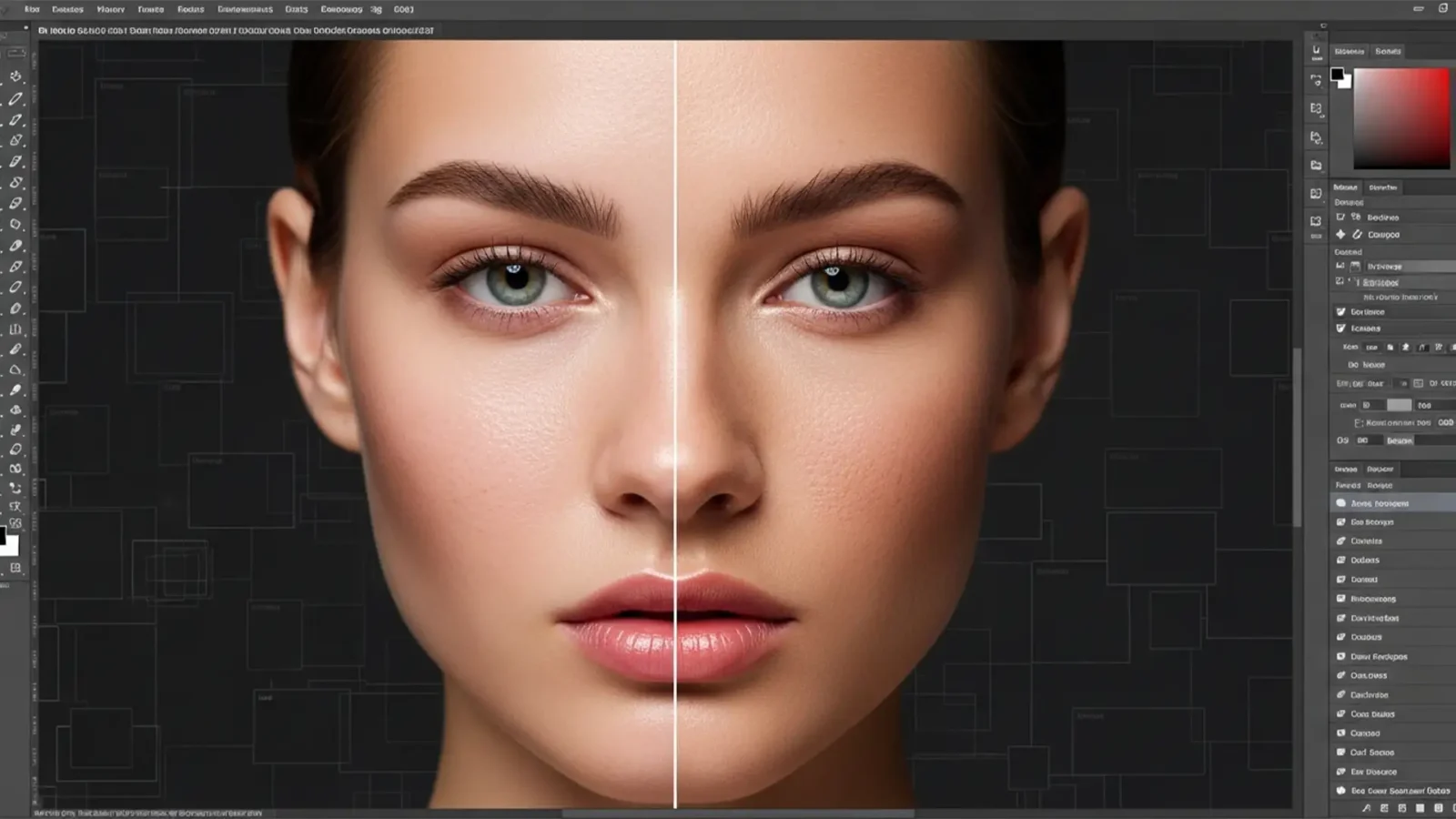
How to Fix Plastic Skin in Photoshop Generative Fill
You’ve just used Photoshop’s Generative Fill to expand a portrait or remove a complex blemish. The color matches perfectly, but there’s a glaring issue: the skin looks like smooth, lifeless plastic.
In Photoshop v25.x and later, the Firefly AI struggles to replicate...
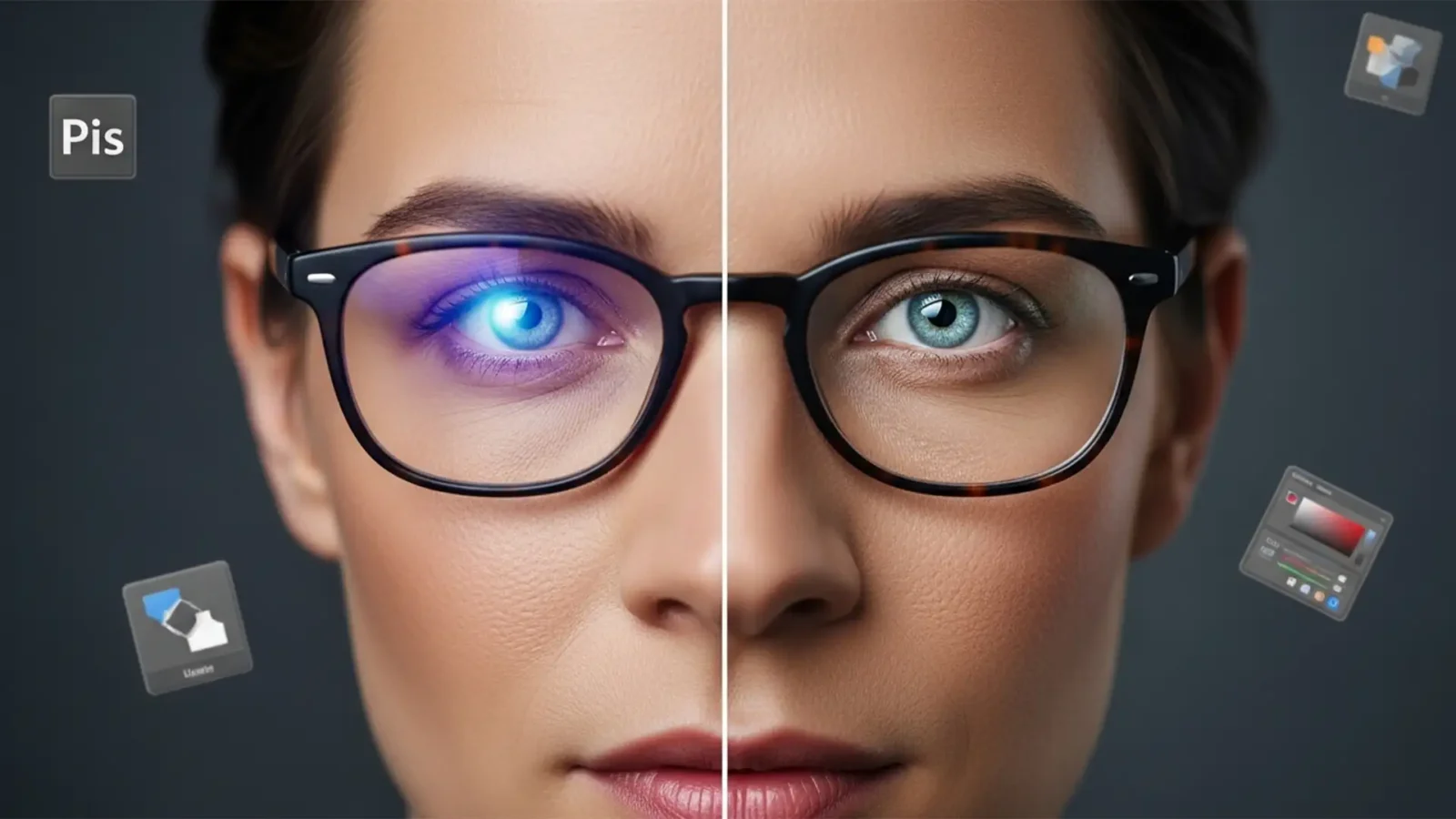
Fix Blue Light Lens Flare in Photoshop Headshots
You just finished a flawless corporate headshot session, only to open Photoshop and find a glaring issue: stubborn purple and blue reflections completely hiding your subject’s eyes. Retouching blue light lens flare in headshots is the bane of modern portrait...
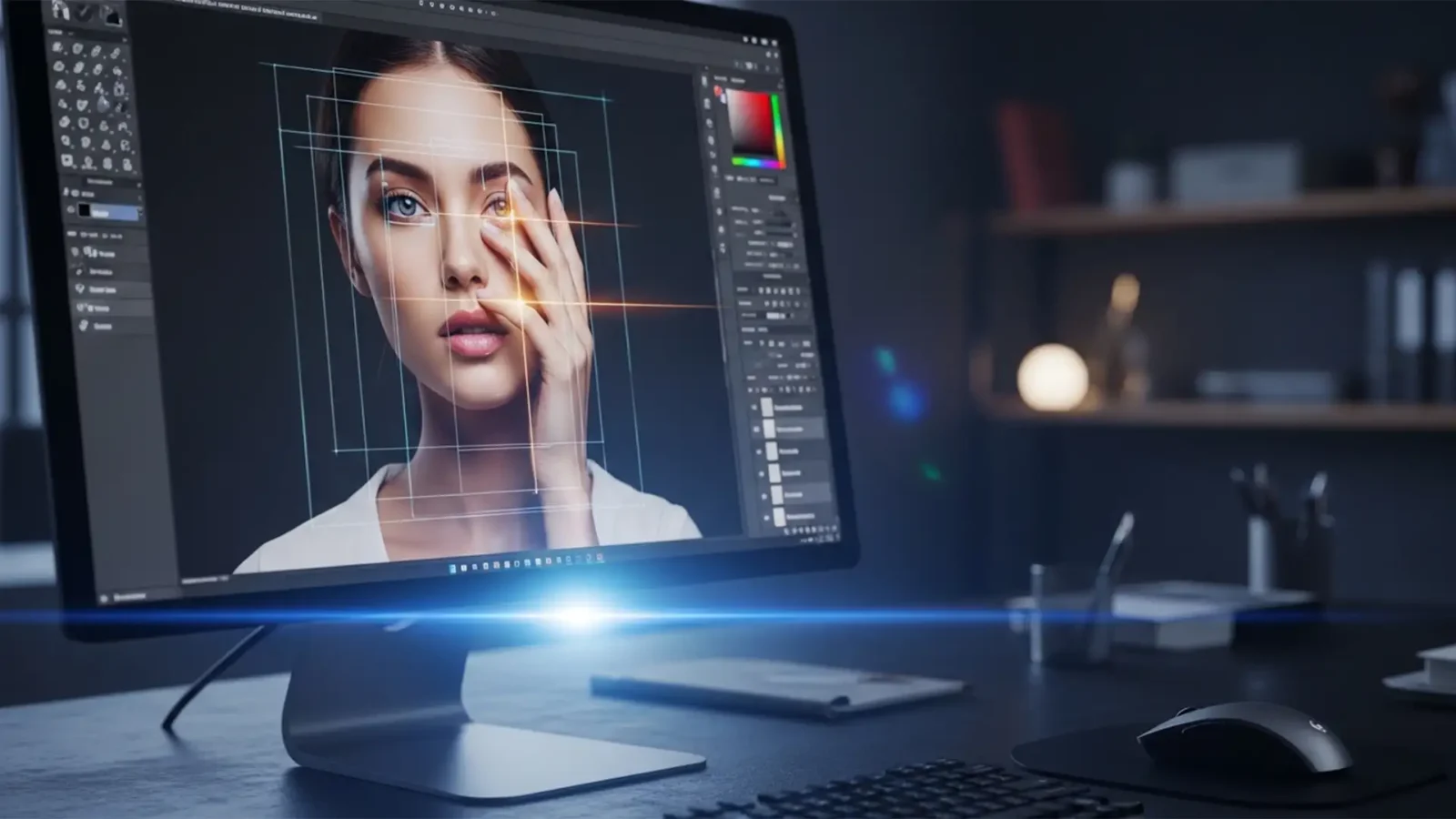
The Professional Guide to Fixing AI-Generated Hands and Eyes
Even the most advanced image generators like Midjourney v6, DALL-E 3, and Stable Diffusion XL have a glaring weakness: complex spatial rendering. If you are generating commercial assets, you have inevitably encountered multi-jointed fingers, melted irises, or blending...
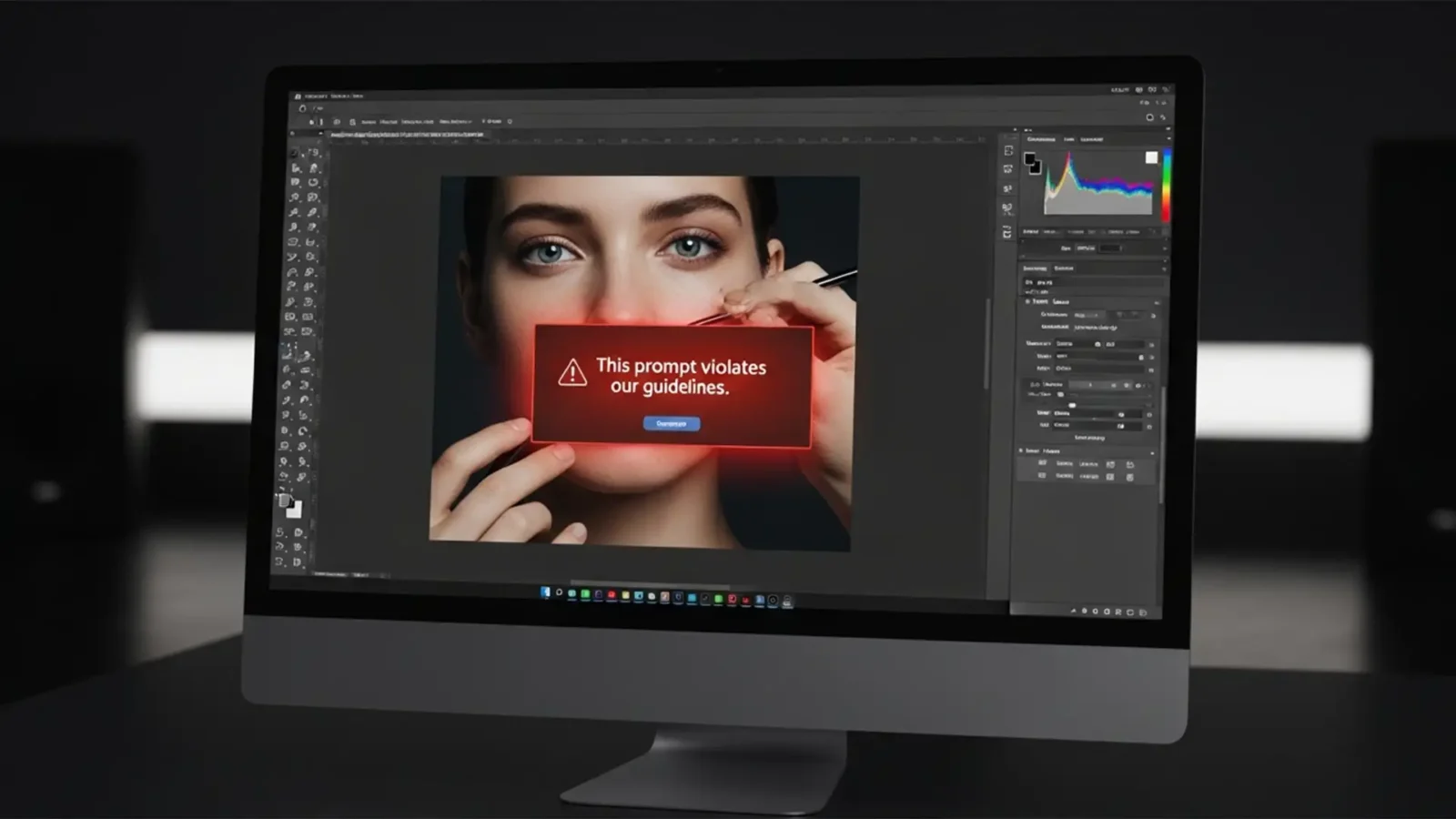
Fix Photoshop Generative Fill Guidelines Violation for Skin (2026 Guide)
You are on a tight deadline, retouching a high-end portrait in Photoshop. You select a minor blemish, hit generate, and suddenly a red warning halts your progress: “This prompt violates our guidelines.”
It is infuriating. Finding a reliable Photoshop Generative...



